Copilot Workspaces is the new team space that replaces Copilot Notebooks. See what it is for, six scenarios and how it compares to Claude and ChatGPT.
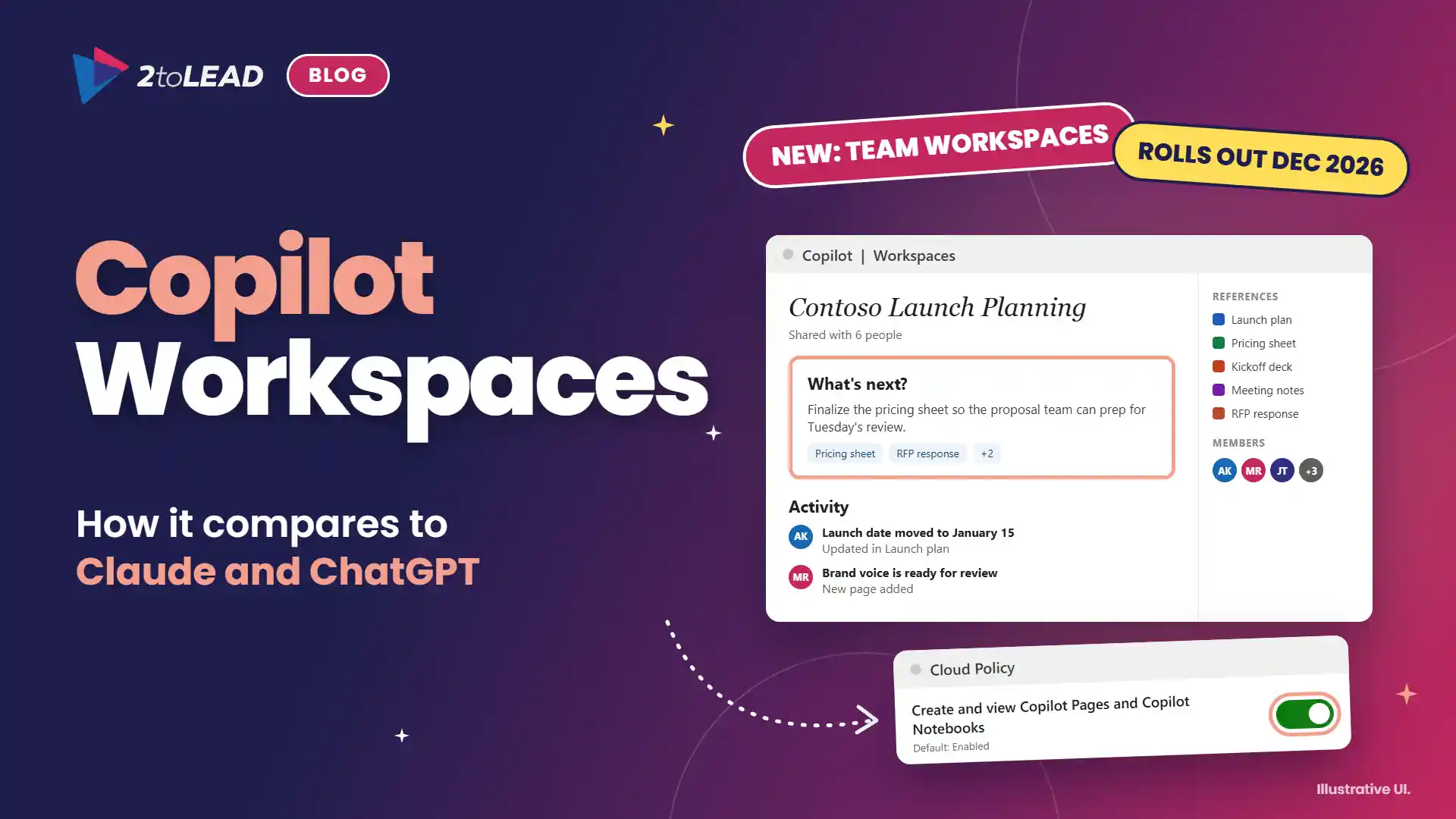
TL;DR: Copilot Workspaces is the shared team space in the Microsoft Copilot app, formerly Copilot Notebooks. A team keeps a project's files and context there and works with Copilot on one workstream. Standard release begins in December 2026. Use it when the sources live in Microsoft 365 and the work belongs to a team.
Last updated: November 22, 2026.
Where does your team's shared AI context live today? If the honest answer is one person's Claude or ChatGPT project, December 2026 gives you a governed alternative.
Microsoft has renamed Copilot Notebooks to Copilot Workspaces and rebuilt it around teams. This guide covers what it is for, six scenarios that suit it, and how it compares to other Copilot features, Claude and ChatGPT. My view: choose the workspace by where your sources live, not by which model people prefer.
Copilot Workspaces is a shared space in the Microsoft Copilot app where a team keeps a project's files and context and works with Copilot on an ongoing workstream. It is the new name for Copilot Notebooks, with collaboration features added. You find it under Workspaces in the left navigation of the Copilot app, where Notebooks used to be.
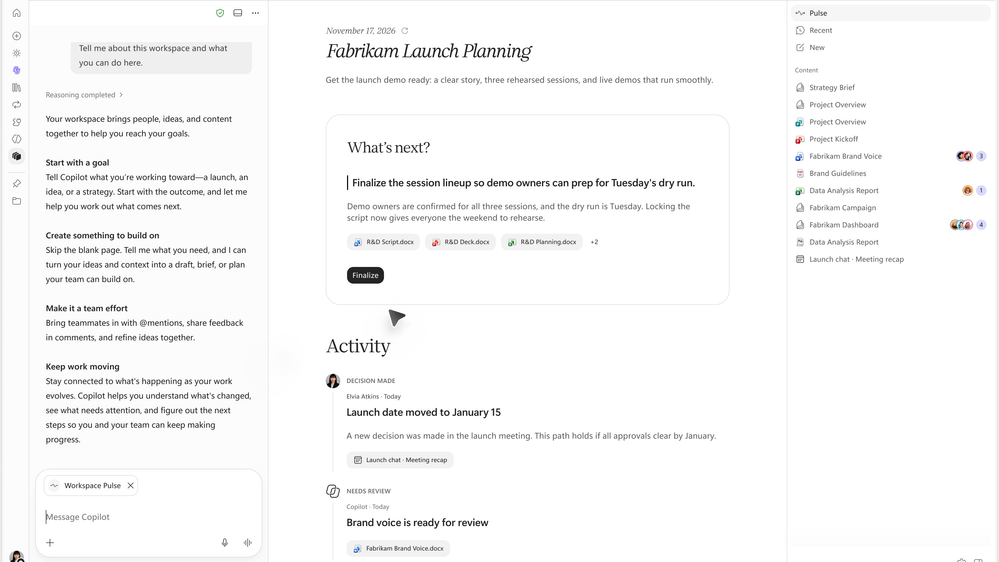
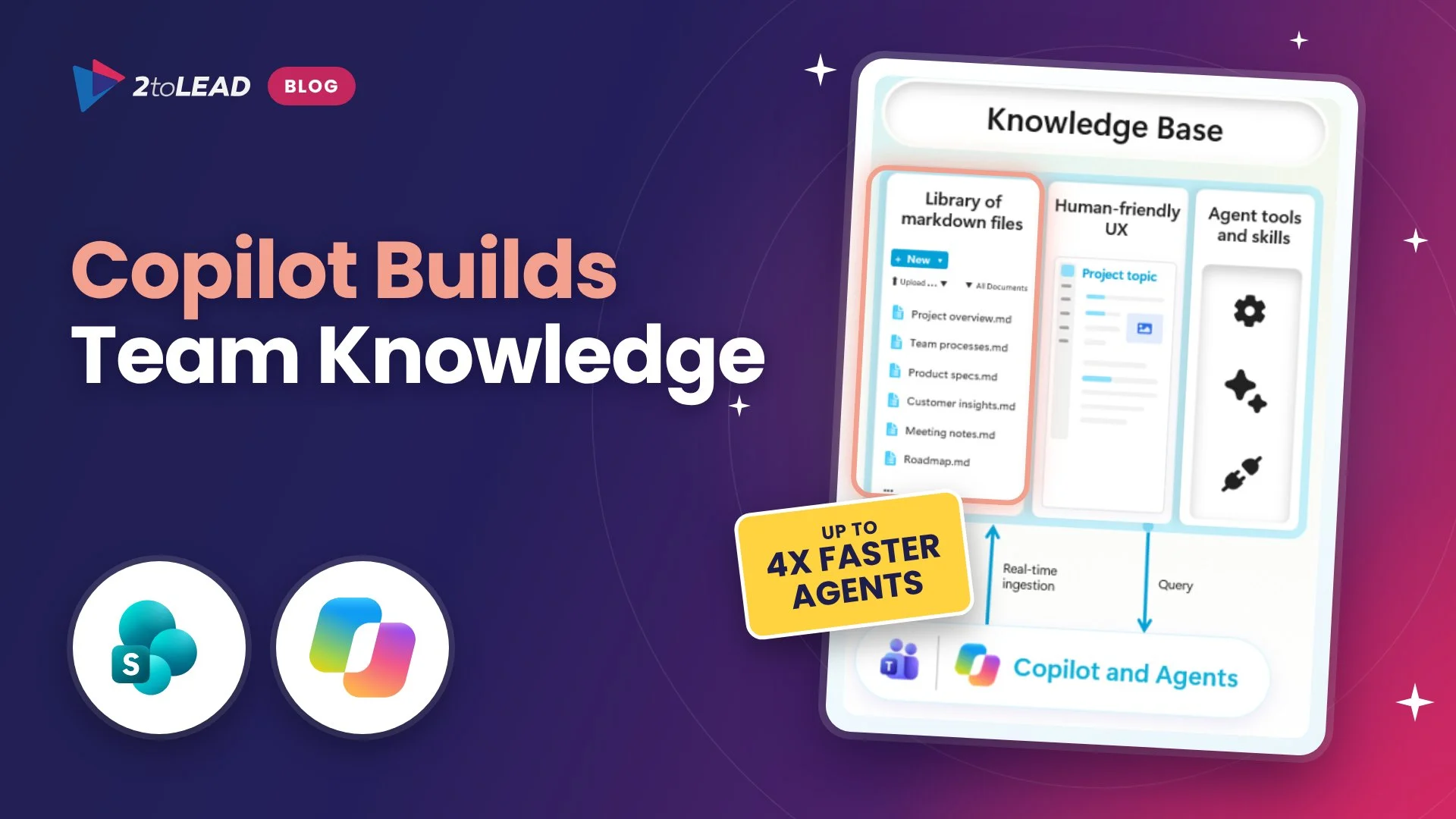
A workspace holds three things:
Copilot answers from the references in the workspace, not from everything you can reach in Microsoft 365. Microsoft's documentation says Copilot grounds on up to 300 files per workspace. That narrow scope is the point. A small, chosen set of sources gives answers a team can check.
Microsoft's support article, Copilot Notebooks is now Copilot Workspaces, confirms that existing notebooks convert automatically, with content and sharing intact.
Copilot Workspaces is in Frontier preview now and reaches standard release in December 2026. Existing notebooks become workspaces automatically, and team features arrive in stages through January 2027. Microsoft says no admin action is needed to keep existing content available.
Swipe horizontally to see each change, its timing and what it means.
| Change | When | What it means |
|---|---|---|
| Copilot Notebooks is renamed Copilot Workspaces, and existing notebooks convert | Phased rollout from late October 2026 | No migration. Training material that says Notebooks is now out of date. |
| Workspaces reaches Frontier | Announced November 17, 2026 | People in Microsoft's preview program see it first. |
| Activity feed, suggested workspaces, team presence, group ownership, and adding a Project as a reference | Frontier from November 2026. Worldwide availability expected to begin December 2026. | Workspaces starts to behave like a team room, not a personal notebook. |
| Workspace memory keeps context, recurring instructions and working preferences between sessions | Preview from November 2026. General availability expected to begin December 2026. | Less repeated setup. Tell people that a workspace now remembers. |
| Standard and deferred release | Standard in December 2026. Deferred by January 2027. | Most employees meet Workspaces in December or January. |
| One agentic chat replaces the Researcher, Analyst and Designer picker | Frontier preview planned for December 2026. No general availability date. | People describe the task instead of choosing an agent. |
What is changing in Copilot Workspaces. Source: 2toLead, based on Microsoft Message Center and support documentation.
Frontier is Microsoft's opt-in preview program. Our guide to Microsoft 365 release rings explains who sees changes first. Workspaces sits in the new Home view, which we cover in the new Copilot Home, Code and Autopilot explained.
Two sector notes:
Copilot Workspaces is for ongoing team work that draws on the same sources again and again. It gives people and Copilot one shared starting point, so nobody explains the project from scratch in every chat.
Three signs that work belongs in a workspace:
If only one sign is true, a chat or a personal project is enough.
Microsoft's stated direction is people and agents working toward a shared goal. At Microsoft Ignite on November 17, 2026, Microsoft described agents drafting part of a shared document and Copilot Autopilot taking on a workspace task. Treat that as direction, and plan December around the team features that are shipping.
Six scenarios suit Copilot Workspaces: proposals, onboarding, grant applications, leadership packs, vendor evaluations and policy rollouts. Each has a fixed set of sources, a team and a deadline.
Swipe horizontally to see each scenario, its sources and a sample ask.
| Scenario | What goes in the workspace | An outcome-first ask |
|---|---|---|
| Proposal or RFP response | The RFP, past proposals, pricing sheet, case studies | Draft the approach section using our two closest past proposals. List any requirement we have not answered. |
| Onboarding a new team member | Project charter, decision log, meeting notes | Summarize the five decisions a new project manager must know, with the source for each. |
| Grant application | Funder guidelines, program data, last year's application | Compare our draft to the funder's criteria and show the gaps as a table. |
| Board or leadership pack | Last quarter's pack, KPI workbook, risk register | Draft the operations update from the KPI workbook. Flag any metric that moved more than 10%. |
| Vendor evaluation | Requirements, vendor responses, scoring sheet | Score each vendor against our requirements and cite the page for each score. |
| HR policy rollout | The policy, the FAQ, the manager guide | Write a one-page manager briefing and three likely employee questions with answers. |
The 2toLead workspace starter card. Source: 2toLead. Examples are illustrative.
Two cases do not fit. Skip a workspace for confidential matters such as an HR investigation. Microsoft's admin documentation says anyone you share a notebook with gains access to the files it references. The same documentation says notebooks do not support external sharing, so work with partners needs another route.
Copilot Workspaces is the Copilot surface built for a team's shared context. Chat, Projects, Cowork and Autopilot serve one person, and a Copilot Page is a single document.
Swipe horizontally to compare each Copilot feature.
| Feature | What it is | Use it when | Built for |
|---|---|---|---|
| Copilot Chat | A conversation with Copilot | You have a quick question or need a first draft | One person |
| Copilot Projects | A personal space for related chats, tasks, files and instructions, now generally available | Your own work spans many chats | One person |
| Copilot Workspaces | A shared space with a team's references, instructions and members | A team returns to the same sources for weeks | A team |
| Copilot Pages | An editable, shareable page built from Copilot's answers | One output needs polishing with others | One document |
| Copilot Cowork | Delegated, multi-step work that Copilot plans and completes | You can hand off a whole task | One person |
| Copilot Autopilot | An always-on personal agent, in Frontier preview | Recurring work should continue between prompts | One person |
Which Copilot surface for which job. Source: 2toLead, based on Microsoft documentation.

One naming trap: Microsoft Loop has workspaces too. A Loop workspace organizes Loop pages. A Copilot workspace grounds Copilot on a team's references. Use the full name in training material.
For the individual surfaces, see Copilot Chat vs Cowork vs Code vs Autopilot.
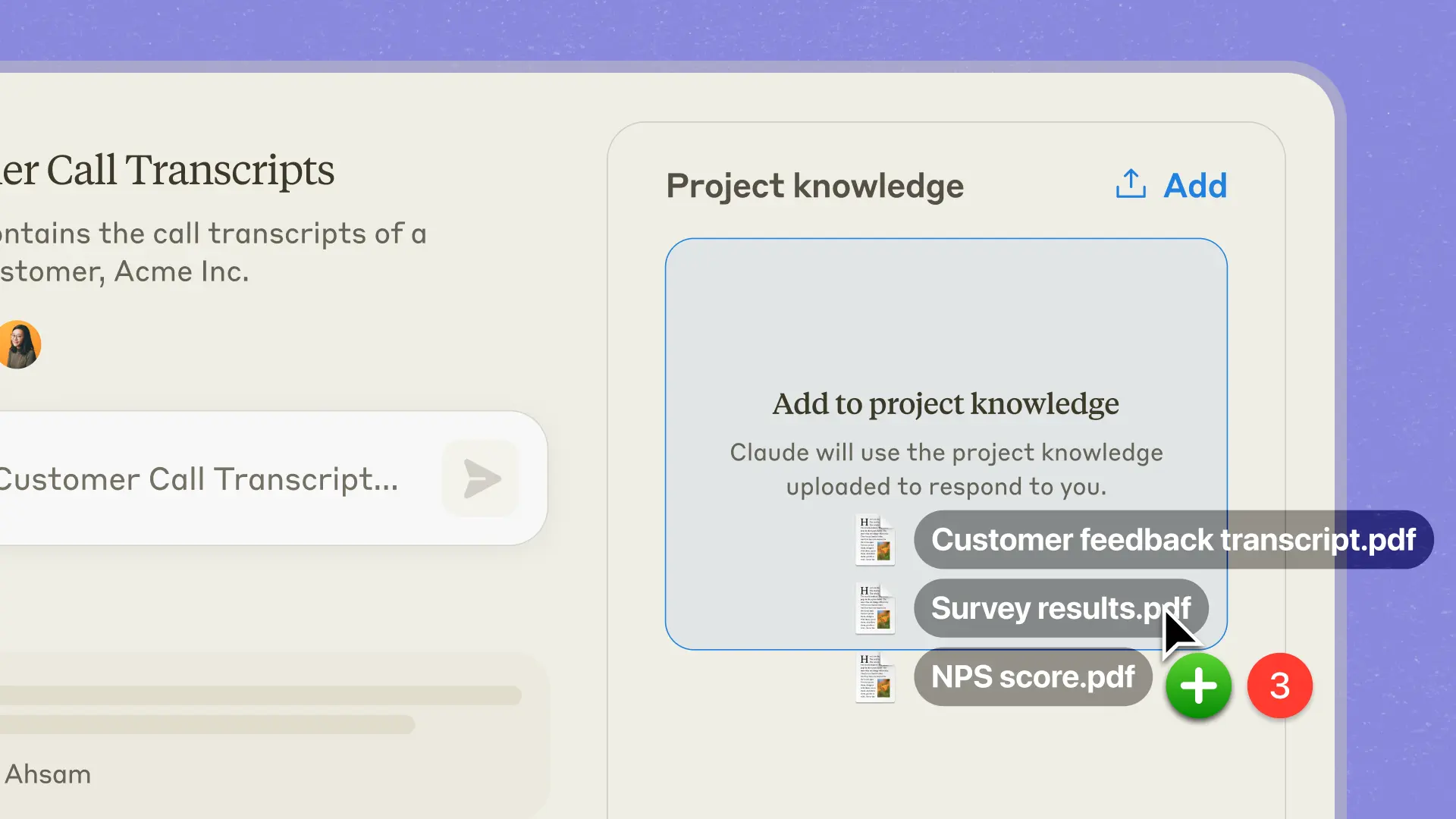
All three give a team shared sources and instructions for AI. The difference is where the sources live: Copilot Workspaces points at content already in Microsoft 365, while Claude Projects and ChatGPT Projects work mainly from files you upload or connect.
Swipe horizontally to compare Copilot Workspaces, Claude Projects and ChatGPT Projects.
| Compare | Copilot Workspaces | Claude Projects | ChatGPT Projects |
|---|---|---|---|
| What it is | A shared team space in the Microsoft Copilot app | A self-contained workspace with its own chats and knowledge base | A place that keeps related chats, files and instructions together |
| Team sharing | Invite colleagues in your organization | Team and Enterprise plans, with view or edit permission | Depends on plan and workspace settings, with chat or edit access and up to 100 collaborators |
| Sources | Microsoft 365 files, Copilot Pages, Loop, OneNote and web links | Uploaded documents, code and files, plus project instructions | Uploaded files, plus Slack channel and Google Drive links |
| Worth knowing | Team presence, activity feed and group ownership are rolling out | A new version in beta runs work as parallel threads | A separate feature, Space, handles pages a team edits together |
| Governance | Microsoft 365 security and compliance controls continue to apply | Owners can turn project sharing off | Shared projects launched off by default on Enterprise and Edu plans |
Team AI workspaces compared. Source: 2toLead, based on Microsoft, Anthropic and OpenAI documentation, as of November 22, 2026. These products change often, so check before you decide.
The strongest counterargument is that many people already like Claude or ChatGPT, and both handle project work well. I agree. For work whose sources sit outside Microsoft 365, a company-managed Claude or ChatGPT plan can be the better fit.
The risk appears when the sources are in SharePoint and someone uploads them elsewhere. That creates a second copy, outside your Microsoft 365 retention policies and sensitivity labels. Unapproved AI tools create the visibility problem we cover in Shadow AI in Microsoft 365.
We use three questions, the Context Test, to choose:
The best team AI workspace is the one your sources never have to leave.
The model question is separate. Claude models already run inside many Microsoft 365 Copilot experiences, and our admin guide to Anthropic models on by default in Copilot covers the controls.
Take five steps in the next two weeks: find your early users, check one policy, write one sharing rule, explain two names and pick two pilot teams.
A workspace pays for itself when it returns more time than it takes to set up, which on our illustrative numbers happens in the first week. Here is the worked example, with every assumption shown.
That is 3 hours a week, about 13 hours a month, or about $845 a month. Setup takes about 3 hours once: choose the references, write the instructions and invite the team. That is $195.
This counts time only. If people run Cowork or Autopilot tasks from a workspace, usage-based billing applies, so decide who owns the Copilot Credits meter first.
IT leaders ask about Notebooks, Projects, licenses, guests and how Copilot Workspaces compares to Claude and ChatGPT.
Yes. Copilot Workspaces is the new name for Copilot Notebooks, with team features added. Existing notebooks become workspaces automatically, and their content and sharing carry over. Microsoft says no Copilot Notebooks features are being removed.
Copilot Projects is for one person's work, and Copilot Workspaces is for a team's. A project keeps your own chats, tasks and files together. A workspace gives a group shared references and a shared place to work with Copilot. Microsoft says you will be able to bring an item from a project into a workspace.
Microsoft's documentation lists a Microsoft 365 Copilot or Copilot Chat license for Copilot Notebooks, and says capabilities inside Copilot Workspaces vary by license. Check what your people see in your own tenant before you announce it. Our Microsoft 365 Copilot licensing changes guide covers what else changes in December 2026.
Not today, based on Microsoft's admin documentation, which says Copilot Notebooks do not support external sharing. Plan another route for work with partners or clients, and recheck this as the Copilot Workspaces documentation is updated.
It depends on where your sources live. Copilot Workspaces fits team work whose files are already in Microsoft 365, because the content stays under your existing permissions and compliance controls. Claude Projects and ChatGPT Projects fit work built on files you upload or connect from other tools.
In our fixed-scope, 90-day Copilot Adoption Accelerator, our Microsoft MVP team picks your pilot teams and scenarios, sets up the first workspaces with a sharing rule, updates your training from Notebooks to Workspaces and measures time returned. Find more guidance on the 2toLead Insights hub, or book a 30-minute Discovery Call.
No hype. Just practical, governed AI that actually gets adopted.
Copilot licences bought, usage flat, ROI unproven? Three ways we help:
A global nonprofit turned Copilot licences into 1,115.6 hours saved and $83.7K in productivity value.
Read the case study →


Join Our Newsletter