The old Copilot question was, "What should I ask it?"
The new question is, "How much of this work should I hand over?"
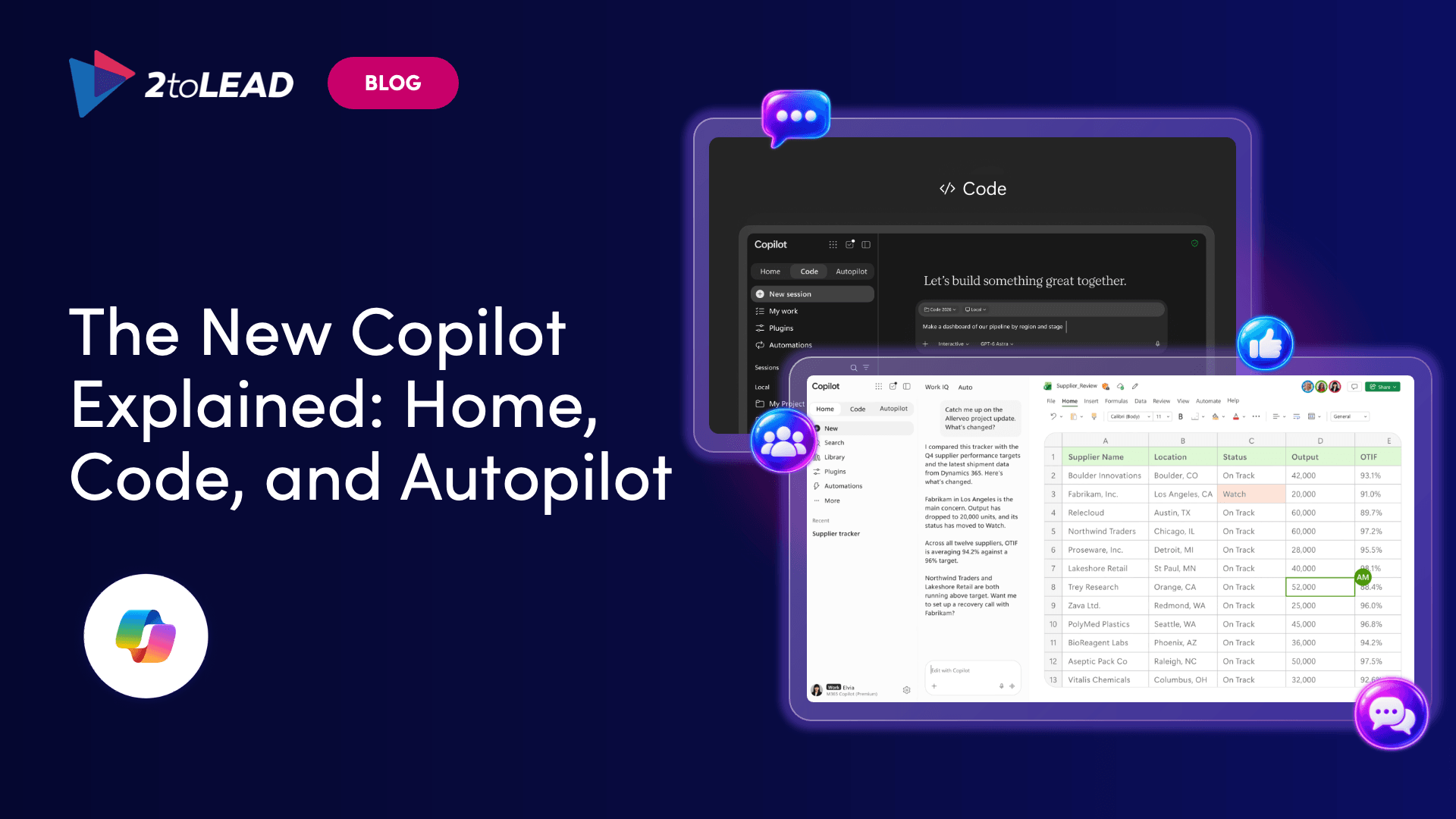
Microsoft 365 Copilot now supports more than one way of working by bringing Chat and Cowork together in Copilot Home, the starting point where conversational help and delegated work sit side by side. Code and Autopilot add two more modes: building purpose-specific solutions and taking on ongoing work.
These are not four separate products to buy and compare feature by feature. They are different Copilot experiences for different kinds of work. This guide skips the announcement recap and helps you match a task to the right starting point.
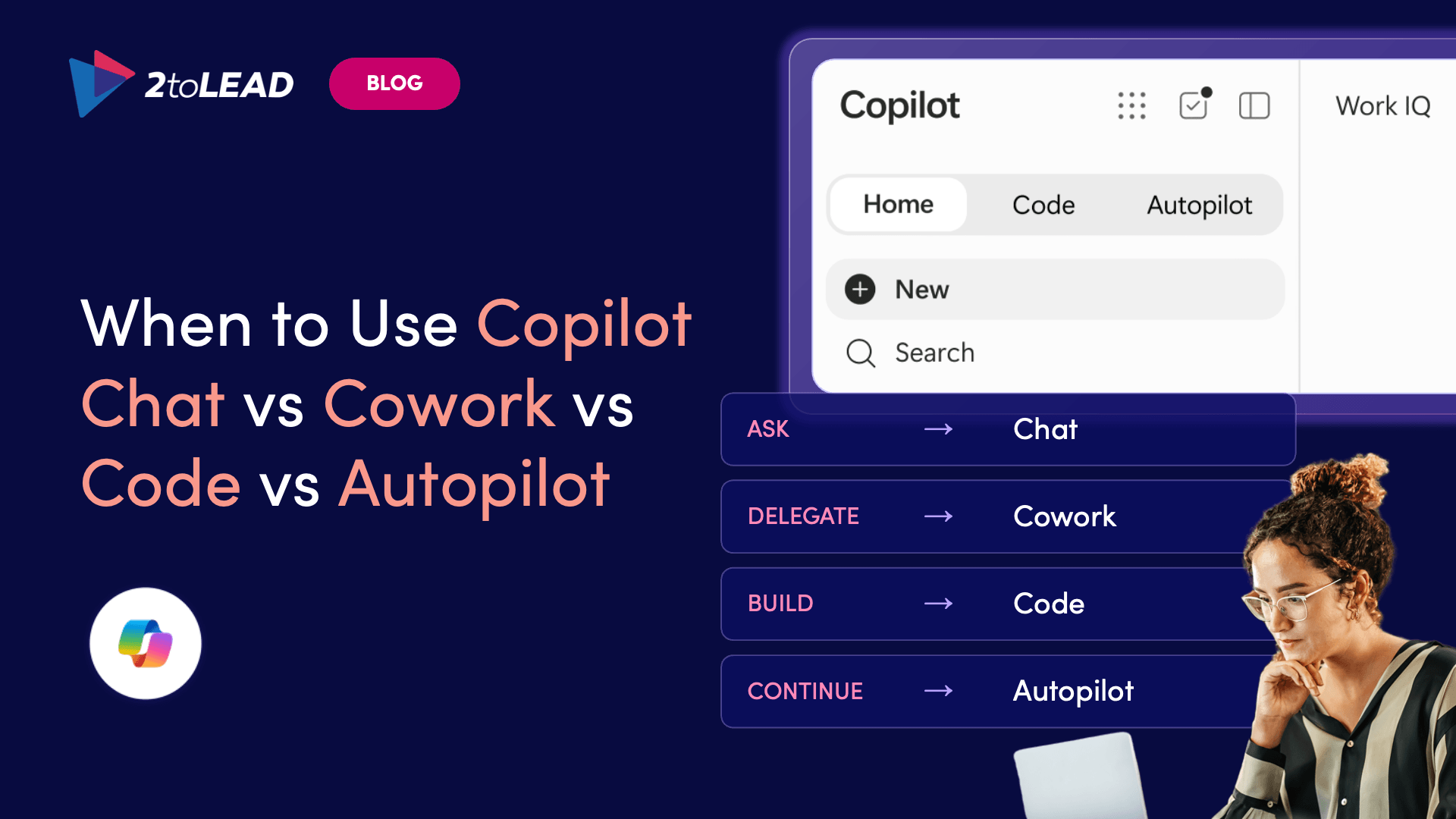
Use Chat when you need a fast answer, summary, draft or conversation. Use Cowork when you can define an outcome and want Copilot to complete the task across multiple steps. Use Code when the output should be an app, dashboard, tracker, automation or workflow. Use Autopilot when the work is ongoing and needs a persistent agent to monitor, follow up or keep working over time.
The difference is not simply how advanced each experience is. It's how much of the work you want Copilot to own:
Availability, licensing and consumption may vary. Confirm what is enabled in your Microsoft 365 environment before you design workflows around a specific capability.
Use Copilot Chat when speed and back-and-forth matter most. Microsoft describes Chat as instant and conversational, suited to quick questions, lookups, drafts and staying informed.
Chat fits work where you stay in the loop at every turn:
Chat becomes a weaker fit when you expect Copilot to coordinate several steps, pull from multiple sources, take actions and hand back a finished package. That doesn't make Chat basic. It's the right choice whenever speed, interaction and human iteration matter more than handing off a whole workflow.
Chat helps you work through an answer. Cowork completes delegated work. With Cowork, you describe the outcome, and Copilot turns the request into a plan, carries it out across multiple steps and returns a completed result.
Microsoft says Cowork can continue in the background and offers checkpoints where you can confirm progress, make changes or pause the work.
Use Cowork when you can clearly describe the finished deliverable and the steps would take you a while to do yourself.
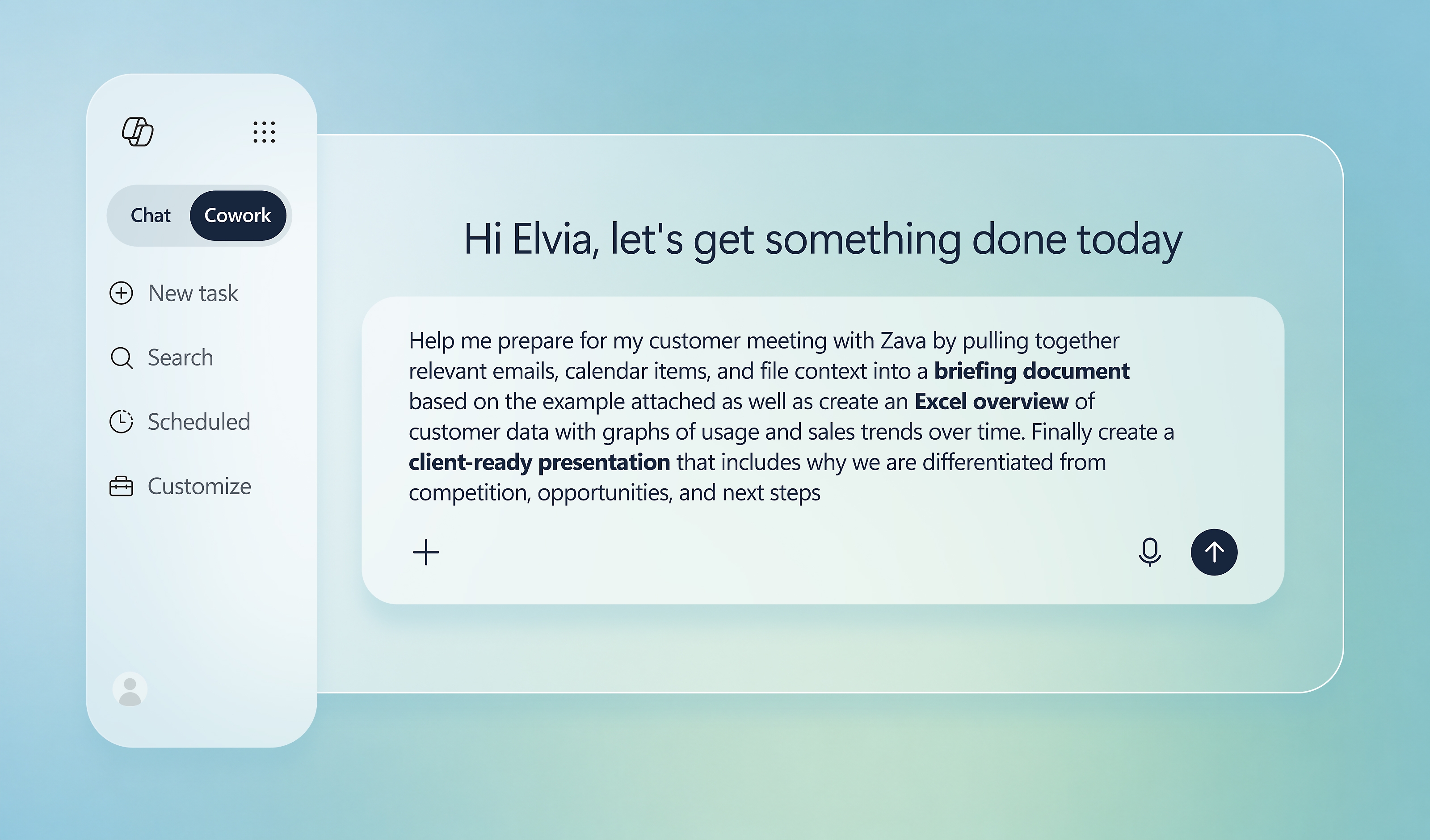
Practical examples:
If you want to work through the answer with Copilot, start with Chat. If you can describe the finished outcome and delegate the steps, consider Cowork. Cowork doesn't replace Chat. Microsoft presents the two together in Copilot Home as complementary ways of working.
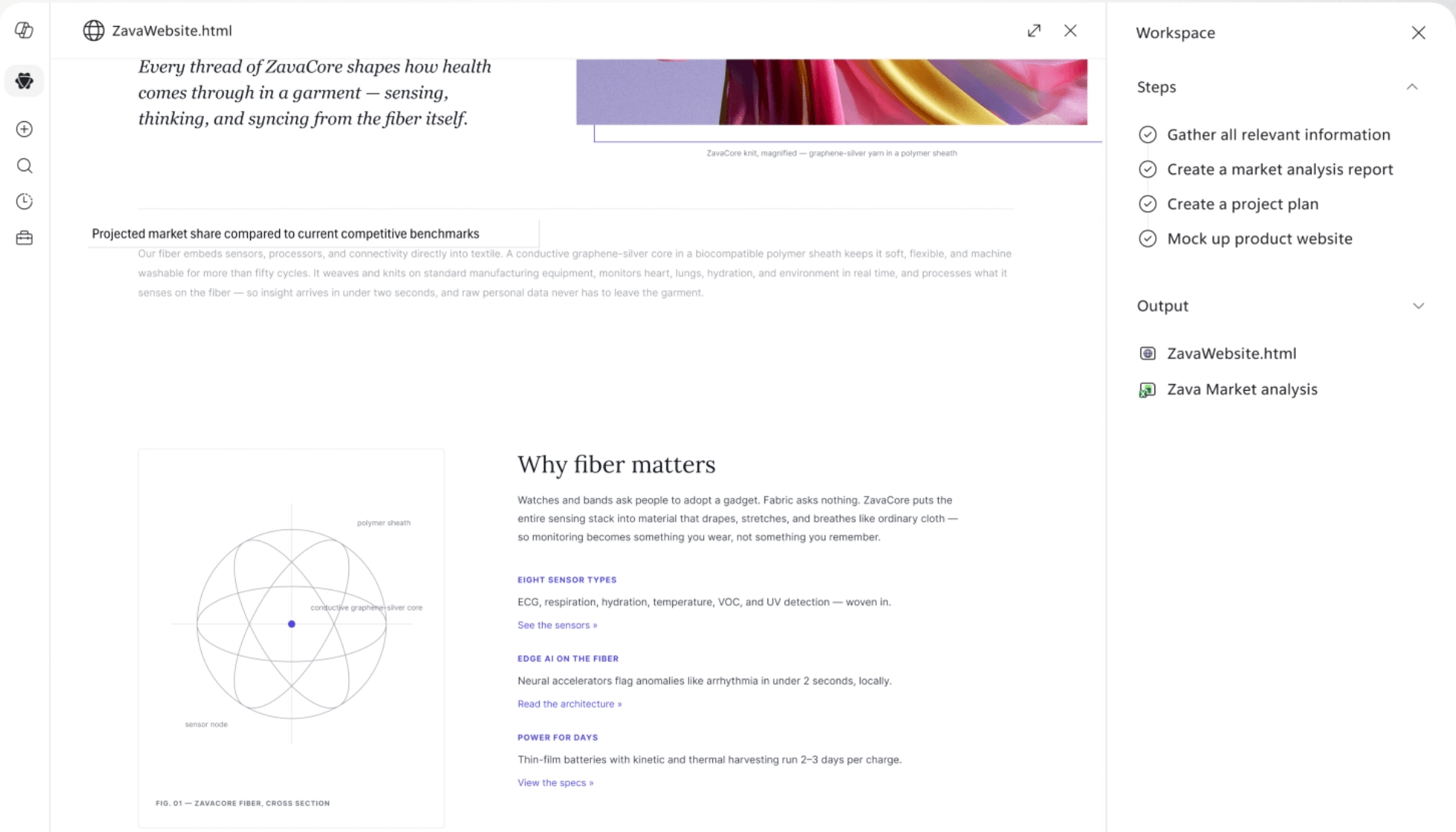
Delegating to Cowork doesn't mean you stop paying attention. Plan to:
Cowork's checkpoints, recommended actions and the option to pause are there to support this review.
Use Copilot Code when the work needs its own solution. Code isn't a stronger writing or analysis tool. It turns a natural-language description into something purpose-built.
You can describe an app, tracker, dashboard, automation or workflow, and Copilot chooses an approach and builds it. Code runs in a sandboxed environment and can be hosted inside your organization's tenant.
Code is for business users who want working solutions from plain language. It isn't a substitute for conventional professional software development.
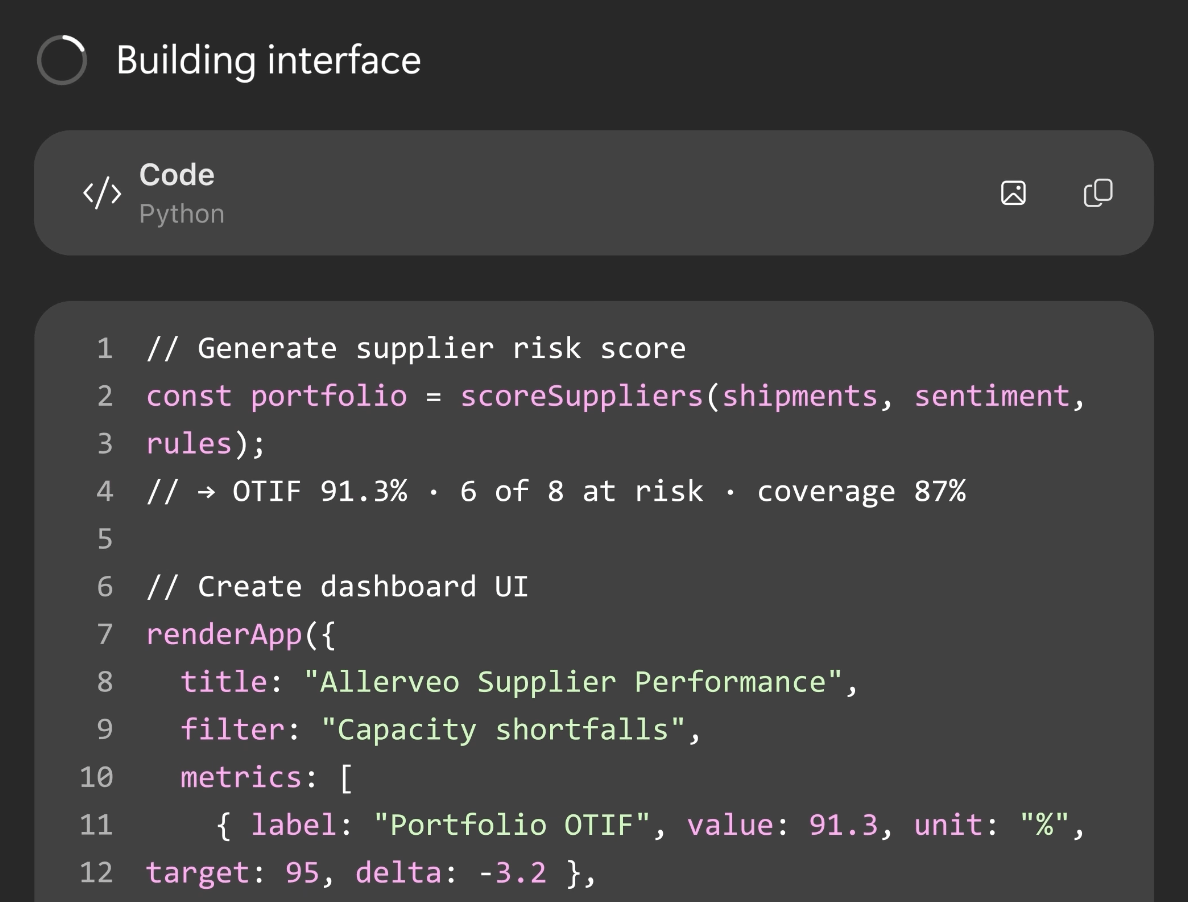
For example, ask Cowork to assemble this month's launch package. Ask Code to build the internal tool your team will use to manage every launch package.
Not yet. When Microsoft announced it on September 25, 2026, Code was rolling out through the Frontier program, with broader availability to follow. Check whether it's enabled in your tenant before you plan around it.
Autopilot, formerly called Scout, is a persistent agent with its own identity, memory, computer and workspace. It can watch channels, follow up on threads, run recurring work and pick up projects later without waiting for another prompt.
The difference is the time horizon:
Cowork works toward a finished result. Autopilot keeps going, monitoring, coordinating and following up over time.
Autopilot is not uncontrolled. Microsoft says it runs in your tenant with permissions, audit and governance controls, while your organization sets its objectives and boundaries. Before assigning ongoing work, agree on ownership, agent identity, permissions, boundaries, auditability, escalation, monitoring and lifecycle management.
No. Microsoft announced that Autopilot was expanding to private preview at the end of September 2026. Treat it as an emerging capability, not a standard option for every user.
Work through these questions in order:
More Copilot capability doesn't automatically lead to better work. Employees need a shared decision model for what to ask, what to delegate, what to build and what to let run over time. Without one, people tend to use Chat for everything, overcomplicate simple tasks or plan around features their tenant doesn't have yet.
The organizations that get the most value will treat Chat, Cowork, Code and Autopilot as part of one Copilot operating model, supported by clear use cases, training and guardrails.
Turn Copilot features into repeatable ways of working Choosing the right Copilot experience is only the first step. Build the skills, use cases and guardrails that help your teams use it with confidence. [Button: Build Your Copilot Adoption Plan]
What is the main difference between Copilot Chat and Cowork? Copilot Chat supports immediate, conversational work such as questions, summaries and drafts. Cowork is for delegated, multi-step work: you define an outcome, and Copilot creates and carries out a plan.
Is Cowork replacing Copilot Chat? No. Microsoft presents Chat and Cowork together in Copilot Home as two ways of working, one conversational and one focused on delegated work.
What is Copilot Code used for? Copilot Code creates purpose-built apps, trackers, dashboards, automations and workflows from natural-language descriptions.
How is Autopilot different from Cowork? Cowork is built around delegated tasks and completed results. Autopilot is built for persistent objectives and can keep monitoring, coordinating or following up without waiting for a new prompt.
Is Copilot Cowork generally available? Microsoft states that Cowork became generally available to Microsoft 365 Copilot tenants in June 2026. Availability and supported features still depend on tenant, language, administrative and billing considerations.
Is Autopilot generally available? No. Microsoft's September 2026 announcement described Autopilot as expanding to private preview, not general availability.
Which Copilot experience should I use for recurring work? For a recurring task you start each time, Cowork can deliver each round. For an objective that needs ongoing monitoring and follow-up, Autopilot is designed for persistent work, but it's currently in private preview.


Join Our Newsletter