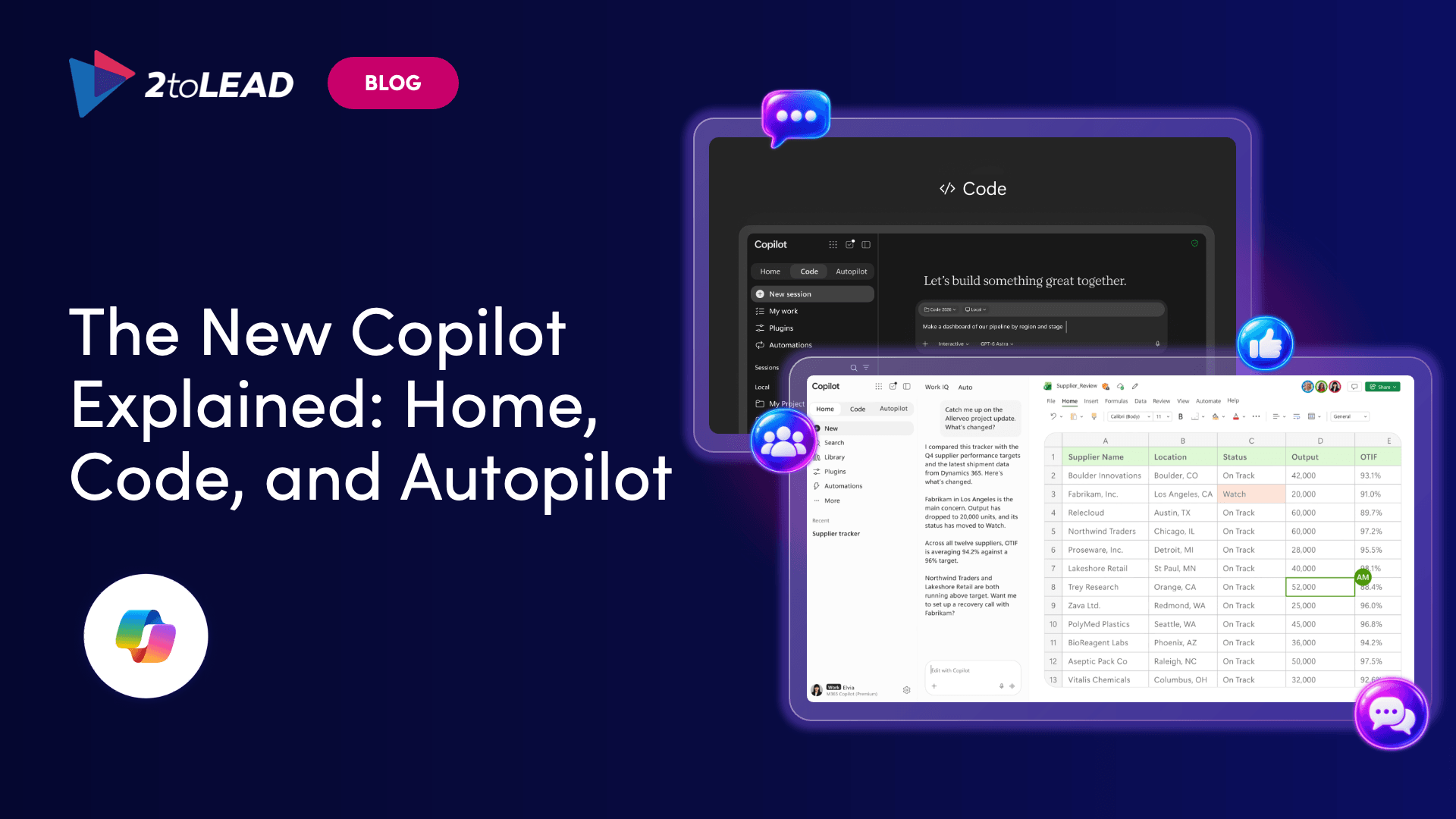
Copilot Code lets anyone build apps from plain language. See how Copilot Managed Runtime governs them, what they cost and who should build.
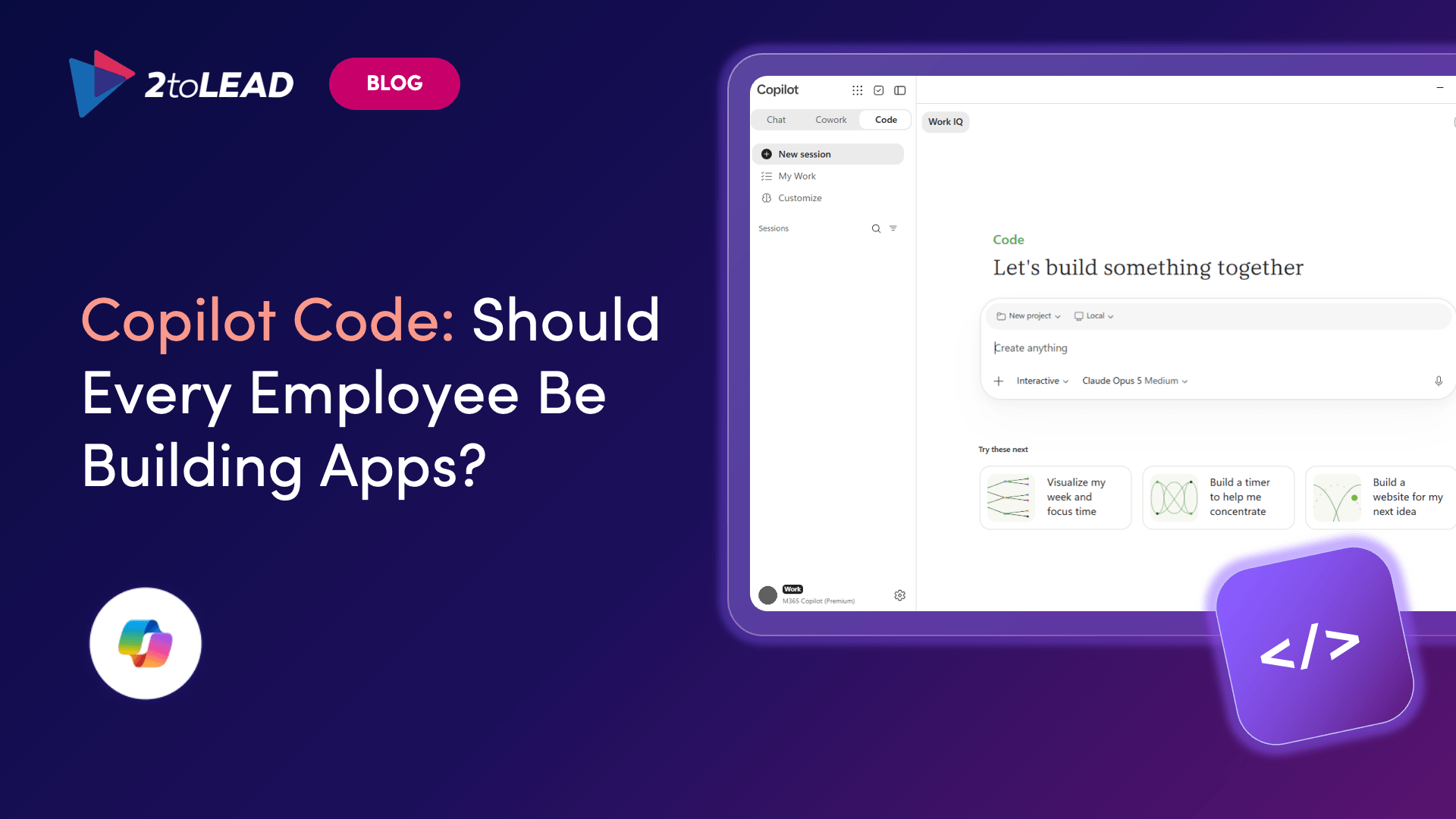
TL;DR: Copilot Code lets anyone with access describe an app in plain language and get a working one. Copilot Managed Runtime makes those apps secure by default. It doesn't decide who owns each app, which apps deserve an organization-wide audience or who pays to run them. Let everyone prototype, and put light intake in front of anything that goes beyond a team.
For years, the answer to "can we get an app for that?" was a ticket and a long wait. With Copilot Code, a coordinator can describe a tracker in a few sentences and have a working, shareable app the same morning. Microsoft's announcement goes further, saying that learning to build these solutions is becoming as basic a skill as writing a memo.
So should every employee be building apps? Everyone can prototype, but not everyone should publish org-wide. This guide covers what Copilot Code and Copilot Managed Runtime handle for you, what they leave to you and a five-step maker policy that closes the gap.
Copilot Code is the building mode of Microsoft Copilot. You describe an app, tracker, dashboard, automation or workflow in natural language, and Copilot picks an approach and builds it. According to Microsoft's announcement, Code is powered by the same underlying technology as GitHub Copilot, runs in a sandboxed environment and can be hosted securely within your tenant.
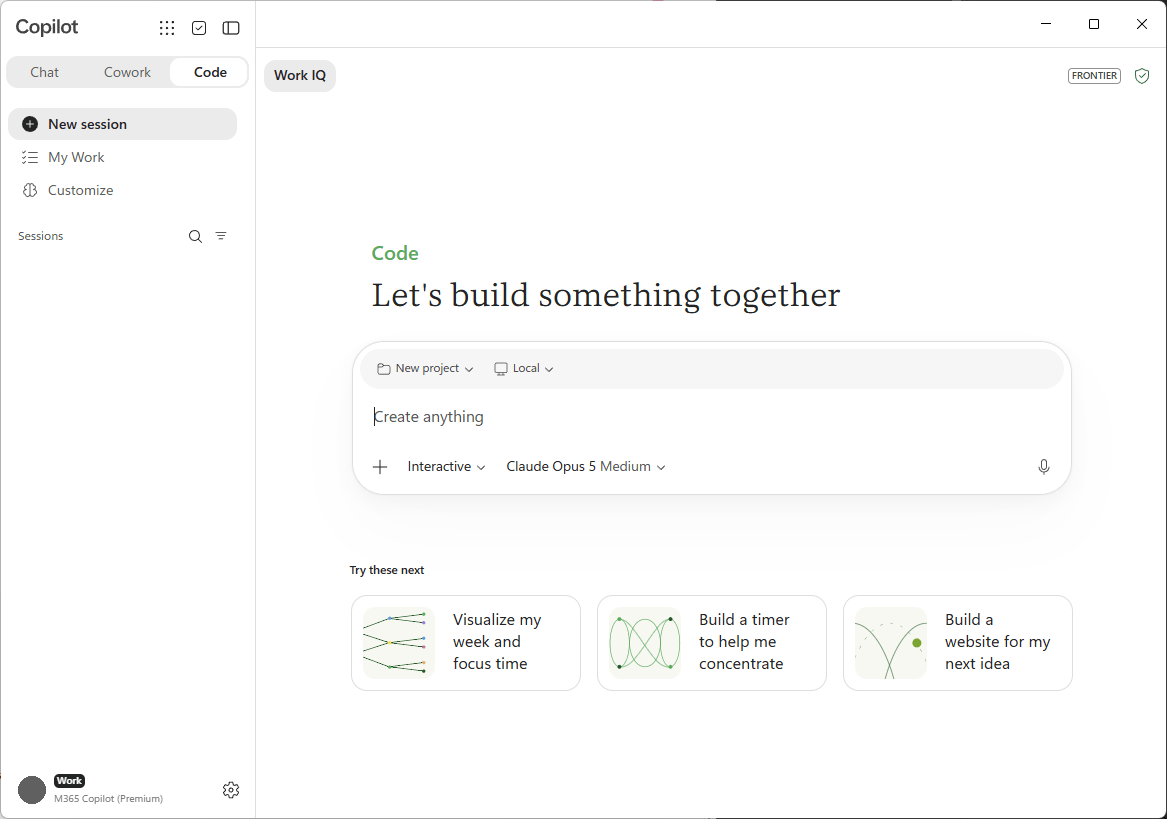
What makers can build with it:
With your permission, Code can use your Microsoft 365 work context, such as documents, email and meetings. It shows a live preview, lets you refine or revert one change at a time and runs either on your device or in an isolated cloud environment.
Two details matter for governance. Building an app doesn't publish it; publishing is a separate step the maker requests. And Code asks for consent before network calls, terminal commands or files outside the project folder. Microsoft advises caution with Always allow, which stays on until someone turns it off.
Microsoft announced Code on September 25, 2026, and is rolling it out through the Frontier program. It is still a preview, so features can change.
Copilot Managed Runtime is the hosting layer underneath the apps. It is in public preview, and Microsoft describes it as hosting for Microsoft 365 line-of-business apps that inherit your organization's governance, security and compliance controls from the moment they're created.
Whichever tool built the app, the result runs in a Microsoft-hosted environment, signs users in with Microsoft Entra ID, follows your tenant governance policies and appears in the Microsoft 365 admin center under Apps > All apps. People open the apps shared with them from one portal, managedapps.cloud.microsoft.
That changes the default. The governed path is now the easiest path, and IT can see every app without asking makers to register it.
Microsoft offers four entry points into Copilot Managed Runtime. Each suits a different kind of builder.
All four paths produce the same kind of app, governed by your tenant's default policy for connectors, sharing and content security, and listed in the same admin inventory. The entry point changes the experience, not the rules.
Every employee with access should be able to prototype. Not every employee should publish to the whole organization. Microsoft's admin guidance groups Copilot Managed Runtime use cases into three tiers, and each one needs a different level of oversight.
Personal apps are tools one person builds for their own work, such as a stand-up timer. Each maker works in an isolated, Microsoft-managed sandbox that inherits your policies. The risk is low; the main exposure is credit spend, which spending policies can cap.
Team apps are shared tools small teams use to automate workflows, such as a shift handover log. The risk shifts from data to continuity. If the builder changes roles, someone else needs to support the app and decide whether it still earns its keep.
Organizational apps are broader solutions that IT or development teams deploy across the tenant, with admin-controlled distribution. These need an intake decision, a support model and usually a professional developer.
The rule of thumb is simple: the wider the audience, the more structure the app needs before it ships.
Microsoft describes apps on Copilot Managed Runtime as safe by default. Governance is applied when the app is created, not configured afterward. The table below shows where the platform stops and your operating model starts.
The platform answers "can this app do something unsafe?" It doesn't answer "should this app exist, who looks after it and who pays?" Those are operating model questions, and they decide whether citizen developer programs succeed.
Copilot Code costs come in three layers: a license to use it, Copilot Credits to build with it and either credits or Power Apps Premium to run what you publish.
Before the first app is shared, note that spending policies apply to new Copilot services automatically by default, and build and run costs are managed separately. For the run-time licensing decision and breakeven point, see our Power Apps Premium vs Copilot Credits guide.
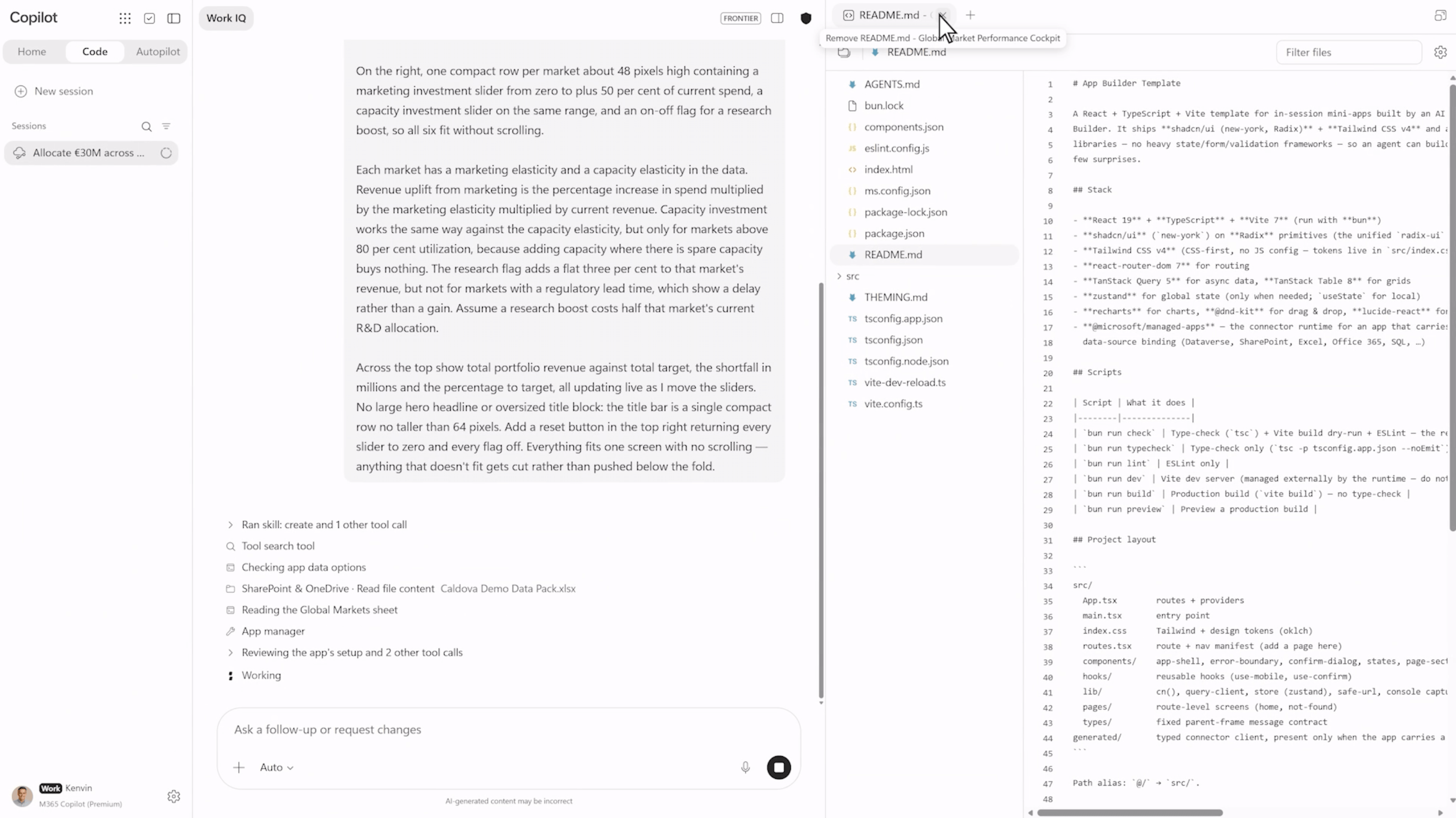
These tools overlap, but each has a clear sweet spot:
If you already run a Power Platform Center of Excellence, extend it to cover Copilot Managed Runtime apps rather than building a separate process.
A good maker policy fits on one page. These five steps cover what the platform leaves to you.
This is the same intake, ownership and lifecycle discipline an Agent PMO brings to Copilot agents. Many organizations will find it easier to run apps and agents through one front door.
Yes. Published apps run on Copilot Managed Runtime, a Microsoft-hosted environment that uses Microsoft Entra authentication, follows your tenant governance policies and lists every app in your Microsoft 365 admin center.
Only the people or groups a maker shares it with, within your sharing limits. Admins see every app in the admin center. Sharing an app doesn't share its data; each person sees only data they already have permission to access.
No. Microsoft hasn't positioned Copilot Code as a Power Apps replacement. Power Apps Premium is one of the two ways to license people who run Copilot Managed Runtime apps, and Power Apps remains the established low-code option for many line-of-business scenarios.
Not for personal or team apps. Microsoft states plainly on Learn that "You don't need to know how to code." For organizational apps, involve a professional developer for code review, source control and long-term support.
Copilot Code makes building easy. Your job is to make shipping deliberate. Makers ready to start can build a first agent at their own pace with our Agent in a Day on-demand session. For the intake, ownership and cost model around it, our Agent PMO Setup service puts that operating layer in place.
Copilot licences bought, usage flat, ROI unproven? Three ways we help:
A global nonprofit turned Copilot licences into 1,115.6 hours saved and $83.7K in productivity value.
Read the case study →


Join Our Newsletter