An AI-ready culture is one where employees feel confident, supported, and curious about using AI in their daily work. For Microsoft 365 Copilot, this means communicators play a central role in shaping how employees learn, trust, and apply AI alongside their own judgement. The fastest path to adoption is to pair clear communication with practical learning, visible leadership support, and a steady focus on the human behind every prompt.
At 2toLead, we believe adoption is a culture problem before it is a technology problem. Microsoft's 2026 Work Trend Index supports this view, finding that organisational factors such as culture, manager support, and talent practices account for roughly twice the predictive power of individual mindset when measuring AI impact at work. That single insight should reshape how internal communicators plan, message, and measure Copilot adoption.

An AI-ready culture is a workplace where employees are trusted to experiment with AI, supported with training, and guided by clear expectations on responsible use. It matters for Copilot because the tool only delivers value when people understand how to ask the right questions and when to rely on their own expertise. Microsoft's adoption guidance is explicit on this point, advising organisations to manage expectations about what Copilot can and cannot do, and to know when to lean on AI versus human judgement.
Without that cultural groundwork, Copilot becomes another login employees ignore. With it, Copilot becomes part of how teams think, write, plan, and solve problems together.
Communicators set the tone by translating AI strategy into everyday language and giving employees permission to learn out loud. Rather than leading with features, we recommend leading with scenarios that match real roles.
A communications professional cares about drafting newsletters and summarising town halls. An HR partner cares about preparing for sensitive conversations and reviewing policy updates. Tailoring the message to those moments is what makes Copilot feel relevant.
Microsoft's own change management work uses a data-driven, role-specific approach built around what it calls "adoption hotspots," meaning clusters of employees with shared roles and training needs. Communicators can use the same logic at any scale. Map the audience, find the hotspot, and write the message that speaks to that specific job to be done.
Leaders and managers are the single biggest signal of whether AI is safe to use. When a leader shares a Copilot prompt that helped them prepare for a board meeting, employees notice. When a manager protects time for practice and celebrates small wins, adoption sticks.
Microsoft's Copilot Adoption Playbook recommends establishing an AI council with an executive sponsor and representatives from IT, change management, and risk, because visible sponsorship is what turns curiosity into commitment.
The 2026 Work Trend Index found that only one in four workers report clear and consistent leadership alignment on AI. We encourage internal comms teams to coach leaders on how to speak about AI in town halls, all-hands sessions, and short video updates.

We keep the human perspective at the centre by reminding people that Copilot is a starting point, not a final answer. Microsoft's research shows that 86 percent of AI users already treat AI output as a draft to refine rather than something to accept on the first try.
This is also where accessibility and inclusive design come in. Copilot should support people of different abilities, languages, and working styles. Clear writing, plain definitions, and short examples make adoption feel welcoming rather than technical.
Copilot champions and user communities accelerate adoption because peer learning travels faster than top-down training. Microsoft's adoption guidance recommends building a Copilot user community early, identifying champions through the AI council or the Microsoft Copilot Dashboard, and making ongoing training the standard rather than a one-time event.
In our work with clients, we see the strongest results when champions are given a visible platform inside SharePoint or Viva Engage to share prompts, lessons, and short demos. The goal is to normalise asking questions, sharing prompts, and celebrating useful lessons along the way.
Progress is best measured by behaviour change, not licence counts. We recommend tracking active use by role, growth of community membership, share of prompts contributed by employees, and qualitative signals from focus groups and pulse surveys. Microsoft's adoption guidance encourages organisations to capture feedback, showcase wins, and use the Microsoft Copilot Dashboard to follow usage over time.
Be transparent about what is being measured, why it matters, and how it will be used. Communicators who treat measurement as a conversation rather than a scoreboard will earn the trust needed to keep the adoption flywheel turning.
Building an AI-ready culture is the most reliable way to drive Copilot adoption, and communicators are uniquely placed to lead that work. By matching messages to roles, coaching leaders, lifting up champions, and keeping the human perspective at the centre, internal comms teams can turn Copilot from a tool into a shared way of working.
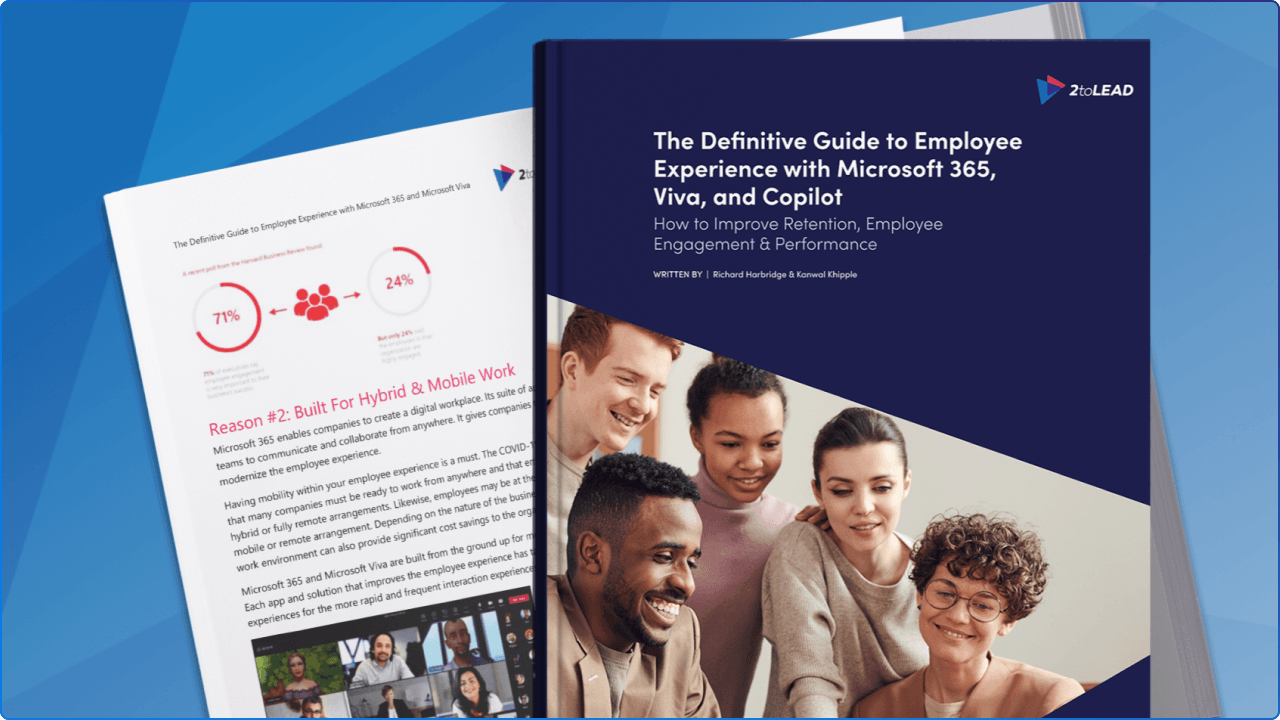
For a deeper look at how communications, employee experience, and Microsoft 365 fit together, our team has written The Definitive Guide to Employee Experience with Microsoft 365, Viva, and Copilot. It is a practical resource for anyone shaping the next chapter of work inside their organisation.


Join Our Newsletter