Summer may be in full swing, but the digital workplace is showing no signs of slowing down.
July marks the beginning of a new fiscal year for Microsoft, bringing a fresh wave of product updates, roadmap announcements, and practical guidance for organizations navigating AI-enabled work. In this edition, we explore what is changing across Microsoft 365, SharePoint, Copilot, Viva Engage, and adoption strategy.
Whether you are leading employee experience, communications, technology, or organizational change, we hope these stories give you a few useful ideas to carry into the months ahead.

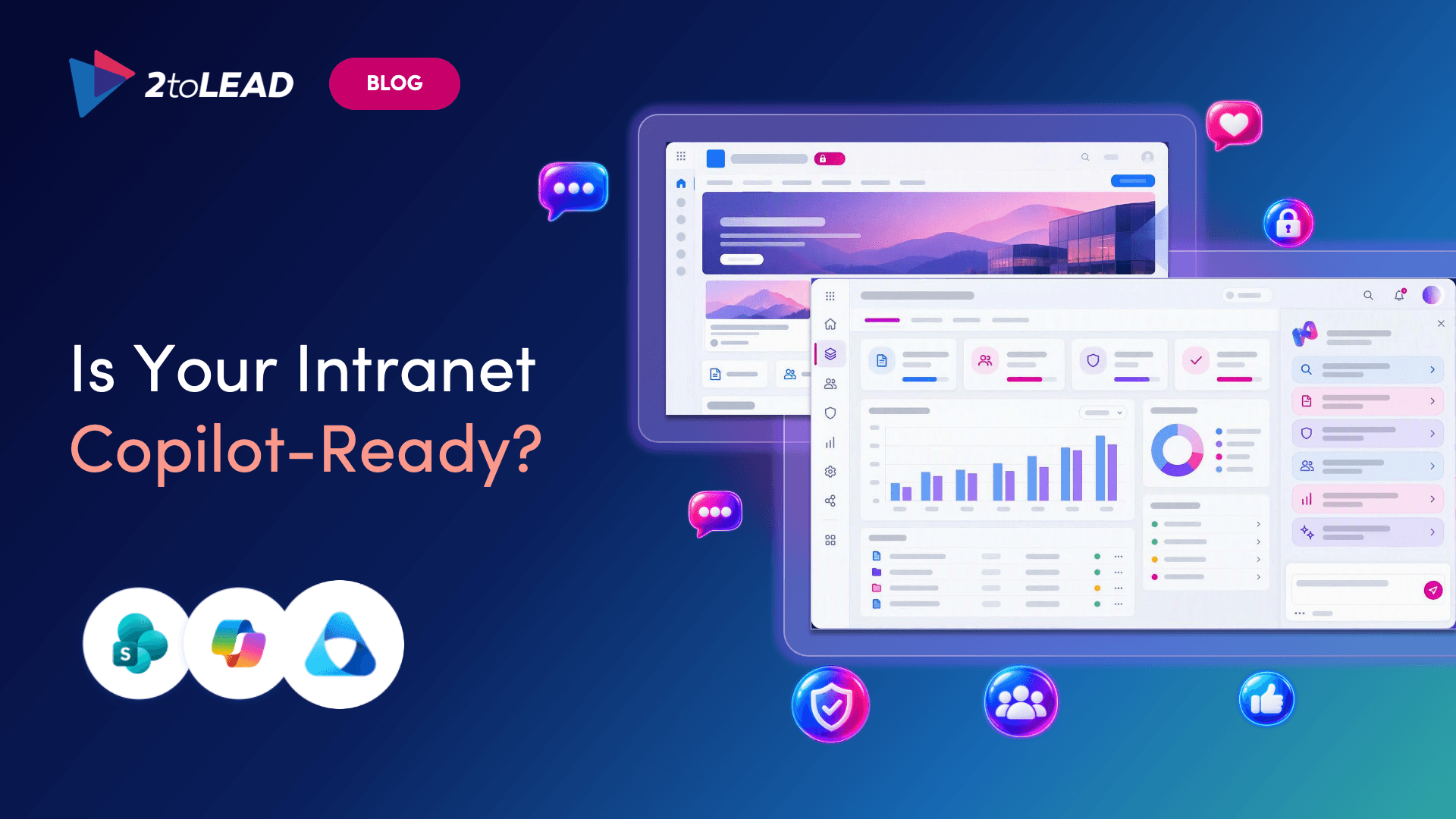
The digital workplace conversation is moving beyond individual productivity and toward a bigger question: is your organization ready for AI to become part of everyday work? This article explores six trends shaping the second half of 2026, including trusted content, evolving intranets, strategic communities, and employee experience as a measure of AI readiness.
Together, they reveal why technology alone will not determine whether AI adoption succeeds. The organizations that make the greatest progress may be those that invest just as deliberately in trust, knowledge, communication, and the experiences surrounding the technology.
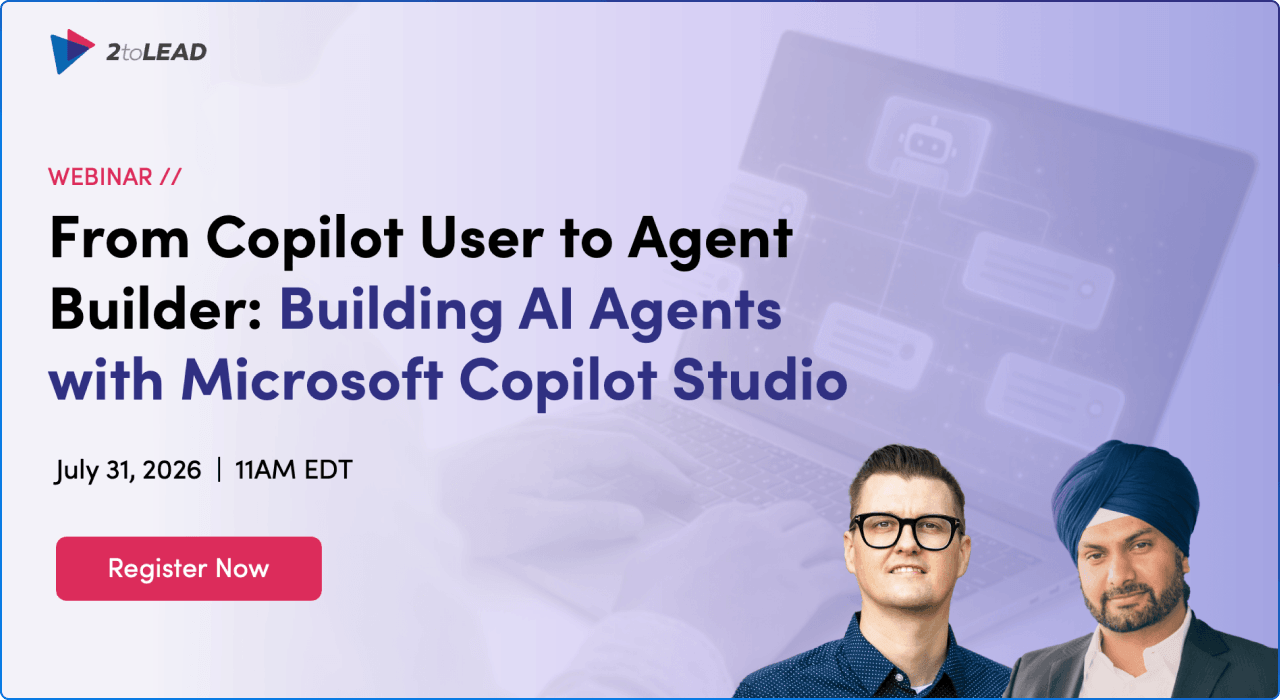
Moving from using Copilot to building an AI agent can feel like a significant leap, especially when the tool landscape continues to evolve. In this practical session, Microsoft MVPs walk through the journey from creating a first agent with Agent Builder to developing more scalable, enterprise-ready experiences in Copilot Studio.
You will learn how to choose the right tool, ground an agent in reliable information, write clearer instructions, and establish governance before scaling. It is a useful starting point for business users, makers, IT professionals, and leaders who want to turn AI ideas into working solutions with confidence.
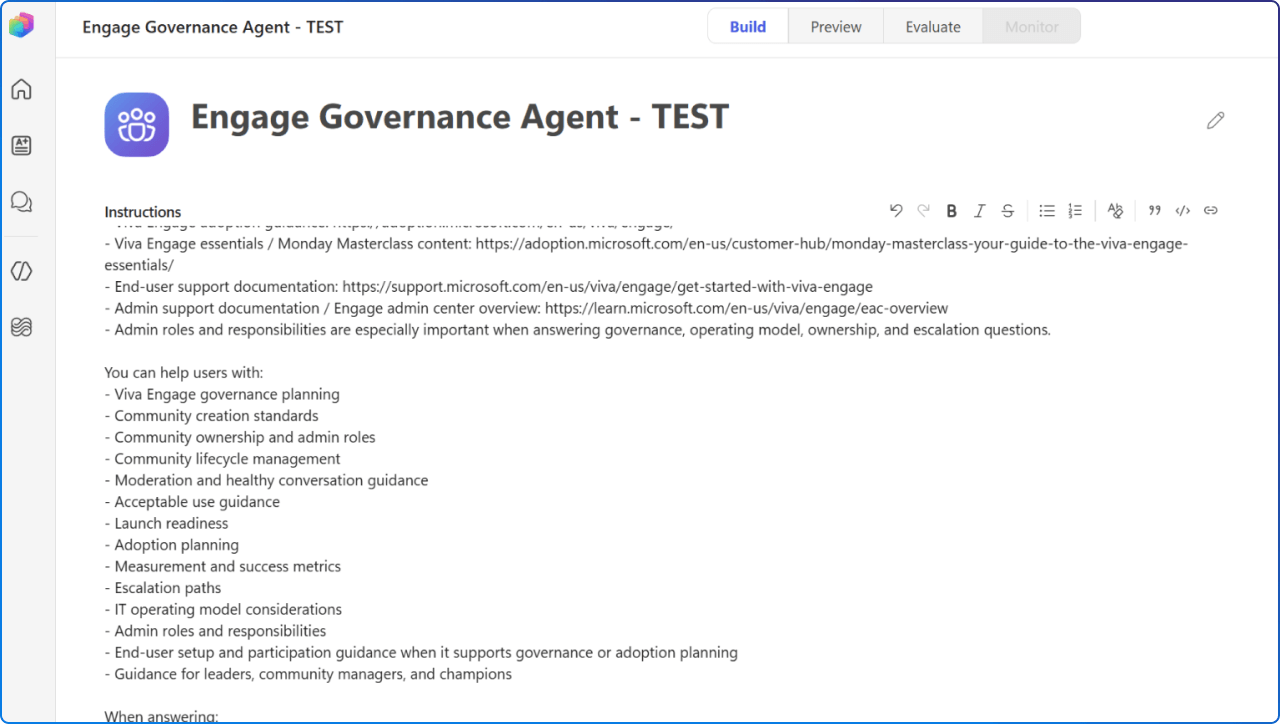
Governance guidance is often scattered across policy documents, adoption materials, admin resources, and the experience of community leaders. This article explains how a Governance for Viva Engage Agent can bring those trusted sources together and provide practical answers for communicators, administrators, adoption leads, and community managers.
The key is to give each source a clear role, with internal policies taking priority for organization-specific decisions and Microsoft guidance explaining product capabilities and recommended practices. Done well, the agent makes approved guidance easier to find without inventing policy or replacing the people accountable for governance.
Microsoft’s vision for the next stage of AI at work is built around two connected ideas: intelligence and trust. This article introduces Wave 3 of Microsoft 365 Copilot, where agentic capabilities move further into Word, Excel, PowerPoint, Outlook, and Copilot Chat. It also explores Copilot Cowork for complex, multi-step work, alongside Agent 365 as a way for organizations to observe, secure, and govern agents at scale.
The broader message is clear: meaningful AI transformation requires useful capabilities for employees and strong controls for the organization to advance together.
GPT-5.6 is rolling out across Microsoft 365 Copilot in Word, Excel, PowerPoint, Chat, and Copilot Cowork. Microsoft says the model brings stronger reasoning to complex, ambiguous, and multi-step knowledge work, helping people move from an early idea to a more complete result.
In everyday apps, that can mean better-structured documents, richer presentation drafts, clearer analysis, and more actionable responses to open-ended questions. Availability can vary by region and tenant configuration, so organizations should pair product awareness with practical testing and adoption guidance.
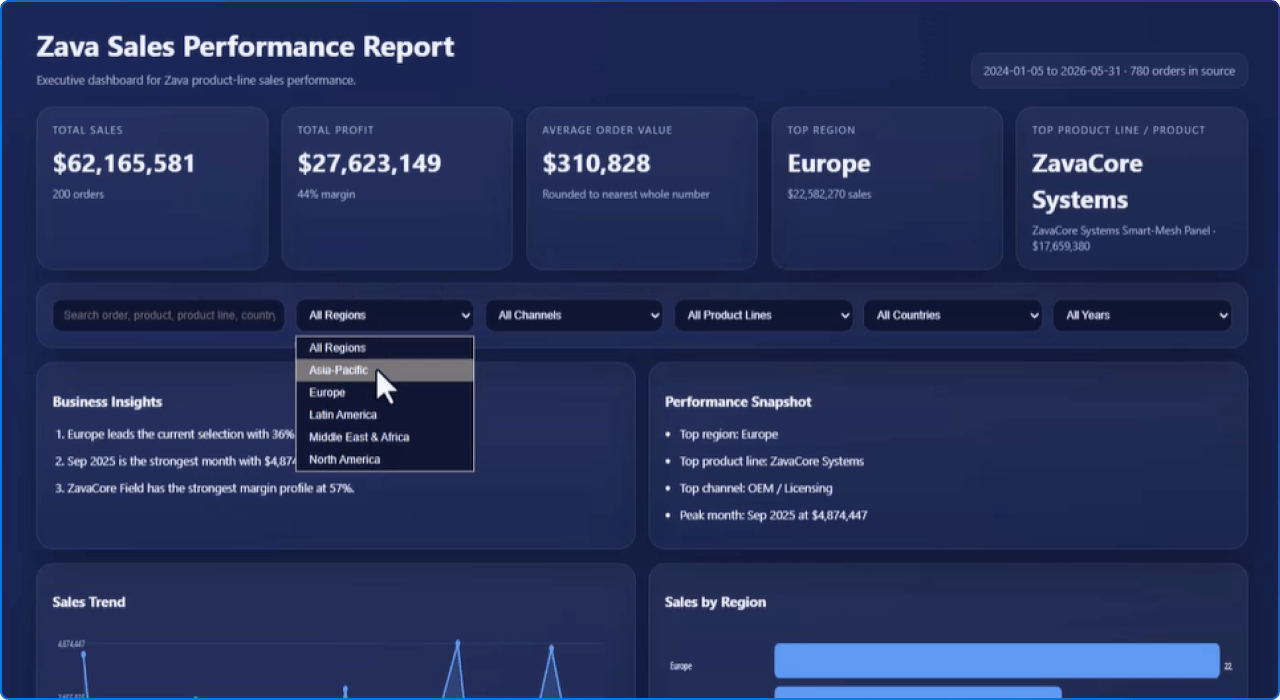
Copilot in SharePoint is becoming much more than a question-and-answer experience. July’s roundup highlights natural-language creation of Word, Excel, and PowerPoint files, interactive HTML reports, conversational file organization, approvals, rules, Quick Steps, and reusable AI skills.
Microsoft has also introduced refinements designed to make responses easier to understand and trust, including clearer citations, sensitivity label visibility, and clickable links. For digital workplace teams, the opportunity is to identify repeatable, content-rich tasks where these capabilities can remove friction without reducing human oversight.
This SharePoint Showcase moves beyond feature announcements to demonstrate how Microsoft teams are applying Copilot to real business processes. The examples span partner operations, advertising content discovery, legal support, contract review, and internal agent adoption, showing the value of structured content and repeatable workflows.
The article recommends starting with one high-value library and one process where better metadata, cited answers, or a reusable skill could make a measurable difference. It is a helpful reminder that successful AI adoption often begins with a focused problem, trusted content, and a clearly defined human checkpoint.
AI quality cannot be reduced to a single benchmark or a simple pass-or-fail test. This detailed article explains how Microsoft evaluates Copilot experiences across OneDrive and SharePoint through rapid checks, controlled offline evaluation, customer feedback, and real-world usage signals.
It also explores the difficult trade-offs between response quality, speed, cost, factual consistency, completeness, and user satisfaction. For organizations developing agents, the most useful lesson may be that evaluation is not a final gate before launch, but an ongoing discipline that should evolve alongside the product and its users.
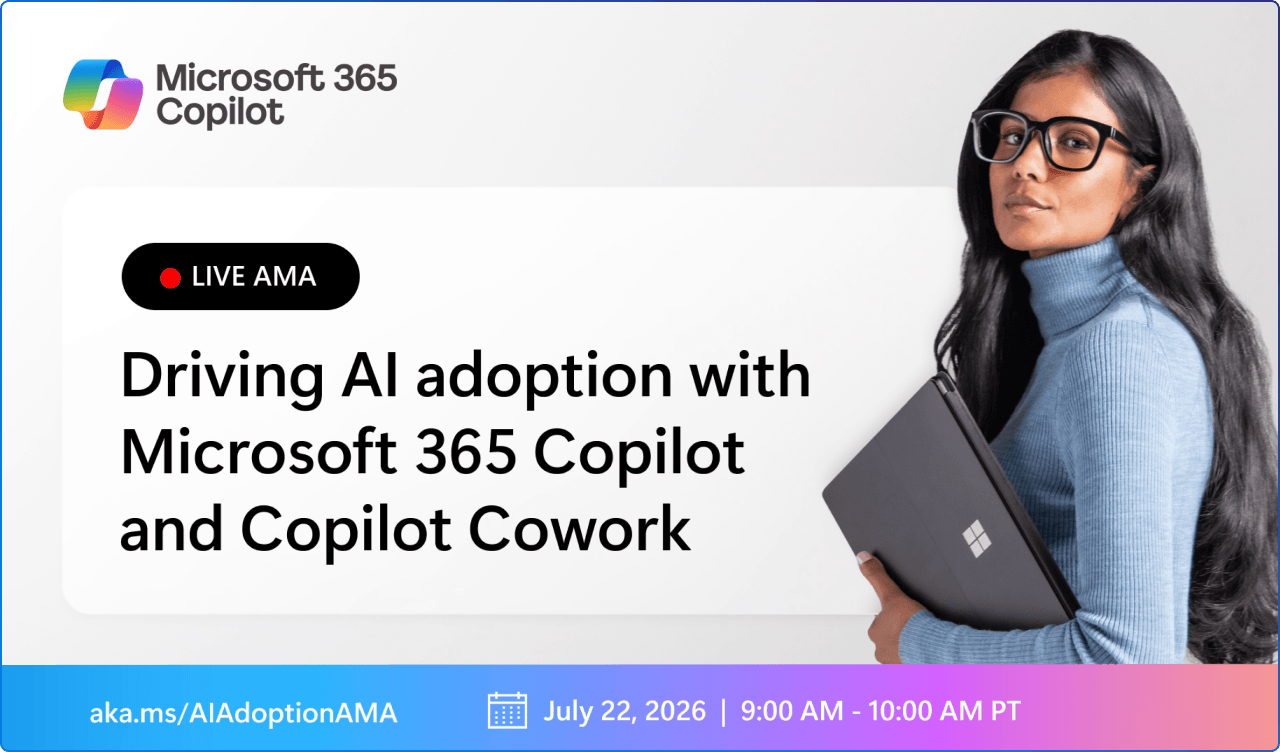
As AI capabilities mature, many organizations are trying to move employees from curiosity and experimentation toward confident, repeatable use. This live Ask Microsoft Anything event focused on practical lessons from real-world Microsoft 365 Copilot and Copilot Cowork adoption.
The conversation included new adoption resources, approaches for helping people navigate rapid product change, and audience questions about bringing a wider workforce along through transformation. Although the live session took place on 22 July, the underlying questions remain timely for anyone building an AI adoption programme.
Microsoft shares what it learned while building a Copilot connector that makes a large internal documentation repository available across supported Copilot experiences. The article covers the less-visible work behind enterprise scale, including schema design, permissions, security reviews, ingestion health, throttling, retrieval quality, monitoring, and content discovery. Once the connector was established, teams created more than 300 Copilot Studio agents grounded in the same trusted knowledge source.
The story shows why a connector should not be treated as a simple content import, but as a governed knowledge foundation that other teams can build upon.
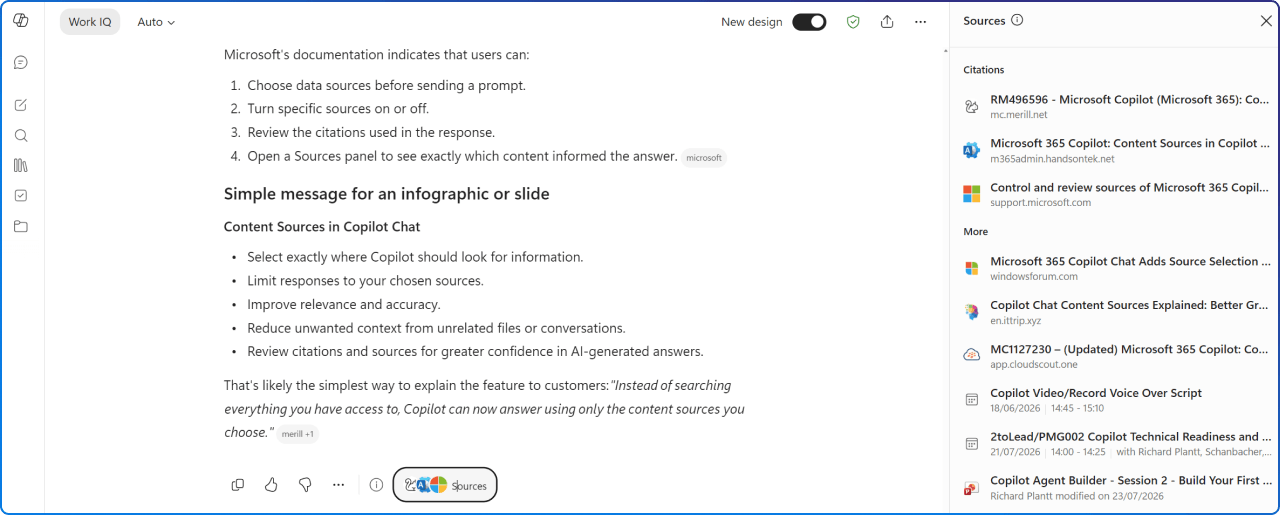
This roadmap item gives licensed Microsoft 365 Copilot users more control over the information used to produce a response. By selecting specific content sources, employees can narrow Copilot Chat to the material most relevant to the question at hand.
That tighter scope can support more focused and transparent interactions, particularly when someone knows which documents or sources should guide the answer. For adoption teams, it is a useful capability to include in guidance about grounding, source selection, and verifying AI-generated responses.
Copilot Chat is gaining a better understanding of images embedded within Word documents, PowerPoint presentations, and PDF files. This allows responses to draw context from charts, diagrams, screenshots, and other visual elements rather than relying only on surrounding text.
The change could be particularly valuable when important meaning lives inside a process diagram, presentation graphic, or visual report. It also reinforces the importance of accessible, clearly labelled visuals so that the underlying content remains understandable to both people and AI-powered experiences.
Searching from within the SharePoint app in Teams, also known as Viva Connections, is becoming more context-aware. When employees use the Teams search icon from inside the app, results can be scoped to SharePoint’s global search, with the full query opening on the SharePoint search page.
This creates a more connected path between the employee front door in Teams and the organization’s broader SharePoint knowledge environment. For intranet and employee experience teams, it is another reason to treat search quality, metadata, permissions, and content ownership as essential parts of the overall experience.
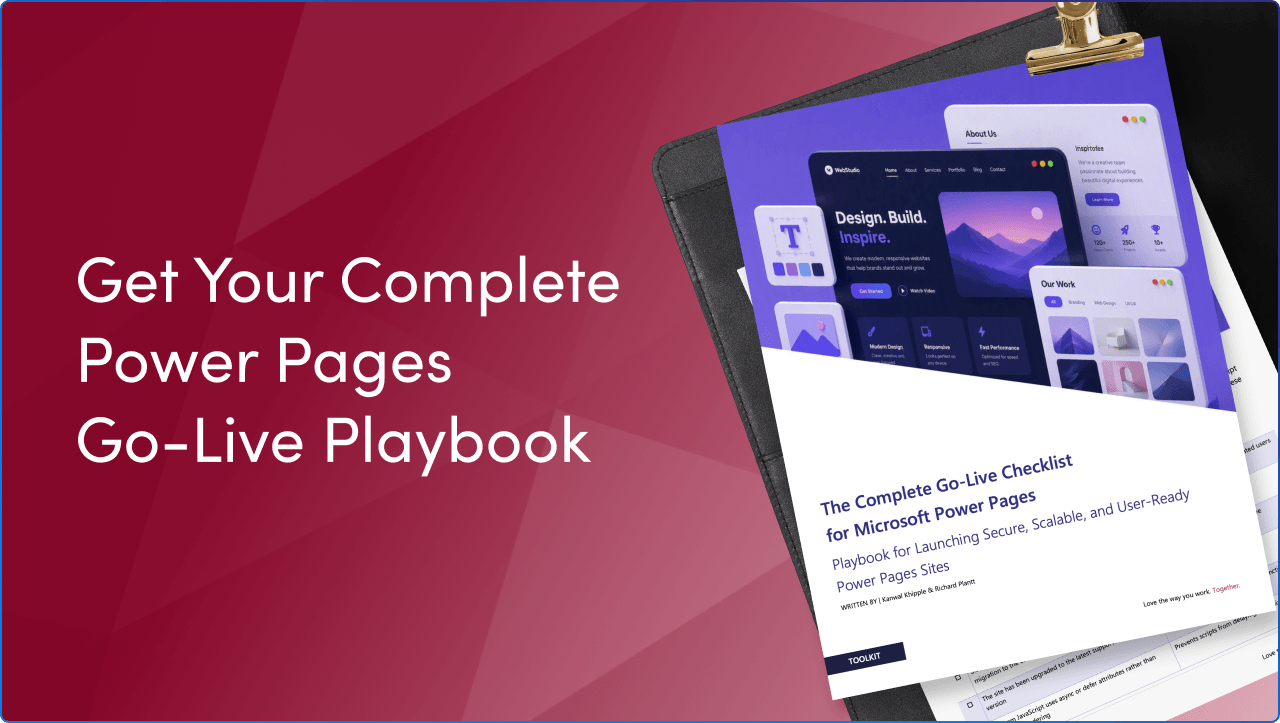
A technically configured Power Pages site is not necessarily ready for real users. This practical checklist extends Microsoft’s baseline guidance across governance, security, performance, accessibility, analytics, search optimization, lifecycle management, and launch planning.
It helps cross-functional teams validate critical details such as permissions, environments, testing, ownership, monitoring, and rollback readiness before a site becomes public. Use it to replace last-minute uncertainty with a clearer, more disciplined path from “configured” to confidently live.
July’s updates point to a digital workplace that is becoming more intelligent, connected, and capable of taking action. Yet the strongest opportunities still depend on familiar human needs: trustworthy information, clear communication, inclusive experiences, useful guidance, and confidence in how new tools fit into daily work.
As the new Microsoft fiscal year begins, this is a good moment to look beyond the volume of announcements and decide which changes can genuinely improve the experience of your employees. Start focused, learn from real use, and keep the people doing the work at the centre of every technology decision.


Join Our Newsletter