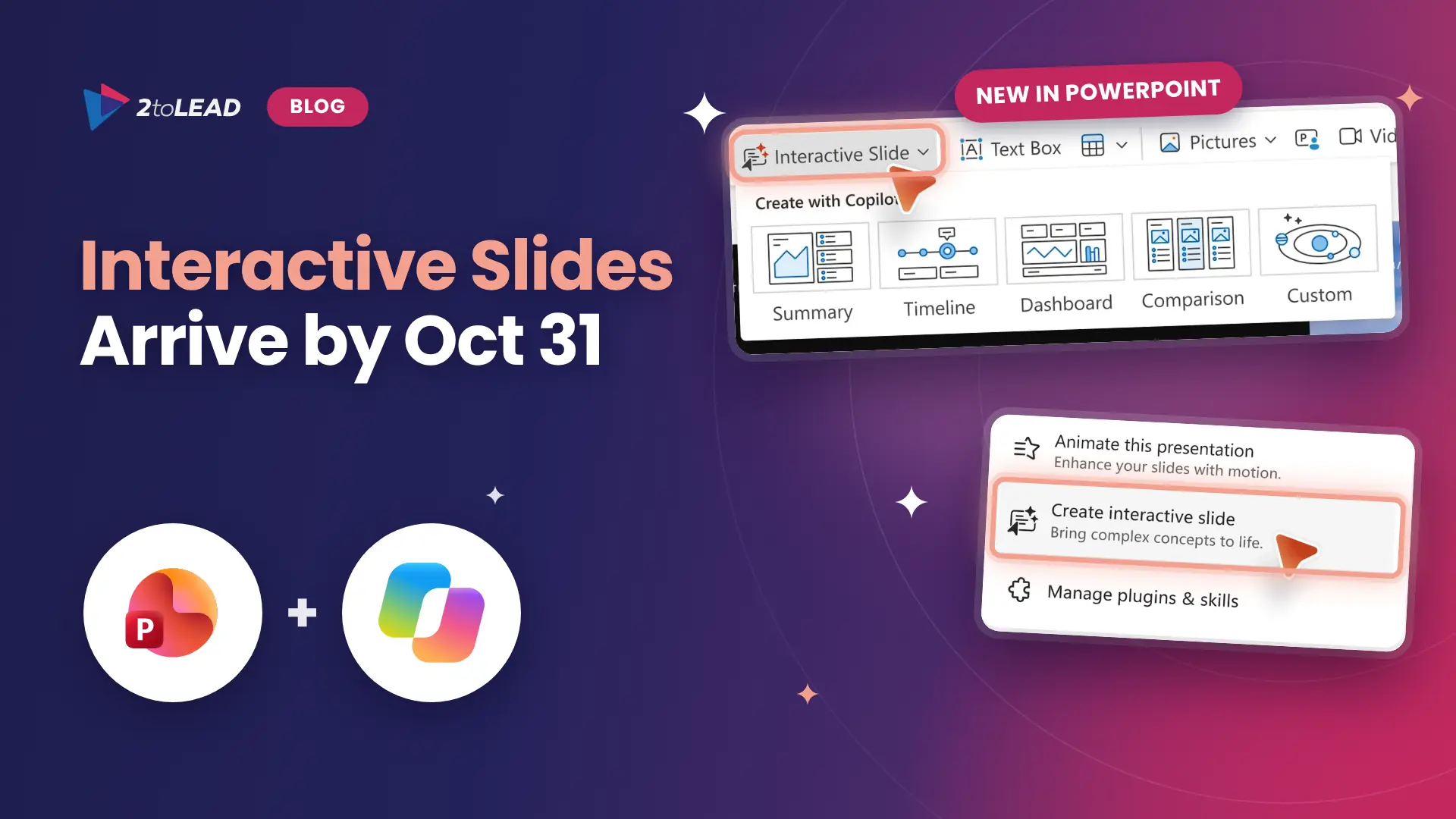
TL;DR: Copilot in OneDrive is now generally available, and Microsoft is rolling out hero links, one sharing link per file, to every Microsoft 365 tenant by the end of November 2026. Hero links start private by default, but your existing link expiration and default link policies do not apply to them. Set site defaults now and pilot Copilot on real work.
Microsoft just shipped the largest OneDrive update in years. Copilot in OneDrive can now analyze a stack of spreadsheets, reorganize a messy project folder and turn your files into an interactive HTML report. At the same time, the way every file in Microsoft 365 gets shared is changing. Under Message Center post MC1454378, hero links reach worldwide, GCC, GCC High and DoD tenants between early October and the end of November 2026, about six weeks from today.
The payoff is real: simpler sharing for users and faster, file-grounded work for anyone with a Microsoft 365 Copilot license. The risk is quieter. Microsoft states that existing default sharing link settings and link expiration policies apply to legacy links only, not to hero links. If your governance depends on those policies, you have a gap until Microsoft ships the expiring hero link controls it has announced as coming soon. This guide explains what changed, what it means for CIOs, CHROs and IT leaders, and a seven-step plan to land both changes with control.
Three things change at once: Copilot in OneDrive reached general availability, sharing moves to one hero link per file, and admins get new governance and sync controls. Here is the short version, based on Microsoft's official OneDrive upgrade announcement and the related Message Center post.
Swipe horizontally to view each change, its timing and what it means.
| Change | When | What it means for you |
|---|---|---|
| Copilot in OneDrive: analyze across files, organize folders, create from existing work, custom skills saved as Markdown, OneDrive Prompt Gallery | Generally available (rolling out from September 30, 2026) | Licensed users can turn files into finished reports and repeatable workflows. Everyday use is included with Microsoft 365 Copilot; advanced, large-scale tasks use Copilot Credits. |
| HTML and Markdown editing with live preview, comments, presence and coauthoring | Available now | AI-created reports and notes become shared, editable team content, so they need the same sharing discipline as Word files. |
| Hero links: one sharing link per file or folder, default audience Only people added to the file (MC1454378) | Early October to end of November 2026, worldwide, GCC, GCC High and DoD | Existing default link and link expiration policies cover legacy links only. Set site defaults with DefaultMainLinkScope and brief users. |
| Expiring hero link controls, for example organization-wide links that expire after 90 days | Coming soon | Plan the policy now so you can switch it on the day it ships. |
| SharePoint Admin Agent and file archive with what-if analysis | Available now | Find overshared sites in plain language and archive inactive content before Copilot reasons over it. |
| Sync up to one million items on Windows and macOS, longer file paths, folder-level sync exclusion and the OneDrive Sync CLI | Available now; Sync CLI in private preview | Large libraries become practical to sync, and admins get finer control and visibility. |
| Libraries view, library and list search, modern views and filters, Add to OneDrive into a dedicated Shortcuts folder | Available now | Users reach SharePoint libraries from OneDrive, which reduces duplicate copies and lost files. |
Microsoft also announced new photo experiences, including the new Microsoft Photos app on Windows, AI-curated Moments, a map view and AI photo editing. They are mostly consumer features, so this guide focuses on the work changes above.
A hero link is the single, primary sharing link that every file and folder in OneDrive and SharePoint now gets, replacing the habit of creating a new link for every person and permission. You change who the link works for, and the same URL follows the new setting.
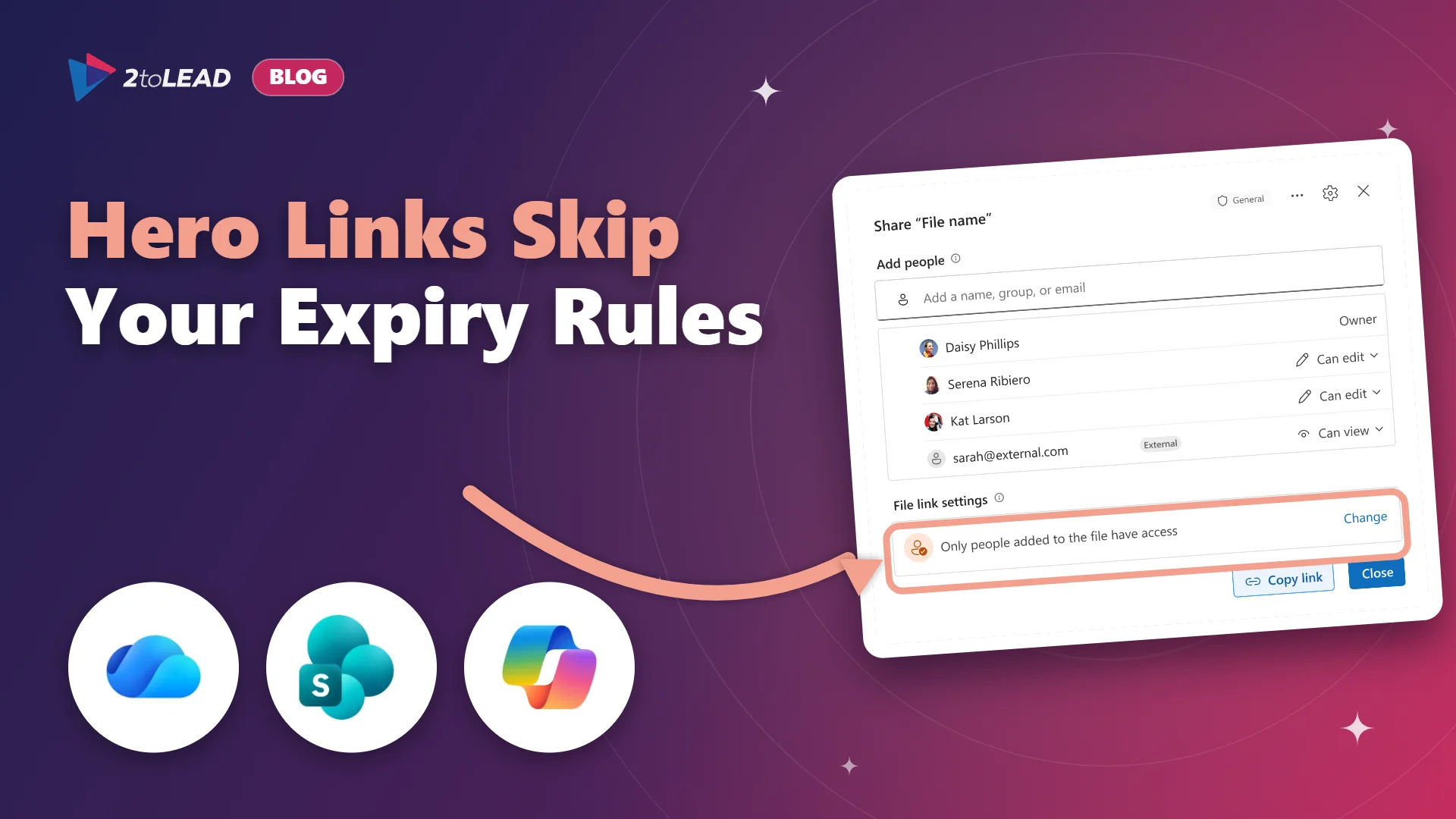
When a user opens the new sharing dialog, they see the people who have direct access and a File link settings row. By default it reads "Only people added to the file have access," which means the link grants access to no one beyond the people explicitly added. Users can widen it to people in your organization or, where your policy allows, to anyone with the link. They can also choose view, edit or view without download. Copying the link, sharing by email and pasting the browser address bar URL all use the same link.
Existing links keep working and move to an "Other links" section of the sharing dialog. Effective access is the most permissive combination of direct, inherited, group and link permissions, so a file can still be broader than its hero link suggests.
Microsoft states in MC1454378 that existing default sharing link settings and link expiration policies apply to legacy links only. The only admin control today is the DefaultMainLinkScope setting in SharePoint PowerShell, which sets the default hero link audience per site or OneDrive to OnlyPeopleAdded (the default) or Organization. There is no tenant-wide setting yet, and the setting only controls the default, so users can still broaden access where policy allows.
Microsoft has announced expiring hero link controls as coming soon. In its example, a policy could make hero links shared with the whole organization expire after 90 days, at which point the link returns to "Only people added." Until that ships, a user who widens a hero link to the organization creates a link that stays open until someone narrows it.
One link per file is simpler for users. It is only safer if you decide what that link is allowed to become.
It matters because sharing behavior and Copilot quality are now the same conversation. Copilot answers from what each person can access, so a link widened to the whole organization quietly widens what Copilot can surface for everyone who redeems it.
For CIOs, the question is control: which sites should default to "Only people added" and which can safely default to the organization. For CHROs, it is trust: people will change how they share files on the first day the new dialog appears, and HR, compensation and employee relations files are the content most likely to be overshared by accident. For IT leaders, it is support load: one link per file should reduce the "which link do I send?" tickets, but only if users understand the new File link settings row.
Nonprofit: donor, beneficiary and grant files often live in OneDrive folders shared with volunteers and partners. Review where external sharing is allowed before staff start widening hero links, and keep the default at "Only people added" for any site holding donor records.
Education: faculty share course material broadly and student records narrowly, often from the same OneDrive. Set DefaultMainLinkScope to Organization only on course and department sites, and keep it at OnlyPeopleAdded for advising, admissions and HR sites.
Government: the rollout includes GCC, GCC High and DoD. Records retention and freedom of information rules still apply to every file, so align hero link defaults with your records classification and confirm how your audit process reports link changes.
Work through seven steps in the next six weeks: inventory where sharing matters, set site defaults, prepare users, then pilot Copilot in OneDrive with measures in place. Most organizations can finish steps 1 to 4 before the end of November.
Save this decision table. It is the fastest way to agree hero link defaults with site owners and your security team.
Swipe horizontally to view each site type, the recommended default and why.
| Site type | Recommended hero link default | Why |
|---|---|---|
| HR, payroll, legal, finance, health or donor records | OnlyPeopleAdded (Microsoft default) | Mistaken organization-wide access here is costly and hard to undo. Keep sharing explicit. |
| Executive and board sites | OnlyPeopleAdded | Small audiences and high sensitivity. Add people directly. |
| Individual OneDrive accounts | OnlyPeopleAdded | OneDrive mixes drafts, personal working files and sensitive content in one place. |
| Project and team sites with mixed content | OnlyPeopleAdded, review in 90 days | Start narrow, then widen per site once owners show they need it. |
| Intranet, policy library and communication sites | Organization | The purpose of the content is broad internal reach. Sharing friction adds no protection. |
| Course, training and knowledge sites | Organization | Broad internal access is expected, and the content is low risk. |
Measure hours returned on one recurring task before and after the pilot, then compare that value with what the licenses and any Copilot Credits cost. A single, well-chosen workflow usually tells you more than a tenant-wide usage chart.
Here is a simple worked example with illustrative numbers. Replace them with your own.
On the sharing side, track two numbers for 90 days: the count of hero links widened to the organization on sensitive sites, and sharing-related help desk tickets. The first should stay near zero. The second should fall. For a fuller scorecard, see our guide to Copilot adoption metrics that prove value.
Four questions come up in almost every conversation about this change. Here are short, direct answers.
Microsoft says no user action is required before the rollout, but admins should review sharing guidance, communicate the change and set site-level defaults where different behavior is needed. Hero links start at "Only people added to the file," so the main risk is users widening links without understanding the new dialog.
No. Microsoft states that existing default sharing link settings and link expiration policies apply to legacy links only. Microsoft has announced expiring hero link controls as coming soon, for example expiring organization-wide hero links after 90 days.
Everyday capabilities, such as asking questions about your files, creating and organizing content and building reusable skills, are included with the Microsoft 365 Copilot license. Large-scale and advanced tasks use Copilot Credits, which admins control through spending policies in the Microsoft 365 admin center.
No. Existing links keep working and appear under "Other links" in the new sharing dialog. Review them as part of normal access reviews, especially Anyone links on sensitive sites.
2toLead helps organizations across nonprofit, education, government, healthcare and professional services turn Microsoft 365 changes into governed, measurable outcomes. In a fixed-scope, three-week Hero Link and Copilot in OneDrive Readiness Sprint, our Microsoft MVP team will:
Read more practical guidance on the 2toLead Insights hub, including our walkthrough of the SharePoint agents upgrade before March 2027, or book a Hero Link and Copilot in OneDrive Readiness Sprint.
No hype. Just practical, governed AI that actually gets adopted.


Join Our Newsletter