Copilot now does a lot more than answer questions. It can draft, carry out multi-step tasks, build things and keep working in the background. Adoption has to keep up with that. This month, we look at the decisions that turn a Copilot rollout into everyday habits: what work to hand over, which rollout steps teams tend to skip, and what has to be fixed before more people log in.
It is no longer just, "Do our people use Copilot?"
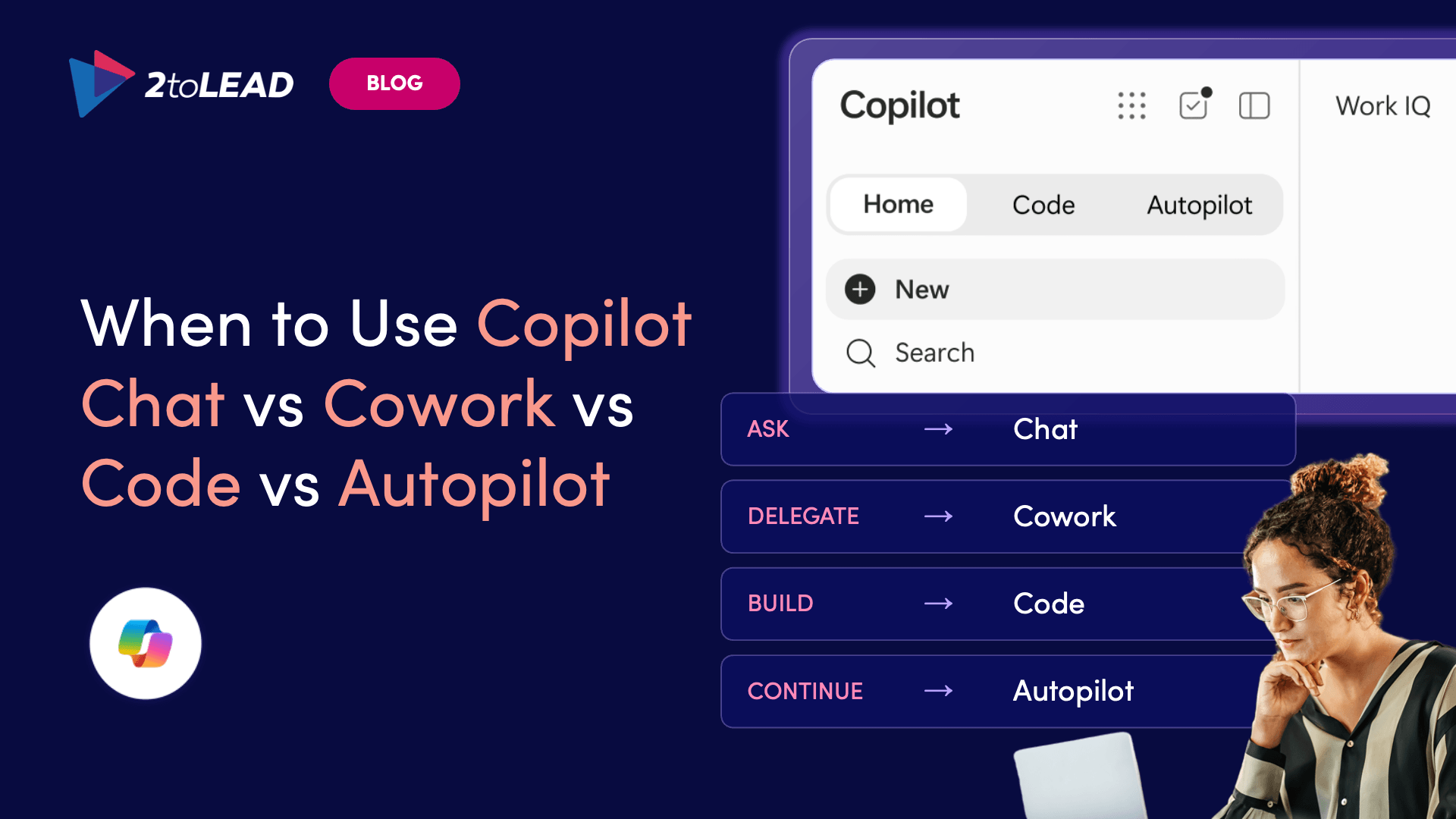
The old Copilot question was "What should I ask it?" The new one is"How much of this work should I hand over?" Copilot now gives people four ways to work: quick help, finished multi-step work, solutions they build, and ongoing work that keeps running. Most people still open Chat for everything. This guide shows each person and team how to match a task to the right starting point, so Copilot becomes part of how work gets done instead of a fancier search box.
Match your work to the right Copilot experience
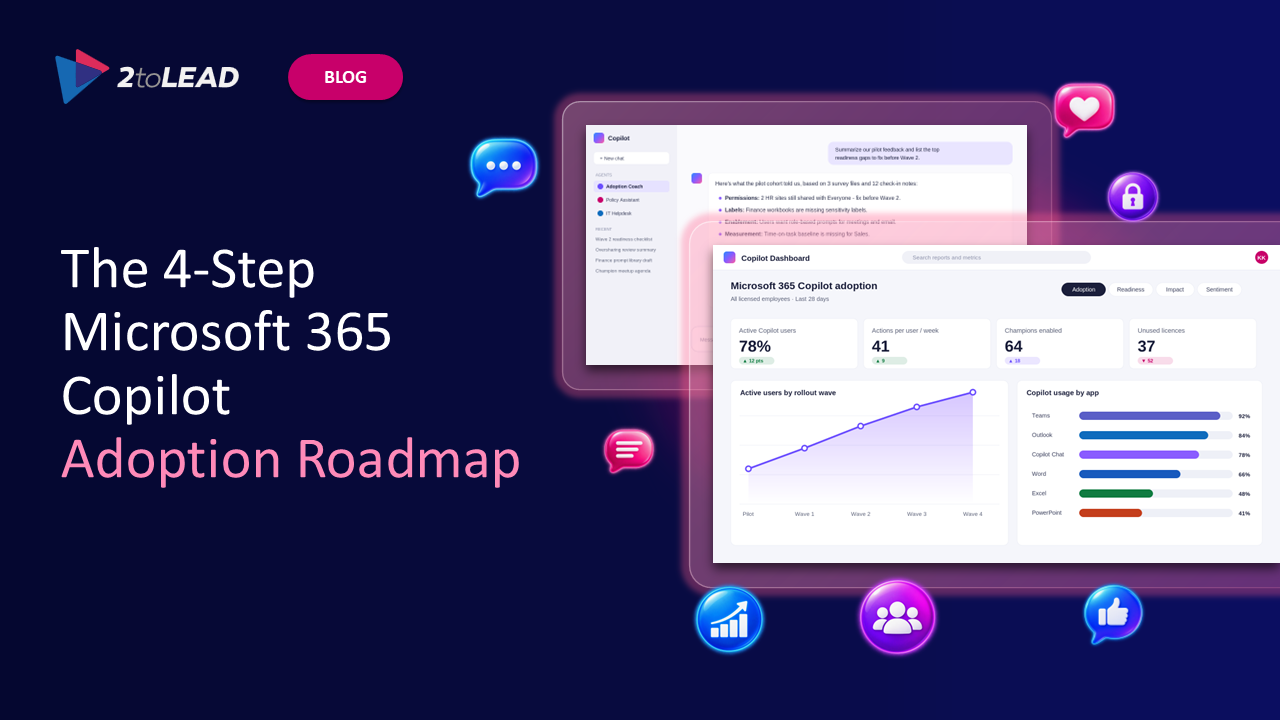
The pattern is familiar. Licenses get handed out, usage reports go flat, leadership asks about ROI, and someone finds a salary spreadsheet through a prompt. Most Copilot rollouts don't fail because of the technology. They fail because organizations skip steps. This roadmap lays out the four stages behind rollouts that last, and it works whether you're buying your first licenses or rescuing one that has stalled.
Find the step your rollout is missing
Most oversharing isn't malicious. It comes from convenience and old configuration decisions that nobody revisited. Copilot can pull from across your sites, so one misconfigured location can show up in summaries, answers and agent results. This piece covers a staged approach to closing those gaps without slowing your people down.
See how to fix oversharing without blocking productivity
Manual readiness checks stall because the prerequisites are spread across several admin centers. Microsoft's open-source Automated Readiness Assessment (ARA) checks your tenant directly, using read-only access, and turns what it finds into a structured report. It covers identity, Conditional Access, data loss prevention (DLP) and Purview. If your rollout is waiting on someone to "confirm we're ready," start here.
See what an automated readiness check reveals
"Time saved" gets a pilot approved. It rarely gets a renewal funded. In this session from the 2026 Microsoft 365 Community Conference, 2toLead shares a practical way to set baselines, run A/B experiments and explain Copilot and agent impact in financial terms that leaders recognize.
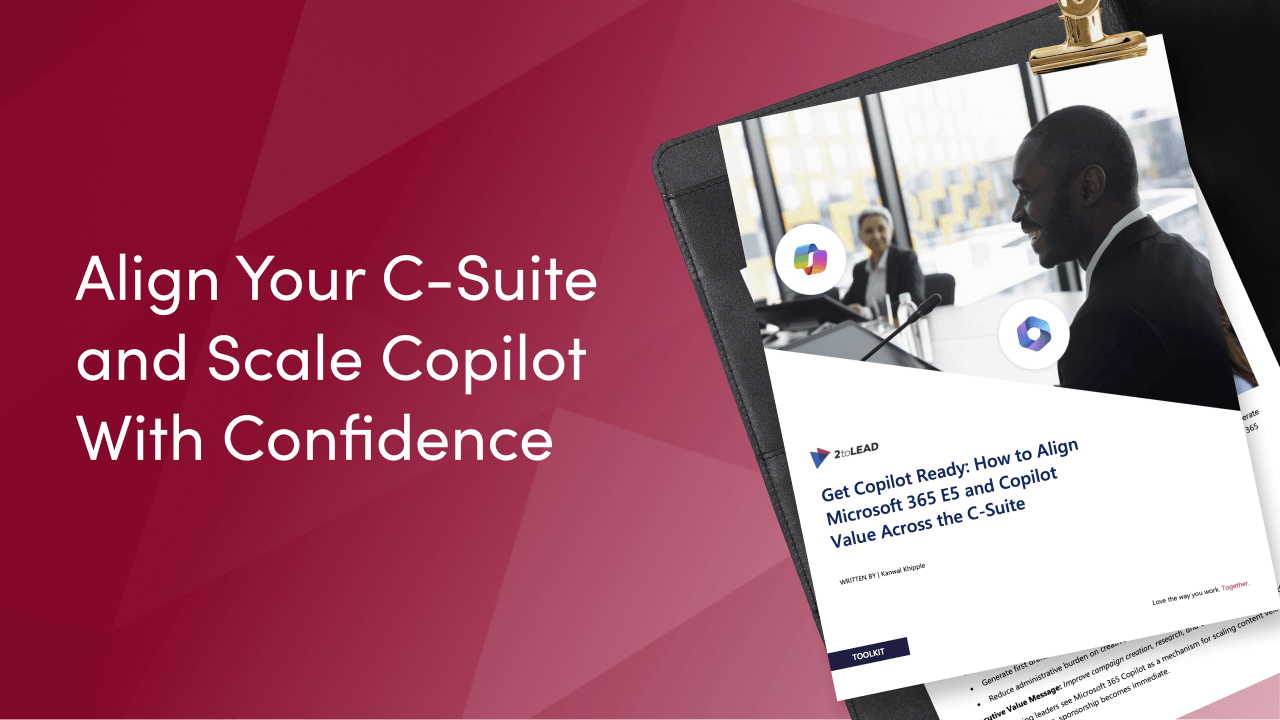
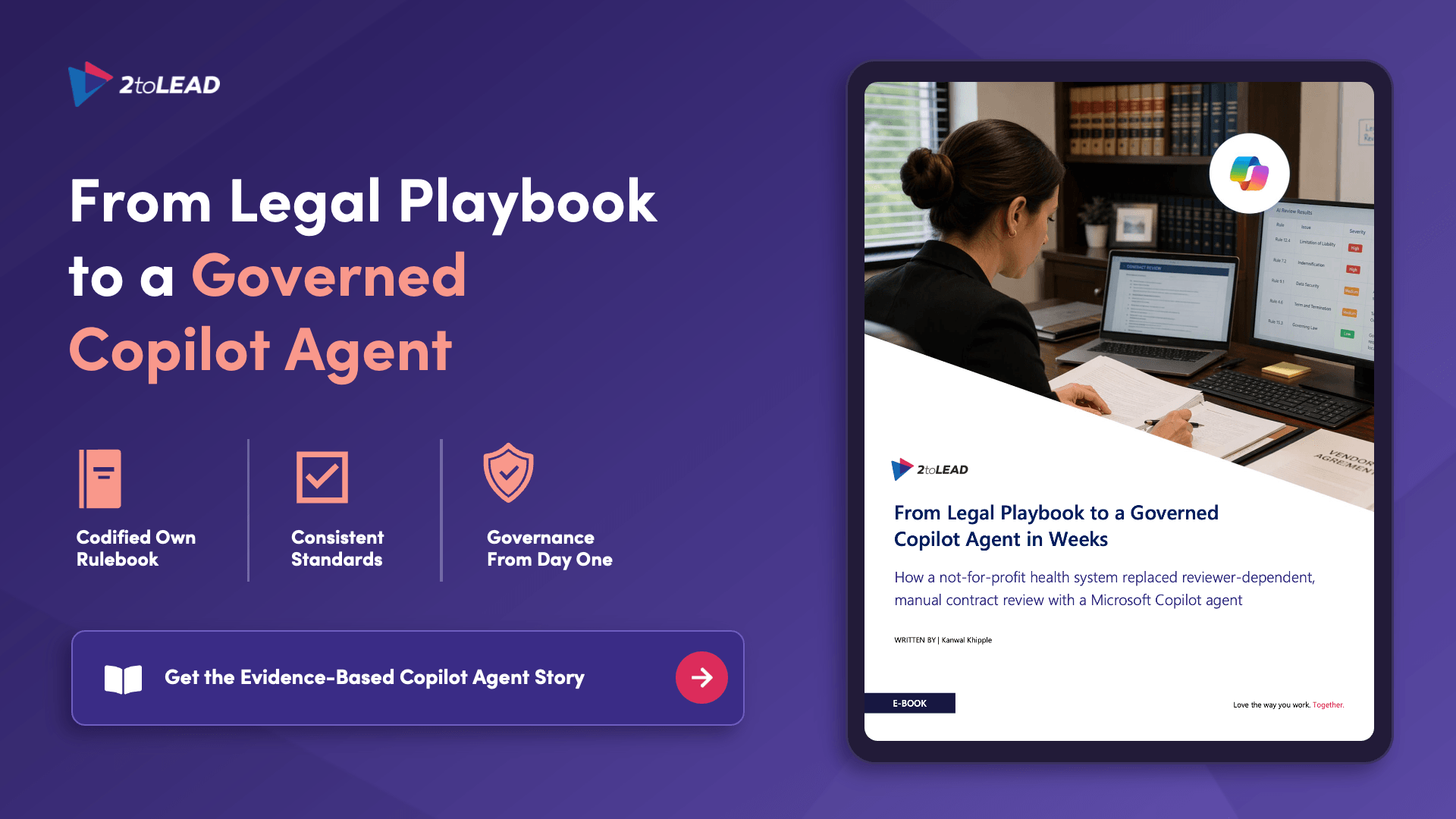
A CFO cares about ROI. A CIO cares about consolidation and governance. A security leader cares about risk. Pitch "AI" to all of them the same way and you lose sponsorship. This guide gives champions and digital workplace leaders a five-persona alignment framework and executive value messages for each leader, so Copilot scales as a platform instead of stalling as a pilot.
Download the executive alignment guide
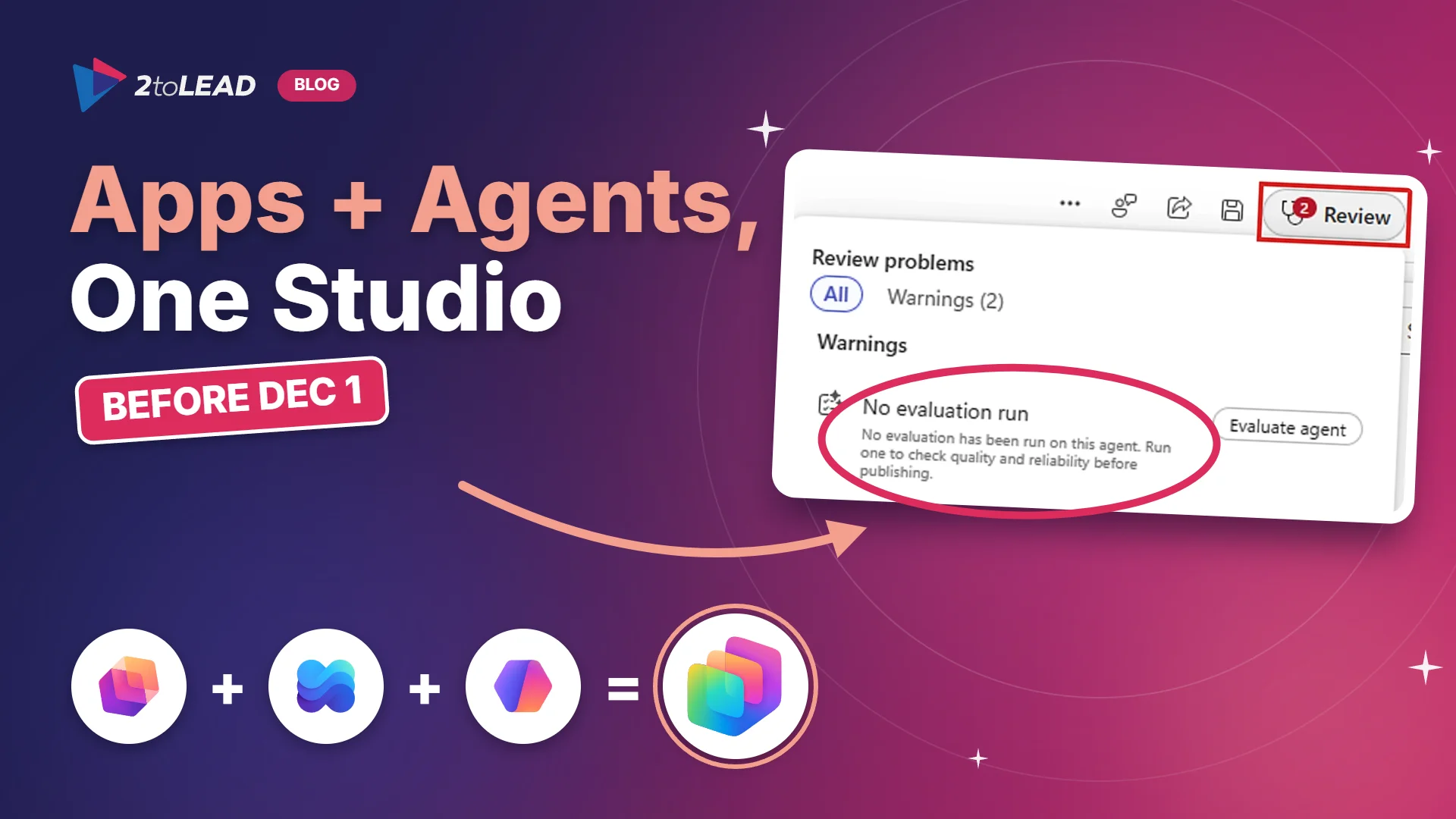
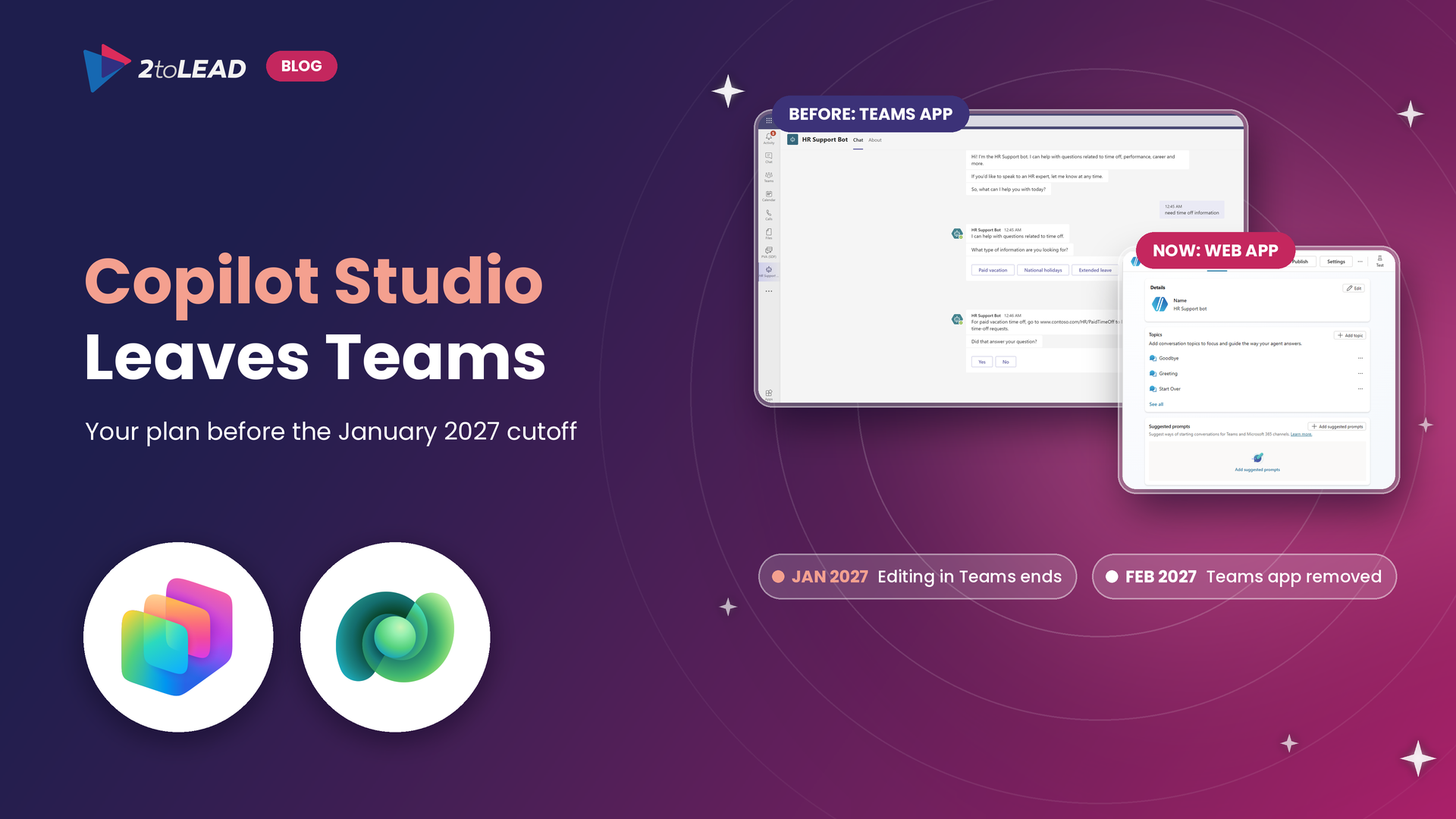
The new Copilot Studio interface changes how agents get built. If your team wants to learn Copilot Studio, build agents for your own use cases or get comfortable with the new experience, 2toLead offers private training sessions shaped around your goals, your examples and your schedule.
Book a private Copilot Studio training session
Go beyond prompts with 2toLead's Agent in a Day. It's a free, instructor-led workshop where you build agents with hands-on labs and guidance from Microsoft MVPs. No previous Copilot Studio experience is required.
Upcoming dates:
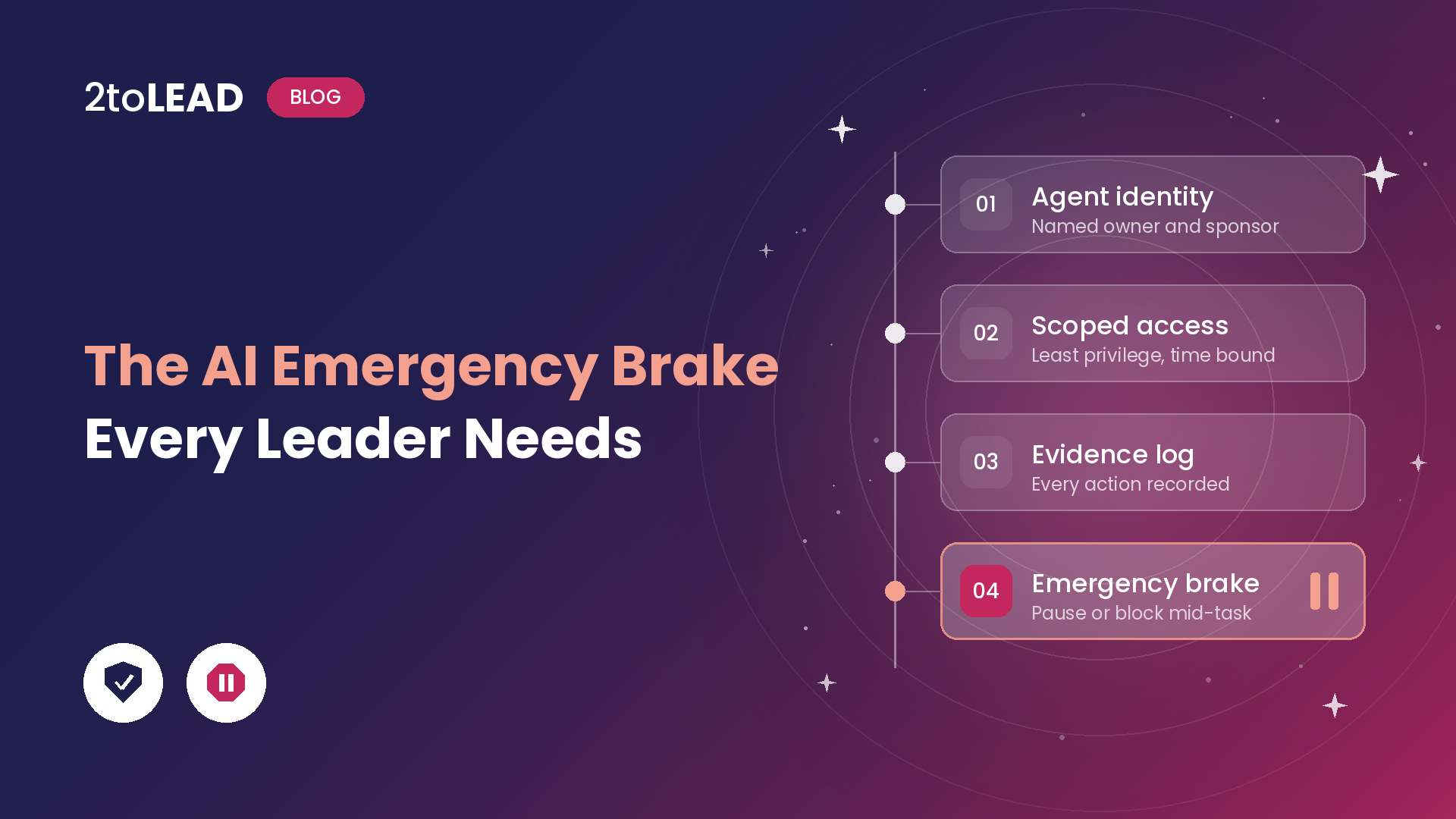
The organizations that win with Copilot won't simply be the ones with the most licenses. They'll be the ones that can explain:
If your Copilot rollout has stalled after the pilot, or you're getting ready to scale, 2toLead can help you build a roadmap that turns licenses into lasting habits.


Join Our Newsletter