By clicking “Accept”, you agree to the storing of cookies on your device to enhance site navigation, analyze site usage, and assist in our marketing efforts. View our Cookie Policy for more information.
Icon Rounded Closed - BRIX Templates
Insights

Copilot Studio Apps, Workflows and Agents: IT Leader's Guide

10 min read
share on
Copilot Studio Apps, Workflows and Agents: IT Leader's Guide

TL;DR: Microsoft's September 2026 Copilot Studio update lets makers build apps, workflows and agents in one studio. Apps and Copilot Managed Runtime are in public preview, while Foundry IQ grounding and the Review panel are generally available. This changes how solutions get built and how they get billed, because building and running these solutions draws on Copilot Credits. With usage-based billing turning on by default for new Microsoft 365 Copilot Business licenses purchased through partners on December 1, 2026, the time to set guardrails and value measures is now.

For years, solving one business process in the Microsoft stack meant juggling separate tools. A form lived in Power Apps, the approvals ran in Power Automate, and the conversational help came from a separate bot. Each piece had its own maker, its own permissions and its own budget line.

That separation is ending. Copilot Studio now brings the interface people use, the deterministic workflow the business relies on, and the agent that reasons through exceptions into one place. Microsoft frames it as one studio for building the business.

The timing matters. New Microsoft 365 Copilot Business licenses bought directly from Microsoft default to usage-based billing starting October 19, and new licenses purchased through Cloud Solution Provider partners follow on December 1, 2026, with a default limit of 4,000 Copilot Credits per user per month. The same credits fund much of what makers will now build in Copilot Studio. Organizations that decide who builds, what gets measured and what it may cost before that date will scale with confidence. Organizations that wait will be reading the bill to find out what got built.

What is changing in Copilot Studio?

The September 2026 update, published October 7, adds a new building block and several controls that make agents more predictable in production.

Swipe horizontally to see each capability, its status and what it means.

Copilot Studio capabilities announced in the September 2026 update with status and what each means for IT leaders
CapabilityStatusWhat it means for you
Apps in Copilot StudioPublic previewMakers describe an outcome, users, data and actions in plain language, and Copilot Studio drafts a working app they can refine, with the code still available for deeper changes.
Copilot Managed RuntimePublic previewMicrosoft hosts the apps people build, with identity, governed data access, lifecycle management, Git-backed versioning and central visibility.
HooksPreview (GitHub Copilot harness agents)Run required logic every time at set points in an agent run, such as session start, before or after a tool call, and on errors.
Foundry IQ integrationGenerally availableOne governed knowledge base can ground many agents, with citations and private networking support.
Expanded evaluationsRolling outNew graders for task completion, tool accuracy, safety and latency, a reusable custom grader library, and an Evaluation Viewer role for business reviewers.
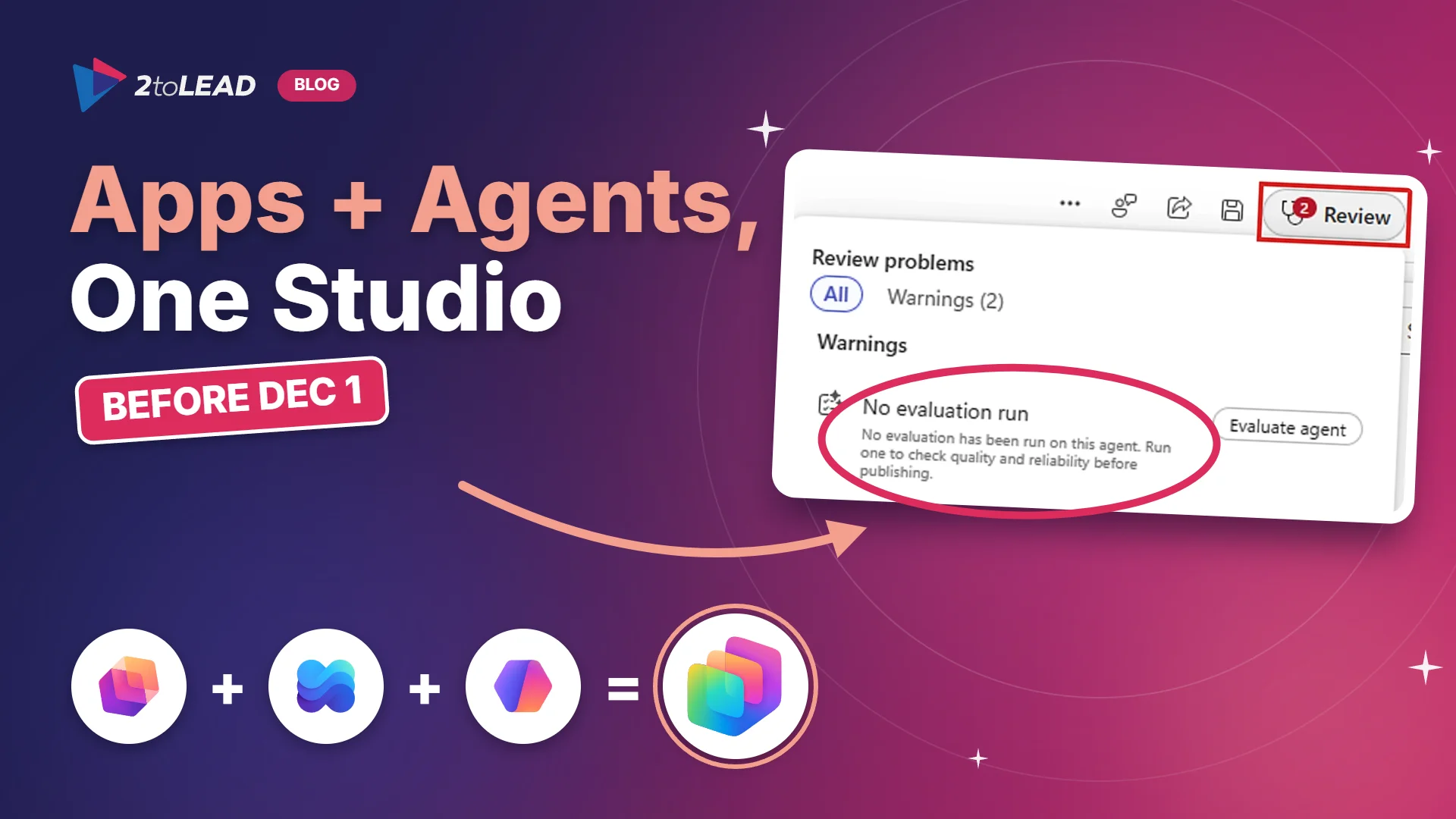
Review panelGenerally availableFlags blockers, missing evaluations and policy restrictions while an agent is being built, before anyone selects Publish.
Plugin registryRolling out to Copilot Studio over the coming weeksA central catalog of skills, connectors and agents that admins can discover and govern in one place.

The headline is apps, but the controls deserve equal attention. Hooks, evaluations and the Review panel are what turn a promising prototype into something an IT leader can sign off on. If you are still choosing which harness your agents should run on, our Copilot Studio harness decision guide explains the trade-offs, since apps and hooks both rely on the GitHub Copilot harness.

Why does one studio for apps, workflows and agents matter?

Because the question your makers ask changes. It used to be which tool should I use? Now it is which building block fits each step of this process?

Microsoft's own example is employee onboarding. An app gives managers and new hires a structured interface. A workflow runs the steps that must happen the same way every time. An agent answers questions, handles exceptions and adapts when circumstances change. One process, three building blocks, one place to build and govern them.

That shift brings three practical consequences for IT leaders.

  • More people can build complete solutions. A department lead who could only sketch a process can now produce a working app scaffold in an afternoon. That is great for speed and demanding for governance.
  • The cost model moves toward consumption. According to Microsoft's Copilot Studio licensing guide, apps can only be built with the GitHub Copilot harness, which consumes Copilot Credits, and running apps built in Copilot Studio follows Copilot Credits billing by default unless users hold Power Apps Premium licenses. Spend now tracks activity, not seats.
  • Tool boundaries blur. Teams that already compare Agent Builder, Copilot Studio and Power Apps will need a clearer decision path. Our Agent Builder vs Copilot Studio guide and App Builder vs Power Apps code apps comparison are good starting points for that conversation.

Sector notes

  • Nonprofit: Consumption billing is a real risk for grant-funded budgets. Set spending policies per program or department so a successful pilot does not quietly absorb next quarter's budget, and pair any Copilot promotions you take advantage of with a credits budget that leadership has approved.
  • Education: Faculty and staff are natural builders of small apps for course and student services. During preview, scope app building to a named group of staff makers and keep student-facing solutions behind a review gate until the features reach general availability.
  • Government: New Copilot Studio capabilities often arrive in government cloud environments later than in commercial ones. Confirm availability for your cloud before you commit a roadmap, and plan evaluations and audit logging as part of your accountability record from day one.

What should IT leaders do before December 1?

None of this requires a large program. It requires a handful of clear decisions, made before the defaults make them for you.

  1. Decide who can build apps during preview. Admins can turn app building on or off in the Microsoft 365 admin center and scope it to specific security groups. Start with a small group of trusted makers and expand as you learn.
  2. Set Copilot Credits spending policies. In the Microsoft 365 admin center, under Copilot and then Cost management, review the default policy, set per-user and overall limits, and add alerts. Agents built in Copilot Studio are also managed in the Power Platform admin center, so align both.
  3. Map one real process to the right building blocks. Pick a process with a clear owner, such as onboarding or procurement intake, and decide which steps belong in an app, which in a workflow and which need an agent.
  4. Use hooks for the steps that must always happen. Logging, required context, and blocking a risky tool call are not things to leave to an agent's judgment. Hooks make them deterministic.
  5. Make evaluation a publishing gate. Require a passing evaluation for task completion, tool accuracy and safety before anything reaches users, and give business owners the Evaluation Viewer role so they can see results without maker permissions.
  6. Give every app and agent a named owner. Inventory what exists, control who can share agents, and review it on a cadence. Our guides on controlling who can share Copilot Studio agents and the five governance workflows every Agent PMO needs show how.
  7. Fold it into your Center of Excellence. Apps, workflows and agents now share one studio, so they should share one operating model. If you do not have one yet, start with establishing a Power Platform Center of Excellence.

How do you tie Copilot Studio spend to measurable value?

Consumption billing is not a reason to slow down. It is a reason to measure. When every run has a cost, every run can also have a value, and that makes the business case easier to prove than a seat license ever was.

Start with a simple equation for each process: value per case equals minutes saved, multiplied by the loaded cost of that time, minus the credits the case consumed. For example, if an intake process saves 20 minutes per request at a loaded cost of $60 an hour, each case returns $20 of time. If the case consumes 150 credits at an assumed rate of one cent per credit, it costs $1.50. Confirm your actual credit rate, then track the numbers that matter.

Swipe horizontally to see each metric, how to measure it and why it matters.

Five metrics that connect Copilot Studio apps, workflows and agents to measurable business value
MetricHow to measure itWhy it matters
Cost per completed processCopilot Credits consumed for the process, divided by the number of cases completed end to endShows whether the solution is getting cheaper as it matures
Task completion rateTask Completion grader results in evaluations, plus production outcomesProves the agent finishes the job, not just the conversation
Hours returned to the businessBaseline minutes per case before launch, compared with minutes per case afterThe number your CFO will ask for first
Exception rateShare of cases handed to a person, tracked through hooks and telemetryReveals where the process or the agent needs work
Active useWeekly users of the app or agent against the intended audienceAdoption is the multiplier on every other metric

Two habits make these numbers credible. Capture a baseline before launch, because you cannot prove improvement without one. And review cost and value together each month, so a growing credits line is always read next to the hours it returned. For a fuller measurement framework, see Copilot adoption metrics that prove value.

Watch the governance side of the ledger too. Our analysis of why agent estates are growing faster than controls shows what happens when building scales and oversight does not. The same inventory that keeps you safe is the inventory that proves your return.

Frequently asked questions about apps, workflows and agents in Copilot Studio

Do apps built in Copilot Studio replace Power Apps?

No. Power Apps remains available and fully supported. Apps in Copilot Studio give makers a new, conversation-first way to build an app as part of a broader solution that includes workflows and agents. Choose based on the process, the makers involved and your licensing.

How are apps built in Copilot Studio licensed?

Building uses Copilot Credits. According to Microsoft's licensing guide, running an app built in Copilot Studio follows Copilot Credits usage-based billing by default, and it is included for users who hold Power Apps Premium licenses, subject to existing request limits. Check the current licensing guide before you budget, because preview terms can change.

Are these capabilities ready for production?

Some are. Foundry IQ integration and the Review panel are generally available. Apps, Copilot Managed Runtime and hooks are in preview, so treat them as pilot material with a clear exit plan rather than the foundation for critical processes today.

What is the difference between a workflow and a hook?

A workflow defines the logic to execute. A hook decides when that logic runs during an agent's session, such as at session start, around a tool call or after an error. Use both when a step must happen every time inside an otherwise flexible agent.

How can 2toLead help?

2toLead helps organizations turn Copilot Studio capability into governed, measurable outcomes. Our Microsoft MVP team can help you:

  • Pick the first process to rebuild with apps, workflows and agents, and set the baseline that proves its value
  • Configure Copilot Credits spending policies, maker access and sharing controls before the December 1 defaults arrive
  • Build evaluation gates, hooks and ownership into your Center of Excellence
  • Upskill your makers through hands-on training such as Copilot Studio in a Day

Explore more practical guidance in the 2toLead Insights hub, or talk to our team about your Copilot Studio governance plan.

No hype. Just practical, governed AI that actually gets adopted.

Book a Copilot Studio governance and ROI session
Case Study Details

Similar posts

Get our perspectives on the latest developments in technology and business.
Love the way you work. Together.™
Next steps
Have a question, or just say hi. 🖐 Let's talk about your next big project.
Contact us
Mailing list
Occasionally we like to send clients and friends curated articles that have helped us improve.
Close Modal