Every Microsoft 365 admin console now has a button that says, "Create an agent." So does Copilot Studio. So does Teams. So does SharePoint. And somewhere in your organization, someone just built one this morning without telling anyone.
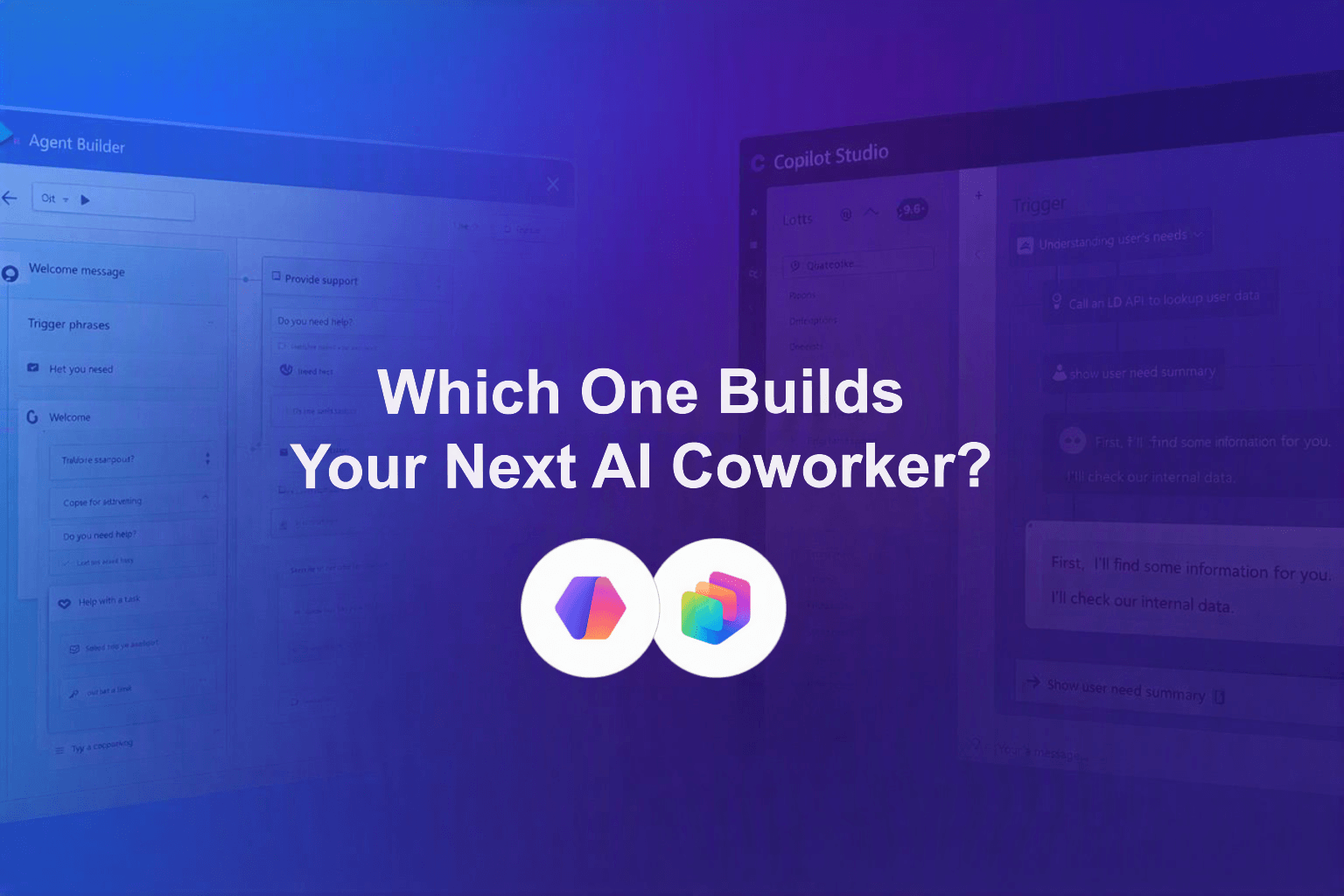
If you have opened Microsoft 365 Copilot recently, you have probably seen two very different paths to "build an agent": Agent Builder and Copilot Studio. They sound similar. They are not the same tool, they are not meant for the same job, and picking the wrong one can quietly cost you weeks of rework later.
Microsoft itself is leaning into this shift hard, framing 2026 as the year AI stops being an assistant that answers questions and becomes a "coworker" that actually gets work done. Six new enterprise capabilities rolled out this year alone, from multi-agent coordination to built-in quality evaluation, all pointing at one thing: agents are no longer a side experiment, they are becoming core infrastructure.
So where do you actually start? Let's break it down.

Agent Builder is Microsoft's low-code, minutes-to-build agent creation tool, designed for everyday Microsoft 365 users, not developers.
Think of Agent Builder as the on-ramp. It is where curiosity turns into a working prototype in an afternoon.

Copilot Studio is Microsoft's enterprise-grade platform for building, governing, and scaling AI agents across an entire organization.
If Agent Builder is the on-ramp, Copilot Studio is the highway. It is where a good idea becomes a governed, reusable, production-ready solution.

The honest answer is that this is not really a "versus." It is a journey. But the two tools do split cleanly along a few lines.
Here is the part most comparison articles will not tell you: the tool you start with is rarely the tool you finish with. The real skill for 2026 is not picking one and sticking with it. It is knowing exactly when and how to move an agent from one to the other, without breaking it or losing the trust of your IT team.
Most organizations pick a tool based on who is building the agent, not what the agent will eventually need to do.
A citizen developer builds something clever in Agent Builder. It works. People start using it. Then it gets shared. Then it gets shared again. Before long, an agent that was never designed for scale is quietly running in the background of a real business process, with no owner, no governance, and no visibility for IT.
This is not a hypothetical. Recent industry data shows that a large majority of business leaders are planning to deploy agents in the next 12 to 18 months, and employee-driven AI usage is already the norm, not the exception. That gap between grassroots experimentation and enterprise-ready execution is exactly where projects stall or, worse, where they succeed too well and become a governance headache.
The teams that get this right do not treat Agent Builder and Copilot Studio as competitors. They treat them as two stages of the same pipeline, with a clear, deliberate handoff point in between.
Here is the short version:
The harder question, the one that actually determines whether your agent becomes a success story or a cautionary tale, is knowing exactly when to make that move and how to do it without starting over from scratch.
That maker-to-developer journey, including the specific design patterns, prompt and grounding techniques, and governance foundations that make the transition smooth, is exactly what we are walking through live.
Join "From Copilot User to Agent Builder: Building AI Agents with Microsoft Copilot Studio" Thursday, July 31, 2026, 11:00 AM EDT/8AM PT, with Microsoft MVPs Kanwal Khipple and Richard Plantt.
You will get the full roadmap for choosing the right tool, building your first agent, and scaling it the right way.

Is Agent Builder free to use? Agent Builder is included with Microsoft 365 Copilot, so if your organization already has Copilot licensing, you can start building agents without additional cost.
Can I upgrade an Agent Builder agent into Copilot Studio? Yes. Agents built in Agent Builder can evolve into more advanced Copilot Studio solutions, though the process requires some rebuilding of logic, connectors, and governance controls to meet enterprise standards.
What is the difference between a Copilot agent and an autonomous agent? A standard Copilot agent typically responds to prompts and questions. An autonomous agent can execute multi-step tasks independently, often triggered by an event, without a person actively directing each step.
Do I need IT approval to build an agent? It depends on your organization's governance policies. Agent Builder agents are often created independently by employees, but any agent shared broadly or connected to business-critical systems should go through IT review, ideally before it is shared, not after.
Which tool is better for beginners? Agent Builder is the better starting point for anyone new to building AI agents, thanks to its low-code interface and minimal setup. Copilot Studio is better suited once you need scale, governance, or advanced automation.


Join Our Newsletter