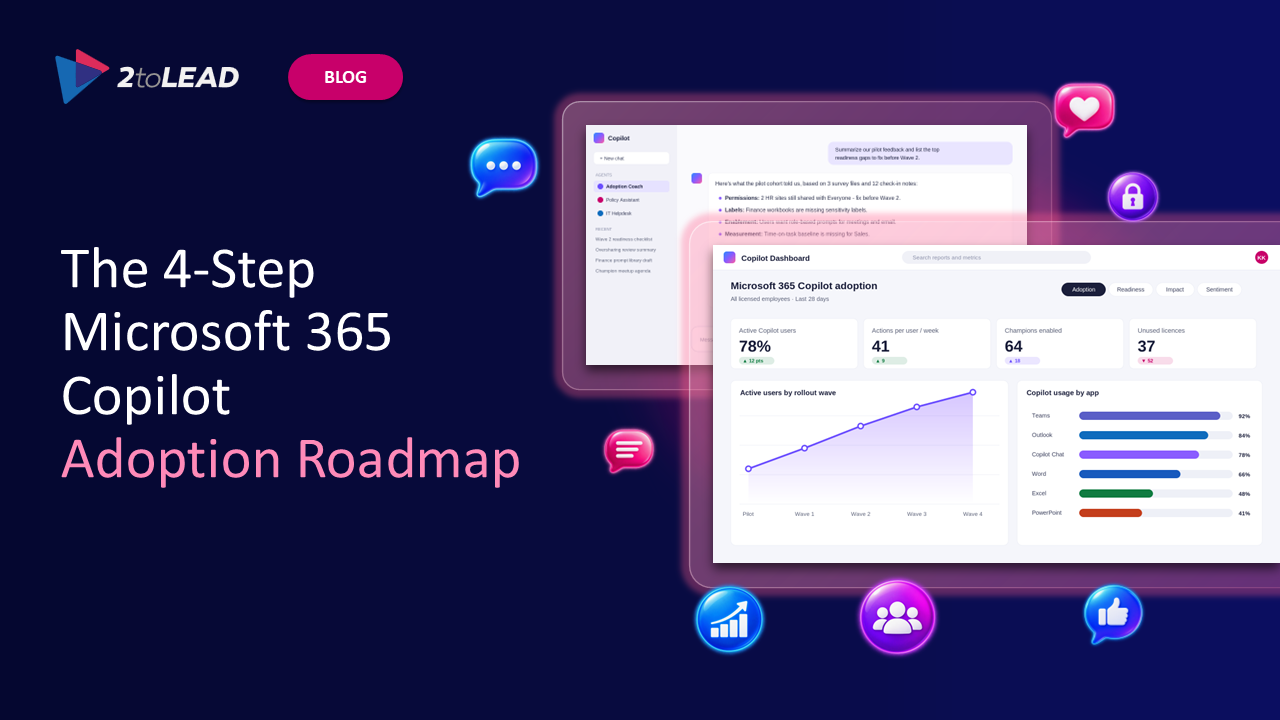
Most Microsoft 365 Copilot rollouts don't fail because of the technology. They fail because organizations skip steps. A team buys licences, hands them out, and three months later the usage reports are flat, leadership is asking about ROI, and someone has found a salary spreadsheet through a Copilot prompt.
At 2toLead, we've been helping clients with Microsoft Copilot since it was in private preview. Across that work, one pattern holds: organizations that treat Copilot as a journey with four steps get lasting value. Organizations that treat it as a licence deployment don't.
This guide brings together our four-step video and checklist series. Use it as your roadmap, whether you're about to buy your first licences or trying to rescue a rollout that has stalled.
Copilot works on top of everything your people can already access. That's its strength and its biggest risk. If your permissions are loose, Copilot surfaces content people were never meant to find. If your content is outdated, Copilot confidently summarizes old information. If your people haven't changed how they work, Copilot becomes an expensive search box.
A staged approach lets you fix the foundation, prove value with a controlled group, expand deliberately, and then extend Copilot into the systems where your business actually runs.
Goal: Make your tenant, your data, and your people ready before anyone writes a prompt.
Preparation is the step most organizations rush, and it's the one that decides everything after it. Focus on:
▶️ Watch and download the checklist: Step 1 - Preparing for Microsoft Copilot
Goal: Prove value with a deliberately chosen group and learn what works in your environment.
A pilot is not "give licences to IT and the executives." A strong pilot is designed to produce evidence. Focus on:
▶️ Watch and download the checklist: Step 2 - Piloting Microsoft Copilot
Goal: Expand to more of the organization without losing the momentum and discipline of the pilot.
In this video, our CTO and Microsoft MVP Richard Harbridge shares tips to make sure your rolling pilot goes as well as, or better than, your first one. Scaling well means:
▶️ Watch and download the checklist: Step 3 - Scaling Microsoft Copilot
Goal: Connect Copilot to the systems and data where your business actually runs.
Once Copilot is rolled out across the organization, the next opportunity is not just to optimize it but to extend what it can do. Out of the box, Copilot works with Microsoft 365 content. The step-change in value comes when it can reach your line-of-business data and act on it:
▶️ Watch and download the checklist: Step 4 - Extending Microsoft Copilot
How long does a Microsoft 365 Copilot rollout take? It depends on how ready your data and governance are. Organizations with mature permissions and labelling can move from pilot to scale much faster than those that need to clean up oversharing first.
Who should be in a Copilot pilot? A cross-functional group of heavy Microsoft 365 users with repeatable work patterns, supported by named champions and a clear way to measure results.
Do we need to fix all our permissions before using Copilot? You don't need perfection, but you do need to find and fix your highest-risk oversharing, especially organization-wide links and sites containing sensitive data, before broad rollout.
What's the difference between Copilot connectors and agents? Connectors bring external data into Microsoft 365 so Copilot can use it. Agents are purpose-built assistants that can follow instructions, use knowledge sources, and take actions within a defined process.
Whether you're preparing for your first licences or ready to build agents connected to your core systems, we can help you get there faster and more safely. 2toLead has been guiding organizations through Copilot since private preview, combining deep digital workplace experience with hands-on Copilot and agent delivery.
Book a conversation with our team and let's map out where you are on the journey and what your next step should be.


Join Our Newsletter