Heading into Microsoft Ignite 2026? Use this no-hype checklist to see which Copilot, AI agent, and security updates IT leaders should actually watch.

Every November, Microsoft Ignite turns up the volume. Dozens of sessions, a keynote full of demos, and a week of "this changes everything" posts on LinkedIn.
Here's the reality: most of it won't touch your environment on Monday morning. A handful of things will. This checklist is designed to help you spot them, ask better questions, and walk away with a plan instead of a pile of browser tabs.
The last two years were about getting access to AI tools. This year, the harder questions are taking over: Who controls these tools? Who's paying for them? And can anyone show they're working?
Use that lens for every announcement. Don't ask "Is this impressive?" Ask "Could we govern it, budget for it, and measure it?"
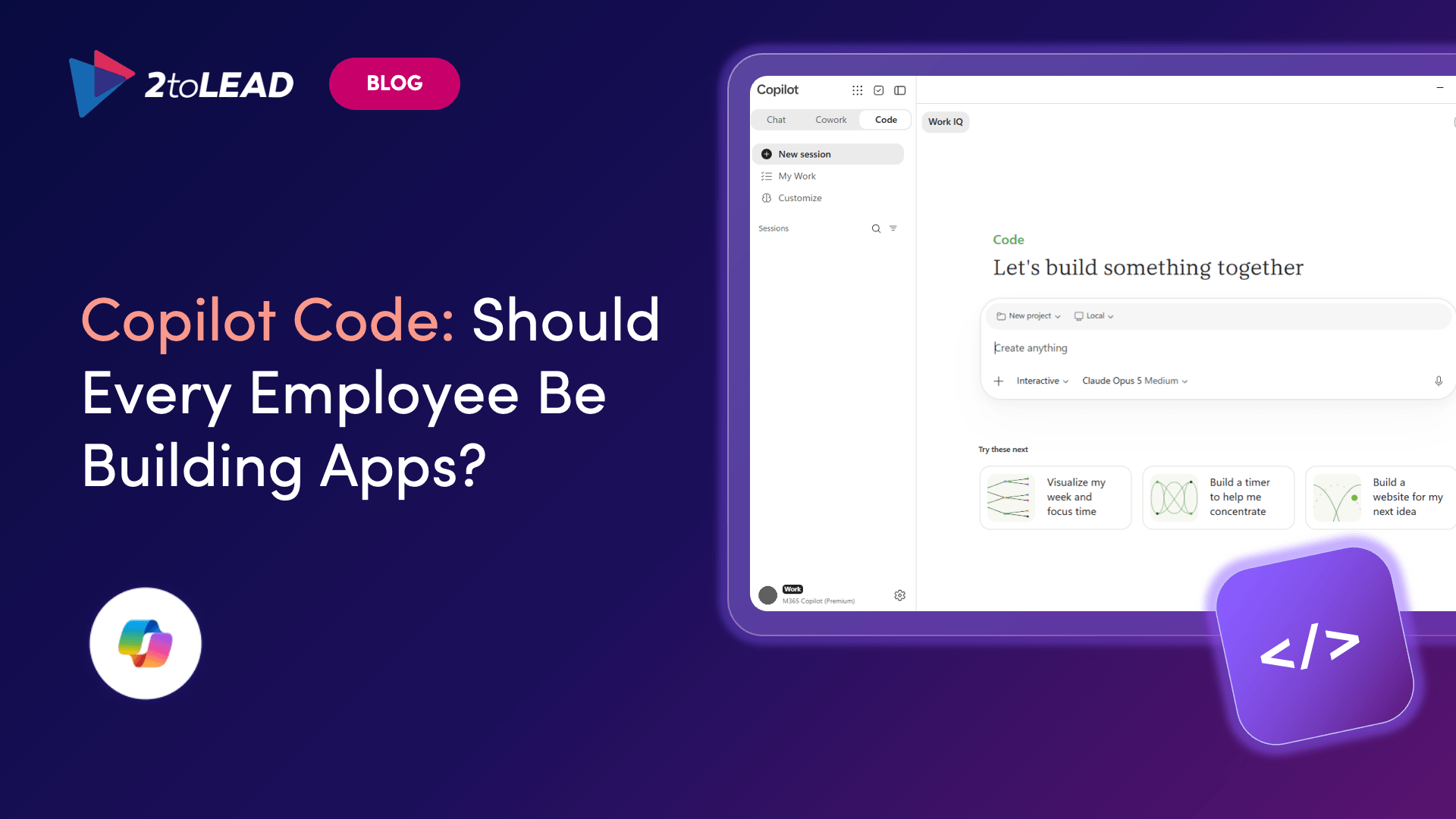
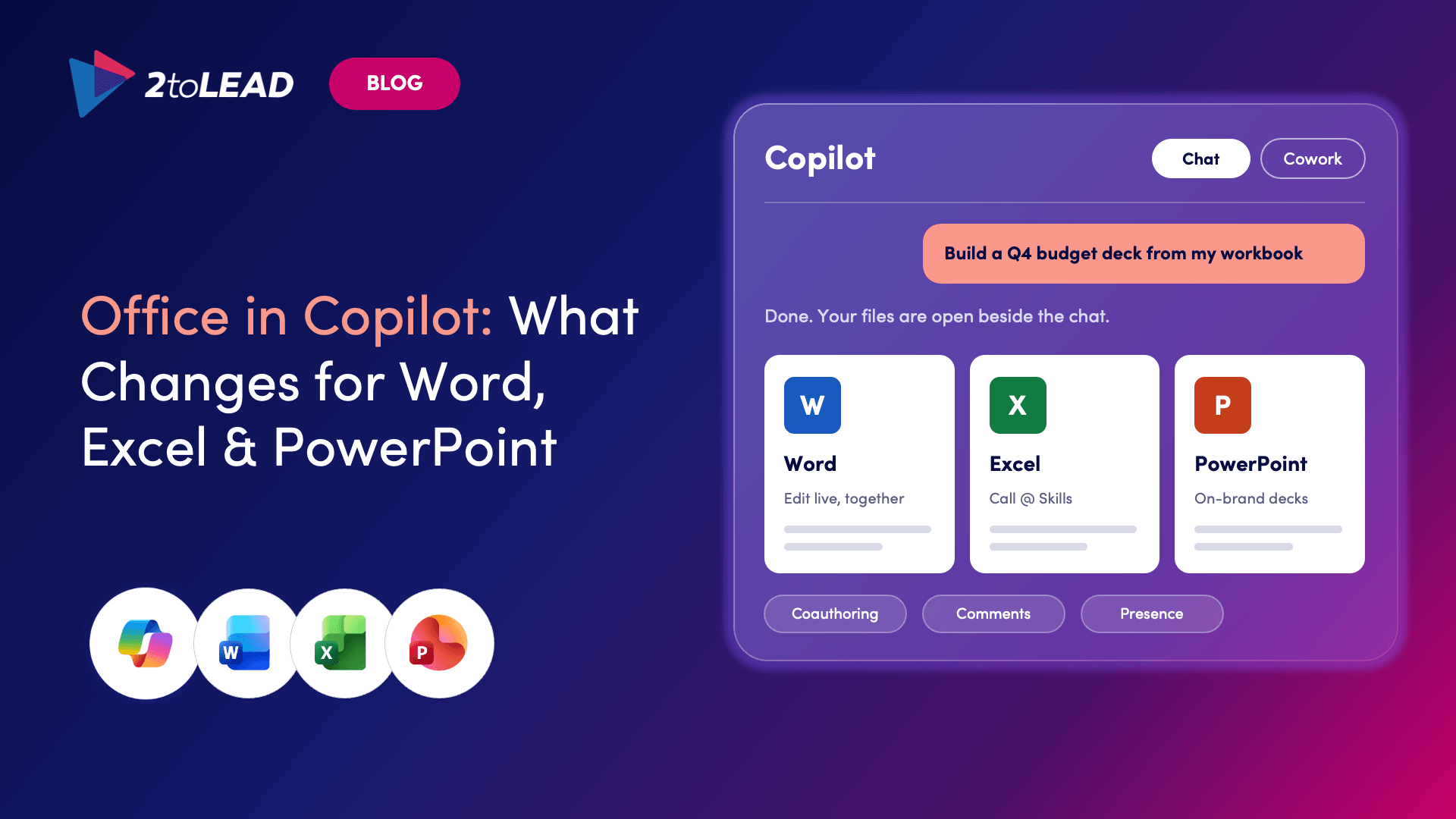
In September, Microsoft introduced a refreshed Copilot experience, including Home, Code and Autopilot. These are reaching customers first through its Frontier early-access program. One visible change: Copilot Home now combines Chat and Cowork, and plugins will start appearing in the navigation.
Watch for: When these features move beyond early access and reach everyone else. Ask yourself: If Copilot looks different next month, are our training materials and help desk ready?
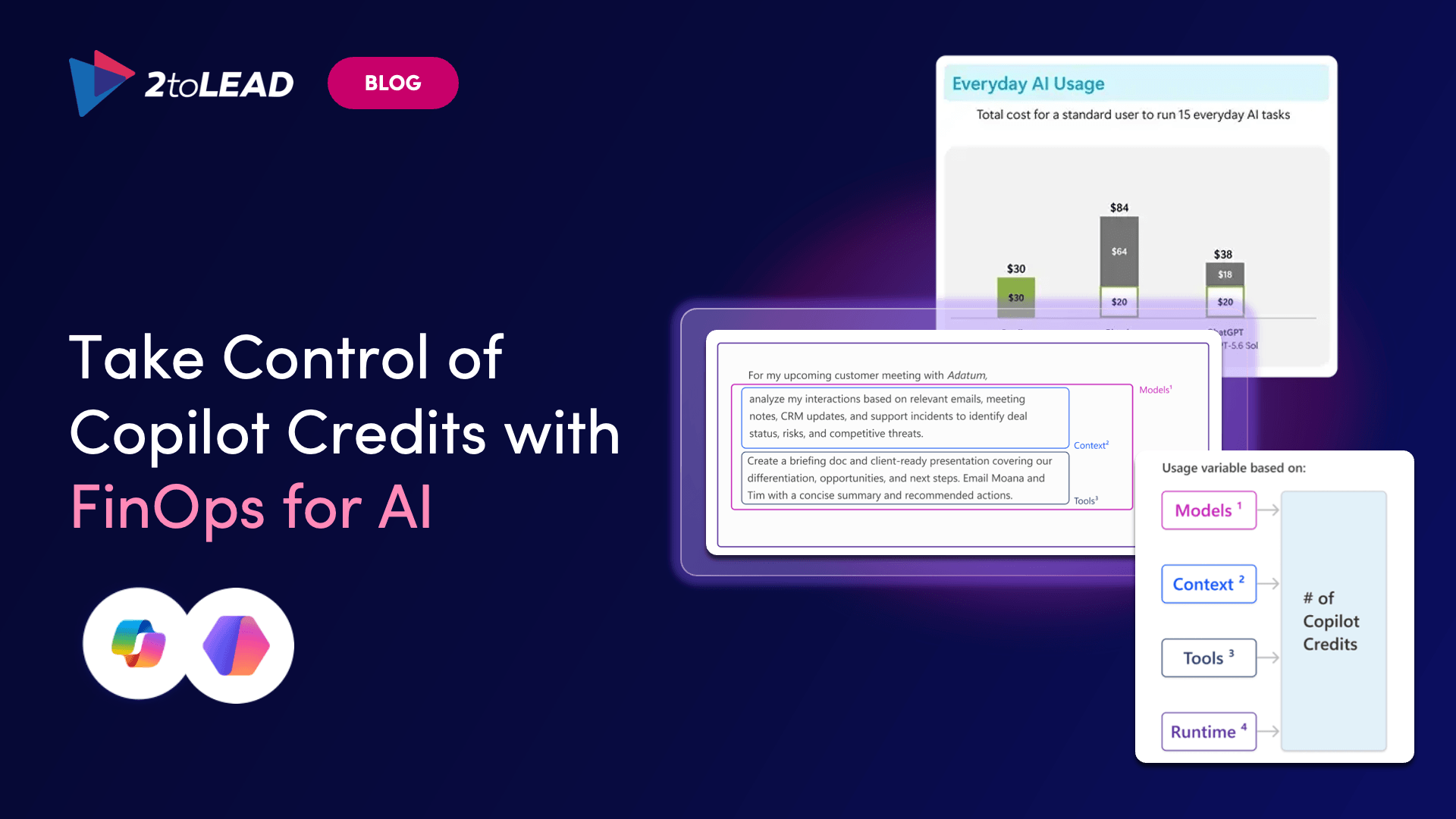
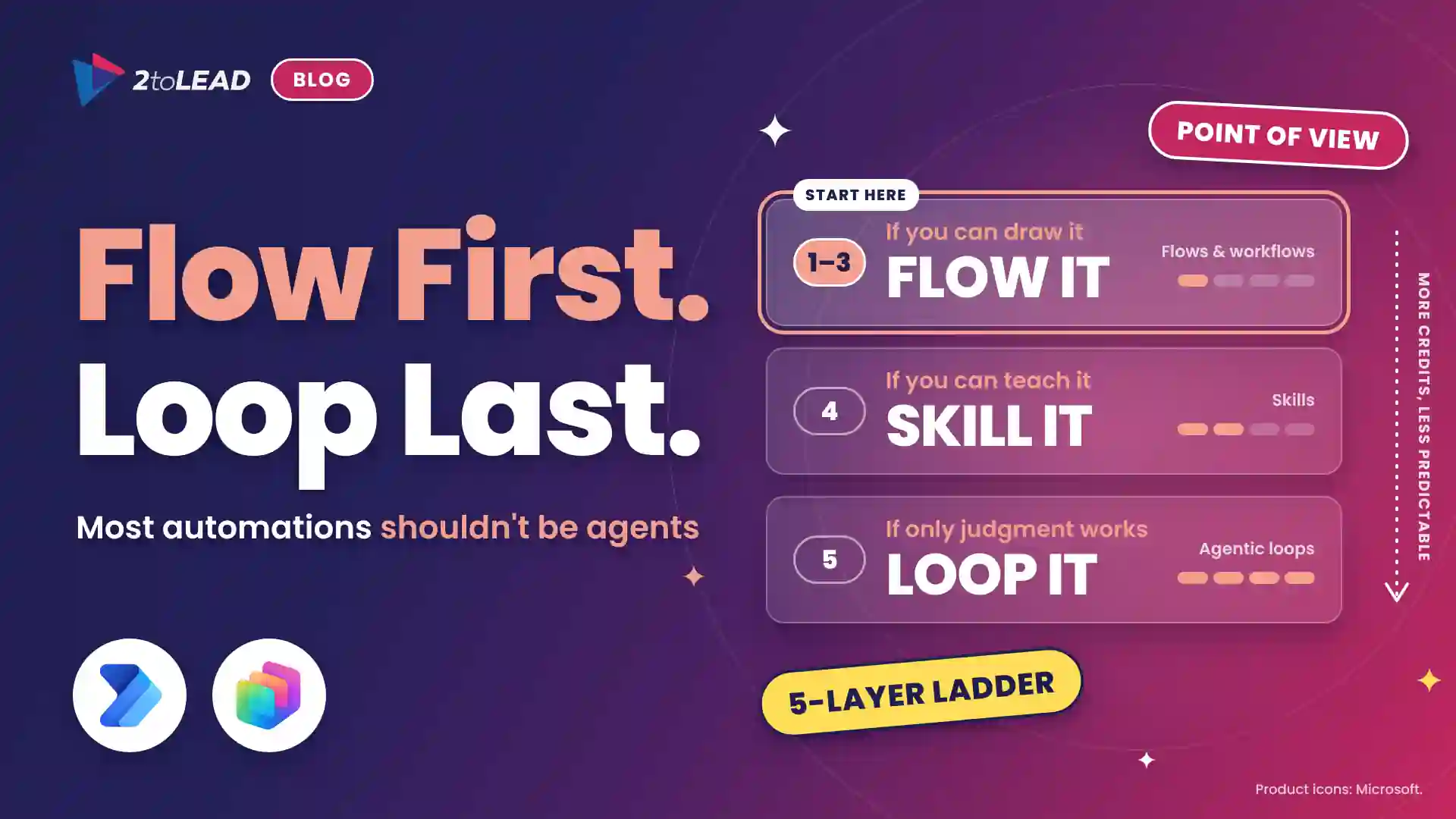
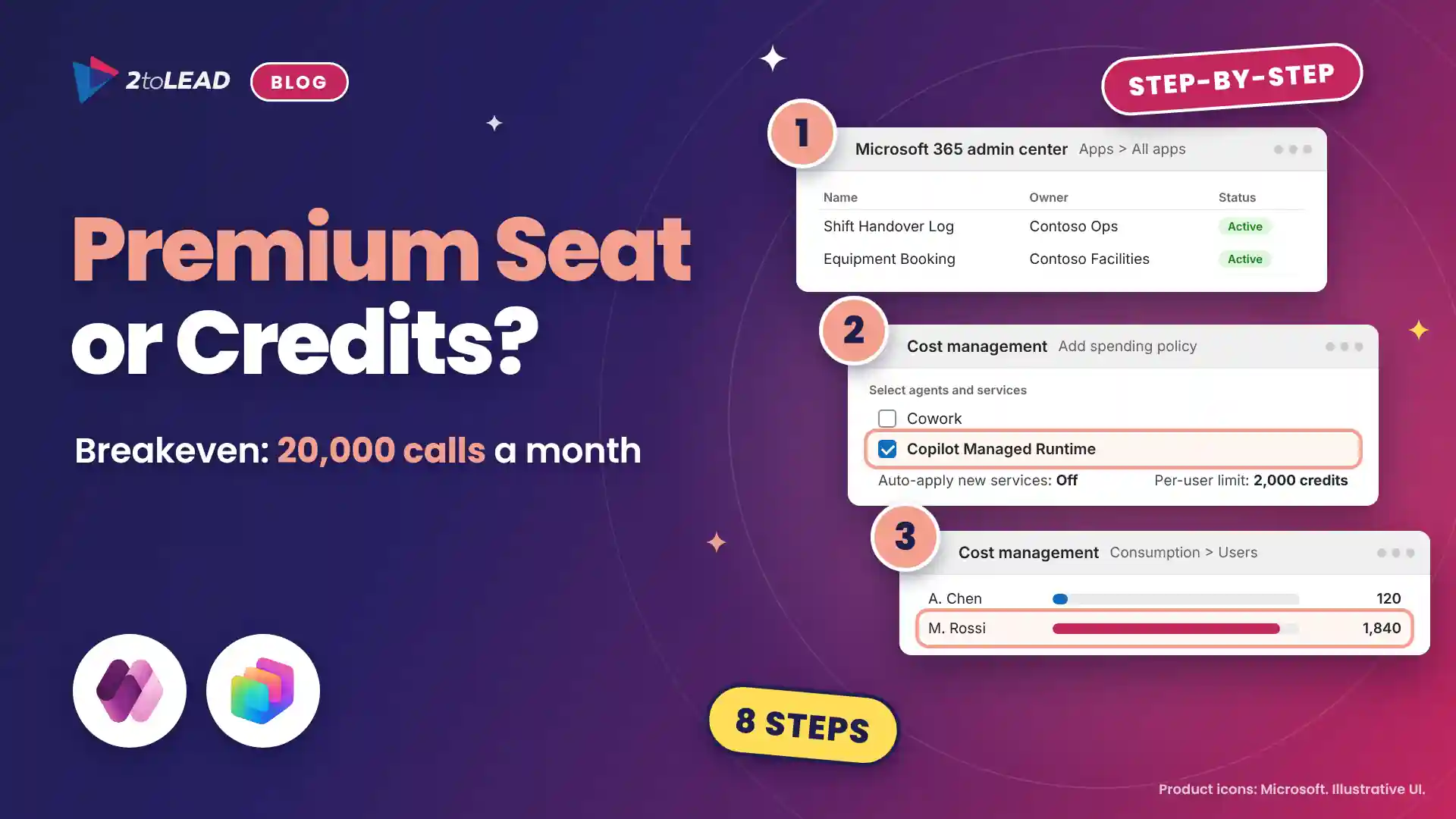
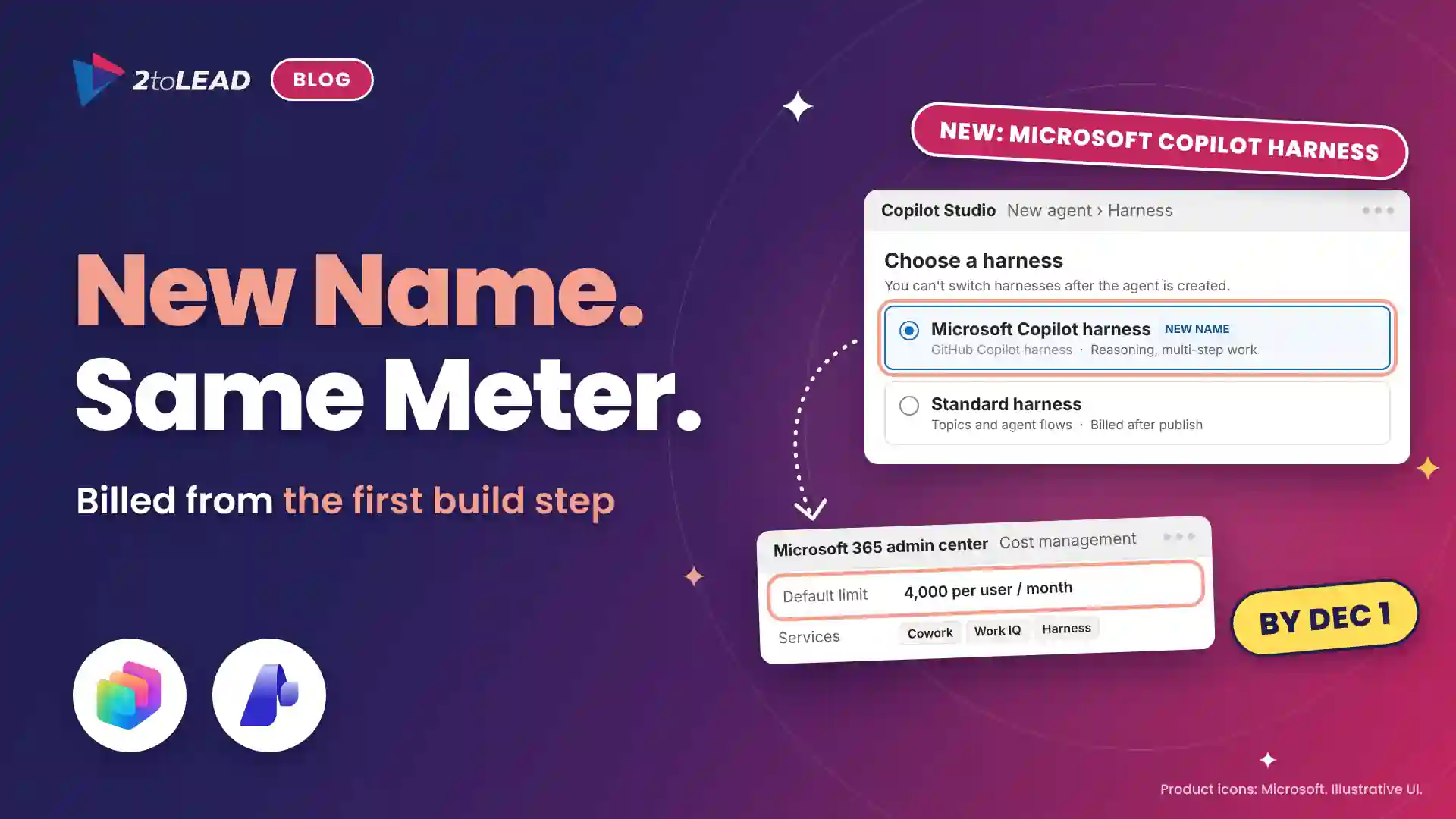
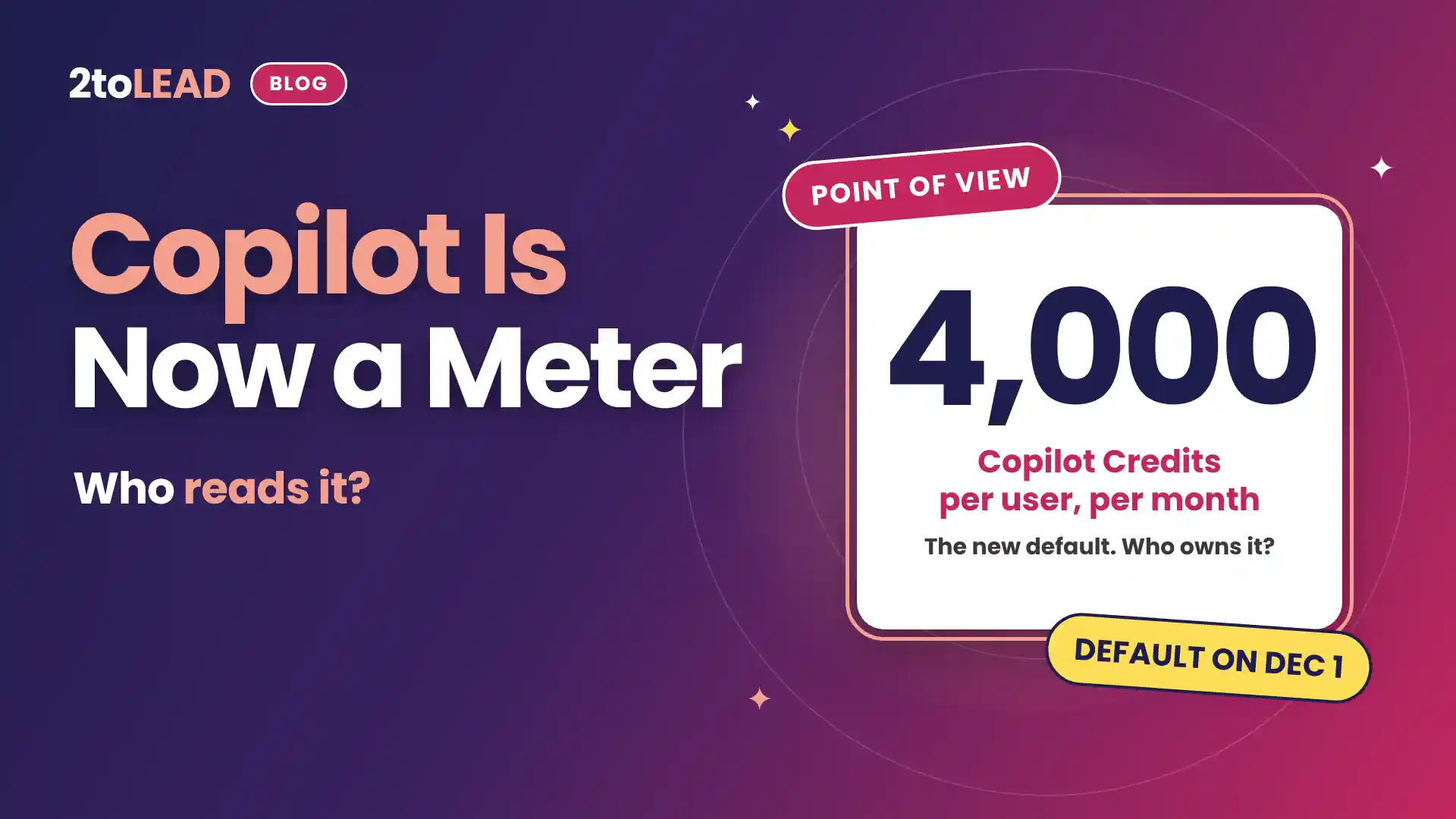
Industry coverage suggests Microsoft may move Copilot toward billing based on consumption rather than a fixed per-user fee. Microsoft hasn't confirmed details, so treat this as something to listen for, not a done deal.
In simple terms, a consumption model means your Copilot bill could depend on how much people use it, not just how many licences you hold.
Watch for: Any official pricing news, plus the controls and reports that come with it. Ask yourself: Do we have a clear picture of who uses Copilot today, and how often?
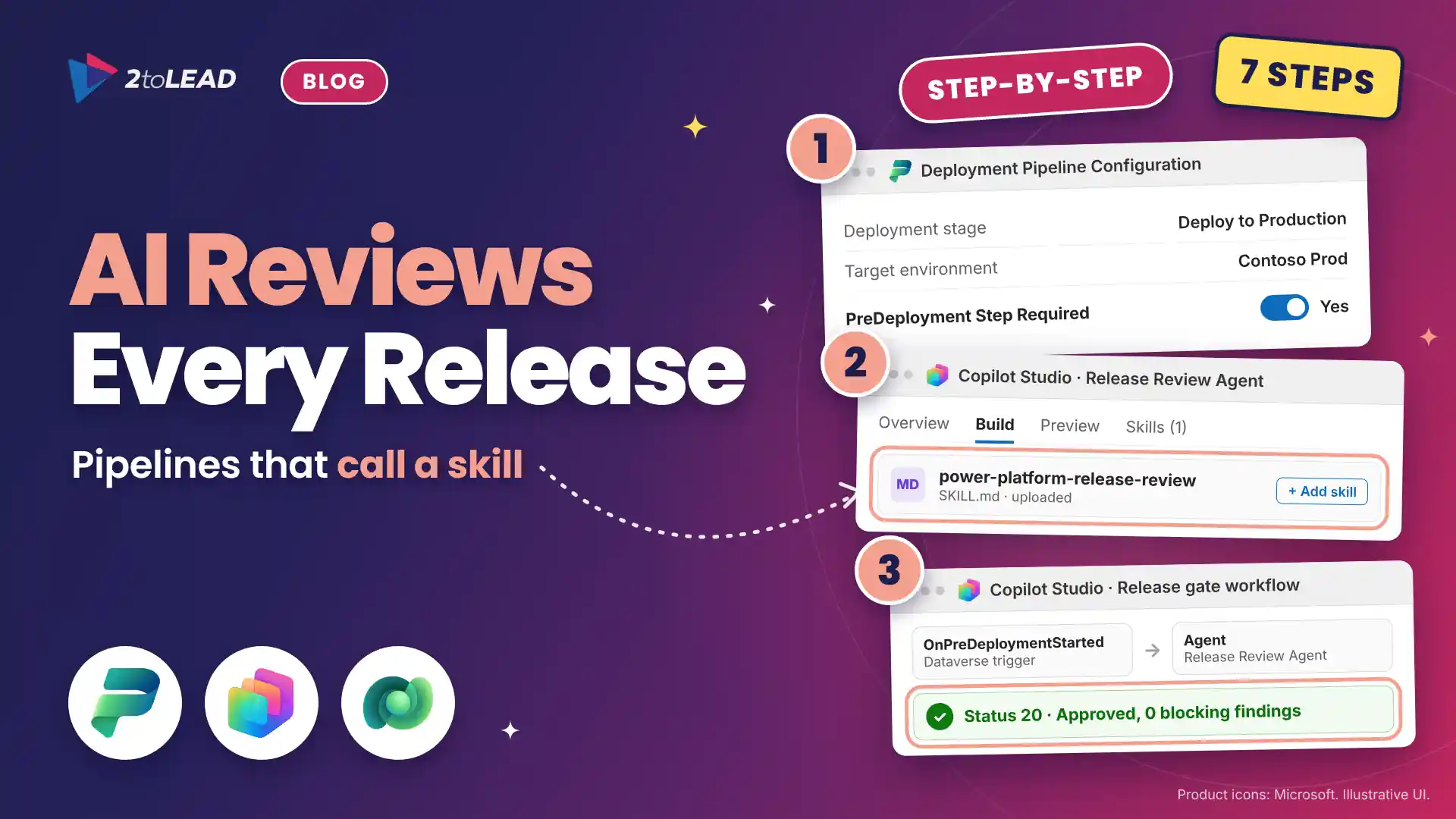
Think of a plugin as a bundle that extends what Copilot can do, combining instructions, connections to data or services, and agents into one package. In September, Microsoft launched the plugin registry, an admin-managed hub for approving and overseeing plugins across Copilot experiences. A public Plugin Catalog for browsing what's available is set to launch on November 17.
For IT teams, Microsoft says the new plugin navigation itself doesn't require back-end changes. Governance decisions, however, are still yours to make.
Watch for: Session BRK221 on November 19, which focuses on governing plugins from a single registry. Ask yourself: Who in our organization signs off on a plugin before employees can use it?
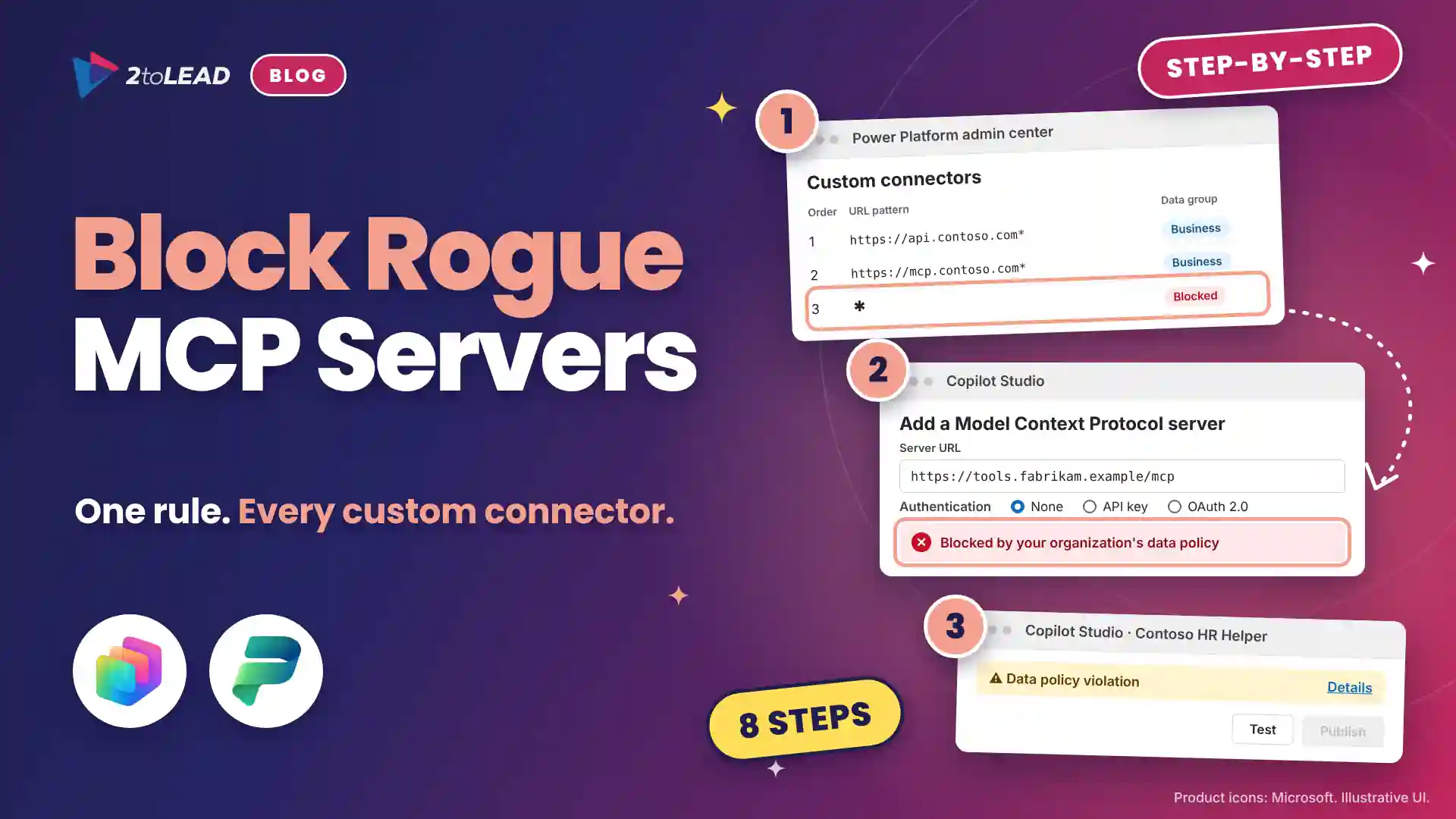
Here's the shift security teams are facing: AI agents aren't just answering questions anymore. They're signing in, reading files and taking actions. That makes deciding which agents to allow as much a security decision as a productivity one. Microsoft is treating security as a thread through the whole event, starting with the Security Pre-Day and continuing into the keynote.
Watch for: Practical answers on how admins can see what agents are doing, limit their permissions, and step in when something goes wrong. Ask yourself: Do we actually know how many agents are already running in our environment?
Ahead of Ignite, Microsoft announced new Sentinel connectors and released Unified Data Management in public preview. It's designed to simplify how teams oversee their security data in one view.
Watch for: How these updates fit Microsoft's broader vision of human analysts and AI agents working side by side. Ask yourself: Is our security team part of our AI planning, or hearing about it afterward?
A great demo isn't the same as a working deployment. The real test is everything around the feature: getting it connected to the right data, setting limits, checking its output, and showing the return is worth the cost and effort.
Watch for: Customer stories with real numbers, and whether features are generally available or still in preview. Ask yourself: Which business process would we use to prove it's working?
We'll publish our full Ignite 2026 recap after the event, with each announcement that matters already sorted into these buckets.
Agent ideas everywhere, nothing in production? Three ways we help:
A regulated health system turned its legal contract playbook into a governed Copilot agent that reviews real contracts every day.
Read the case study →Copilot licences bought, usage flat, ROI unproven? Three ways we help:
A global nonprofit turned Copilot licences into 1,115.6 hours saved and $83.7K in productivity value.
Read the case study →A sprawling intranet where nobody finds anything? Three ways we help:
Atrium Hospitality moved 7,000+ employees into one SharePoint intranet, with 40% faster document search.
Read the case study →Copilot can surface what people shouldn't see. Three ways we help:
A professional organization built a Purview-based foundation for secure AI adoption with 2toLead.
Read the case study →


Join Our Newsletter