Power Platform retirements by February 2027: verified dates for vibe, Dataverse for Teams, dev environments, Copilot Studio and Q&A, plus a triage plan.
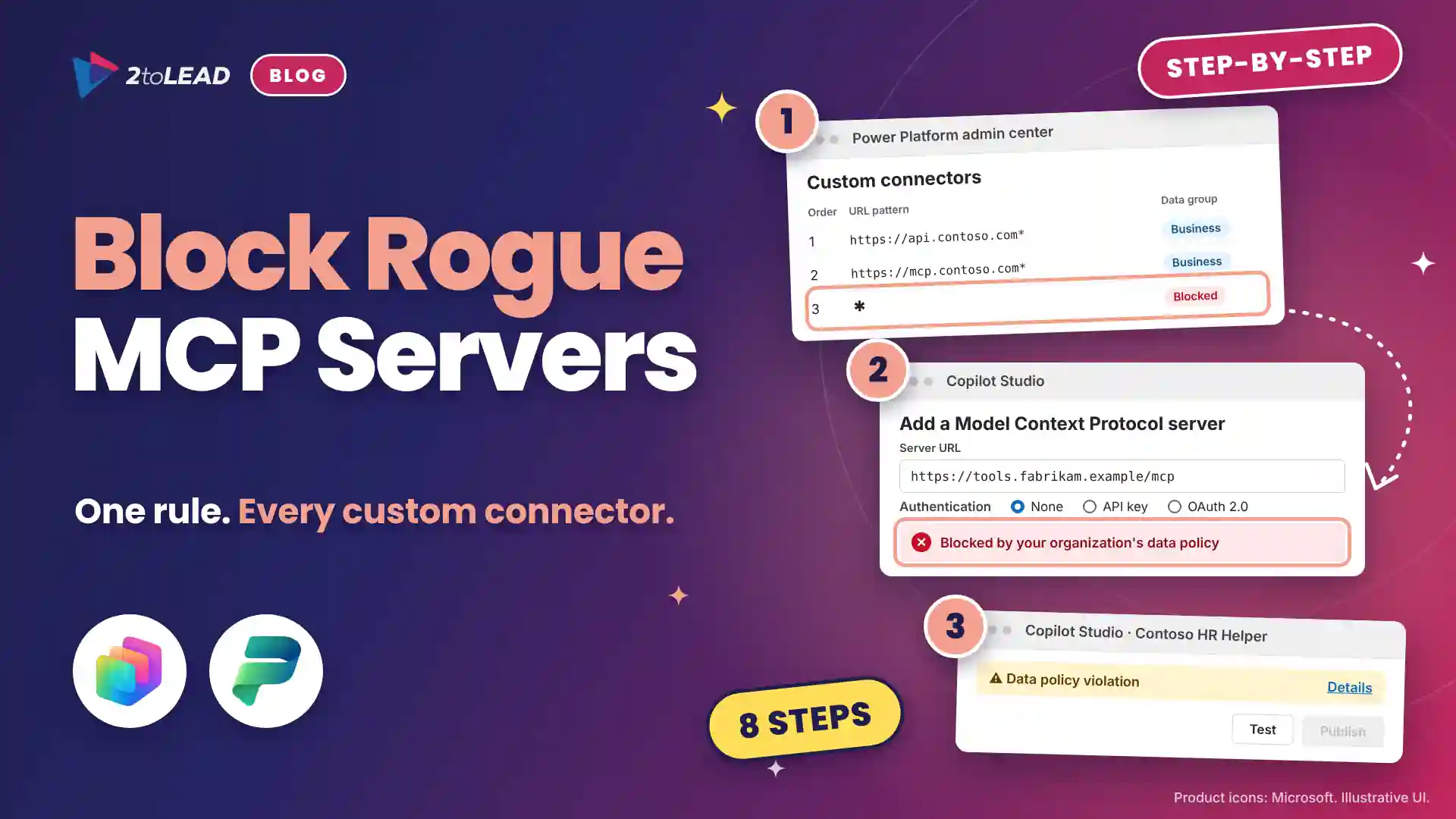
TL;DR: Five Power Platform retirements land between November 15, 2026 and February 2027: Power Apps vibe and App Builder, new Dataverse for Teams environments, unmanaged developer environments, the Copilot Studio app in Teams and Power BI Q&A. Most replacements need a premium license, Dataverse capacity, Copilot Credits or Fabric capacity. Inventory now, then upgrade, move or retire each item.
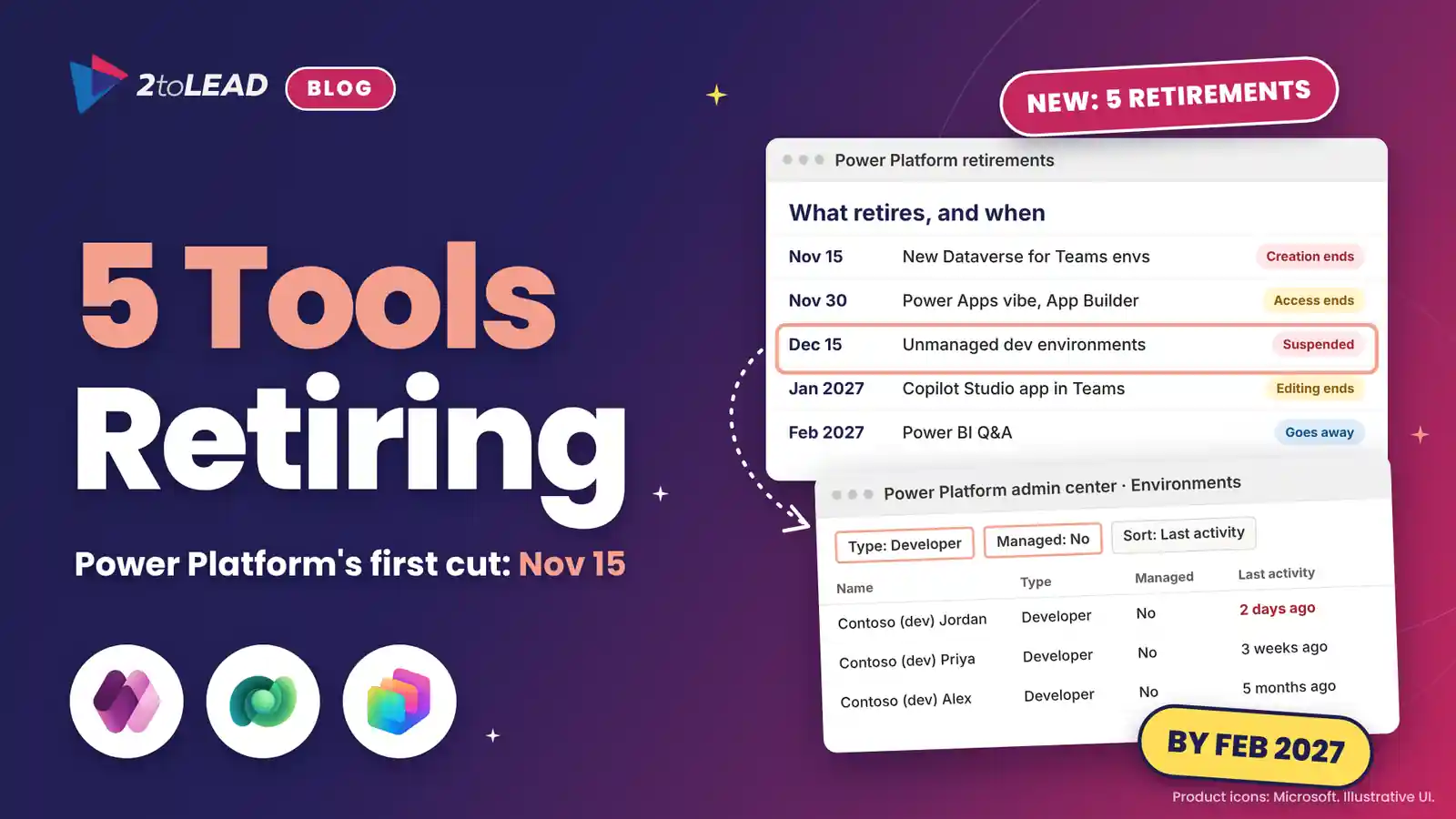
Five Power Platform retirements arrive within four months, and the first is 15 days away. On November 15, 2026, Microsoft stops creating new Dataverse for Teams environments and new unmanaged developer environments. On November 30, Power Apps vibe and App Builder close. Editing in the Copilot Studio app in Teams ends in January 2027, and Power BI Q&A goes away in February.
Seen side by side, the five share a pattern: Microsoft is closing the free, team-owned corners of Power Platform and moving that work into governed environments. Our Microsoft 365 quarterly newsletter for November 2026 maps the Microsoft 365 deadlines to owners. This article does the same for the Power Platform lead.
The tools that are retiring were free to start and easy to forget. Their replacements have an owner, a license and a meter.
Five features retire in stages between November 15, 2026 and February 2027, though existing Dataverse for Teams environments run until September 2027. Here are the dates and replacements.
Swipe horizontally to see each retirement, its dates and its replacement.
| Retiring | Key dates | What happens | Replacement |
|---|---|---|---|
| Power Apps vibe and App Builder | Access ends November 30, 2026 | Apps are rebuilt from source, not moved. Data stays put. | Copilot Cowork, Apps in Copilot Studio or a Power Apps code app |
| Dataverse for Teams environments | No new ones from November 15, 2026. Suspended September 15, 2027. Decommissioned October 30, 2027. | Existing environments keep working until they're suspended. | Upgrade to Dataverse, or export solutions to an existing environment |
| Unmanaged developer environments and the Power Apps Developer Plan | No new ones from November 15, 2026. Suspended from December 15, 2026. Deleted from January 15, 2027. | Apps, flows, agents, Power Pages developer sites and data become unavailable. | Managed developer environments, one per maker |
| Copilot Studio app in Microsoft Teams | Creation ended June 2026. Editing ends January 2027. App removed February 2027. | Published agents keep running. | The Copilot Studio web app |
| Power BI Q&A and Q&A setup | Going away February 2027 | Q&A in reports, dashboards, mobile and embedded scenarios stops working. | Copilot in Power BI, with Prep data for AI replacing Q&A setup |
Smaller removals follow: copresence and AI-generated model-driven app descriptions after November 30, and Power Apps Ideas and formula generation in canvas apps after December 11. All of them sit on Microsoft's list of important changes coming in Power Platform.
They move work from free, team-owned spaces into governed environments that someone has to license and fund. That is good governance, and a budget decision most organizations haven't made yet.
Easy building is also why so much of it has no owner, the pattern behind why agent sprawl is the new shadow IT. Here is where the cost shows up:
Three sectors should look closer:
Each retirement has one detail that changes the plan.
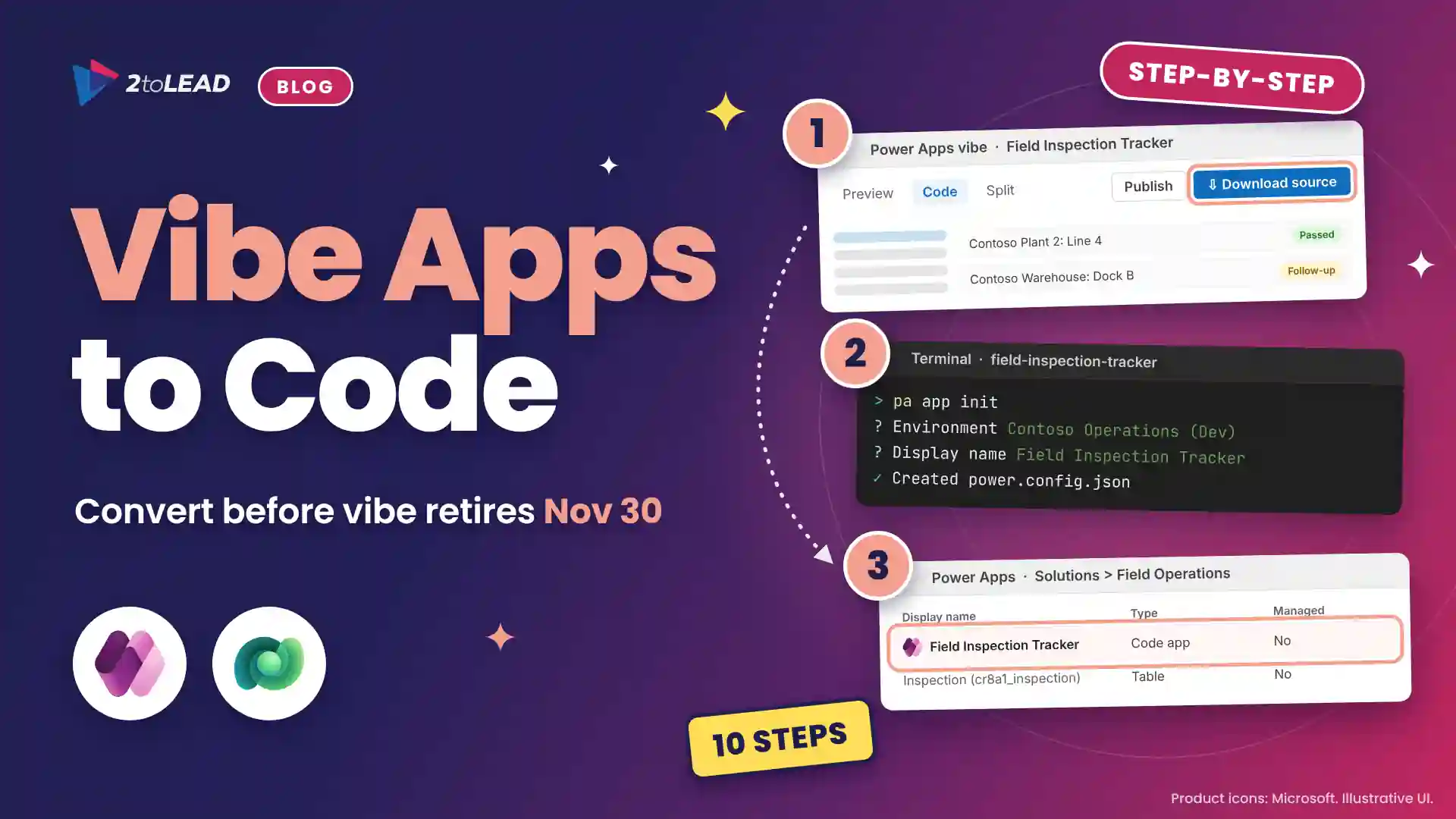
Vibe and App Builder apps stay accessible until November 30, 2026. Migration rebuilds an app from its downloaded source code rather than moving it. Data in Dataverse tables or SharePoint lists stays put, but draft tables, connections and sharing links don't carry over, and Microsoft's vibe migration guidance notes that rebuilt apps can't yet move between environments.
The App skill in Copilot Cowork requires the Frontier program, and Apps in Copilot Studio is in public preview; both consume Copilot Credits. Our App Builder and vibe.powerapps.com retirement plan covers the seven steps.
Dataverse for Teams is a subset of Microsoft Dataverse that Teams creates the first time someone builds an app, flow or agent in a team, capped at 2 GB and without direct API access, custom connectors, desktop flows or AI Builder. From November 15, 2026, Teams stops creating these environments, including from Teams app catalog installs.
Existing environments keep working until September 15, 2027, when any not upgraded are suspended, and they're decommissioned on October 30, 2027. The team's channels, chats and files aren't affected. An upgrade in the Power Platform admin center keeps apps, flows, agents and data, makes team owners System Administrators and unties the environment from the team. You can also export solutions into an existing Dataverse environment.
From November 15, 2026, the free Power Apps Developer Plan no longer creates a developer environment. Existing unmanaged developer environments are suspended from December 15 and deleted from January 15, 2027, with their apps, flows, agents, Power Pages developer sites and data.
To keep one, enable Managed Environments on it before December 15, which needs standalone premium licenses for the people who build and run in it. Otherwise, export its solutions to a sandbox. From now on, each maker gets one managed developer environment, which environment routing can create automatically.
Creating classic agents in the Teams app ended in June 2026. Editing ends in January 2027 and the app leaves Teams in February 2027 (Message center post MC1511056). Published agents keep answering employees; makers manage them in the Copilot Studio web app.
The catch: the Copilot Studio Teams plan only supports Dataverse for Teams environments, so most of these agents inherit that retirement too. Upgrading keeps the agent, but Microsoft notes qualified sessions can then be billed. Our Copilot Studio Teams app retirement plan has the six steps.
Microsoft first announced the retirement for December 2026; Microsoft Learn now says Q&A goes away in February 2027. Q&A in reports, dashboards, mobile and embedded scenarios stops working, as does Q&A setup, including synonyms and Teach Q&A.
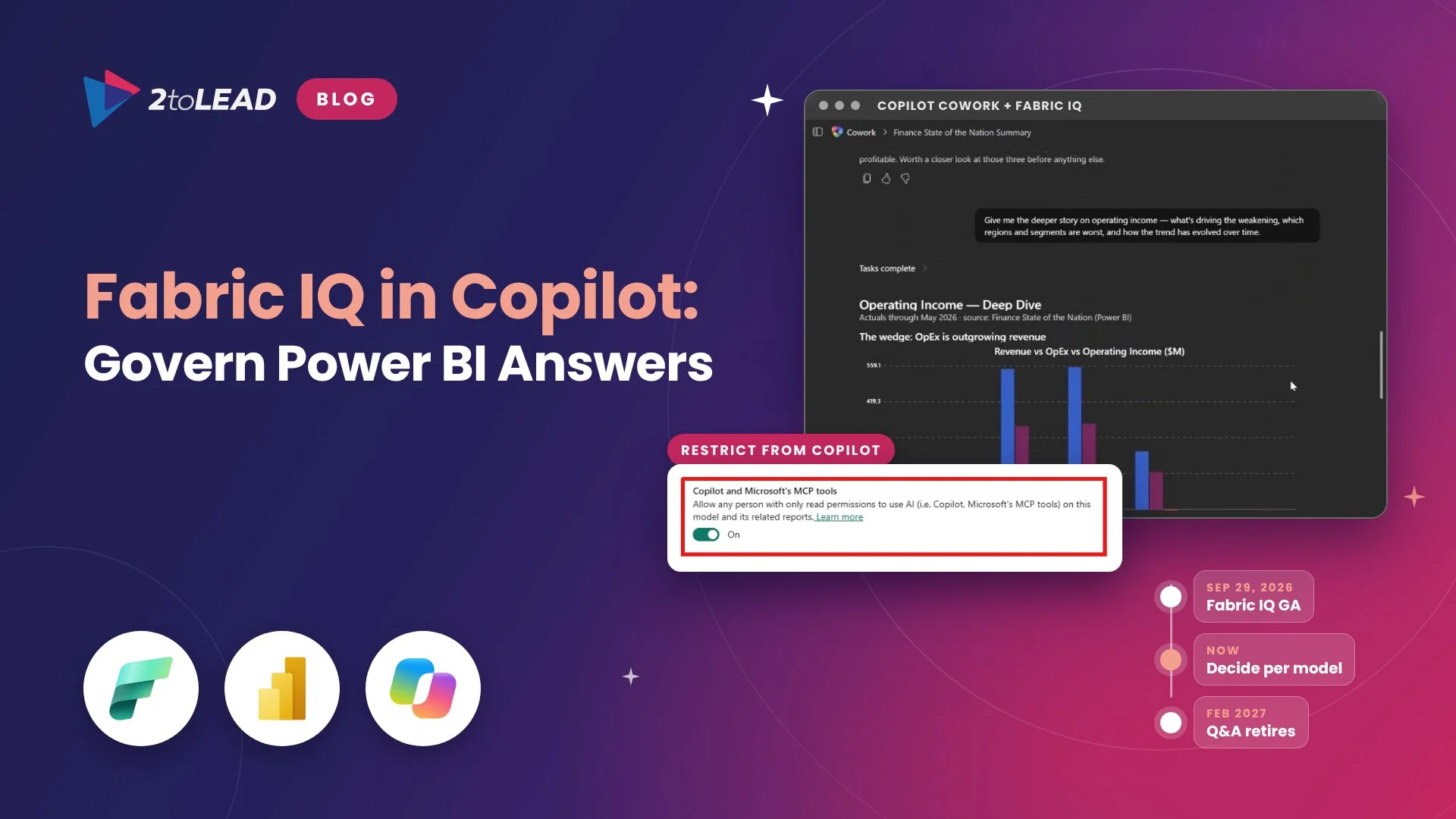
Microsoft recommends Copilot in Power BI instead, with Prep data for AI replacing Q&A setup. Copilot needs the capacity described above, so find reports with Q&A visuals now and decide which audiences get Copilot and which get a standard visual. First, review how to control which data Copilot in Power BI can use.
Sort every item into keep, move or retire, using last activity, a named owner and business impact. Make the license decision before the technical one.
Swipe horizontally to see when to keep, move or retire each item.
| Item | Keep it when | Move it when | Let it retire when | Who decides |
|---|---|---|---|---|
| Vibe or App Builder app | Developers will own it and it needs releases: convert to a code app | Makers will keep changing it: rebuild in Copilot Studio or Cowork | No weekly users or no owner | App owner and Power Platform lead |
| Dataverse for Teams environment | It's active, business-critical and its users can be licensed: upgrade | One or two solutions are worth keeping: export to an existing environment | No activity in 90 days, or a SharePoint list will do | Team owner and Power Platform admin |
| Unmanaged developer environment | The maker holds a premium license and still builds there: enable Managed Environments | The work matters but the license doesn't fit: export to a sandbox | It only held tests or tutorials | Maker and Power Platform admin |
| Classic agent built in Teams | It's accurate, used and owned: manage it in the web app | Demand has outgrown classic topics: modernize it | Few conversations and no owner | Agent owner and Copilot Studio lead |
| Report with Q&A | The audience sits on Copilot-ready capacity: switch to Copilot | The question is always the same: replace it with a standard visual | Nobody has viewed it this quarter | Report owner and BI lead |
Last activity is your fastest filter. The Power Platform admin center shows it for every environment, and a Power Platform Center of Excellence inventory adds the apps, flows and agents inside them.
Start with the two deadlines that hit first: steps 1 to 3 fit before November 15, and steps 4 to 7 carry you through February.
Compare the cost of keeping everything with the cost of keeping what people use. The gap usually pays for the triage many times over.
In a 2toLead illustrative model (swap in your own figures), a 1,200-person healthcare network finds 24 Dataverse for Teams environments whose apps reach 520 people. Upgrading all of them and licensing every user at Power Apps Premium costs $10,400 a month, or $11,440 at the $22 price for renewals from January 1, 2027.
Triage changes that. Fifteen environments show no activity in 90 days. Of the nine still in use, four are upgraded, three move into one existing Dataverse environment as solutions and two become SharePoint lists. The kept apps reach 150 people: $3,000 a month at $20, or $3,300 at $22.
That is $7,400 a month, about $88,800 a year, at today's price. The triage takes about 60 hours of admin and owner time, roughly $5,400 at a $90 loaded hourly rate, so it pays back in the first month. Then track environments retired, licenses avoided and the share of kept apps with a named owner.
Four questions come up most.
No. November 15 only stops new Dataverse for Teams environments from being created. Existing environments keep working until September 15, 2027, when any that haven't been upgraded to Dataverse are suspended, and they're decommissioned on October 30, 2027.
Yes. After the upgrade, people who use the environment's apps, flows and agents need Power Apps, Power Automate or Copilot Studio licenses, and the environment's storage counts toward your tenant's Dataverse capacity.
They start being suspended, and their apps, flows, agents, Power Pages developer sites and data become unavailable. Deletion starts January 15, 2027. Enable Managed Environments or export your solutions before December 15 to keep your work.
Microsoft Learn says Q&A experiences go away in February 2027. Microsoft recommends Copilot in Power BI, which needs a paid Fabric capacity (F2 or higher), Power BI Premium (P1 or higher) or a Fabric Copilot capacity.
2toLead helps organizations in healthcare, nonprofit, education, financial services, professional services, government and manufacturing govern what their teams build. In a fixed-scope, two-week Power Platform Retirement Triage Sprint, our Microsoft MVP team will:
Find more practical guidance on the 2toLead Insights hub, or book a Power Platform Retirement Triage Sprint before the first deadline on November 15.
No hype. Just practical, governed AI that actually gets adopted.
Copilot can surface what people shouldn't see. Three ways we help:
A professional organization built a Purview-based foundation for secure AI adoption with 2toLead.
Read the case study →A sprawling intranet where nobody finds anything? Three ways we help:
Atrium Hospitality moved 7,000+ employees into one SharePoint intranet, with 40% faster document search.
Read the case study →


Join Our Newsletter