By clicking “Accept”, you agree to the storing of cookies on your device to enhance site navigation, analyze site usage, and assist in our marketing efforts. View our Cookie Policy for more information.

Convert Vibe Apps to Code Apps by Nov 30: 10-Step Guide

Convert vibe apps to code apps before Power Apps vibe retires November 30: 10 steps, a migration decision matrix, common mistakes and ALM best practices.
Convert Vibe Apps to Code Apps by Nov 30: 10-Step Guide
share on

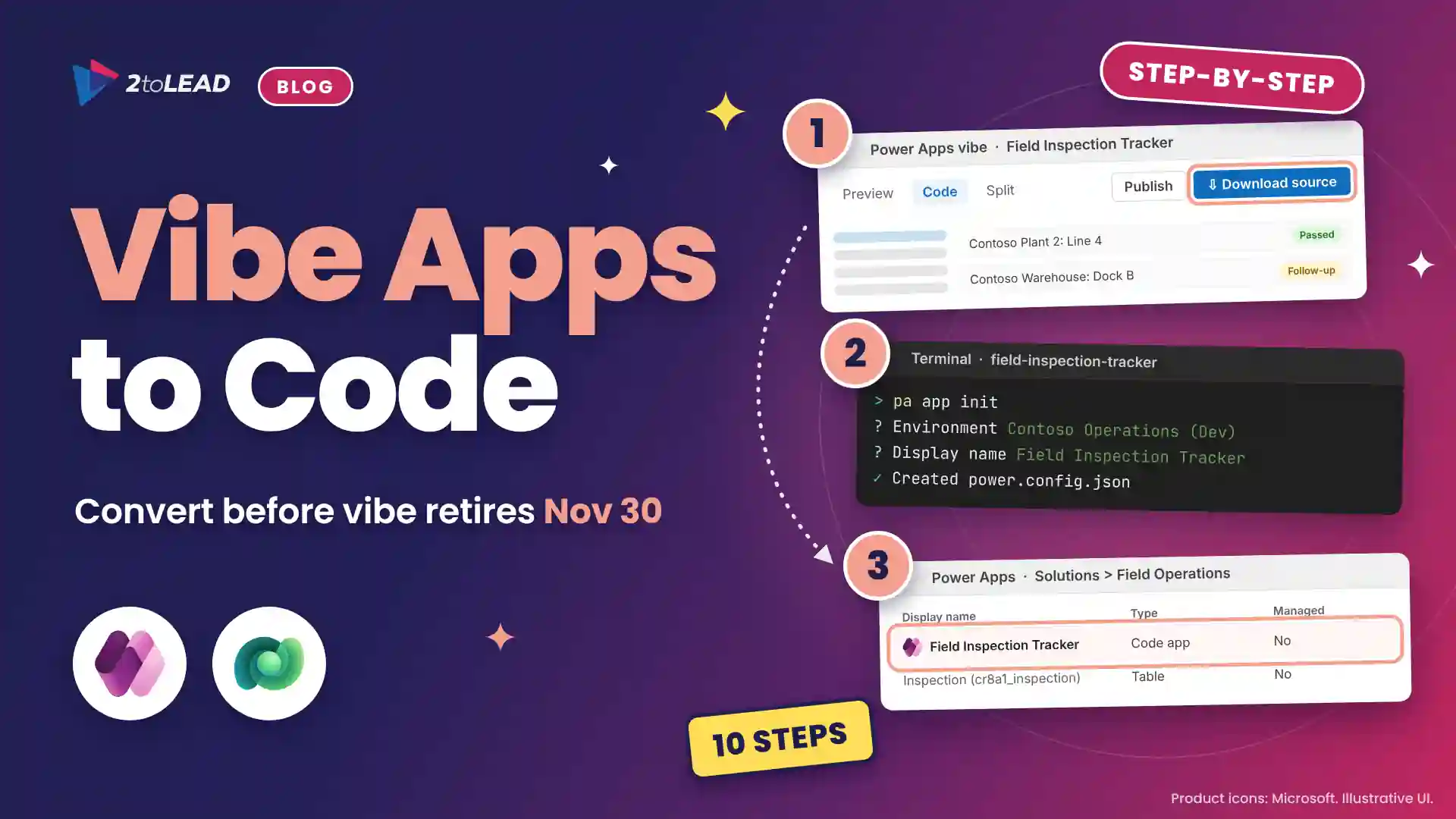
To convert vibe apps to code apps, download each app's source from vibe.powerapps.com before access ends on November 30, 2026, initialize it with the Power Apps CLI, restore its data connections and publish it into a solution. Choose this path when an app needs source control, Dev-to-Production releases and a developer who owns it.

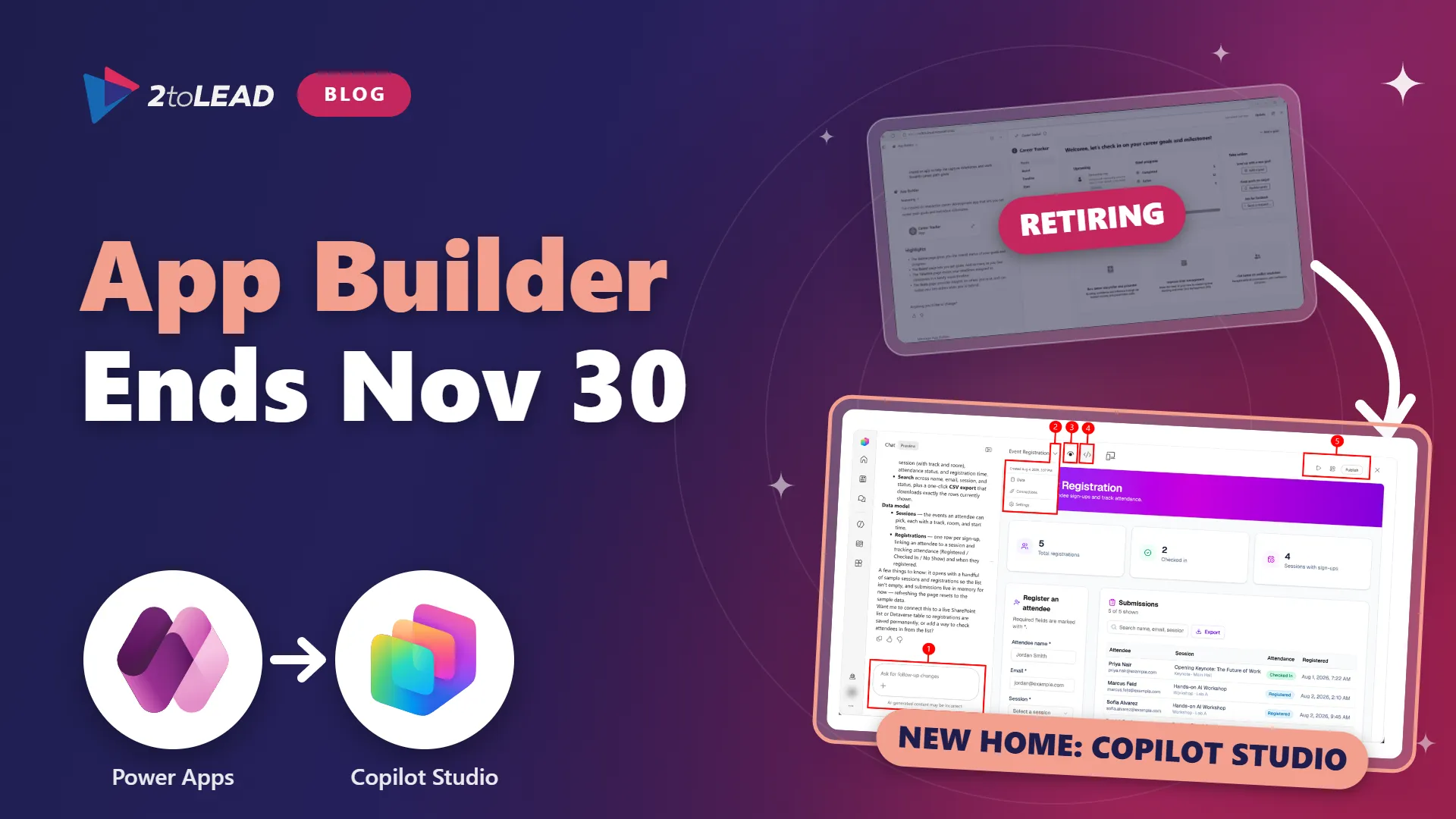
Microsoft is retiring Power Apps vibe, and vibe apps stay accessible only until November 30, 2026. Most guidance tells makers to rebuild their apps in Copilot Cowork or Microsoft Copilot Studio. There is a third exit for apps your developers will own: convert the app to a code app and keep the source code vibe generated. Our App Builder and vibe.powerapps.com retirement plan covers the wider deadline.

A Power Apps code app is a custom web app, built in a code-first editor with frameworks such as React, that runs on Power Platform with Microsoft Entra sign-in, 1,500+ connectors and your data loss prevention policies.

Who is this guide for, and what will you have at the end?

This guide is for Power Platform administrators, developers and IT leaders who own vibe apps worth keeping. By the end, each converted app runs as a code app in a governed environment, sits in a solution you can deploy from Dev to Production, and has a named owner.

Which Power Apps vibe migration path should each app take?

Convert to a code app when the app needs source control, staged releases or custom code. Rebuild in Copilot Studio or Copilot Cowork when business makers will keep changing the app in natural language.

Converting creates a new code app that is disconnected from the original vibe plan, so changes never flow back. Use this matrix to choose a Power Apps vibe migration path per app, and retire any app nobody uses weekly. Our comparison of App Builder, Power Apps and code apps explains the trade-offs in more depth.

Swipe horizontally to compare each Power Apps vibe migration path.

Power Apps vibe migration path decision matrix: convert to a code app, rebuild in Copilot Studio or rebuild in Copilot Cowork
ConsiderationConvert to a code appRebuild in Copilot StudioRebuild in Copilot Cowork
Who changes it nextDevelopers, in Visual Studio Code or another IDEMakers, in natural languageMicrosoft 365 Copilot users, in natural language
How the app movesYou keep and initialize the original source codeAn agent rebuilds the app from the attached .zipAn agent rebuilds the app from the attached .zip
Dev, Test and Production releasesYes, through solutions and Power Platform PipelinesNot supported yetNot supported yet
AvailabilityAny environment where an admin enables code appsPublic previewFrontier program only
Cost to runPower Apps Premium, pay-as-you-go, App Pass or auto-claim per userCopilot Credits to build; Premium or credits to runMicrosoft 365 Copilot license and credits to build; Premium or credits to run
Best fitApps with complex logic, integrations or audit needsDepartmental apps that makers will keep refiningPersonal and team tools shared by link

For apps makers will own, our guide to Copilot Studio apps, workflows and agents shows where rebuilt apps fit.

What do you need before you start?

You need edit access to the vibe app before November 30, an environment with code apps turned on, standard developer tools and a license plan for every user.

Swipe horizontally to view each prerequisite and why it matters.

Prerequisites to convert a Power Apps vibe app to a code app
PrerequisiteWhat you needWhy it matters
Vibe app accessPermission to edit the app, before November 30, 2026Download source exists only in vibe.powerapps.com
EnvironmentA Dataverse environment with code apps enabled that holds the app's tablesThe code app is created there, and solutions need Dataverse
Admin rolePower Platform administrator or environment administratorTo enable code apps and edit content security policy
Developer toolsNode.js (LTS), Git, Visual Studio Code and the Power Apps CLIThe CLI initializes, runs and publishes the app
End-user licensesPower Apps Premium ($20 per user per month, $22 from January 1, 2027), pay-as-you-go, an App Pass or auto-claimUsers can't run code apps without one

How do you convert vibe apps to code apps in 10 steps?

An admin prepares the environment, then a developer downloads, initializes, tests and publishes the app. Budget about half a day per straightforward app, plus user testing (a 2toLead planning estimate).

  1. Enable code apps in the target environment. In the Power Platform admin center, go to Manage > Environments, select the environment, then Settings > Product > Features. Turn on Enable code apps and select Save. Expected result: The environment can host code apps.
  2. Allow vibe image hosts in content security policy. Go to Settings > Product > Privacy + Security, then Content security policy > App. Turn off the img-src default toggle and add https://res-dev.cdn.officeppe.net/, https://res-sdf.cdn.office.net/ and https://cdn.hubblecontent.osi.office.net/. Expected result: Images in the converted app load.
  3. Publish draft tables in vibe. Sign in to vibe.powerapps.com, open the app, select Edit > Publish and choose the Data environment. Expected result: In-memory draft tables become real Dataverse tables.
  4. Download the source. With the app open in Edit, select Download source. Expected result: A .zip file. Commit it to your Git repository now, because it's your only copy after November 30.
  5. Save the connection settings and delete power.config.json. Extract the .zip, open the app's folder under apps in Visual Studio Code and open power.config.json. Copy the connectionReferences or databaseReferences properties and everything after them, then delete the file. Expected result: A clean folder, with your connection settings saved.
  6. Install the CLI and dependencies. Run npm install --global @microsoft/power-apps-cli, then, in the app folder, npm install --save-dev "oxlint-tsgolint@^7.0.2001" --allow-remote=all. Expected result: pa --version returns a version number.
  7. Initialize the code app. Run pa app init, sign in, select the environment that holds the app's Dataverse tables and enter a display name. Expected result: A new power.config.json file.
  8. Restore the connection settings. Paste the saved properties into the new power.config.json and confirm it's valid JSON. Expected result: The app points at the same data as before.
  9. Run and test locally. Run pa app run and open the Local Play URL in the browser profile you use for Power Platform. Create, edit and delete a test record. Expected result: Real records load, not sample data.
  10. Build and publish into a solution. Run npm run build, then pa app push --solution-id <solution-id>. Expected result: The CLI returns a Power Apps URL, and the app appears in your solution.

Microsoft documents the core sequence in Convert a vibe app to a code app on Microsoft Learn.

What are the most common conversion challenges, and how do you fix them?

Most failures come from settings the vibe experience handled for you: content security policy, connections, environments and licensing.

  • Images don't appear. Code apps enforce content security policy by default. Add the three vibe image hosts to img-src, as our Power Apps content security policy setup guide explains.
  • The app lost its data. pa app init writes a new power.config.json. Restore the properties from your saved copy or from the original .zip.
  • The app was created in the wrong environment. Initialize in the environment that holds the app's tables. Moving later means re-adding every data source.
  • Local Play won't load. Use the browser profile signed in to your tenant. Chrome and Microsoft Edge may also block local network access until you allow it.
  • A feature isn't supported. Code apps don't yet support the Excel Online connectors, SharePoint forms integration or Power Apps for Windows. Move Excel data to Dataverse or SharePoint first.
  • Data is baked into the code. Published code app files are served from a publicly accessible endpoint. Move any sample or reference data held in the source into a data source before you publish.
  • Users are blocked at launch. Assign Power Apps Premium or another qualifying option before you share the app.

What best practices keep converted code apps governed?

Treat each converted app like any other custom code: one owner, one repository, one solution and one release path. These habits keep vibe-era speed without vibe-era sprawl.

  • Name two owners. A developer owns the code and a business owner owns the outcome.
  • Keep the source in your own Git repository. Power Platform Git integration doesn't support code apps, so use GitHub or Azure DevOps.
  • Use connection references. Add data sources with pa app add data-source --connection-ref instead of personal connections, so the app moves cleanly between environments.
  • Control where apps land. Set a preferred solution for the environment, or always pass --solution-id, so code apps never fall into the Default solution.
  • Release through pipelines. Deploy from Dev to Test to Production with Power Platform Pipelines, and publish from CI/CD with a service principal and pa app push --non-interactive. You can even add an automated release review, as in our Power Platform Pipelines with agent skills guide.
  • Restrict access by location with Conditional Access. Code apps don't support IP-based storage restrictions.
  • Inventory them centrally. Code apps follow canvas app sharing limits, so fold them into the same Power Platform Center of Excellence reviews.
A vibe app proves an idea. A code app gives it an owner, a repository and a release path.

How do you check the conversion worked?

The conversion worked when a licensed test user can finish the app's main tasks on live data in the published app. Check these five things before you retire the vibe original.

  • Open the URL from pa app push as a test user who holds Power Apps Premium.
  • Confirm screens, images and navigation match the vibe app.
  • Create, edit and delete one record, then confirm the change in Dataverse.
  • In Power Apps, open Solutions and confirm the code app sits in the expected solution.
  • Get sign-off from the business owner, then stop using the vibe version before November 30.

How do you measure the value of converting vibe apps?

Compare one-time conversion effort and per-user licensing with the hours the app returns each month. Keep apps that pay back within a quarter and retire the rest.

In a 2toLead illustrative model, a manufacturer's vibe-built inspection app serves 40 inspectors who each save 20 minutes a week on paperwork. That is about 58 hours a month, roughly $2,900 at $50 an hour. Conversion takes about 12 developer hours at a $90 loaded rate, or $1,080 once. If none of the 40 already hold Power Apps Premium, runtime is $800 a month ($880 on a renewal from January 1, 2027). The app returns about $2,100 a month and repays the conversion in its first month. An app opened by three people last quarter fails the same test.

Track monthly active users, tasks completed, hours returned, license cost per active user and release lead time. Our Power Apps Premium vs Copilot Credits guide helps when some apps move to Copilot Studio and others become code apps.

What do IT leaders ask about converting vibe apps to code apps?

The short answers: download source before November 30, expect a separate app, license every user and use solutions for releases.

What happens to vibe apps after November 30, 2026?

Microsoft says you can access vibe apps until November 30, 2026. Download the source of every app you plan to keep before then, because Download source is only available in vibe.powerapps.com.

Does a converted code app stay connected to the vibe app?

No. Converting creates a new code app that is disconnected from the original plan. Changes in the code app don't appear in the vibe app, so choose one version and retire the other.

Do users need a license to run a code app?

Yes. Each user needs Power Apps Premium, pay-as-you-go, an App Pass or auto-claim of an available Premium license. Plan licenses before you share the app.

Can converted code apps move from development to production?

Yes. Publish the app into a Dataverse solution with pa app push and the solution ID, then deploy it with Power Platform Pipelines. Apps rebuilt in Copilot Cowork or Copilot Studio don't support this yet.

How can 2toLead help?

2toLead helps healthcare, manufacturing, education, nonprofit and professional services organizations govern the apps and agents their teams build. In a fixed-scope, two-week Vibe-to-Code Conversion Sprint, our Microsoft MVP-led team will:

  • Triage every vibe app: convert, rebuild or retire
  • Prepare environments with code apps, content security policy and a preferred solution
  • Convert up to five priority apps and publish them into solutions
  • Set up a Pipelines route to Production and a service principal for releases
  • Hand over a license plan and a value scorecard for every app you keep

Find more practical guidance on the 2toLead Insights hub, or book a Vibe-to-Code Conversion Sprint before November 30.

No hype. Just practical, governed AI that actually gets adopted.

Similar posts

Get our perspectives on the latest developments in technology and business.
AI Agents

Working on AI agents?

Agent ideas everywhere, nothing in production? Three ways we help:

  • Agent in a Day
  • Agent Use-Case Sprint
  • Agent Pilot to Production
Book a 30-minute call
Client result
~50 rules

A regulated health system turned its legal contract playbook into a governed Copilot agent that reviews real contracts every day.

Read the case study →
Digital Workplace Modernization

Working on your intranet?

A sprawling intranet where nobody finds anything? Three ways we help:

  • SharePoint Modernization Assessment
  • Solve Sprawl with Directories
  • Migration Strategy in a Day
Book a 30-minute call
Client result
80+ hotels

Atrium Hospitality moved 7,000+ employees into one SharePoint intranet, with 40% faster document search.

Read the case study →
Next steps
Have a question, or just say hi. 🖐 Let's talk about your next big project.
Contact us
Mailing list
Occasionally we like to send clients and friends curated articles that have helped us improve.
Close Modal