Power Apps Premium vs Copilot Credits for Copilot Managed Runtime apps: find the breakeven, set a spending policy and license each user in 8 steps.
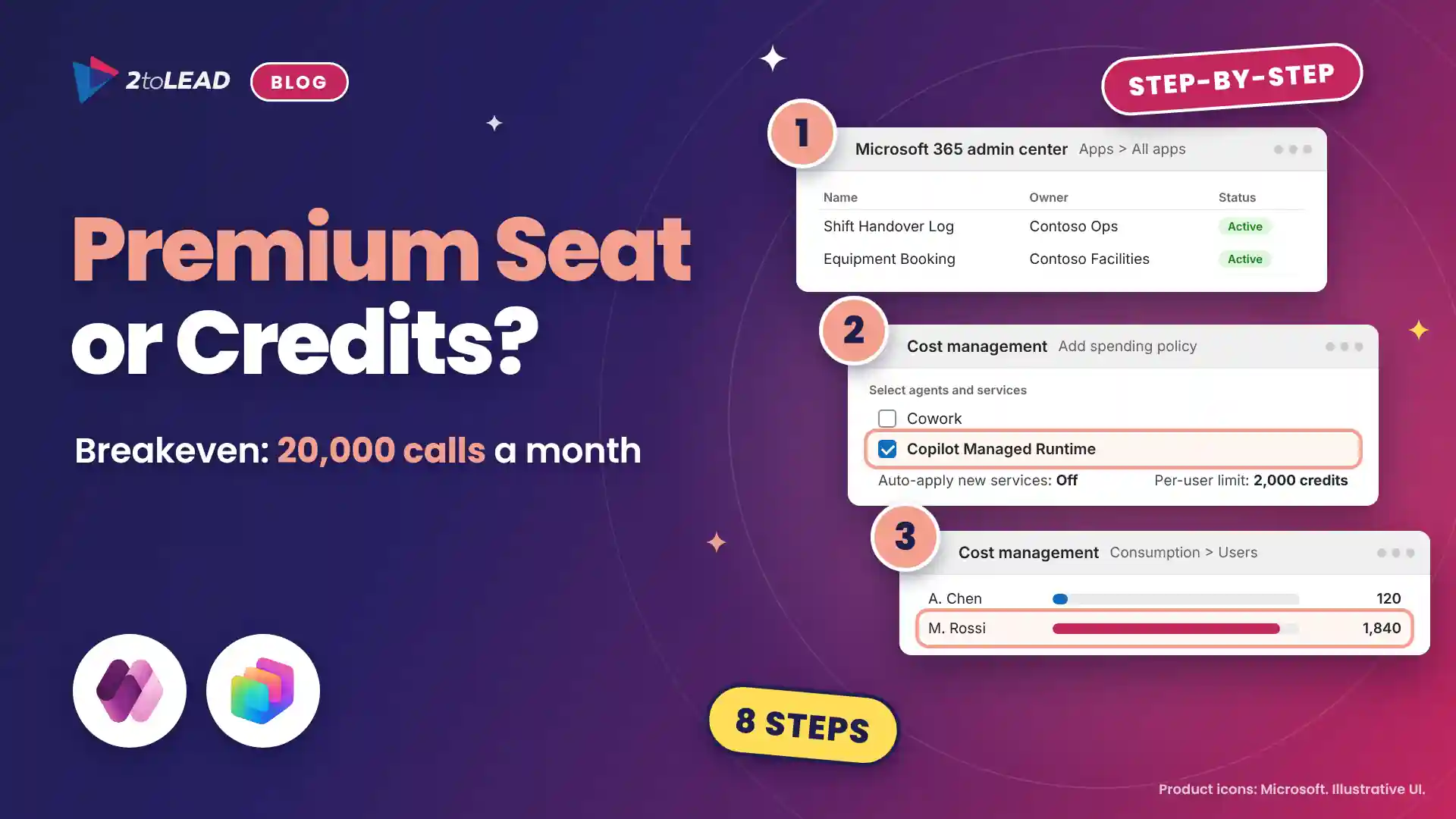
TL;DR: Every person who runs an app on Copilot Managed Runtime needs Power Apps Premium or Copilot Credits. Each API call costs 0.1 credits, about $0.001 at pay-as-you-go rates, so a $20 Premium seat only pays off above roughly 20,000 calls a month. Meter most users with credits and license the heaviest ones.
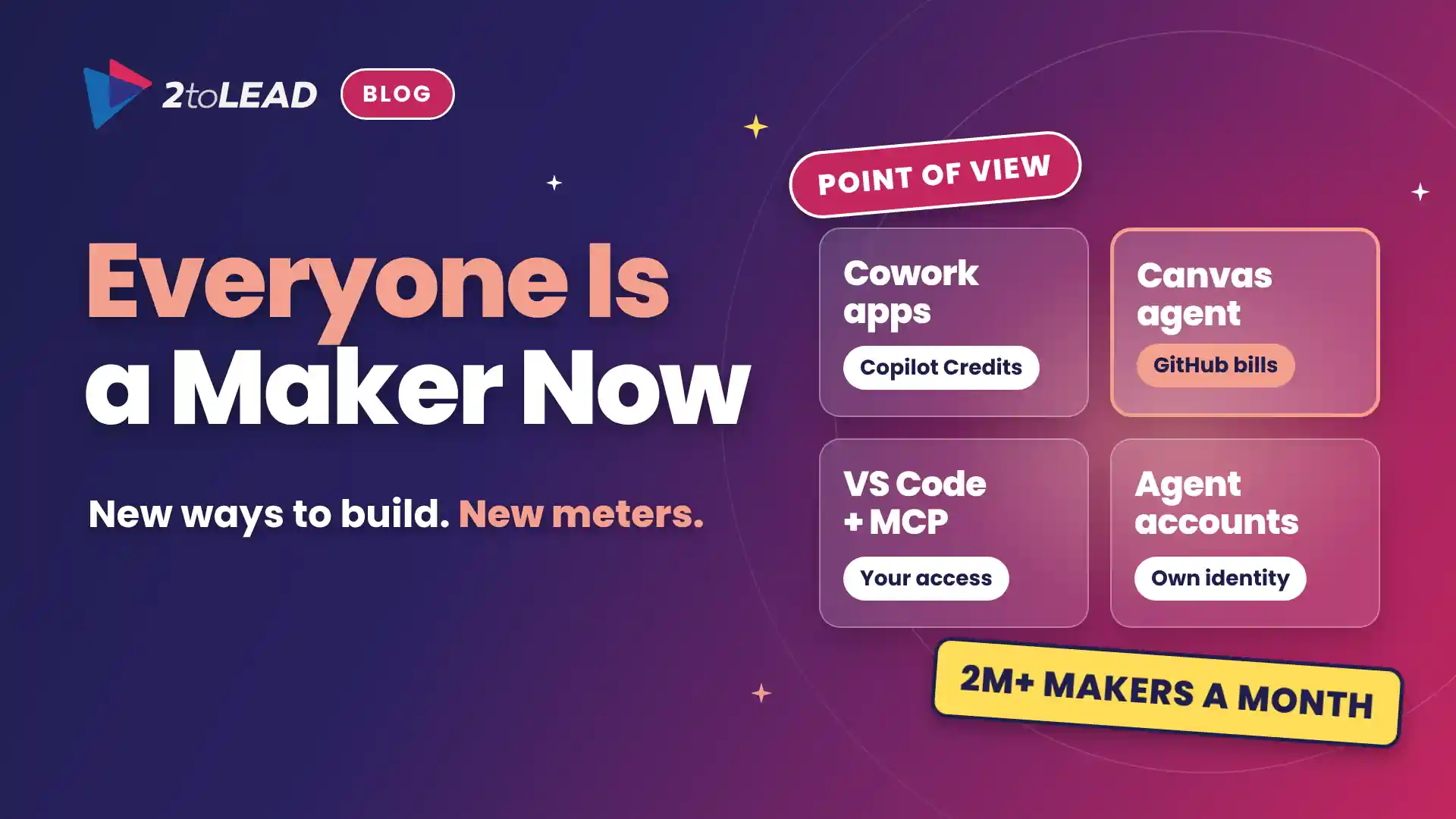
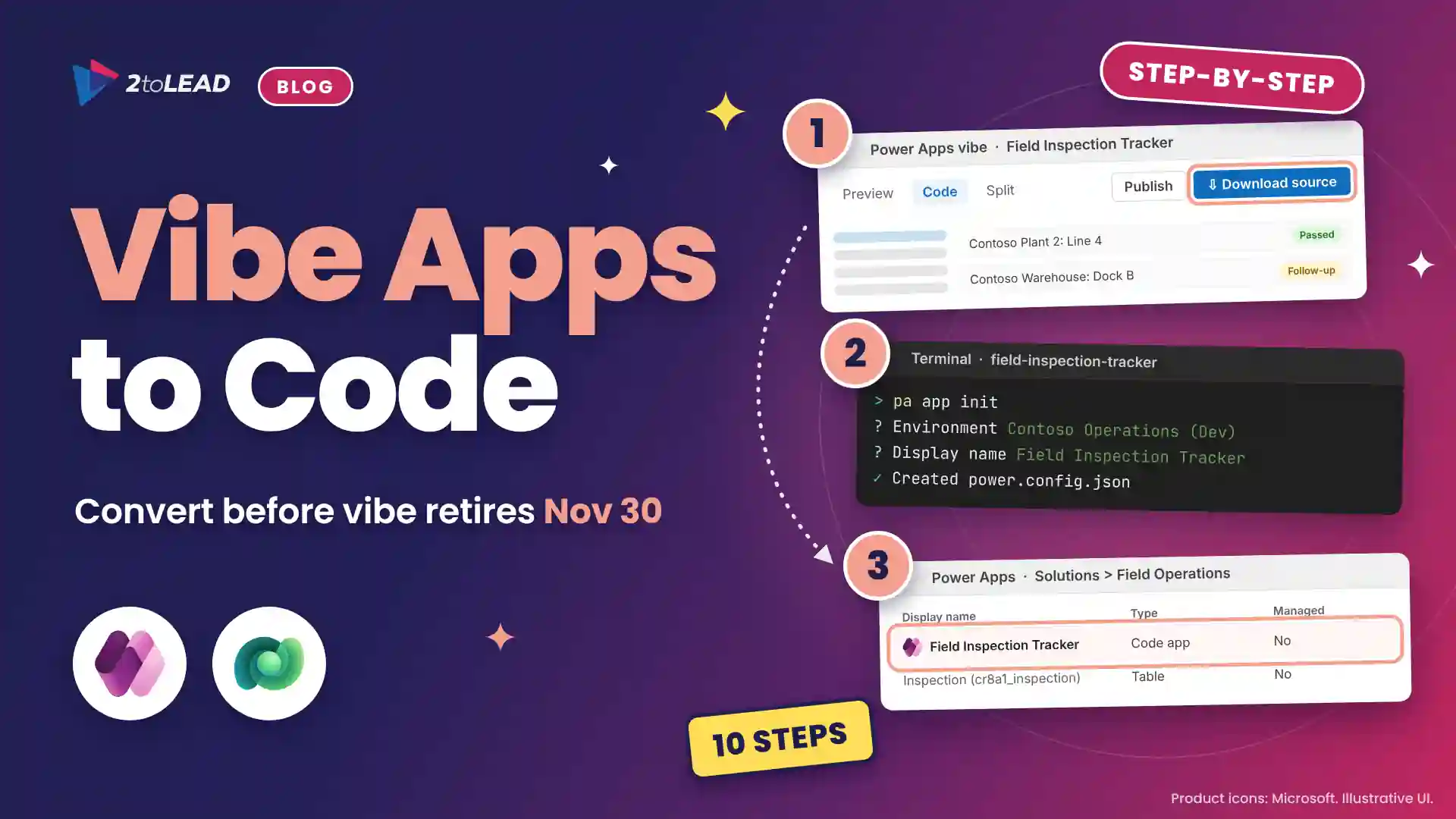
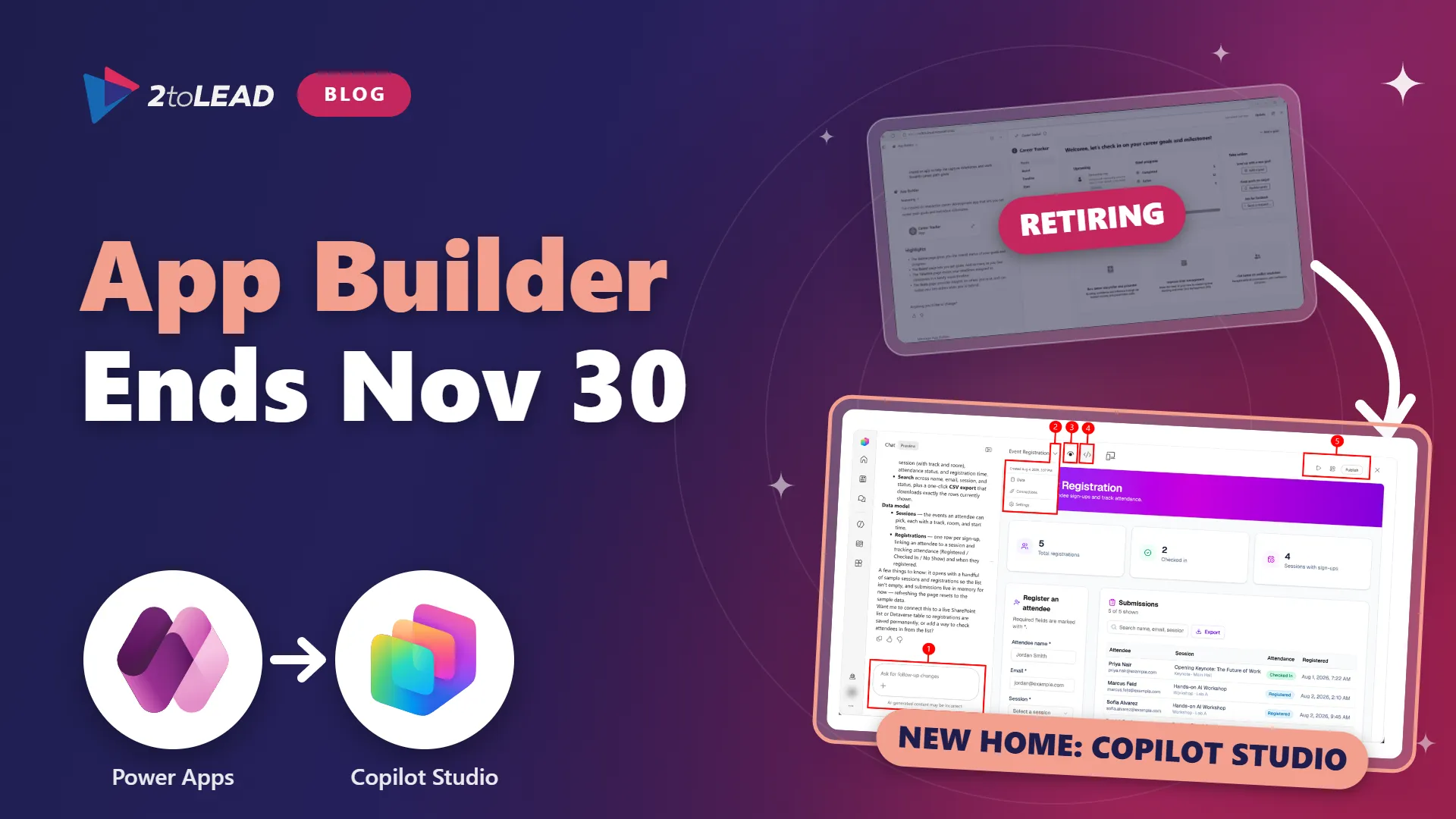
The Power Apps Premium vs Copilot Credits decision arrived with Copilot Managed Runtime, which Microsoft began rolling out in public preview in late September 2026. Apps built in Copilot Cowork, Microsoft Copilot Studio or Copilot Code run there, and the Power Apps rights in Microsoft 365 don't cover them. With App Builder apps moving off vibe.powerapps.com by November 30 and Premium rising to $22 on January 1, 2027, every app user is now a budget line.
Copilot Managed Runtime is Microsoft's hosting layer for internal line-of-business apps, with Microsoft Entra sign-in, your data loss prevention policies and admin center inventory built in from the moment an app is created.
This guide is for Microsoft 365 and Power Platform administrators, IT finance owners and CIOs whose teams build apps in Cowork or Copilot Studio, where apps now sit alongside workflows and agents. By the end you will have an app inventory, a capped runtime spending policy, a usage baseline per user and a short list of people who should hold Power Apps Premium.
You need an admin who can create spending policies, a billing method for Copilot Credits and two to four weeks of real app usage.
Swipe horizontally to view each prerequisite and why it matters.
| Prerequisite | What you need | Why it matters |
|---|---|---|
| Admin roles | Global Administrator or Billing Administrator to activate billing and create spending policies. | AI and License Administrators can edit policies but not create them. |
| Billing method | An Azure subscription for pay-as-you-go, capacity packs (25,000 credits for $200 a month) or a Copilot Credit Pre-purchase Plan (P3). | Prepaid credits are used first, then pay-as-you-go. |
| Runtime licenses | Power Apps Premium ($20 per user per month, $22 from January 1, 2027) or Copilot Credits for every app user. | Microsoft 365, Dynamics 365 and Power Apps per app plans don't cover runtime. |
| Security group | One Microsoft Entra ID security group for credit-funded app users. | Spending policies target specific users only through security groups. |
| Usage data | Two to four weeks of real app activity. | The decision depends on actual API calls, not guesses. |
Use Copilot Credits for people who open apps occasionally or a few times a day, and Power Apps Premium for people who work in apps all day or already hold Premium. Most organizations need both.
Runtime is measured in API calls: launching an app, reading or writing a record through a connector, or publishing. Each call consumes 0.1 Copilot Credits. Premium holders consume none until they pass 40,000 Power Platform requests per user per 24 hours.
Start with this decision matrix. Call volumes come from a 2toLead illustrative model; replace them with your numbers after step 6.
Swipe horizontally to view each usage pattern and the best-fit license.
| Usage pattern | Illustrative API calls per user per month | Pay-as-you-go runtime cost | Best fit |
|---|---|---|---|
| Occasional request app, such as equipment booking or volunteer sign-up | 200 (three sessions a week, 15 calls each) | About $0.20 | Copilot Credits |
| Daily team tracker, such as a shift handover log or case intake list | 2,100 (four sessions a day, 25 calls each) | About $2.10 | Copilot Credits |
| All-day operator app, such as claims processing or production line inspections | 25,000 (about 1,200 calls a working day) | About $25, above the 2,000-credit cap | Power Apps Premium |
| User who already holds Premium for model-driven or Dataverse apps | Any, within 40,000 requests a day | $0 extra | Keep Premium |
| Any app that calls Work IQ APIs | Any | Work IQ usage is billed separately for everyone | Budget credits on top of either license |
In education, nonprofit and healthcare, students, volunteers and seasonal staff rarely justify a seat but can still use a governed app on credits.
Copilot Managed Runtime cost is about $1 per 1,000 API calls at the $0.01 pay-as-you-go credit rate, and about $0.80 per 1,000 calls with capacity packs. A $20 Power Apps Premium seat covers the same runtime, so the breakeven sits near 20,000 calls per user per month, roughly 950 calls each working day.
Swipe horizontally to view each Premium price and its breakeven.
| Power Apps Premium price | Breakeven at pay-as-you-go ($0.01 per credit) | Breakeven with capacity packs ($0.008 per credit) |
|---|---|---|
| Premium, $20 today | 20,000 calls a month | 25,000 calls a month |
| Premium, $22 from January 1, 2027 | 22,000 calls a month | 27,500 calls a month |
| Premium, 2,000-seat minimum, $12 ($14 from January 1, 2027) | 12,000 calls (14,000) | 15,000 calls (17,500) |
Microsoft's current guidance sets a minimum per-user limit of 2,000 credits a month: 20,000 calls, or $20 at pay-as-you-go rates. A runtime-only policy therefore caps a credit-funded user near the price of a Premium seat, but a user who hits the cap loses access until next month. That is the real reason heavy users belong on Premium: continuity, not just cost.
Building is billed separately: Cowork needs a Microsoft Copilot license plus credits, and Copilot Studio charges credits per environment from the first prompt. Our view on who should own the Copilot Credits meter applies to both.
Inventory apps, meter every user on credits for a few weeks, then move only heavy users to Power Apps Premium. Setup takes about two hours, plus the measurement window.
If Premium is the answer for some users, a purchase or renewal with a term starting before January 1, 2027 keeps the $20 price until that term ends.
Most mistakes come from assuming an existing license covers managed apps. It usually doesn't.
Apps that reach business data through Work IQ add their own charges. Our plan for Dynamics 365 data in Work IQ covers that side of the bill.
It works when credit-funded users appear under your runtime policy, Premium users don't, and nobody is blocked unexpectedly. Check the next day; consumption refreshes every two hours.
Measure cost per active app user, cost per completed transaction and hours returned, against a Premium-for-everyone baseline so finance sees the decision, not just the bill.
In a 2toLead illustrative model, a 500-person manufacturer has 400 occasional app users, 90 daily tracker users and 10 all-day operators. Premium for everyone costs $10,000 a month, or $11,000 after a 2027 renewal. Credits for the 490 lighter users come to 269,000 calls, or 26,900 credits, which is $269 at pay-as-you-go rates. Add Premium for the 10 operators at $200 and the total is $469 a month, about $5,600 a year.
If the shift handover tracker saves each daily user 20 minutes a week, that is about 130 hours a month, roughly $6,500 at $50 an hour, against $469 of runtime. Our guide to Copilot adoption metrics that prove value shows how to present hours returned to finance leaders.
Premium is a seat for people who live in your apps. Credits are a meter for everyone who visits them.
The short answer: Premium for heavy and existing Premium users, credits for everyone else, and no Microsoft 365 Copilot license needed to run apps.
No. Users need Power Apps Premium or Copilot Credits to run an app. Only people who build apps in Copilot Cowork need a Microsoft Copilot license, and building is billed separately.
No. The Power Apps use rights included with Microsoft 365 and Dynamics 365 don't provide access to apps hosted on Copilot Managed Runtime, whatever connectors the app uses. Power Apps per app and pay-as-you-go plans don't either.
Each API call consumes 0.1 Copilot Credits. At the $0.01 pay-as-you-go credit rate, that is $0.001 per call, or $1 per 1,000 calls. Capacity packs and pre-purchase plans lower the effective rate.
Premium is cheaper when a user makes more than about 20,000 API calls a month at today's $20 price, or 22,000 after the January 1, 2027 increase. It also wins when the user already needs Premium for other Power Apps.
2toLead turns Copilot spend into governed, measurable outcomes for manufacturing, healthcare, education and nonprofit organizations. In a fixed-scope, three-week Managed Apps Licensing Sprint, our Microsoft MVP team will:
For the full licensing rules, read Microsoft's Copilot Managed Runtime licensing FAQ.
To see where your makers will build next, our comparison of Copilot Chat, Cowork, Code and Autopilot is a good next read.
Find more practical guidance on the 2toLead Insights hub, or book a Managed Apps Licensing Sprint.
No hype. Just practical, governed AI that actually gets adopted.
Agent ideas everywhere, nothing in production? Three ways we help:
A regulated health system turned its legal contract playbook into a governed Copilot agent that reviews real contracts every day.
Read the case study →


Join Our Newsletter