


Something shifted while everyone was busy writing prompts.
Copilot stopped waiting to be asked. Scout showed up and started working on its own. And somewhere in your tenant, agents are multiplying without an invitation.
None of that is the actual problem. Not knowing who built what, what it can reach, and whether your license actually covers it? That's the problem.
So we pulled together updates worth your attention in this edition. Let's get you back in the driver's seat 👇
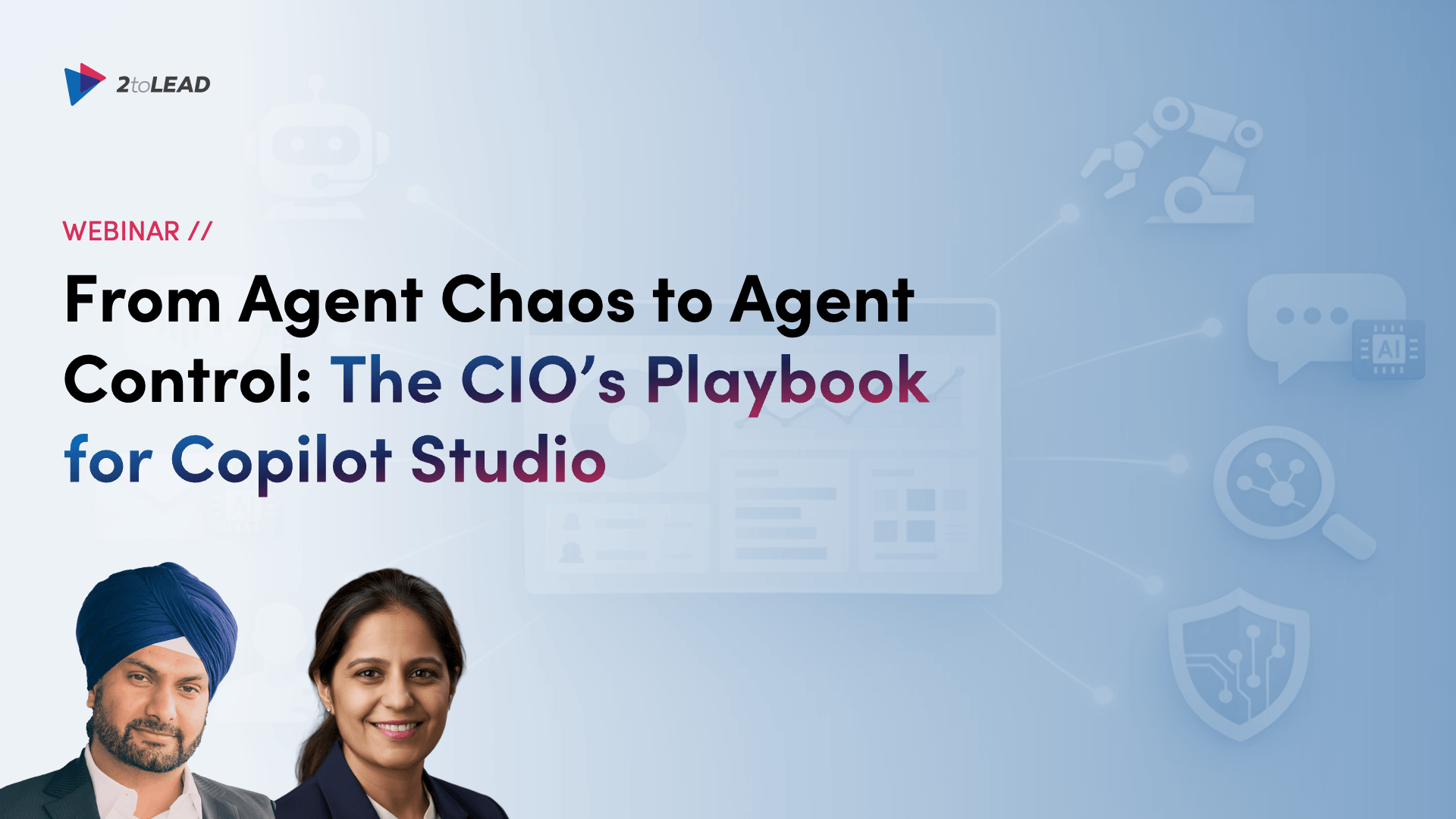
As more teams build and deploy agents across Microsoft 365, Copilot Studio, and connected business systems, CIOs face a new challenge. How do you encourage innovation without creating AI agent sprawl, security risk, and governance blind spots? Build enterprise agents with confidence using Copilot Studio, Agent 365, and Power Platform governance today.
🔗 Get The CIO's Playbook for Copilot Studio
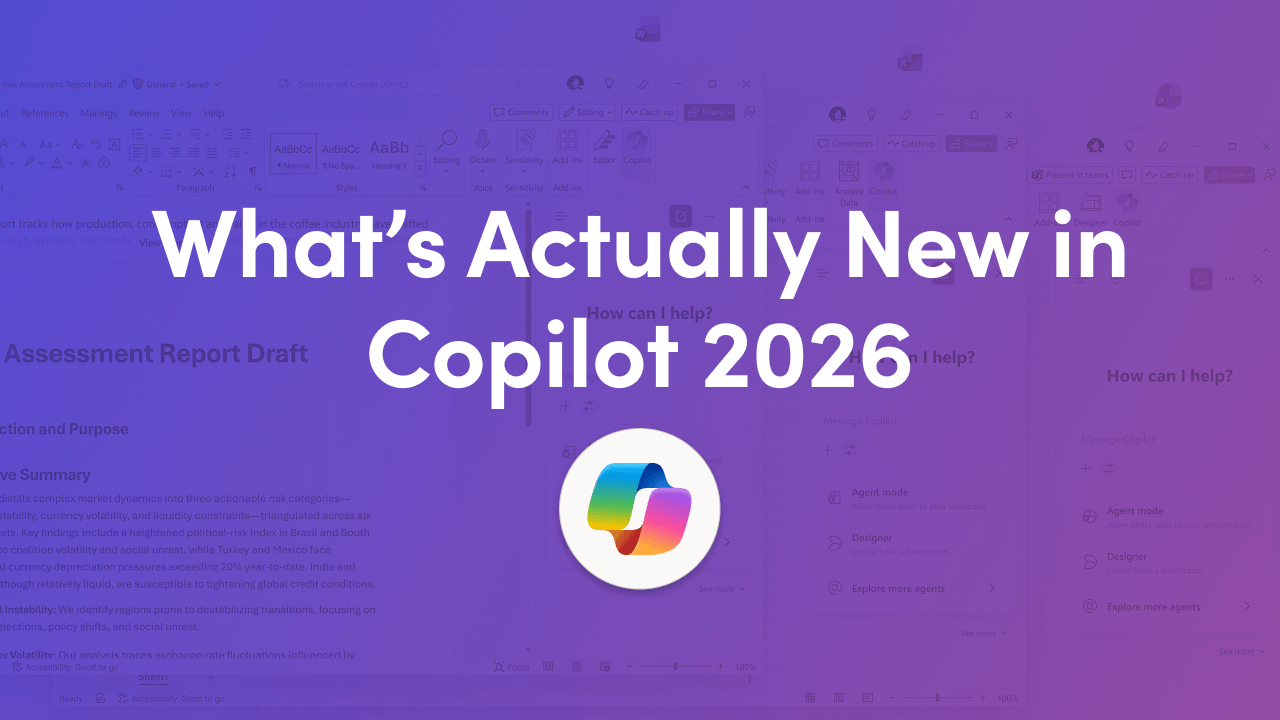
Copilot stopped being a chat assistant this year. In 2026 it's becoming an operational AI layer inside Microsoft 365, and the shift is happening on two fronts at once: Copilot is turning agent-like inside Word, Excel, PowerPoint, and Outlook, while Microsoft quietly strengthens the governance and measurement layer underneath it. That second half is the one most rollouts underestimate.
Your message wasn't ignored. It was just published in the wrong place. As a communicator, your job isn't to "post a thing", it's to move people toward clarity and action, and that starts with picking the right channel. This field guide gives you a simple framing that makes the call obvious.
🔗 Find out where your message actually belongs

Where does sensitive data live? Who touched it? Which policies are working, and which are just noise? If you're responsible for SharePoint and Copilot, you don't need another tool. You need answers, in a format you can hand to leadership or an auditor without losing a weekend to CSV exports.
🔗 Get the metrics your auditors and your execs both want
Compliance gaps and surprise costs usually trace back to one thing: a license that didn't cover what everyone assumed it did. Labels, DLP, audit, and retention land very differently across E3, E5, and add-ons, and most teams find out too late.
🔗 Check what your license actually enables →
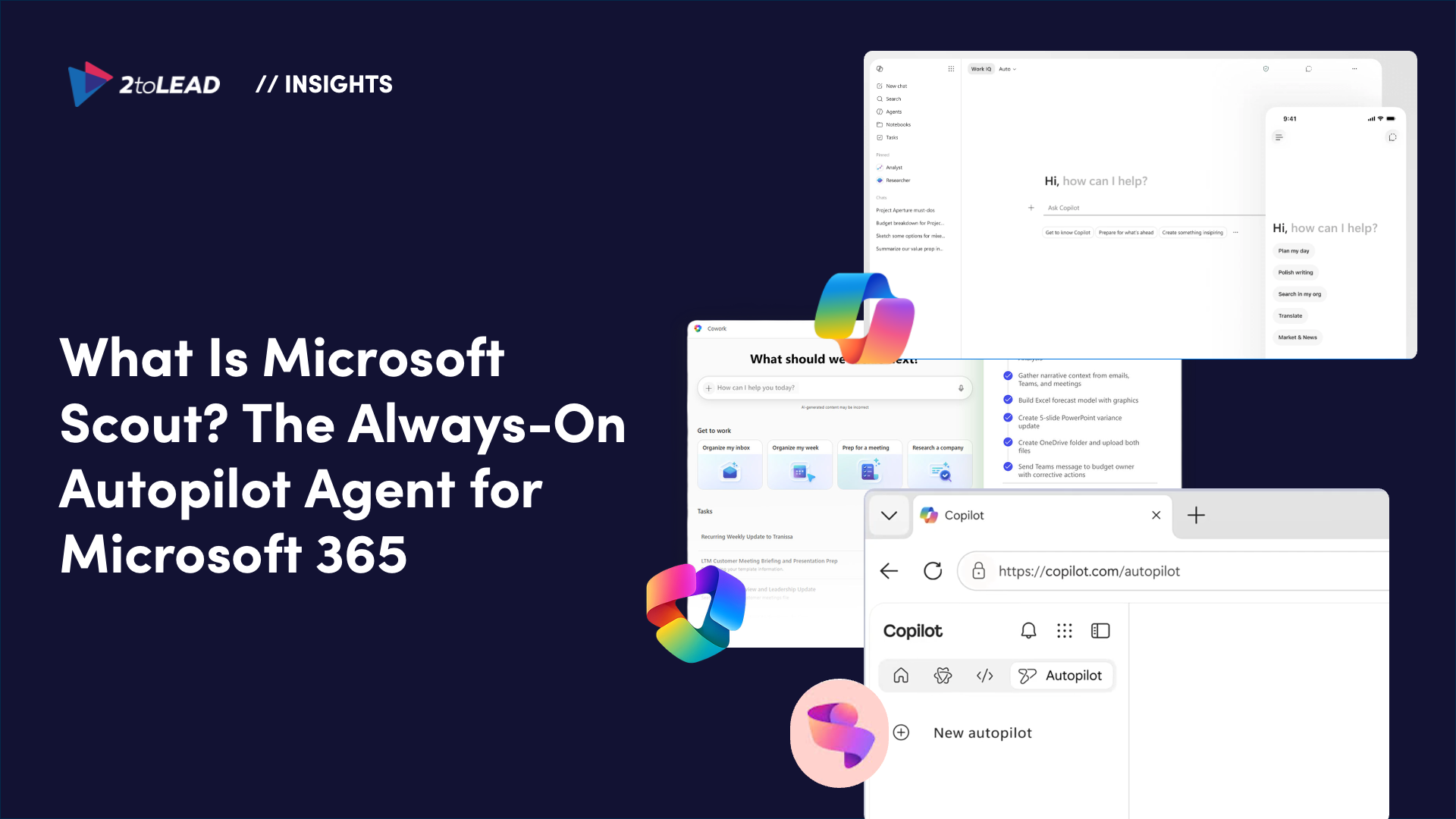
Copilot waits for you to ask. Scout doesn't. Announced as Microsoft's first "Autopilot", a new category of always-on agents that run autonomously with their own identity, Scout stays active in the background across your Microsoft 365 environment and takes action without being prompted each time. At launch, Scout spots stalled decisions and missed deadlines before they turn into blockers.
🔗 Get the full insights on Microsoft Scout
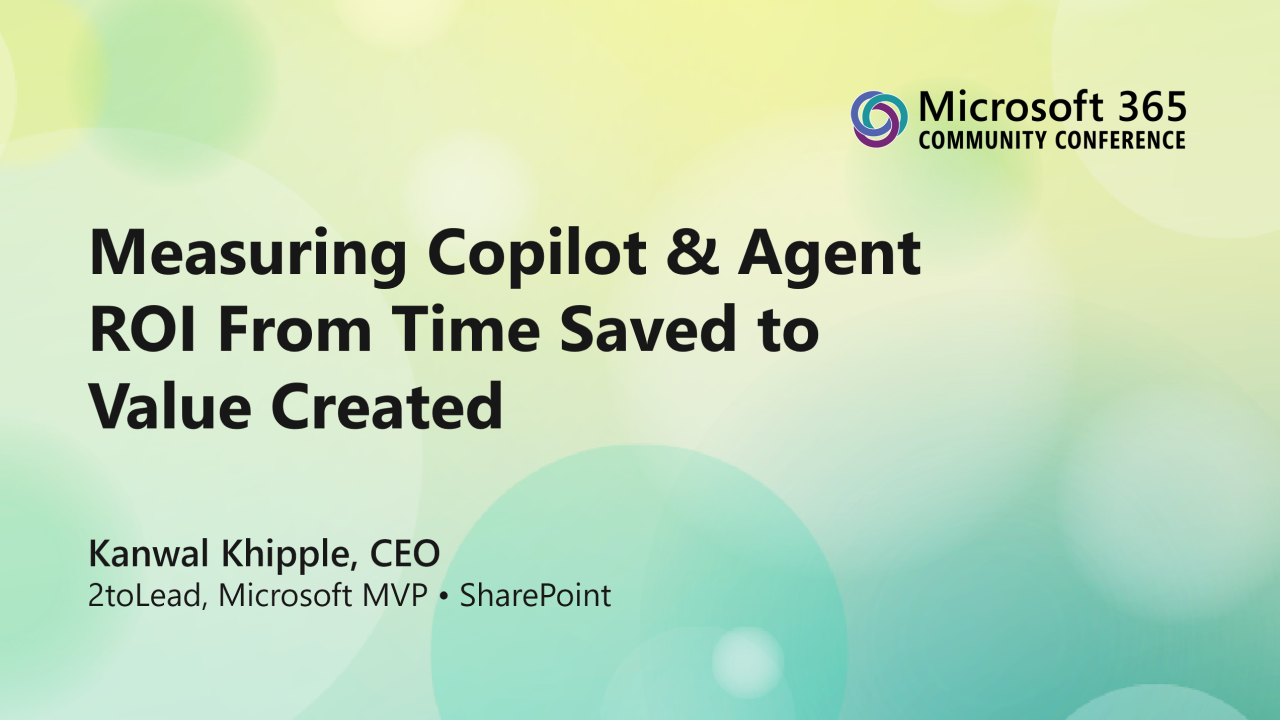
In this session from the 2026 Microsoft 365 Community Conference in Orlando, 2toLead shared a practical approach to measuring Copilot and agent return on investment beyond simple productivity claims. These slides are designed to help digital workplace leaders, IT teams, adoption specialists, and executive stakeholders better understand how to connect AI usage to measurable business outcomes.


Join Our Newsletter


