


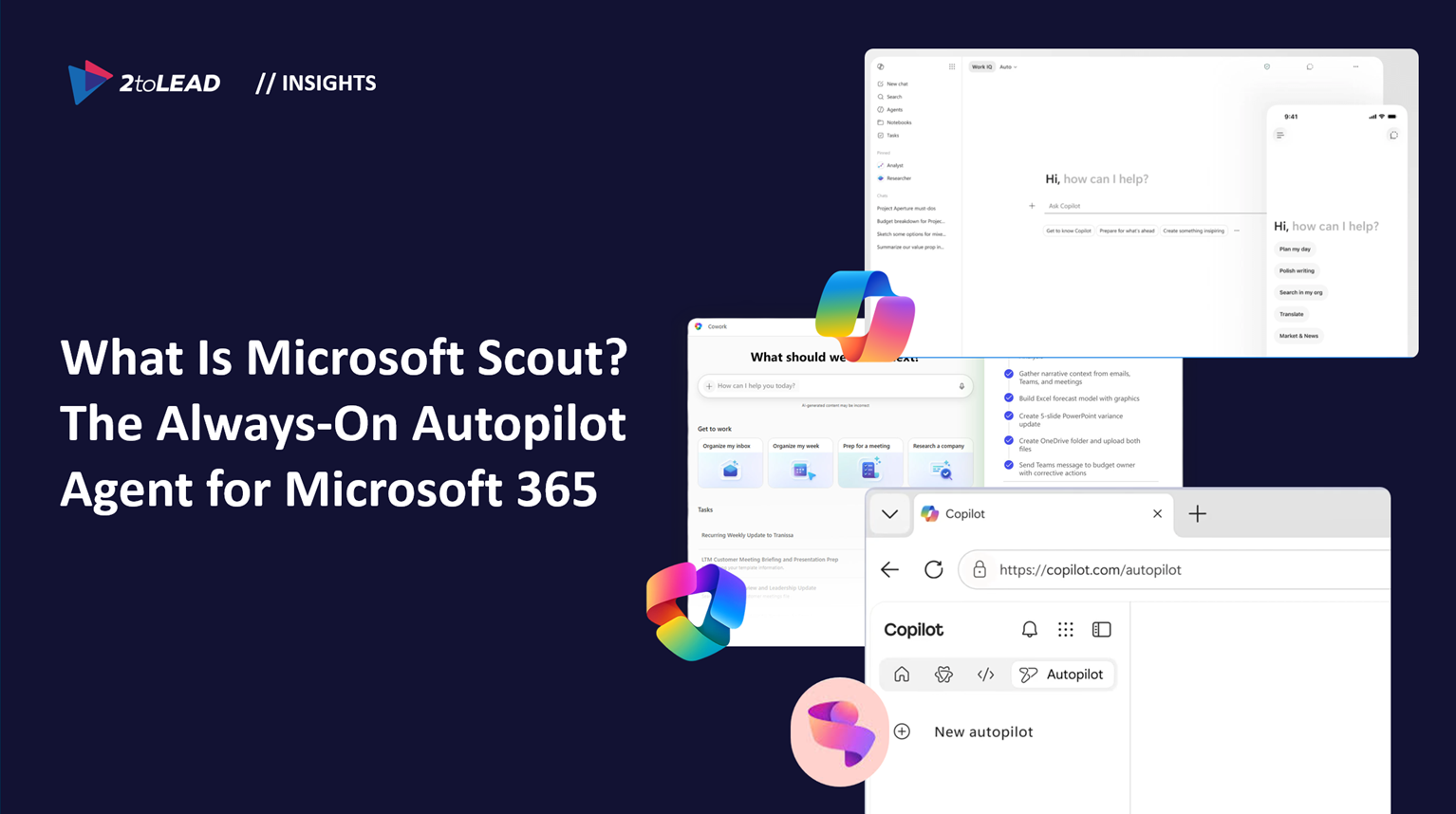
Scout is integrated across Teams, Outlook, OneDrive, and SharePoint. You interact with it primarily through Teams, and its reach extends through the desktop app to your browser, local resources, and Model Context Protocol (MCP) servers.
At launch, Scout supports the following core capabilities:
Users name their own Scout instance and shape its behavior over time. As Scout VP Omar Shahine explained: "We all have our interesting quirks in how we work, and people are codifying those patterns into memories and skills that persist in their agent. Then the agent becomes more capable, better understanding you and gaining more agency and exercising judgments."
Microsoft 365 Copilot is conversational. You ask it a question, it responds, and the interaction ends. That model is episodic - useful, but fundamentally reactive.
Microsoft Scout operates on a completely different architecture. It is persistent, proactive, and autonomous. Scout stays active in the background, understands how work gets done across your apps and systems, and takes action without needing to be prompted each time.
As Satya Nadella stated during the Build 2026 keynote: "Copilot is driving this across chat, work, and development - but there's also a new addition: Autopilots. The first Autopilot is Scout. Scout works where you work. That's the future of the Copilot ecosystem."
Microsoft now has a three-layer Copilot product suite:
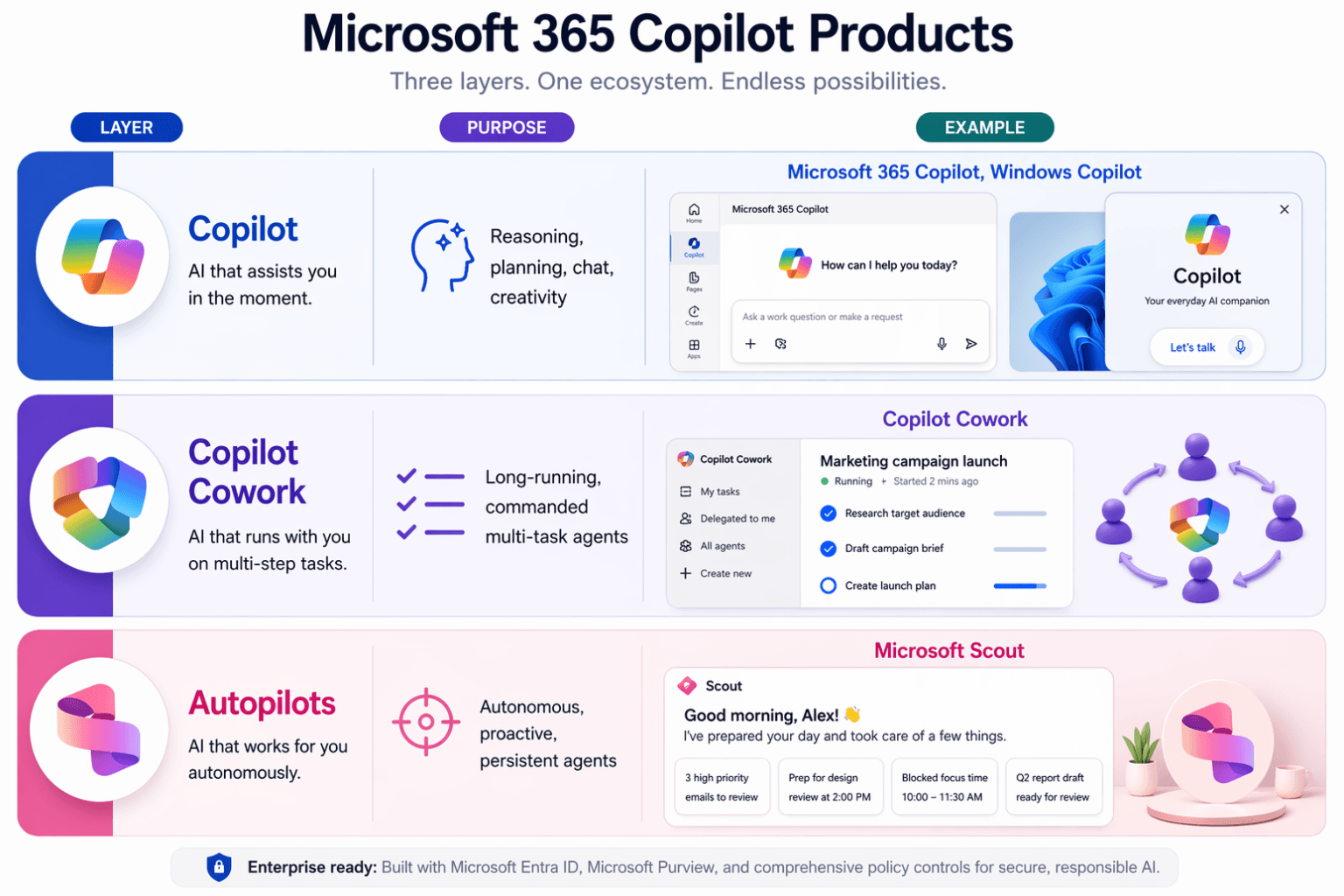
Scout is not a Copilot feature. It is a new category of AI tool inside the Copilot ecosystem.
Microsoft Scout is currently available as an experimental release through Microsoft's Frontier program. Access requires:
IT administrators can manage which LLM models are available to Scout through Intune, providing an additional layer of organizational control. Conversations in Microsoft Scout are sent to GitHub Copilot, which may route to third-party models including Anthropic and others, governed by GitHub's terms.
Scout is not a product you simply turn on. It is a new operational surface that needs to be governed like infrastructure.
Organizations that have invested in Copilot readiness - establishing governance frameworks, data classification, sensitivity labeling, and access controls - are positioned to adopt Scout with confidence. Those that have not done that foundational work will find Scout amplifies every gap in their information architecture.
The trajectory is clear. Microsoft is moving from AI that assists to AI that operates. Copilot was the starting line. Cowork accelerated the pace. Scout is the moment where agents stop being features and start becoming co-workers with their own identities, permissions, and responsibilities.
For organizations still evaluating Copilot, Scout is a signal that the window for foundational readiness work is closing fast.
What is Microsoft Scout? Microsoft Scout is the first Autopilot agent in Microsoft 365 - an always-on, autonomous AI assistant that proactively manages your inbox, calendar, meetings, and coordination work without waiting for a prompt.
Is Microsoft Scout the same as Microsoft 365 Copilot? No. Copilot is conversational and episodic - you prompt it and it responds. Scout is persistent and autonomous - it stays active in the background and takes action on your behalf within your organization's policies. Scout is a new category called "Autopilots" inside the Copilot ecosystem.
What is Scout built on? Scout is powered by OpenClaw, the open-source agentic framework, with Microsoft's enterprise-grade security, Entra identity governance, and Purview compliance controls layered on top.
How much does Microsoft Scout cost? Pricing details have not been confirmed. Scout currently requires a Microsoft 365 Copilot license, a GitHub Copilot license, and enrollment in Microsoft's Frontier program.
Is Microsoft Scout generally available? Not yet. Scout is available as an experimental release through Microsoft's Frontier program as of June 2, 2026.
What apps does Scout work with? Scout integrates with Teams, Outlook, OneDrive, SharePoint, your desktop browser, local resources, and MCP servers.


Join Our Newsletter


