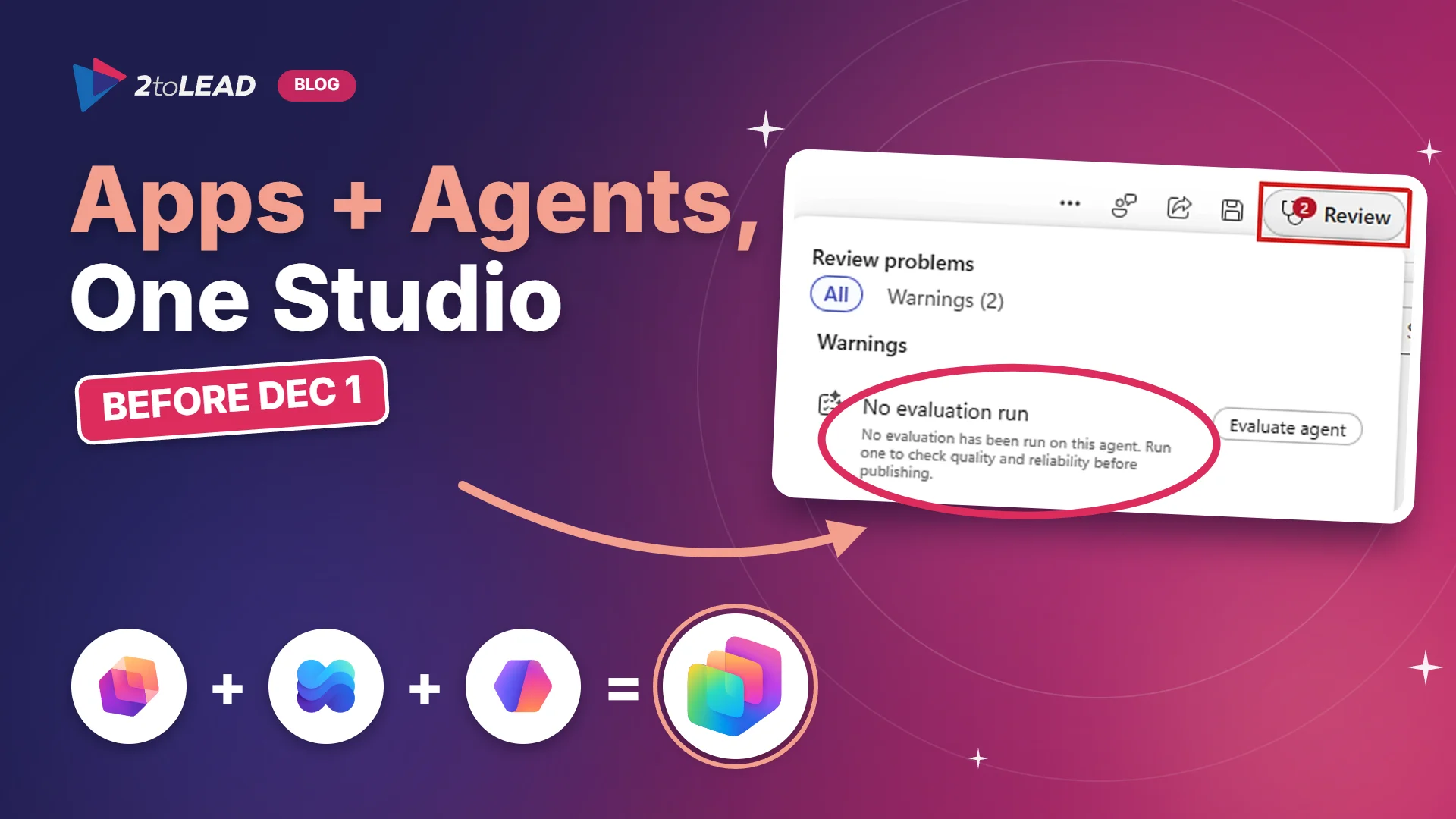
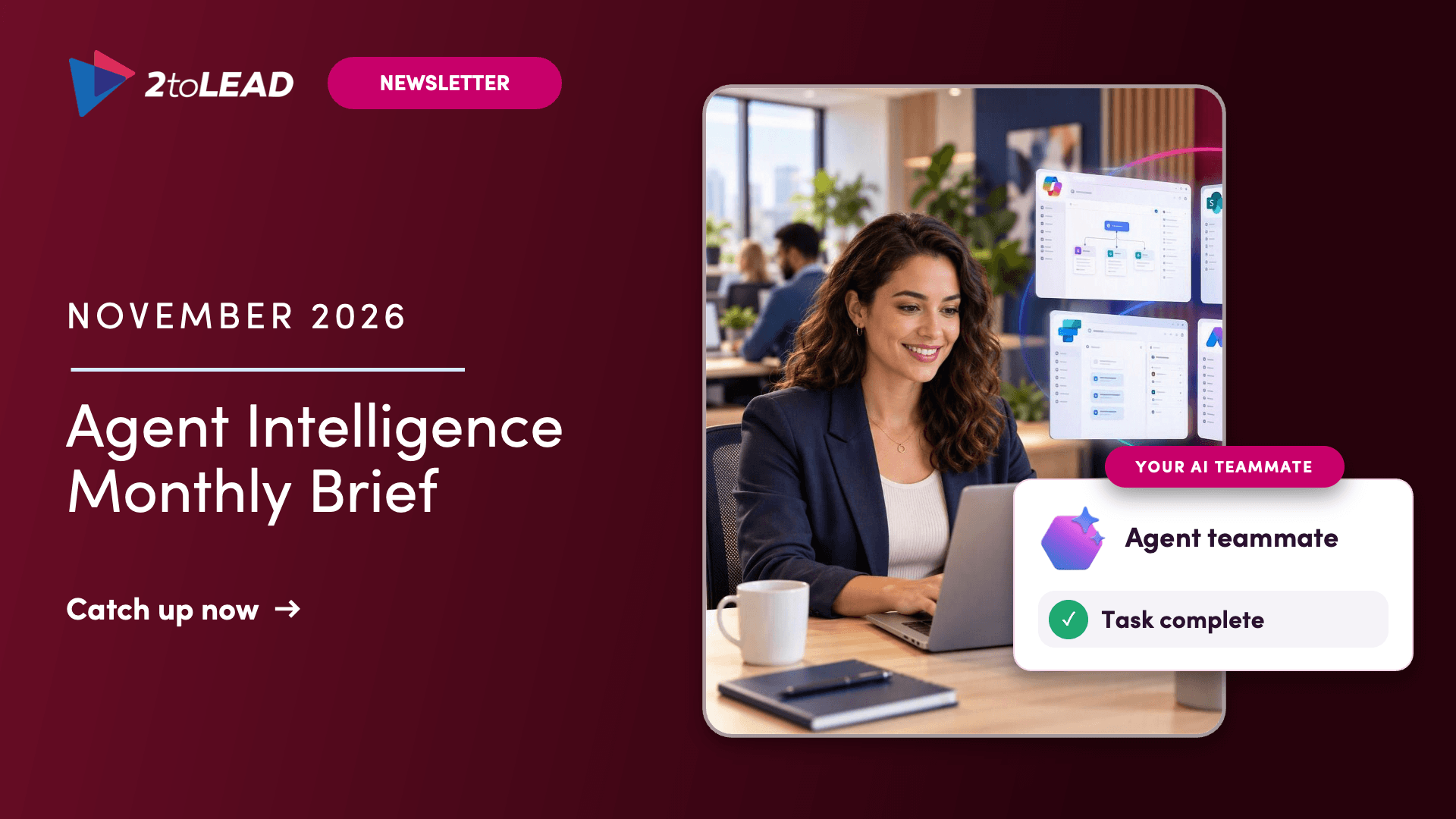
November 2026 AI agent updates: governing agent memory, the SharePoint agents upgrade, a one-day agent build, a scoping framework and free training.
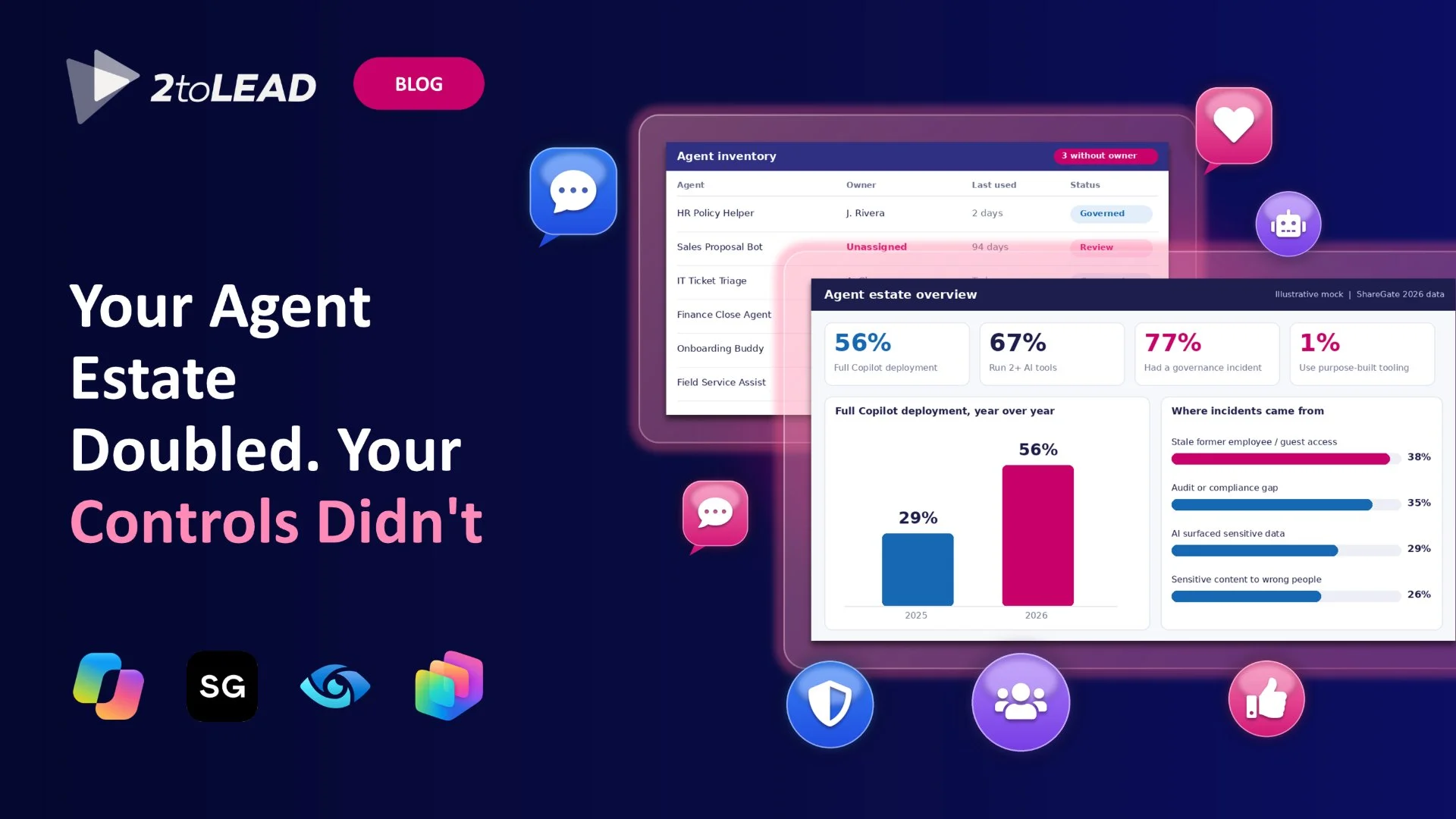
Your agents are starting to remember things. Some of them are also about to stop working.
This month we look at three questions every agent owner should be asking: what should an agent be allowed to remember, which agents in your SharePoint sites now have a deadline, and how do you pick the next agent worth building before anyone opens Copilot Studio?
Here's what to sort out before your agent estate grows again 🔍
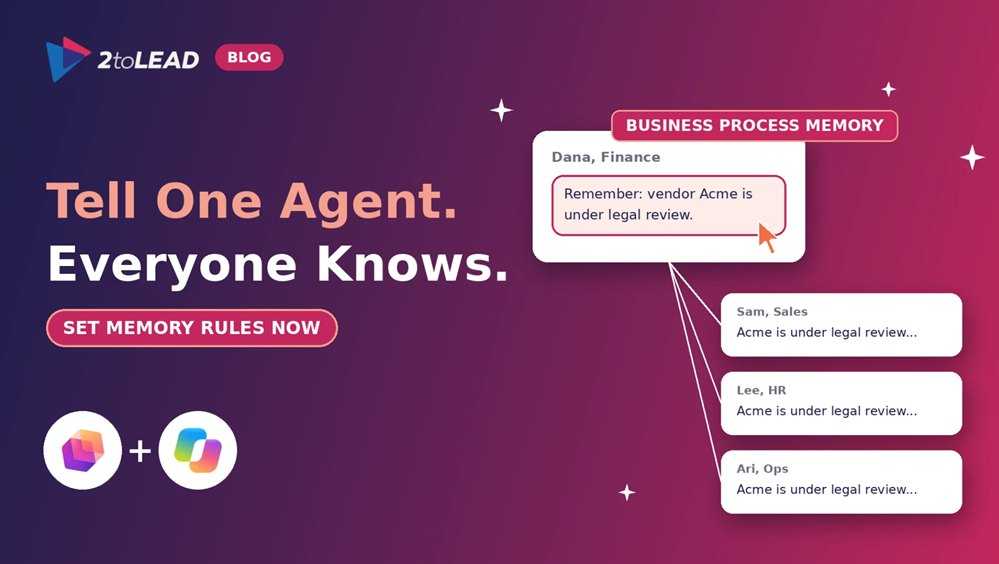
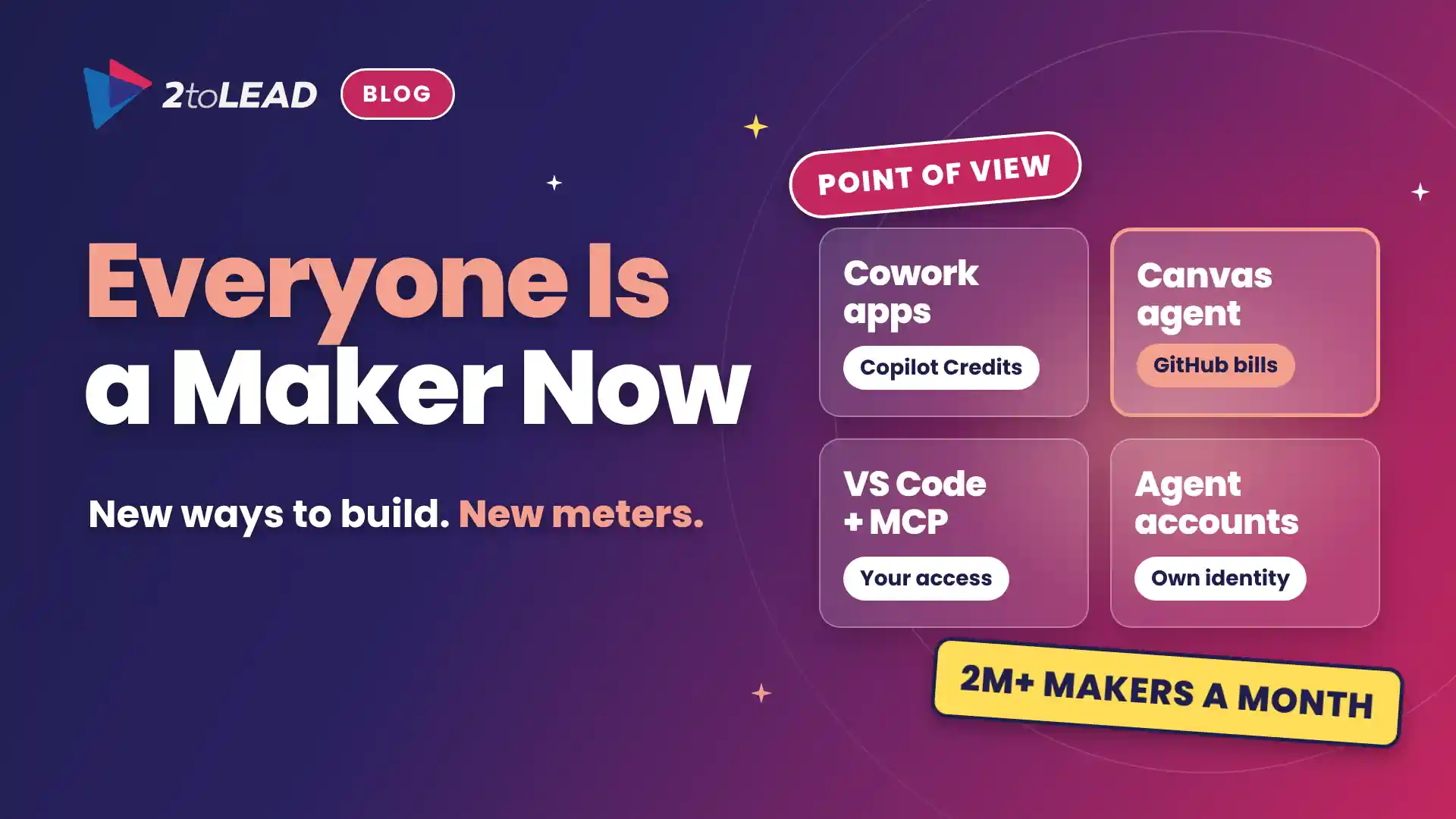
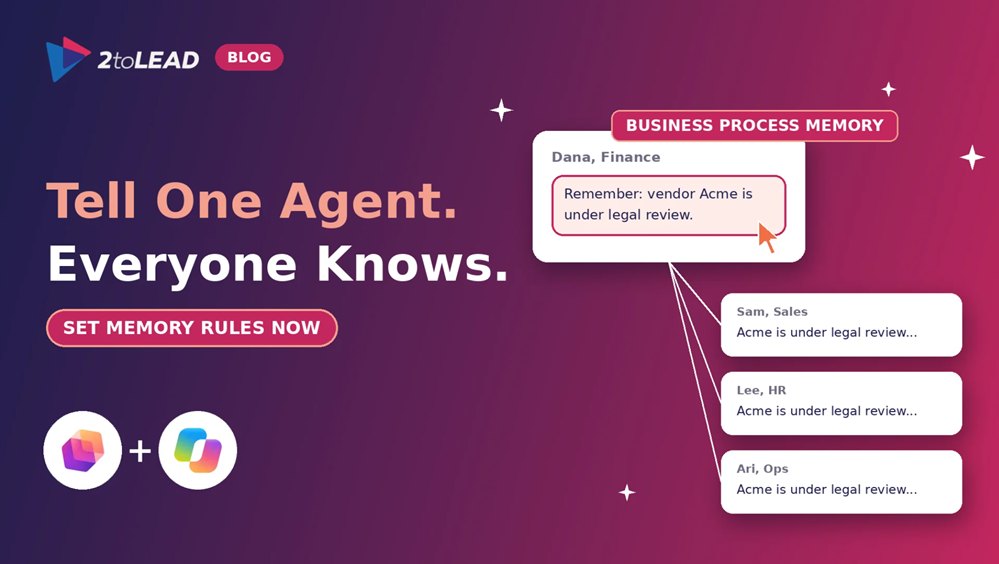
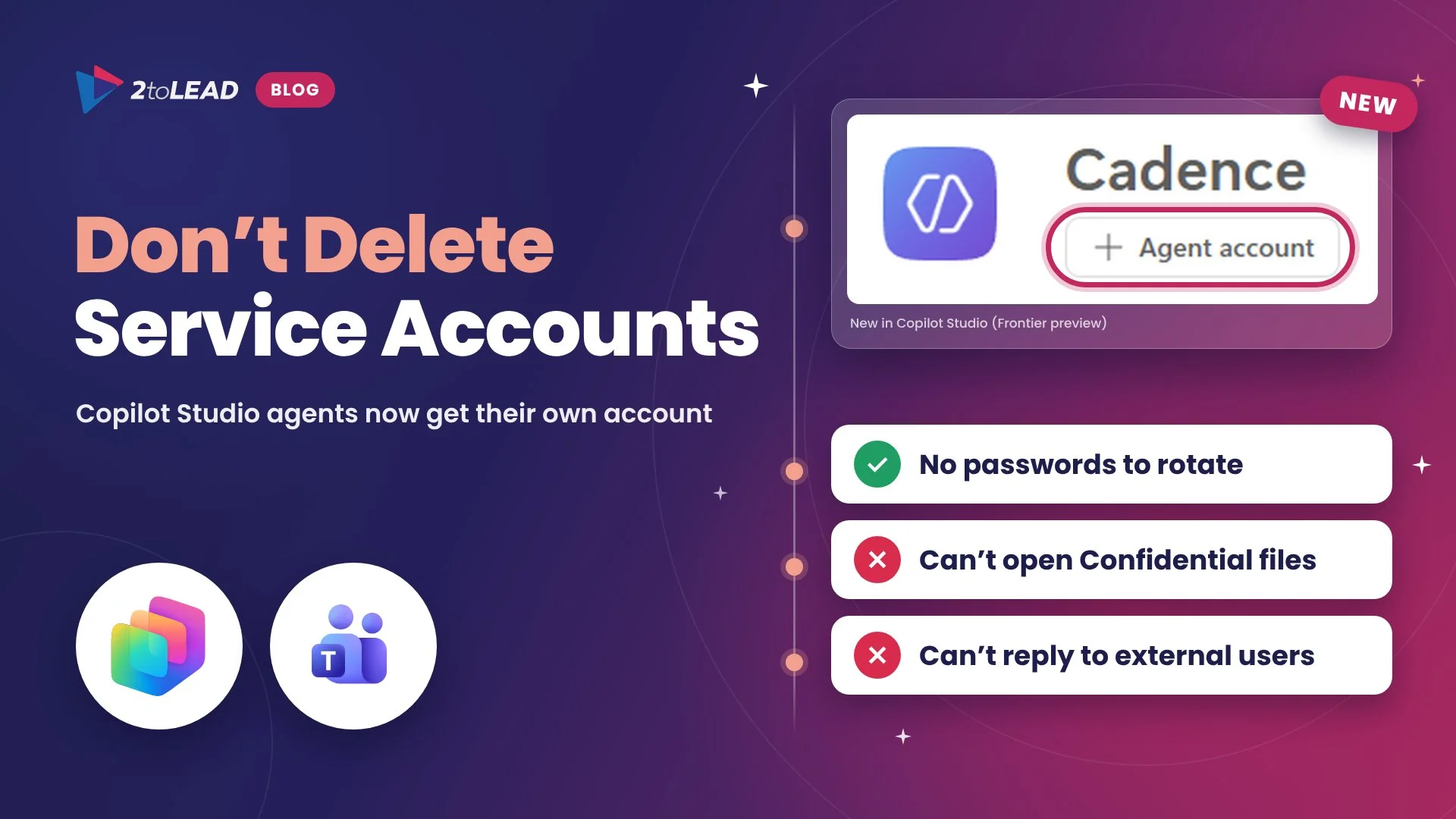
Copilot Studio agents can now work under their own Microsoft 365 account and keep what they learn from one run to the next. The catch is that this memory is shared. A detail one person mentions can shape the answers a colleague gets the next day. Both features are rolling out through the Frontier program now, and Microsoft has said more controls are coming later. This piece explains why the next 60 days are your design window, and which decisions to make before your agents remember too much.
→ Find out what your agents should be allowed to remember
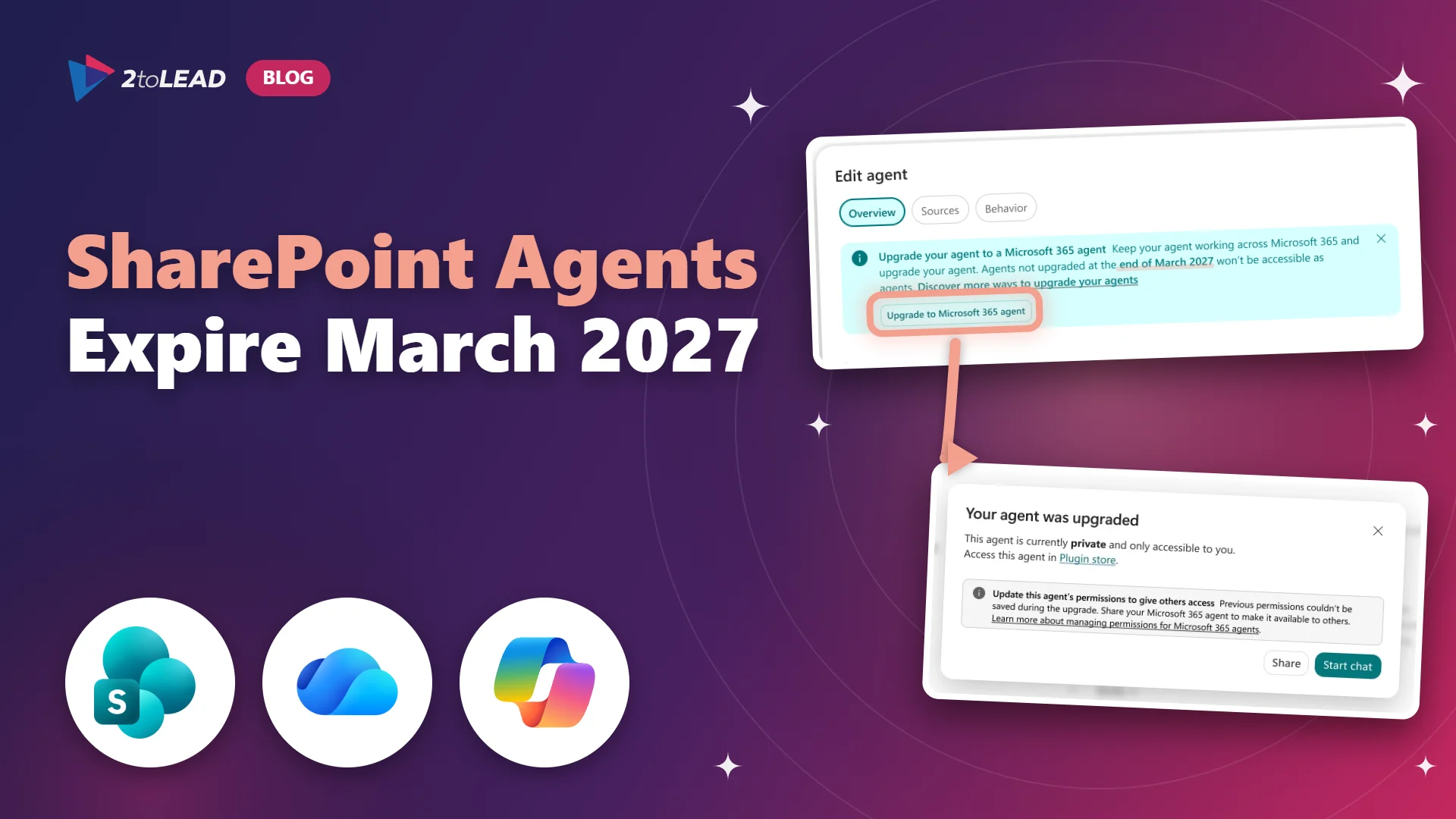
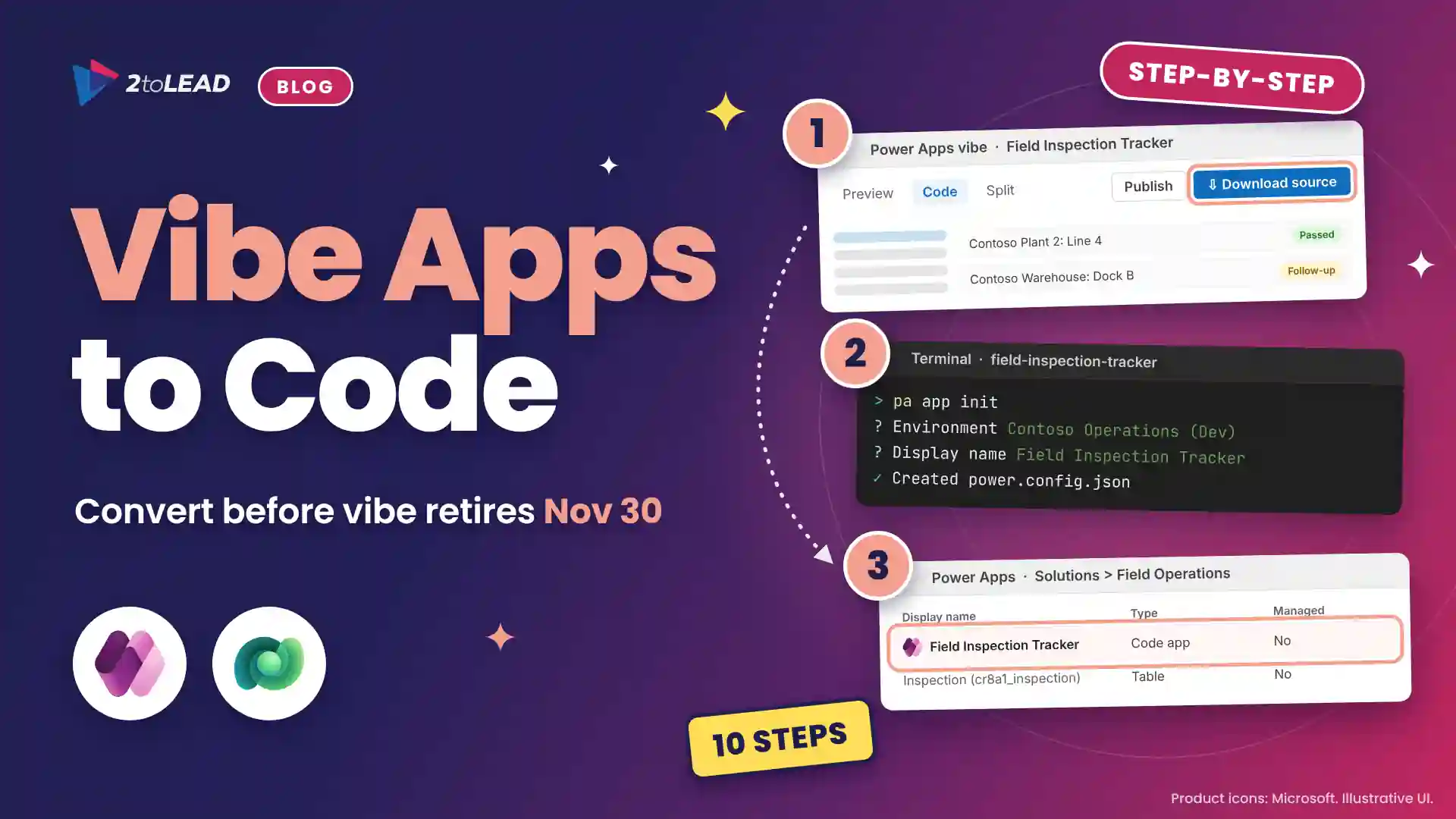
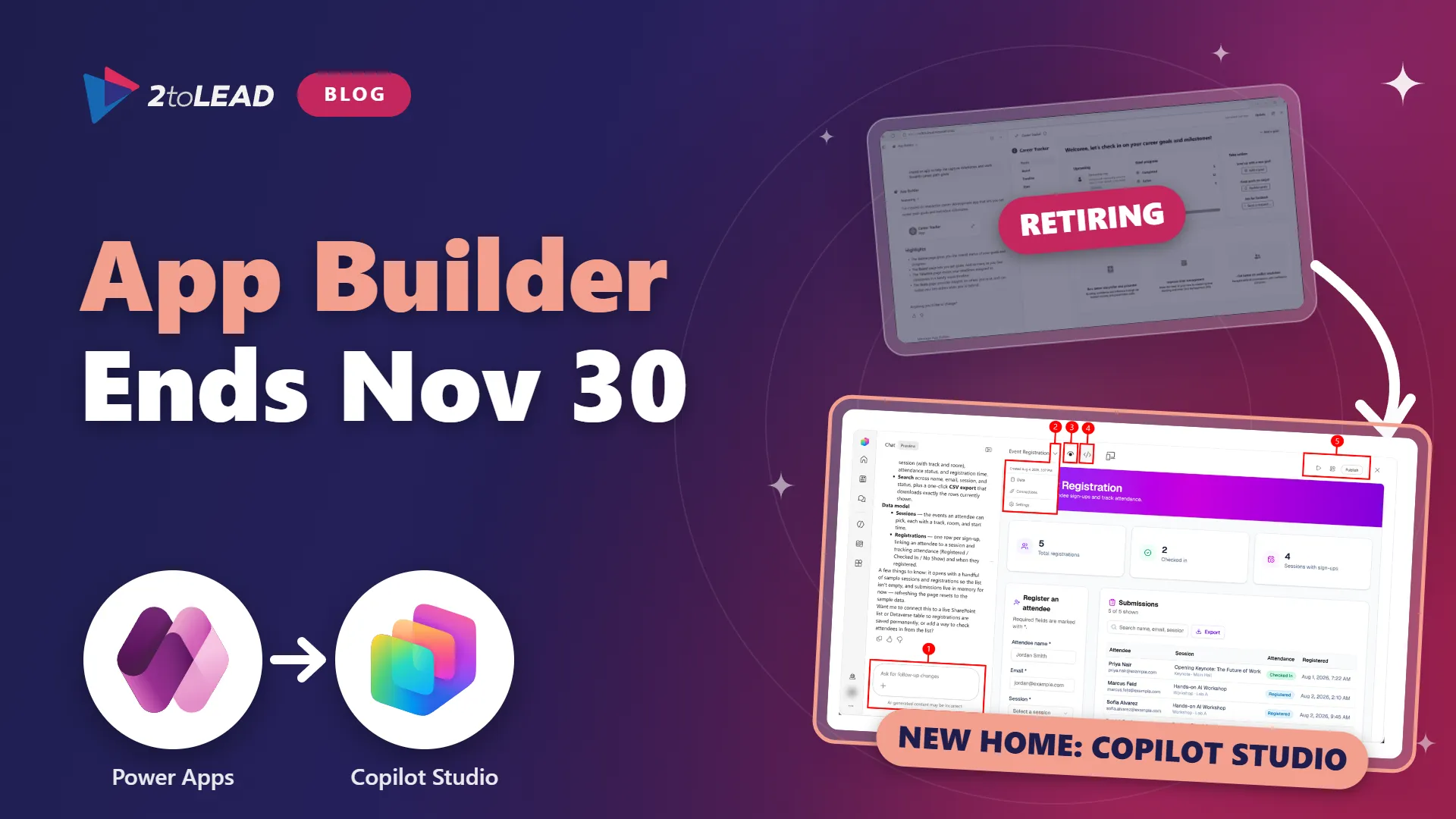
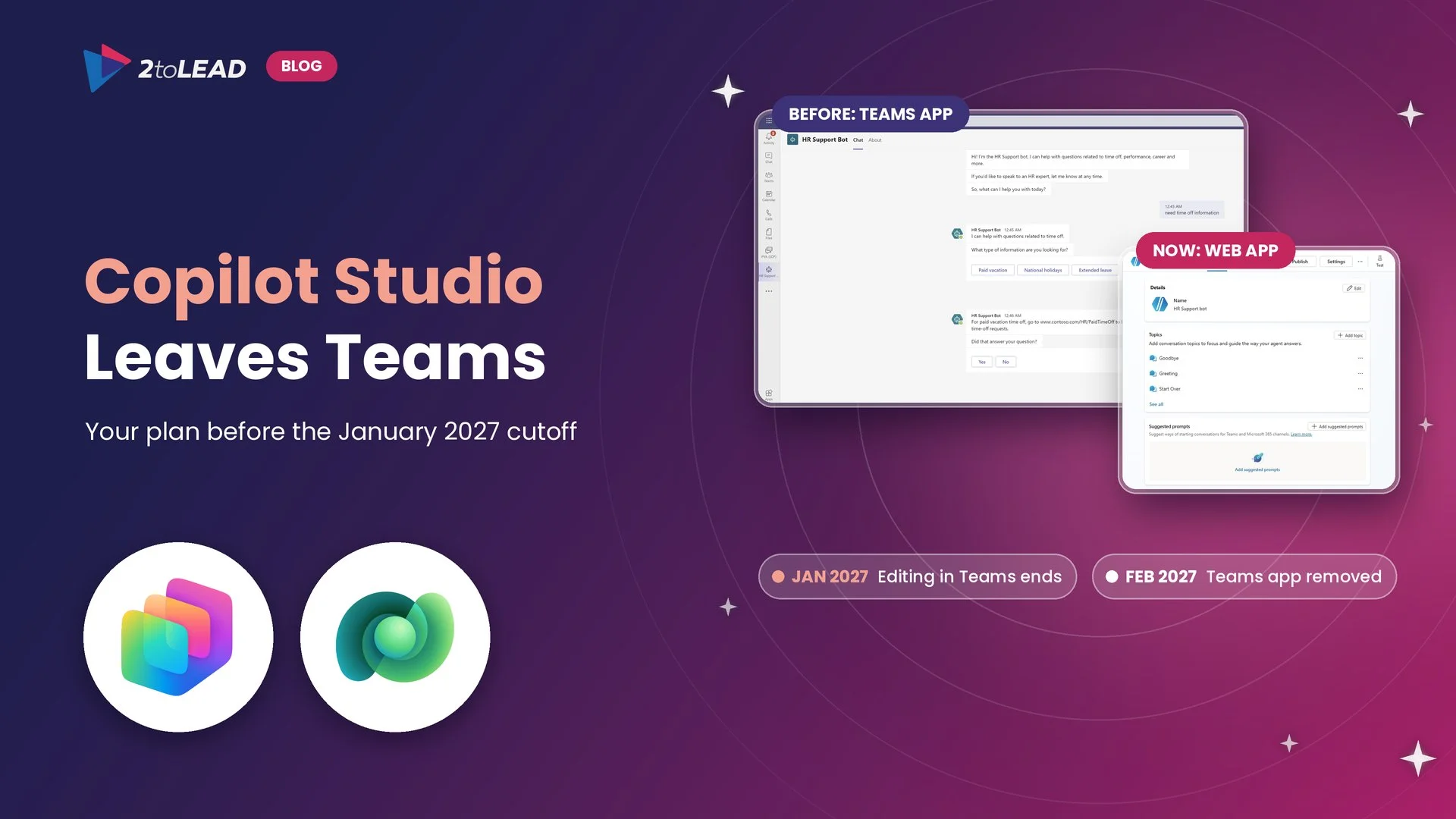
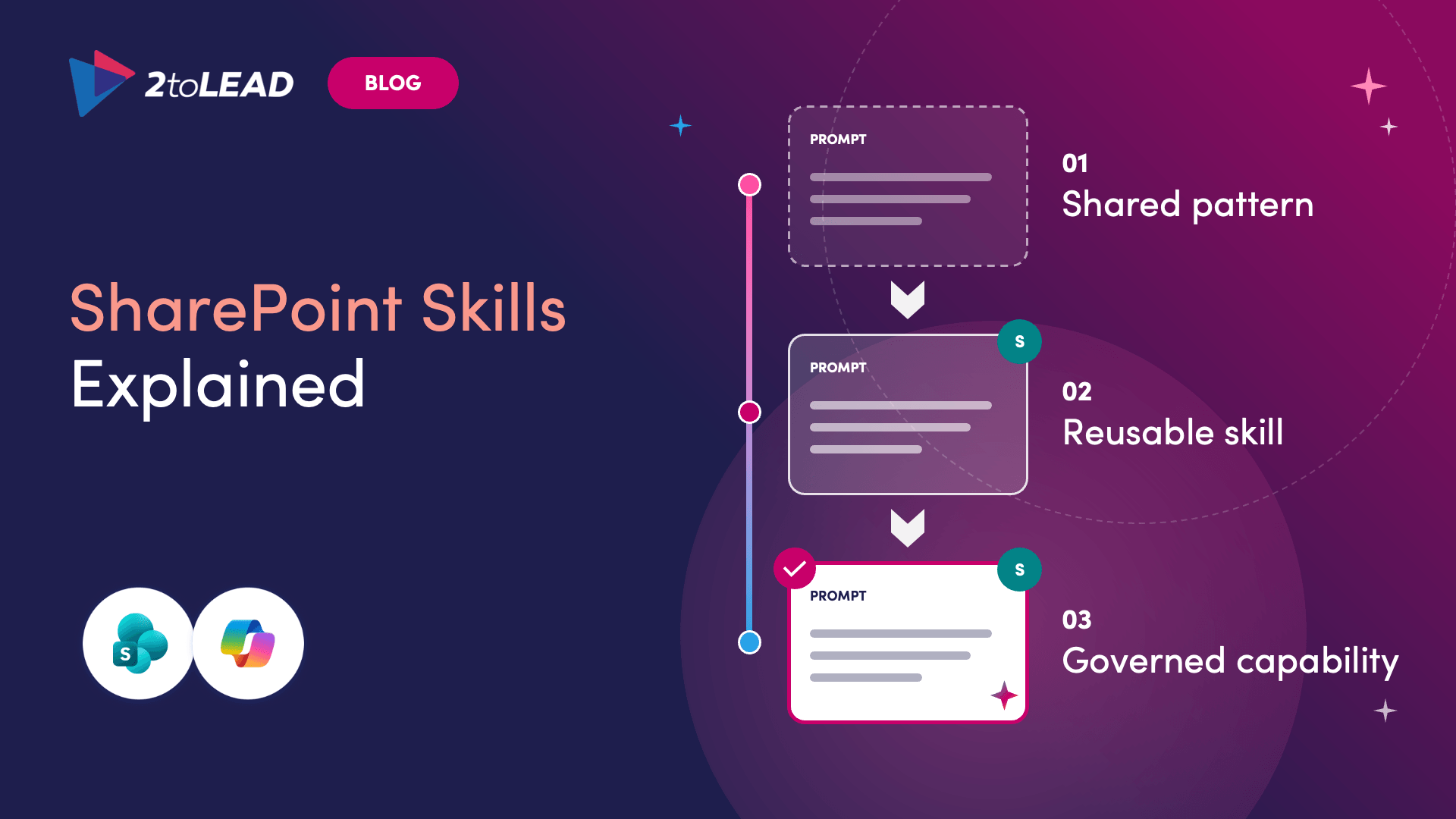
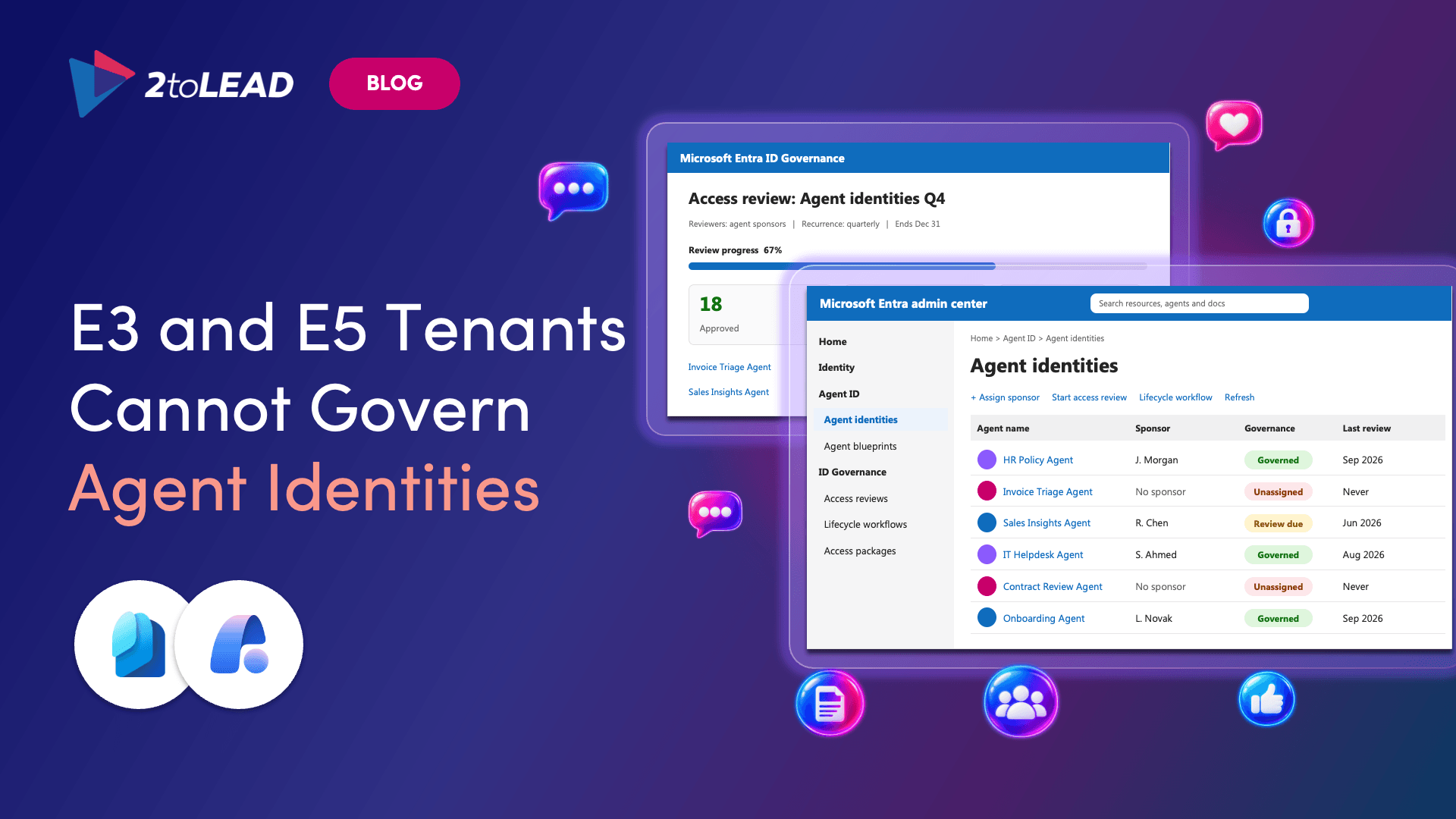
SharePoint agents were the easiest agents in Microsoft 365 to build. Anyone with edit rights on a site and a Copilot license could create one in a few clicks, and plenty of people did. Microsoft is now retiring the older .agent file version of these agents. They stop working in early to mid-April 2027, and any that haven't been upgraded or converted simply disappear for their users. The upgrade also brings agent governance into one central place, but that only pays off if admins set it up before agents arrive in volume.
→ Find the agents that could disappear in April
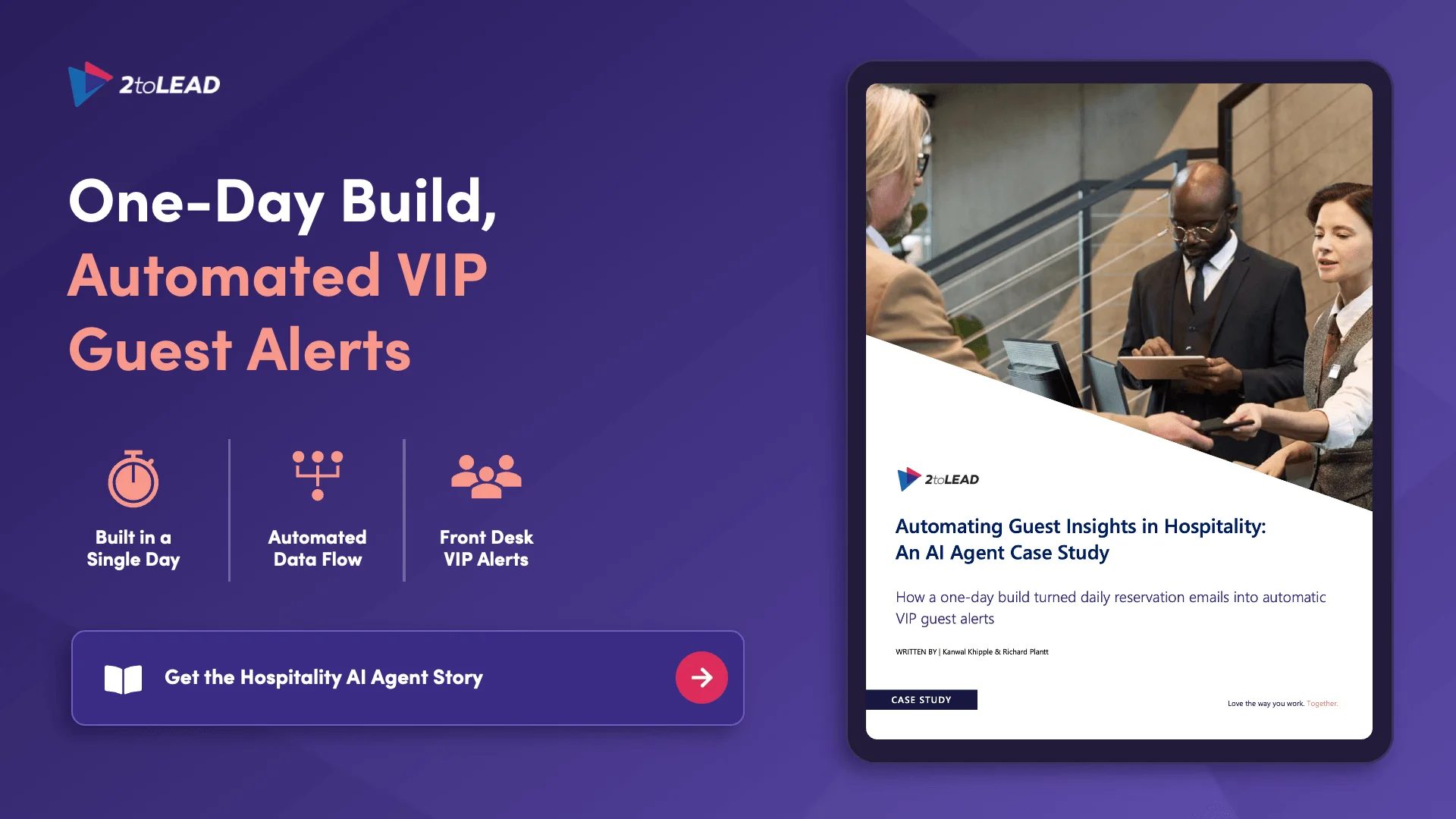
A hospitality organization with a large portfolio of properties already had the data to recognize its best guests. It just arrived every morning as an Excel attachment nobody had time to read. In a one-day hackathon, 2toLead connected Power Automate, SharePoint, Dataverse and Copilot Studio into one flow that spots VIP guests and alerts the front desk. The case study walks through the build, the hurdles that almost broke it and the lessons you can reuse for your own first agent.
→ Get the hospitality AI agent case study
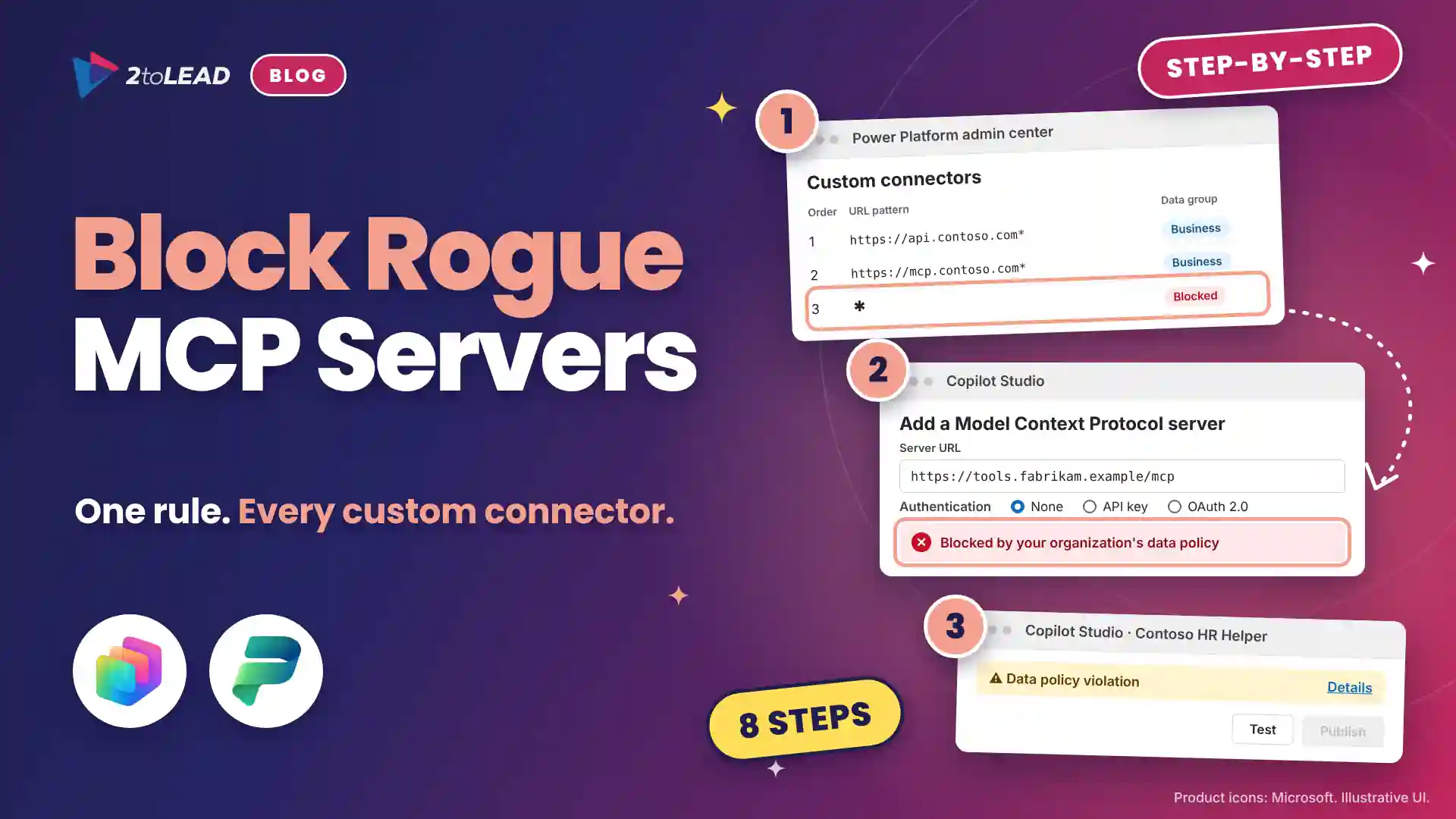
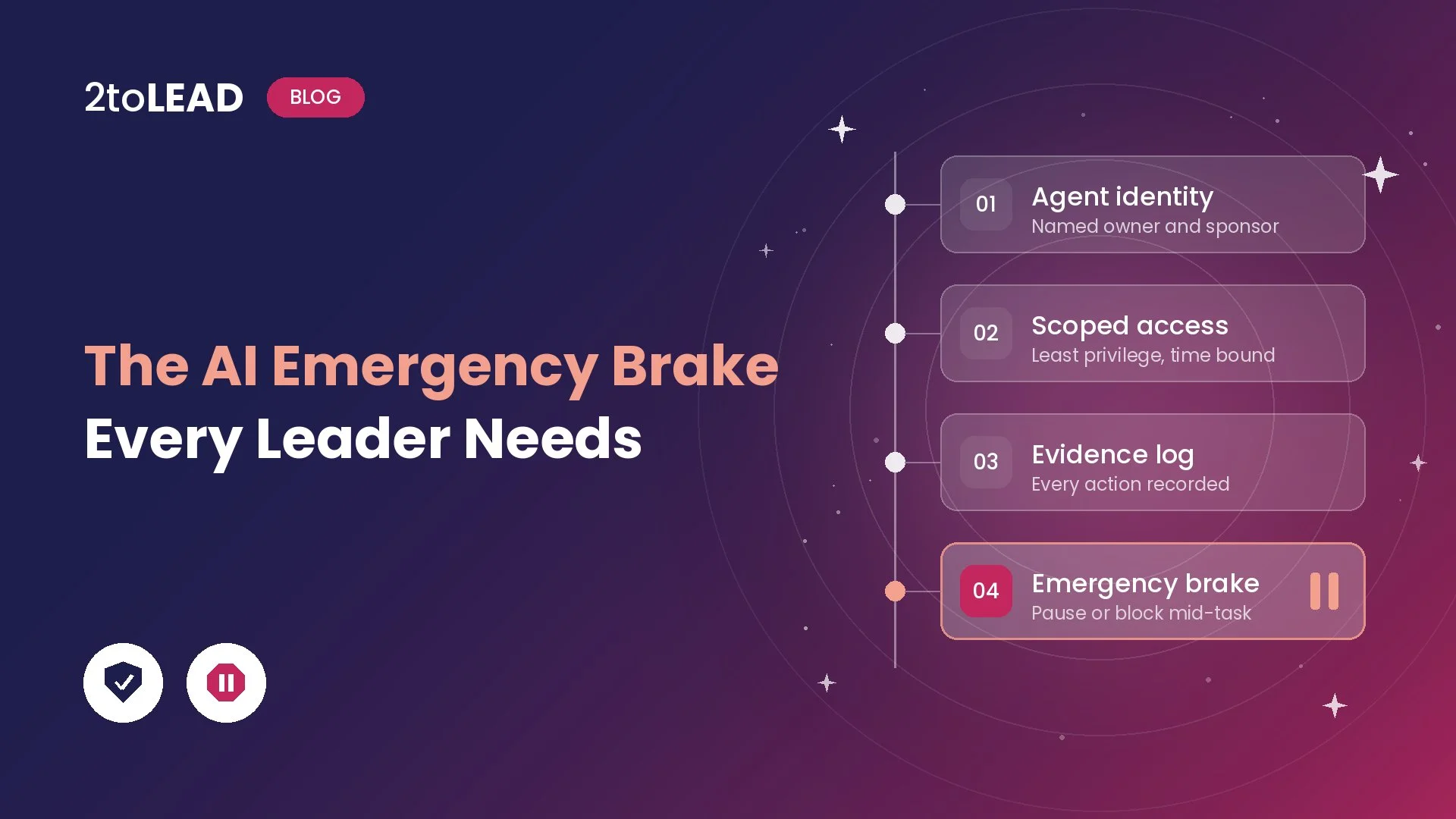
More teams are building agents across Microsoft 365, Copilot Studio and connected business systems. For CIOs, the challenge is encouraging that work without creating sprawl, security risk and governance blind spots. This session covers:
→ Watch the CIO's playbook on demand
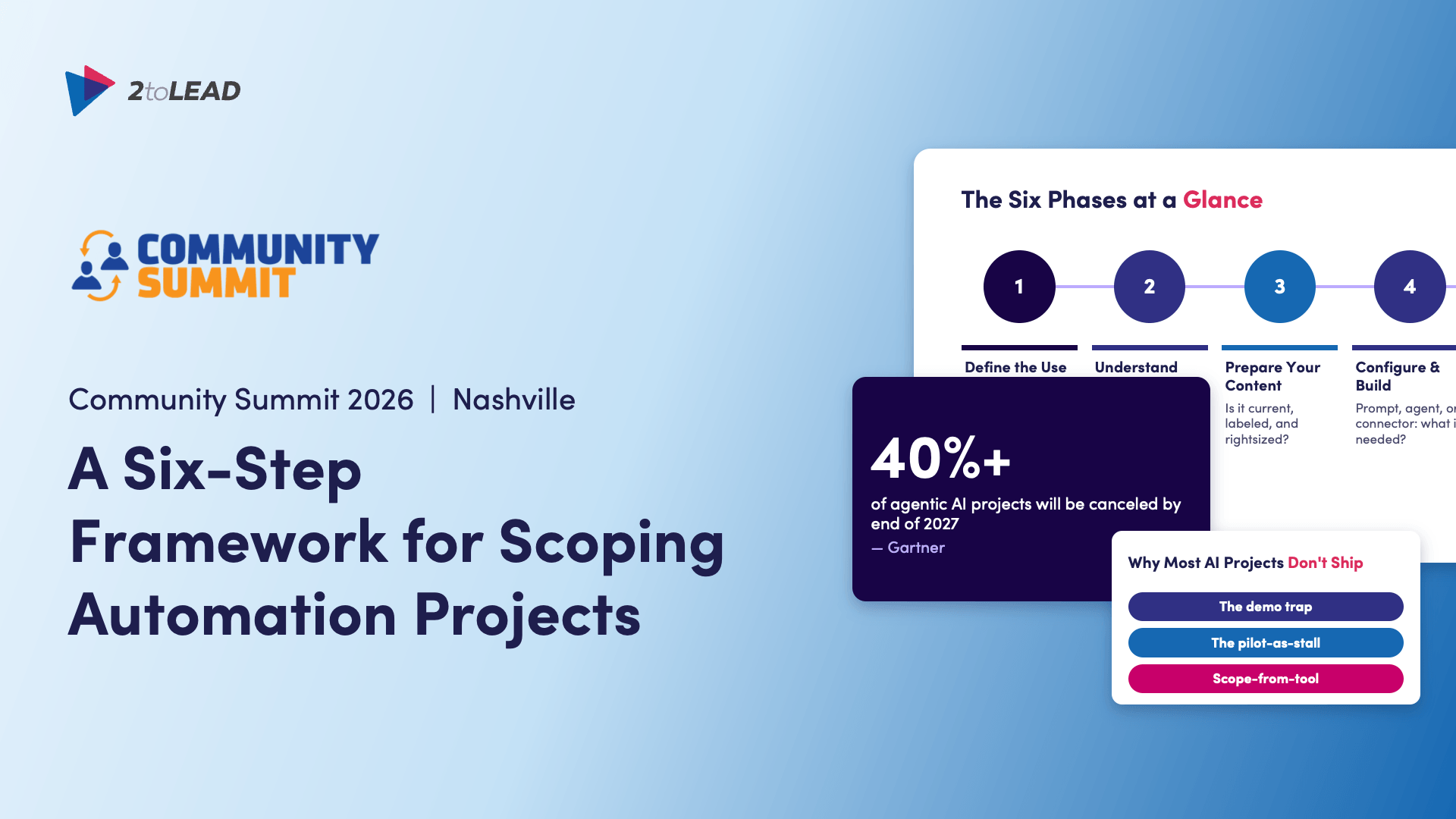
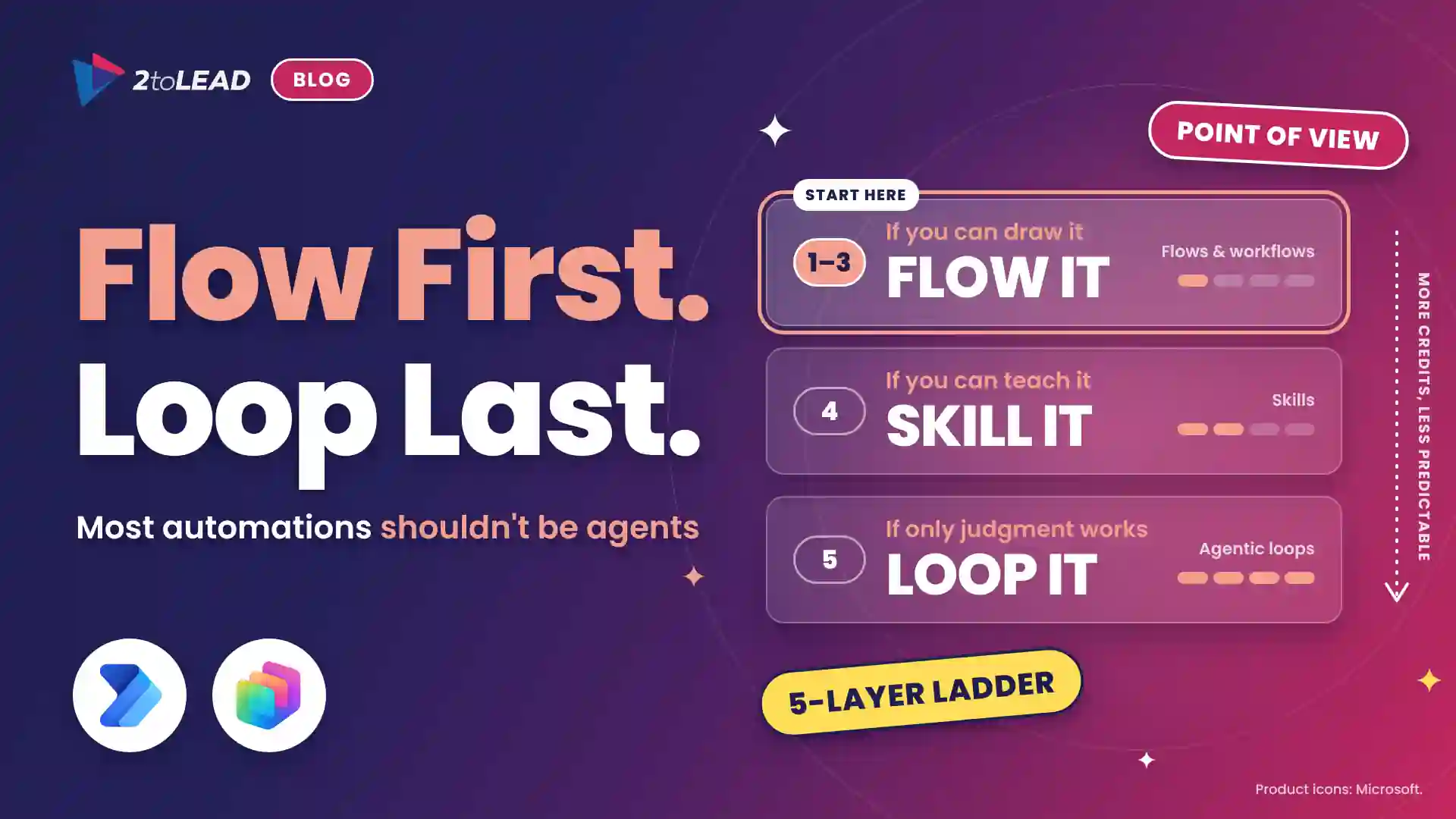
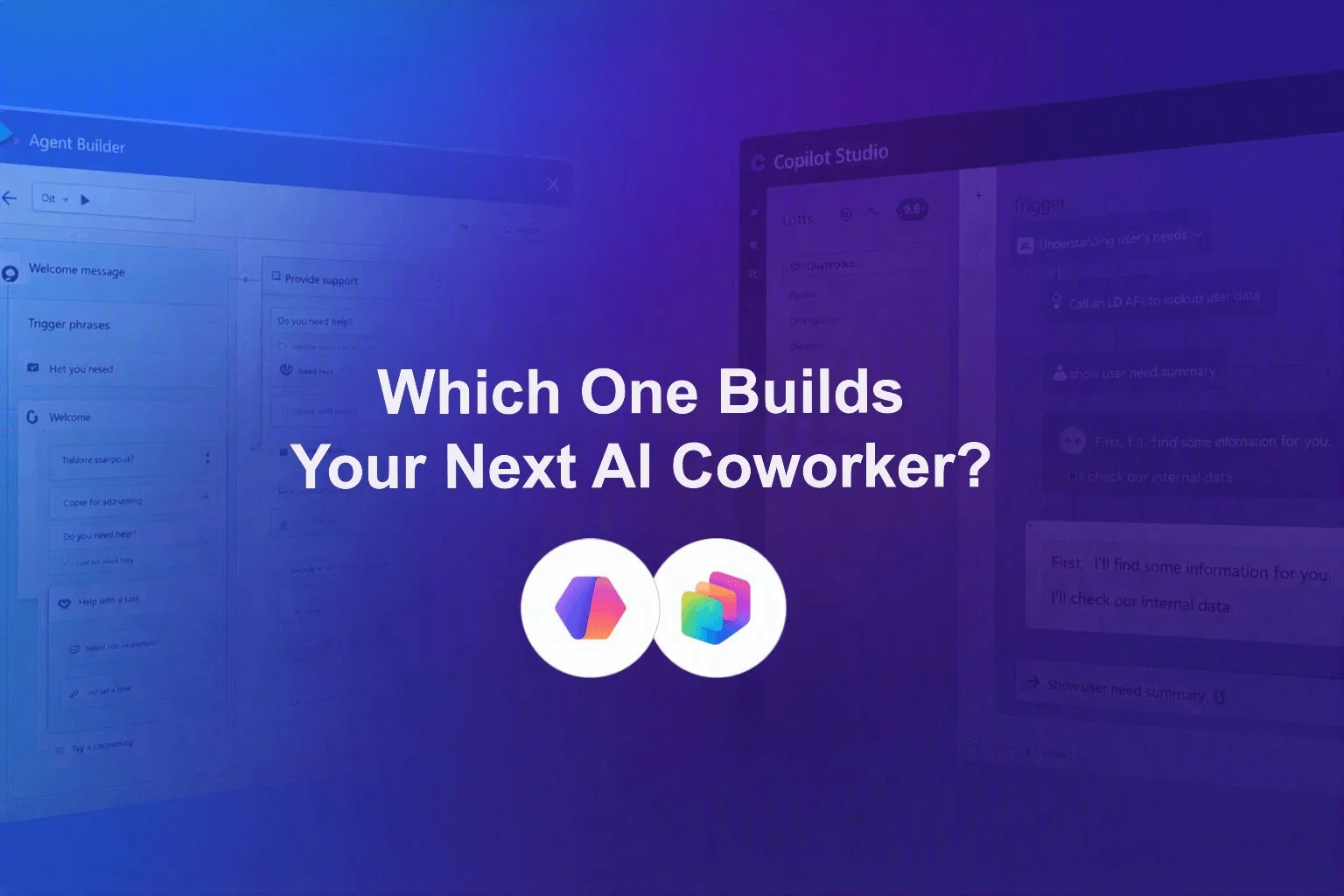
The most expensive agent mistake often happens before anything gets built. The wrong process gets picked, the value case is never tested, or governance doesn't come up until go-live. This deck from Kanwal Khipple's Community Summit 2026 session gives you a structured way to qualify an idea, score its complexity and risk, and map the people behind it. You finish with a clear go/no-go call before development starts.
Go from idea to a working agent with 2toLead's Agent in a Day. It's a free, instructor-led workshop with hands-on labs and guidance from Microsoft MVPs. You don't need any Copilot Studio experience.
Book a call with Microsoft MVP Kanwal Khipple to plan a private Agent in a Day, using your own use cases, your data scenarios and a schedule that works for you.
→ Plan my team's private session
Have an agent idea, or a few agents already running that nobody fully owns? Let's work out which ones to build, upgrade or retire.
Agent ideas everywhere, nothing in production? Three ways we help:
A regulated health system turned its legal contract playbook into a governed Copilot agent that reviews real contracts every day.
Read the case study →


Join Our Newsletter