The Workforce Insights agent for Microsoft 365 Copilot targets GA in September 2026. What it does, why people data raises privacy concerns and how to govern it.
The Workforce Insights agent (Microsoft 365 Roadmap ID 515145) is a conversational Copilot agent that lets leaders, managers, and their delegates ask plain-language questions about their organization's structure, team composition, skills, and flexible-work patterns.
It first shipped in the Microsoft Frontier program in November 2025 and is targeting general availability in September 2026. It is permission-aware and scoped to what each user can already see, but it lowers the friction of asking sensitive questions about people.
The right move is to govern data quality, delegate access, and responsible use before you enable it broadly.
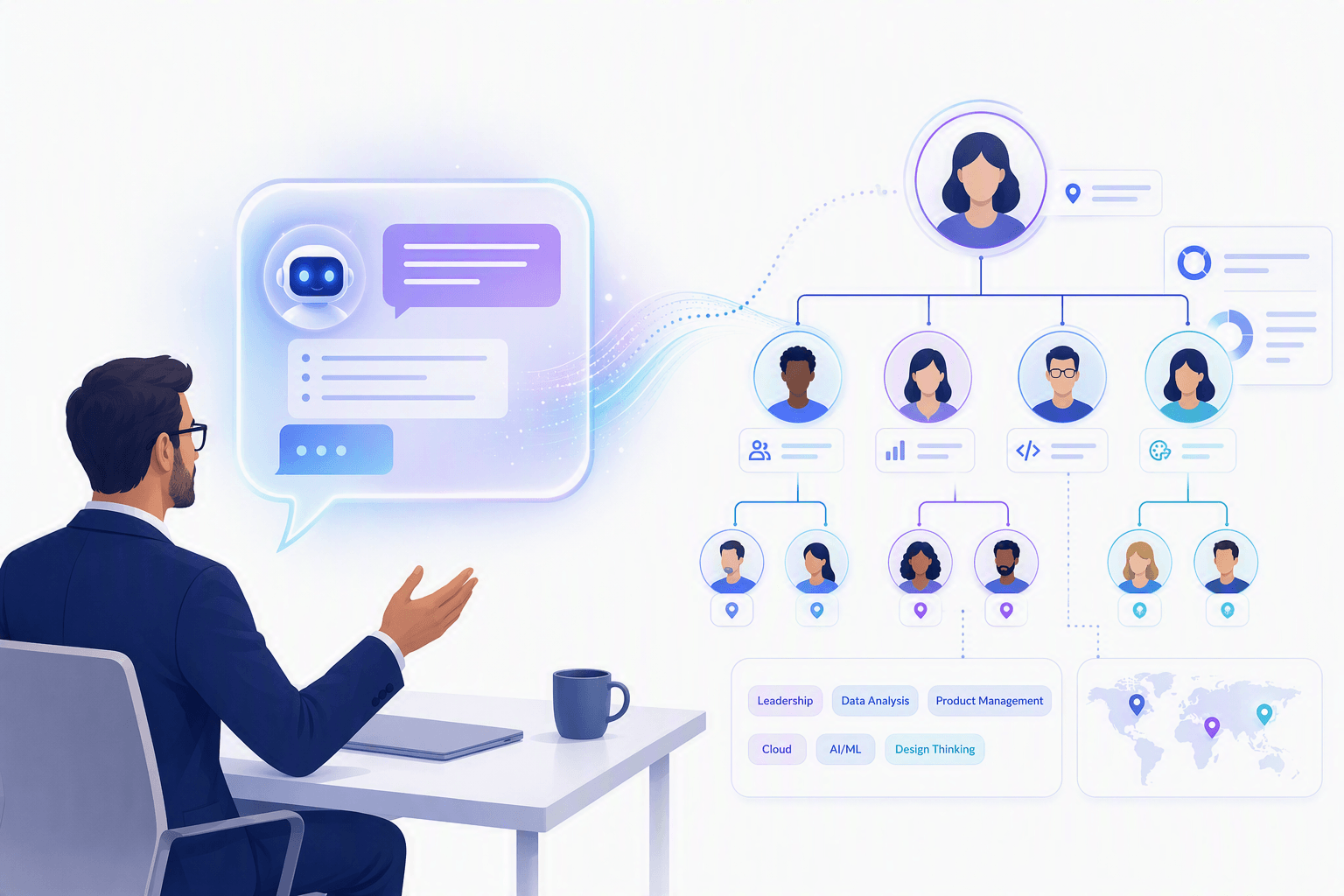
Every few months a new Copilot agent shows up that changes what a manager can do in thirty seconds. The Workforce Insights agent is one of the more consequential ones, because the data it touches is your people. Not documents. Not spreadsheets. People, roles, reporting lines, and skills.
That is exactly why it is generating a governance and privacy debate ahead of GA. The technology is not the hard part. The policy, the data quality, and the access model are.
This guide breaks down what the agent actually does, where the concerns are legitimate, and the practical controls that let you say yes without creating a mess. For the broader picture on why controls alone are not enough, start with our view on why Copilot and agent governance fails without an operating model.
The Workforce Insights agent is a Microsoft 365 Copilot agent that helps leaders and their delegates make informed decisions about organizational structure, staffing, and skills by turning complex workforce data into clear, conversational answers inside Copilot or Microsoft Teams.
Microsoft describes it as a way for leaders to "quickly understand their organization" without navigating dashboards, filters, and org charts. Instead of clicking through reports, an authorized user asks a question in natural language and gets a synthesized answer. It runs across Copilot on Android, desktop, iOS, Mac, Teams, Surface devices, and the web.
A few facts worth pinning down, because they shape your rollout:
If your organization is still mapping out how agents like this get requested, approved, and retired, our explainer on the Agent PMO for Copilot governance is the operating structure that keeps agents from becoming one-off experiments.
The value is in the questions leaders can now ask without a data analyst in the loop. Microsoft's own getting-started guidance includes example prompts across three buckets.
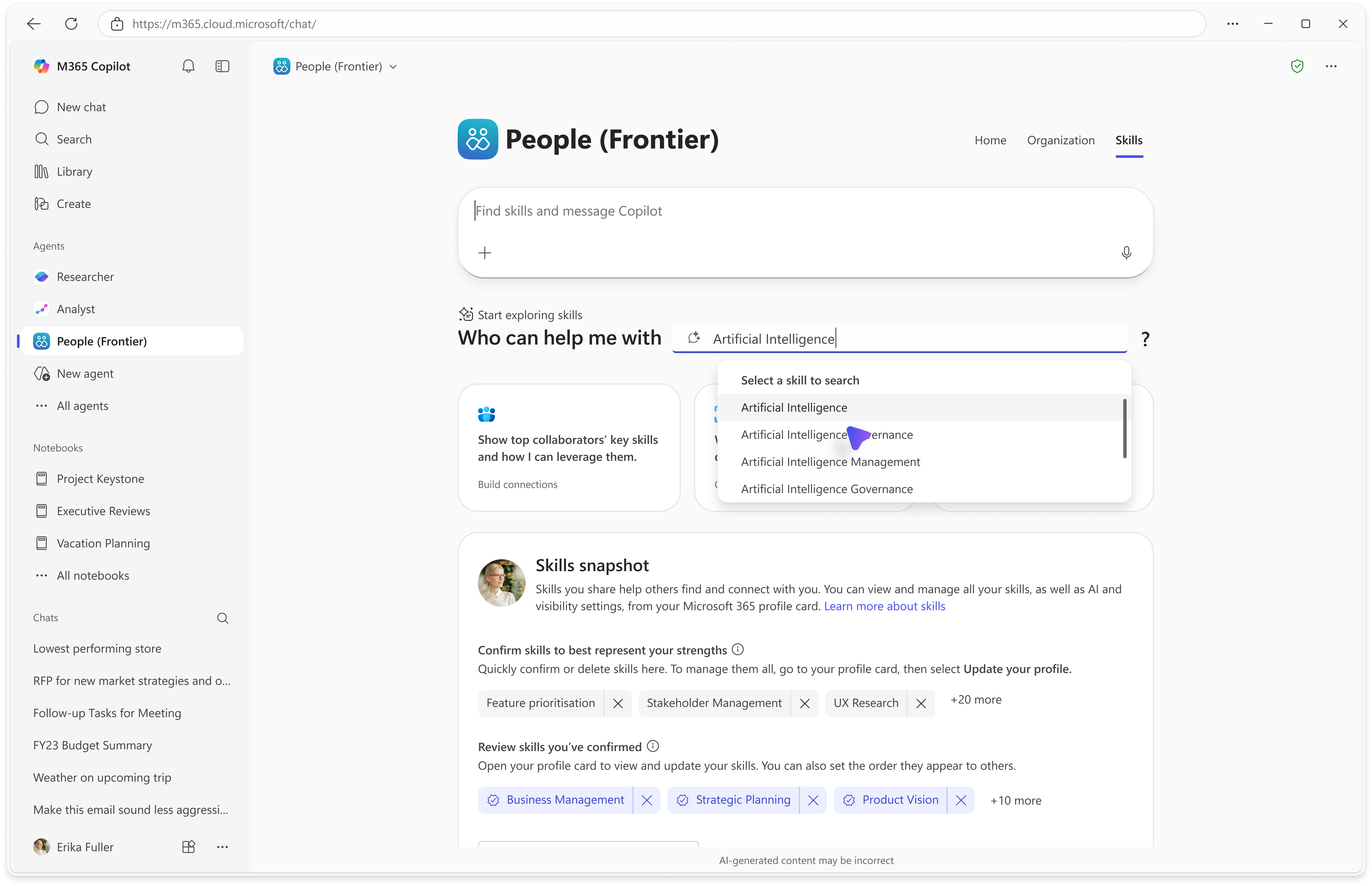
This is where the upside is obvious. Workforce planning, reorganization modeling, and skills-based staffing decisions that used to take a week of back-and-forth become a conversation. It also raises the stakes: the easier it is to ask, the more important it is that the underlying data is correct and the access model is tight.
The agent draws on two main data sources: Organizational Data uploaded through the Organizational Data in Microsoft 365 service, and People Skills data. Every response is scoped to what the user can already see about their own team, based on their role and admin policies.
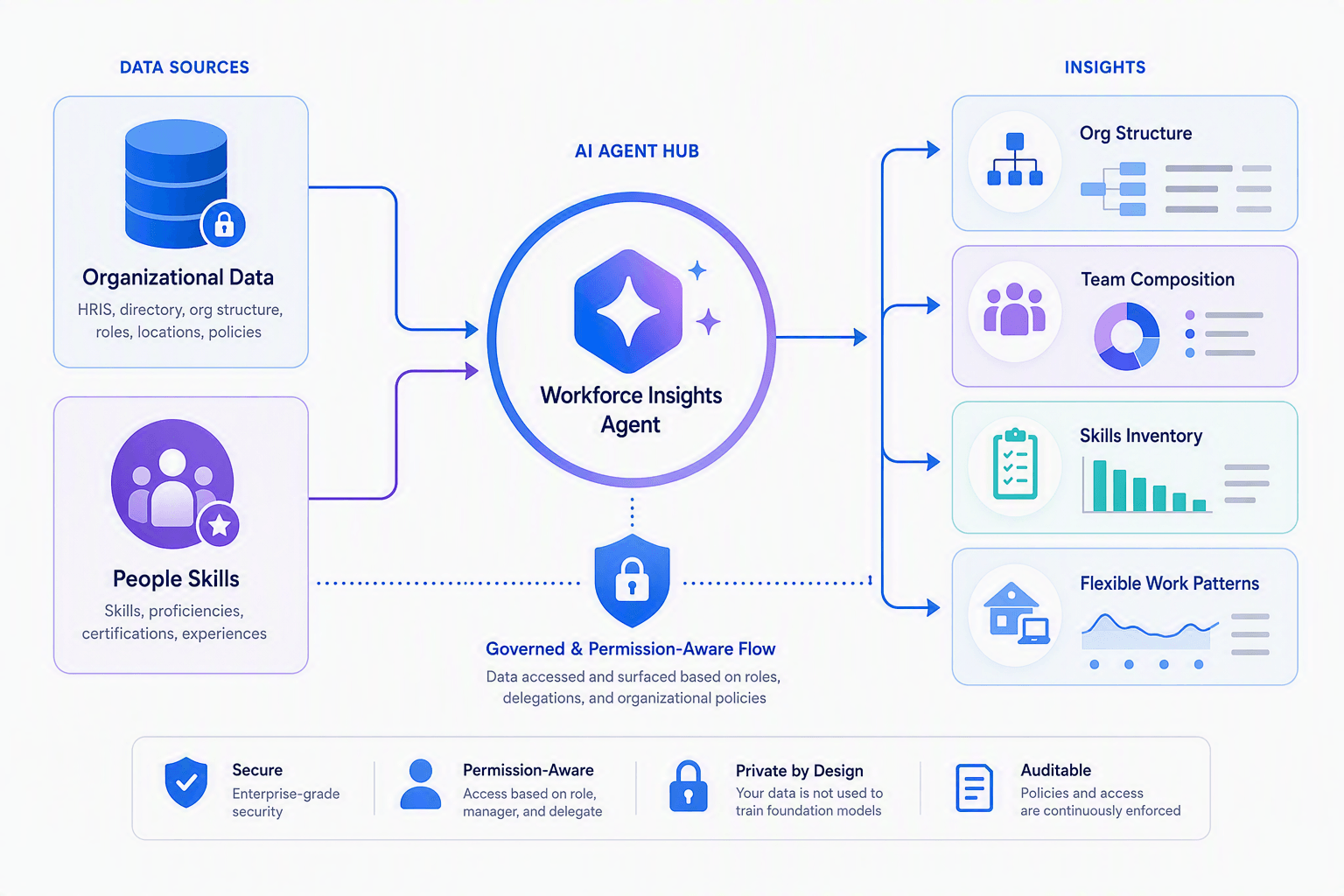
Two things determine whether this agent is trustworthy or misleading:
Microsoft also lets you override the default manager logic. By default, anyone with one or more direct reports is treated as a manager. If your HR definition differs, you add a SupervisorIndicator column to your organizational data so manager counts and manager-to-IC ratios match your formal definition. That single detail changes every headcount and span-of-control answer the agent gives, so decide it deliberately.
The data-quality reality: Copilot and agents only work with the data they can access. The same principle that drives building governed custom agents in Copilot Studio applies here: fix the inputs first, or the agent will amplify whatever is already wrong in your directory.
Let me be direct: the concern is not that the agent bypasses permissions. It does not. It returns only what a leader or delegate is already entitled to see, and Microsoft states responses are based on your role and your organization's policies. The concern is behavioral and operational.
None of these are reasons to block the agent. They are reasons to govern it. If you want the wider pattern behind why enterprise agents stall, our analysis of the operating-model gap in Copilot governance covers the ownership, access, and measurement questions this agent forces.
A common mistake is treating this agent like Viva Insights advanced analysis. They are different tools with different privacy models. Govern each on its own terms.
Govern it in three layers: control who can use it, control the data it reads, and control how people act on it. Microsoft gives you deploy, restrict, and block controls in the Copilot Control System; the rest is your data hygiene and policy.
SupervisorIndicator column.Want a repeatable way to assess readiness across data, security, access, and operations before you flip the switch? Our resource library includes the AI Agent Readiness Checklist and the trust patterns from building trustworthy AI that apply directly to people-data agents.
Enablement is not adoption. The organizations that get value from the Workforce Insights agent do three things well.
This is the same discipline we bring to every agent engagement: prove value on one scenario, put minimum viable guardrails around it, then scale what works. Browse more of our Copilot and agent governance insights to see how that plays out across Microsoft 365.
Yes, but not tenant-wide on day one. The agent is genuinely useful and Microsoft has built sensible permission-awareness into it. The failure mode is not the technology. It is switching it on before your organizational data, delegate policy, and responsible-use standard are ready. Enable it for a pilot, prove the data holds up, then expand. That sequence turns a debated feature into a defensible capability.
2toLead helps enterprise teams govern, pilot, and scale Microsoft 365 Copilot agents with the data hygiene, access controls, and operating model that make adoption safe. Let's build your rollout plan together.
Talk to a Copilot governance expert
It is a conversational Copilot agent (Roadmap ID 515145) that helps leaders, managers, and delegates understand their organization's structure, team composition, skills, and flexible-work patterns using organizational data and People Skills data. It shipped in Frontier in November 2025 and targets GA in September 2026.
Two main sources: Organizational Data uploaded through the Organizational Data in Microsoft 365 service, and People Skills data. Answers are scoped to what each user can already see about their own team, based on role and admin policy.
It is permission-aware and returns only data the user is already entitled to see, but it lowers the effort of asking sensitive people questions. The governable risks are stale or over-broad org data, delegate sprawl, weak data quality, and acting on AI interpretations without judgment.
From the Copilot Control System in the Microsoft 365 admin center, admins can deploy the agent by accepting Microsoft Entra permissions, restrict it to specific users or groups, and block or remove it. Full functionality needs at least 50 Copilot licenses, and leaders and delegates need paid Microsoft 365 Copilot licenses.
Viva Insights advanced analysis delivers aggregated, de-identified collaboration analytics protected by minimum group sizes and differential privacy. The Workforce Insights agent is a conversational, role-scoped view of your own team's composition and skills. Different questions, different privacy models.
Only after validating organizational data quality, defining who counts as a manager, setting delegate policy, restricting the initial rollout to a pilot, and briefing leaders on responsible use. Treat GA as a controlled pilot, not a tenant-wide switch.


Join Our Newsletter