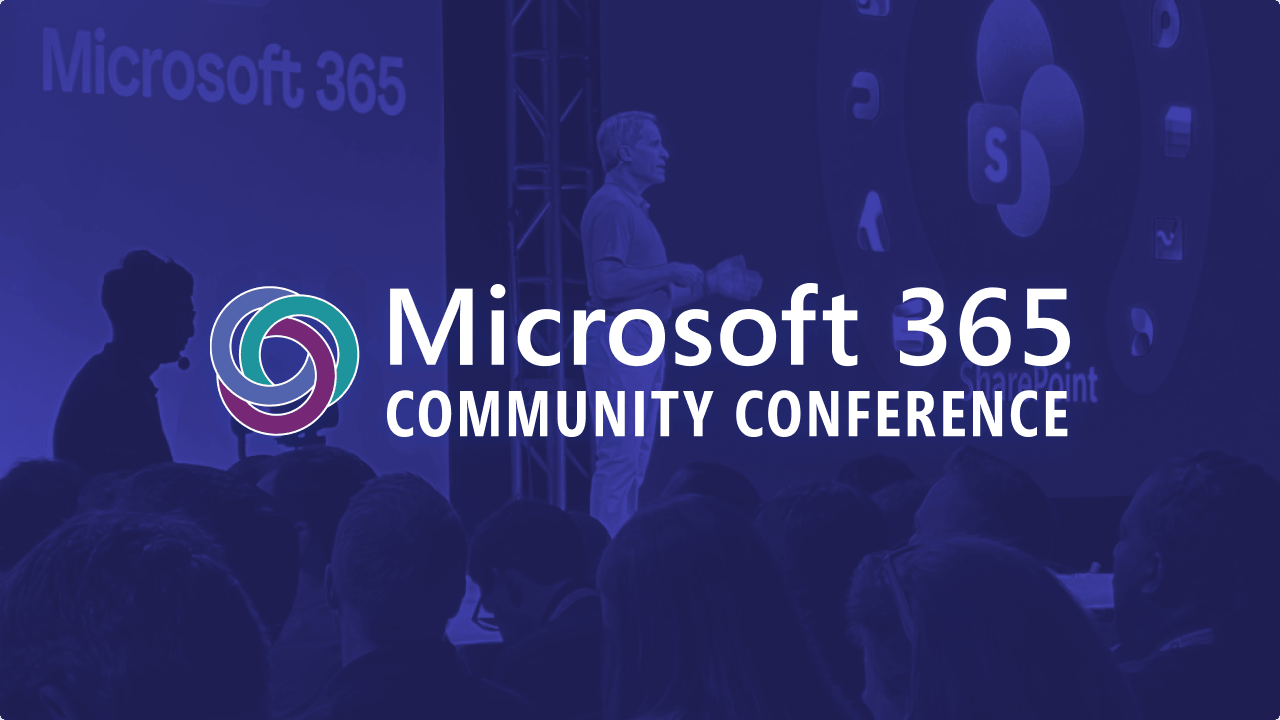
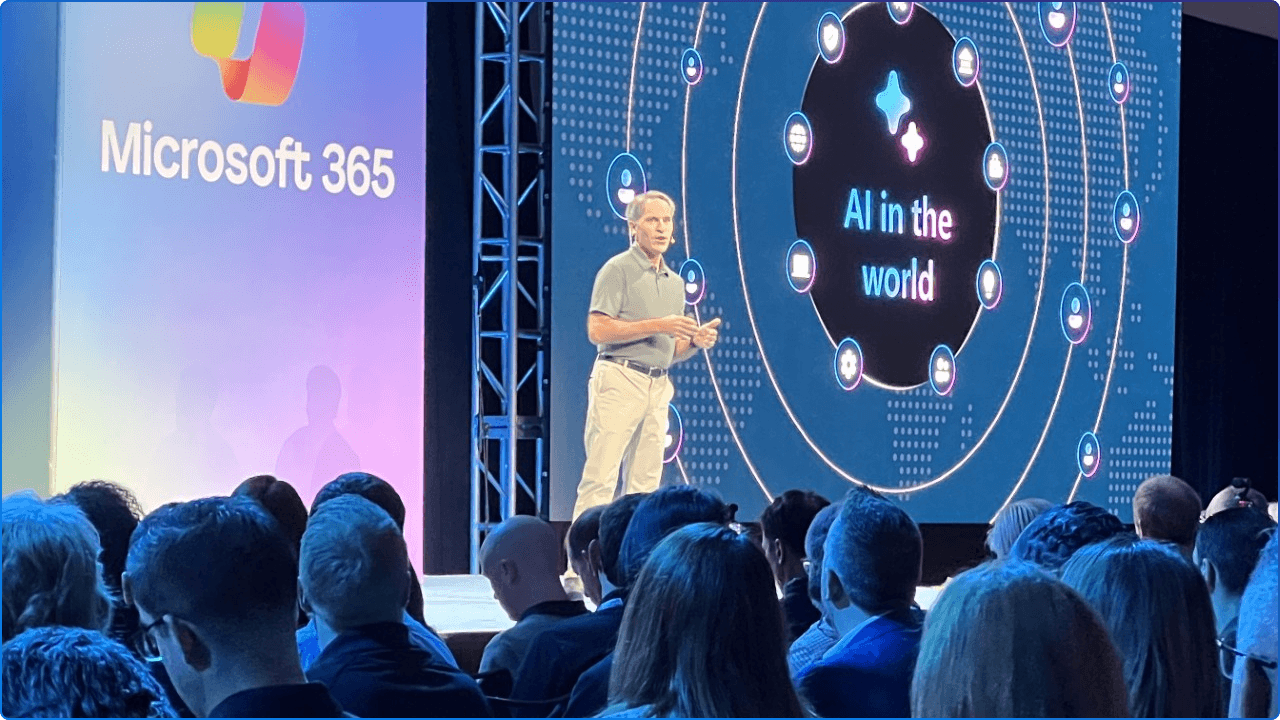
Some conferences leave you with a tote bag and a mild caffeine hangover. The 2026 Microsoft 365 Community Conference in Orlando left us with something far more valuable: a clear picture of where the modern workplace is headed, and the inspiration to help our clients get there.
Held April 21–23 at Loews Sapphire Falls and Loews Royal Pacific Resort, this year's conference brought the theme "A Beacon for Builders, Innovators & Icons of Intelligent Work" to life across every session, hallway conversation, and keynote moment. With 200+ sessions, 21 workshops, and over 150 Microsoft engineers and product makers in attendance, it was the largest and most energizing Microsoft 365 community event in North America.
We were there, and there was a lot to take in. That's why we are excited to be hosting a live virtual session on Tuesday, May 12 at 11 AM EST, that explores the top announcements shared at the Microsoft 365 Community Conference. In this session, Kanwal Khipple and Richard Plantt will cover the things that stood out the most in terms of modern work.
Here are the moments and announcements that stood out most, the ones that matter for IT Pros, Communicators, HR leaders, IT Admins, and the executives and stakeholders shaping the modern digital workplace.
At the conference, Microsoft officially spotlighted Copilot Cowork, now available through the Frontier program in Microsoft 365. This is arguably the most significant shift in how Copilot works since its original launch, and it's the announcement our clients will be talking about for months.
Here's the short version: Copilot Cowork brings frontier AI capability directly into Microsoft 365. Instead of asking Copilot a question and getting a response, you now delegate meaningful work, and Copilot sees it through.
Describe the outcome you want. Copilot Cowork creates a plan, reasons across your tools and files, and carries the work forward with visible progress and the ability to steer along the way. Tasks are no longer confined to a single turn or a single app. They can run across Word, Excel, Outlook, Teams, and more, coordinating actions and producing real outputs without constant human intervention.
This is Wave 3 of Microsoft 365 Copilot. A turning point where AI stops being an assistant and starts becoming a doer.
One early access customer put it plainly:
"This isn't about generating content or answers. It's about taking real action, connecting steps, coordinating tasks, and following through across everyday workflows. Because Cowork operates on our enterprise data and within our security and risk boundaries, we can experiment, learn, and scale with confidence."
This is also an expression of Microsoft's multi-model strategy, the idea that the best AI for your work shouldn't be locked to a single provider. Copilot now automatically selects the right model for the right task, all within your enterprise security and governance boundaries.
What this means for your organization: The shift from "AI that responds" to "AI that acts" is no longer theoretical. If your team is ready to move from experimentation to real agentic workflows, Cowork and the Frontier program is where you want to start.
This one deserves a moment of recognition for anyone who has invested time, energy, and governance into their SharePoint environment.
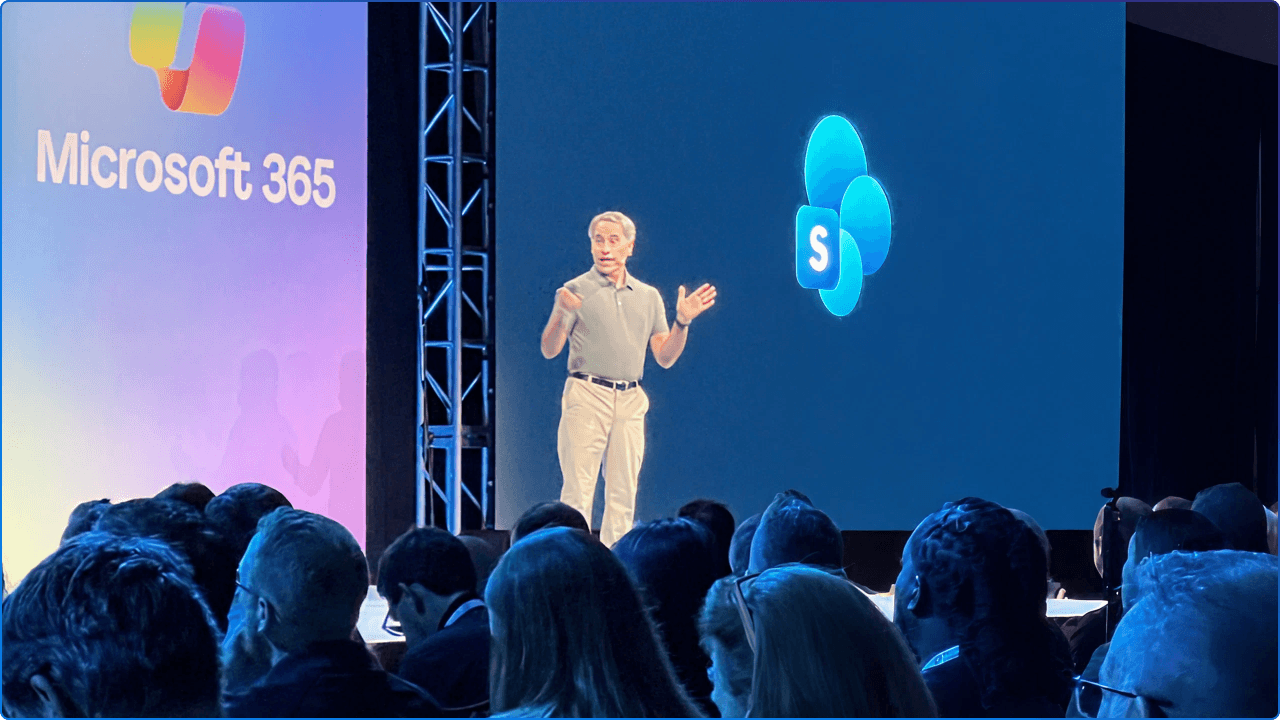
During the opening keynote, Jeff Teper confirmed that SharePoint is now the number one citation source for Microsoft Copilot and agents. If you've ever wondered whether your investment in SharePoint governance, metadata, and content quality actually matters, there's your answer, straight from the President of Microsoft 365 Collaborative Apps and Platforms.
This isn't a coincidence. SharePoint's role as the foundational knowledge layer for Microsoft 365 means that the quality of your content directly determines the quality of your AI outputs. Clean, well-structured, well-governed SharePoint content equals smarter, more accurate Copilot responses and agent actions.
Microsoft has also introduced AI citations analytics for SharePoint, a new set of insights that shows site owners exactly how their documents, news posts, and pages are being referenced by Copilot and agents across the organization. You'll be able to see which content is being cited most, how many users are accessing site knowledge through AI, and where the gaps are.
What this means for your organization: SharePoint isn't just an intranet platform anymore. It's the intelligence layer that makes your AI work. If your content still lives in fragmented systems or isn't properly governed, your Copilot is only seeing part of the picture. Now is the time to invest in your content foundation.
One of the Best Announcements of the Week. Fair warning: this one genuinely got us excited.
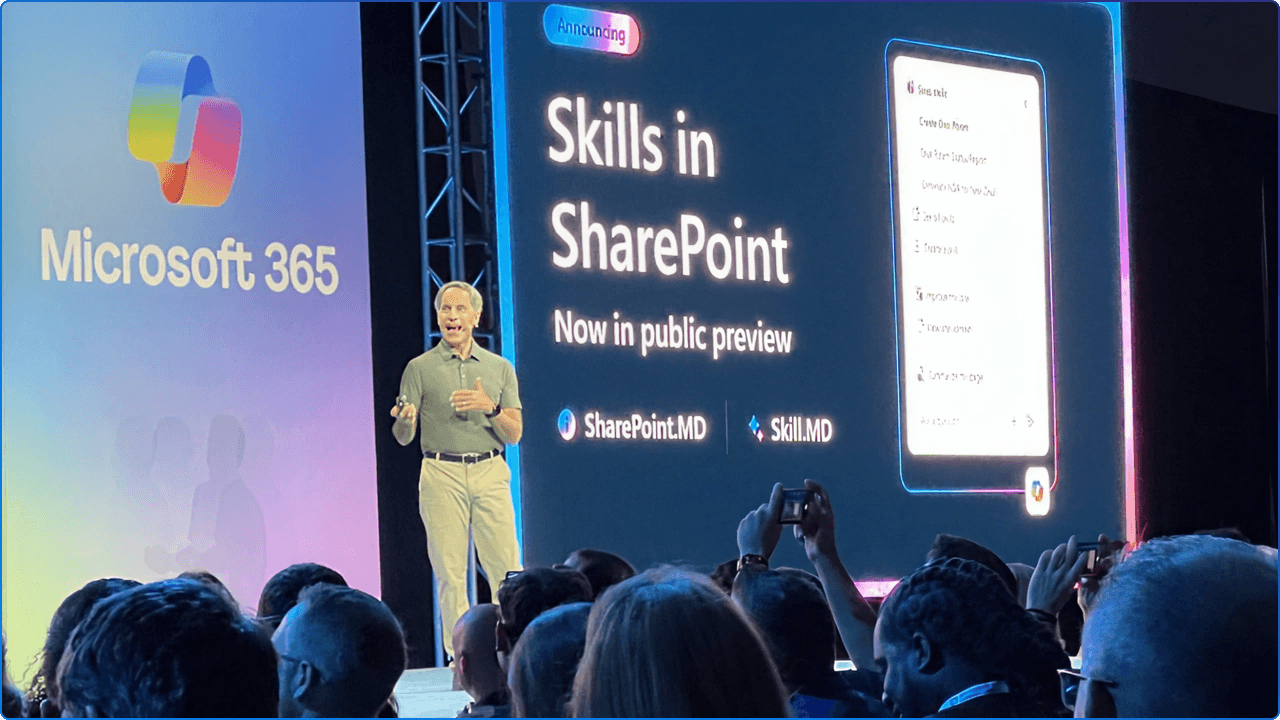
At the M365CON26 keynote, Jeff Teper called the public preview of Skills in SharePoint one of his favourite announcements ever at the conference. After seeing what it can do, it's easy to understand why.
Skills take AI in SharePoint from a smart assistant to a team-trained expert. You can now teach AI in SharePoint three fundamental things:
Skills are stored as plain-text Markdown files in a new Agent Assets library on each site, versioned, governed, and editable by the right people. That's what makes them powerful: they're not locked inside someone's head or buried in a one-off prompt. They're shared, reviewable, and improvable by the whole team.
What this means for your organization: Think of Skills as the "institutional knowledge" layer for your SharePoint sites, finally codified, shareable, and AI-executable. For organizations investing in Copilot readiness and content governance, this is a genuine game-changer.
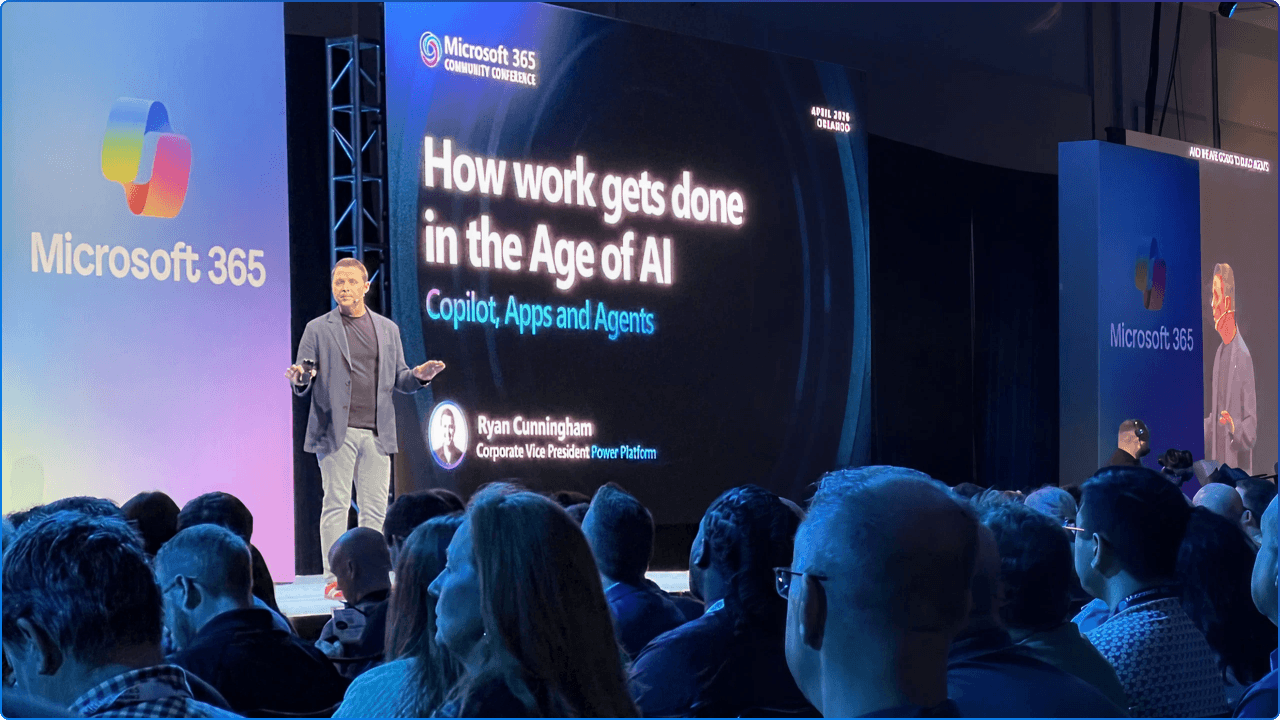
One of the most thought-provoking, and honestly inspiring, themes of the conference was the question of scale. Not just "can AI do this task?" but "can AI do this task a thousand times, consistently, reliably, and with governance?"
To bring this vision to life, the keynote featured a special fireside chat with someone from NASA. The message was deliberate: think like a mission. Set a bold, ambitious goal. Define a clear timeline. Take calculated risks. Build toward something that matters. The "modern moonshot" wasn't just a metaphor; it was a call to action for every organization in the room to dream bigger about what AI can make possible.
Microsoft's vision for getting there is built on repeatable productivity, where agents don't just respond to one-off prompts, but execute entire workflows on behalf of teams, at scale.
Agent 365, now generally available, is Microsoft's control plane for agents, a single place for IT and security leaders to observe, govern, and manage every agent across the organization. The growth projection is staggering: hundreds of millions of agents operating across enterprises in the years ahead.
The conference made it clear: incremental improvement is good. But transformation, using AI to fundamentally reimagine how your organization operates rather than just automate what already exists, is the real opportunity.
What this means for your organization: The organizations that will win aren't just the ones using AI. They're the ones designing workflows around it. Start identifying your highest-value, highest-repetition processes. Those are your first moonshot candidates.
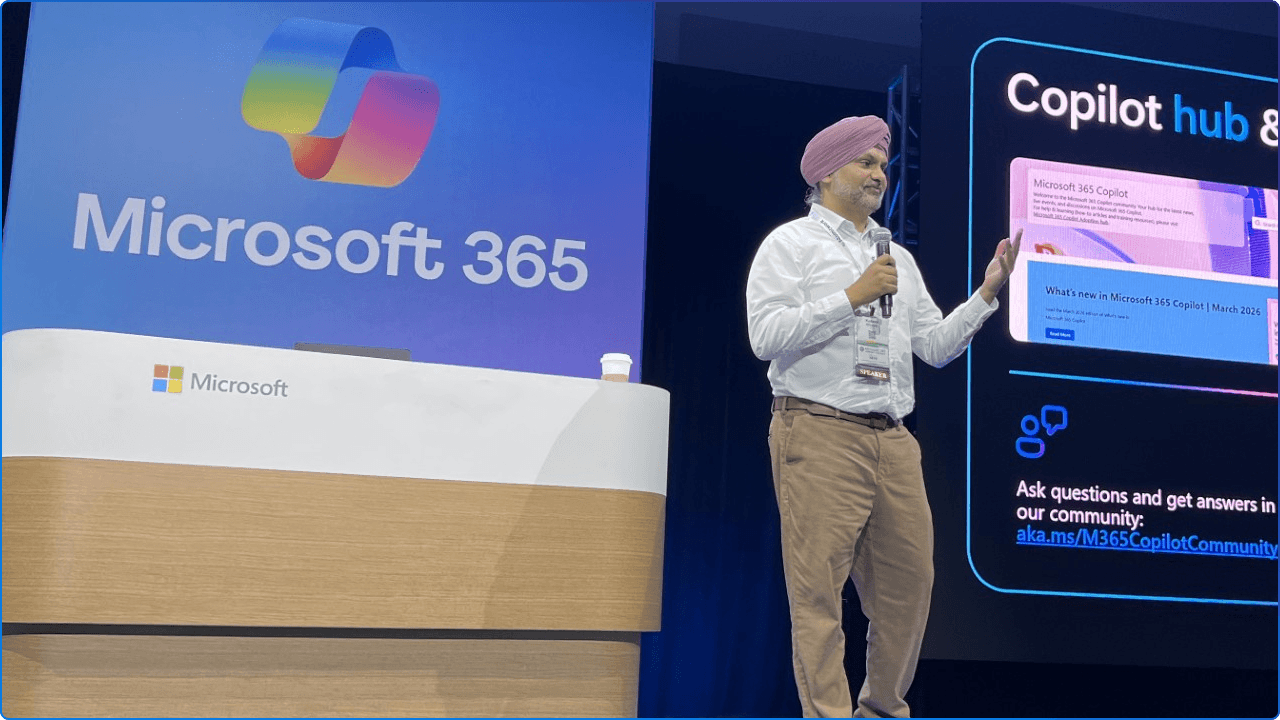
One of the most grounded and practical threads running through the conference was the conversation around return on investment. The excitement around AI is real, but so is the pressure from finance teams and executives to prove it's worth the investment.
This was the focus of Kanwal's session at M365CON26: "Measuring Copilot and Agent ROI: From Time Saved to Value Created." The demand for this conversation is clearly there. The core message: measuring Copilot's value means going beyond "how many prompts were used" and connecting AI activity to real business outcomes.
Microsoft has built meaningful measurement capabilities into the Copilot Control System, focused on three areas:
The Copilot Dashboard in Viva Insights brings these insights together in one place, now supporting industry benchmarks so you can compare your organization's adoption and impact against peers.
The question is no longer "Is Copilot impressive?" It's "Can we tie it to measurable outcomes?" The tools to answer that are here. Now it's about using them.
What this means for your organization: If you haven't set up Copilot Analytics and the Copilot Dashboard, that's your next step. Measuring adoption without measuring impact is only half the story.
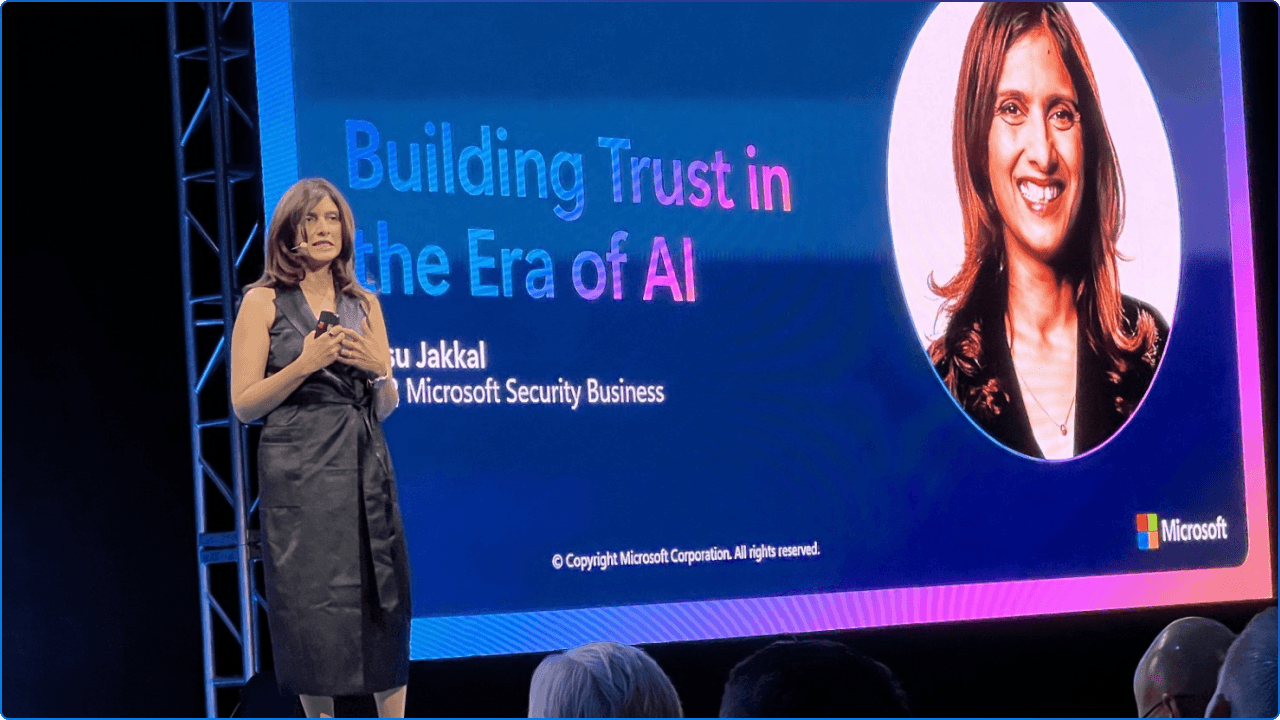
Every conversation about AI, especially agentic AI, eventually leads to the same question: Can we trust it?
This was a central theme at M365CON26, and Microsoft addressed it directly. Intelligence and trust have to move together. When they do, AI stops being an experiment and starts becoming how work actually gets done.
Microsoft's approach to trust is built on two pillars:
The conference also made something equally important clear: building trust is a cultural and organizational challenge, not just a technical one. Adoption and change management, user education, and clear internal communication about how AI is being used in your organization are just as critical as the technology itself.
What this means for your organization: Trust isn't a checkbox; it's an ongoing practice. Start with governance. Be transparent with your people. And lean on the tools Microsoft has built to keep AI observable and accountable.
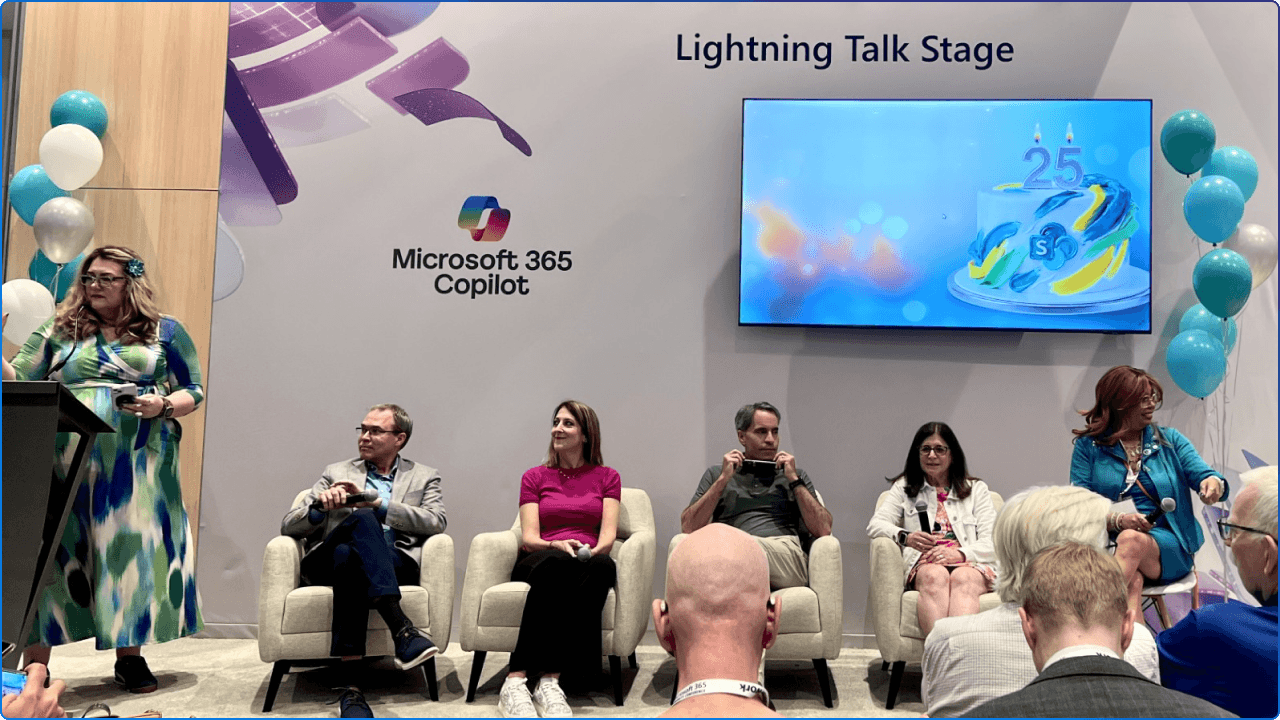
No recap of M365CON26 would be complete without talking about the energy of the event itself.
This conference had something for everyone. From deep technical sessions on building AI solutions and automation, to governance and security deep-dives, to tracks focused on communications, productivity, and growing your personal career, every role and every level was represented.
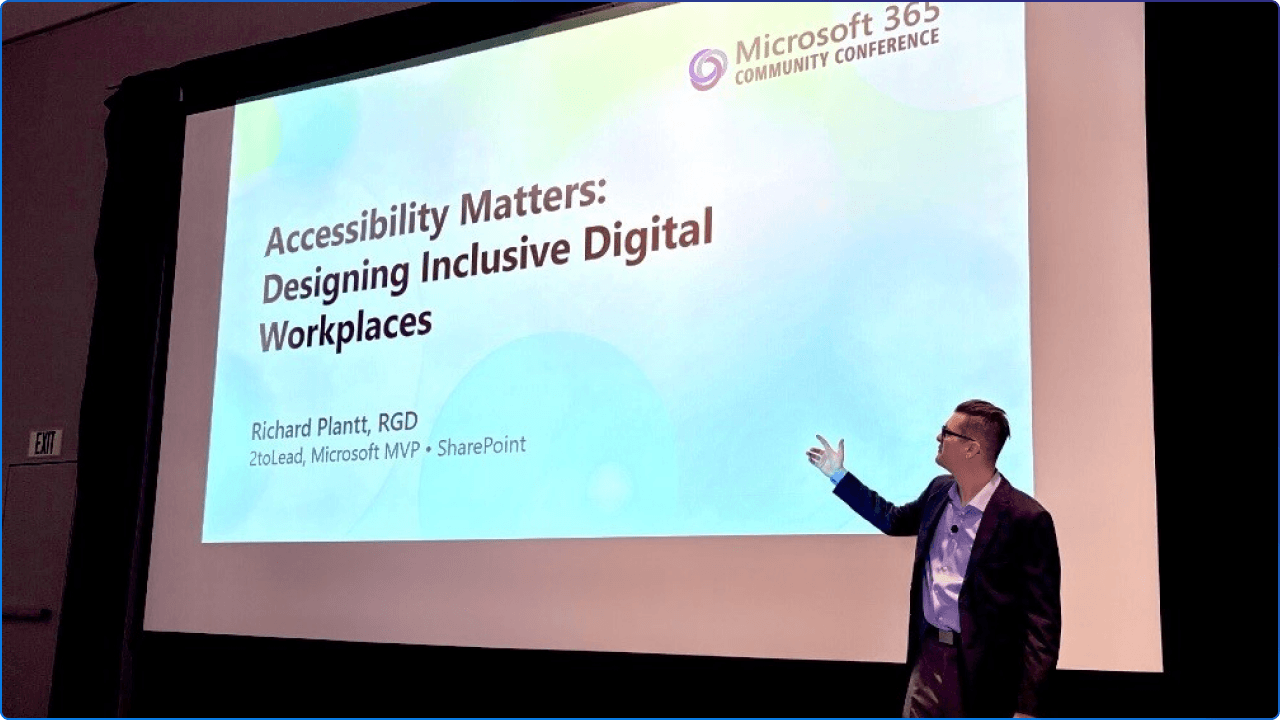
We were proud to be part of it. Kanwal led a packed session on measuring Copilot and agent ROI, a room full of practitioners hungry for practical, business-aligned answers. Richard's session, "Accessibility Matters: Designing Inclusive Digital Workplaces," explored how SharePoint can be used to build digital workplaces where everyone belongs, regardless of ability, role, or how they access information. Because when we design for inclusion, we design better for everyone.
The hallways were just as valuable as the session rooms. Microsoft MVPs, product makers, IT Admins, communicators, and executives from organizations around the world were all sharing what they know, learning from each other, and connecting over a shared passion for making work better.
There was also something extra special about this year: SharePoint's 25th anniversary. A milestone worth celebrating, and the community absolutely did.
The spirit of the event was simple: sharing is caring. In a world where everything is changing so fast, that sense of community and belonging isn't just a nice-to-have. It's essential.
The announcements from M365CON26 aren't just roadmap items to watch. Many of them, including Skills in SharePoint, AI citations analytics, and Copilot Cowork via the Frontier program, are available to explore right now.
The pace of change in the modern workplace is only accelerating. But the good news is you don't have to navigate it alone.
We're going deeper on all of these topics in our upcoming webinar on Tuesday, May 12. If you want to understand what these announcements mean for your organization and leave with a clear, practical path forward, this is the session for you.


Join Our Newsletter