Copilot used to wait for you to ask. Now it can build your app and keep working after you log off. It probably isn't in your tenant yet, though.
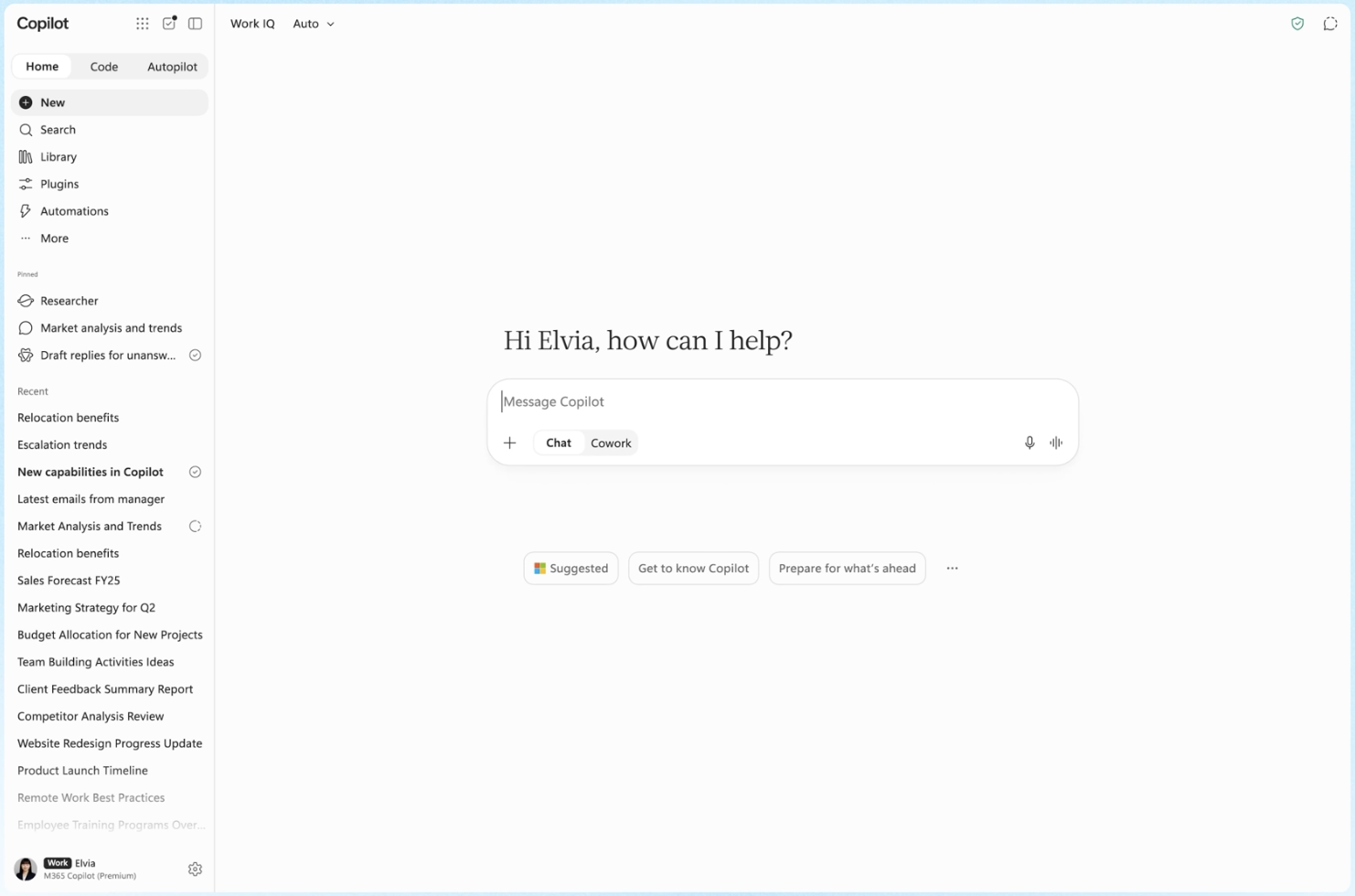
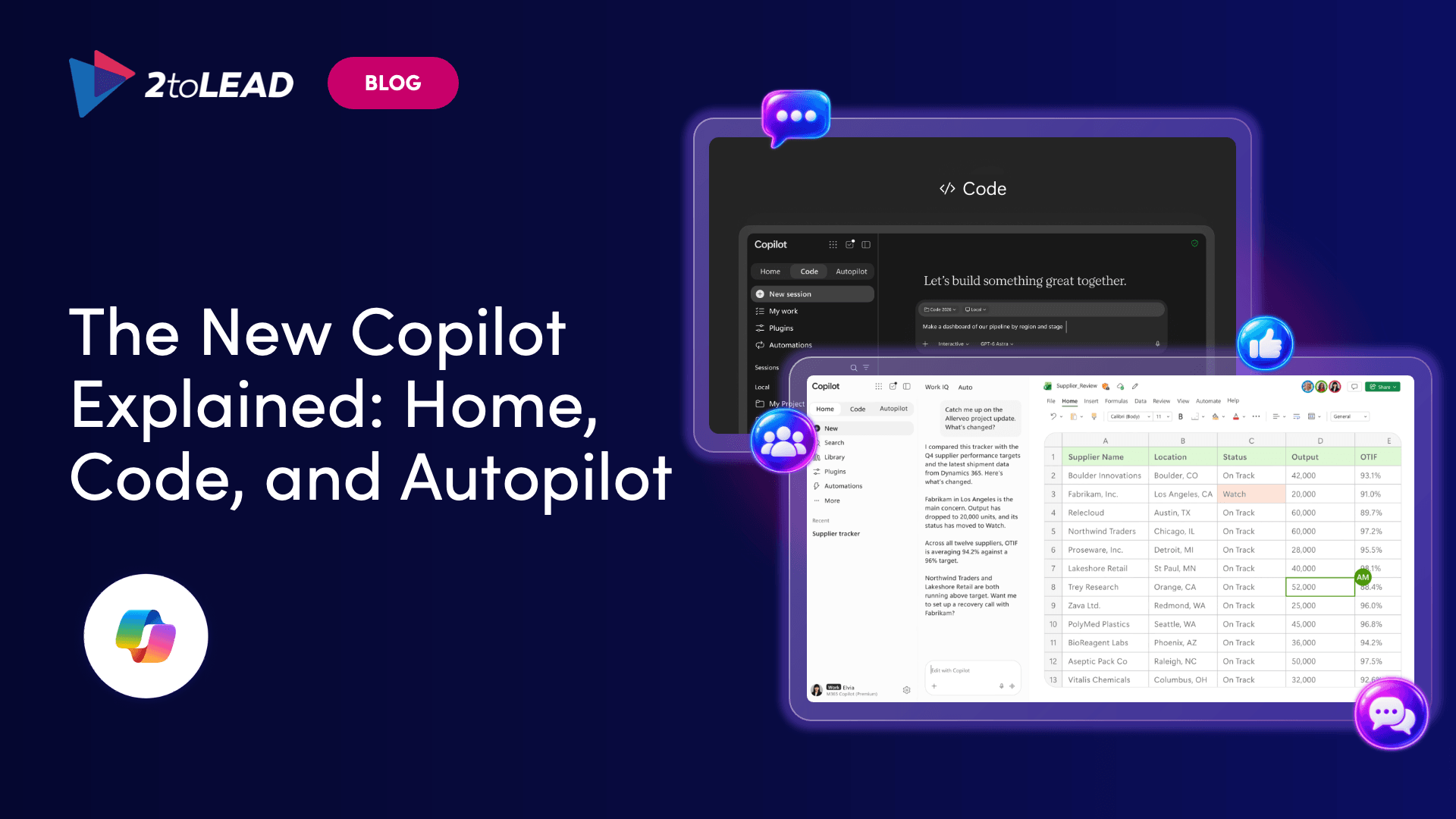
On September 25, Microsoft introduced the new Microsoft Copilot. The Copilot app now has three new capabilities: Home, Code and Autopilot. Home brings Chat and Cowork together, and Office is built right in. Code lets anyone build their own apps and tools. Autopilot is a persistent agent that keeps working when you're not.
It's a lot to take in from one announcement. This guide explains what each part does, when you'll actually see it, and what your IT team should decide before it arrives.
The new Microsoft Copilot is a redesigned Copilot app that does more than answer questions. You can now also use it to delegate work, build tools and hand off ongoing responsibilities. It's built around Home (with Office inside), Code and Autopilot, and it comes with new FinOps for AI controls for managing spend.
The easiest way to understand it is to think in four modes of work:
A more capable mode isn't automatically a better one. You don't need Autopilot for a quick question. And if you rebuild the same weekly report by hand, a single Chat prompt probably won't solve that either.
Copilot Home is the new starting point in the Copilot app, where Chat and Cowork come together. From Home you can see recent activity, get suggestions for what Copilot can help with, and pick up work where you left off.
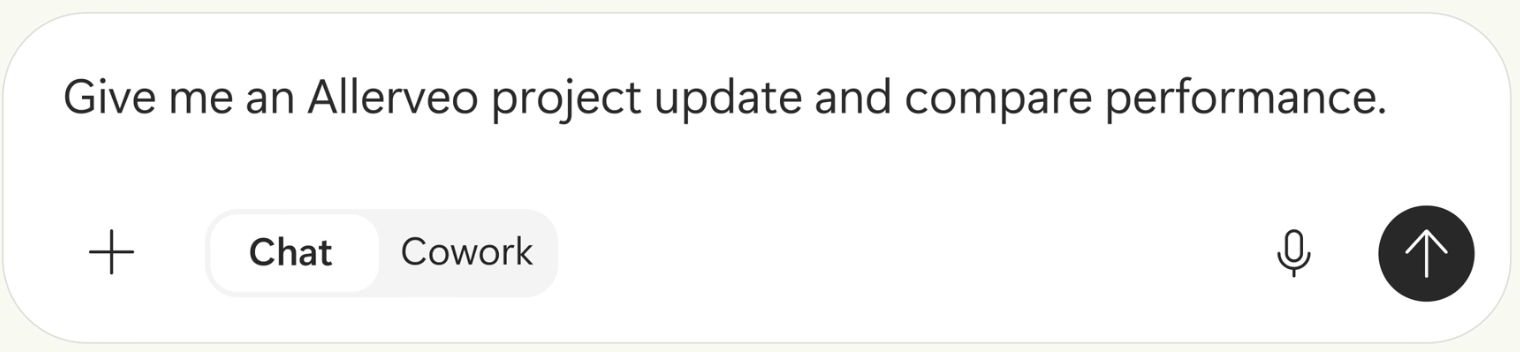
The difference between the two modes is simple:
Microsoft also says that soon you won't need to pick a mode at all. You'll describe what you need, and Copilot will send the work to Chat, Cowork or Code, whichever fits the job.
Office in Copilot puts Word, Excel and PowerPoint inside the Copilot experience. You can ask Copilot from Home to draft a brief, model a budget or build a deck. The result is a real, editable file that your whole team can work on live, not a chat reply you have to copy and paste.
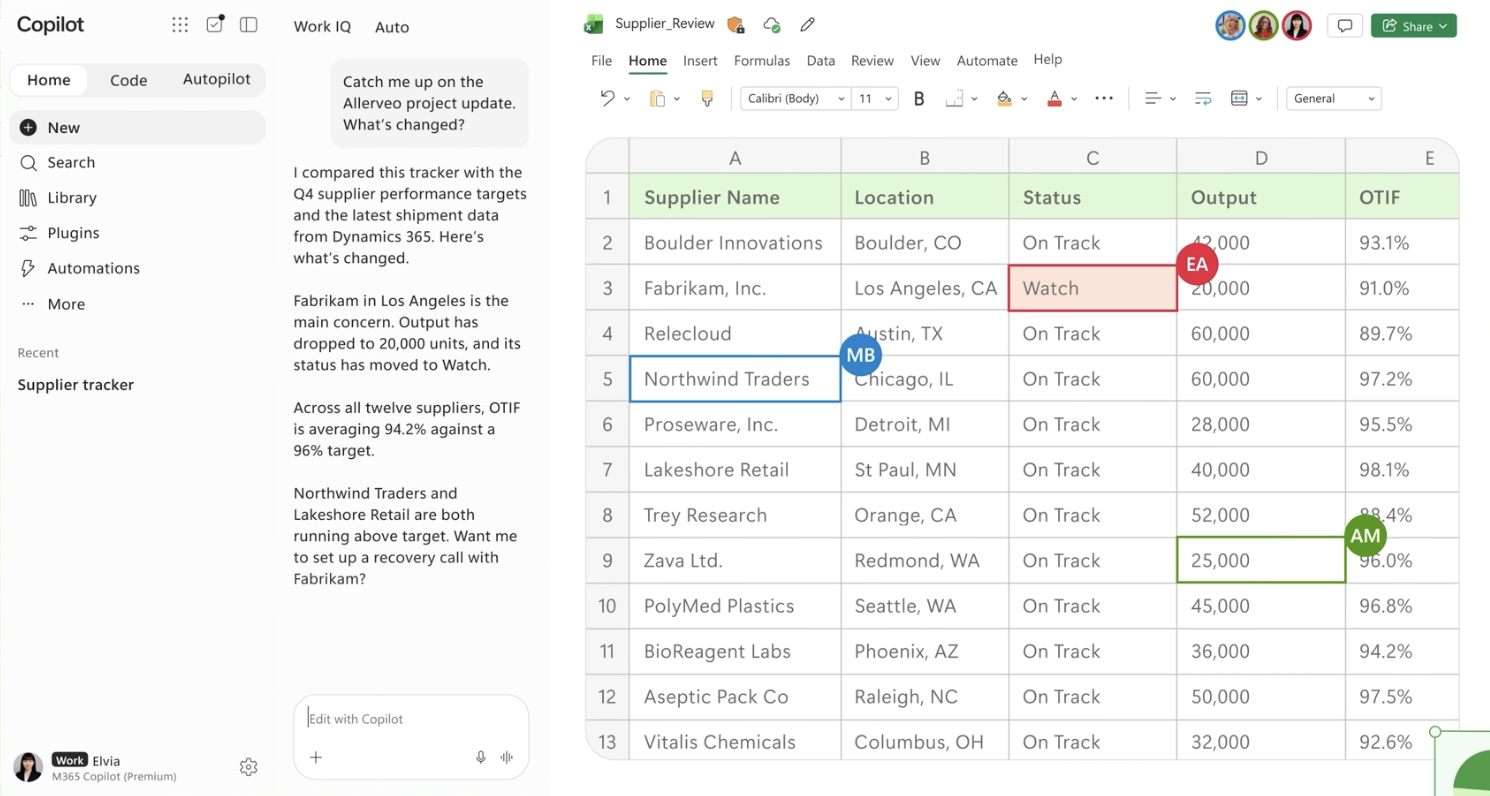
Microsoft also highlighted:
Copilot Code lets anyone describe an app, tracker, dashboard, automation or workflow in plain language. Copilot then chooses an approach and builds it. The result can be anything from a desktop widget to a cloud-hosted internal app you share with your team.
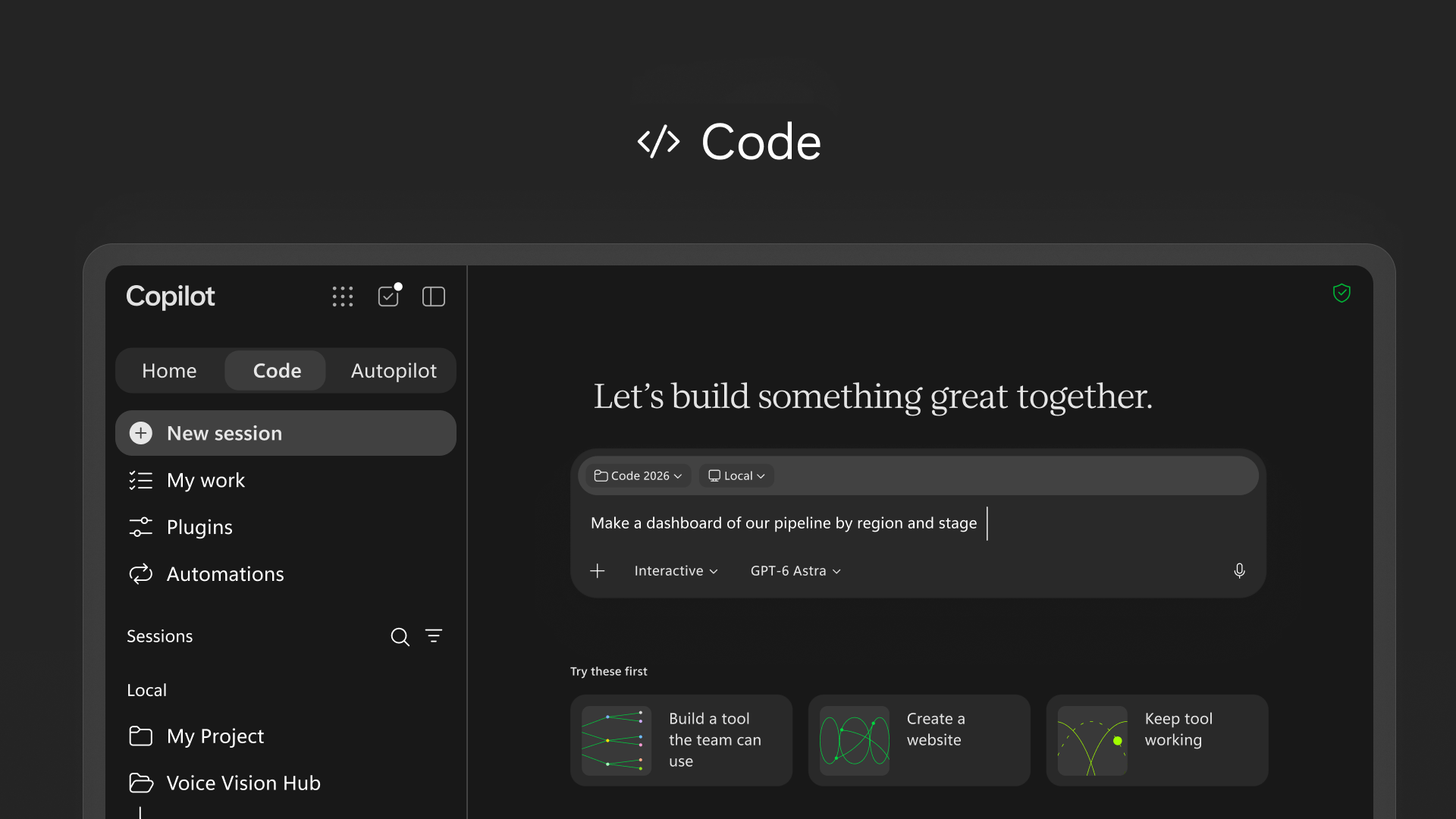
Code uses the same underlying technology as GitHub Copilot, and it runs in a sandboxed environment. Apps can be hosted inside your own tenant through Copilot Managed Runtime, which is now in public preview. Code also draws on your work context through Microsoft IQ.
The upside is obvious: people closest to a problem can build their own fix. The risk is just as clear. Without guardrails, you could end up with dozens of useful but unmanaged apps across your organization.
Yes. Autopilot is the new name for Microsoft Scout, Microsoft's earlier personal-agent initiative. You give Autopilot an objective and a role. It then gets its own identity, memory, computing environment and workspace inside your Microsoft 365 environment.
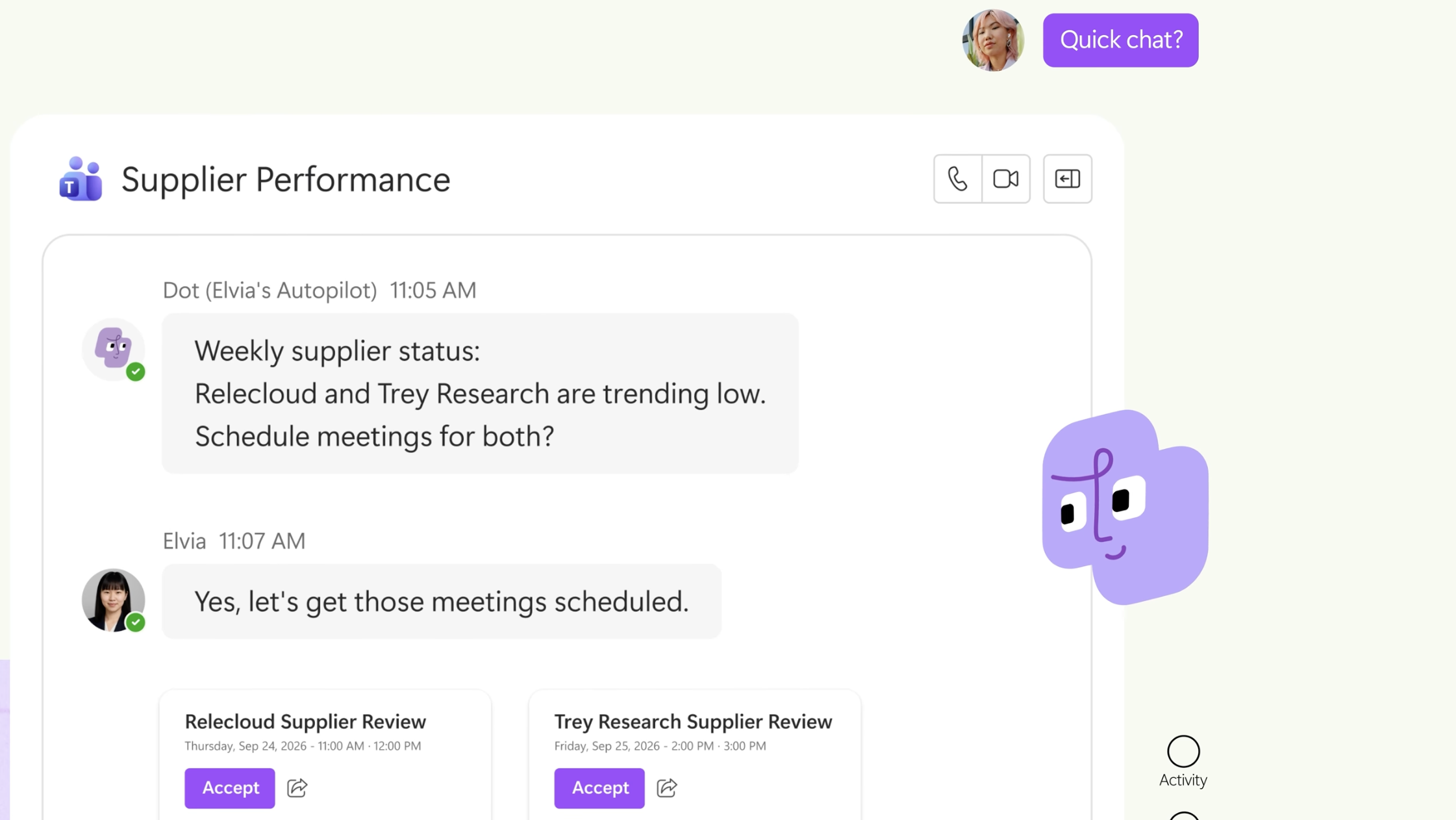
What sets Autopilot apart is that it keeps going. It can:
You work with it in Teams, Outlook and documents, and you can @mention it like a colleague.
In Microsoft's demo, an Autopilot tracked Black Friday preparations across email, Teams, Dynamics 365 inventory data and spreadsheets. It spotted a shipment problem affecting 18 stores and brought the right people together to fix it.
Microsoft CEO Satya Nadella summed up the governance priority: "Every agent has to have an identity. Everything it does needs to be observed."
New to Scout? Start with our explainer: What Is Microsoft Scout? The Always-On Autopilot Agent for Microsoft 365.
Not everyone gets it right away. The features roll out in stages through Microsoft's early-access Frontier program:
Don't base your adoption plan on the assumption that every employee will see these features next week. Plan for a phased arrival, and use that window to get your governance ready.
Microsoft hasn't published full pricing for Home, Code and Autopilot yet. What it has confirmed is new FinOps for AI capabilities, which help organizations manage spend and get more value from Copilot and agents.
Until those details are out, one thing is clear. Agents that build apps and keep working in the background change how usage grows, so cost visibility should be in place before rollout, not after. We'll update this section as Microsoft confirms pricing.
The new Copilot adds agents that build apps, act on their own and use credits. Before Home, Code and Autopilot reach your users, IT needs clear rules.
None of these steps require the features to be live yet. That's the point: the organizations that get value fastest will be the ones that settled the rules before rollout.
Not sure where your tenant stands on these five? Book a Copilot rollout-readiness check →
Is the new Microsoft Copilot available to everyone? Not yet. Home and Code roll out to Frontier program users first, in the coming weeks, and Autopilot is expanding in private preview.
Is Autopilot the same as Microsoft Scout? Yes. Autopilot is the new name for Scout, Microsoft's persistent personal agent.
What's the difference between Chat and Cowork? Chat is for quick, conversational help where you stay involved. Cowork is for tasks you delegate, and it runs them end to end to return a finished result.
Is Copilot Code safe for non-developers? Code runs in a sandboxed environment, and apps can be hosted inside your tenant. Your organization still needs rules for who builds what and which data those apps can access.
How should IT prepare for the new Microsoft Copilot? Confirm Frontier membership, draft an agent identity policy, set rules for Code apps, turn on spend visibility, and brief your champions on Chat vs Cowork.


Join Our Newsletter