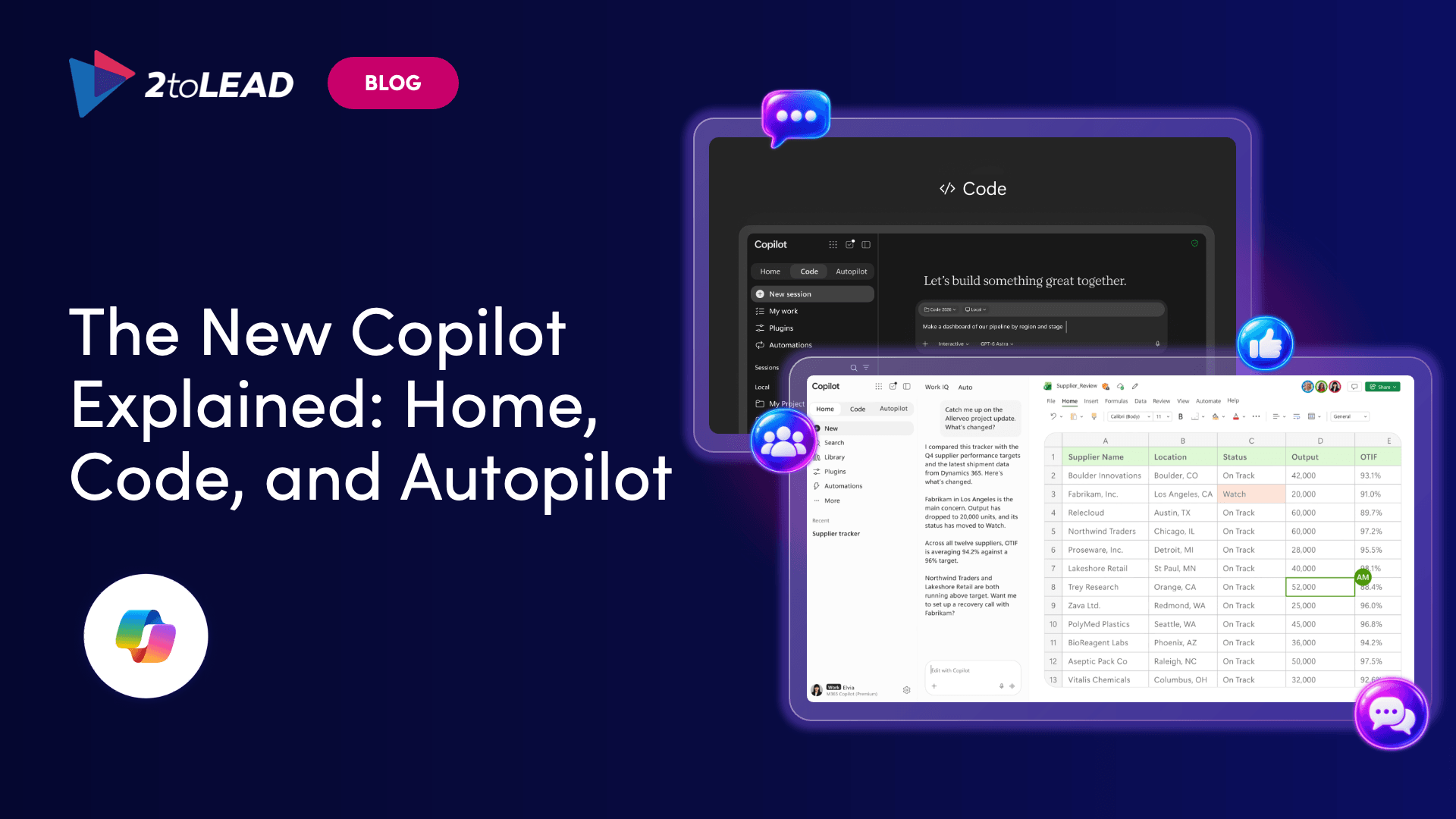
Copilot scheduled prompts on Power Platform stop running December 31, 2026. Use 7 steps to inventory them, recreate them as scheduled tasks and set rules.
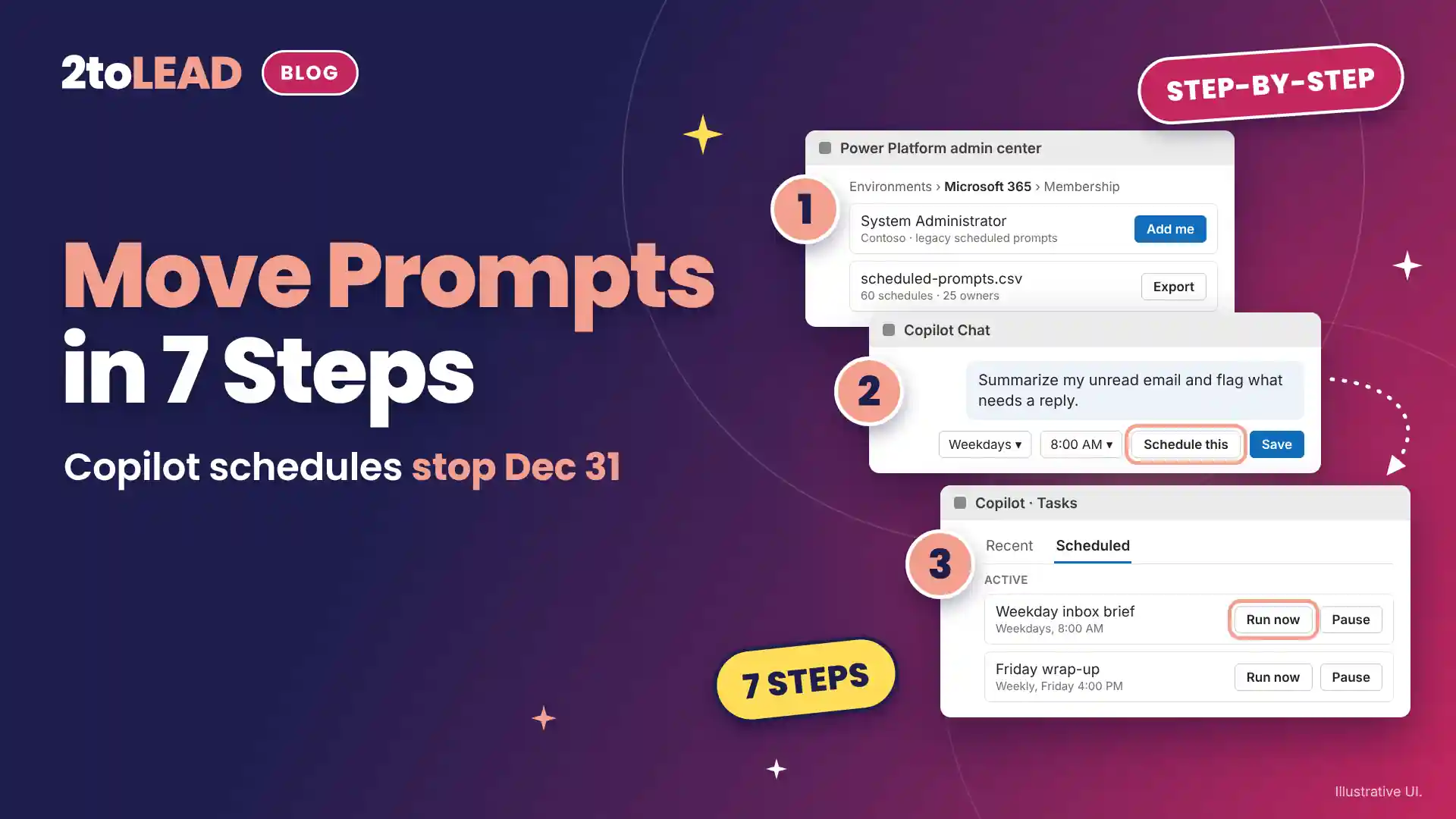
TL;DR: Copilot scheduled prompts that run on Power Platform retire on December 31, 2026 and stop running after that date. Microsoft says anyone who wants to keep a schedule must recreate it as a scheduled task, managed under the Scheduled tab. Inventory the old schedules now, tell their owners and rebuild only the ones worth keeping.
On December 31, 2026, every Copilot scheduled prompt that still runs on Power Platform stops. The Monday briefing, the Friday wrap-up and the daily inbox summary your early adopters rely on will stop arriving. This guide gives IT and adoption leads seven steps to find those schedules, move the useful ones and set rules for scheduled tasks before the deadline.
Microsoft confirmed the change in Message Center post MC1550533 on November 12, 2026. Start now. In the last week of December, the people who built those schedules are on vacation.
This guide is for Microsoft 365 admins, Copilot adoption leads and help desk managers in organizations where people already schedule Copilot prompts. At the end you will have an inventory of legacy schedules, each one rebuilt or retired, and a short set of rules for scheduled tasks.
A Copilot scheduled task is a prompt that Microsoft 365 Copilot runs automatically at a set time and frequency, even when the person is away, and returns to the conversation it belongs to. Scheduled tasks replace scheduled prompts. According to Microsoft's guidance on managing scheduled prompts for Copilot, they no longer use a Power Platform environment, and their data is processed and stored inside the Microsoft 365 compliance boundary.
The move is part of the same shift that brought Office in Copilot: more of the work now starts and finishes inside the Copilot app. Here is what changes.
Swipe horizontally to compare legacy scheduled prompts with scheduled tasks.
| What changes | Legacy scheduled prompts | Scheduled tasks |
|---|---|---|
| Runs on | The Microsoft 365 environment in Power Platform | Native Copilot scheduling, inside the Microsoft 365 compliance boundary |
| Managed from | Scheduled prompts in the More options (...) menu | The Task icon, then the Scheduled tab |
| Where people create it | Copilot Chat, Teams and Outlook | Copilot Chat on the web and desktop. Teams, Outlook and mobile are not in the first release |
| Admin control | The Allow the use of connected experiences in Office policy | No separate policy setting. Available to everyone with a Copilot license |
| Admin inventory | PowerShell against the Microsoft 365 environment | Does not appear in that inventory |
| After December 31, 2026 | Stops running | Keeps running, up to 10 active and 50 total per person |
Source: 2toLead, based on Microsoft Learn and Message Center post MC1550533.
You need Microsoft 365 Copilot licenses for the people who schedule tasks, one admin with the Power Platform Administrator role and PowerShell 7 for the inventory. Nothing here needs new spend.
Swipe horizontally to view each requirement, its detail and its owner.
| Requirement | Detail | Owner |
|---|---|---|
| License | A Microsoft 365 Copilot license for each person who schedules tasks | Licensing admin |
| Roles | Power Platform Administrator, plus System Administrator on the Microsoft 365 environment | Power Platform admin |
| Tools | PowerShell 7.0 or later with the Az.Accounts and Microsoft.PowerApps.Administration.PowerShell modules | Power Platform admin |
| Setting to review | The Cloud Policy setting Allow the use of connected experiences in Office, which governs legacy scheduled prompts only | Microsoft 365 admin |
If your license mix is changing this quarter, check our guide to the Microsoft 365 Copilot licensing changes for December 2026 first, so you move schedules only for people who keep a license.
Move Copilot scheduled prompts in seven steps: confirm your rollout window, get access, export the inventory, tell owners, triage, recreate and verify. Steps 1 to 4 belong to IT. Steps 5 to 7 belong to the person who owns each schedule.
Use this triage table in step 5.
Swipe horizontally to view each decision, when to choose it and what to do.
| Decision | Choose it when | What to do |
|---|---|---|
| Keep | The owner read the last three responses and acted on at least one | Recreate it as a scheduled task with the same prompt and timing |
| Rewrite | The response is useful but too long, too frequent or needs a person's sign-off | Tighten the prompt, cut the frequency and tell Copilot to draft for approval instead of sending |
| Retire | Nobody opened the last three responses, or the project has ended | Do nothing. The legacy schedule stops on December 31, 2026 |
Source: 2toLead keep, rewrite or retire triage.
The three costly mistakes are waiting for an automatic migration, assuming your old admin control still applies and rebuilding every schedule without triage. Each has a simple fix.
The move worked when every kept schedule shows as Active under the Scheduled tab, has produced one response and has an owner who confirmed it. Check five points in the week before December 31.
In healthcare, education and government, ask your compliance lead to confirm how scheduled task activity shows in the Microsoft Purview audit log, and record that Copilot now runs these tasks without the person present.
Measure the move with four numbers: migration rate, active tasks per licensed person, first-run success and hours returned.
Here is a worked example with illustrative numbers. Replace them with your own.
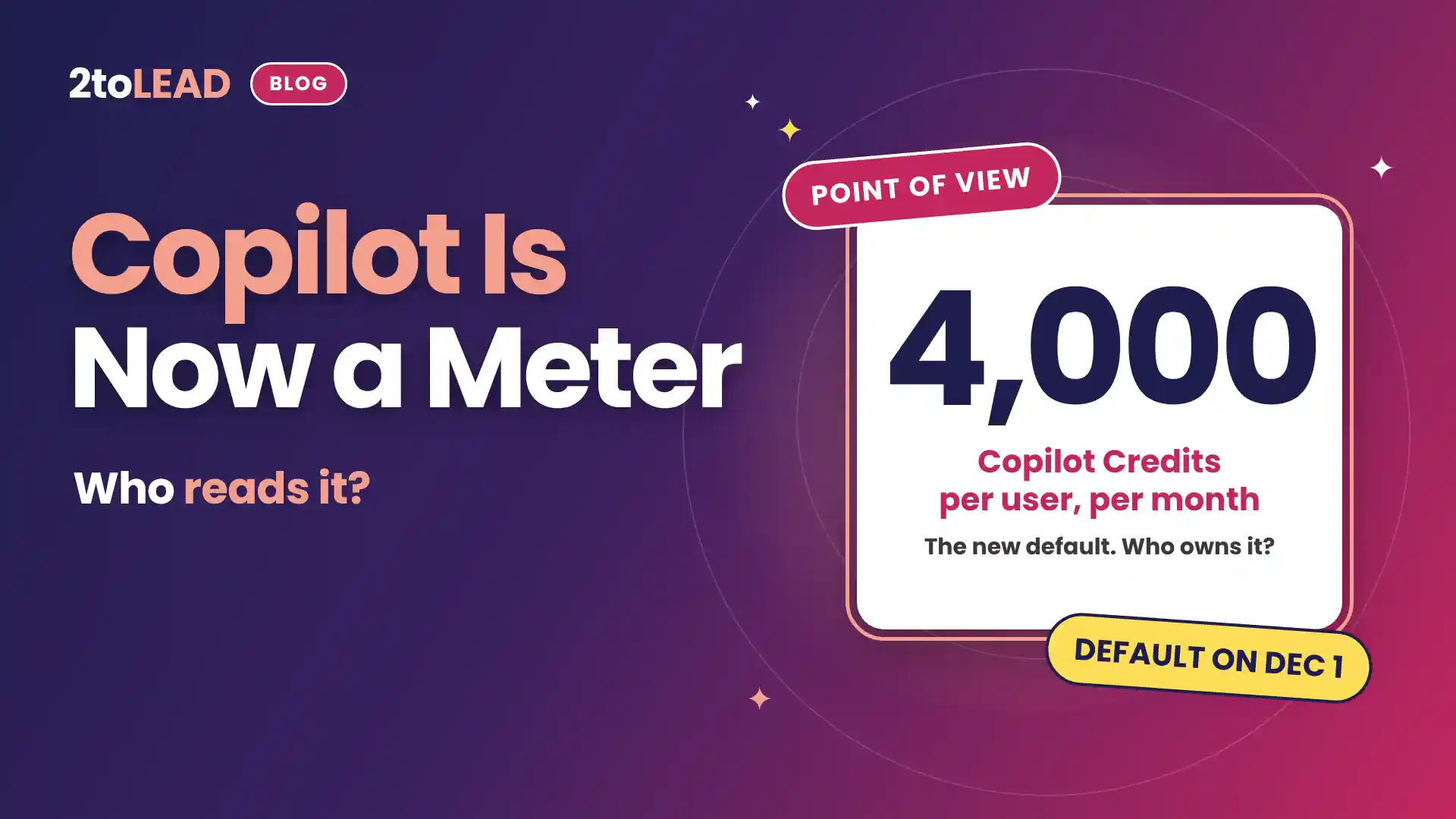
Give the number one owner, for the same reason every Copilot Credits meter needs a named owner.
IT leaders ask four things first: what stops, whether anything moves on its own, how many tasks a person can have and whether admins can turn the feature off. Here are short, direct answers.
Power Platform scheduled prompts retire on December 31, 2026 and no longer run after that date. Responses from earlier runs stay in each person's Copilot chat history, so nothing already delivered is lost. Any schedule a person wants to keep must exist as a scheduled task before then.
Plan as if they do not. Microsoft Learn says people must create each schedule again as a new scheduled task before December 31, 2026. Check the Scheduled tab for each owner instead of assuming a schedule moved.
Up to 10 active schedules and 50 in total per person, according to Microsoft. Pause or delete tasks nobody reads to stay under the limit.
Not with the old control. Microsoft says scheduled tasks are not a connected experience, are not governed by the Allow the use of connected experiences in Office policy and have no separate policy setting. They are available to everyone with a Microsoft 365 Copilot license.
2toLead helps organizations in healthcare, nonprofit, education, government and professional services turn Copilot features into habits people keep. In our fixed-scope, 90-day Copilot Adoption Accelerator, our Microsoft MVP team will:
For more adoption reading, see the November 2026 Copilot Adoption Newsletter.
Find more practical guidance on the 2toLead Insights hub, or book a Copilot Adoption Accelerator call.
No hype. Just practical, governed AI that actually gets adopted.
Copilot licences bought, usage flat, ROI unproven? Three ways we help:
A global nonprofit turned Copilot licences into 1,115.6 hours saved and $83.7K in productivity value.
Read the case study →


Join Our Newsletter