Creating content with Copilot can save a considerable amount of time. But for Marketing and Communications teams, speed is only valuable when the result still looks and sounds like it belongs to the organisation.
Until recently, creating consistently branded content with Copilot could feel unpredictable. You could provide detailed instructions, reference your brand colours, and ask Copilot to follow a particular visual style, yet still receive very different results from one prompt to the next. A PowerPoint presentation might be close to the brand on one attempt and noticeably off on the next. Thankfully, this is changing for the better.
The problem was not necessarily the prompt. Copilot simply did not always have enough structured information about the organisation’s visual identity, templates, approved assets, or brand voice.
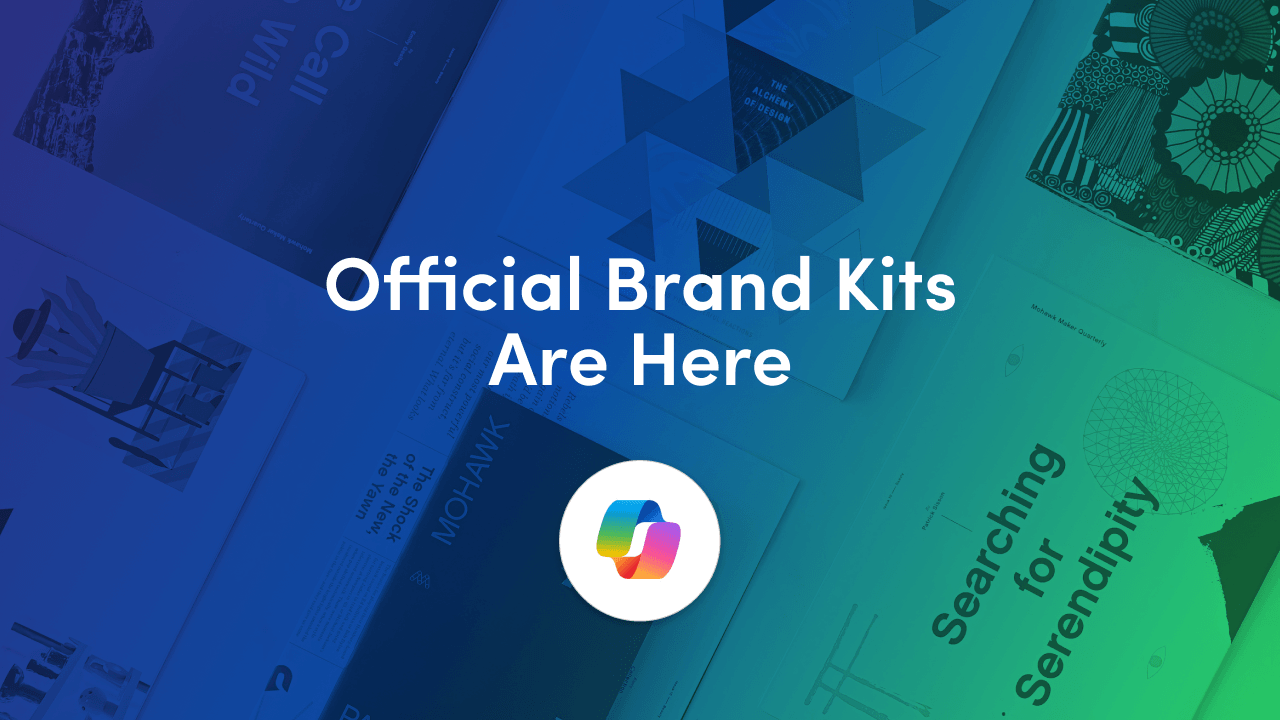
Official Brand kits in the Microsoft 365 Copilot app help change that.
By bringing your approved logos, colours, fonts, templates, imagery, visual styles, and written guidelines together, you give Copilot a much stronger foundation for creating content. Instead of trying to describe your brand from scratch in every prompt, you can make your organisation’s identity part of the creation experience.
The improvement can feel like night and day. Results are more closely aligned with the organisation’s established brand, employees have easier access to approved assets, and Marketing and Communications teams spend less time correcting avoidable inconsistencies.
More importantly, setting up a Brand kit is relatively straightforward. If your organisation already has established brand guidelines, templates, and asset libraries, much of the work has already been done. The next step is to organise that information so Copilot can use it more effectively.
Creating the official Brand kit itself is only part of the work. The quality of the outcome depends on the quality of the assets and guidance you provide.
Before opening the Microsoft 365 Copilot app, bring together the following:
Collect the approved versions of your logos, fonts, icons, images, and templates. Remove duplicates and clearly identify which files are current. Where appropriate, include variations such as:
Your guidelines should explain more than which colours and logos to use. They should also describe how the brand communicates. Include guidance for:
Copilot can process a PDF brand guidelines document and extract available information such as colour palettes, visual styles, brand voice, logo rules, and typography guidance. You can then review and edit the extracted information before saving it.
At present, Microsoft supports one PDF guidelines document per Brand kit. The document must also use the General sensitivity label. Uploading new guidelines can override colour palettes, brand voice, and other attributes already present in the kit, so review the extracted information carefully before saving it.
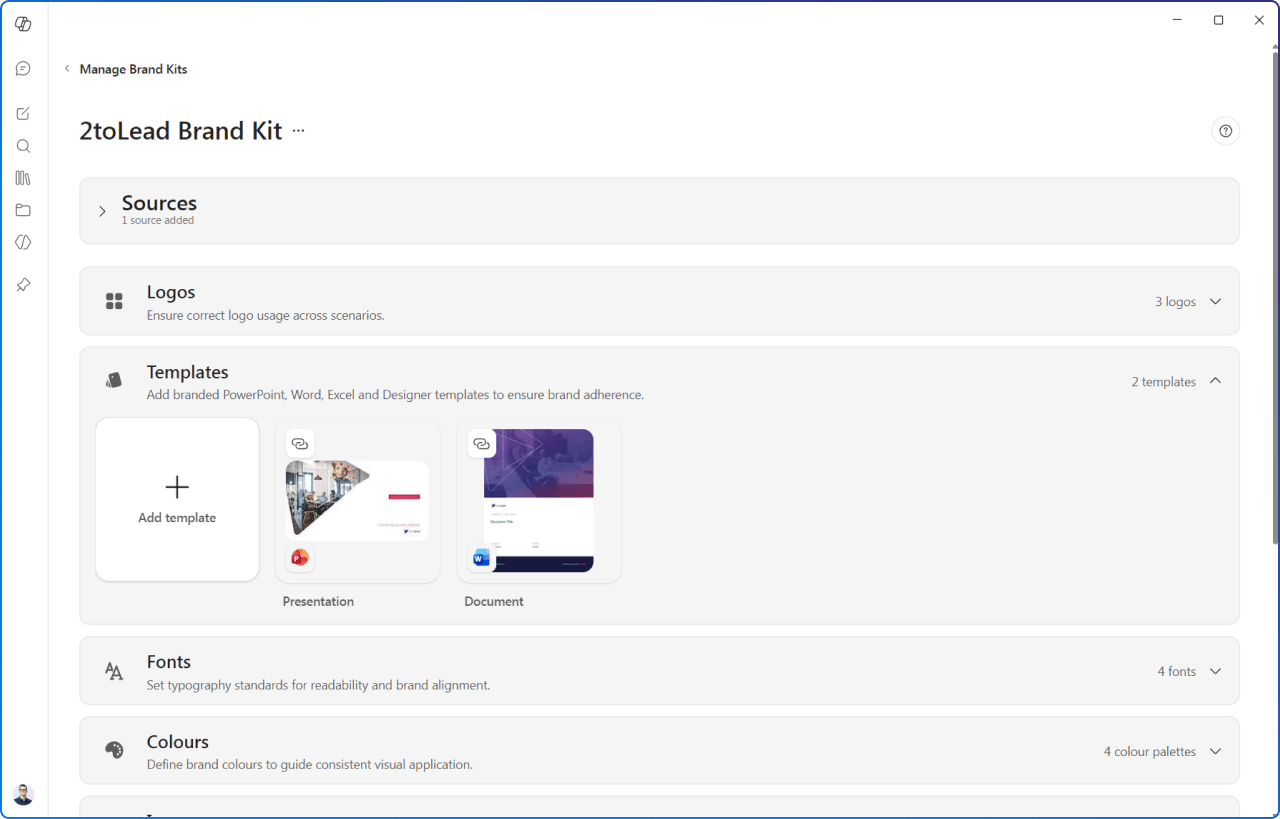
Many organisations already manage approved templates, images, and icons through a SharePoint Organisation Asset Library (OAL). Rather than rebuilding or duplicating that library, you can reference these existing assets directly from your Brand kit, allowing Copilot to use the same current, approved resources your employees already rely on.
This makes the Brand kit a natural extension of your existing Microsoft 365 brand ecosystem. Your SharePoint asset library remains the source of truth, while the Brand kit adds richer guidance around areas such as imagery, logo usage, brand voice, and visual style to help Copilot produce more consistently branded content.
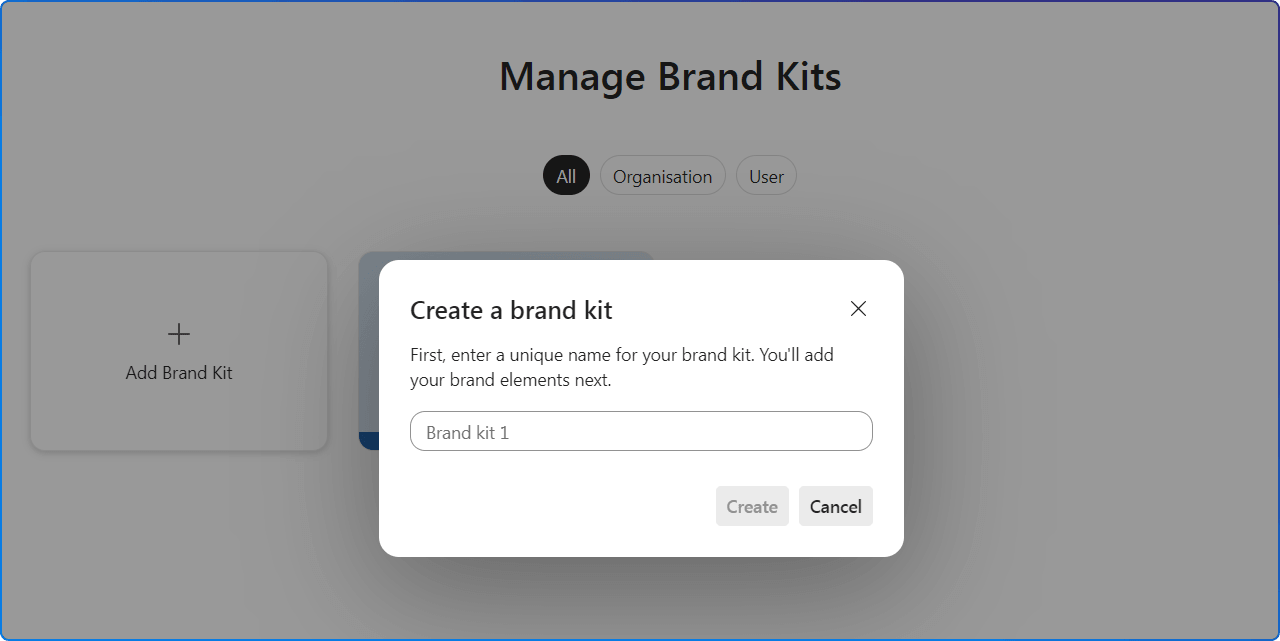
Creating and managing official Brand kits requires a Microsoft 365 Copilot Premium licence. Editing, renaming, and updating an official kit is restricted to designated brand managers. An IT administrator must assign the brand manager role through the Enterprise Brand Manager policy, and Microsoft notes that access can take up to 24 hours after designation.
Once the required access is in place:
There are additional management options from the ellipsis menu on the Brand kit tile, including Edit, Rename, and Delete. Changes are saved and made available to users in the organisation.
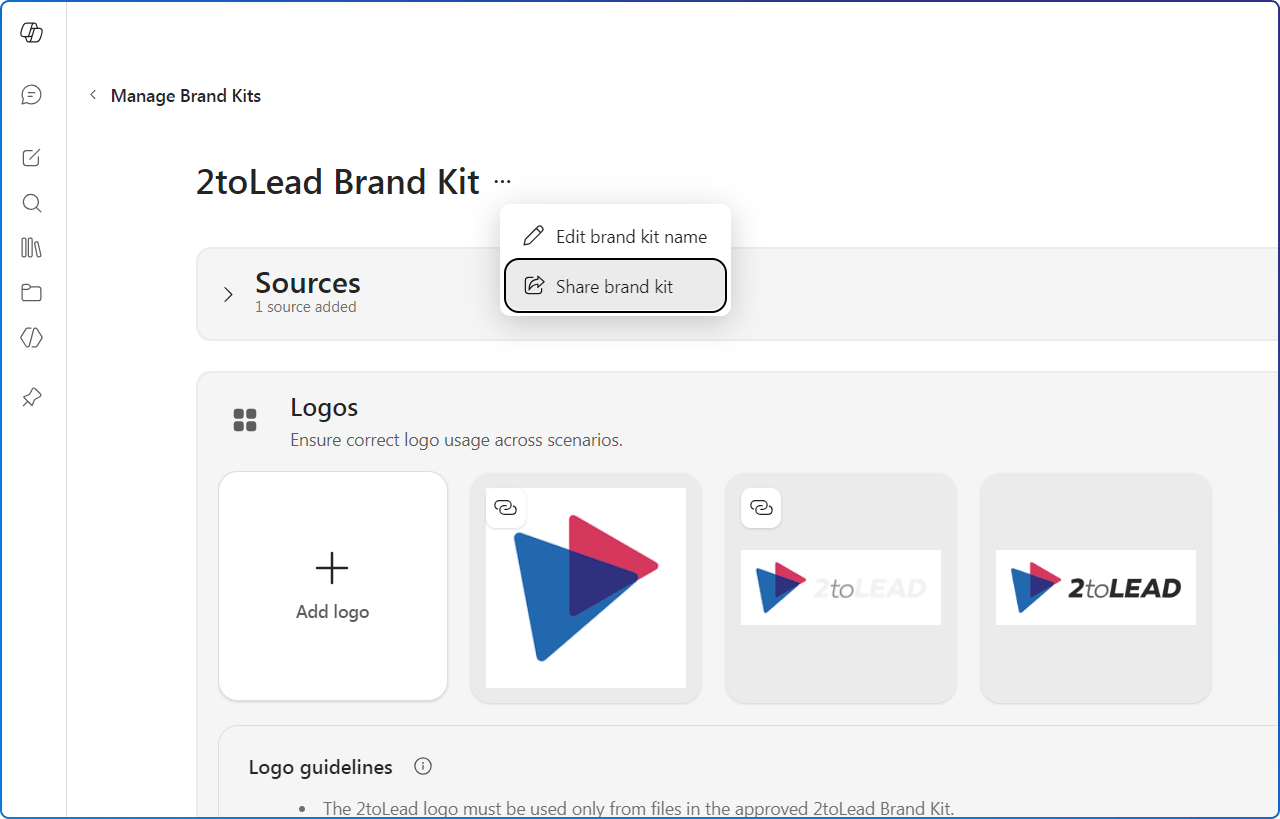
The biggest value comes from connecting the kit to real communication scenarios rather than treating it as another place to store assets.
Once an official Brand kit has been published, its assets can be used when creating branded posters, banners, images, and other visual materials in Copilot Create and the design editor.
This gives employees access to approved resources without requiring them to download files from several different locations. For example, an internal communicator could create:
The Brand kit supplies the visual and verbal guardrails. The employee still supplies the communication objective, audience, context, and final judgement.
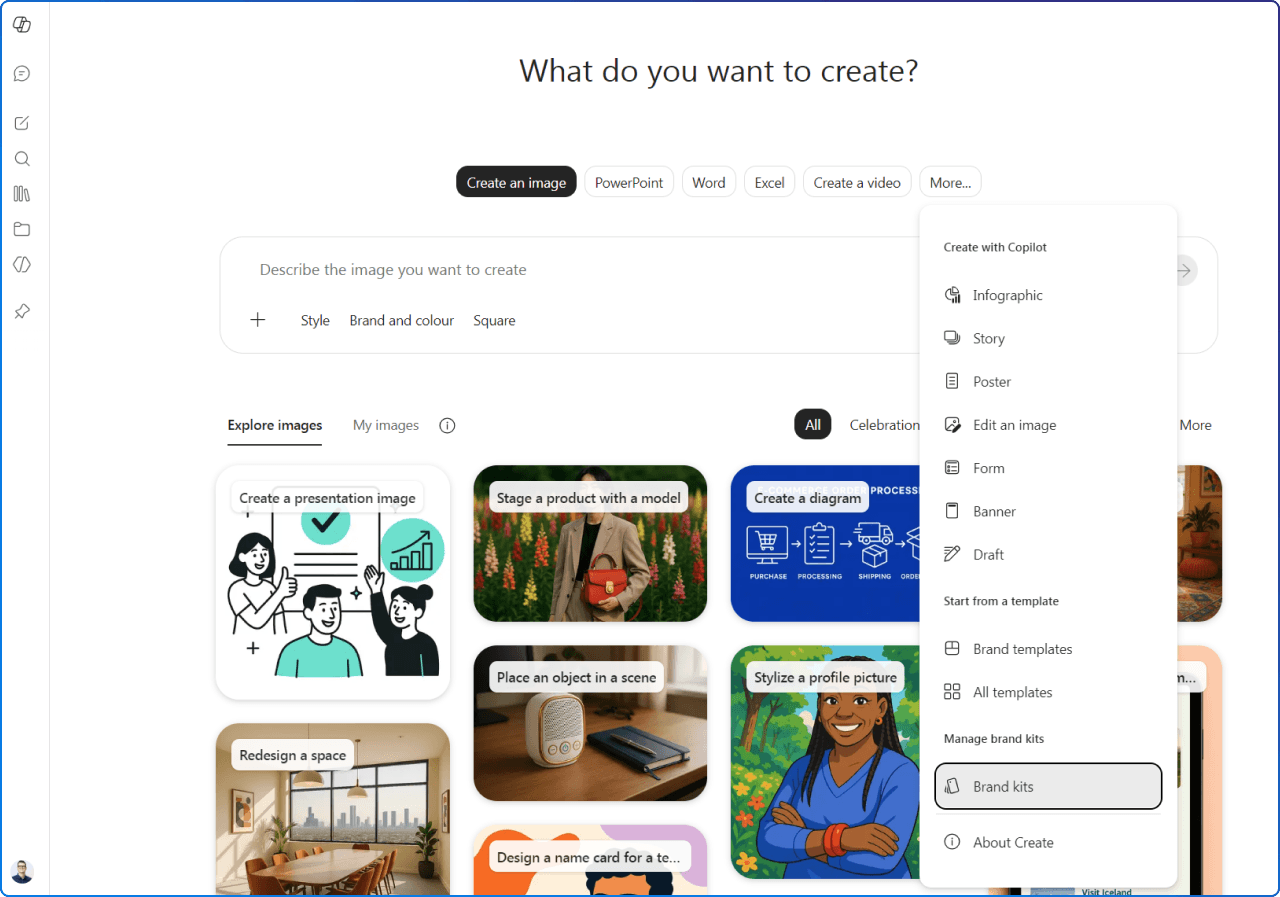
Employees can find branded templates by opening Create, selecting More, and then choosing Brand templates. They can filter the available templates by All, Official, or Created by you.
When someone selects a template, the appropriate application opens with that template applied. This supports a more reliable starting point for:
For Word, the immediate value is often the approved template itself. It gives people a consistent foundation for typography, headings, cover pages, and document structure. Brand voice guidance can then help employees prompt, draft, and review content in a more consistent style.
A practical prompt might be:
Draft an internal announcement for employees about the launch of our new learning programme. Use a clear, friendly, and confident tone. Keep the language concise, explain what employees need to do, and finish with a specific next step.
The Brand kit does not remove the need for a good prompt or editorial review. It makes the approved starting point easier to access and gives creators clearer boundaries.
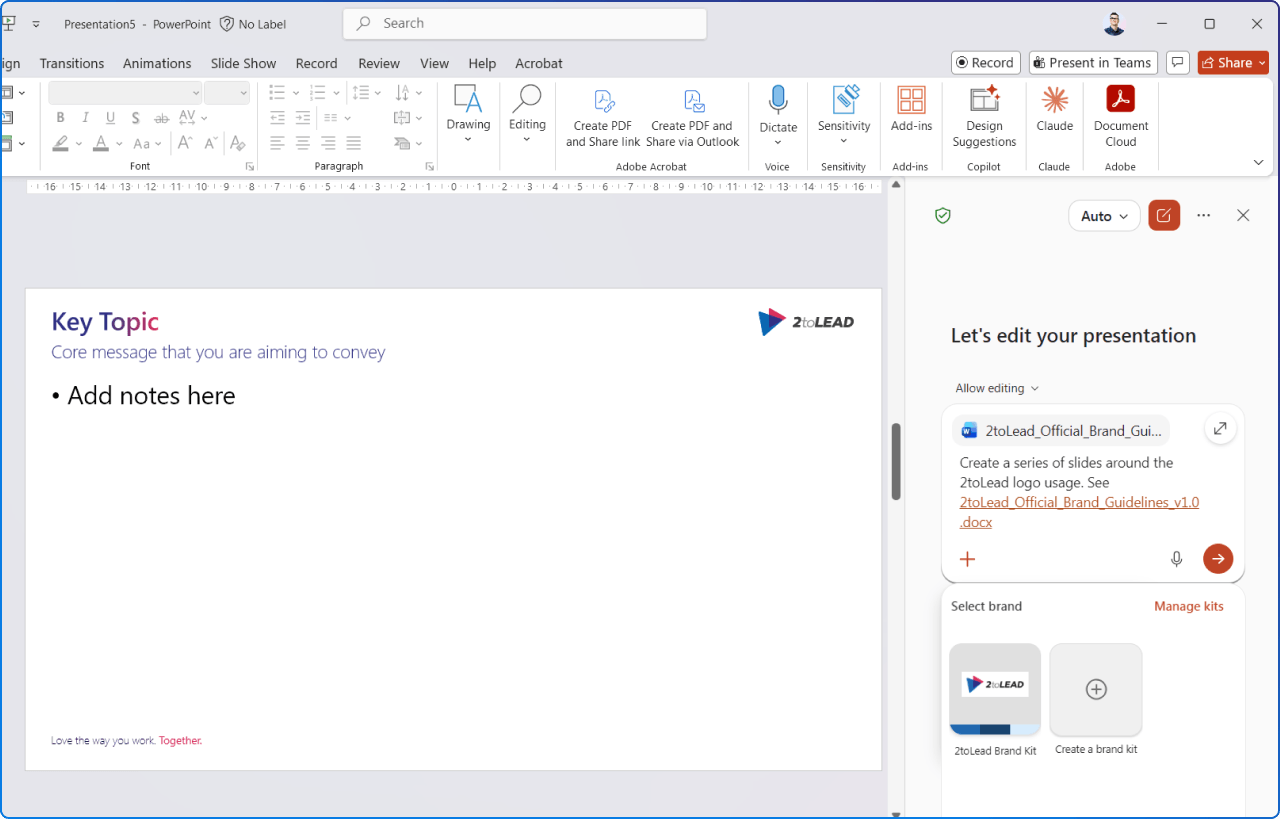
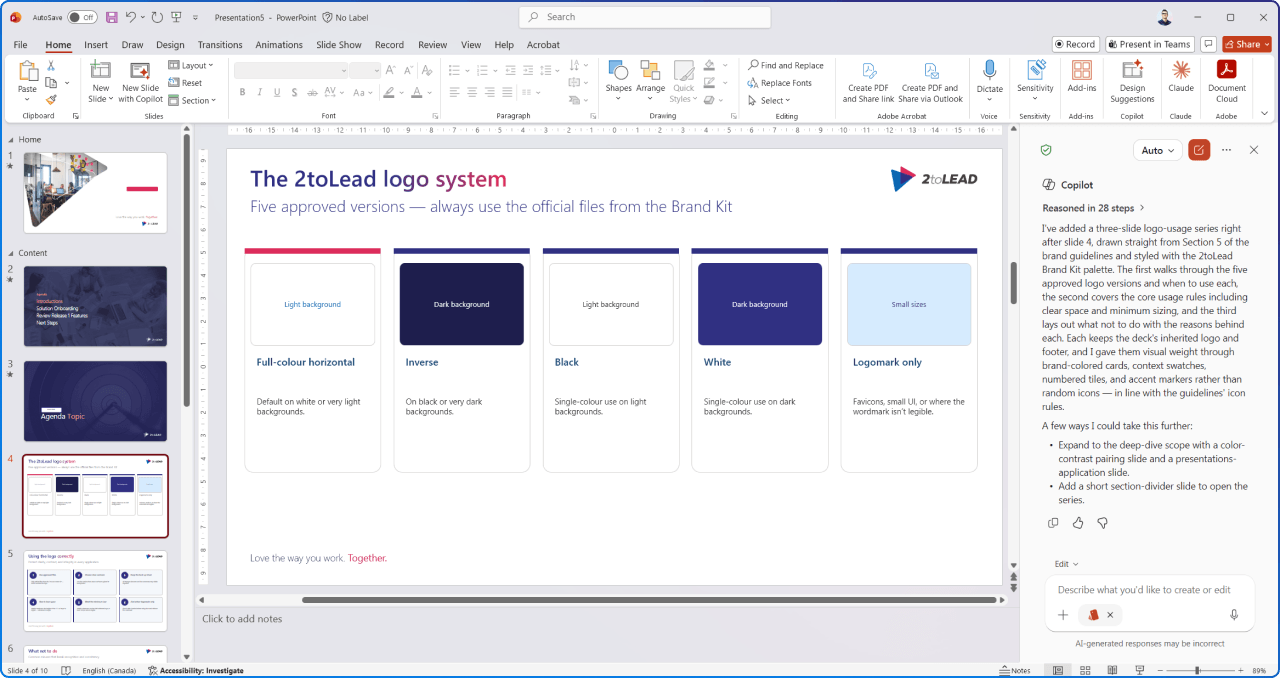
PowerPoint currently offers some of the deepest documented Brand kit integration.
If your organisation already stores PowerPoint templates in a SharePoint-based Organisational Asset Library, those templates remain the primary source of truth. Microsoft says Copilot in PowerPoint uses the template first, then applies the additional rules and guidance from the Brand kit. This can include image style, logo rules, brand voice, and imagery guidance.
The Brand Reviewer can also identify presentation issues such as:
Microsoft describes the Brand Reviewer as providing suggested fixes for identified issues.
For Communications teams producing leadership decks, campaign presentations, training materials, or town hall content, this can reduce the amount of manual checking required before a presentation is shared.
Publishing the kit is not the end of the work. Brands evolve, campaigns change, templates are updated, and terminology matures.
Build a lightweight maintenance process around the kit:
A successful Brand kit should reduce uncertainty. People should spend less time asking, “Is this the latest template?” and more time thinking about whether the communication is useful for its audience.
Official Brand kits represent an important shift in how organisations manage their identity across Microsoft 365.
Instead of relying only on downloadable guidelines and employees’ memories, Marketing and Communications teams can bring approved assets, templates, voice, and visual rules closer to the point where content is created.
That does not mean every Copilot-generated document or presentation will be ready to publish without review. Human judgement still matters. But with the right assets, governance, and adoption support, a Brand kit can reduce avoidable inconsistencies and help employees create with greater confidence.
The goal is not to make every piece of content identical. It is to make the organisation recognisable, trustworthy, and consistent wherever its people communicate.
At 2toLead, we help organisations connect Microsoft 365 technology with the way people actually communicate and work. That includes aligning Copilot adoption, digital workplace governance, content design, accessibility, and employee experience.
If you are preparing to introduce Brand kits or want to improve how your organisation creates content with Copilot, we can help you define the governance, templates, guidance, and adoption experience needed to make the capability useful.
Ready to make on-brand creation easier across your digital workplace? Let’s build a practical approach for your Microsoft 365 environment.


Join Our Newsletter