Accessibility is more than a compliance requirement. It is a meaningful way to create digital workplaces that work better for everyone.
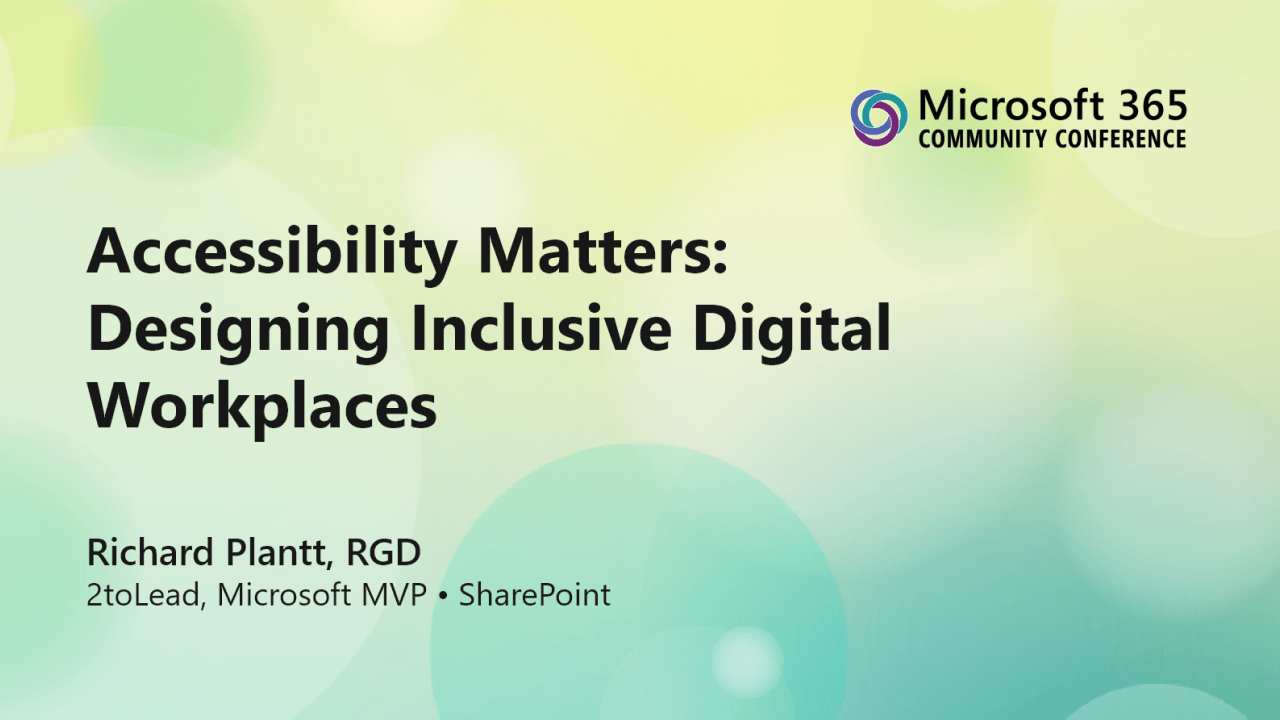
At the 2026 Microsoft 365 Community Conference in Orlando, Richard Plantt, Microsoft MVP and Consultant at 2toLead, presented Accessibility Matters Designing Inclusive Digital Workplaces, a practical session focused on helping organizations create more accessible, inclusive, and future-ready SharePoint experiences.
Complete the form to access the session slides and explore practical guidance you can use to improve accessibility across your intranet, SharePoint sites, and Microsoft 365 experiences.
Many organizations want to create inclusive digital workplaces, but accessibility can feel overwhelming, technical, or treated as something to address only after a problem appears.
This session takes a more practical approach.
Instead of treating accessibility as a checklist, we explored how inclusive design can become a strategic advantage. From SharePoint content and page design to cognitive load, screen reader support, governance, and AI-powered enhancements, this session focused on the choices teams can make every day to improve the employee experience.
These slides are designed to help you rethink accessibility as part of how your organization communicates, collaborates, and supports people at work.
When you access the resource, you’ll get practical ideas and examples covering:
This resource is especially useful for:
Whether you are just getting started with accessibility or looking to improve the maturity of your digital workplace, these slides will give you practical direction and useful talking points to bring back to your team.
The modern workplace depends on digital experiences. Employees use intranets, collaboration spaces, knowledge hubs, forms, pages, documents, and AI-assisted tools every day.
When those experiences are difficult to use, poorly structured, or inaccessible, people are left out.
Accessible design helps create better experiences for everyone. It improves clarity, reduces confusion, supports different ways of working, and helps employees find, understand, and act on information more confidently.
Accessibility is not just about meeting standards. It is about creating a workplace where more people can participate fully.
If you attended the session, this resource is a helpful way to revisit the key ideas and share them with your team.
If you were not able to attend, the slides will give you a strong starting point for understanding how accessibility, SharePoint, Microsoft 365, and Copilot can work together to support a more inclusive digital workplace.
Complete the form to get access to the slides.


Join Our Newsletter