August may have a reputation for being a quieter month, but apparently Microsoft did not get that memo. This month brings plenty to explore across the employee experience, from smarter SharePoint experiences and more practical ways to use Copilot, to simpler Viva Engage communities, new adoption resources and a fresh approach to sharing content across Microsoft 365.
What stands out is how many of these updates are less about adding another tool and more about making the tools we already use easier, more intelligent and more useful in the flow of everyday work.
Creating content faster with Copilot is helpful, but only if what we create still looks and sounds like it belongs to our organisation. Microsoft 365 Copilot Brand kits bring approved logos, colours, fonts, templates, imagery and brand guidance closer to the point where employees are actually creating content. In our new guide, we walk through how Brand kits work and why Communications and Marketing teams should think of them as more than a collection of assets. Done well, they can give people a much better starting point for creating consistent, recognisable content without removing the need for human judgement and good design.

TechCon 365, PWRCON and DATACON are coming together in Seattle from August 24 to 28, giving attendees the chance to move across Microsoft 365, Power Platform and Microsoft Data sessions throughout the week.
Our own Kanwal Khipple is speaking on two topics that feel especially timely: using Viva Amplify and Copilot for communications campaigns, and designing an AI-safe information architecture for Microsoft 365. These sessions connect two sides of AI adoption that organisations need to consider together: helping people create and communicate more effectively while making sure the information behind those experiences is ready for AI. If Seattle is on your calendar, these are two sessions worth adding to the agenda.
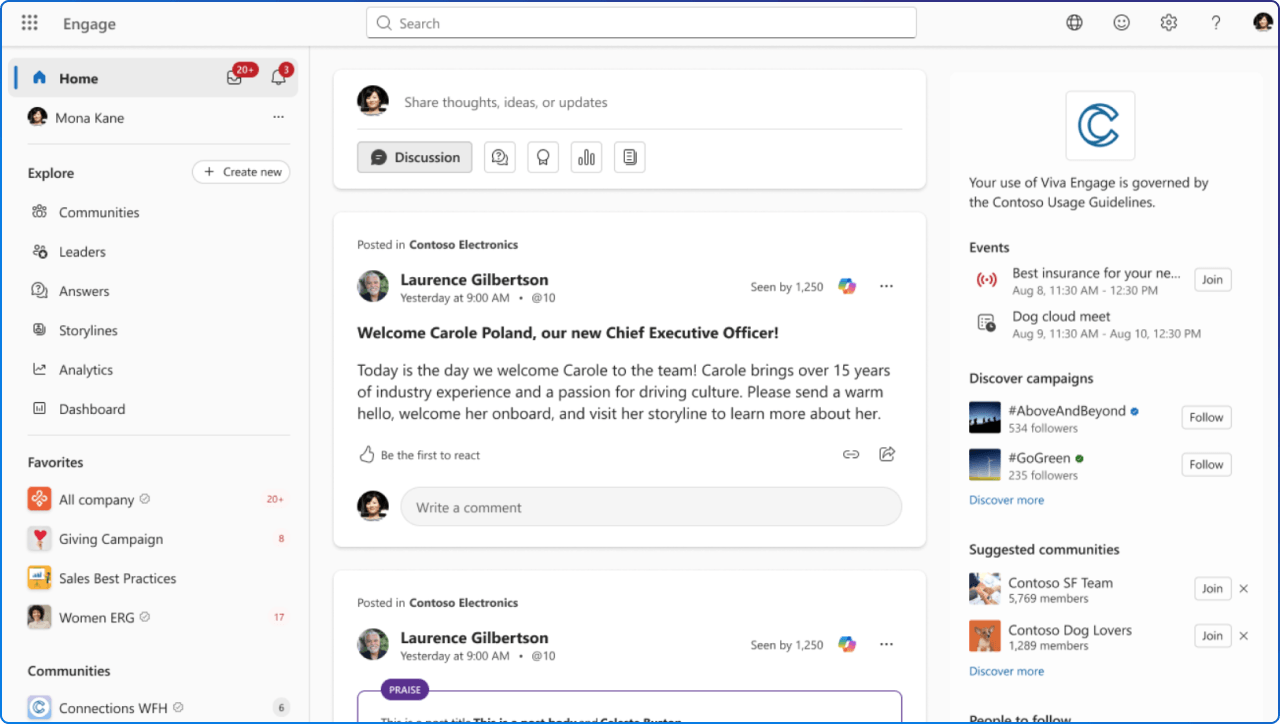
Viva Engage is getting a cleaner experience designed to put conversations and community engagement back at the centre of the interface. Microsoft is simplifying community navigation, consolidating supporting information and creating a more consistent experience across Viva Engage on the web and in Teams.
For communicators and community managers, this is the kind of update that may sound small on paper but can have a meaningful impact on usability. When people spend less time figuring out where things are, they can spend more time participating in the conversation.
Microsoft’s upcoming Comms Camp takes an approach we really like: start with the communications challenge, not the feature. The free hands-on workshop on October 12 and 13 brings corporate communicators together with IT, adoption and employee experience professionals to explore real scenarios using Viva Engage, Microsoft 365 Copilot and agents.
Topics range from leadership communications and communities to campaigns, events and turning employee conversations into useful signals. It is a good reminder that successful employee communications rarely begin with asking, “What feature should we use?” but rather, “What do we need people to understand, feel or do?”
Governance guidance only works when people can find it, understand it and apply it at the moment they need it. Microsoft explores an interesting approach with a Governance for Viva Engage agent that combines official Microsoft guidance with an organisation’s own policies, admin guidance and approved practices.
The important part is authority: organisation-specific policy remains the source of truth, while Microsoft documentation helps explain the product and its capabilities. It is a practical example of where agents can make existing organisational knowledge easier to use without becoming the policy maker themselves.
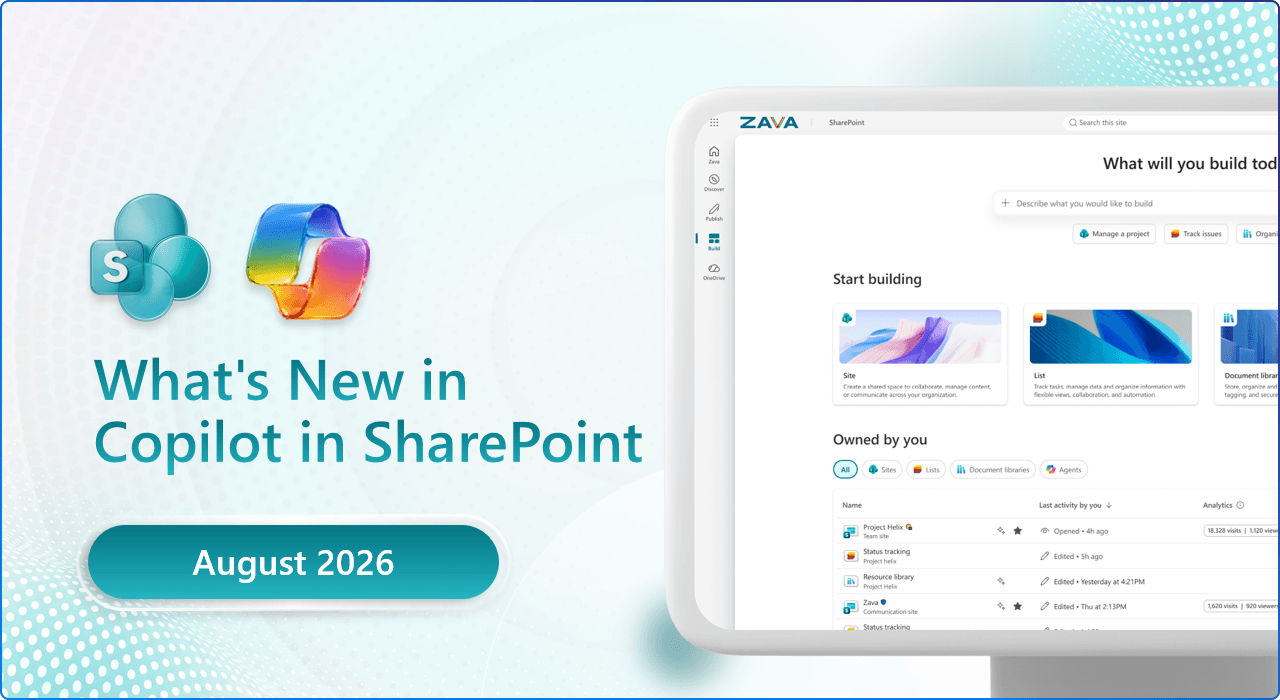
Copilot in SharePoint continues to move beyond simply asking questions about content. This month Microsoft highlights live dashboards connected to SharePoint lists, Excel and CSV files, alongside page buttons that can launch contextual Copilot prompts with a click.
There are also refinements to chat that make it easier to add files, people and meetings as context. Taken together, SharePoint is starting to feel less like somewhere we go to retrieve information and more like a place where information can actively help us get work done.
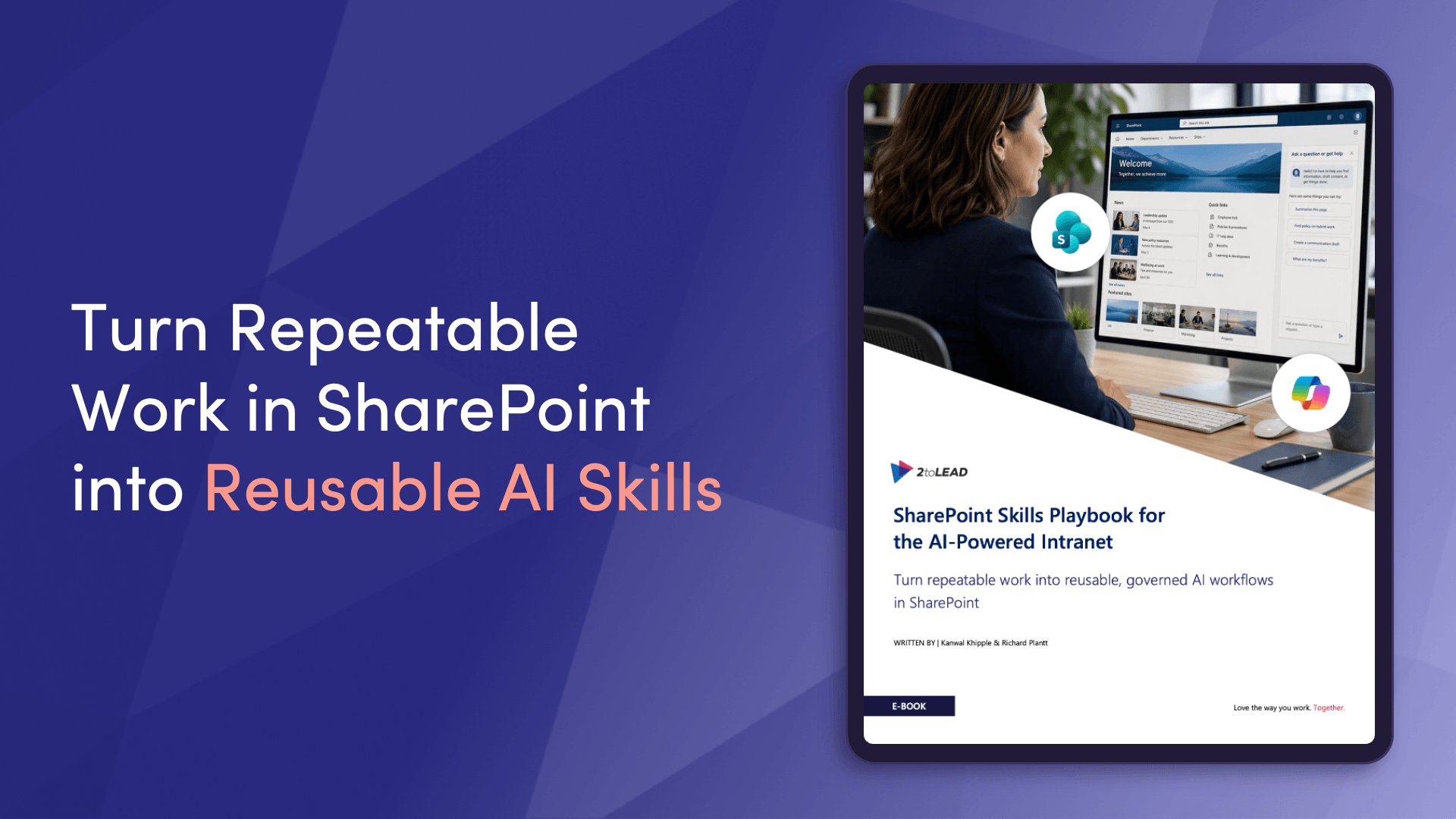
Custom AI skills add an interesting new layer to what a SharePoint site can do for the people who use it. Rather than expecting everyone to become an expert at writing prompts, site owners can begin packaging repeatable tasks and guidance into skills people can use where the work already happens.
Microsoft’s showcase explores how skills work, how organisations can create or install them and ten practical ideas for getting started. For digital workplace teams, the bigger opportunity is thinking about which common employee tasks could become easier, more consistent and more discoverable with a reusable skill.
As organisations move from experimenting with AI to relying on it for everyday work, simply asking whether an agent “works” is not really enough. Microsoft’s research explores the much harder question of how we evaluate the quality of agentic AI experiences throughout their lifecycle, particularly when they interact with organisational content.
This matters because a technically successful response and a genuinely useful employee experience are not always the same thing. For organisations building agents around SharePoint and knowledge, quality needs to become an ongoing practice rather than a test performed once before launch.
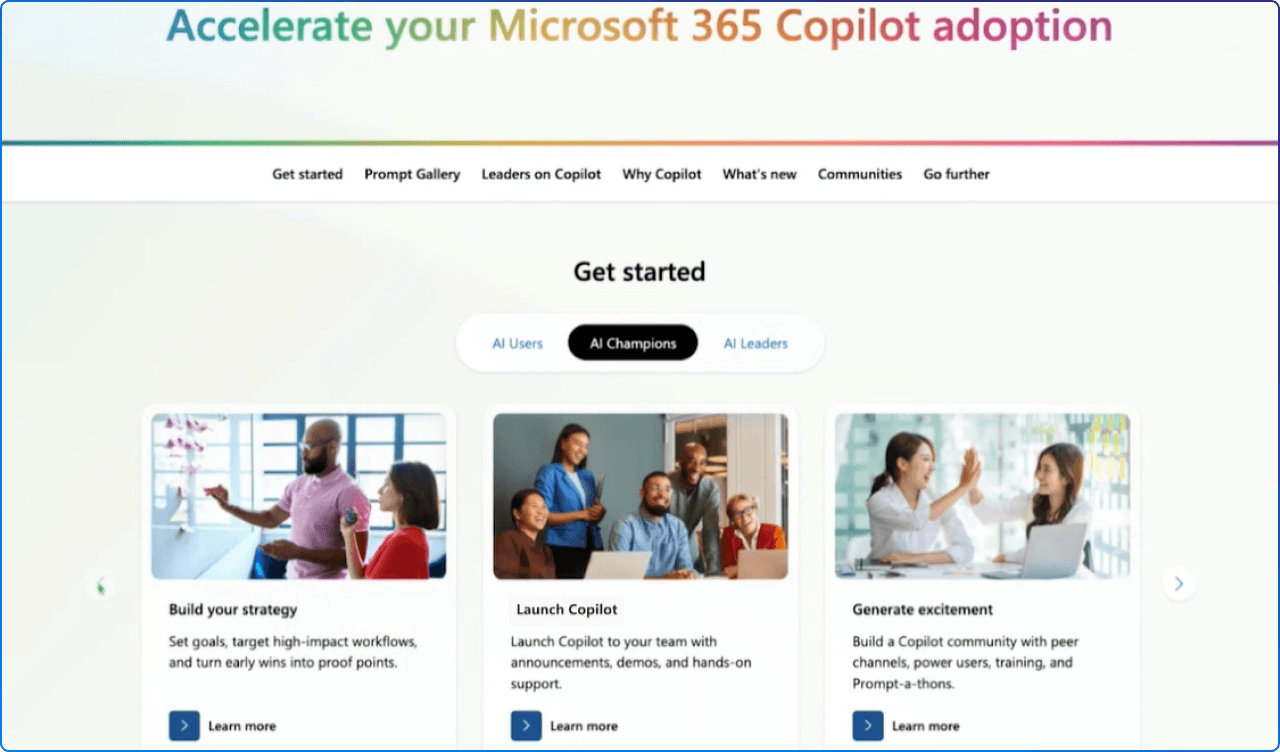
AI adoption gets much easier when people have somewhere to learn, experiment and ask questions, and Microsoft continues to expand the resources available to support that journey. Recent additions include Copilot Cowork task packs, Copilot in SharePoint learning resources, new AI agent content and more on-demand learning through the Customer Hub.
Microsoft has also continued improving discovery, navigation and accessibility across its adoption experiences. Technology may spark the change, but this month's update makes an important point: people, communities and peer learning are what help new ways of working stick.
Microsoft’s July adoption roundup is packed with practical resources for organisations trying to turn new Microsoft 365 capabilities into everyday habits. Updates span Copilot Cowork task packs, agent learning, a dedicated Copilot in SharePoint adoption hub, Teams Rooms guidance and a new playbook for building Communities in Teams.
The expanded Customer Hub also introduces improvements to search, filtering, navigation and accessibility. If you are responsible for adoption or change, this is a useful collection to bookmark because it focuses less on what is new and more on helping people actually use it.
Teams meeting controls are getting a redesign aimed at reducing clutter, avoiding accidental clicks and making everyday controls easier to find. The refreshed toolbar prioritises core actions such as microphone, camera and sharing, while allowing people to personalise many of the other controls they use regularly.
Microsoft’s Champions call also covers the adoption resources available to help organisations prepare people for the change. It is a nice example of employee experience design at its most practical: sometimes improving work is simply about removing a little friction from something millions of people do every day.
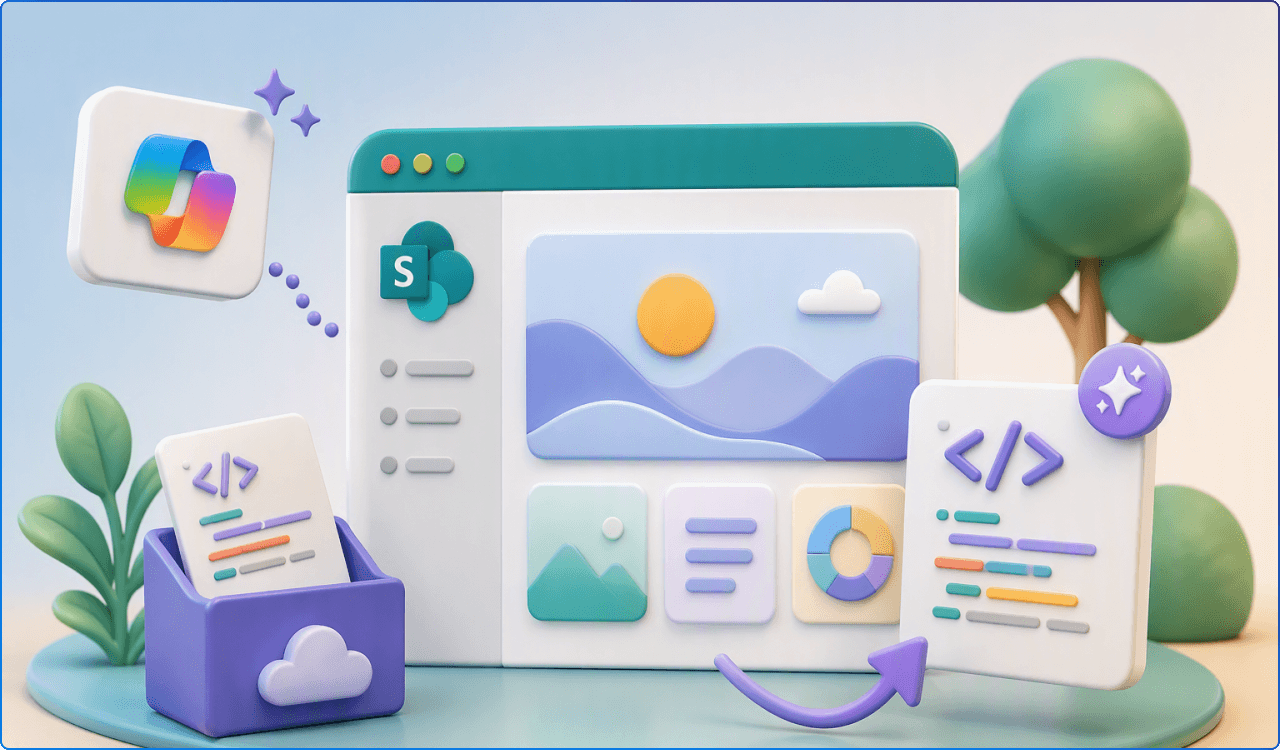
This one could open some interesting new possibilities for SharePoint creators. Microsoft plans to let people create HTML with Copilot in SharePoint or bring in HTML created elsewhere, store it in the Pages library and render it as a SharePoint page alongside existing ASPX pages.
The roadmap currently lists the feature as in development, with general availability targeted for October 2026, so it is one to watch rather than something to redesign around today. For intranet and digital workplace teams, though, the idea of richer ways to create and present SharePoint content is certainly worth keeping an eye on.
AI skills are becoming personal, portable and potentially much more useful in day-to-day work. Microsoft’s roadmap says people will be able to create personal skills in Copilot in SharePoint that follow them across SharePoint sites and OneDrive instead of needing to recreate the same skill for each site.
Those skills are owned by the individual and saved as Markdown files in OneDrive, with preview targeted for August and general availability for December 2026. That shift from site-specific AI experiences to reusable personal capabilities could make skills feel much more like part of an employee’s everyday toolkit.
File sharing is one of those everyday experiences that everyone uses but no one wants to think too hard about. Microsoft is introducing its third-generation sharing experience around a single “hero link” that controls access whether someone copies a link, shares through email or sends a URL from the browser.
The goal is a more consistent sharing experience across Microsoft 365 while keeping control over who can access the content. With general availability listed for August 2026 across Microsoft 365 apps including SharePoint and OneDrive, this is a change worth putting on the adoption radar because even small changes to familiar sharing behaviours can generate questions from employees.
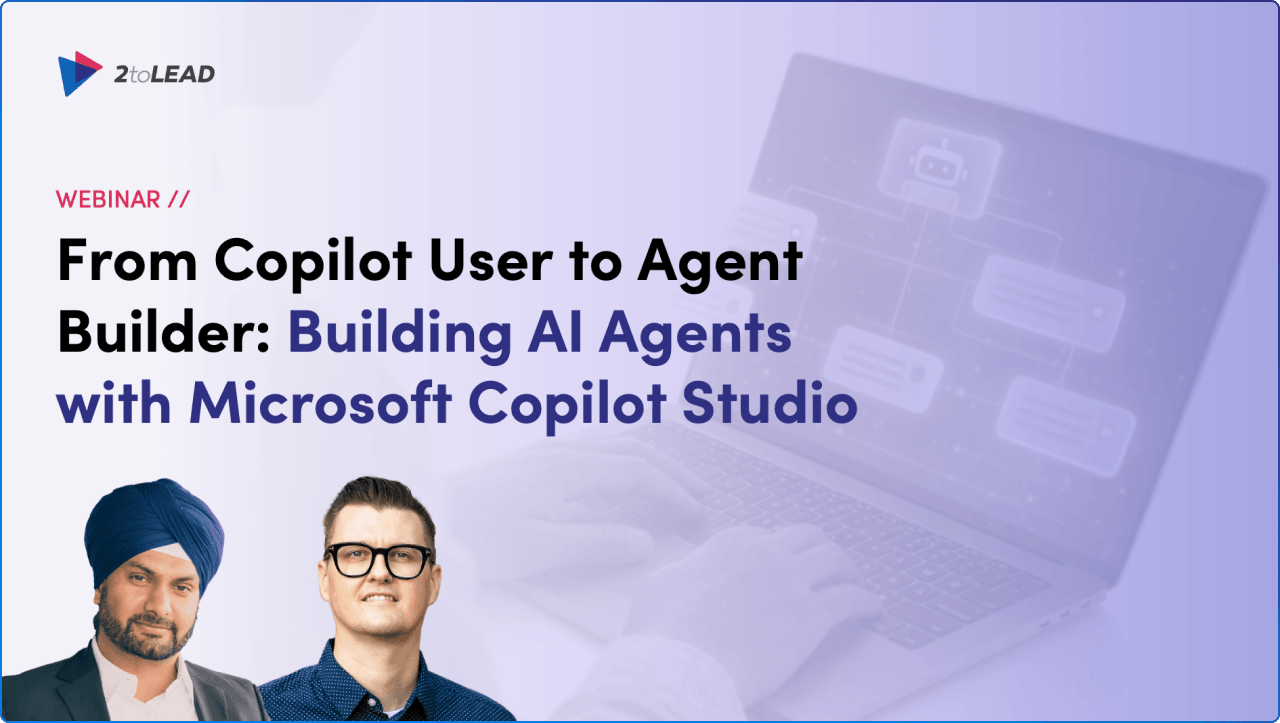
Everyone seems to want an agent right now. The harder question is knowing where to start and which tool to use. In this session, we walk through the journey from building a simpler agent with Agent Builder to extending that idea into a more robust experience with Copilot Studio, with practical guidance around instructions, grounding, governance and reusable solutions along the way.
If your organisation is ready to move beyond talking about agents and begin exploring useful scenarios of its own, this is a practical place to start.
August’s updates share a surprisingly consistent message: the digital workplace is becoming less about where information lives and more about what people can do with it. SharePoint content can become dashboards and AI skills, Copilot can work with your organisation’s brand, Viva Engage is simplifying the community experience, and even everyday moments like joining a Teams meeting or sharing a file are being reconsidered.
What I like most is that many of these changes are not asking employees to completely reinvent how they work. They are bringing intelligence, context and better experiences into places people already know.
And with a little summer still left on the calendar, perhaps that is the right note to end on. Keep exploring, keep experimenting, but do not feel like you need to try everything before September arrives. Some of the best employee experiences come from choosing one small point of friction and simply making it better.


Join Our Newsletter