A new hire opens Teams on day three and asks Copilot a simple question: how much parental leave do I get?
Copilot answers quickly and confidently. It also gets it wrong. The policy it used was replaced eighteen months ago, but the old page still sits on a forgotten HR site with no owner and no review date. Nobody broke anything.
The intranet did what it was built to do, which is hold content. Nobody told it that content would now be read by AI and repeated back to employees as fact.
That gap is why the intelligent intranet matters.
An intelligent intranet is a connected, governed and continuously improving information environment, usually built on SharePoint.
Its content and structure power every way employees find information: search, Teams, Microsoft 365 Copilot and agents. It is not an intranet with a chatbot added on top. Its job shifts from being a place people visit to being a trusted source that both people and AI rely on.
The difference is less about features and more about purpose. A traditional intranet asks, "Did people visit the page?" An intelligent intranet asks,
"Did people get a reliable answer and act on it, wherever they asked?"
For years, the intranet was a destination. Employees visited a homepage, clicked through navigation and hunted for the document they needed. Success meant page views and a homepage leadership was proud of.
That model is fading. Today, people find information through search, Teams, Copilot and agents, often without ever landing on the homepage. The intranet still matters, but its job has changed. Its content and structure now feed the AI experiences employees use across Microsoft 365.
SharePoint is the number one grounding source for Microsoft 365 Copilot. When Copilot answers a question about a policy, a process or a project, it often draws on what lives in your SharePoint sites, pages, lists and libraries.
That changes the risk. A messy intranet used to create a findability problem: frustrated employees, extra helpdesk tickets and wasted time. Now it can also produce incomplete, outdated or misleading AI answers, delivered with confidence inside the tools people trust most.
An intelligent intranet isn't defined by how much AI it has. It's defined by how well it serves employees. Five characteristics separate it from a traditional portal:
One useful way to plan an intelligent intranet is to think in four layers. Each layer depends on the one beneath it, and a weakness in any of them shows up in the employee experience.
Most organizations want to start with the intelligence layer because that's where the excitement is. But the intelligence layer only amplifies what's underneath it. Good knowledge with clear trust signals becomes better answers. Outdated content with no owner becomes wrong answers, faster.
It's easy to judge an intranet by what it contains. The better test is what it does for the person using it. Before adding any new AI capability, ask:
If the answer to the last question is "another interface," the intranet is getting more complicated, not more intelligent.
Copilot and agents are powerful, but they inherit the state of the content they work with. AI can't fix problems that are really about ownership, structure and governance:
That's why Copilot readiness is partly a content and employee-experience challenge, not only a licensing or technical one. The organizations getting the most from AI in SharePoint treat content quality as a shared responsibility, not one person's heroics.
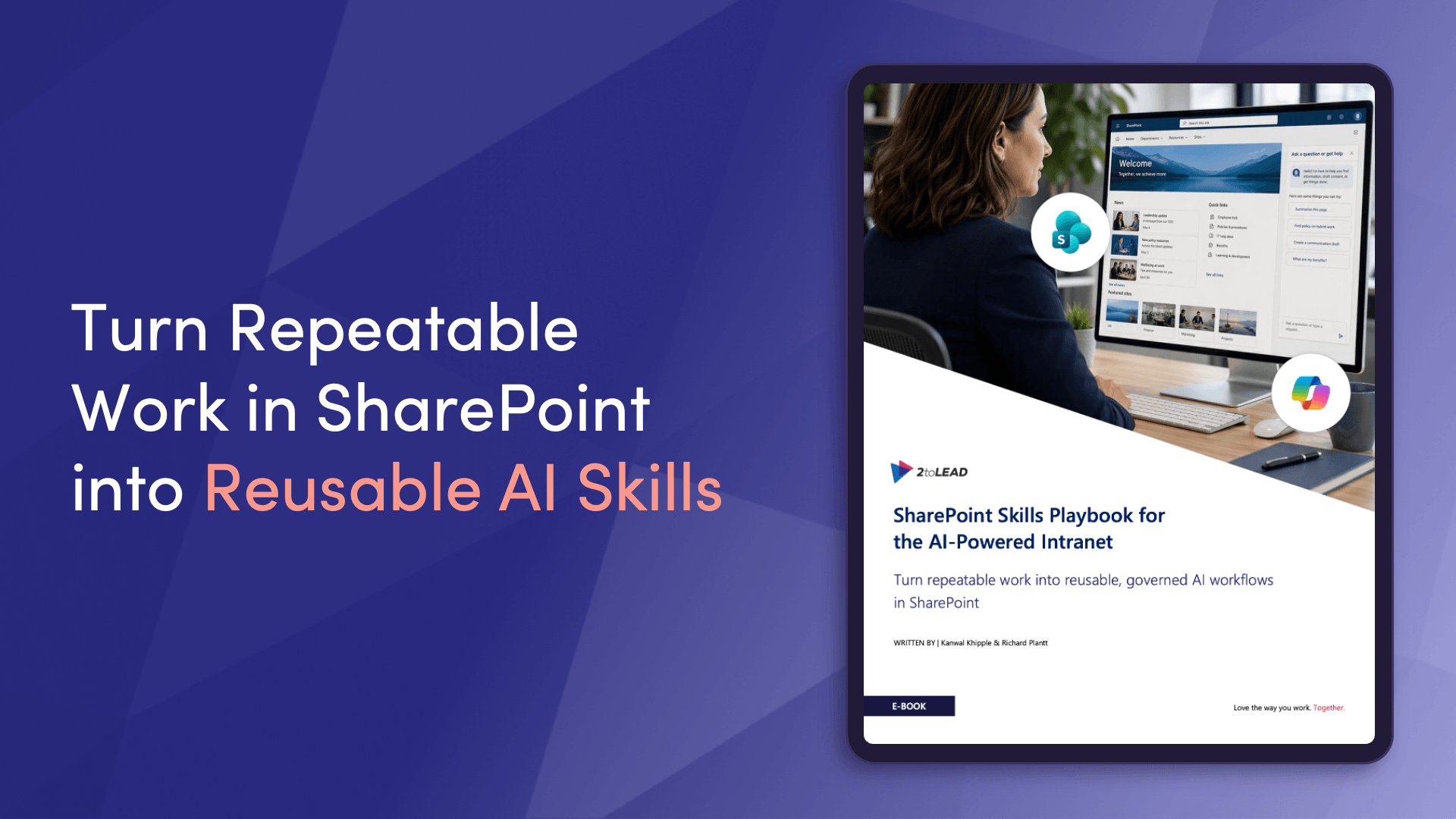
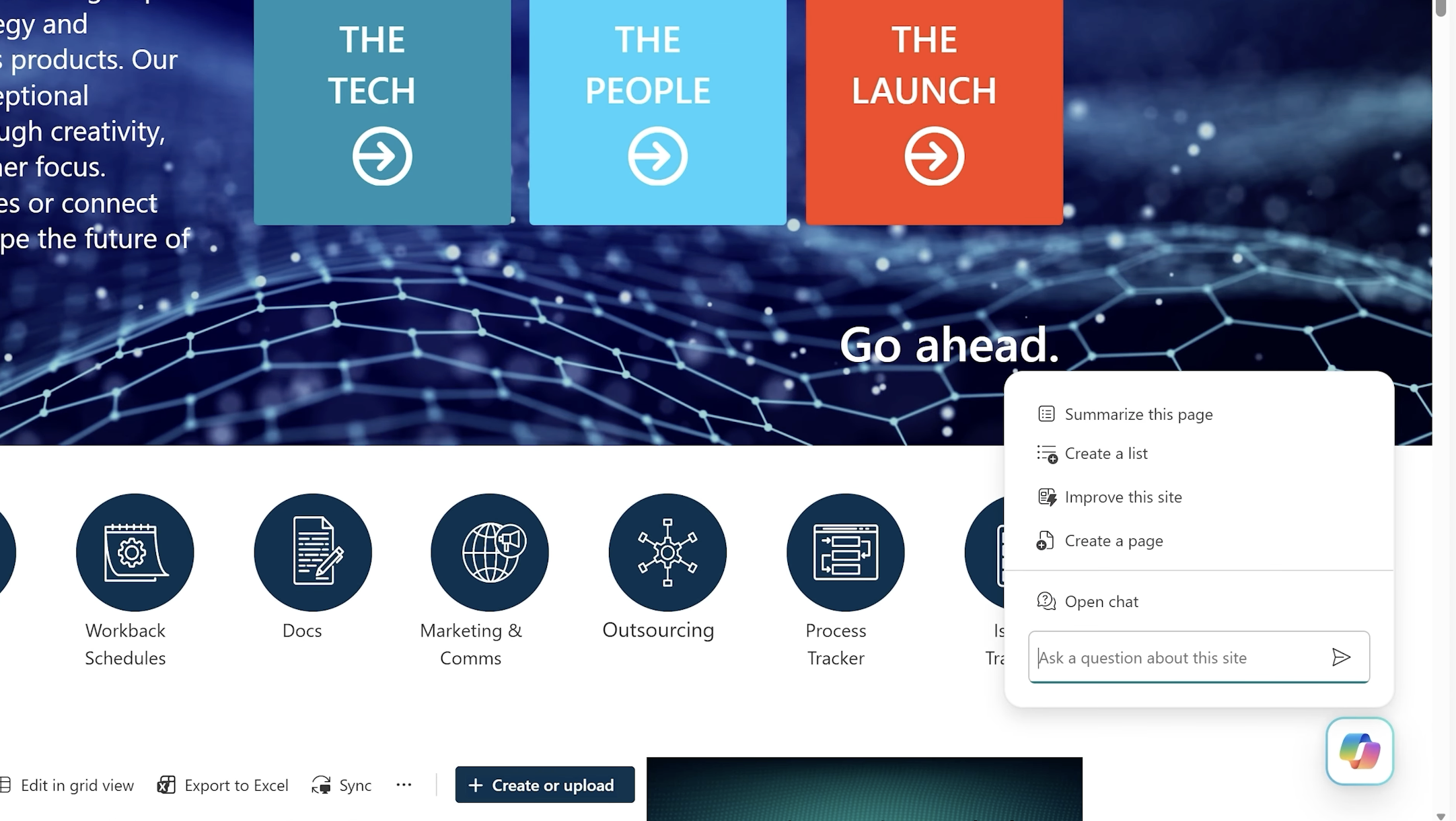
This is also where SharePoint Skills come in. A skill captures your organization's standards and the steps for a repeatable task, so Copilot in SharePoint does that work the same way every time instead of depending on whoever writes the best prompt. Skills turn good content habits into something teams can repeat and scale. We'll explain how they work later in this series.
You don't build an intelligent intranet in one project. You get there in stages, each building on the last:
Skipping straight to step four is tempting. It's also the most common reason AI pilots on SharePoint disappoint.
The good news is that most organizations don't need to start over. The sites, pages and libraries you've built over the years are valuable. They just aren't yet organized, owned and governed for how people and AI find information today.
The work is to find the gaps, prioritize the fixes that matter most and build a roadmap that moves your intranet up one layer at a time. That's what turns an intranet employees visit into one they rely on, wherever they ask the question.
Over the coming weeks, we'll go deeper into each part of that journey: building consistent pages faster, how SharePoint Skills work, what makes an intranet Copilot-ready, and how to keep it trusted after launch.
Download the SharePoint Skills Playbook for practical guidance on modern authoring, reusable AI workflows, governance and adoption.
Already know where your gaps are?
→ Book an intelligent intranet readiness conversation with our team
What is an intelligent intranet? An intelligent intranet is a connected, governed information environment, usually built on SharePoint, whose content powers search, Teams, Copilot and agents. Its role shifts from a place employees visit to a trusted source that both people and AI rely on.
How is an intelligent intranet different from a traditional intranet? A traditional intranet is built for homepage visits and navigation. An intelligent intranet is built so its content stays accurate, owned and structured, because employees increasingly get answers through Copilot, search and agents instead of browsing.
Does Microsoft 365 Copilot use SharePoint content? Yes. SharePoint is the number one grounding source for Microsoft 365 Copilot. The quality, structure and permissions of your SharePoint content directly affect the quality of Copilot's answers.
Is an intelligent intranet just an intranet with an AI chatbot? No. AI is one layer. An intelligent intranet also needs a strong experience layer, well-managed knowledge, and a trust layer of ownership, permissions and governance. Without those, AI just repeats existing problems faster.
Do we need to rebuild our intranet to make it intelligent? Usually not. Most organizations can build on their existing SharePoint intranet by improving structure, ownership and governance, then adding AI-assisted authoring, skills and agents in stages.
What are SharePoint Skills? SharePoint Skills are reusable instructions that capture an organization's standards and the steps for a repeatable task, so Copilot in SharePoint performs that task consistently.


Join Our Newsletter