Explore October 2026 digital workplace updates: SharePoint HTML pages, the refreshed SharePoint mobile app, Engage communities in Teams and new release rings.

Employees used to reach the intranet through one homepage on one screen. Now they reach it from a phone between meetings, from a community sitting next to their chats in Teams, from a page Copilot helped build, and through features that arrive on Microsoft's release schedule rather than yours. This month, we look at the design, channel and change decisions that make the digital workplace useful wherever people meet it.
The question used to be: "Is our intranet easy to navigate?"
Now it's:

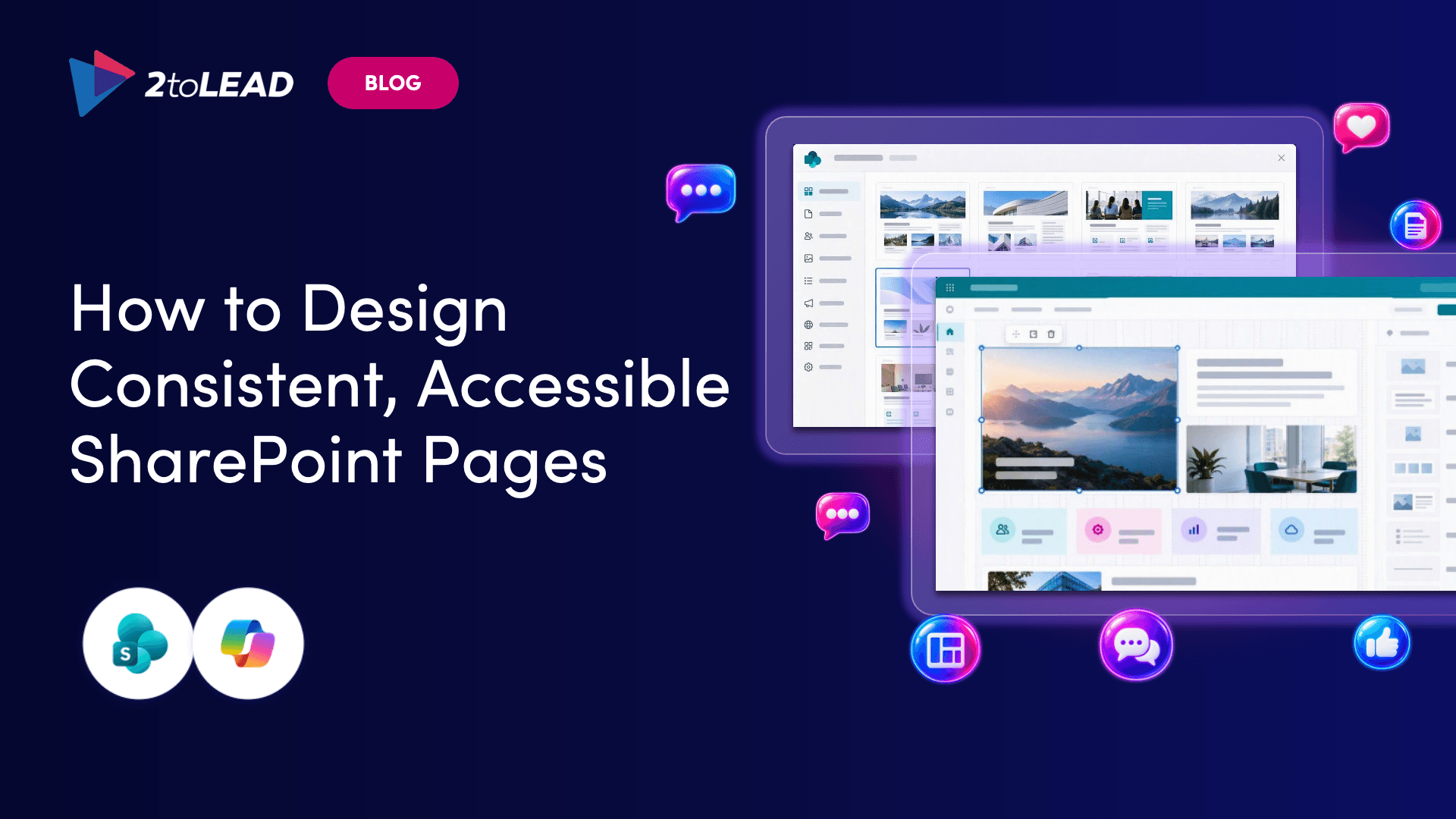
Most intranet problems aren't missing content. They're content employees have to assemble themselves: a deck here, a spreadsheet there, meeting notes somewhere else. SharePoint now supports HTML pages you can create with Copilot or upload, then edit, publish and share alongside modern pages.
Our latest article explores where a different format could help people understand something at a glance, from a project overview to a visual brand guide or a team introduction, and where a modern page is still the better fit. HTML pages can't currently be promoted to news, scheduled or commented on, so the format decision matters.
→ Find out where HTML pages make sense
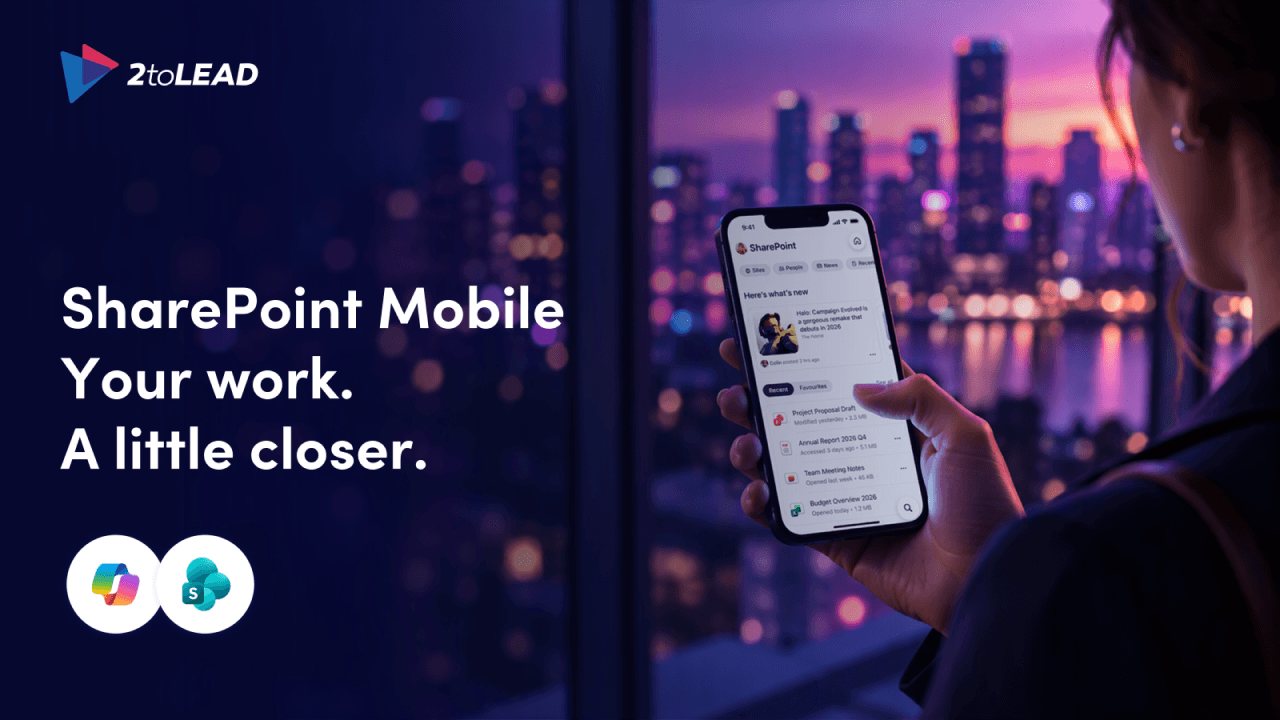
Your laptop is packed away, and the presentation for your next customer meeting is somewhere in SharePoint. Microsoft's refreshed SharePoint mobile app brings sites, files, news and people together in a redesigned experience.
But opening a page is not the same as understanding it, and finding a document is not the same as knowing it's the right version. This piece makes the case for judging the app by how quickly someone can pick up the thread and move forward, and shows how to introduce it through everyday moments instead of a feature tour.
→ See how to make mobile a better starting point
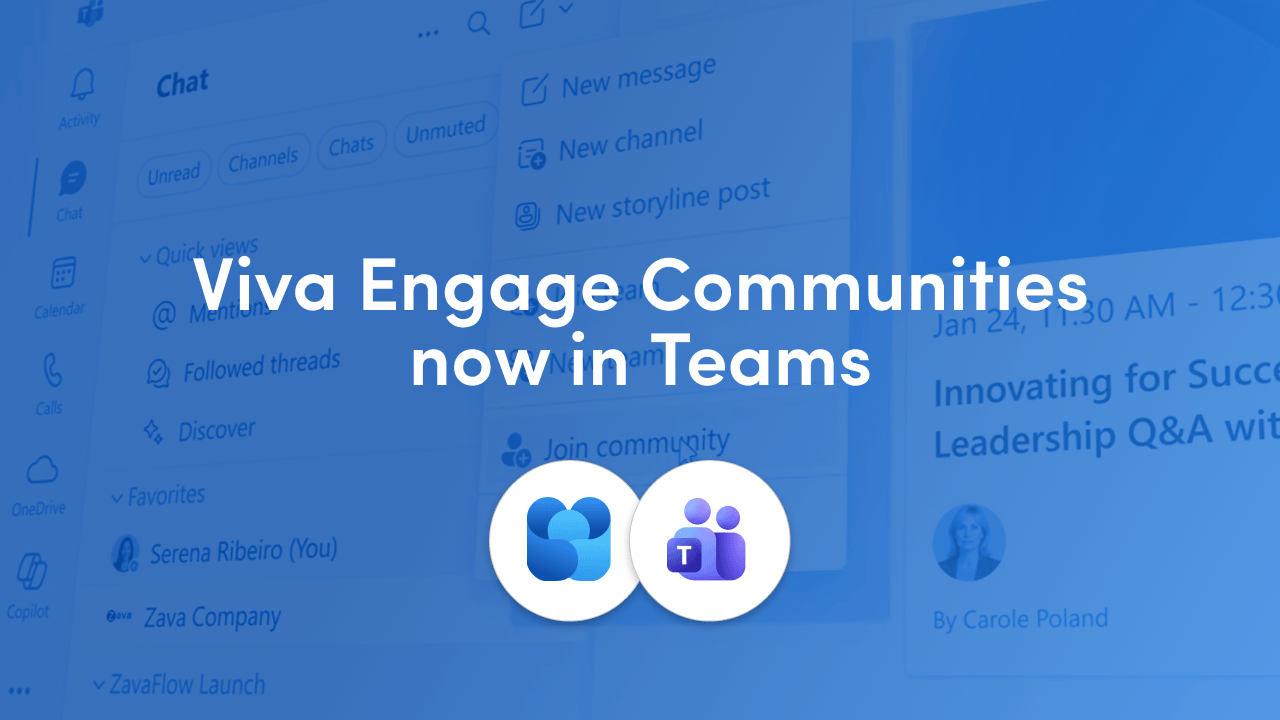
Viva Engage communities now appear in the Teams left navigation, alongside chats and channels. The feature is on by default, needs no additional license, and existing memberships sync automatically. Leadership updates and community conversations no longer require a context switch.
The catch: when communities, channels and group chats look alike, people have to click in just to work out what they're looking at. Our article covers what changes for employees, admins and communicators, how community agents can draft answers from existing SharePoint content for a human to approve, and five moves to make before participation scales.
→ Get ready for communities in Teams
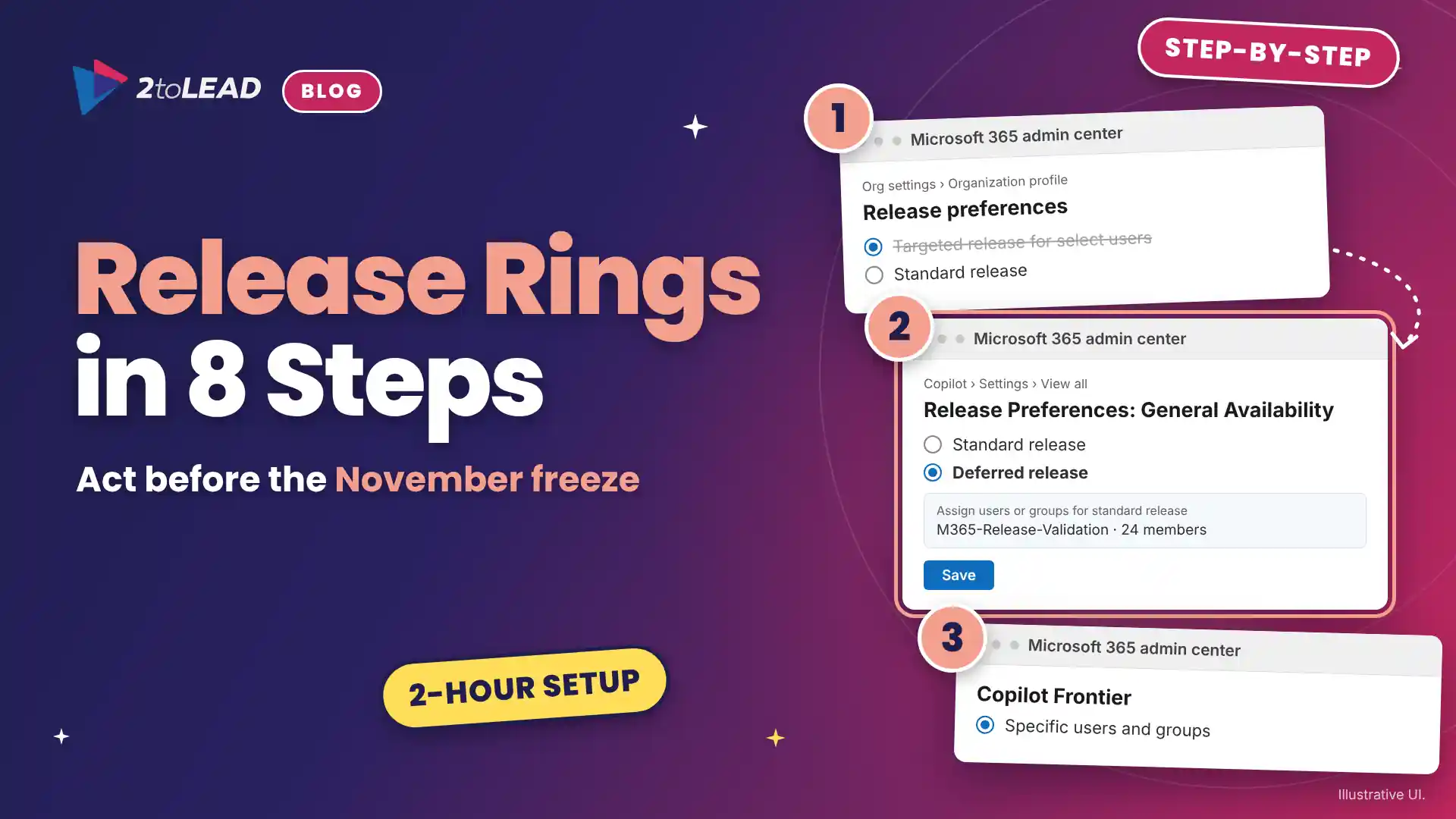
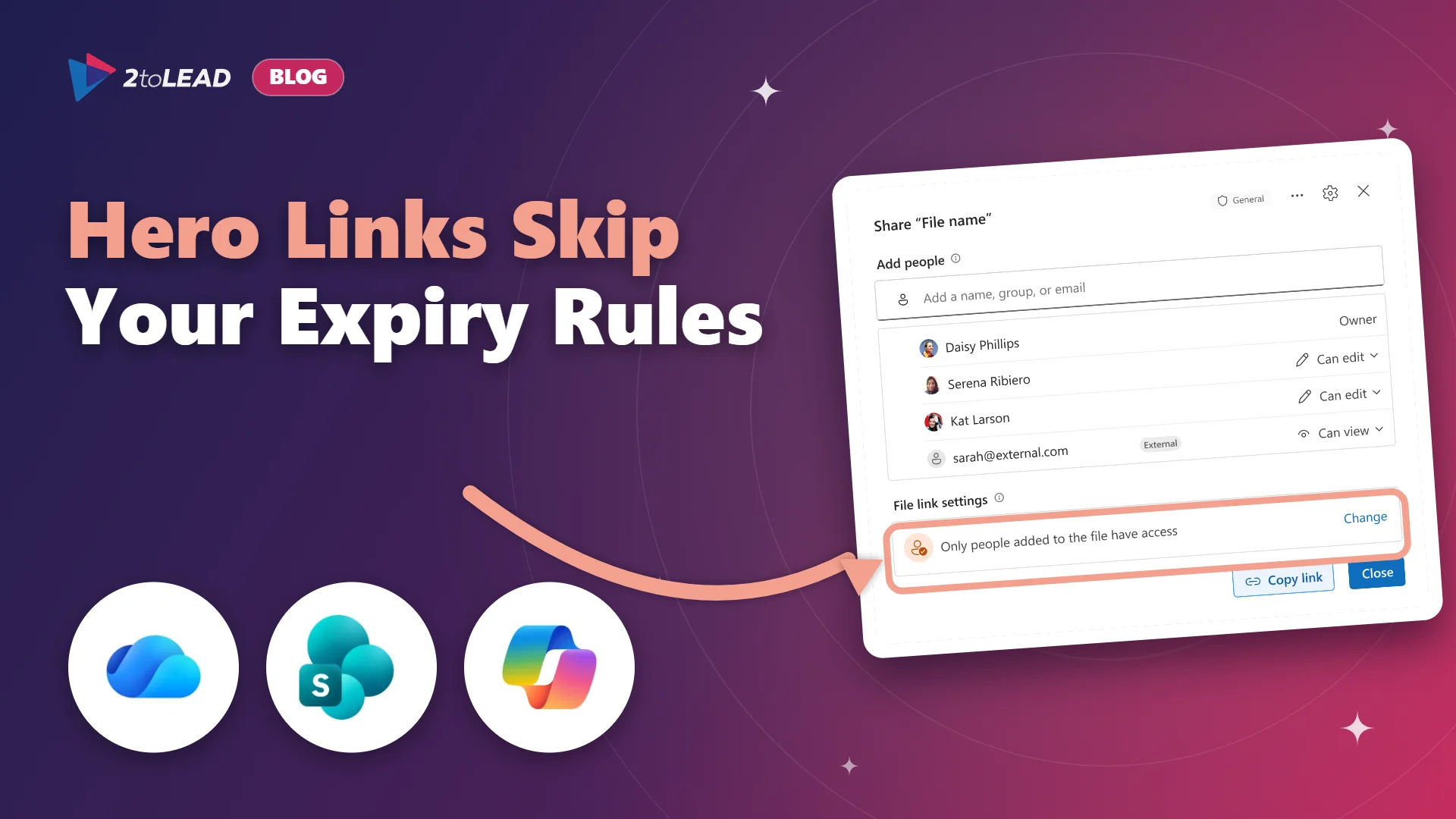
If IT and a few power users relied on Targeted release to see Microsoft 365 changes first, that early warning system is going away. Microsoft retires Targeted release in January 2027, and in November 2026 admins lose the ability to change who is enrolled.
The replacement uses three audiences: Frontier for previews, Standard release at general availability, and Deferred release, which holds eligible major updates for about 30 days. This guide gives you a migration map, eight steps that take about two hours of admin time, and the mistakes to avoid, starting with treating Frontier as a like-for-like replacement.
→ Rebuild your release rings before the freeze
Is your intranet the place people visit once a quarter to find the vacation form? In this session deck from Microsoft Community Days Ottawa, Microsoft MVP Richard Plantt shares practical strategies for using Microsoft Viva and Copilot together to personalize the employee experience.
You'll also see how automated content curation cuts the manual lift on your comms team, and how intelligent search helps people find answers instead of filing tickets.

A refreshed mobile app, communities in Teams, a new page format. Each one lands better when someone has planned the launch. 2toLead's Intranet Launch Readiness Toolkit includes a step-by-step launch planning guide, templates for structuring content, best practices for governance and user engagement, employee training and communication resources, and strategies for measuring effectiveness and ROI.
Version 2.0 adds a section on bringing Viva Amplify, Viva Connections and Viva Engage into your intranet launch.
→ Download the Intranet Launch Readiness Toolkit
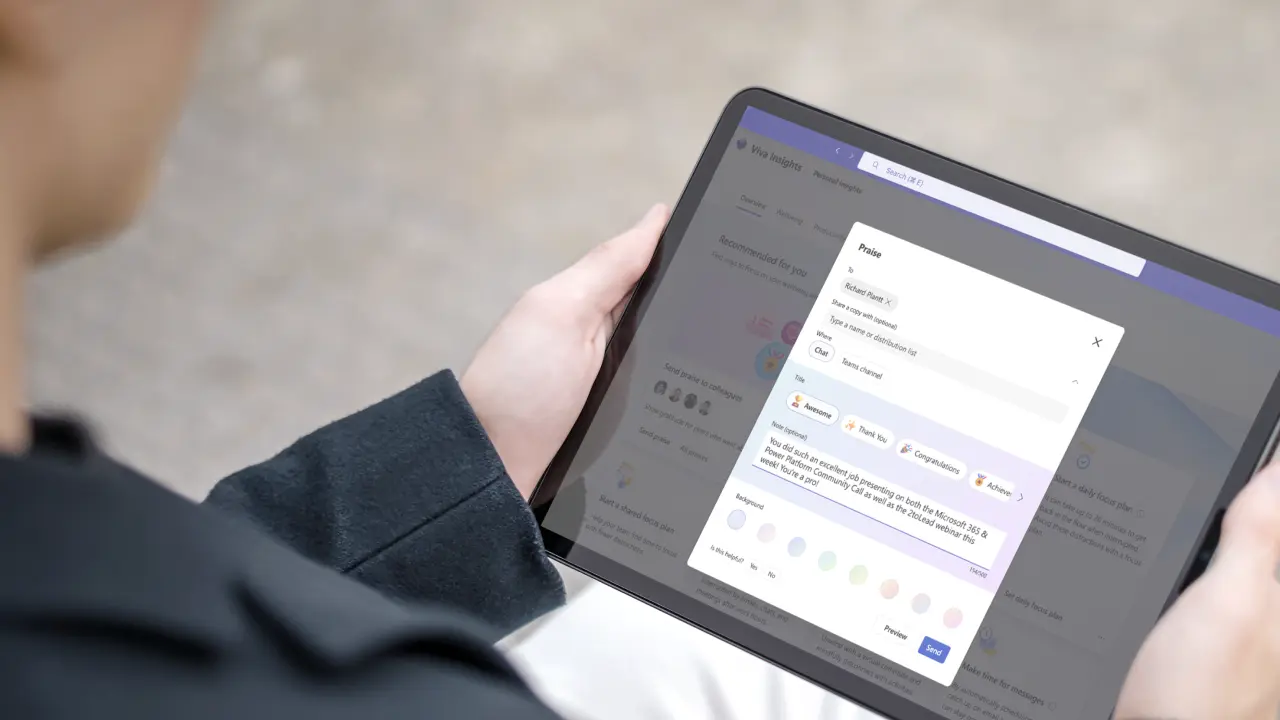
A healthcare organization with more than 20,000 employees had a legacy intranet that was outdated, fragmented and underused. The new experience on SharePoint Online, Viva Engage, Viva Learning and Microsoft Teams mattered. The real differentiator was a CEO and leadership team who owned the change instead of just approving it.
Inside, you'll see how executive sponsorship, user-centered design, phased content consolidation and steady training led to 96% weekly adoption, a 70% cut in document search time, and 89% of staff rating the new intranet as very or extremely helpful.
→ Read the healthcare case study
The organizations that get the most from the modern digital workplace won't be the ones with the most features switched on. They'll be the ones that can explain:
If your team is planning what comes next for your SharePoint intranet and digital workplace, 2toLead can help you prioritize the changes that matter and build a practical roadmap.


Join Our Newsletter