Most organizations treat onboarding as a project with an end date. The laptop ships, the HR forms get signed, the welcome lunch happens, and by day 90 the program is marked complete. That model is broken, and hybrid work, constant platform change, and AI adoption have made the cracks impossible to ignore.
Onboarding is not a phase. It is an ongoing capability. People need it when they join, and they need it again every time the organization changes underneath them. At 2toLead, we call the second motion re-onboarding, and in our experience it is the most underinvested part of the employee journey.
This article builds on our e-book, Achieving Onboarding, Retention, and Well-being Goals with Microsoft 365 and Microsoft Viva, updated for how organizations work in 2026.
It is tempting to think onboarding only matters during hiring waves or staff transitions. That view is out of date.
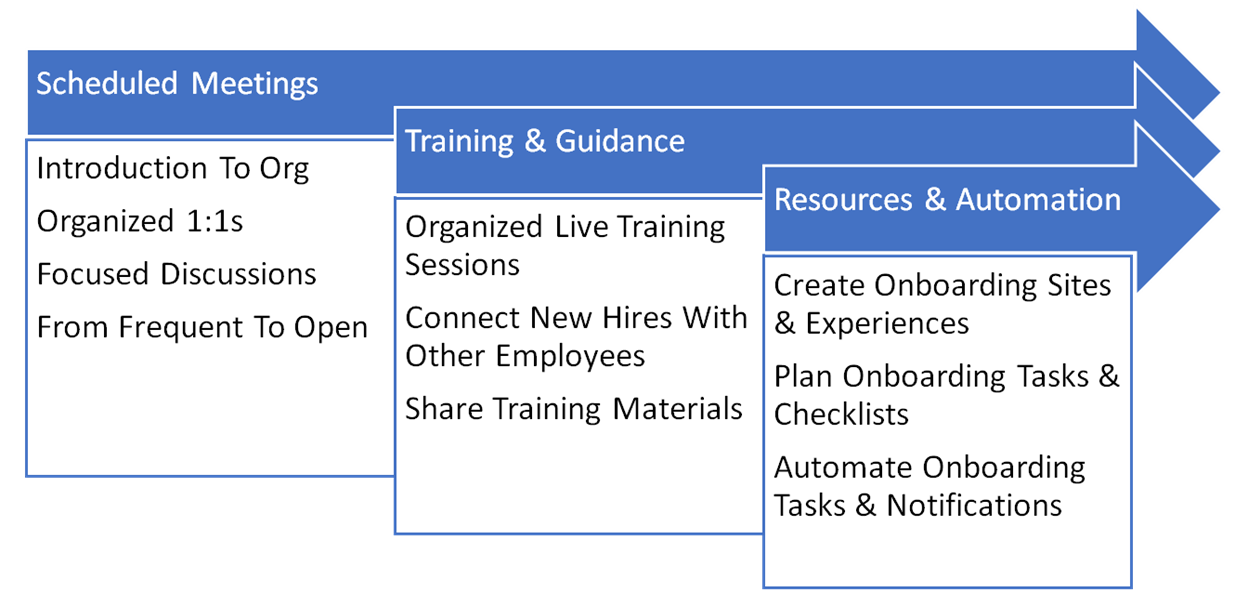
Onboarding and re-onboarding help employees build a stronger connection to the organization and to each other. Regular updates on norms, processes, and systems are the most reliable way to keep people aligned on goals, values, and growth opportunities. If you are starting from scratch, our guide to onboarding with Microsoft 365 and Viva covers the core tasks and how each one maps to the platform.
Think about what your current employees have absorbed in the last few years:
Each of these is an onboarding event. If your tenured employees learned "how we work here" five years ago, they are working from an outdated map. Re-onboarding them is not remedial. It is maintenance on your most important asset.
Getting on a stopped train is easy. Jumping onto a moving one is hard.
That is what onboarding feels like in most modern organizations. New hires arrive in the middle of active projects, distributed teams, and conversations that started months earlier. Existing employees face the same problem every time a process or platform changes. The train never stops long enough for anyone to board comfortably.
The most common failure points we see:
The tools to fix this already exist in most Microsoft 365 tenants. The gap is design and adoption, not licensing. Here is how we recommend putting them to work together.
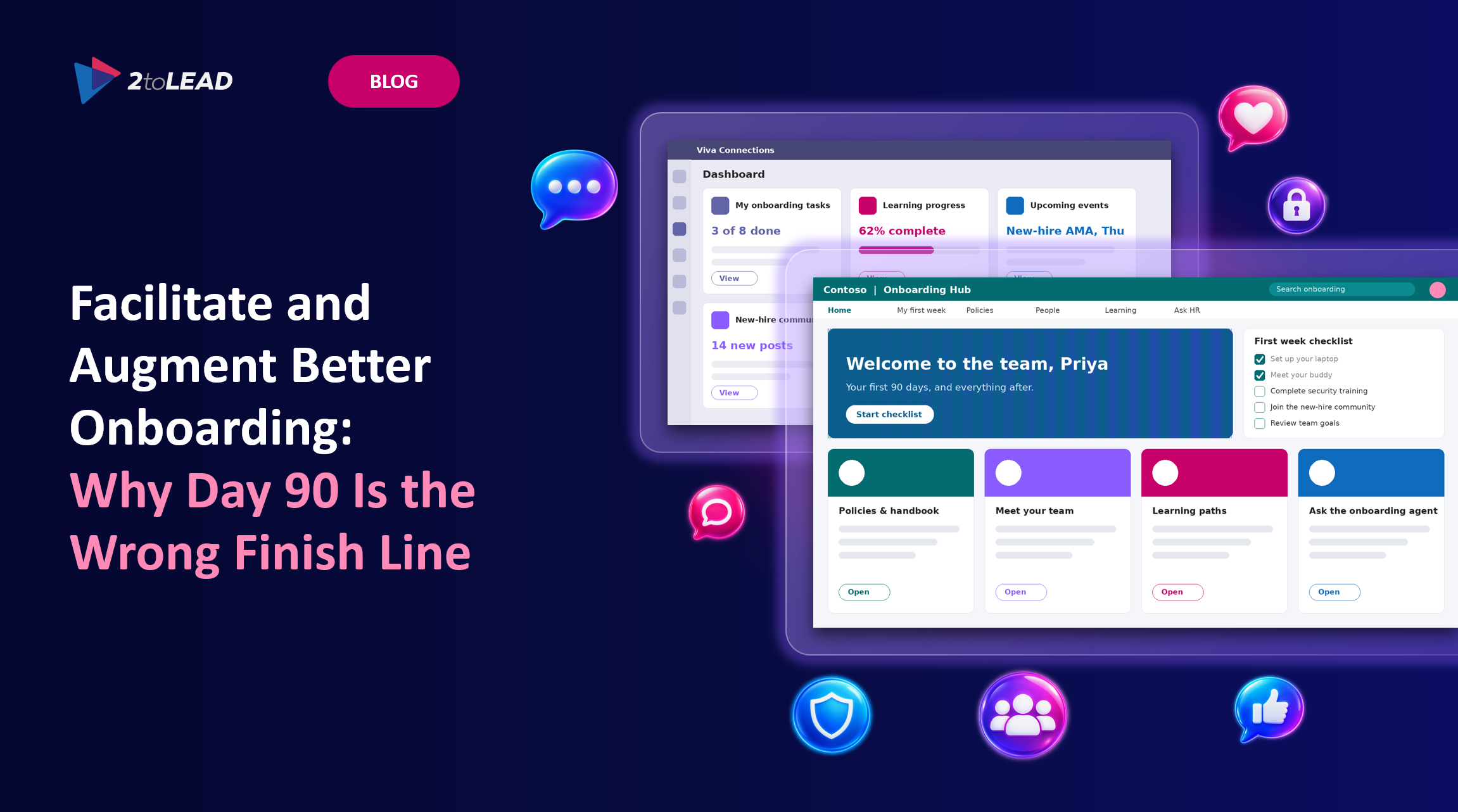
Build an onboarding hub in SharePoint that holds the essentials: welcome content, org structure, policies, key contacts, and first-week checklists. Microsoft provides a SharePoint onboarding site template as a starting point. Surface it through Viva Connections in Microsoft Teams, so employees find it where they already work rather than in a bookmark they will forget. Not sure what belongs on the hub versus in Teams or Engage? Our communicator's field guide breaks down the right channel for each message.
Re-onboarding move: When a process or platform changes, publish an update to the same hub and target it to the affected audiences. One front door, kept current, beats a dozen announcement emails.
Use Viva Learning to assemble role-specific learning paths that bring together Microsoft Learn, your LMS content, LinkedIn Learning, and internal material. Managers can assign and track learning without switching tools.
Re-onboarding move: When you roll out Microsoft 365 Copilot or a new agent, assign a short, practical learning path to everyone affected. Do not assume tenured employees will learn new ways of working on their own.
Connection does not happen by accident in hybrid work. Set up new-hire communities in Viva Engage where cohorts can ask questions, introduce themselves, and hear from leaders. Pair each new hire with a buddy and give that buddy a clear role. This is easier than ever now that Engage communities appear in Teams, right alongside chats and channels.
Re-onboarding move: Use communities and leadership storylines to explain the why behind changes, not just the what. People adopt change they understand.
This is where onboarding has changed the most since we first published the e-book. A new hire with Microsoft 365 Copilot can catch up on meeting recaps, summarize long project threads, and find relevant documents in minutes instead of days. A custom onboarding agent built in Copilot Studio can answer common questions grounded in your HR and IT content, around the clock.
But this only works if the content is governed. An agent grounded on outdated, overshared, or contradictory content will onboard people into the wrong answers faster. Governance comes before augmentation. Clean up permissions, retire stale content, and assign content owners before you point an agent at your onboarding hub. Start by learning how to mitigate oversharing in SharePoint, then put an operating model for agent governance in place so your onboarding agent has a clear owner and lifecycle.
Completion rates tell you who clicked through training. They do not tell you who is ramping well. Combine signals: pulse surveys in Viva Glint or Viva Pulse at 30, 60, and 90 days, manager check-ins, and collaboration patterns from Viva Insights, reviewed in aggregate with privacy in mind.
Re-onboarding move: Run the same pulse after major changes. If confidence drops after a platform rollout, you have found your next re-onboarding priority.
Consider automating the introduction or icebreaking of a new employee with support from onboarding software. Automation helps introduce employees to the whole organization. The team(s) they will be working with and a larger audience of connections across the organization.
If you want an example to build on, download and install this integrated for Microsoft Teams.
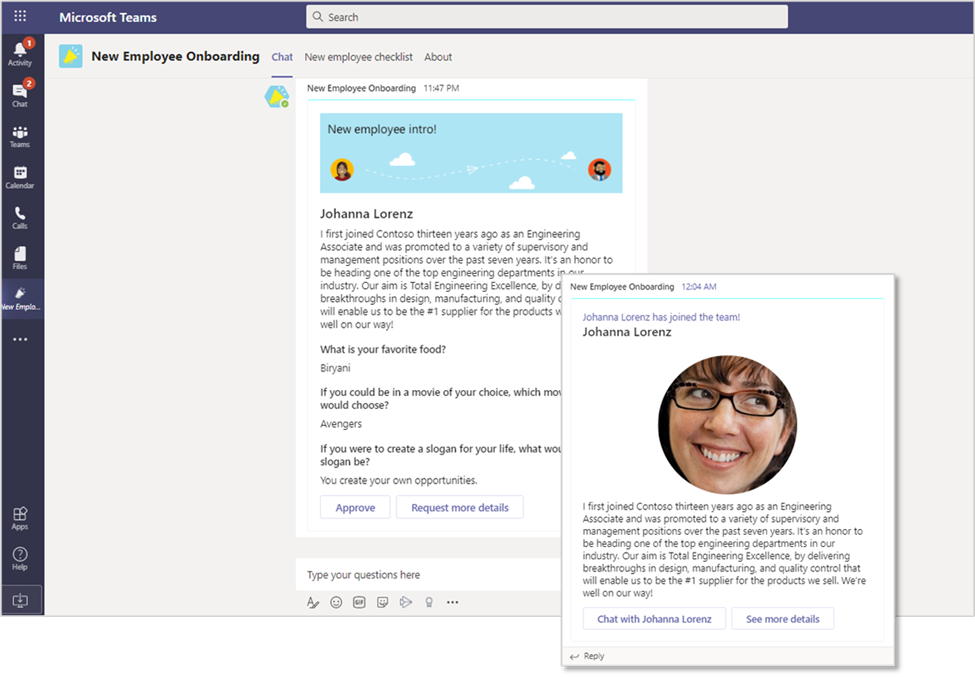
Pair team members up for a weekly meet-up and let the bot find an available timeslot for both parties. With something like this experience that you can install and begin leveraging as a starting point.
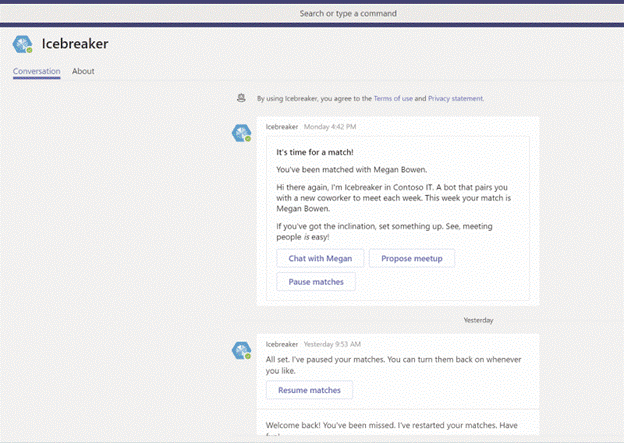
Another effective technique is to badge a new employee's profile image. Everyone can see they are a new employee at a glance. Everyone sees the indicator in email, meetings, communities, Teams, and throughout the Microsoft 365 experiences.
You do not need to build all of this at once. The proven pattern is to pilot first, then scale. We recommend a phased approach:
PhaseFocusOutcomeWeeks 1 to 4Audit current onboarding content, permissions, and ownersA governed foundation you can trustWeeks 5 to 8Launch the SharePoint hub, Viva Connections entry point, and role-based learning pathsA single front door for new and existing employeesWeeks 9 to 12Add Viva Engage communities, pulse surveys, and a pilot onboarding agentConnection, measurement, and AI-assisted supportOngoingRe-onboard on every major changeA workforce that stays aligned as the organization evolves
The organizations that get onboarding right do not have a better welcome lunch. They treat onboarding as a permanent capability, re-onboard their people every time the train changes speed, and make sure the content behind their tools, including AI, is governed and current.
Microsoft 365 and Microsoft Viva give you the platform. The work is in the design, the governance, and the adoption.
Ready to rethink onboarding for your organization? Download The Definitive Guide to Employee Experience with Microsoft 365, Viva, and Copilot to see how every stage of the employee journey, from onboarding to retention, can be designed for the AI era. Or book a conversation with the 2toLead team, and we'll build a governed, AI-ready onboarding experience together.


Join Our Newsletter