Office in Copilot brings Word, Excel and PowerPoint into the Copilot app. See what changes, what's retiring, how Skills work and what to do next.
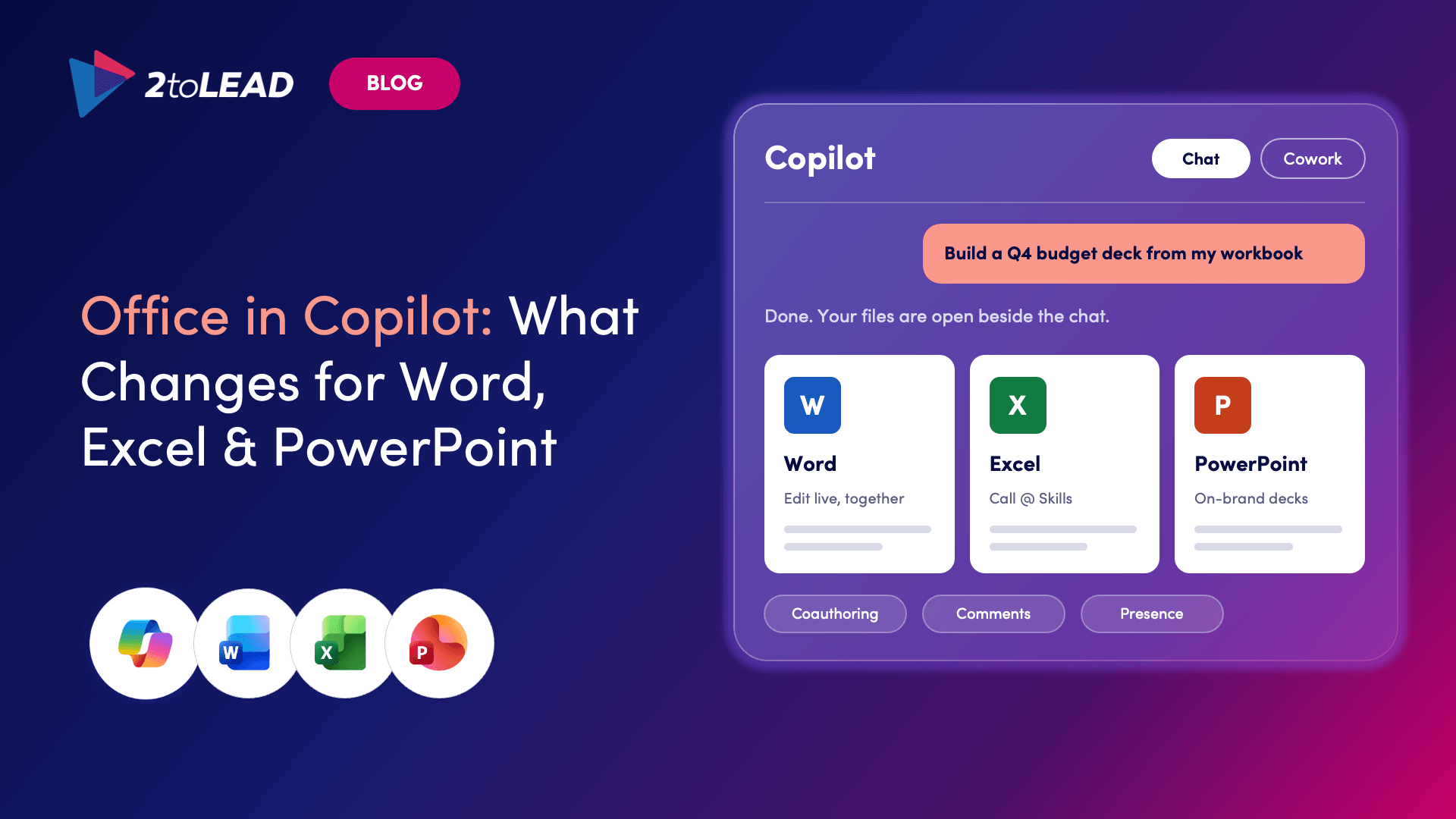
You used to open PowerPoint and then ask Copilot for help. Now you ask Copilot, and PowerPoint opens.
That shift is the real story behind Office in Copilot. Microsoft announced it on September 25, 2026, as part of the new Copilot experience built around Home. At first glance it looks like more Copilot inside Word, Excel and PowerPoint. In practice, it moves where work starts: in a Copilot conversation, not in a blank file.
That changes how teams draft and share work, what your help desk tells people and what you pay. Here is what to know.
Office in Copilot brings Word, Excel and PowerPoint into the Microsoft Copilot app. You ask Copilot in Chat or Cowork to draft a brief, model a budget or build a deck, and it creates or updates a real, editable Office file that opens beside your conversation. Your team can then edit, comment and coauthor the same file live.
It sits inside Home, the new starting point where Chat and Cowork come together. For the wider picture, read The New Microsoft Copilot Explained: Home, Code and Autopilot.
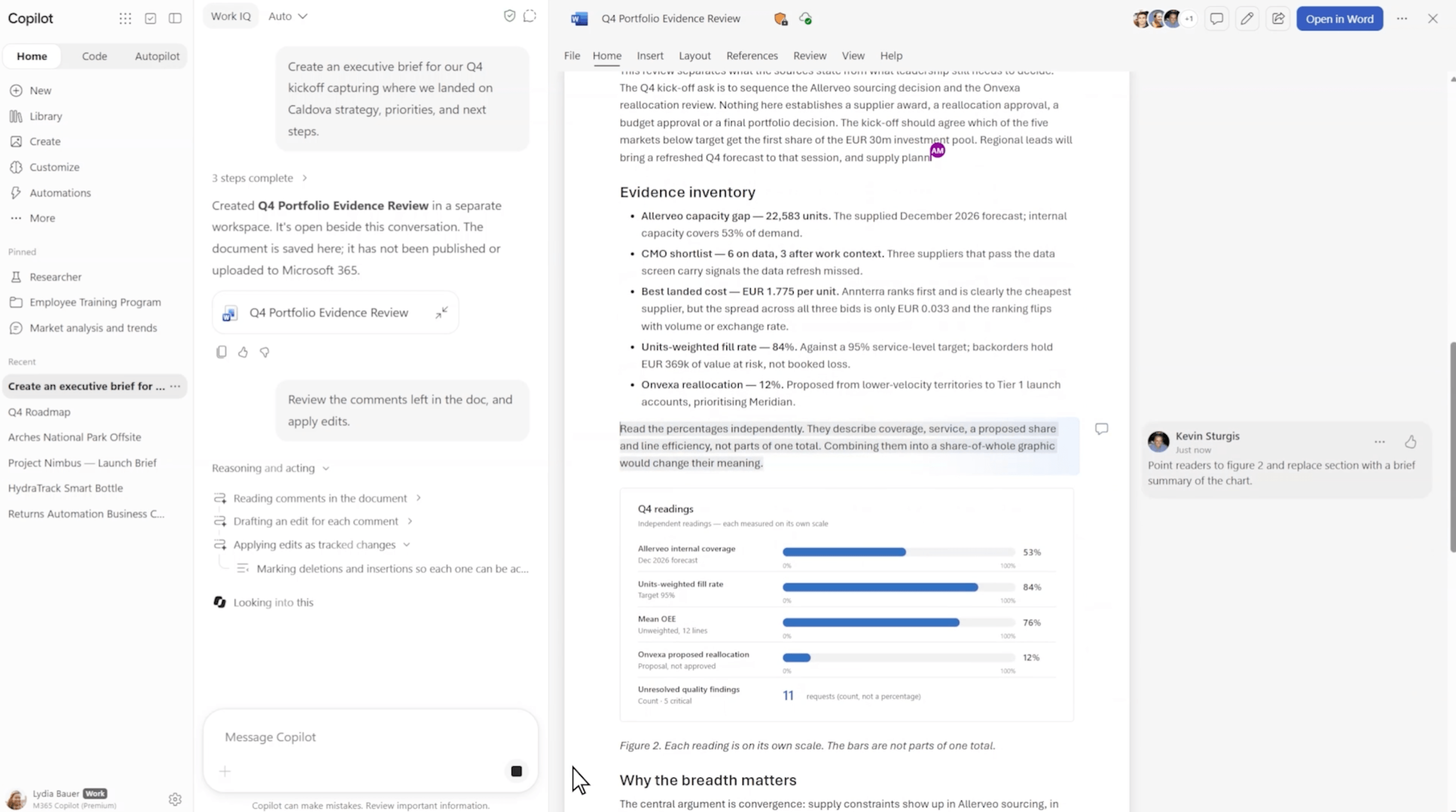
Copilot in the Office apps helps with a file you have already opened. Office in Copilot reverses the order: you describe the outcome in a conversation, and Copilot produces the file. Meanwhile, the standalone Word, Excel and PowerPoint agents in Copilot are being retired and replaced by this built-in editing.
Both work on the same files. The real difference is the starting habit: open the app and ask, or ask and let the app open.
According to Microsoft's Office in Copilot announcement, the file opens side by side with your conversation, your conversation history is kept, and you can make direct edits with familiar controls. You can also choose the AI model for the task or let Auto pick one. Because every file is stored in OneDrive, it keeps its formatting, comments, permissions, version history and security labels wherever you continue.
Microsoft says Copilot improvements across Microsoft 365 also come to Office in Copilot. Here is how the workflow shifts in each app.
Instead of opening a blank document, you give Copilot your raw material, such as research notes, and ask for a customer-ready brief. Copilot creates the Word document beside the chat, and you keep refining it with follow-ups like "Make the opening more direct" or by editing the text yourself.
Colleagues join you in the same view with comments, coauthoring and presence, and everything stays in one file, with no separate drafts to reconcile. Microsoft also gives legal skills in Word as an example of the role-specific Skills coming to the apps.
You can ask Copilot to model a budget or analyze data from the conversation, then work on the live workbook. When Copilot or a colleague edits the workbook, Excel shows what changed and why, so reviewers can catch up quickly. Copilot also recommends the best chart for your data.
The workflow change for finance teams is the review step. When Copilot can build and update a model, the person signing off needs to review its changes, not rebuild the numbers.
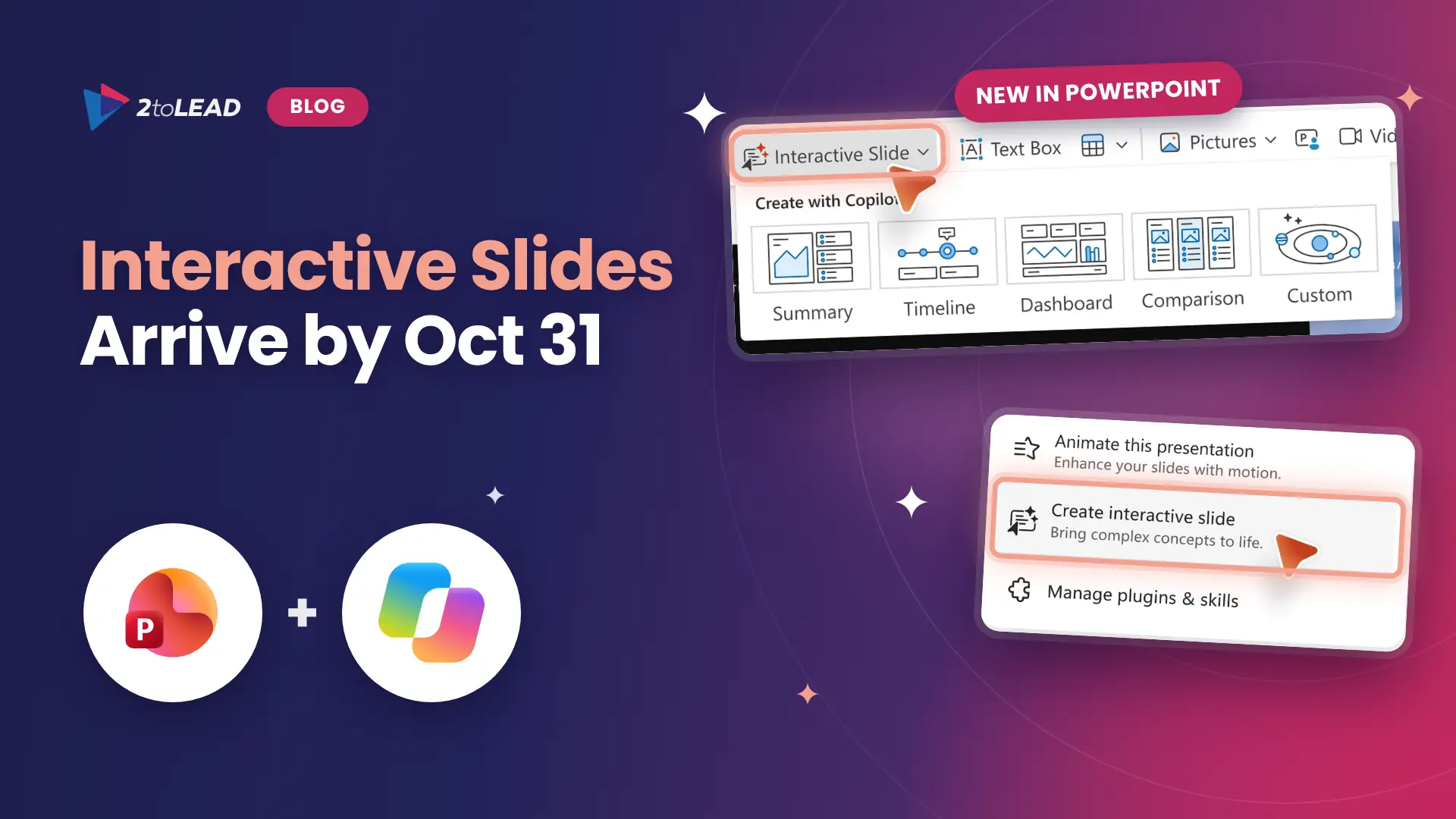
PowerPoint now keeps decks on-brand automatically, makes it easier to refine slides and images, and applies custom templates quickly. That makes your templates more important than ever. If they are out of date, Copilot will produce off-brand decks faster than anyone can fix them.
Skills are reusable, role-specific workflows that bring specialized expertise into the apps. Microsoft's examples include financial skills in Excel and legal skills in Word. For organizations, Skills are a way to turn one team's best practice into something everyone can repeat.
In Excel, you call a skill by typing @ followed by its name in your prompt, for example @clean-data. Microsoft's list of built-in Excel skills includes:
Skills roll out to the Frontier program first. Accounting skills such as budget-and-forecast and reconciliation are rolling out to Frontier, and other built-in skills are still rolling out, so some may not be available in your tenant yet. Either way, review every calculation before you rely on it.
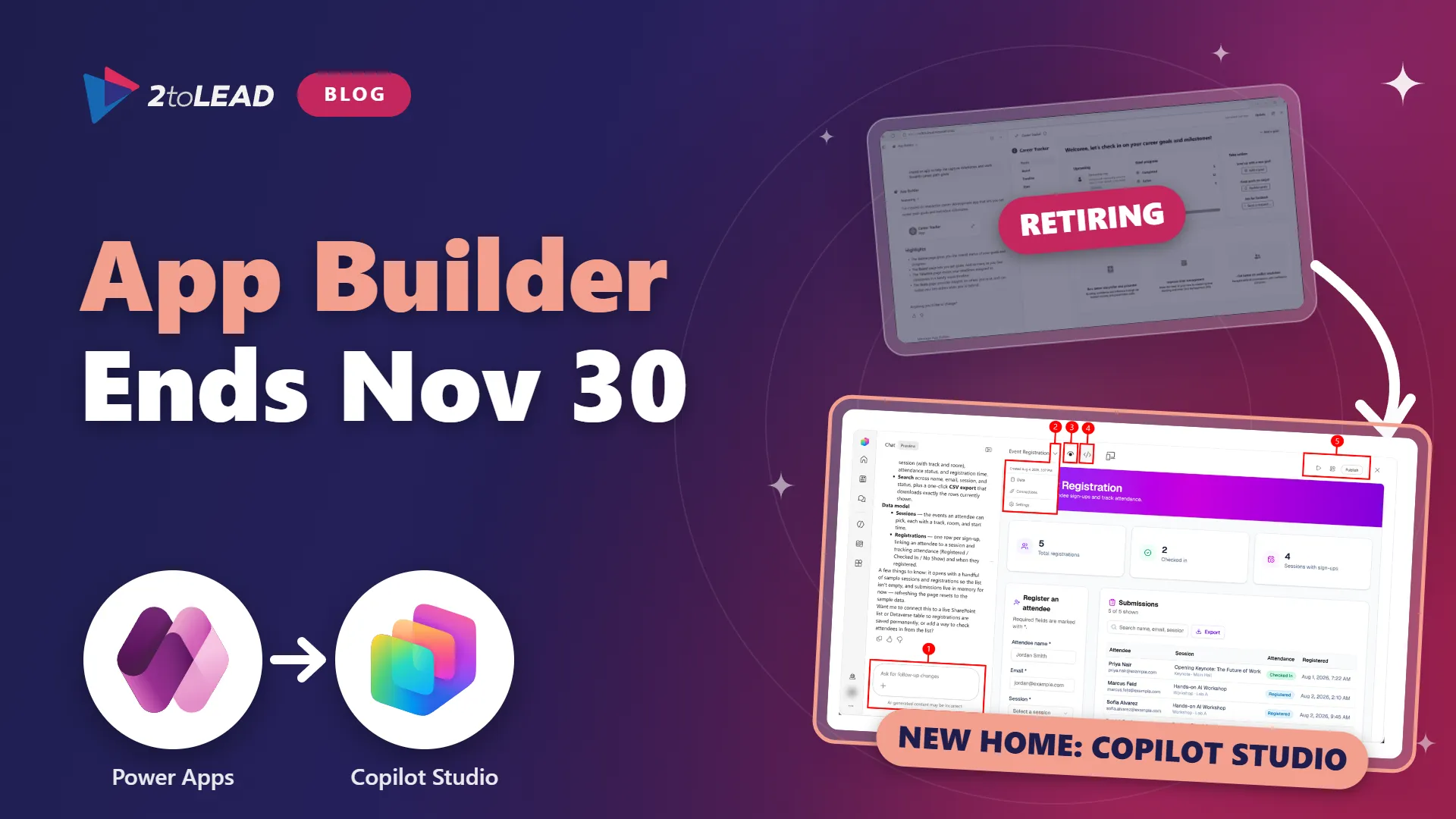
In Message center post MC1536062, Microsoft confirmed it is replacing the standalone Word, Excel and PowerPoint agents with document creation and editing built into Copilot Chat for users with a Microsoft 365 Copilot licence. Rollout begins in mid-November 2026 and is expected to finish by late December 2026.
Here is what users will notice:
No admin action is required. Microsoft does recommend telling users and help-desk staff to start document work directly in Chat, and updating any guidance that points to the old agents.
Both can create and edit Office files, but they are paid for differently. Microsoft's per-user licence covers Copilot in Chat and across Word, Excel, PowerPoint, Outlook and Teams. Cowork runs on usage-based billing, which consumes Copilot Credits. The same document can therefore cost different amounts depending on where someone starts it.
A simple rule: start in Chat when you will iterate on the file yourself, and use Cowork when you can define the finished result and want Copilot to handle the steps. For more, see Copilot Chat vs Cowork vs Code vs Autopilot and Microsoft 365 Copilot Licensing Changes: December 2026 Guide.
Office in Copilot is rolling out to Frontier customers first, in both Chat and Cowork. The retirement of the standalone agents follows its own worldwide schedule, from mid-November to late December 2026, and new Skills reach Frontier before everyone else.
People in your organization may see different experiences for a while, so check what is enabled in your tenant before you build training around a feature.
You do not need to wait for full rollout. These four steps prepare your teams for the shift:
No. The file opens beside your conversation with full editing, comments and coauthoring. You can also switch to the desktop or web app at any time without losing context.
No. Previously generated files stay in their existing OneDrive or SharePoint locations, subject to existing permissions and retention settings. Your old conversations stay visible, but you will need a new Chat conversation to keep editing.
It depends on where you start. Creating and editing in Chat is covered by the Microsoft 365 Copilot per-user licence. Work you run in Cowork uses Copilot Credits through usage-based billing.
Yes. The file is a normal Office file stored in OneDrive, so teammates can share, comment and coauthor in real time, with presence and version history.
New features don't change how people work on their own. The 2toLead AI Adoption program runs for 90 days with champions and role-based training, measured against a 65% active-use target, so starting work in Copilot becomes a habit across your teams.
Copilot licences bought, usage flat, ROI unproven? Three ways we help:
A global nonprofit turned Copilot licences into 1,115.6 hours saved and $83.7K in productivity value.
Read the case study →Agent ideas everywhere, nothing in production? Three ways we help:
A regulated health system turned its legal contract playbook into a governed Copilot agent that reviews real contracts every day.
Read the case study →


Join Our Newsletter