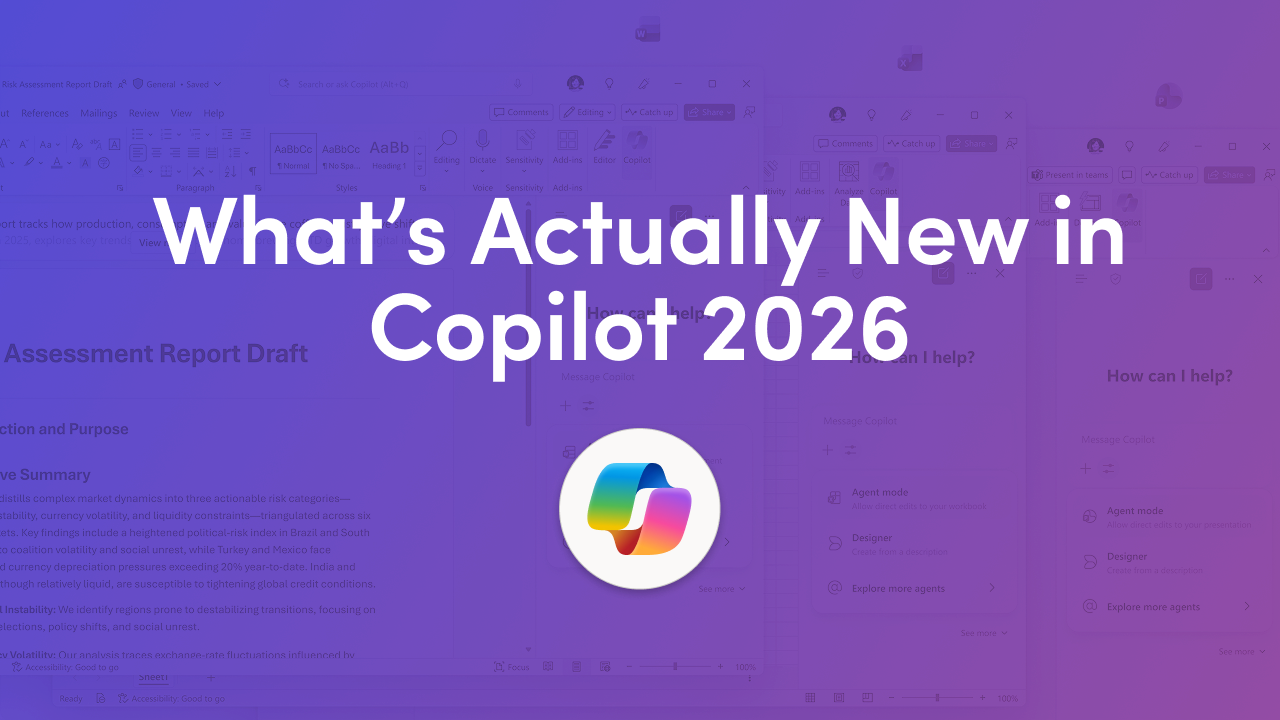
Microsoft 365 Copilot in 2026 is evolving from a chat assistant into a more operational AI layer inside Microsoft 365. The biggest Microsoft 365 Copilot updates in 2026 show up in two places at once. Copilot is becoming more agent-like inside Word, Excel, PowerPoint, and Outlook, and Microsoft is strengthening governance and measurement so adoption can scale with less risk. For decision-makers, the core idea is simple. The best results in 2026 come from pairing end-user productivity gains with readiness, oversight, and policies that reduce oversharing risk and make adoption easier to track.
CTOs and CIOs learn why Microsoft 365 Copilot deployments stall without governance and how to fix it. We unpack agent mode, automated readiness reporting that replaces manual guesswork, and Purview as your AI control plane. Practical, scalable guidance to move from pilot to production with confidence. Explore more resources and support - Microsoft 365 Copilot Governance in 2026: Why Deployments Stall Without It
Fast summary of what’s new in 2026
The headline change in 2026 is that Copilot is being positioned to do more than generate a one-time response. Microsoft is emphasizing agent-style experiences in core apps so Copilot can help refine work through multiple steps while staying transparent about what it changed. At the same time, Microsoft is emphasizing the control plane, meaning clearer insights and readiness tracking so organizations can understand adoption and close governance gaps before they scale. These Microsoft 365 Copilot updates in 2026 target two blockers that slow deployment. The first is output quality that feels generic or hard to validate. The second is uncertainty about what Copilot might surface when permissions and sensitive data controls are inconsistent.
Microsoft highlights Agent mode across Word, Excel, and PowerPoint as a shift from one prompt and one output to an iterative workflow. Agent mode is designed to help Copilot make edits, adjust structure, and refine content while keeping the user in control of decisions. That control matters because most organizations do not struggle to generate drafts. They struggle to bring drafts to a standard that is accurate, aligned, and ready to share. When Copilot can show what it is doing and the user can steer changes as they happen, the review process becomes easier and trust improves.
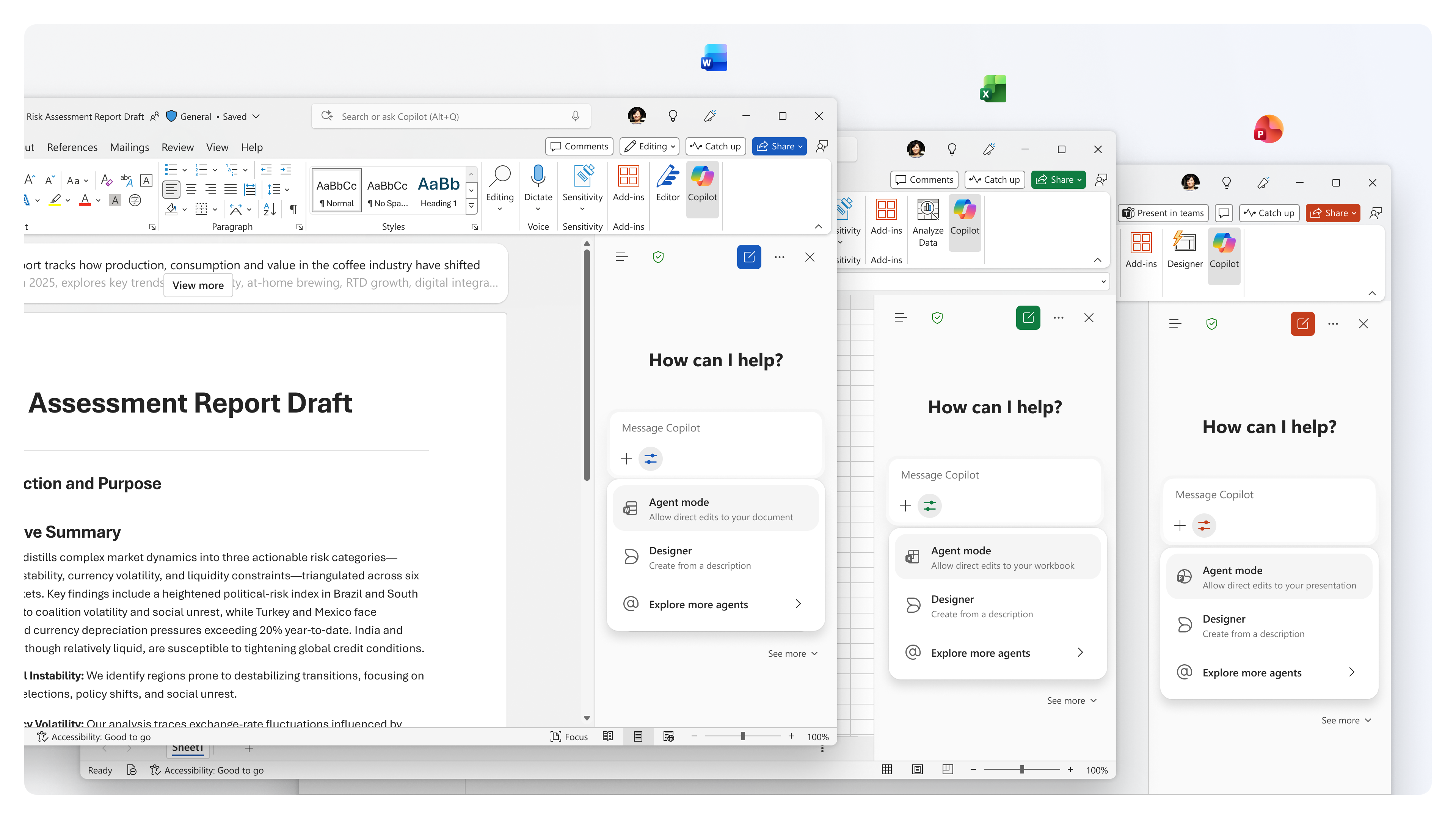
Agent mode also supports habit formation. When Copilot is only used for first drafts, users often revert to manual work for revision, alignment, and polish, which are the most time-consuming parts. In 2026, the value opportunity is to keep Copilot involved during refinement so users spend less time reworking structure and more time making decisions.
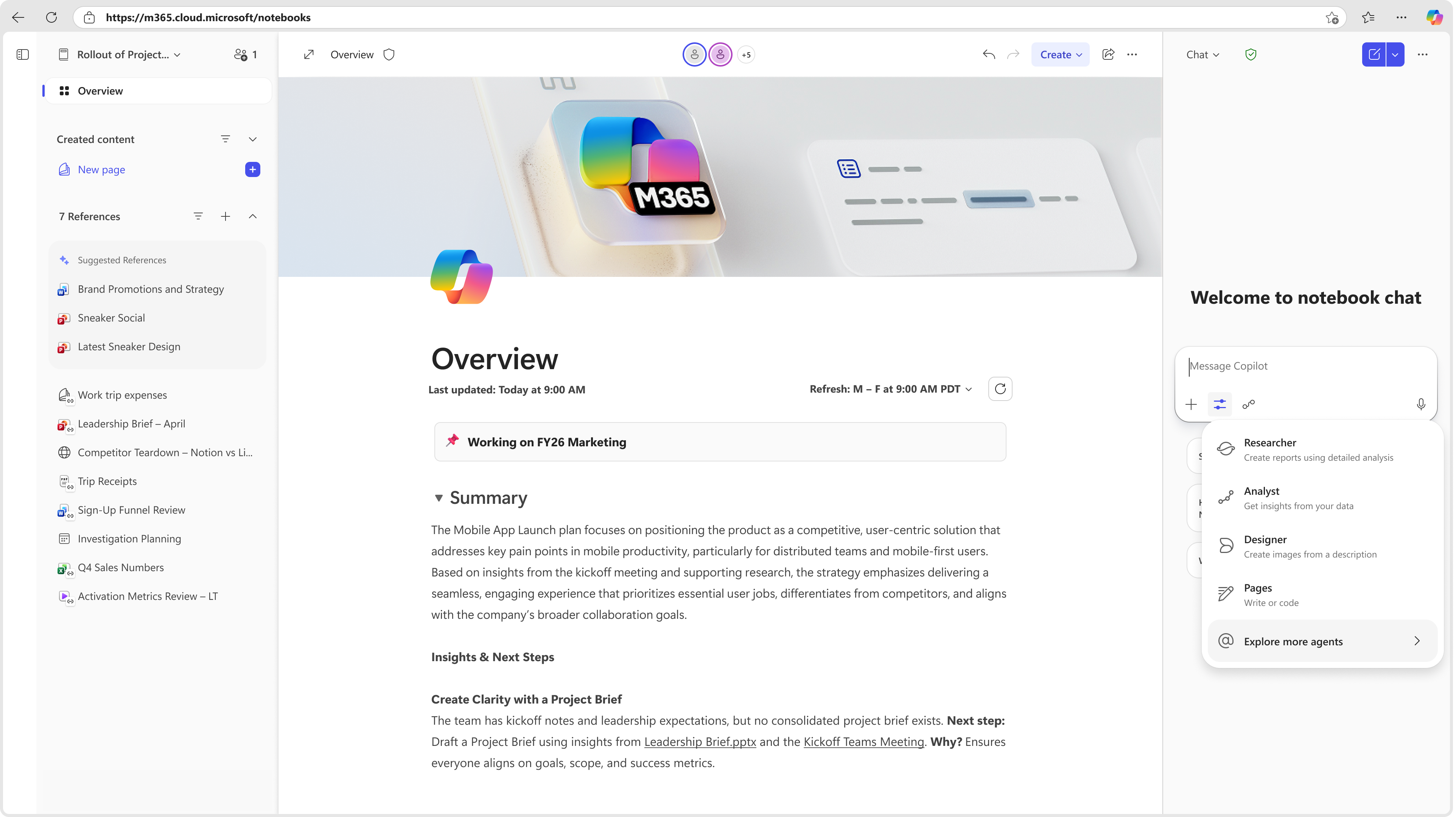
Microsoft highlights the ability to ground an agent on a Copilot Notebook, so it can draw from references and working materials. Grounding helps outputs stay relevant, consistent, and aligned with the context your team is using. This matters because output quality is often limited by missing context. When context is unclear, Copilot answers become generic. When context is anchored to the right materials, Copilot becomes more dependable.
For leaders, Copilot Notebook grounding is also a way to make outcomes more repeatable. Instead of every user prompting differently, teams can anchor an agent to shared inputs such as briefs, standards, project notes, and approved messaging. In 2026, that is one of the clearest paths to consistent results across a department.
Outlook is where Copilot can deliver quick value because email volume is constant and mistakes are costly. A major theme in 2026 is better grounding, so Copilot stays tied to what the user is viewing. When Copilot is anchored to the email in view, it is less likely to summarize the wrong thread or draft a response that misses the point. For teams handling sensitive conversations, this focus on context is what makes Copilot safer to use day to day.
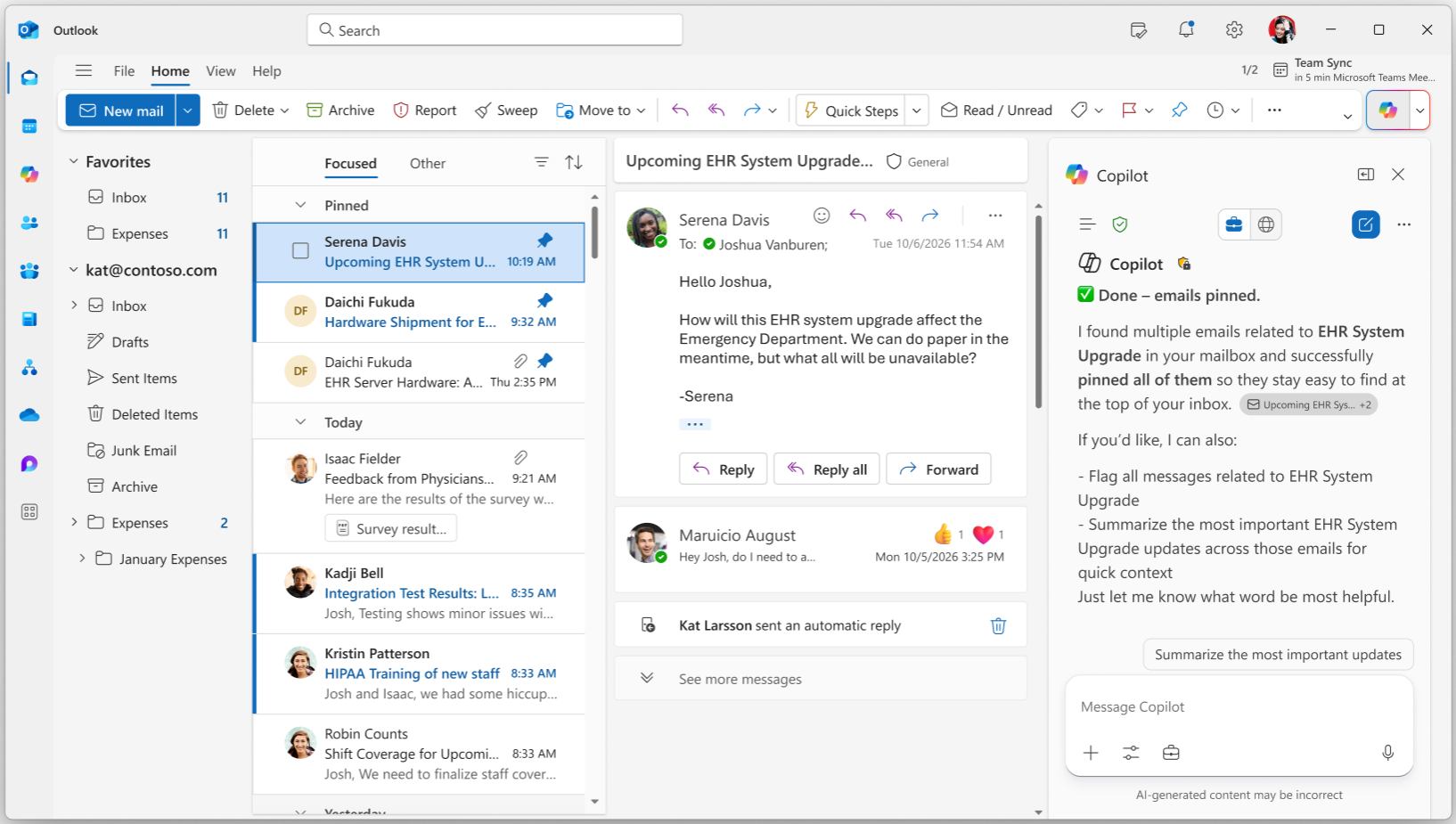
Outlook is also where Copilot becomes more than a writing tool. Leaders care about follow-ups happening, decisions being captured, and time being saved. The most adoption-friendly Copilot improvements are the ones that reduce triage friction and make it easier to act, not just read.
In Excel, Microsoft is addressing a practical adoption constraint by expanding Copilot support for modern workbooks stored locally. That matters because many organizations still operate with mixed storage patterns due to legacy processes or transitional states. When Copilot requires a specific storage pattern, adoption turns into a migration project. Reducing that dependency makes Copilot usable in more environments without forcing immediate workflow change.
In PowerPoint, view-only support expands who benefits. Many decks are intentionally shared as read-only for brand control or executive review. When Copilot can still help users understand, summarize, and extract key points from a view-only deck, adoption expands beyond creators to the wider audience consuming presentations every day.
In 2026, organizations are moving from experimentation to managed adoption. Microsoft’s Copilot Control System direction signals that admin-side clarity is now part of the value proposition. Leaders want to know where Copilot is landing, which groups are adopting, and what usage looks like over time. Without that, license investment becomes harder to defend and enablement becomes guesswork.
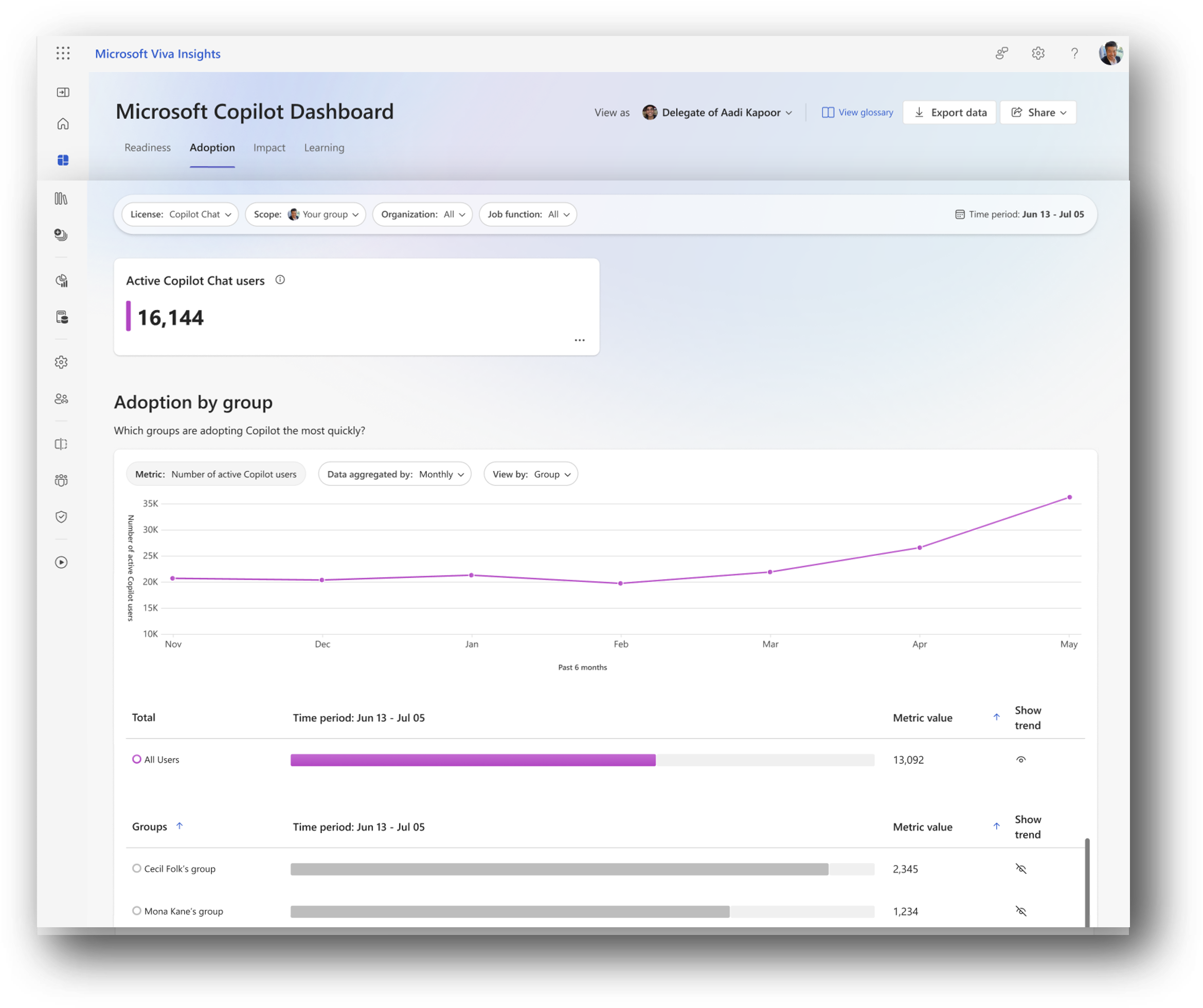
What leaders should measure in 2026
Microsoft is reinforcing that Copilot success depends on governance, not only user enthusiasm. Microsoft Purview is positioned as a key layer for managing oversharing risk, understanding how sensitive data is involved in Copilot interactions, and enforcing policies that match an organization’s risk posture. Oversharing risk often shows up when permissions are messy, sensitive files live in permissive locations, or labeling and DLP coverage is inconsistent across departments.
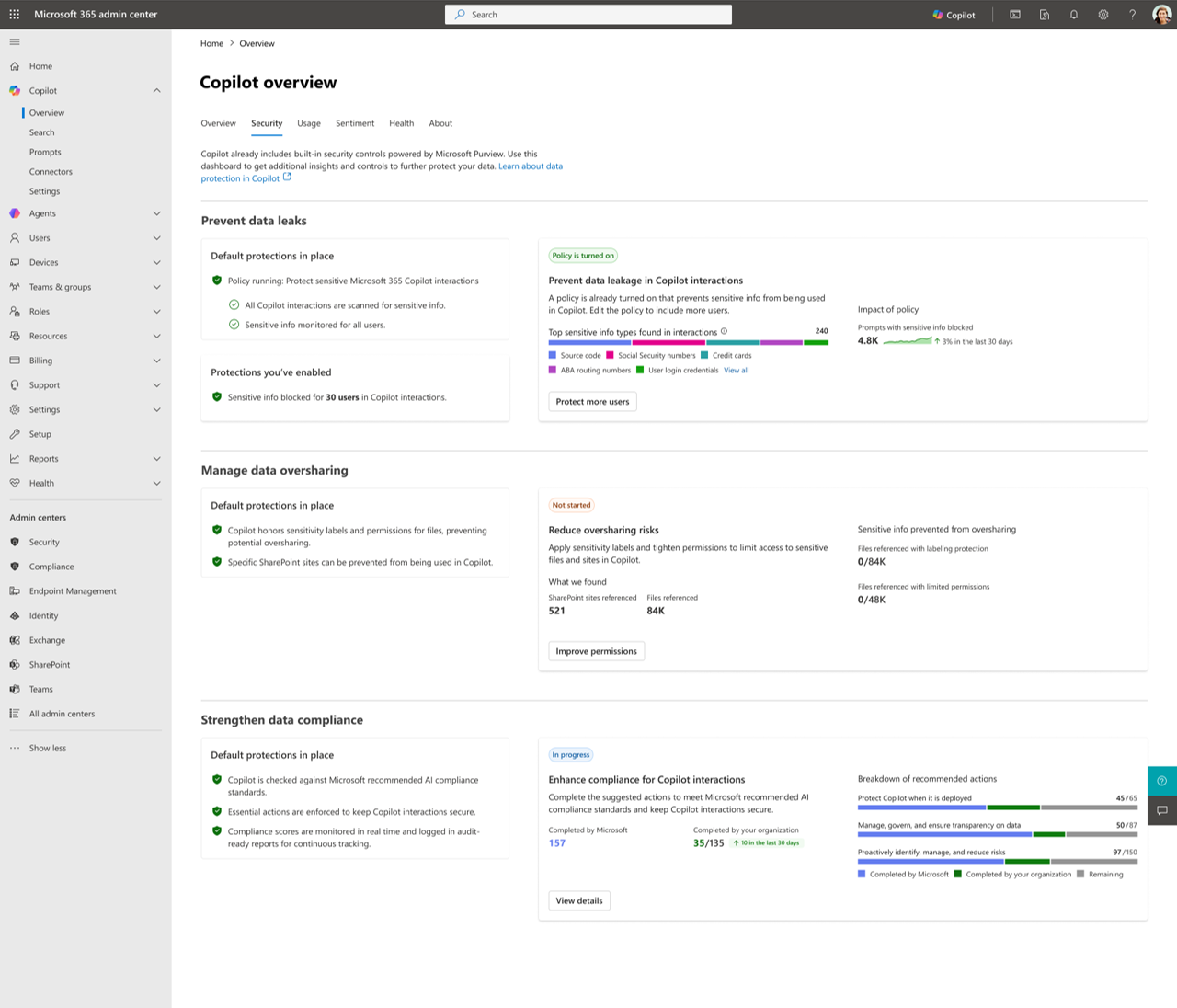
Where Purview helps most during rollout
Microsoft is emphasizing readiness reporting so rollout becomes trackable and repeatable. Readiness reporting matters because it turns Copilot deployment into a program with visible progress. Leaders do not want vague updates. They want to know what is configured, what remains incomplete, which users are covered, and what the next recommended actions are. When readiness is structured, rollout becomes easier to sequence across departments and less dependent on a few champions.
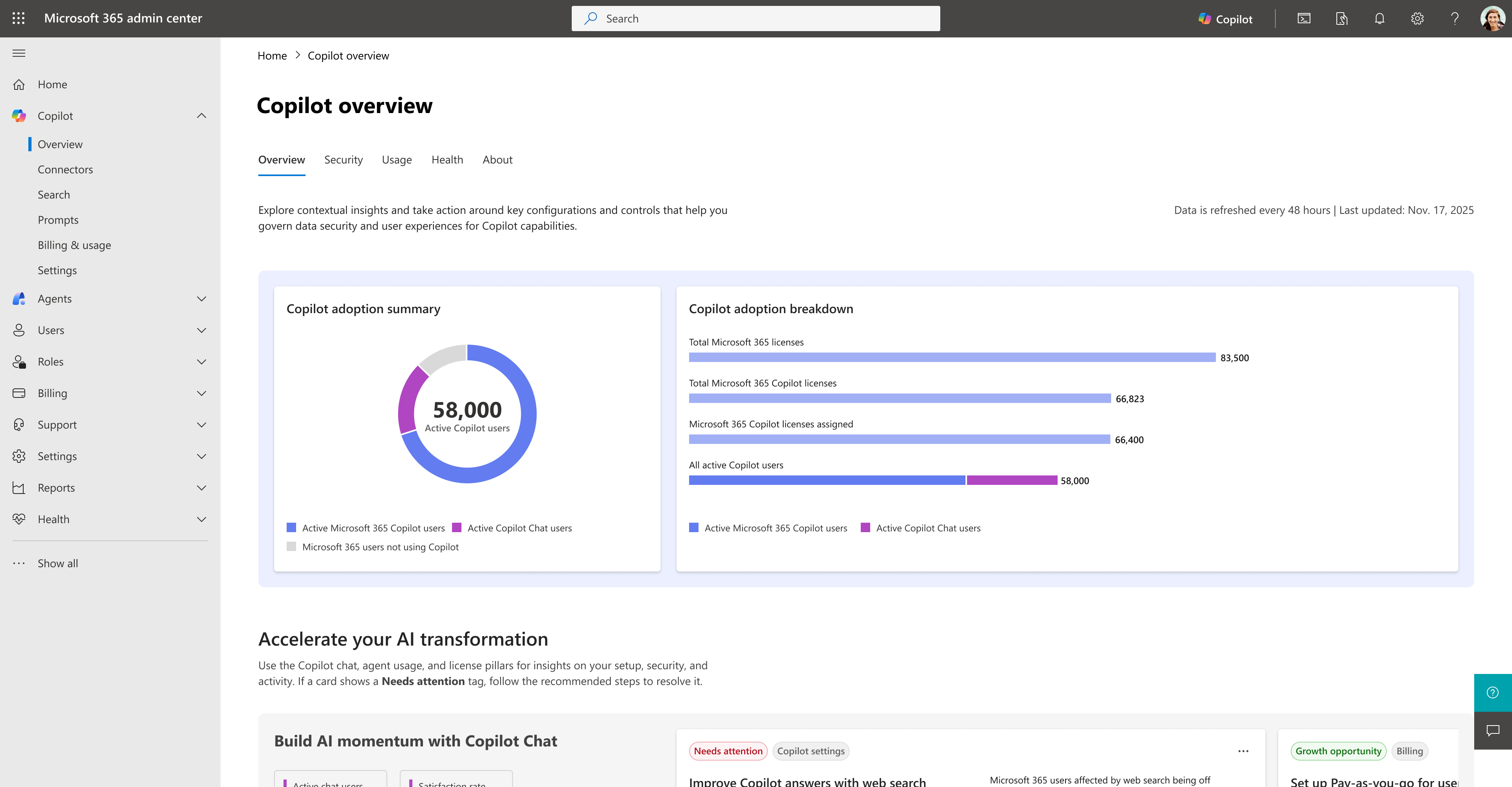
What a readiness view should enable
The best approach in 2026 is two-track adoption. One track focuses on end-user workflows where Copilot saves time quickly, such as drafting, revising, summarizing, and acting across Microsoft 365. The second track focuses on control-plane readiness, meaning measurement, governance, and policy coverage that make scale safer.
Low-pressure next step


Join Our Newsletter