November's Digital Workplace briefing: SharePoint agents that act on your content, where every message should live, SharePoint Publish and intelligent intranets.
Employees stopped clicking through the homepage a while ago. Now they don't even want the answer.
They want the next step done for them. Agents can build trackers, update lists and route approvals inside SharePoint, and communicators can run whole campaigns without leaving it.
This month, we look at what happens when your digital workplace goes from storing work to doing it. The question used to be: "Can people find what they need?" Now it's:
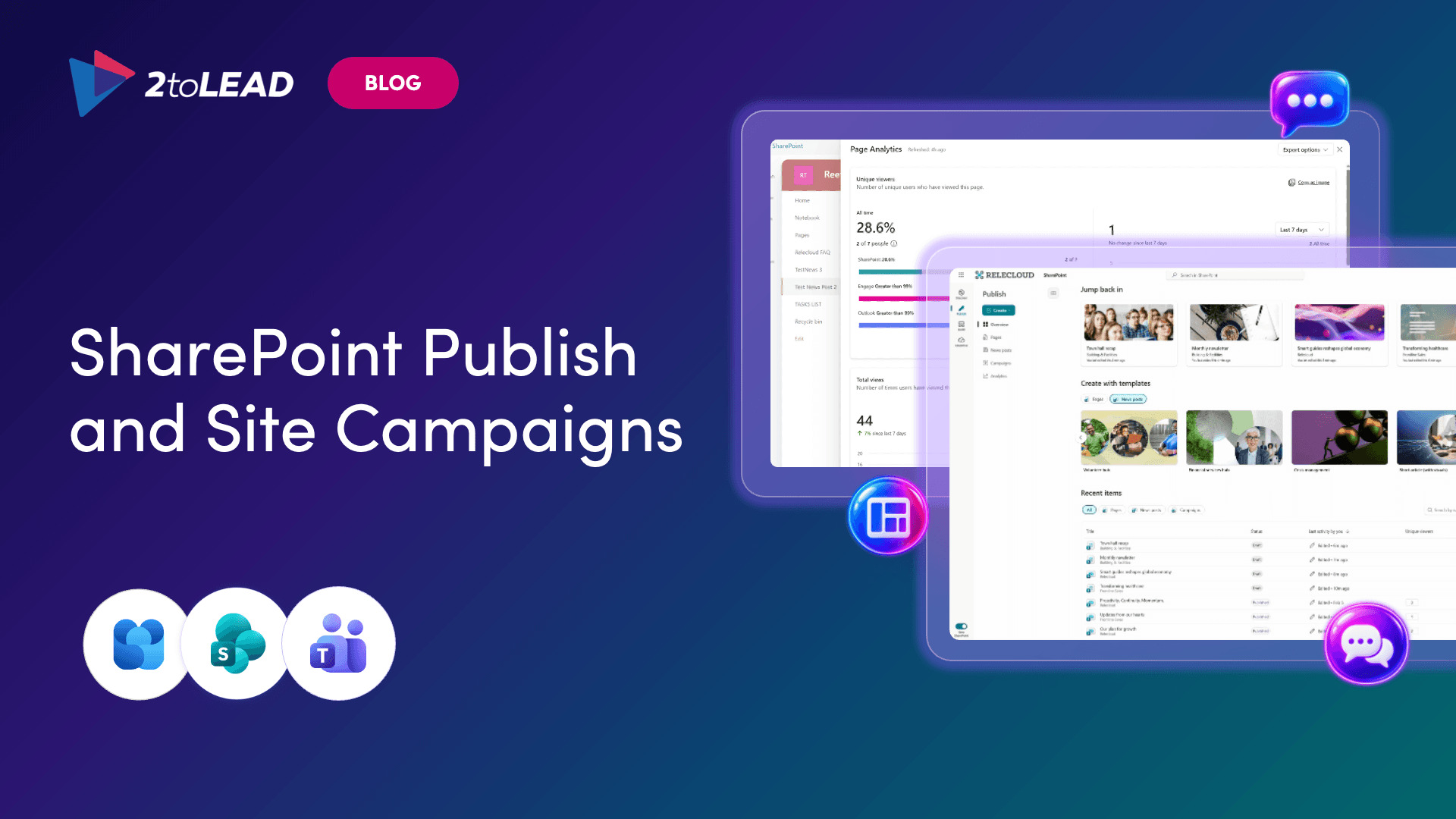
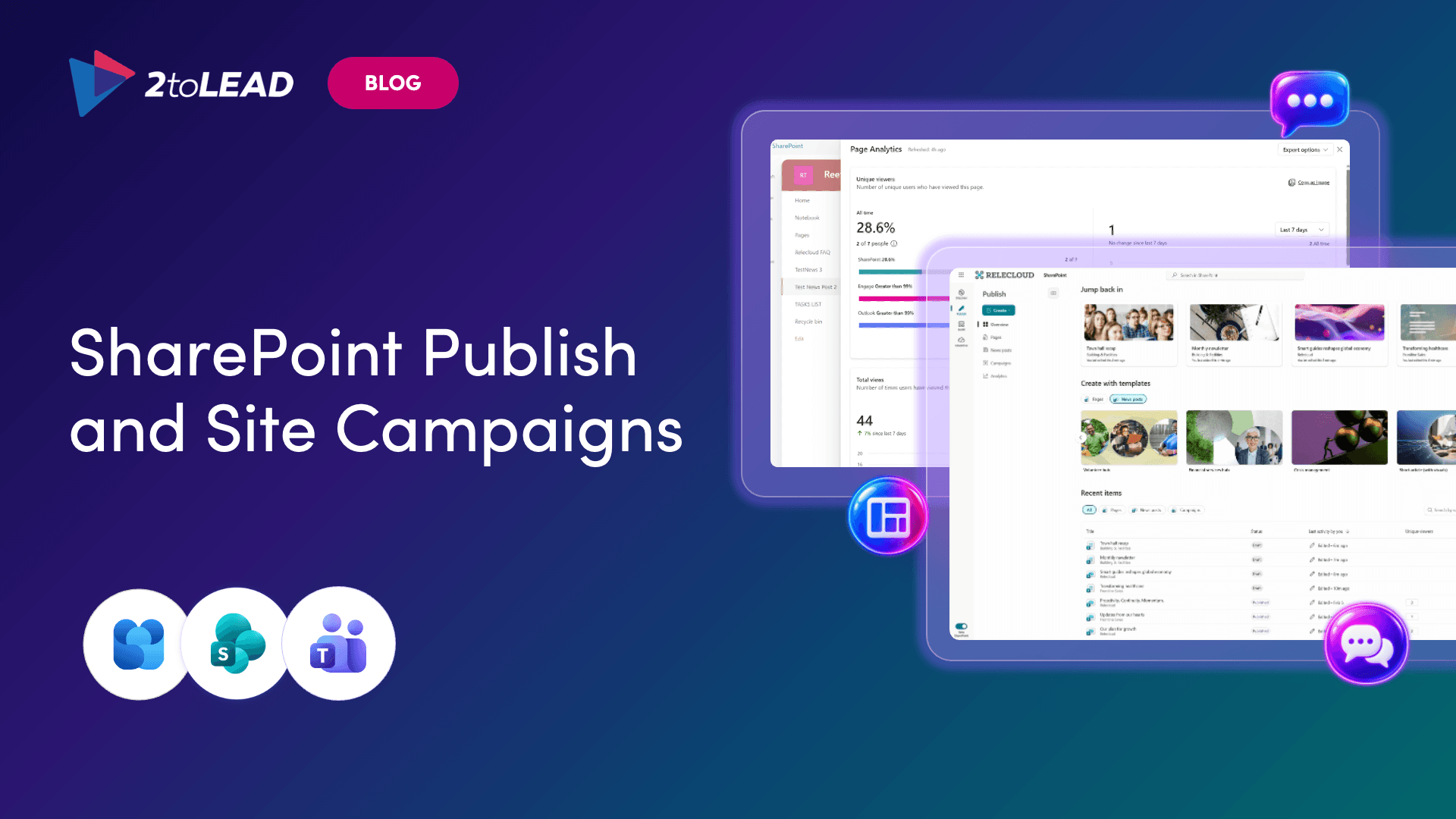
Corporate communicators have been running campaigns across four tabs: SharePoint for news, Outlook for email, Teams and Engage for reach, and a separate app for analytics. Microsoft's new Publish experience combines pages, news, Amplify campaigns, templates and analytics in one place in SharePoint. New site campaigns let you group related news and send it to SharePoint, Outlook, Viva Engage and Teams in a single workflow. One story, one workflow, one set of numbers. We break down what changes for comms teams and what to decide before your publishers go looking for it on their own.
→ See how to run a campaign from one place
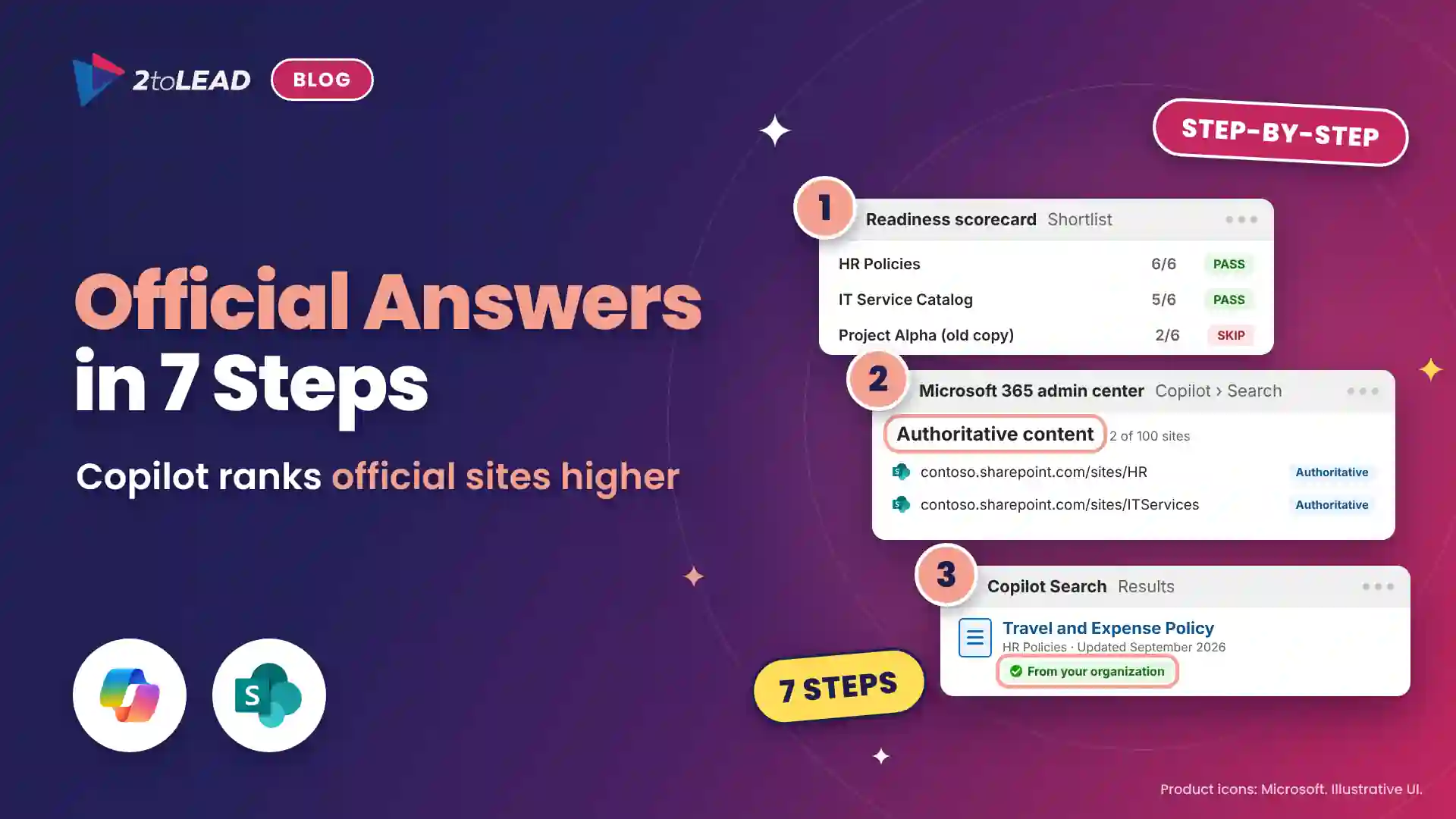
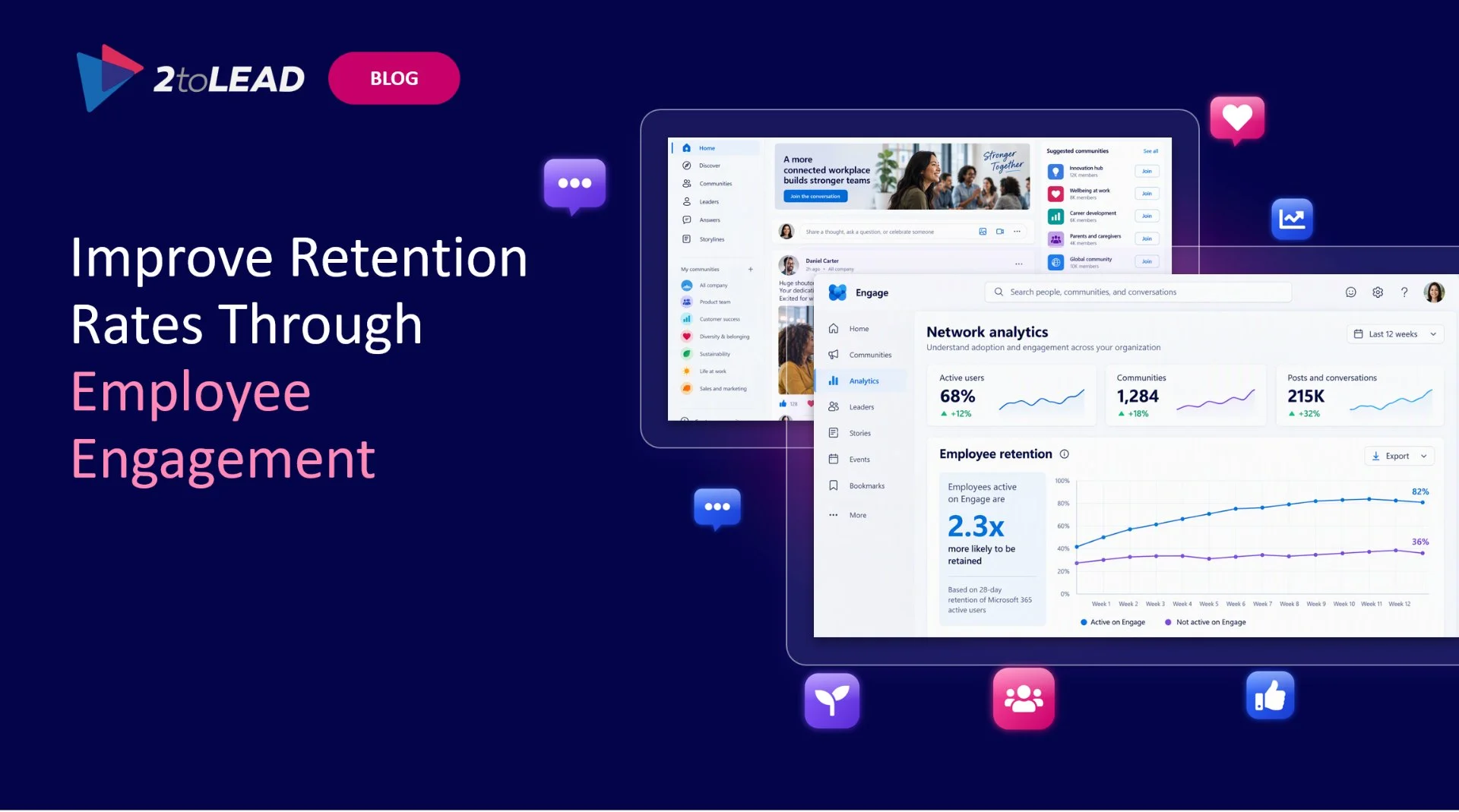
Your intranet now has a second audience. Employees still browse it, but Copilot and agents also read it, quote it and act on what's there. An intranet built only to publish doesn't hold up when AI starts treating every page as fact. An outdated policy page used to be a nuisance. Now it gives Copilot a wrong answer to repeat. Our explainer covers what makes an intranet "intelligent," and why the foundations matter more than the features.
→ See what makes an intranet intelligent

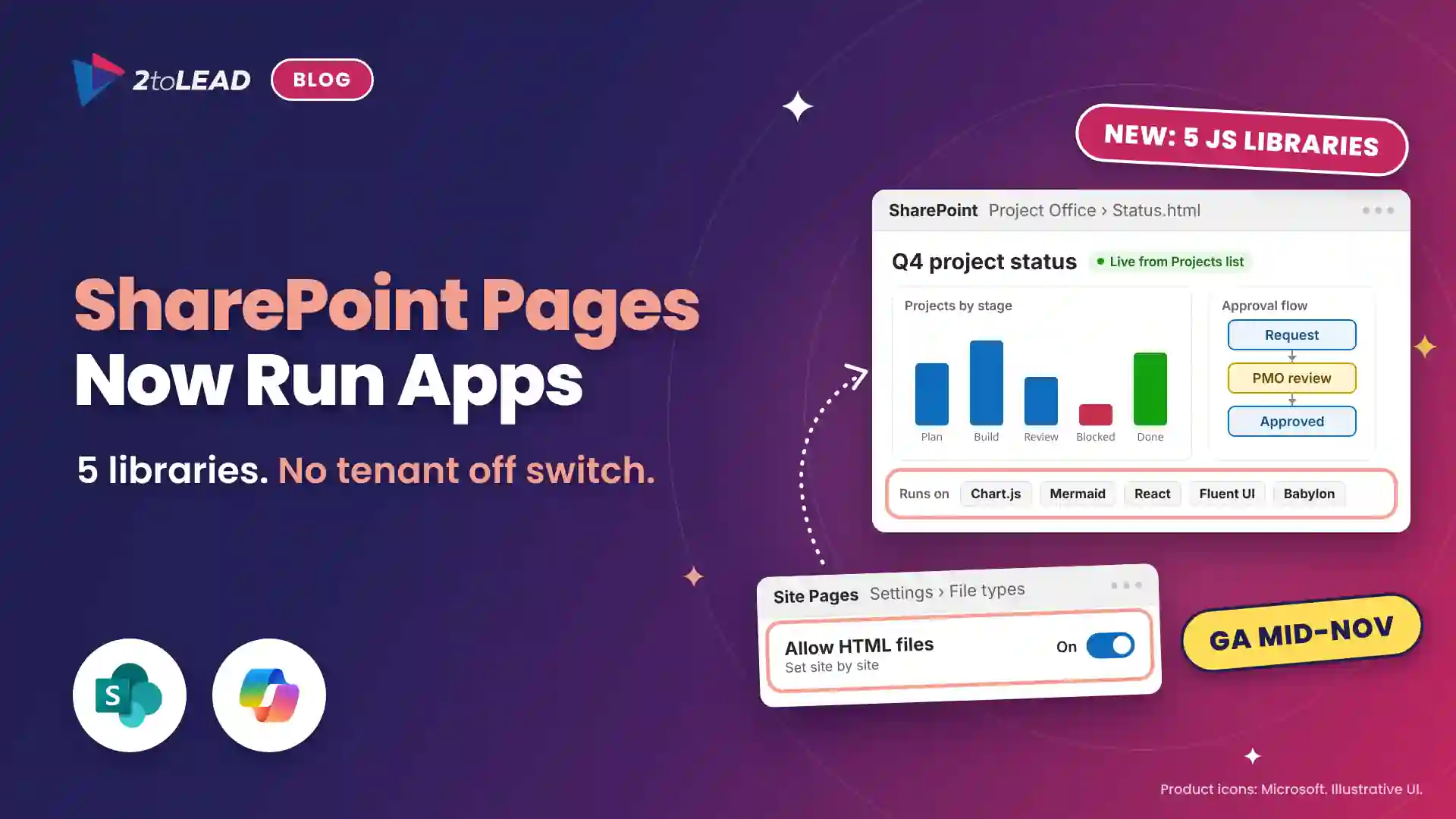
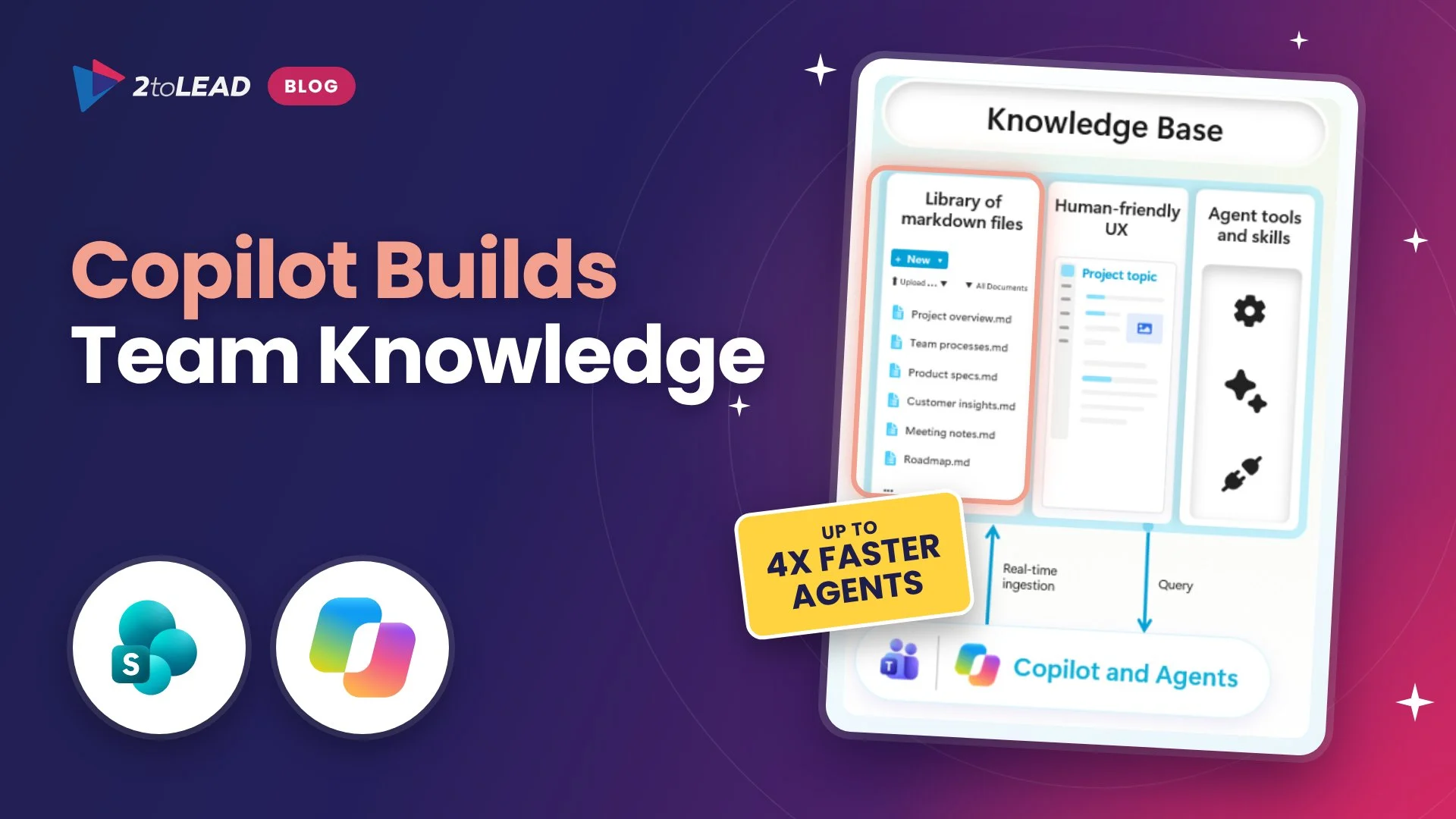
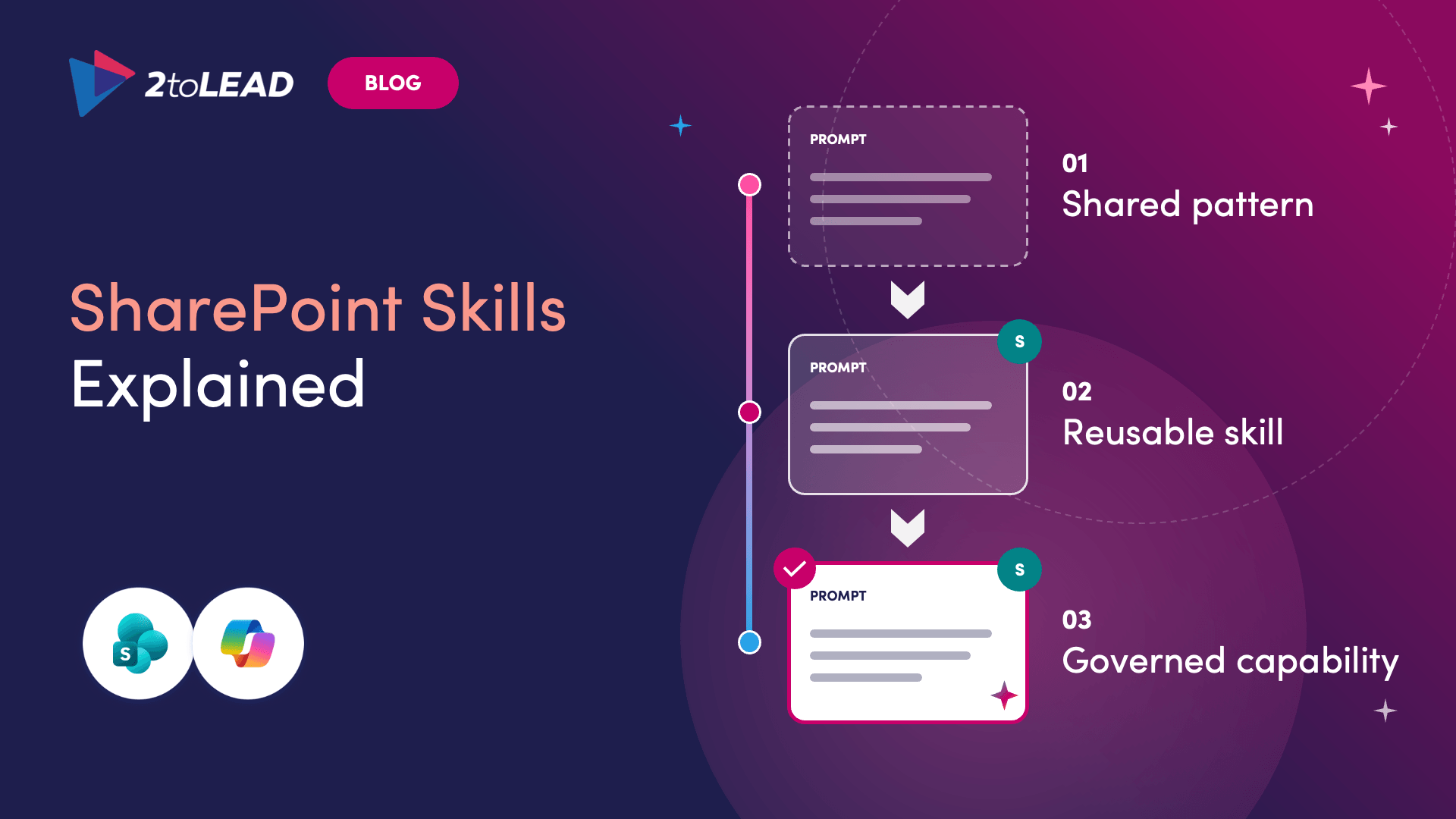
For years, SharePoint's job was to hold the answer. Now it's being asked to act on it. Microsoft is making more than 60 SharePoint operations available to agents through Work IQ, covering sites, files, lists, libraries, approvals and rules. An employee describes the outcome ("set up a tracker for this project"), and the agent finds the right site and builds it. Here's the catch: agents don't make your information architecture less important. They put it on display. An outdated page or a messy permission doesn't just produce a bad answer anymore. It produces a bad action.
→ See what changes when SharePoint starts doing the work

A message can be timely, well written and nicely designed, and still fail because it was posted in the wrong place. Most organizations don't have too few channels. They have too many that overlap, so the same update shows up in three places and employees end up asking which version to trust. This is a planning problem, not a product problem. Our quick guide starts with one question to ask before you publish (what is this message meant to do?), then gives each of SharePoint, Teams and Viva Engage a clear job.
→ Find the right home for your next message

Most intranets were built to publish. Employees now expect them to answer. In this 45-minute session, Microsoft MVPs Kanwal Khipple and Richard Plantt demo what's real today:
→ Watch the on-demand webinar + get the free slides
Move past the theory with 2toLead's Agent in a Day and Power Pages in a Day. They're free, instructor-led sessions by Microsoft MVPs with hands-on labs. Spots are limited, so pick your session and register now! Upcoming dates:
A modern digital workplace isn't measured by how many tools you've rolled out. It's measured by whether you can answer:
If your SharePoint foundation hasn't kept up with what you're now asking it to do, 2toLead can help you modernize it before your agents start relying on it.
A sprawling intranet where nobody finds anything? Three ways we help:
Atrium Hospitality moved 7,000+ employees into one SharePoint intranet, with 40% faster document search.
Read the case study →


Join Our Newsletter