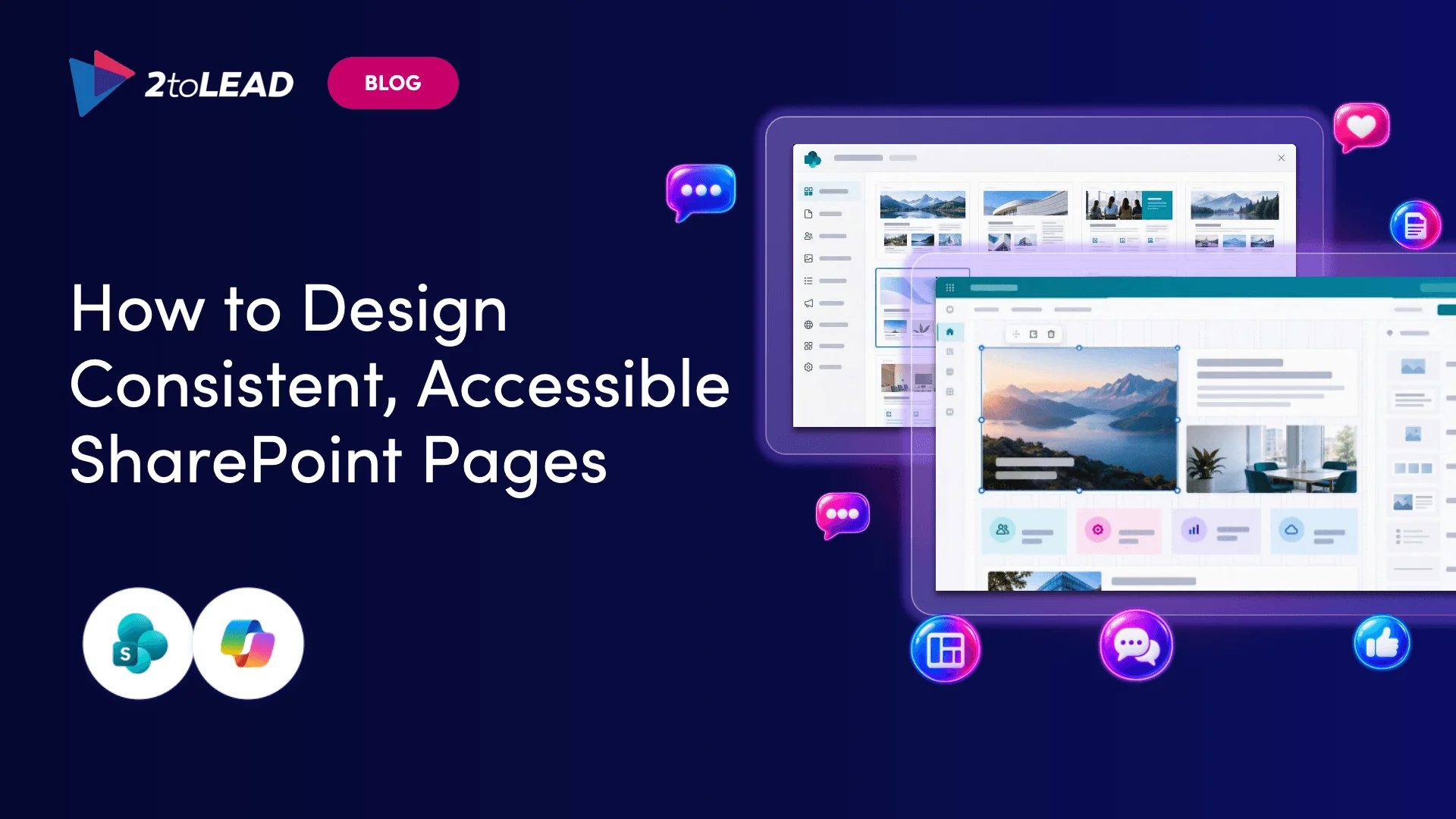
SharePoint Publish and site campaigns let communicators create, send and measure news across SharePoint, Outlook, Teams and Engage in one workflow. Here's how.
Your comms team doesn't have a writing problem. It has a copy-paste problem.
One announcement turns into a SharePoint news post, an Outlook email, a Teams message and a Viva Engage post. Each one gets reformatted by hand and checked separately. Afterwards, someone pulls numbers from four reports into one spreadsheet to answer a simple question: did anyone read it?
Microsoft is going after that busywork. Publish in SharePoint and the new site campaigns move the whole campaign, from first draft to final report, into the platform where your news already lives. Here's what changes, how it relates to Viva Amplify, and what to decide before your publishers start using it.
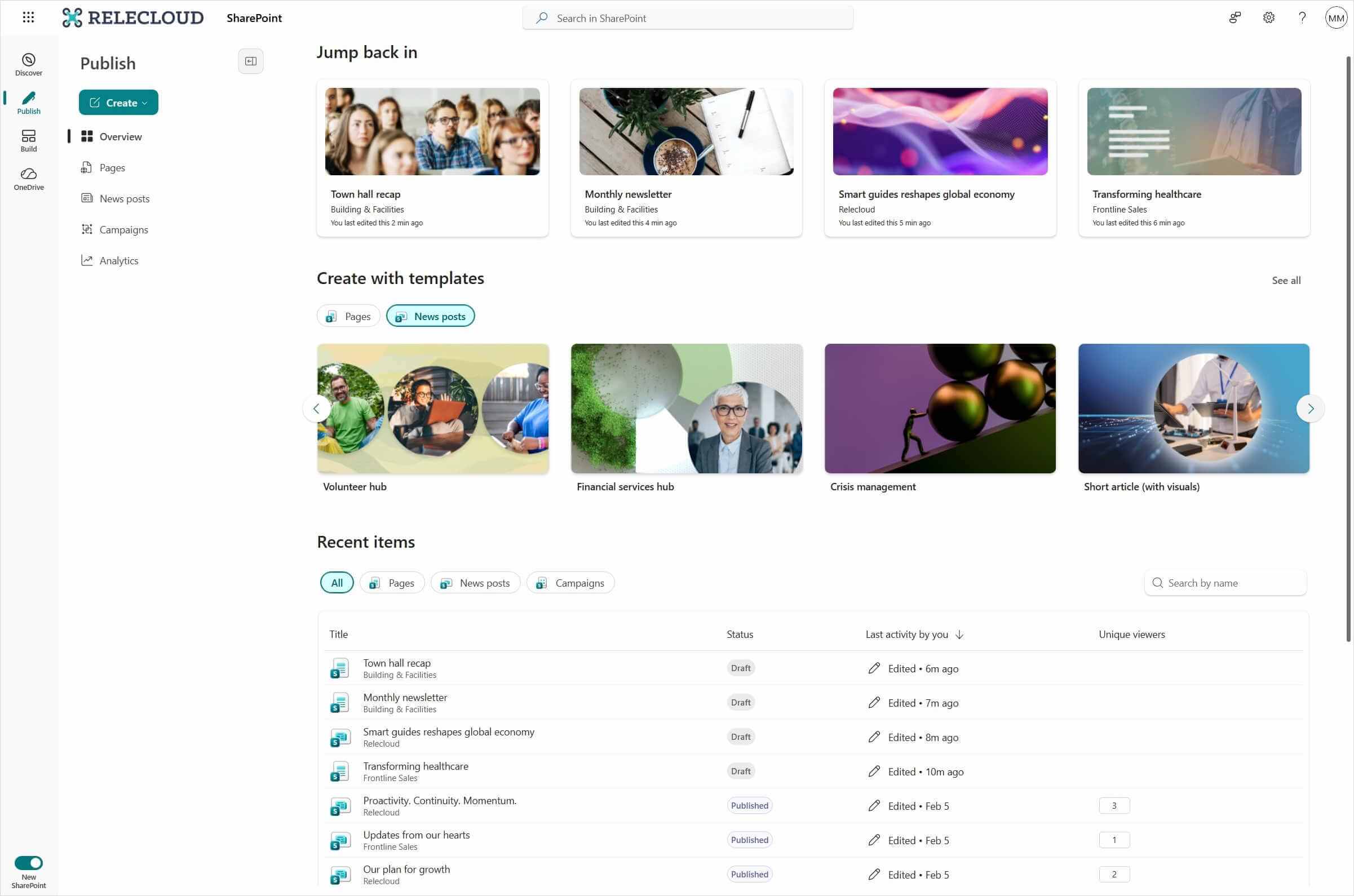
Publish is a home base for communicators inside SharePoint. You open it from the SharePoint app bar on any site. It puts pages, news posts and Amplify campaigns in one view, so authors don't have to remember which site they started a draft on.
From Publish, authors can:
Microsoft's stated goal is simple: one place to create, distribute and measure communications without leaving SharePoint.
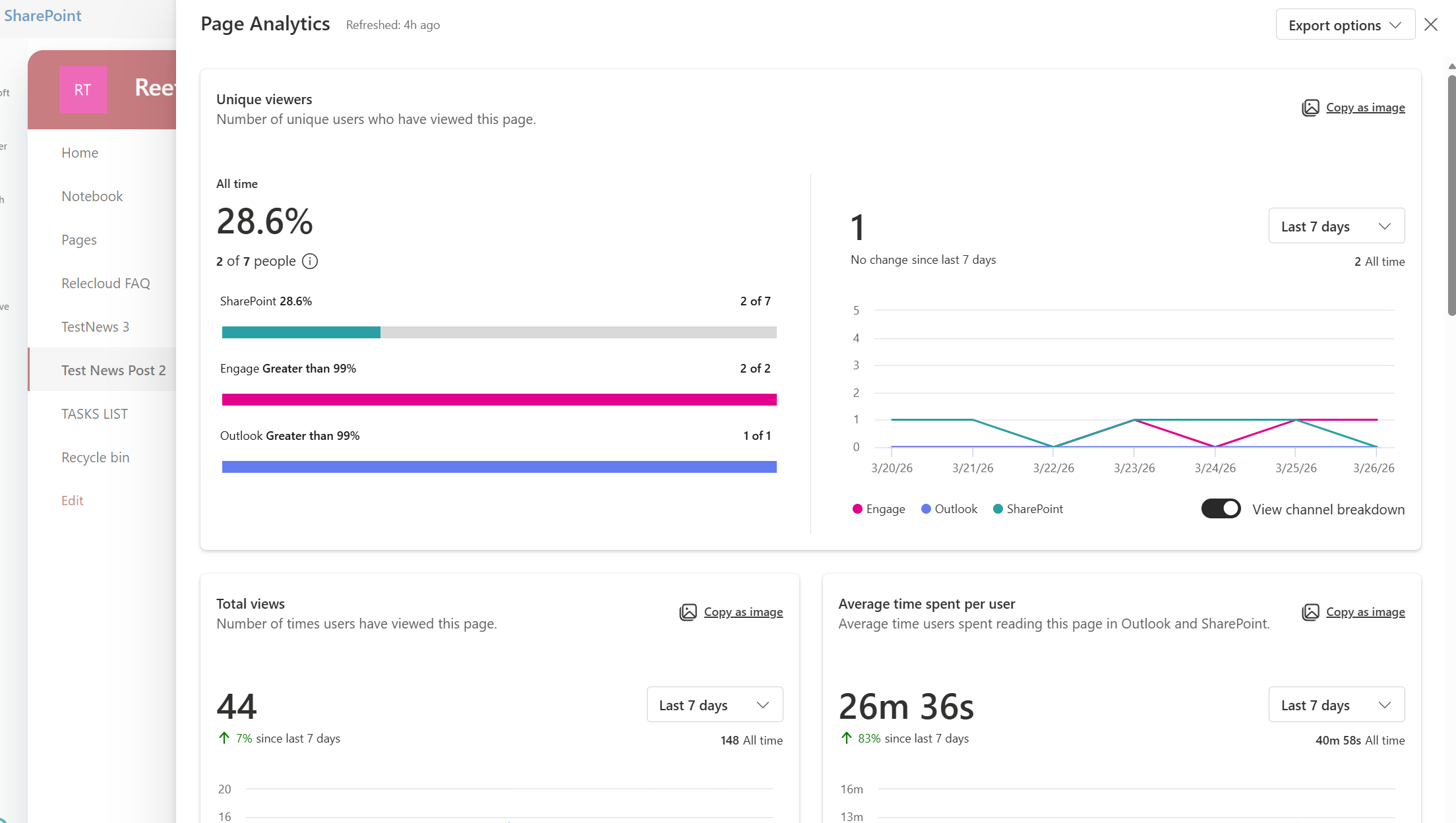
A site campaign is a group of related news posts built around one goal, such as a newsletter series, a project update or an awareness push. The campaign lives inside a SharePoint site. Its posts can go out to SharePoint, Outlook, Teams and Viva Engage, and the results roll up into one combined report.
You can create a site campaign in two ways: from Site settings > Site campaigns on any site, or from the campaigns area in Publish. Campaigns use the site's existing permissions. Members and owners can create them, and visitors only see the published posts. You don't need a separate permissions model.
Site campaigns give communicators four things:
Not exactly, and the difference matters. Viva Amplify app campaigns still exist and still run on their own dedicated campaign sites. Site campaigns are a lighter option that lives inside an existing SharePoint site. Publish shows both types together.
The two types can't be swapped. SharePoint news posts can only belong to site campaigns, and Amplify publications can only belong to Amplify app campaigns. Choose the right type before you start building.
If you're new to Amplify, our guide to implementing Viva Amplify explains how Amplify campaigns, multichannel publishing and reporting work.
Rewriting a message for every channel is slow, but that's the smaller problem. The bigger ones are:
Publishing once from a single news post doesn't fix messaging strategy. It does remove most of the places where errors get in.
Site campaigns need no admin action to turn on. Microsoft has also clarified that the existing Create campaign admin setting in Viva Amplify only applies to campaigns in the Amplify app, not to SharePoint site campaigns. If you've been using that setting to control who can run campaigns, you have a gap.
Settle these first:
Know the limits before you build a process around this feature:
Publish and site campaigns are part of a bigger change. SharePoint is no longer just where content gets stored. It's becoming where work gets done, for communicators now and increasingly for agents too. For the agent side of that story, read SharePoint and Work IQ: Turning Knowledge into Action.
The teams that benefit most won't be the first to click "Create campaign." They'll be the ones that decided on owners, sites, templates and channel rules first, so the time they save actually stays saved.
Want to see modern SharePoint authoring, Copilot and governance working together? Get the free session materials from Designing the Intelligent Intranet with SharePoint and Copilot. Or book a call and 2toLead's Microsoft MVPs will help you set up Publish, campaign sites and templates that your comms team will actually use.
What is the difference between SharePoint Publish and Viva Amplify? Publish is the communicator's home base in SharePoint. It shows pages, news, templates, analytics and both campaign types in one view. Viva Amplify app campaigns still run in their own experience, and Publish displays them alongside SharePoint site campaigns.
Can a site campaign publish to Outlook, Teams and Viva Engage? Yes. A site campaign's news posts can be published to SharePoint, Outlook, Teams and Viva Engage, with combined analytics.
Who can create a site campaign? Site members and owners can create campaigns. Site visitors can only view published posts. Confirm licensing availability for your tenant first.
Can I move an Amplify publication into a site campaign? No. The two campaign types aren't interchangeable.
A sprawling intranet where nobody finds anything? Three ways we help:
Atrium Hospitality moved 7,000+ employees into one SharePoint intranet, with 40% faster document search.
Read the case study →


Join Our Newsletter