Some communication problems do not begin with poor writing. They begin with poor placement.
TL;DR, a practical channel planning framework for communicators using SharePoint, Microsoft Teams, and Viva Engage

A message can be timely, well written, and thoughtfully designed, yet still fail because employees are expected to find it in the wrong place. That is one of the quieter challenges of today’s digital workplace. Most organisations do not suffer from a lack of communication channels. They suffer from too many overlapping ones, each competing for attention in slightly different ways.
That is not a product problem. It is a planning problem.
Across Microsoft 365, the boundaries between publishing, collaboration, and community have become more connected. SharePoint remains the structured home for pages, resources, and formal content. Teams continues to support fast-moving work and coordination. Viva Engage brings open conversation, peer learning, and broader employee dialogue into the flow of work.
Recent 2toLead content has also pointed to this convergence, including the growing relationship between SharePoint, conversations, and AI in the digital workplace.
Before publishing anything, start with a better question: what is this message meant to do?
If the content is designed to support active work inside a specific team, Teams may be the best fit. If it needs to remain visible, trusted, and easy to reference over time, SharePoint is usually the stronger home. If the goal is to invite discussion, gather feedback, or encourage open participation, Viva Engage often makes more sense.
This sounds simple, but many organisations skip this step.
Instead, they publish the same update in multiple places to maximise visibility. Sometimes that works. Just as often, it creates duplication, uncertainty, and the familiar workplace question: “Which version should I trust?”
Good communication design is not just about what gets published. It is also about where people naturally expect to find it.
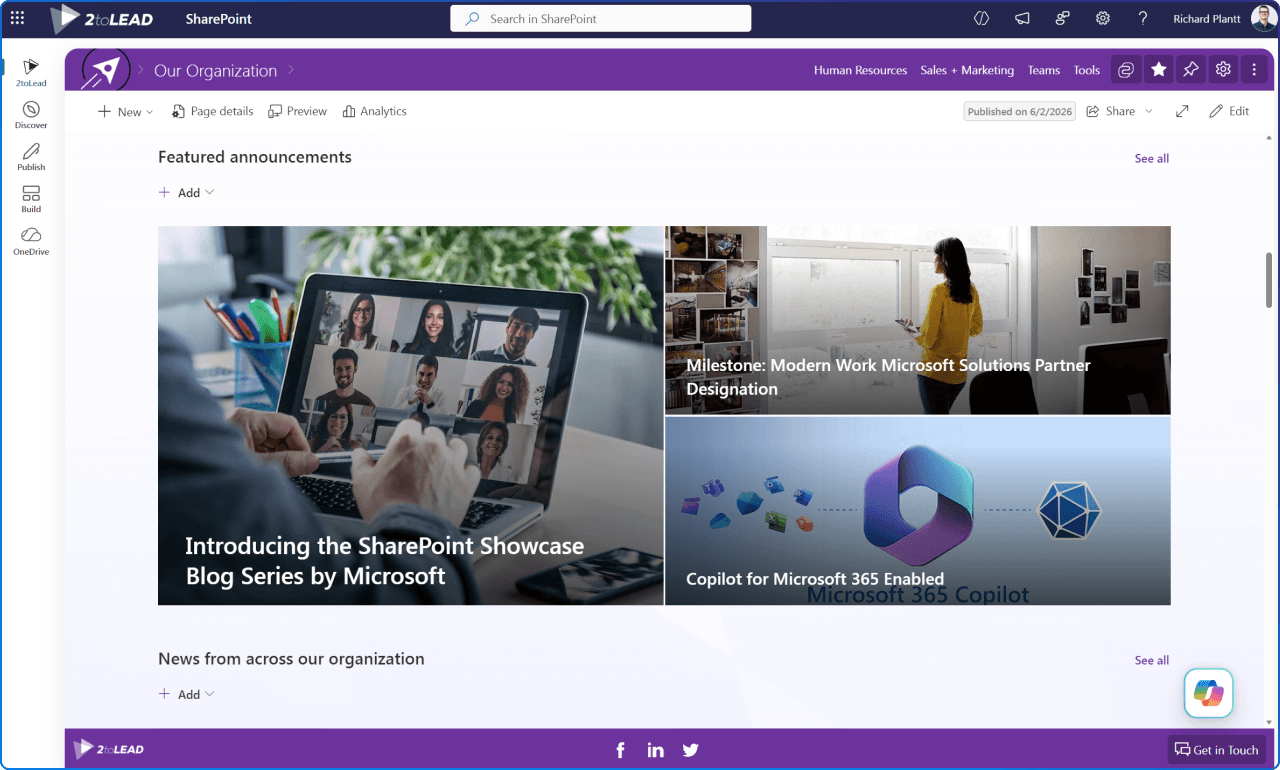
SharePoint works best when information needs structure, context, and staying power.
Think about content like:
These are not just messages. They are destinations.
When content belongs in SharePoint, it benefits from stronger findability, clearer ownership, and a more stable user experience. It creates a place other channels can point back to. That matters because Teams chats and community threads move quickly, and important information can disappear into the scroll faster than most teams realise.
In many organisations, SharePoint should not be the only communication channel. But it should often be the place where important communication lands with the most clarity.
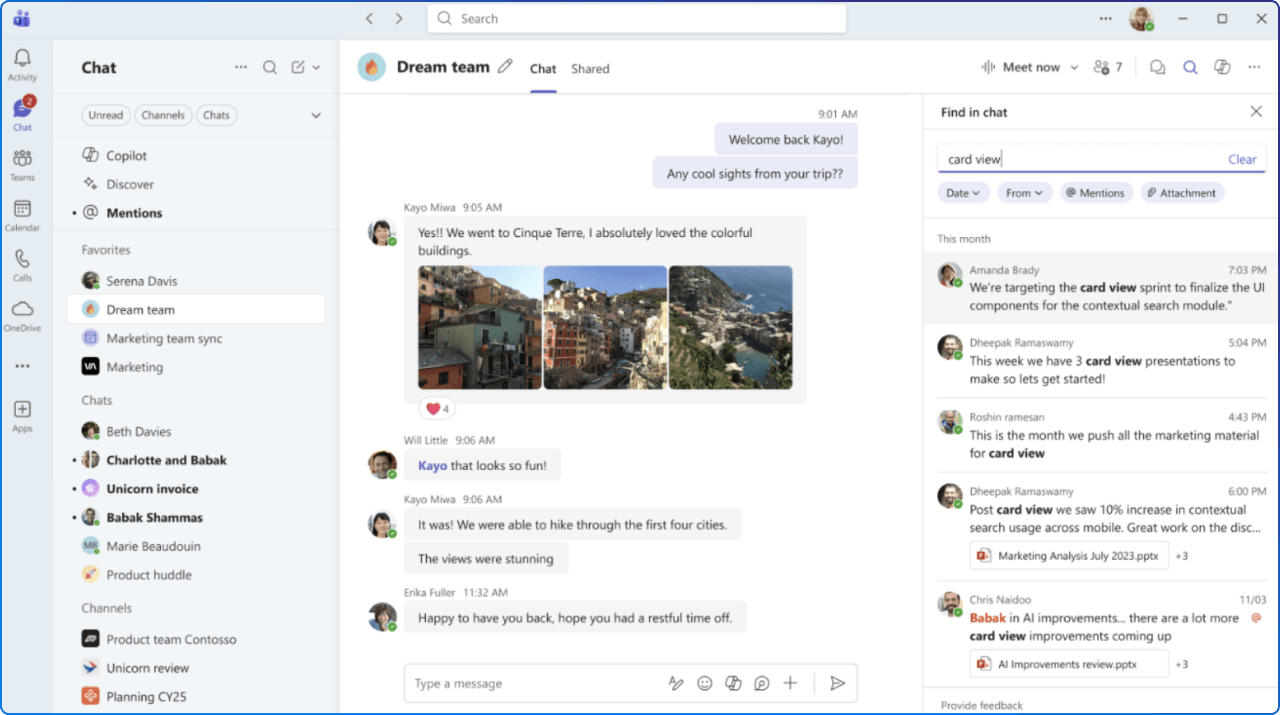
Teams is strongest when communication is part of doing the work.
It is the right fit when people need to:
What Teams does especially well is support communication that is embedded in day-to-day work. It keeps conversations close to the task at hand.
Problems tend to appear when organisations try to use Teams as a long-term publishing destination. Important updates get buried. New joiners struggle to find context. Repeat questions resurface because the answer exists somewhere in a channel, but is difficult to rediscover later.
Teams is highly effective. It just works best as a workspace, not as a permanent knowledge layer.
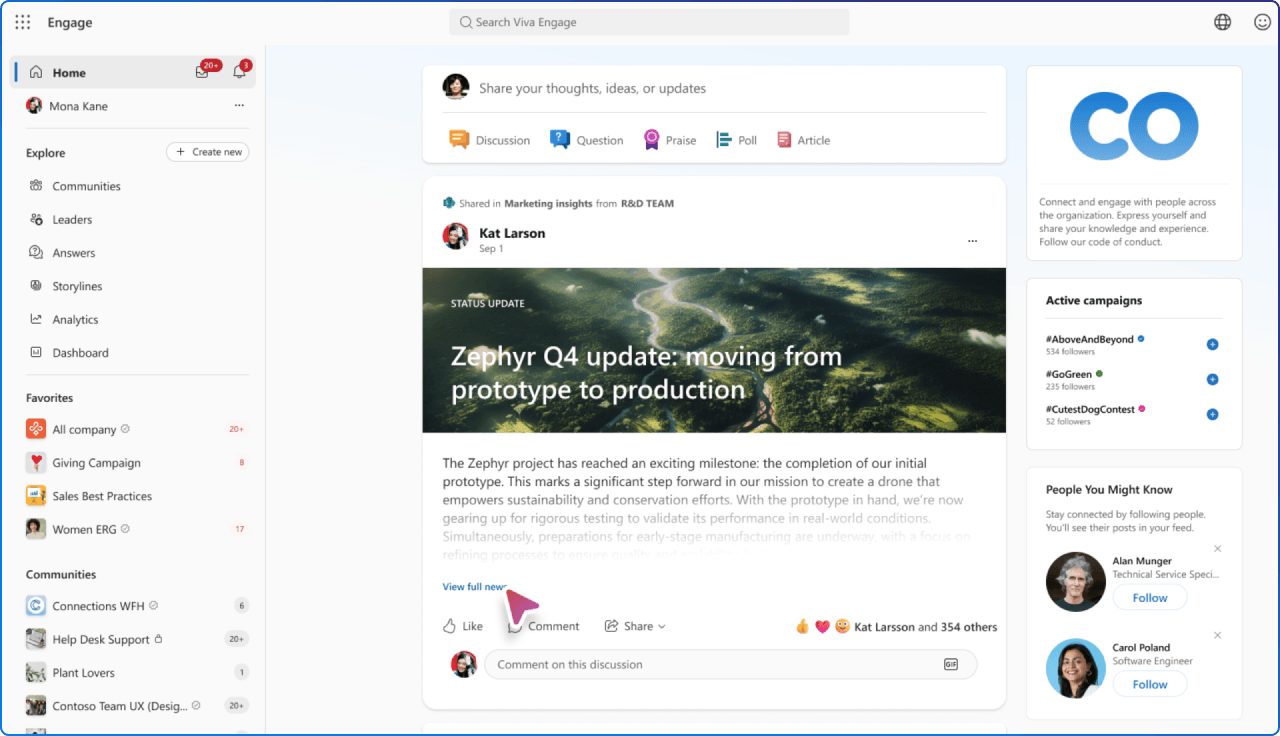
Viva Engage is strongest when the goal is connection, conversation, and shared organisational learning.
This is where employees can ask questions, share experiences, spotlight good practices, and take part in broader discussions that stretch beyond one project or team. It is also becoming more relevant as Engage experiences continue to surface more naturally in Microsoft 365 and Teams, bringing community participation closer to the everyday flow of work.
That makes Viva Engage particularly valuable for:
The important thing is not to confuse conversation with final content. Some discussions are meant to stay conversational. Others reveal a recurring need for clearer, more durable information. Communicators who recognise that distinction are in a much better position to build a healthy channel model.
If your team is unsure where something should live, four questions can help.
1. How long does this need to matter?
If it is important beyond this week, it likely needs a more durable home.
2. Who is it for?
A project team, a department, or the whole organisation?
3. What kind of interaction does it need?
Is the goal to inform, discuss, collaborate, or reference later?
4. Who owns it after it is published?
If nobody is maintaining it, people will quickly stop trusting it.
These are not technical questions. They are communication design questions. And they are usually the ones that make the biggest difference.
Employees should not need a detective novel to figure out where communication belongs.
When the digital workplace is designed well, each channel earns its place:
That kind of clarity does more than reduce confusion. It improves findability, trust, and follow-through. People know where to look, where to contribute, and where to return when they need something again.
If your team is rethinking where communication, content, and conversation should live across Microsoft 365, the next step is not to add another channel. It is to build a clearer planning model.
Our Intranet Planning Toolkit: A Blueprint for your Modern SharePoint Intranet offers practical guidance on governance, publishing patterns, and how SharePoint and Viva can work together more intentionally.


Join Our Newsletter