


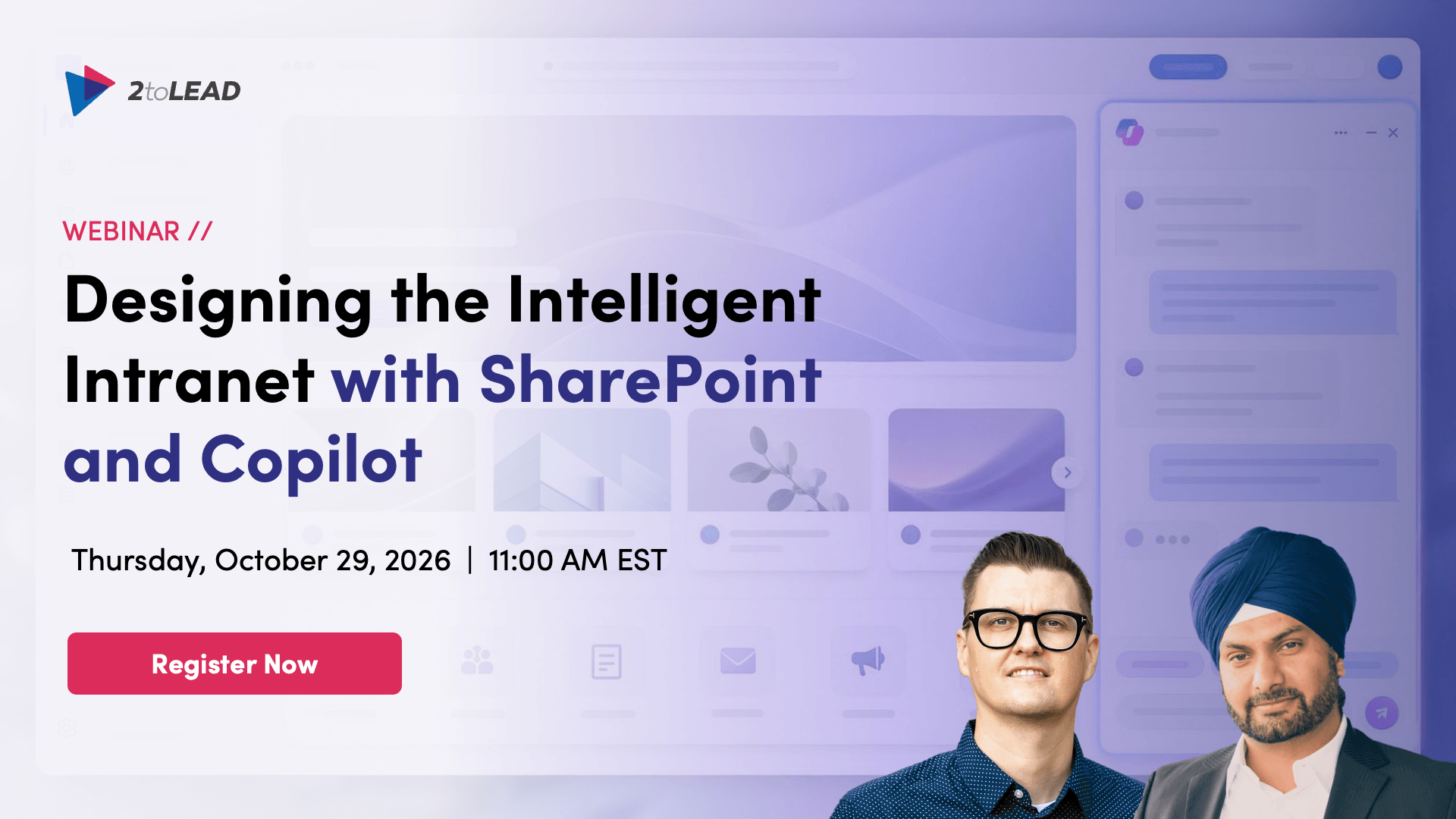
Most intranets were designed to publish. Employees now expect them to answer. That shift is already underway. SharePoint is becoming an intelligent work surface, with Copilot-assisted page creation, AI-powered FAQs, agents grounded in your content, and site recommendations that flag what needs attention.
The opportunity is real, but so is the gap between a demo and a working intranet your people actually trust. In this session, Microsoft MVPs Kanwal Khipple and Richard Plantt will show you what an intelligent intranet looks like in practice. You'll see how beautiful SharePoint content comes together without code, Copilot draft a page and an AI-powered FAQ from a prompt, an introduction to reusable skills, and the design and governance work that makes those answers trustworthy. You will leave with a clear view of what is real today, what to fix first, and a practical playbook to take back to your team.
Kanwal Khipple, CEO at 2toLead, 17x Microsoft MVP
Richard Plantt, AI Adoption Lead at 2toLead, Microsoft MVP
Most intranet teams aren't short on ideas about AI. They're short on a clear picture of what's real today and what to fix first. This session gives you both:
Create beautiful SharePoint content
Page templates, flexible sections, and editorial layout choices that let communicators publish polished, on-brand pages without code, plus what still works for embedded HTML after CSP enforcement.
Copilot in SharePoint as an authoring partner
Creating pages and sections from a prompt, building an AI-powered FAQ from existing policy content, and using summaries and site recommendations to keep content useful over time.
Working with SharePoint agents and skills
Where agents fit, how they differ from prompts and skills, and how to turn a prompt you keep re-typing into a reusable skill your whole team can run. We'll build one live and walk the four-layer path from personal prompt to governed organisational capability.
Design trusted, inclusive experiences
The part most demos skip. Accessibility, clear structure, ownership, and metadata are no longer only a user experience concern. They are what makes a Copilot answer correct. We'll cover permissions, oversharing, and content lifecycle in plain language, and show what "Copilot-ready" actually looks like. Live Q&A. Bring your hardest intranet question.
This session is for anyone responsible for the intranet experience, wherever you sit:
By the end of this webinar, you'll know how to:
Register now to save your spot. Every registrant receives the recording and a copy of The SharePoint Skills Playbook for the AI-Powered Intranet, so you're welcome to sign up even if you can't join us live.
Do I need to be technical to attend?
No, this session is built for the people who use and own the intranet, not just the people who administer it. Everything we demo happens in the SharePoint interface, in plain language.
Is this about SharePoint Premium or SharePoint Advanced Management?
No, we're focused on capabilities available with SharePoint and Microsoft 365 Copilot. Where a feature has specific licensing or rollout considerations, we'll say so plainly rather than glossing over it.
What's the difference between a SharePoint skill and an agent?
A skill is a reusable method for doing a task the same way every time, saved on a site. An agent is a conversational experience that can draw on several skills. A prompt is a one-time request. We'll unpack this properly in the session because confusing the three is the most common reason skills programmes stall.
We haven't rolled out Copilot yet. Is this still relevant?
Especially so. The content, structure, and governance work we'll cover is what determines whether your eventual rollout produces good answers. Doing it before Copilot arrives is the easier path.
Will this session be recorded?
Yes. All registrants receive the recording and the slides afterward, so register even if the timing doesn't work.
What if we want help going further?
We offer a 30-minute Copilot and Intranet Readiness Assessment, a working conversation that maps where skills and Copilot create value across your intranet and what to fix first. We'll share details during the session.


Join Our Newsletter


