Explore how SharePoint tools and Work IQ can help agents move beyond finding information to completing meaningful work across the digital workplace.
For years, SharePoint has been one of the primary places where organizations store documents, knowledge and business processes. With the introduction of SharePoint tools in Work IQ, Microsoft is expanding that role.
SharePoint is not only becoming a source of knowledge for Copilot and agents. It is also becoming an environment where agents can help people complete work.
That is the more interesting story behind Microsoft’s announcement.
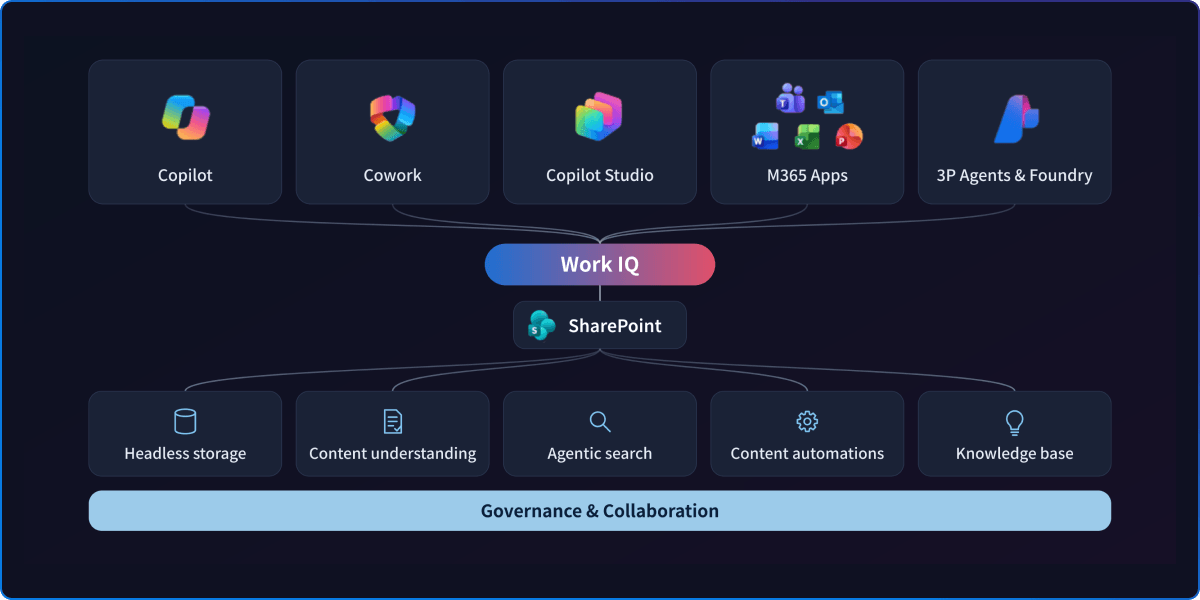
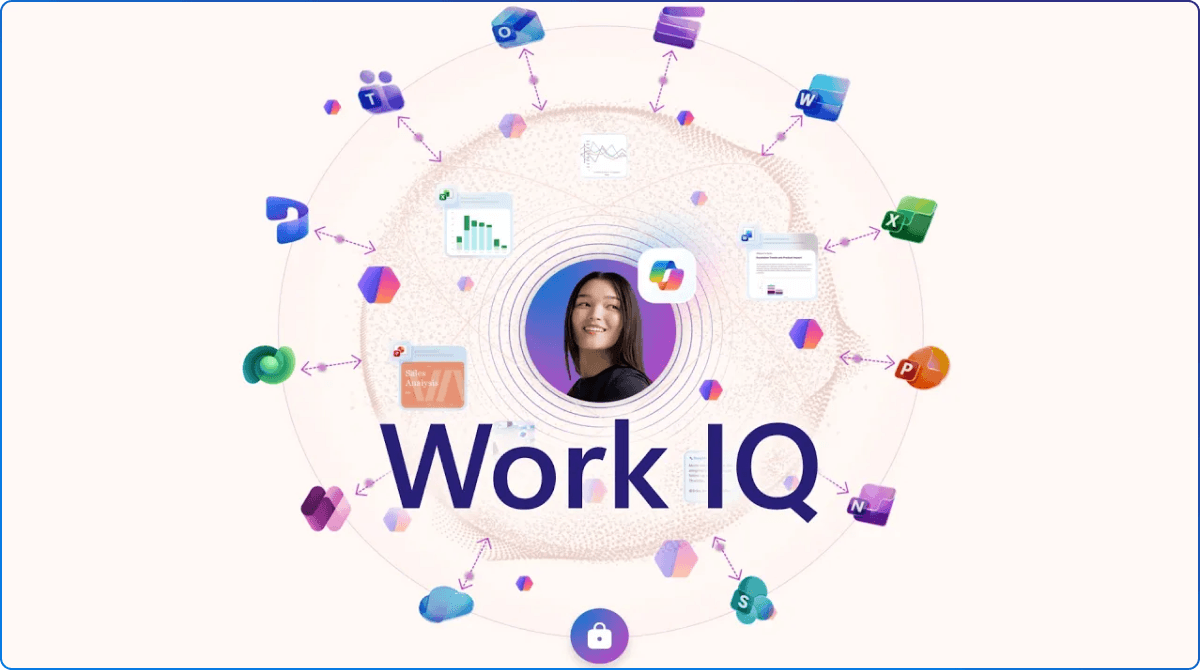
Work IQ is Microsoft’s intelligence layer for connecting Copilot and agents to an organization’s knowledge, people, relationships and business context. It helps an agent understand what information matters, how it relates to the task and what the person requesting help is allowed to access.
SharePoint tools give that intelligence somewhere to act.
Microsoft is making more than 60 SharePoint operations available through Work IQ. These operations allow agents to work with sites, files, folders, lists, libraries, approvals, rules and other familiar SharePoint capabilities.
This relationship can be summarized simply:
Work IQ helps an agent understand the workplace. SharePoint tools help the agent participate in it.
Imagine an employee asking an agent to set up a tracker for a new project. The agent could use Work IQ to understand the request and its organizational context, then use SharePoint tools to find the correct site, inspect the available structure and create or update the appropriate list.
The employee does not necessarily need to know which site, library or list to open. They can describe the outcome they need, while the agent helps translate that intent into a structured SharePoint action.
That is an important shift. Workplace AI starts moving beyond answering questions and toward helping people complete real work.
We have already seen SharePoint evolve into the knowledge foundation behind Microsoft 365 Copilot. With SharePoint tools in Work IQ, that foundation can begin supporting not only what agents know, but also what they can help us do. Learn more in SharePoint: Powering AI at Work.
The arrival of more capable agents does not make information architecture, permissions or content governance less important. It makes them more visible.
Agents will be more effective when they can work within:
An agent cannot fully compensate for duplicated documents, abandoned sites, unclear ownership or overly broad access.
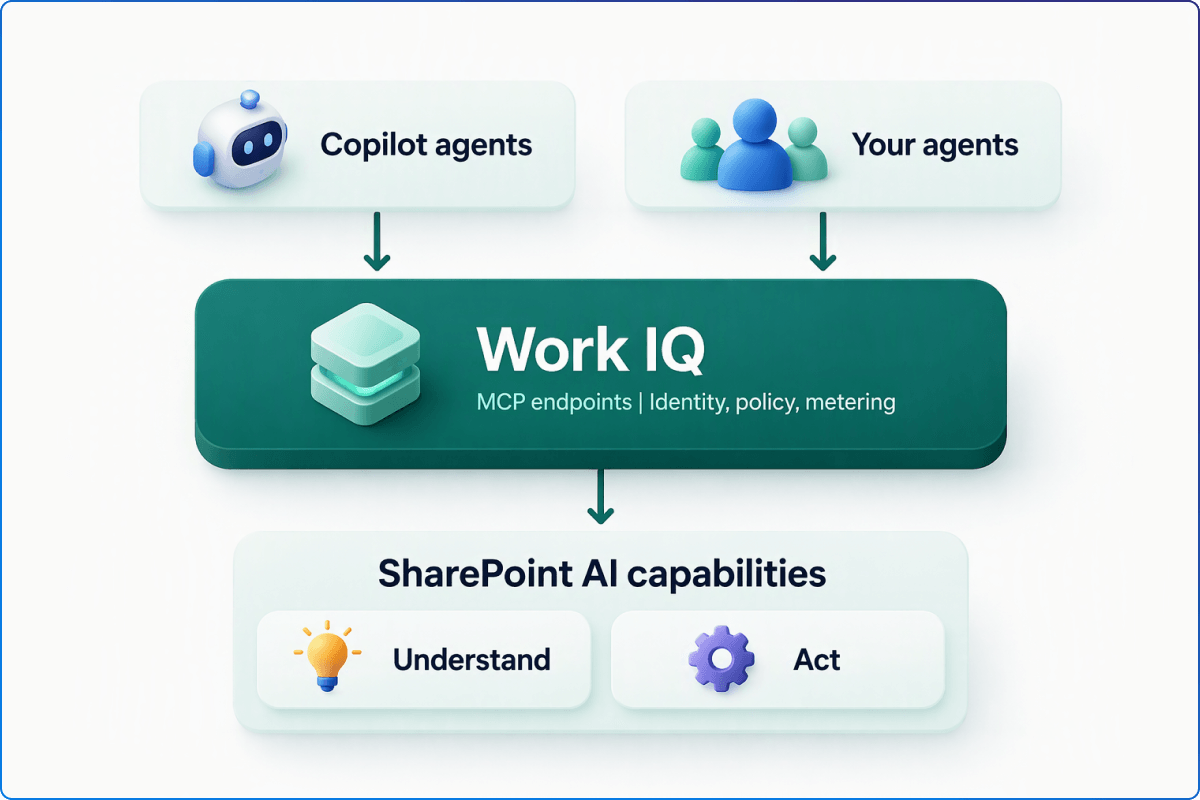
Microsoft’s permission model is therefore important. SharePoint operations run within the signed-in user’s existing access, and tenant governance policies continue to apply. Additional Work IQ scopes determine whether an application can read information or perform actions, but they do not grant access beyond the user’s existing SharePoint permissions.
As agents become more capable, organizations also need better visibility into oversharing, access and content governance. Explore how SharePoint Advanced Management can help prepare your Microsoft 365 environment.
For IT leaders, this means that preparing SharePoint for agents is not a separate initiative from improving the digital workplace. The same practices that make SharePoint easier for people to use can also create a clearer and safer environment for agents.
SharePoint tools in Work IQ are currently in public preview. Microsoft advises against building hard-coded dependencies on individual tool names or parameters because the implementation can continue to evolve during the preview.
This should be treated as an opportunity for focused experimentation, not an invitation to automate every SharePoint process at once.
Start with one scenario that is:
Good starting points might include:
Begin with read-only scenarios where the agent finds, summarizes or interprets SharePoint information. From there, test controlled actions such as creating a list item or organizing content. More consequential actions, including deleting files or changing important records, should require stronger review and governance.
Organizations interested in using the Work IQ API will also need to review Microsoft’s tenant enablement requirements, usage-based billing and administrative controls. Microsoft documents a one-time setup process and requires a billing plan connected to an Azure subscription and resource group.
You do not need a complete agent strategy to begin learning from this announcement.
Start with three practical steps:
Look for a process where people repeatedly search for the right location, enter the same information or follow a predictable sequence of steps. The best early scenario will be small enough to test safely but meaningful enough that people notice the improvement.
Check the site structure, permissions, metadata, content ownership and lifecycle of the information involved. If the process is confusing for employees today, an agent may inherit that confusion.
Define the outcome before building anything. Measure whether the agent completes the work correctly, how often someone needs to intervene and whether it meaningfully reduces effort.
The goal is not simply to prove that an agent can perform a SharePoint action. It is to learn where SharePoint, Work IQ and agents can work together to improve the employee experience.
SharePoint has always played an important role in storing and organizing workplace knowledge. Through Work IQ, that knowledge can become more usable within the flow of work.
When Work IQ provides the organizational context and SharePoint provides the structure and tools, agents can do more than find information. They can help organize it, update it and move work forward within the permissions and controls an organization has established. That is the opportunity worth watching.
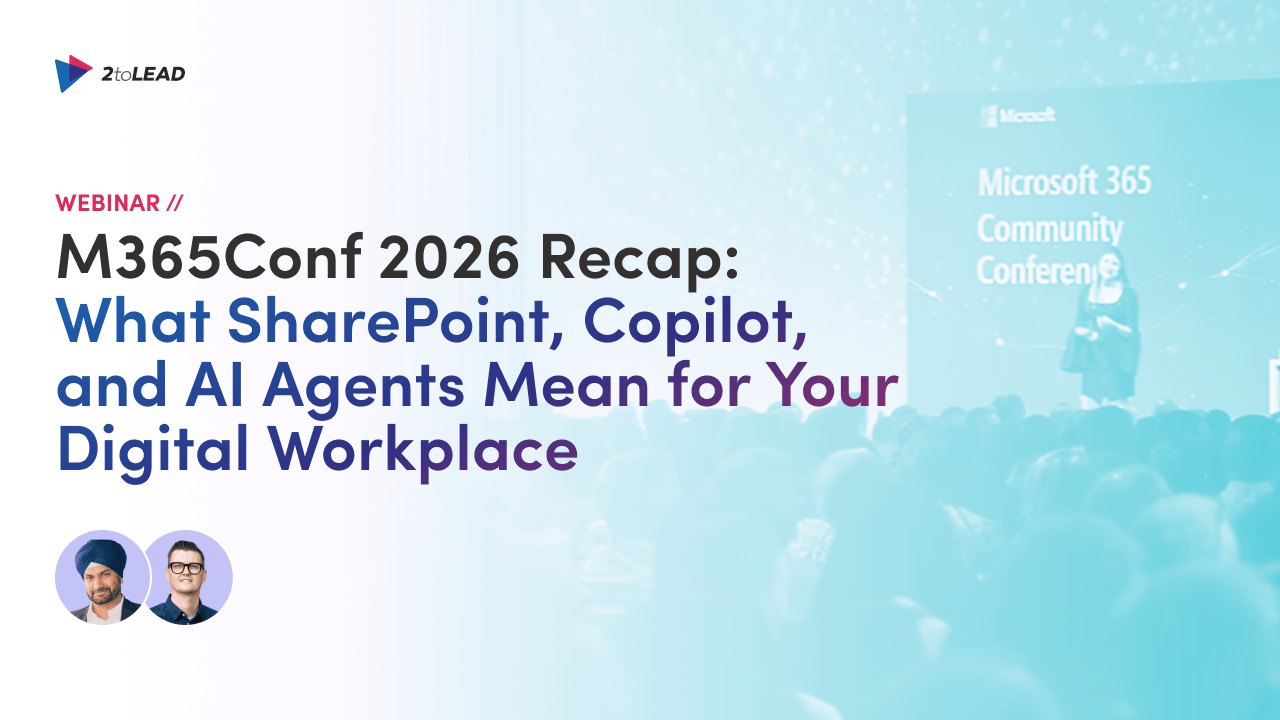
SharePoint tools in Work IQ are part of a much broader change in how Microsoft 365 supports knowledge and work. Watch our M365Conf 2026 recap on SharePoint, Copilot and AI agents to explore the announcements that matter and what organizations should consider next.
The future of the digital workplace is not simply about connecting AI to more content. It is about creating a workplace where knowledge, context, governance and action work together.


Join Our Newsletter


