Copilot Chat vs Cowork explained: what Cowork is, which multi-step tasks to delegate, what to review and how effort levels and subagents affect cost.
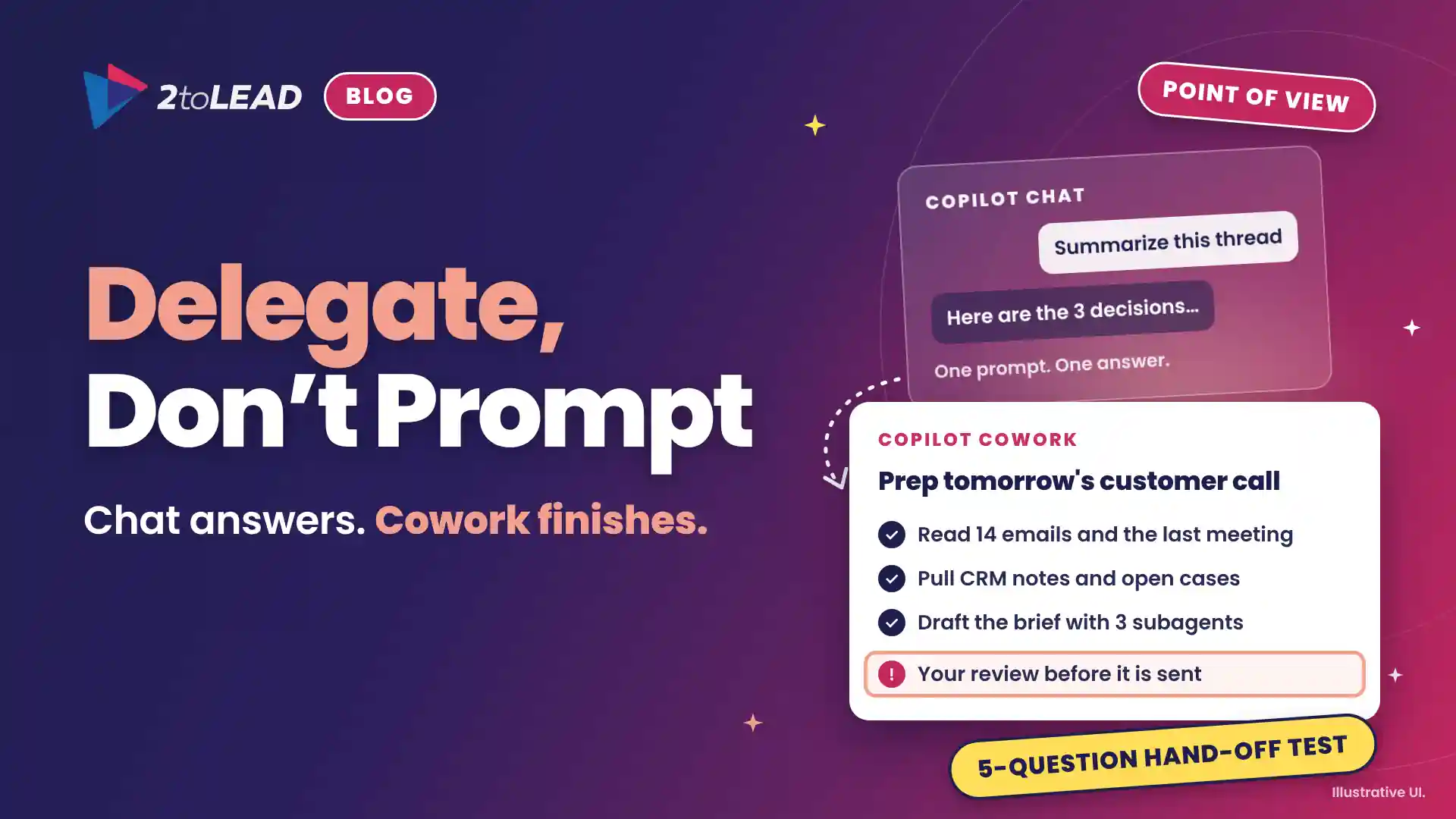
TL;DR: Copilot Chat vs Cowork comes down to one question: will you finish the work, or will Copilot? Chat answers one prompt at a time. Cowork takes an outcome, plans the steps and does the work across Microsoft 365, asking before sensitive actions. Delegate to Cowork when the work spans several apps or sources and reviewing it is faster than doing it.
The most valuable Copilot skill in 2027 will not be writing a better prompt. It will be knowing which work to hand to Copilot Cowork, and what to check when it comes back.
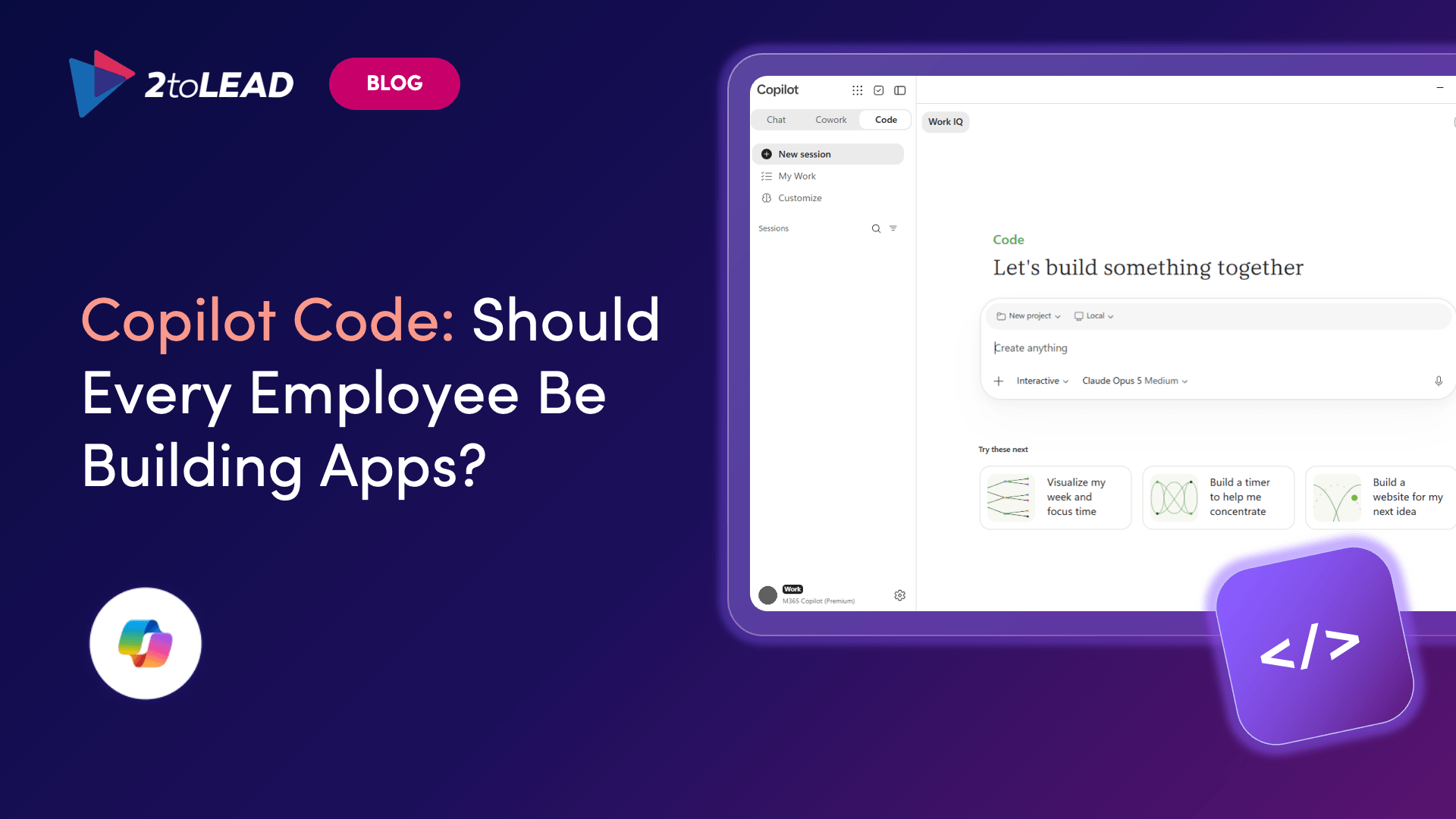
At Microsoft Ignite 2026, Microsoft put Chat and Cowork in one composer and started suggesting the hand-off for you. Here is how I would decide, with a five-question test and a review list you can reuse.
Copilot Cowork is the agentic mode of Microsoft Copilot that carries out multi-step work across Microsoft 365 on your behalf, and asks for your approval before sensitive actions such as sending an email or posting in Teams. Copilot Chat helps you think, draft and answer inside one conversation. Cowork plans the work and finishes it.
Microsoft's own comparison, in its Copilot Cowork documentation on Microsoft Learn, is the clearest test. Chat works in seconds to minutes on single-step tasks. Cowork runs for minutes to hours on multistep work across sources and apps: email, meetings, Word, Excel and PowerPoint files, Teams posts, deep research and lightweight apps. It reaches only what you can already access and shows each step.
Cowork is billed by usage in Copilot Credits, on top of a Microsoft 365 Copilot license. For the wider choice, see our guide to choosing between Copilot Chat, Cowork, Code and Autopilot.
Copilot is shifting because the costly part of knowledge work is rarely the answer. It is the gathering, the app switching and the follow-through. At Ignite 2026, Microsoft announced four changes that hand more of it to Cowork:
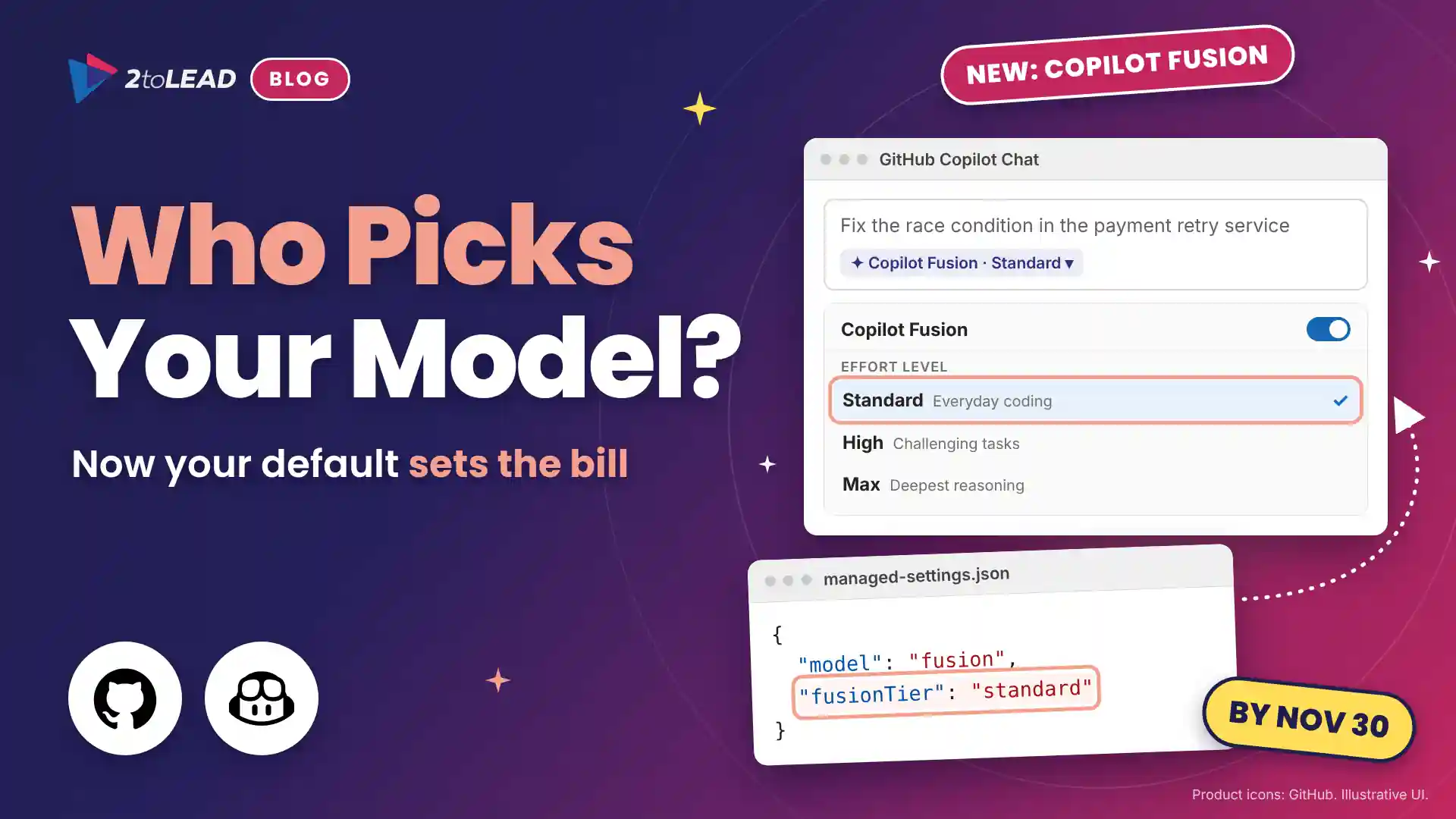
Auto effort, subagents and recommendations are in the Frontier program today. The models Auto can pick from are an admin setting, which is why model choice is now a governance decision. Copilot is starting to make the delegation call, so your people need their own test for saying yes.
Prompting gets you an answer. Delegation gets you a finished job. Review is what makes it safe to send.
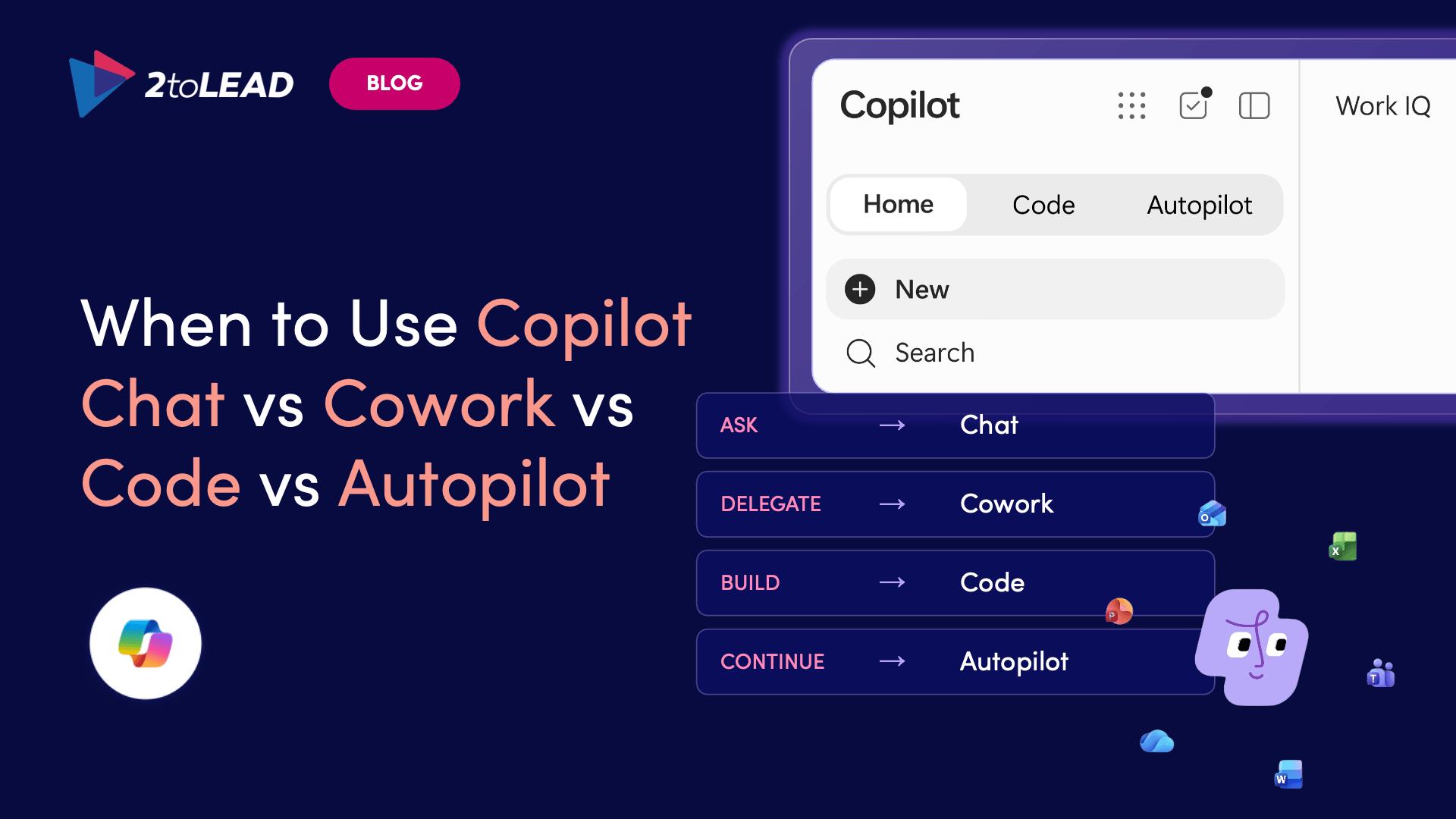
Use Copilot Chat when you need to think, draft or answer, and you will act on the output yourself. Use Cowork when you can describe the finished outcome and the work spans several sources, apps or steps you would otherwise do by hand.
Seven everyday tasks, mapped to a starting point, an effort level and what a person must review:
Swipe horizontally to see every column.
| Task | Start in | Effort to try | What you review |
|---|---|---|---|
| Rewrite a paragraph for an executive audience | Chat | Not needed | Tone, and any claim you cannot source |
| Summarize yesterday's meeting and list the actions | Chat | Not needed | Owners and dates match what was agreed |
| Prep for tomorrow's customer call from email, CRM notes and the last meeting | Cowork | Medium | Open issues, and any number you will quote |
| Close out threads waiting on your reply | Cowork | Light | Every reply before it is sent |
| Competitive analysis across five competitors | Cowork | High, or Auto with subagents in Frontier | Sources, dates and uncited claims |
| Turn the Monday leadership tracker into an app | Cowork | Medium | The data source, and who can open the app |
| Review contract clauses before signature | Cowork, to prepare only | High | Everything. The judgment stays with counsel. |
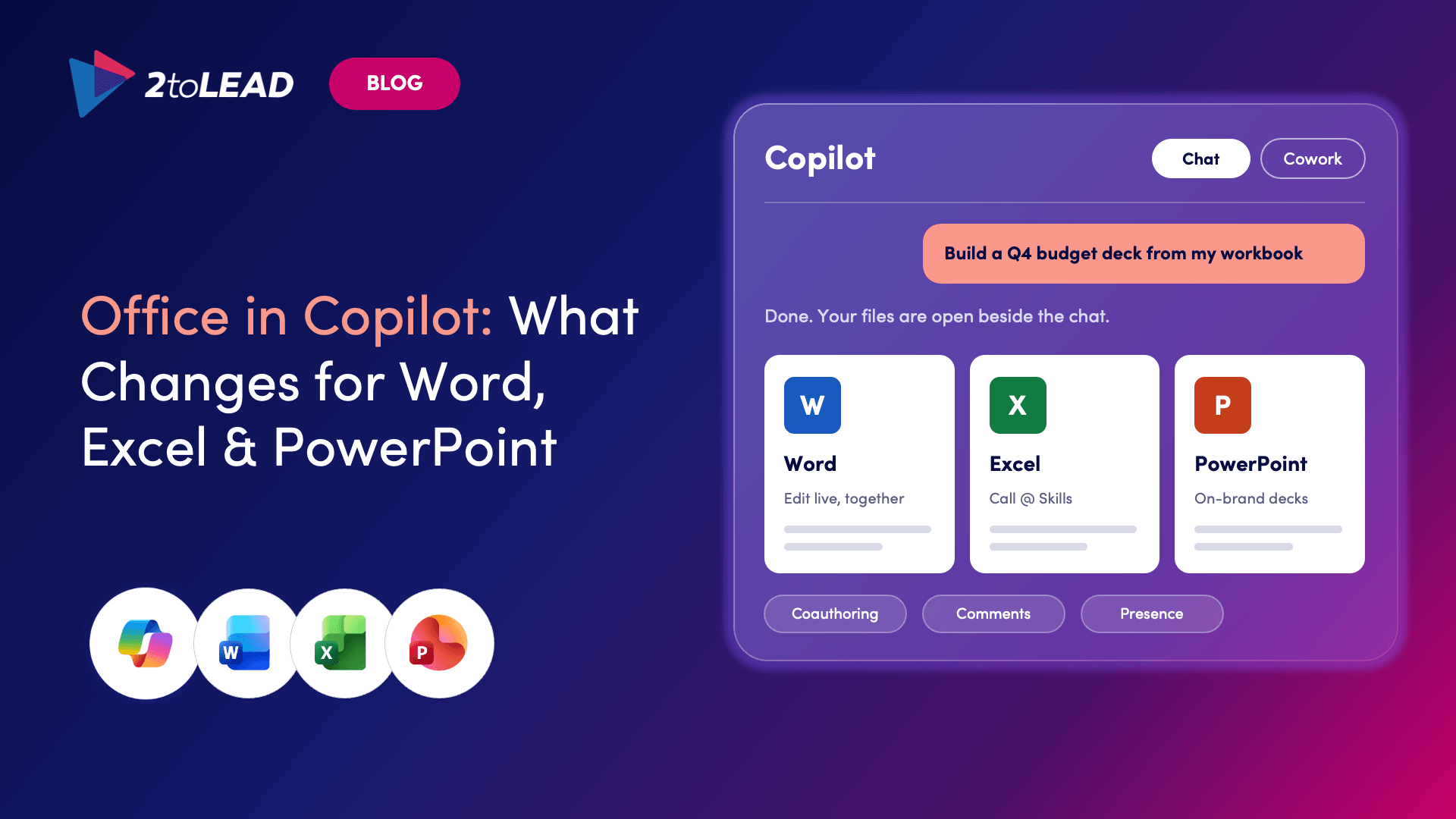
The review never disappears. It moves from checking every sentence to checking the few things that carry risk. Because Cowork now creates and edits Office files in place, as we explained in Office in Copilot, the file it returns is often the real deliverable.
A task is ready to delegate when it passes five questions. We call this the 2toLead Hand-Off Test.
Five yeses: delegate. A no on span: stay in Chat. A no on review or recovery: use Cowork to prepare the work, and keep the final step with a person. Microsoft's Cowork implementation guidance draws the same line: decide which tasks Cowork handles and which decisions stay with people.
Review the parts that carry risk: the sources, the numbers, the recipients and the actions. Cowork asks before sensitive steps, but an approval only protects you if someone reads what they approve.
Microsoft is clear about the limit: Cowork is not intended for work that needs guaranteed accuracy without human review, such as legal filings, medical decisions or financial transactions that bypass approval. In healthcare, legal and financial services, put that sentence in your AI usage policy.
Cowork is worth the credits when the time it returns is worth more than the credits it uses plus your review time. When one prompt would do, it is not. That is the strongest argument against Cowork, and it holds for most small tasks.
Cowork is billed by usage: model responses, tool and skill calls, image generation and browser tasks all count. You cannot see the cost before a task runs, but typing /cost afterward shows the approximate credits used, at no charge. Microsoft's Copilot Studio guidance on task agents adds a fair caution: delegation adds coordination work, and parallel is faster, not necessarily cheaper.
A worked example, with assumptions to swap for your own: a regional sales manager spends 2 hours every Monday pulling email, CRM notes and last week's meeting recap into an account brief. Cowork prepares it while she is in another meeting, and she reviews it in 30 minutes, returning 1.5 hours a week. At an assumed loaded cost of $80 an hour, that is $120 a week, or $5,760 over 48 working weeks. The task pays for itself if its weekly credits cost less than $120. Run it three times, check /cost and multiply by your contracted credit price before you scale.
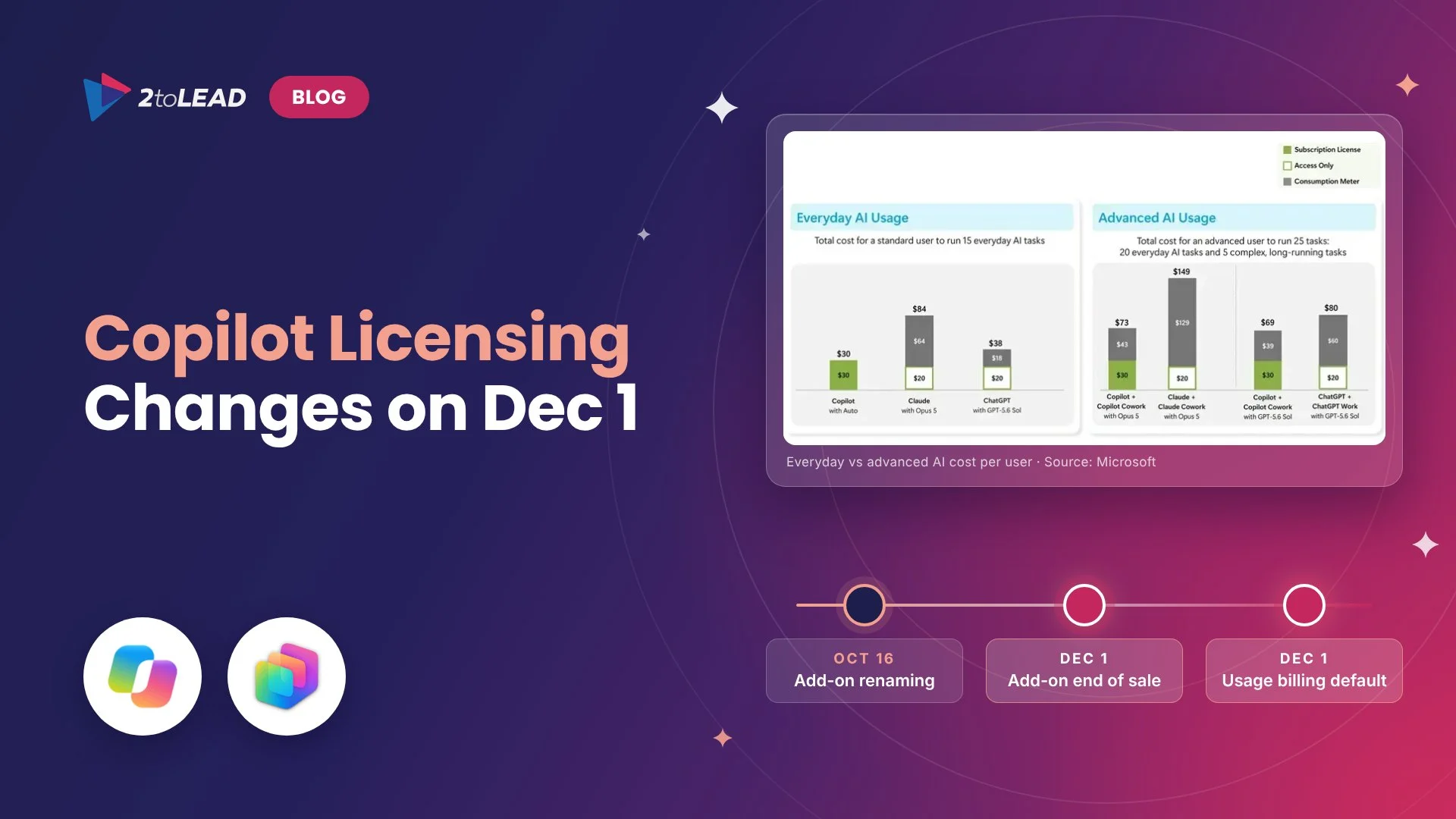
For tenant-wide numbers, the Agent 365 Business Analytics page (Frontier) shows Cowork cost, assisted hours and estimated value by use case. For the budget side, see the real cost of the new Copilot and what changes in Copilot Chat credit usage in December.
IT leaders should treat delegation as a skill to teach and a spend to govern, not a feature to switch on.
Yes. Cowork needs a Microsoft 365 Copilot license and is billed by usage in Copilot Credits. Admins grant access through a spending policy and set limits per user or group. Everyday Copilot Chat use stays within the license.
Not by default. Cowork shows an approval prompt with a preview before sending email, posting in Teams or scheduling a meeting. Users can skip similar prompts for the rest of a conversation, so agree on when that is acceptable.
Yes. Cowork is available in Government Community Cloud through the Microsoft Copilot web app once an admin enables it, with some feature differences. In education, faculty and staff can use Cowork. Students are not eligible at this time.
In a fixed-scope, two-week Cowork Delegation Sprint, our Microsoft MVP team will:
Find more practical guidance on the 2toLead Insights hub, or book a Cowork Delegation Sprint.
No hype. Just practical, governed AI that actually gets adopted.
Copilot licences bought, usage flat, ROI unproven? Three ways we help:
A global nonprofit turned Copilot licences into 1,115.6 hours saved and $83.7K in productivity value.
Read the case study →


Join Our Newsletter