Copilot Chat credit usage now has its own indicator. See what the filled icon means, what stays included and 6 admin checks before mid-December 2026.
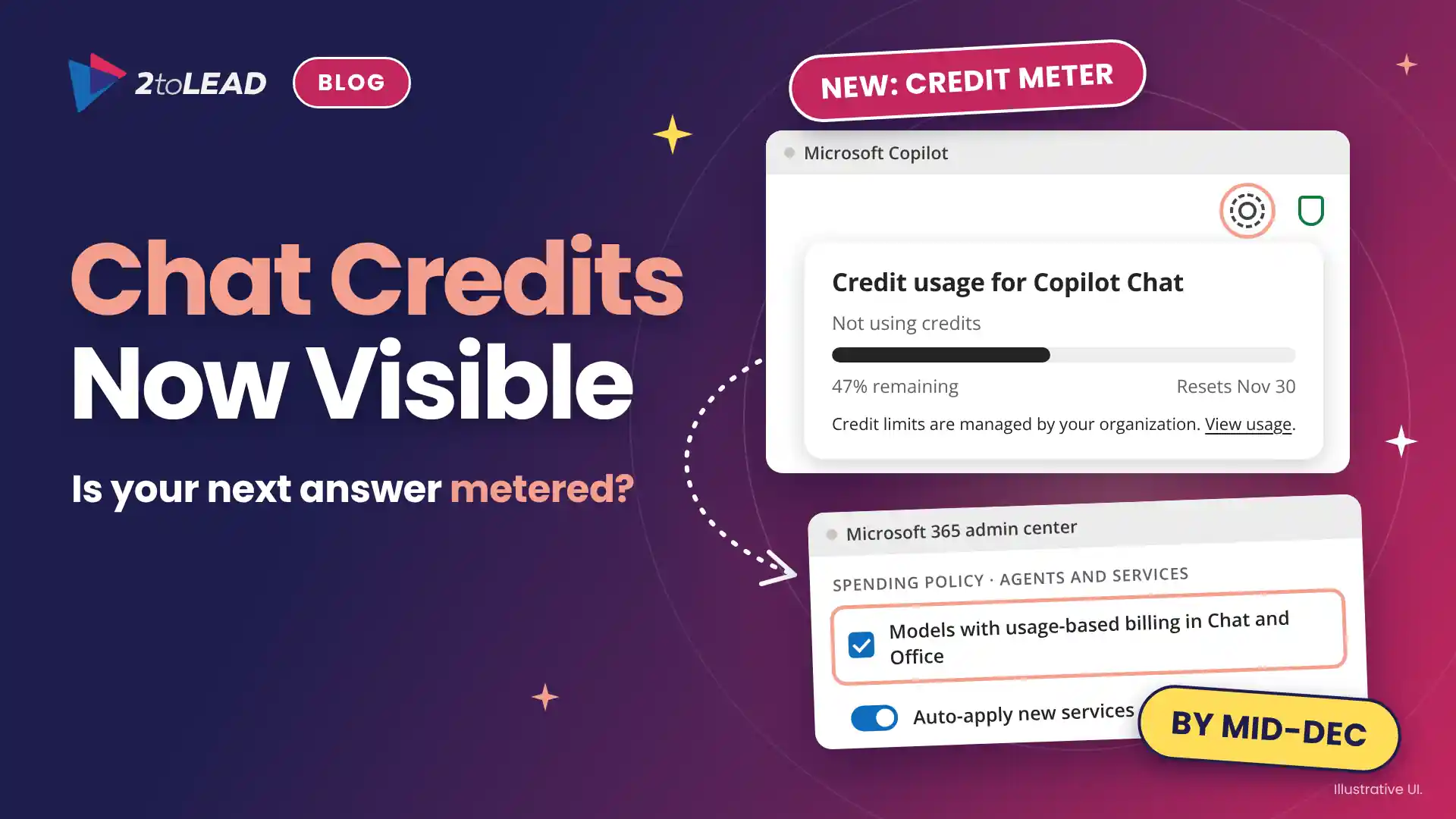
TL;DR: Copilot Chat credit usage is becoming visible to every licensed user. A new icon in Microsoft Copilot shows whether a chat is metered, how much of the monthly credit limit remains and when it resets. Everyday chat stays included. Frontier models, and limited models past their included limit, consume Copilot Credits. Review your spending policies before mid-December 2026.
A small circle has appeared at the top of Copilot Chat. Hover over it and Microsoft Copilot tells employees something no license ever has: whether the next answer is included or metered.
That icon is the visible edge of a larger change. From general availability, planned for mid-December 2026, people with a Microsoft 365 Copilot license can keep working with a model after they reach its included limit by spending Copilot Credits. Here is what the indicator shows, what triggers a charge and the six checks to finish before general availability.
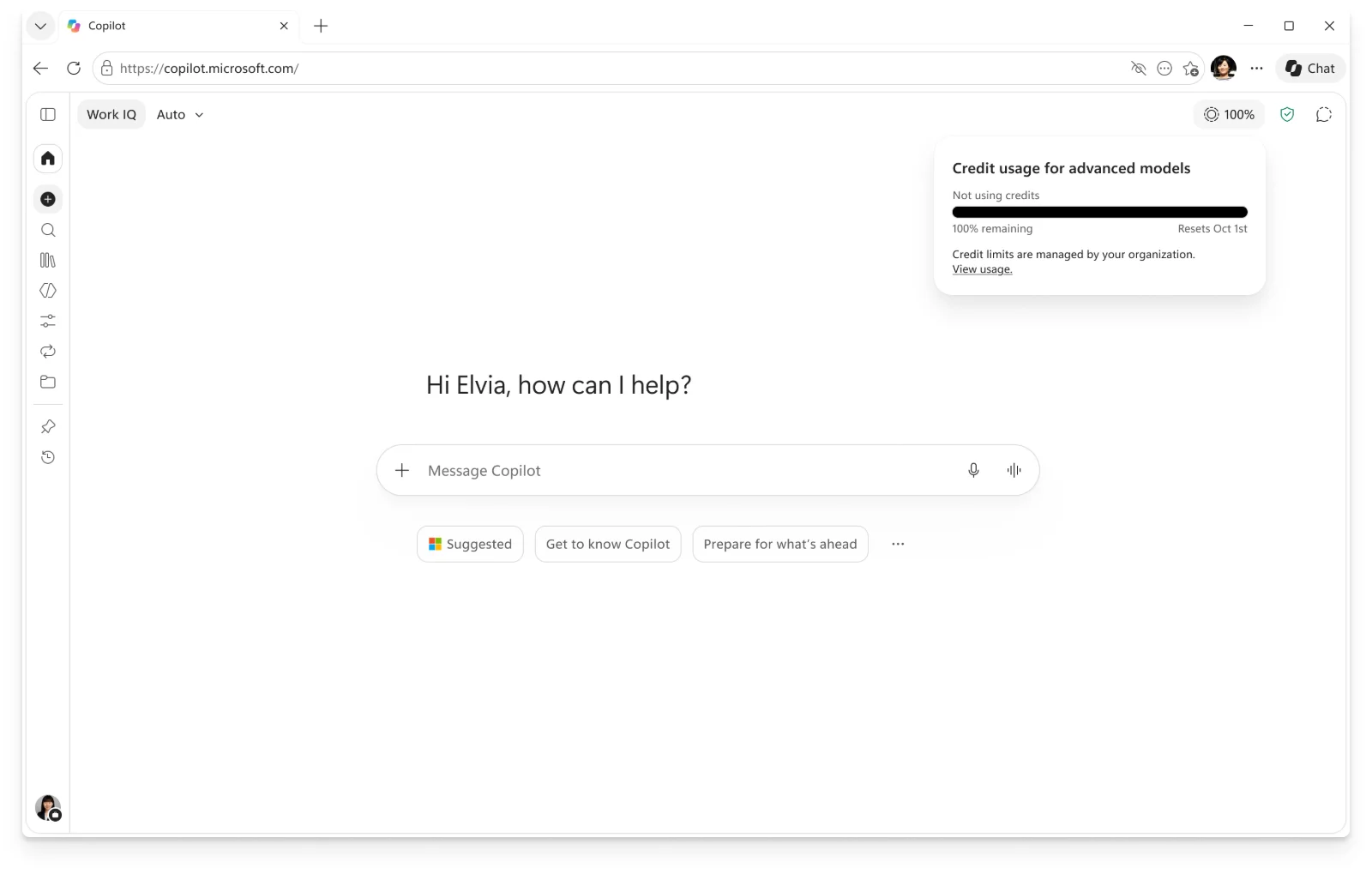
The credit usage indicator is an icon in Microsoft Copilot that shows whether the current chat consumes Copilot Credits. A filled icon means usage is metered. An unfilled icon means it is not.
Copilot Credits are the unit Microsoft uses to meter advanced AI work that sits outside the per-user license. Hovering over the icon opens a small card with four things:
We saw the card in our own tenant on November 22, 2026, ahead of the general availability window. It was titled “Credit usage for Copilot Chat”, read “Not using credits” and showed 47% remaining with a reset on November 30. Microsoft’s Message Center screenshot titles the same card “Credit usage for advanced models”, so the wording in your tenant may differ.
Two details are worth passing to your help desk. First, the bar reflects the credit policy that covers the experience, so it can sit below 100% while the current chat is free. Ours did. Second, Microsoft resets limits at 00:00 UTC on the first of the month. That is 7:00 PM Eastern Standard Time on the last day of the month, which likely explains why our card showed November 30 and not December 1.
The indicator arrives alongside the redesigned app we covered in the new Microsoft Copilot explained.
Three things change between November and mid-December 2026: frontier models appear in the model selector with a “Uses credits” tag, users can continue past a model limit by spending credits, and every licensed user gets a view of their own usage.
Swipe horizontally to see every column.
| Change | When | What it means |
|---|---|---|
| Credit usage indicator and hover card | Frontier in early December 2026; general availability planned for mid-December 2026 | Every licensed user can see whether a chat is metered and how much of the monthly limit remains. |
| Continue after a model limit | Same rollout (MC1557754) | At an included limit, users pick Switch to Auto at no credit cost, or Continue with credits if usage-based billing covers them. |
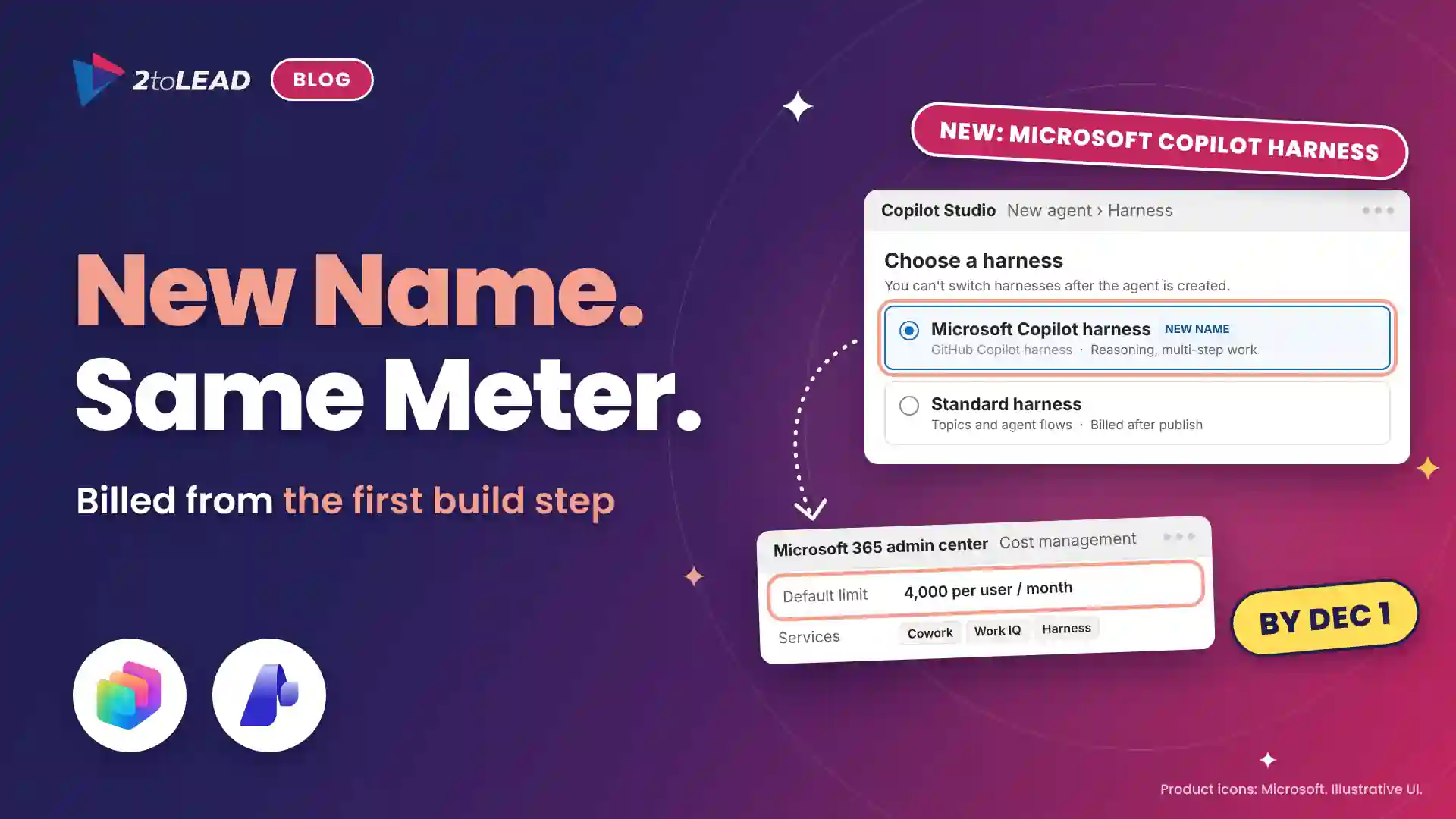
| Frontier models in the model selector | Frontier in early to mid-November 2026; general availability in early to mid-December 2026 (MC1519122) | GPT-6 Astra and Claude Fable 5.1 carry a “Uses credits” tag and consume credits on every use. |
| A new service in spending policies | With the rollout | “Models with usage-based billing in Chat and Office” joins any spending policy that has Auto-apply new services turned on. |
| The /cost command and the Usage page | Documented on Microsoft Learn for Chat, Cowork and Code | Users see approximate credits for the open session and for the current billing period. |
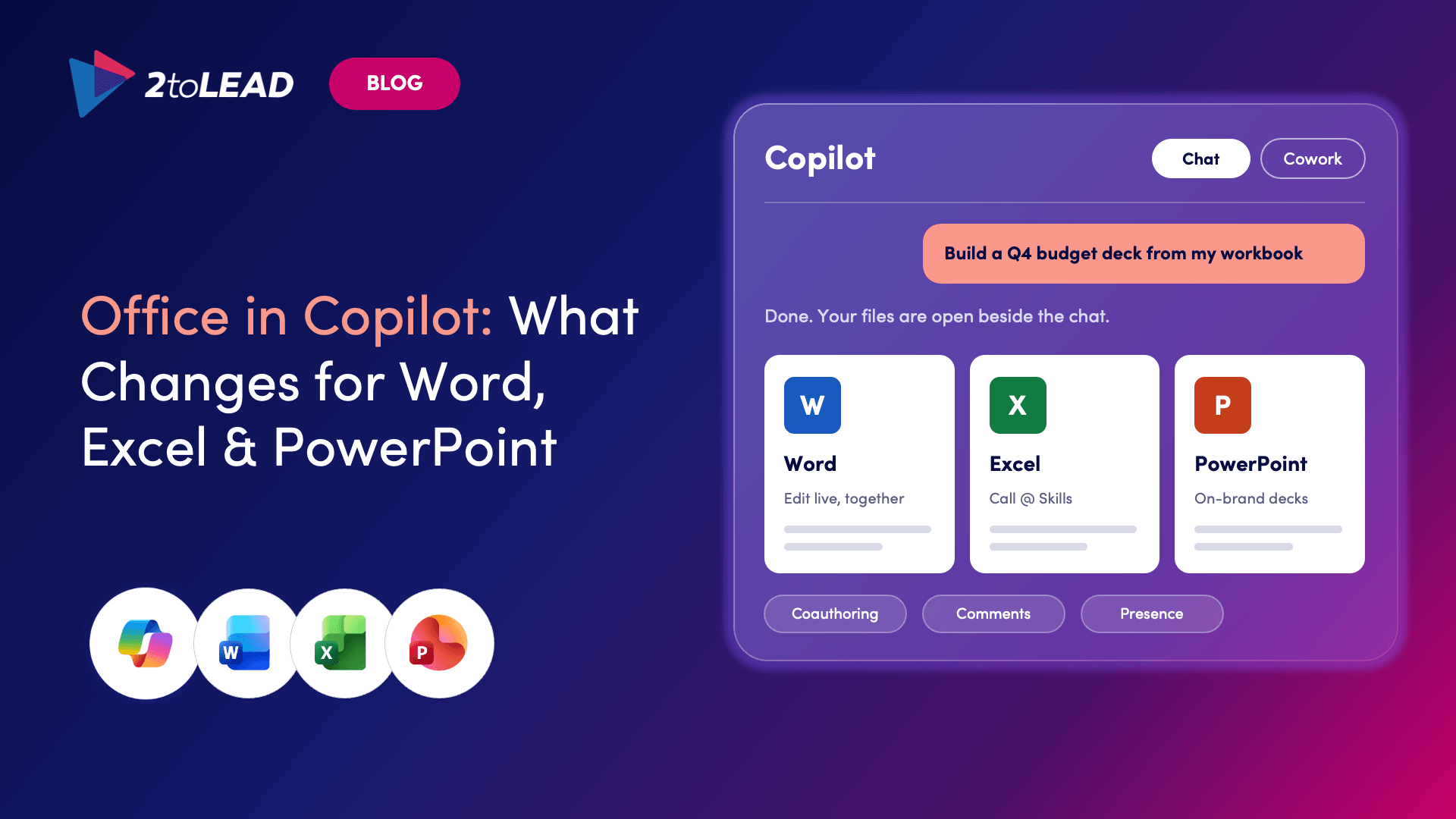
The same behavior applies to Copilot in Word, Excel and PowerPoint, on web, desktop and mobile. Microsoft revised both timelines during November, so re-check Message Center before you brief users.
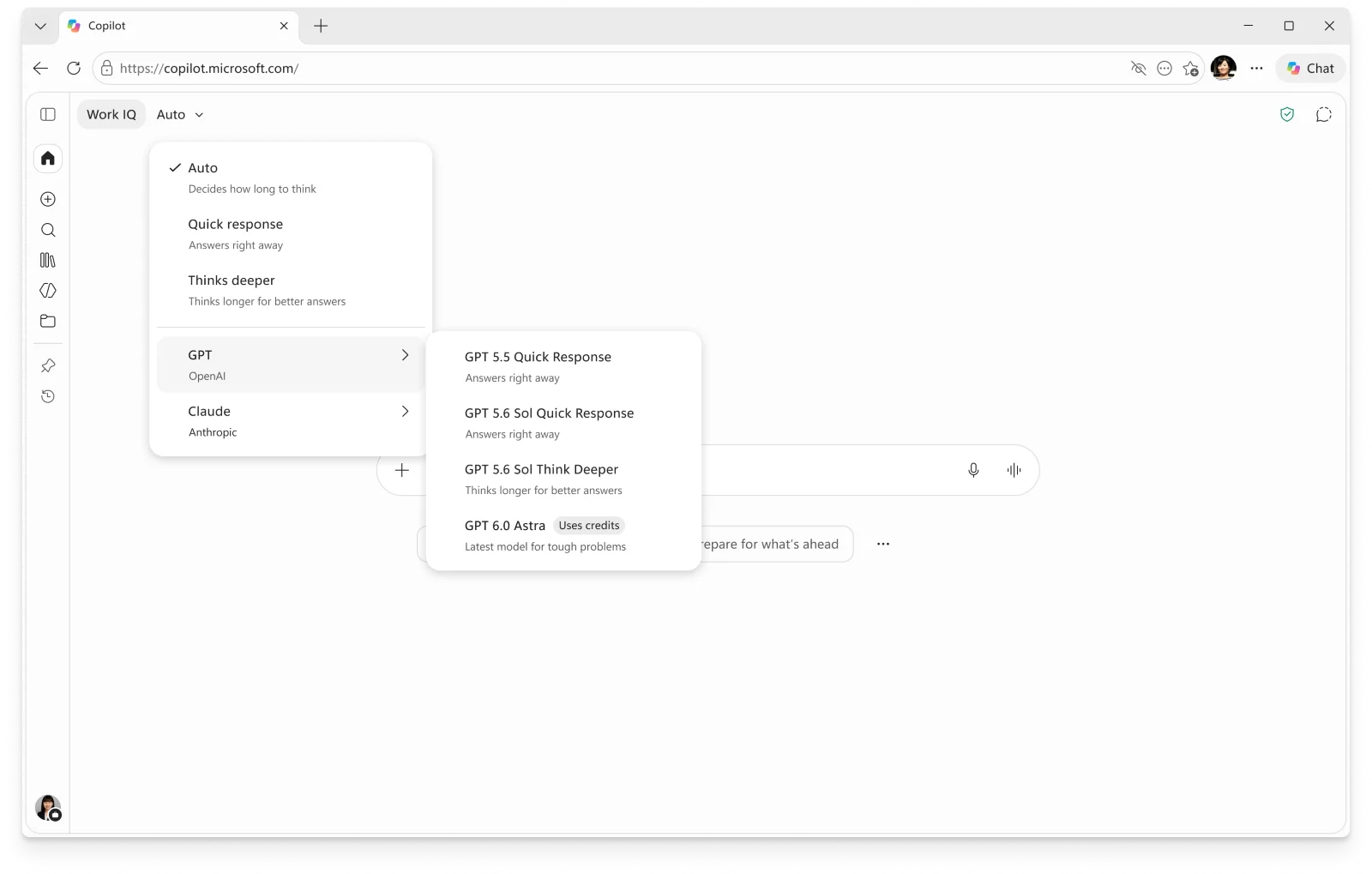
Copilot Chat consumes Copilot Credits in two scenarios only: when a user picks a frontier model, and when a user keeps using a limited model after reaching its included limit. Auto and standard model selection stay on the license.
Microsoft Learn draws the line this way. Auto is the default mode and anchors the user subscription license. Some models are included with fair use, such as GPT 5.6 and Sonnet. Others are included with limits, such as Opus. Frontier models, such as Astra and Fable, always run on usage-based billing.
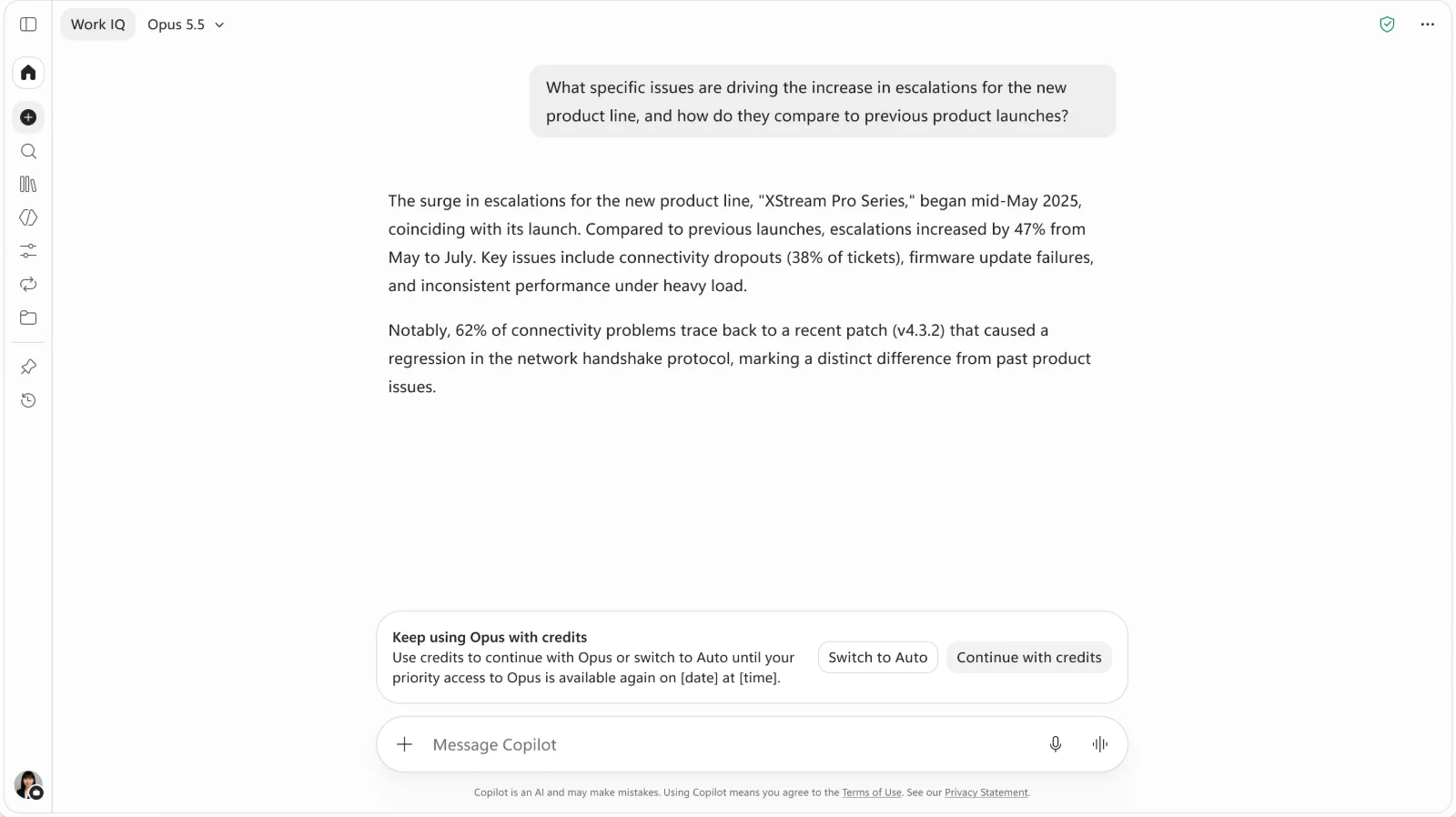
When someone reaches a limit, a banner offers two buttons: Switch to Auto or Continue with credits. Switching to Auto costs nothing. Continuing with credits only works if a spending policy covers that user. People without access see metered models grayed out in the model selector.
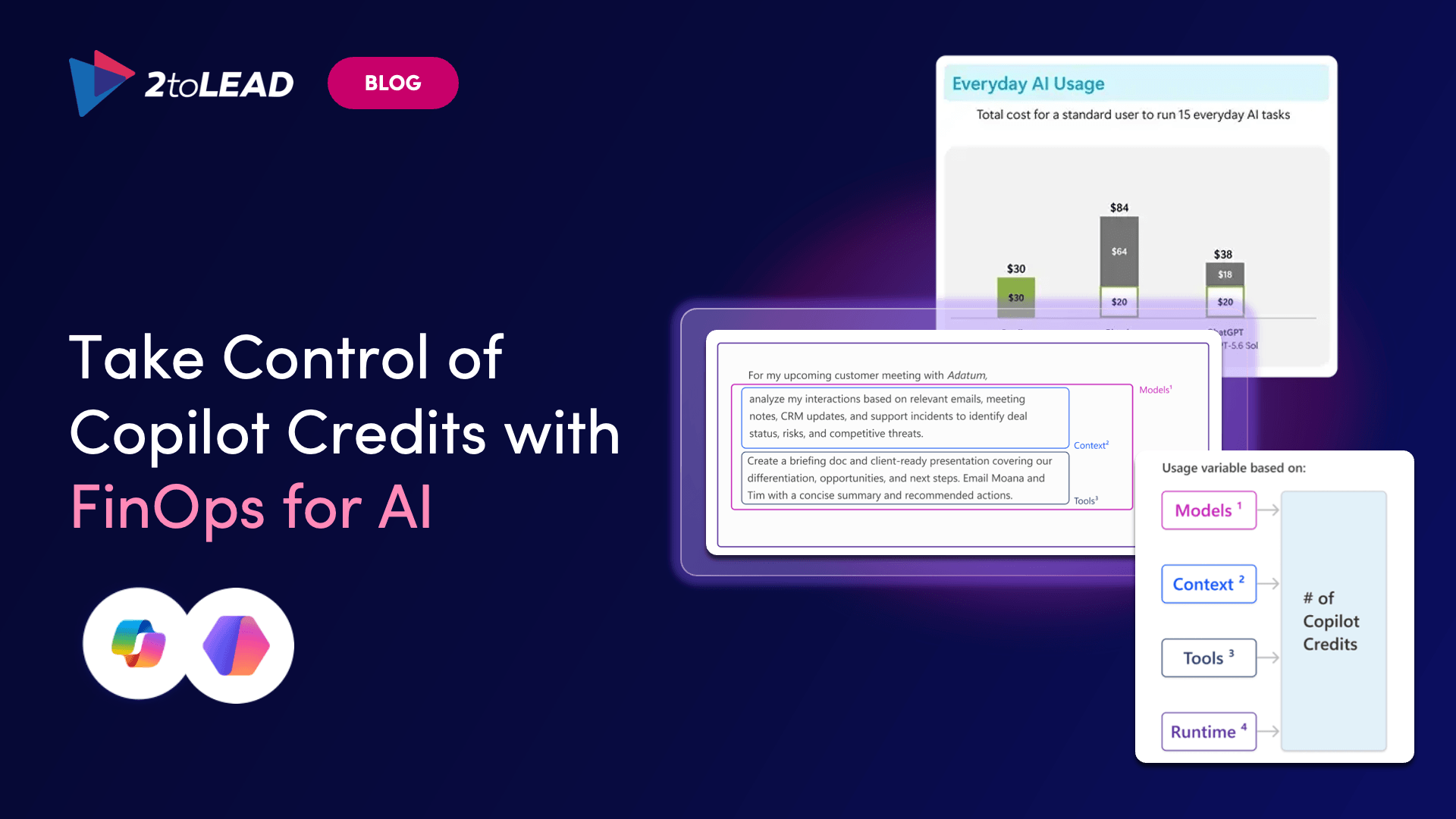
What does a metered chat cost? Microsoft’s November 2026 Copilot Credits Guide publishes no flat per-chat rate. It says usage varies with four cost buckets: the models chosen, the work context drawn on, the runtime and the tools used. Pay-as-you-go credits are priced at $0.01 each.
You cannot budget a meter you have never read. Forecast from measured usage, not a price list. Our Copilot Credits and FinOps for AI guide covers the cost model, and our comparison of Copilot Chat, Cowork, Code and Autopilot shows where each experience sits on the license.
Users have three views: the hover card on the credit usage icon, the /cost command and the Usage page. None of them needs an admin role.
Set expectations on what these views are not. Microsoft’s guide to Copilot Credit usage views says they are in-product estimates, not billing records. They cover the current billing period only and cannot predict what a task will cost before it runs.
Prepare the help desk for group plans too. If a user’s limit sits inside a shared group limit, the card can show credits remaining that are no longer available.
It matters because employees can now see the meter before most organizations have decided who owns it. The first question lands on the help desk. The first invoice lands on finance.
Three facts raise the stakes:
Sector notes:
Is the safest move to leave metered chat models off? It is a fair place to start, and Auto keeps everyone working at no credit cost. The risk is that a blanket block hides real demand. A small, scoped group with a limit tells you what the work is worth.
For HR and change leaders, the icon is a new workplace norm. Employees will read a filled circle as a question: am I allowed to spend this? Answer it in one paragraph before they ask. We explain why every meter needs a named business owner in Copilot Credits: Who Owns the Meter?
Complete six checks in the Microsoft 365 admin center under Copilot, then Cost Management. None of them needs a new license or new tooling.
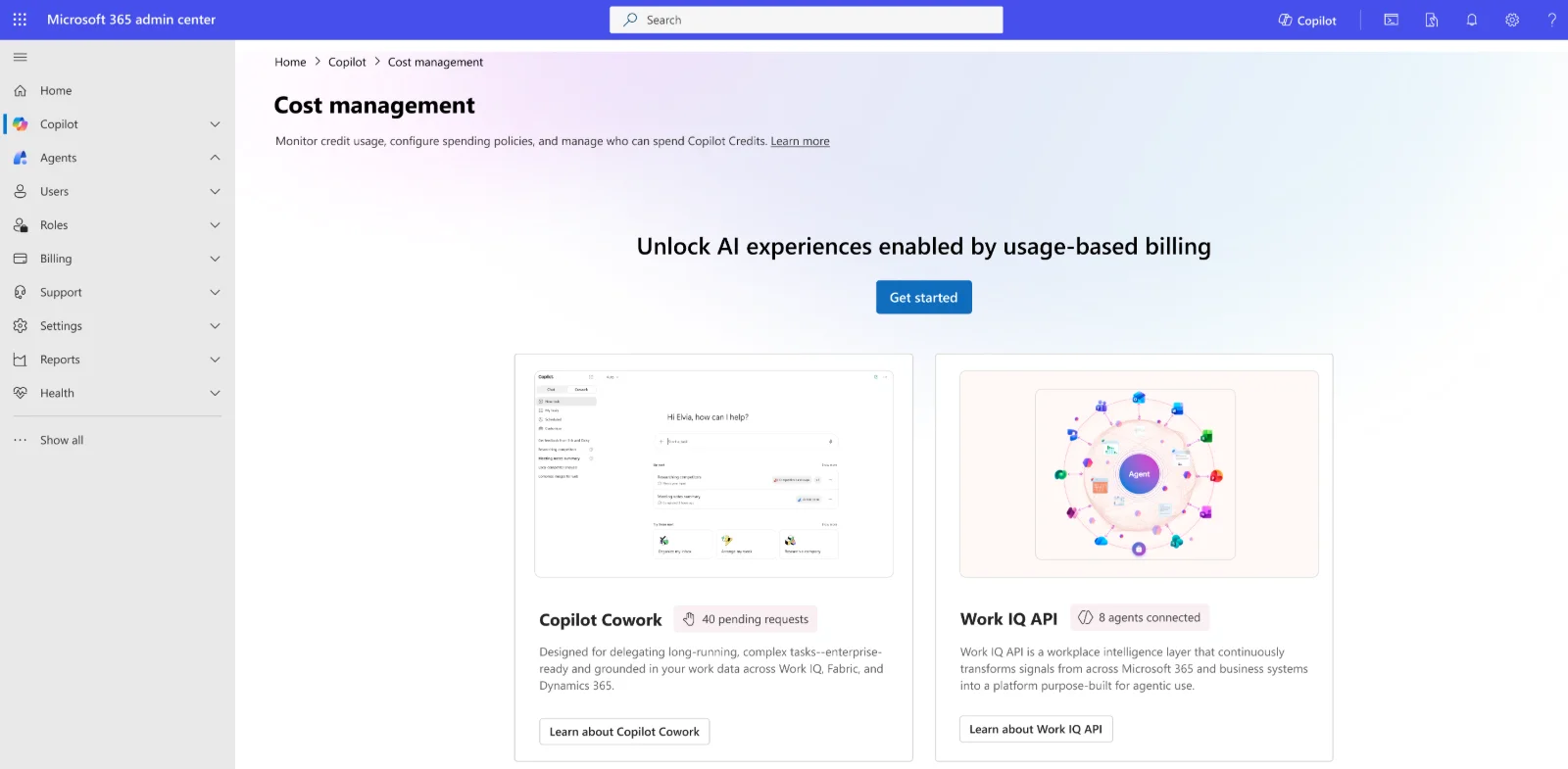
After launch, review the Consumption tab monthly. It refreshes every two hours and reports usage by policy, user, group and service. Controls like these hold up better inside a wider structure, which is the argument of why Copilot and agent governance fails without an operating model.
Set a ceiling you can defend, then compare credits consumed with hours returned. At $0.01 per credit, the math fits in a monthly review.
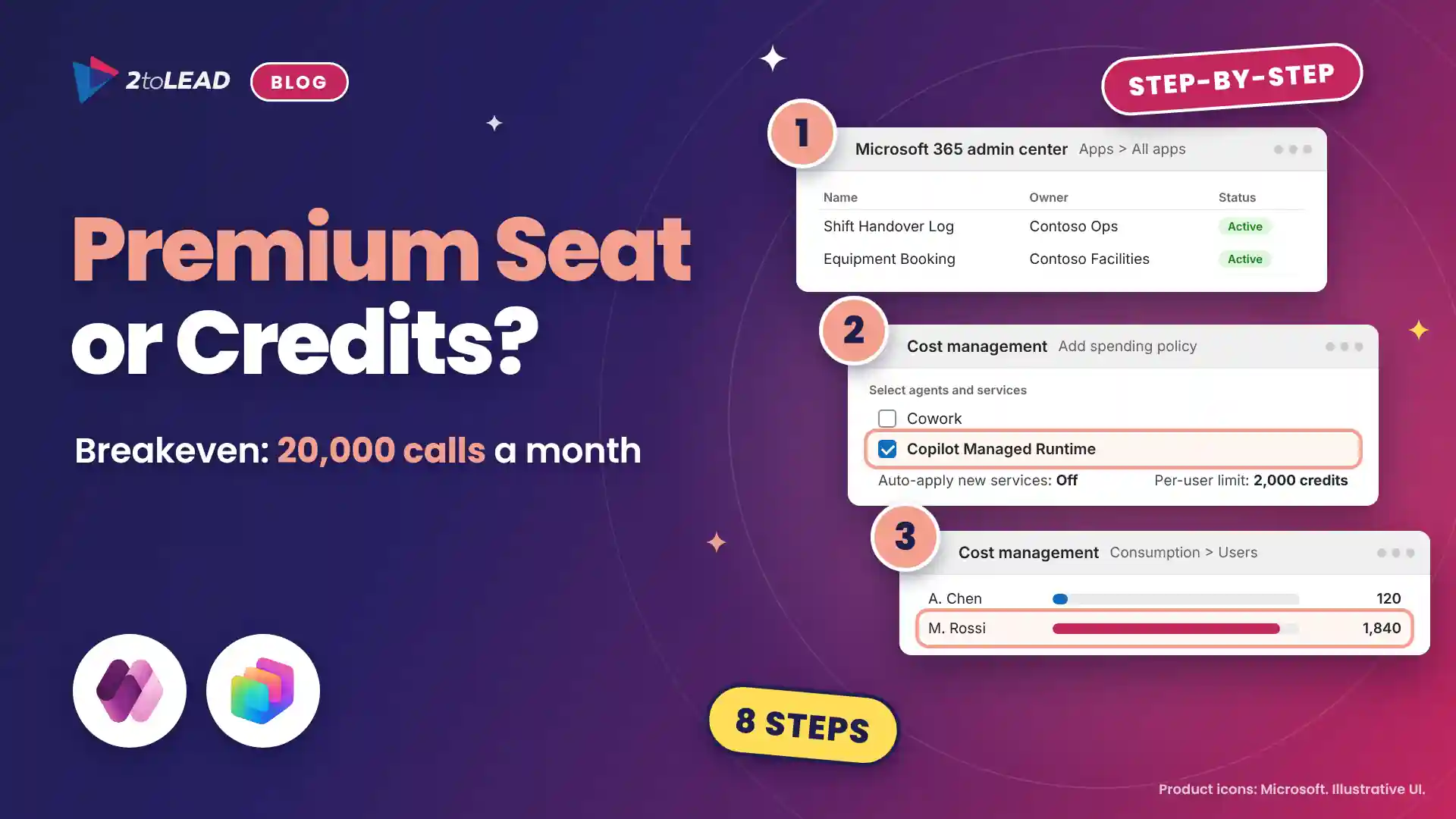
Here is a worked example for an organization with 200 Microsoft 365 Copilot licenses. The assumptions are ours, so replace them with your own.
These are ceilings, not forecasts. You pay for credits consumed. The gap between $12,000 and $96,000 is a scoping decision, not a technology decision.
Use this scorecard to confirm you are ready.
Swipe horizontally to see every column.
| Check | Ready when | Owner |
|---|---|---|
| Policy inventory | Every spending policy has a documented scope, billing method and limit. | IT |
| Auto-apply decision | Each policy has Auto-apply new services set on purpose, with the reason recorded. | IT |
| Service scope | Metered chat models are limited to named security groups. | IT and business owner |
| Limits and alerts | Per-user and policy limits are set, and alerts go to a monitored mailbox. | Finance |
| Request route | Credit requests reach an approver within an agreed time. | IT and finance |
| User briefing | The help desk and champions can explain the icon, both buttons and /cost. | Change lead |
| Value measure | Credits consumed are reviewed monthly beside hours returned. | Business owner |
For the outcome side of that last row, start with the Copilot adoption metrics that prove value.
No, not for everyday use. Auto and the models included with a Microsoft 365 Copilot license stay covered by that license. Copilot Chat consumes Copilot Credits only when a user selects a frontier model, or chooses to keep using a limited model after reaching its included limit.
It means the current chat is not metered. The credit usage icon stays unfilled and nothing is charged against your monthly credit limit. If you switch to a model tagged “Uses credits”, the icon fills in and the chat starts consuming Copilot Credits.
Yes. Leave the “Models with usage-based billing in Chat and Office” service out of your spending policies, or scope it to specific Microsoft Entra ID security groups. Users without access see those models grayed out in the model selector and can continue with Auto when they reach a limit.
Monthly credit limits reset at the start of each month, at 00:00 UTC. Unused credits do not carry over to the next month.
2toLead helps organizations put Copilot spend under clear ownership before the first invoice arrives. In a fixed-scope, two-week Copilot Credits Readiness Sprint, our Microsoft MVP team will:
Find more practical guidance on the 2toLead Insights hub, or book a Copilot Credits Readiness Sprint.
No hype. Just practical, governed AI that actually gets adopted.
Agent ideas everywhere, nothing in production? Three ways we help:
A regulated health system turned its legal contract playbook into a governed Copilot agent that reviews real contracts every day.
Read the case study →


Join Our Newsletter