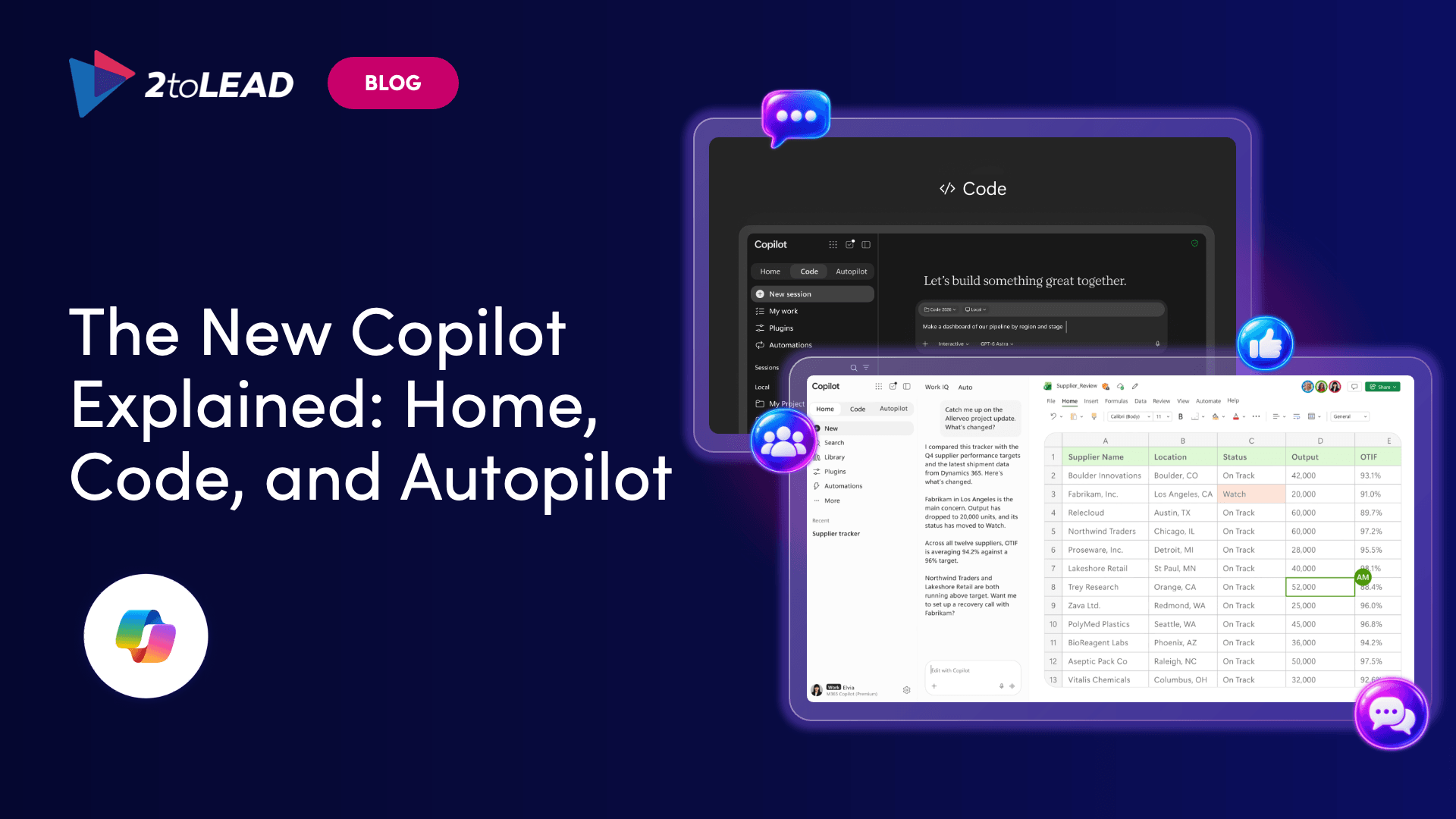
December 2026 Copilot adoption insights: Copilot Workspaces for teams, 2026 Copilot updates, who can see Copilot history, prompts and an Ignite recap.
Most Copilot wins still happen to one person at a time. Someone finds a prompt that works, keeps a useful chat to themselves, and their team never sees it. December changes that.
Copilot is moving into shared team spaces, more work runs inside the apps people already use, and employees want to know who can see what they type. This month covers the habits that help adoption spread from one person to a whole team.
It is no longer just, "Is Copilot helping me?" It is now, "Is Copilot helping us?"
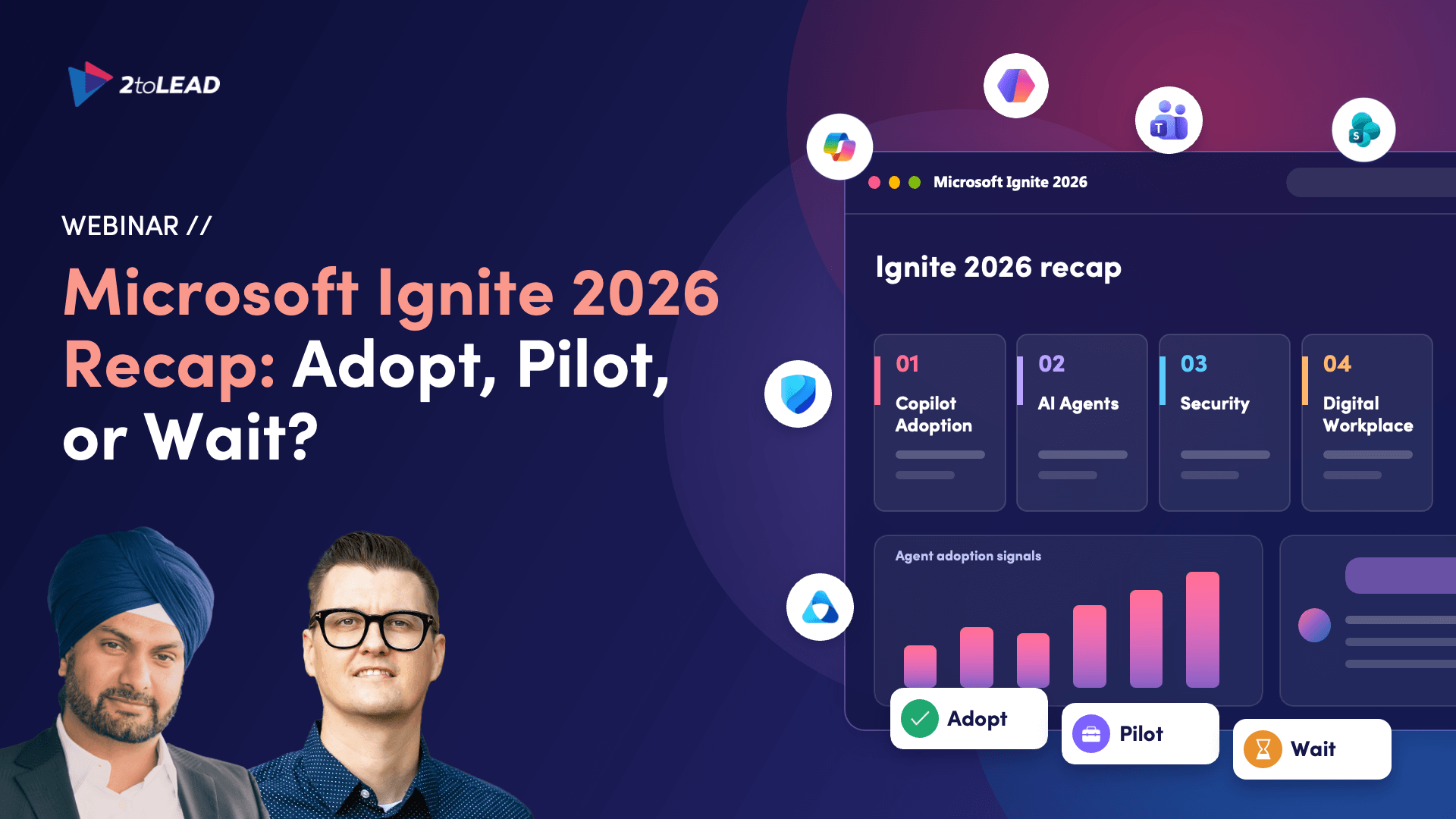
Most Ignite recaps list what Microsoft announced. This one helps you decide what to do next. Microsoft MVPs Kanwal Khipple and Richard Plantt shortlist the announcements most likely to change how organizations work. Then they sort each one into Adopt, Pilot, Prepare For or Explore, with a status check on what's generally available and what's still in preview.
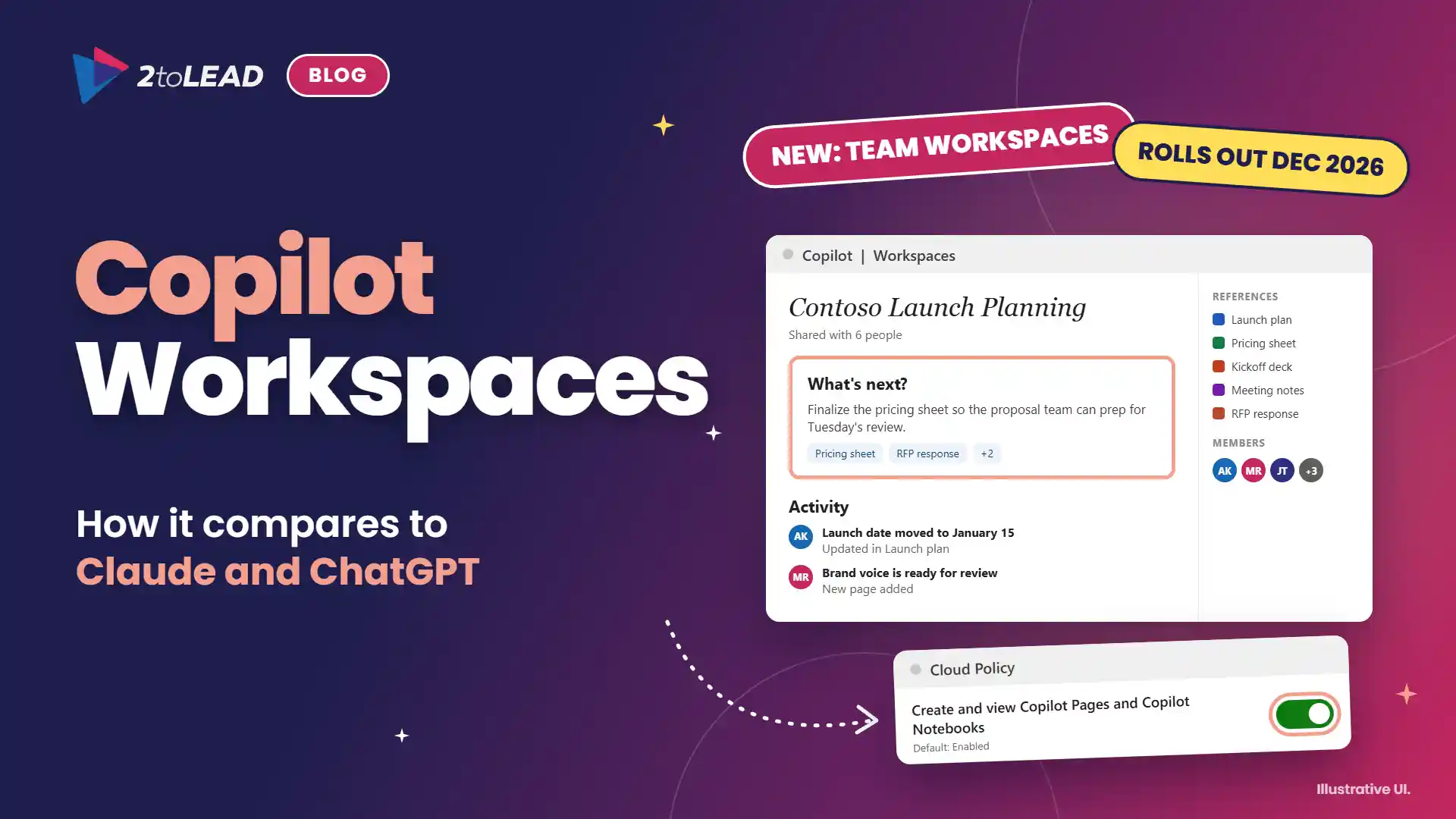
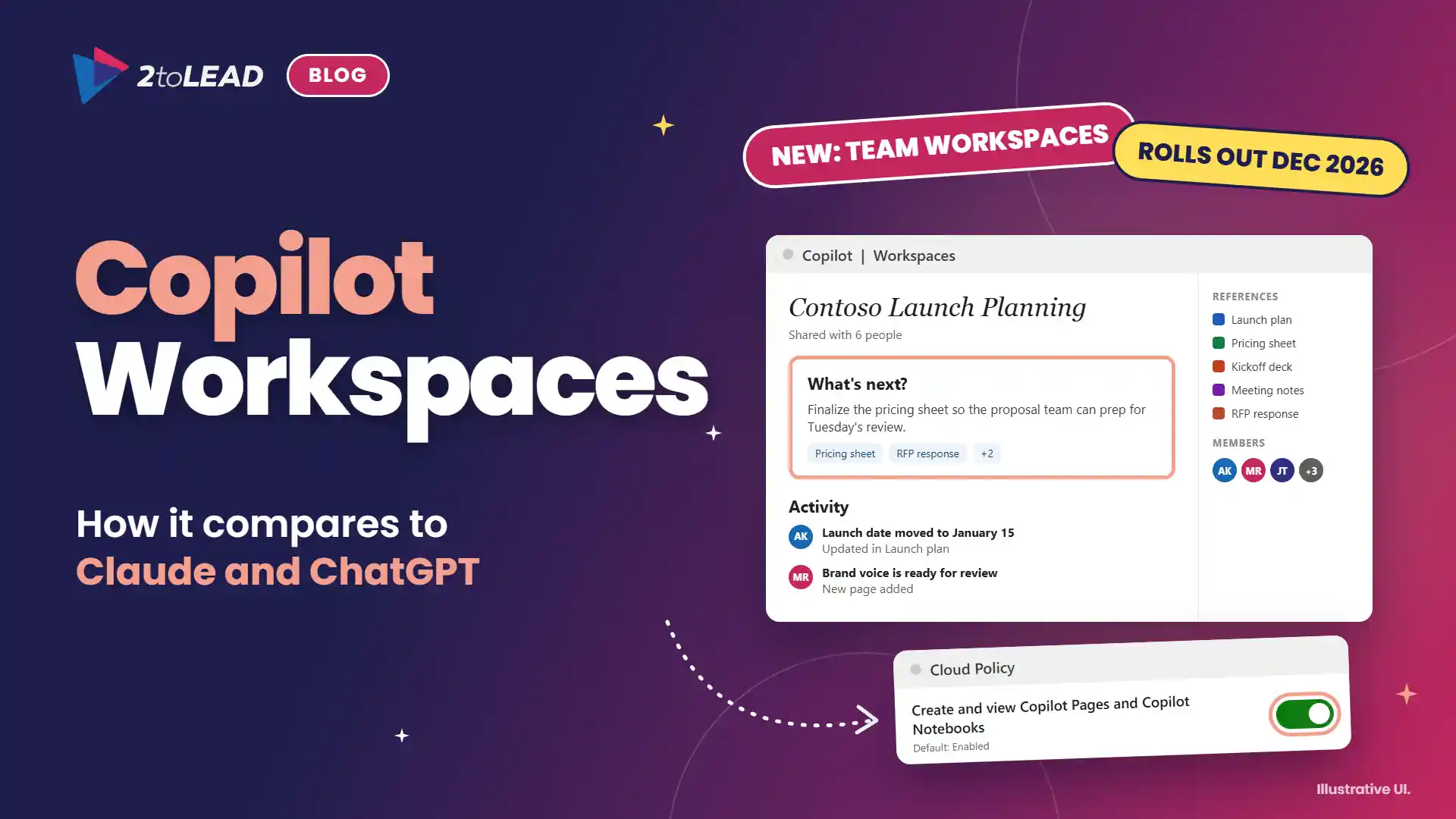
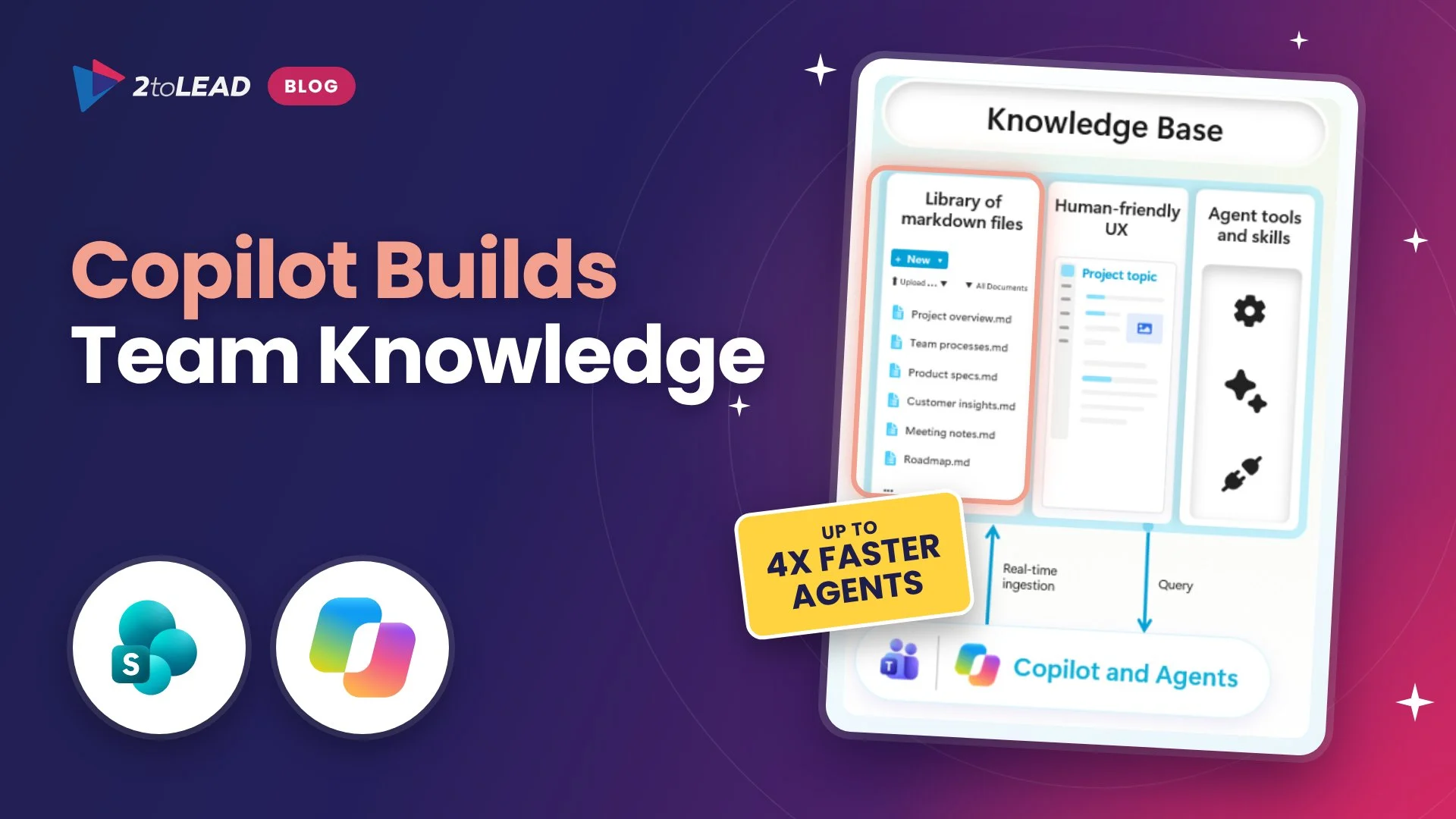
Where does your team's shared AI context live today? If the answer is one person's ChatGPT or Claude project, there's now a governed alternative. Copilot Notebooks is now Copilot Workspaces, a shared space where a team keeps a project's files, instructions and people together and works with Copilot on one workstream. Standard release begins in December 2026, and existing notebooks convert automatically. This guide covers six scenarios where it fits and how it compares to Claude and ChatGPT.
→ See where your team's AI context should live
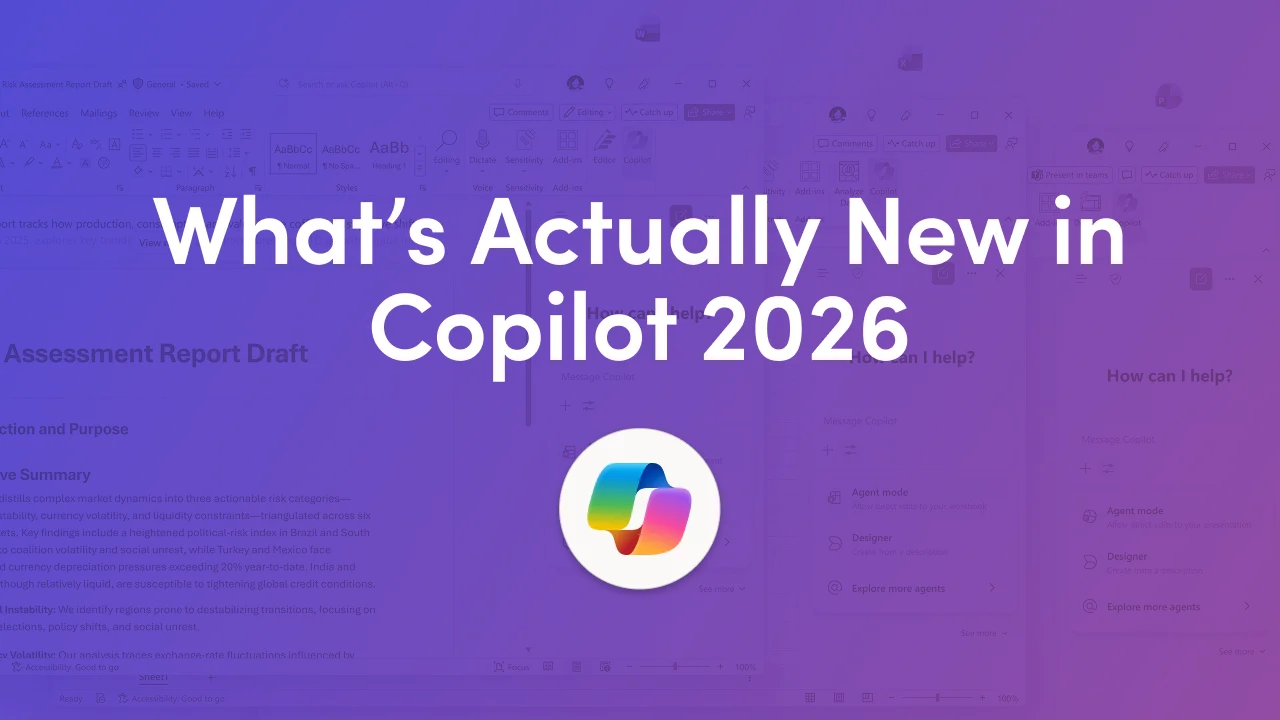
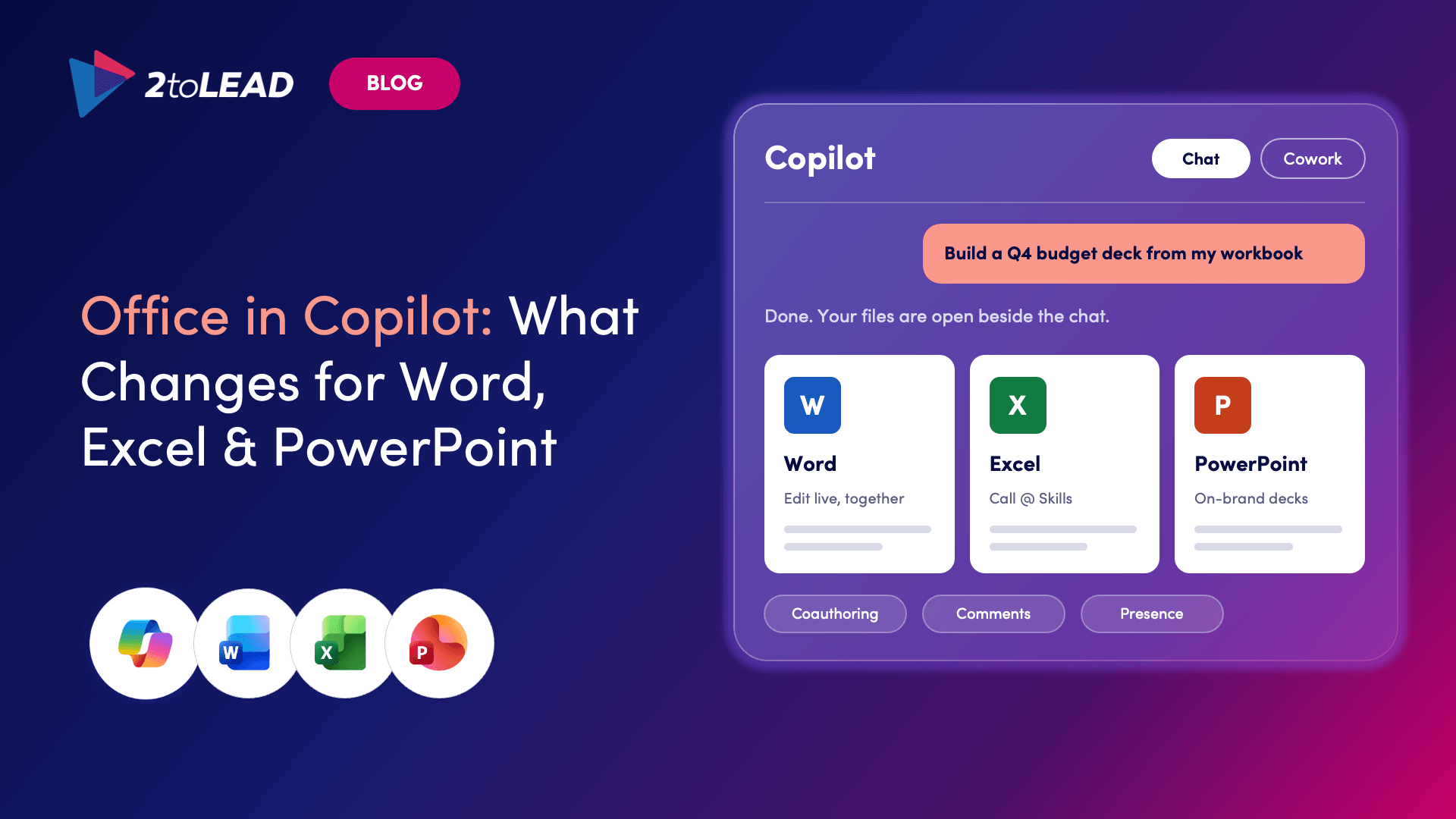
Copilot is no longer just a chat box next to your work. In 2026 it became an operational layer inside Word, Excel, PowerPoint and Outlook, with agent mode that edits over several steps instead of producing a single draft. Microsoft also strengthened the measurement and governance tools underneath it. Most rollouts plan for the first change and miss the second. This piece explains both and why they need to move together.
→ See what changed in Copilot this year
Employees who worry about being watched tend to hold back what they ask Copilot. The honest answer is "yes, in specific ways." Work Copilot chats are stored as organizational data. Authorized compliance roles can search them through Purview eDiscovery, but managers have no default view, and usage reports show activity, not prompts. This guide explains who can see what, so champions can give staff a clear, calm answer.
→ Get a plain answer you can share with your people
New users rarely need more features. They need a few prompts they can reuse every week. This list gives ten ready-to-copy prompts, including email thread summaries with owners, meeting recaps with decisions, and slide outlines built from a document. It also shows how to adapt each one for your own team. It works well as a handout for anyone new to Copilot this quarter.
→ Give your new users their first ten wins

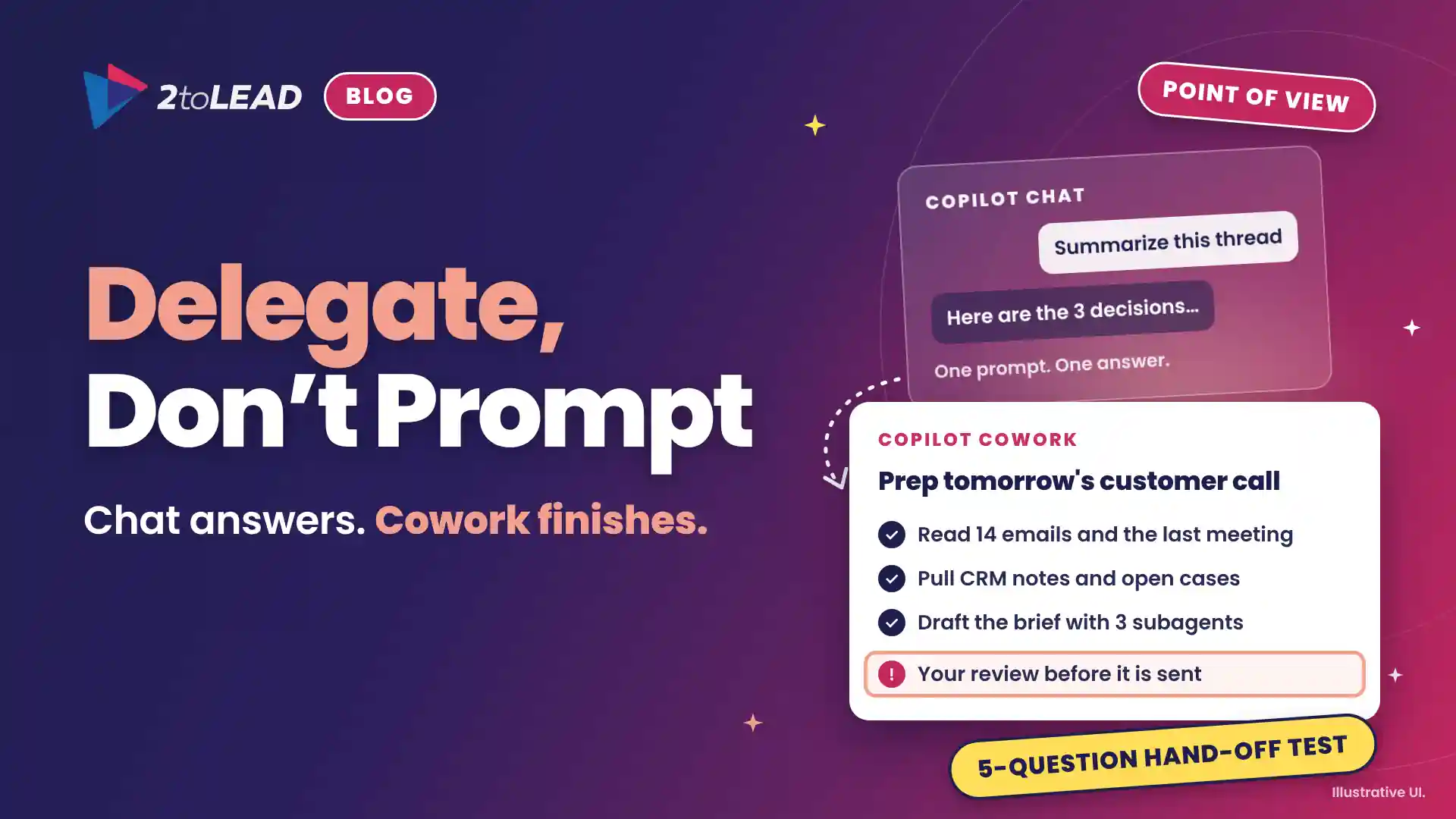
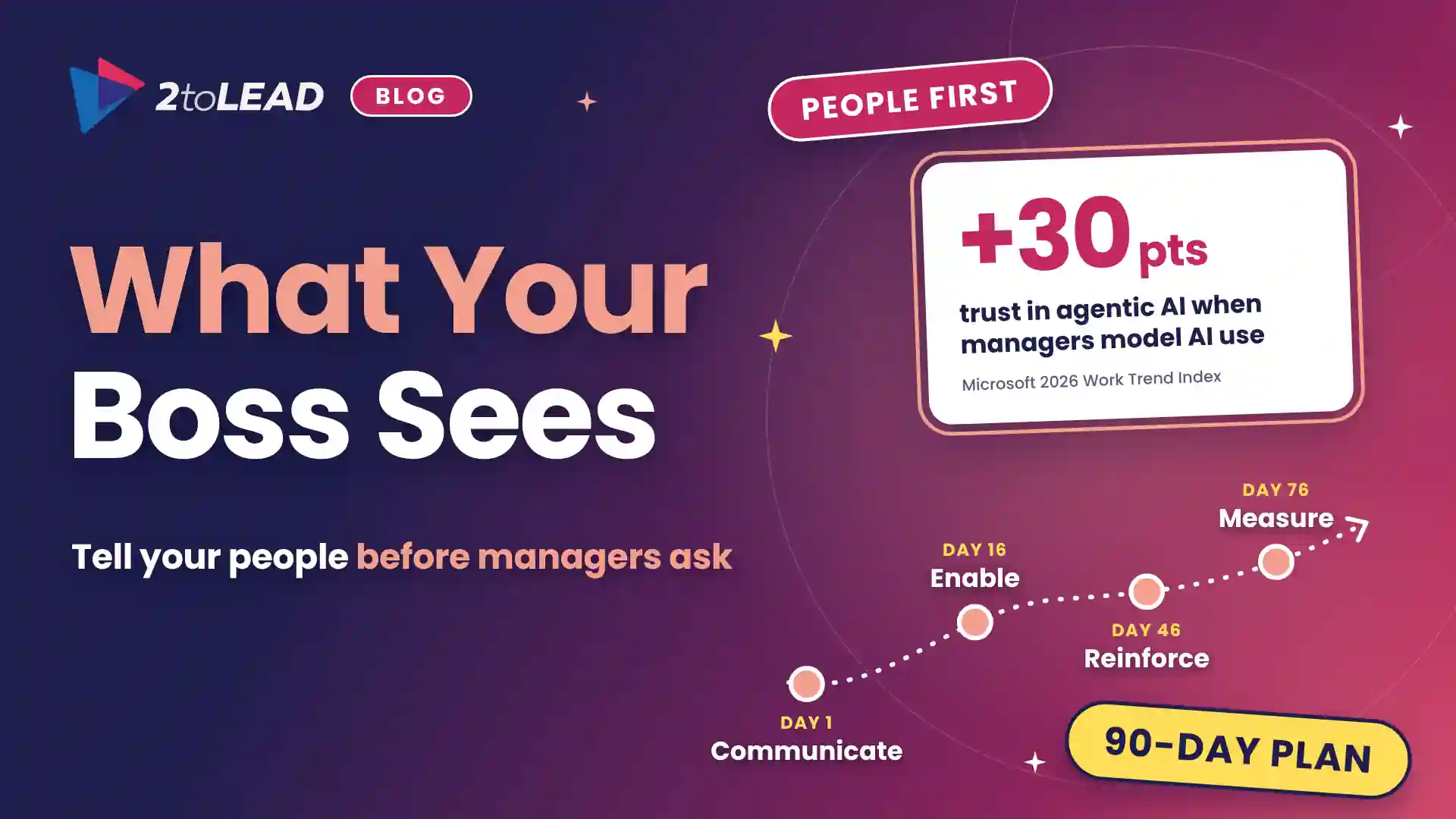
When leaders use Copilot where their teams can see it, other people follow. This kit gives executives, directors and team leads ten prompts for the moments that matter: meeting prep, status reports, launch forecasting, time-use analysis and strategic planning. It also includes a simple Goal, Context, Expectations, Source framework and guidance on privacy and security.
→ Give your leaders prompts worth modeling
Workspaces, agent mode and Copilot Studio all change how people work with Copilot. 2toLead offers private training sessions built around your goals, your examples and your schedule. Book a private Copilot training session
The organizations that gain the most from Copilot next year will be the ones that can explain:
If your Copilot use is stuck with a few individuals, 2toLead can help you build a plan for the whole organization in 2027.
Copilot licences bought, usage flat, ROI unproven? Three ways we help:
A global nonprofit turned Copilot licences into 1,115.6 hours saved and $83.7K in productivity value.
Read the case study →


Join Our Newsletter