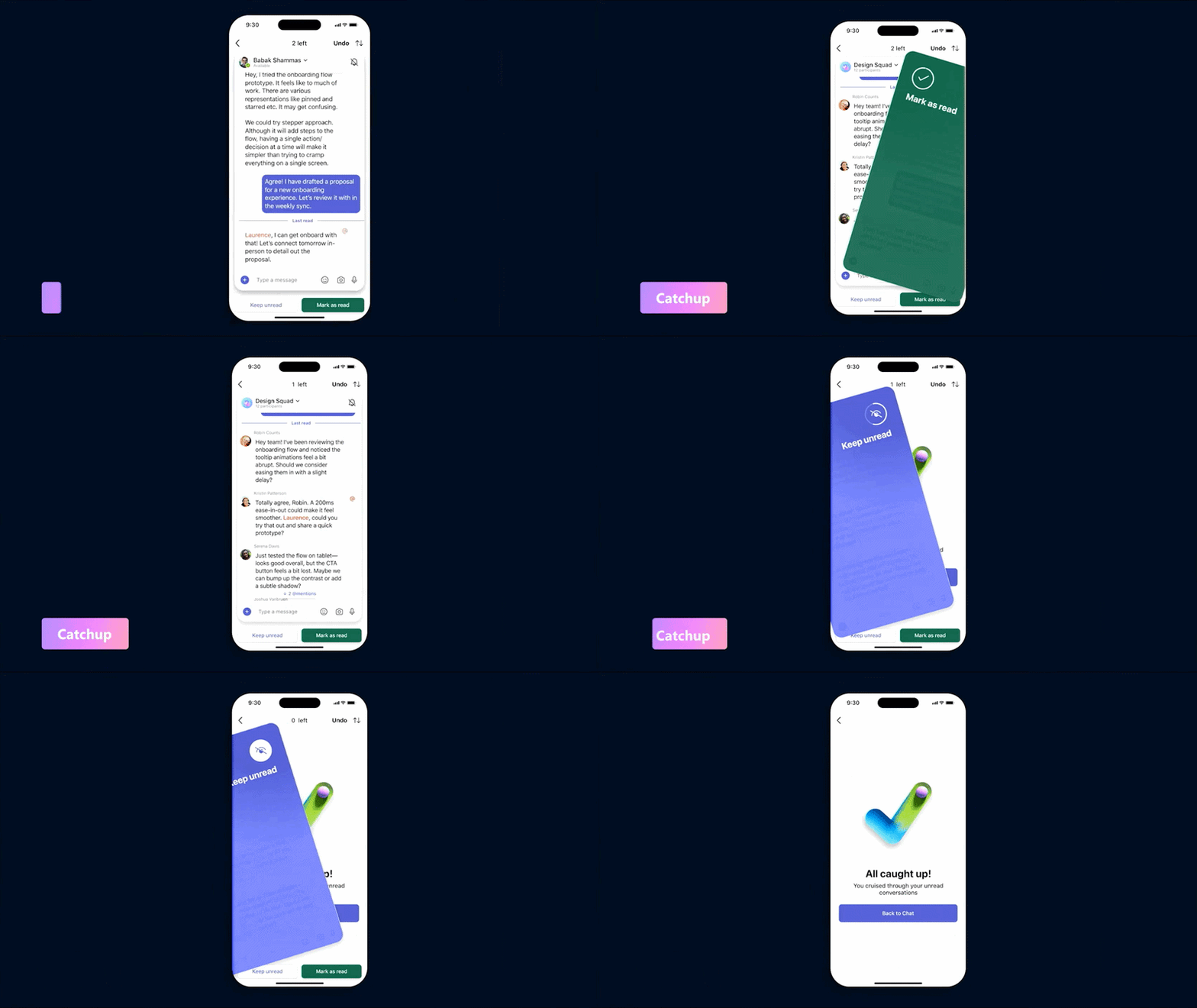
With so many announcements rolling out across Microsoft 365 these days, it is easy to lose track of what actually shipped. New Copilot capabilities, design refreshes, agent updates, governance changes.
In all that noise, one of the most genuinely useful additions in recent months almost slipped past us. It is a small feature in the Microsoft Teams mobile app called Catchup, and it might be one of the most quietly impactful updates we have seen for everyday work.
Because that is the thing. If you work in a digital workplace, you have probably noticed something. The volume of messages, mentions, notifications, and channel updates has been climbing for years. Every tool wants a piece of your attention. Every new feature promises to help you do more, faster, with less effort.
And honestly, a lot of people are tired.
We hear it from clients in intranet workshops. We hear it from communicators trying to reach colleagues without adding to the noise. We hear it from leaders who are quietly worried that their people are spending more time managing tools than doing the work those tools were meant to support.
So when a new Microsoft 365 feature shows up, we try to ask a different question. Not "how does this make me more productive," but "does this make my workday feel a little lighter?"
Catchup is one of the rare updates where the answer is genuinely yes. It is small. It is practical. And it gives back something we have all been quietly losing: a sense of focus.
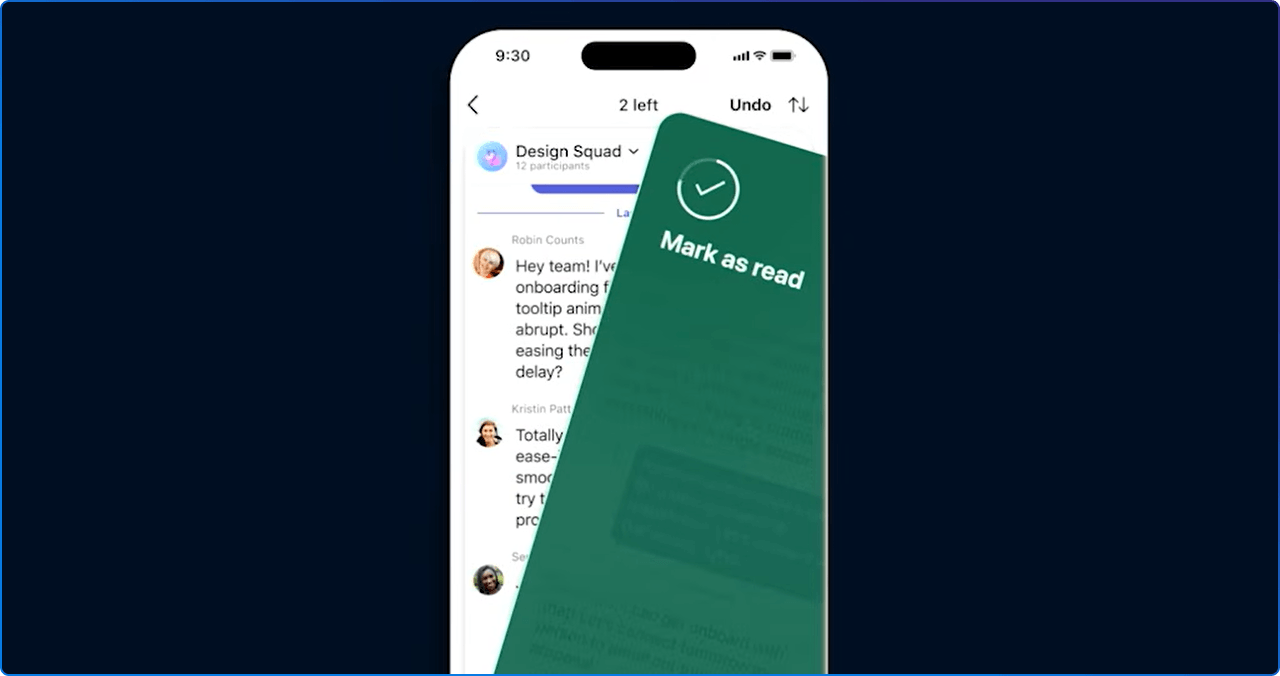
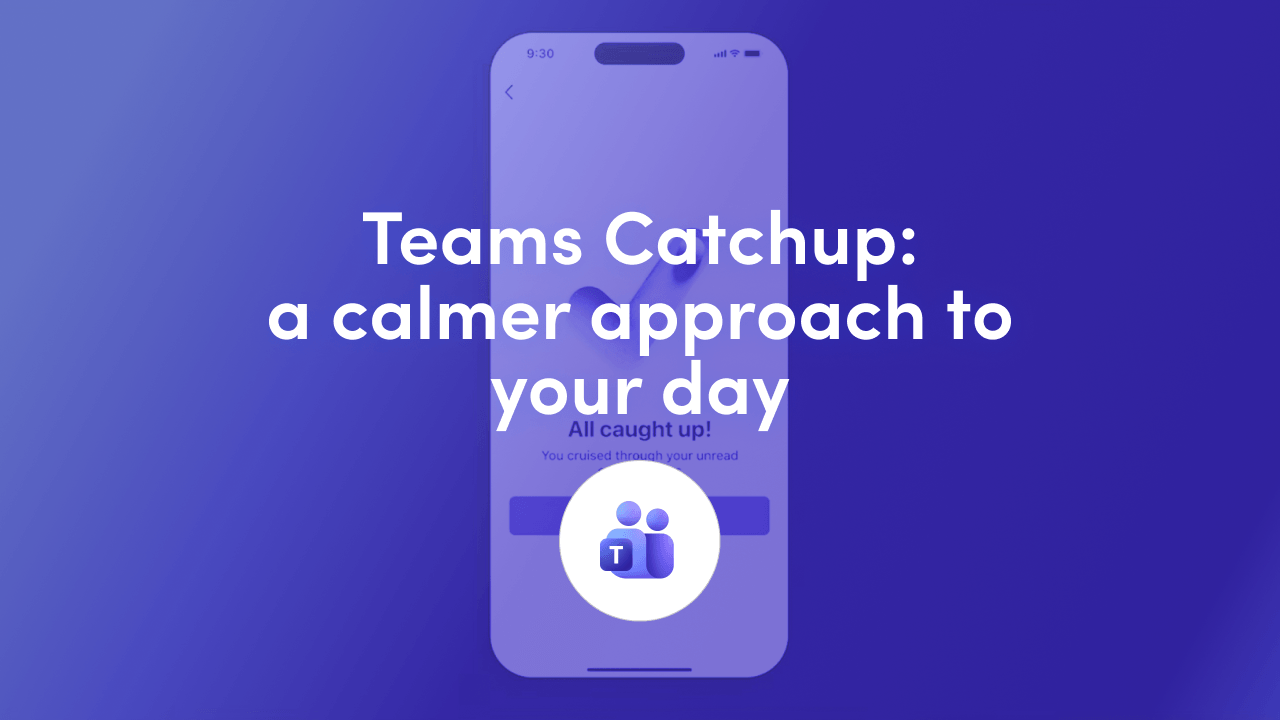
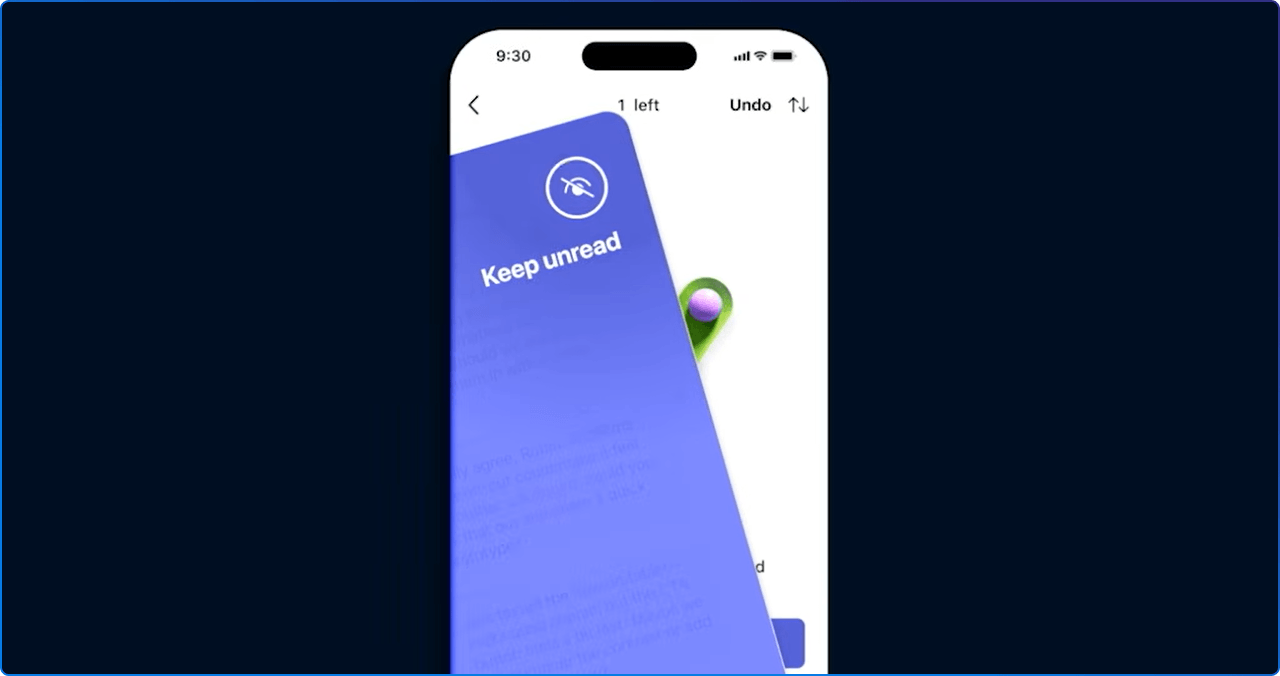
Catchup is a feature on the Teams mobile app that brings together the conversations that need your attention into one simple, scrollable view. It pulls in your unread and important messages from across personal mentions, one to one chats, group and meeting chats, and threads you follow, and presents each one as a swipeable card.
A few details are worth knowing:
Microsoft began rolling Catchup out to mobile users in early April 2026, with broader worldwide availability following through May and June. No admin configuration is required. It is on by default.
That is the feature. Now the more interesting part.
On the surface, Catchup looks like a tidy little inbox triage view for your phone. In practice, it is part of a much quieter shift in how Microsoft is thinking about the employee experience.
For years, Microsoft 365 updates were mostly about adding new capability. More features, more surfaces, more notifications competing for attention. The unspoken assumption was that productivity meant volume.
Catchup signals a different assumption. It assumes that what people need is not more inputs, but a clearer way to navigate the inputs already arriving. It assumes that clarity is a feature. It assumes that calm is worth designing for.
That is a meaningful change. And it reflects what a lot of us already feel. The challenge in the modern digital workplace is rarely access to information. It is the cognitive cost of constantly deciding what to look at first.
Catchup is straightforward, which is part of its charm. A few small habits make it even more useful:
Open it once at the start of your day rather than scrolling through every chat. The cards are designed to give you context quickly, which means you can triage in a few minutes what used to take much longer.
The mute and unfollow options sit right at the top of each card for a reason. If a chat or channel is not actually relevant to you, you are allowed to step back from it. Catchup makes that easier without making it a big decision.
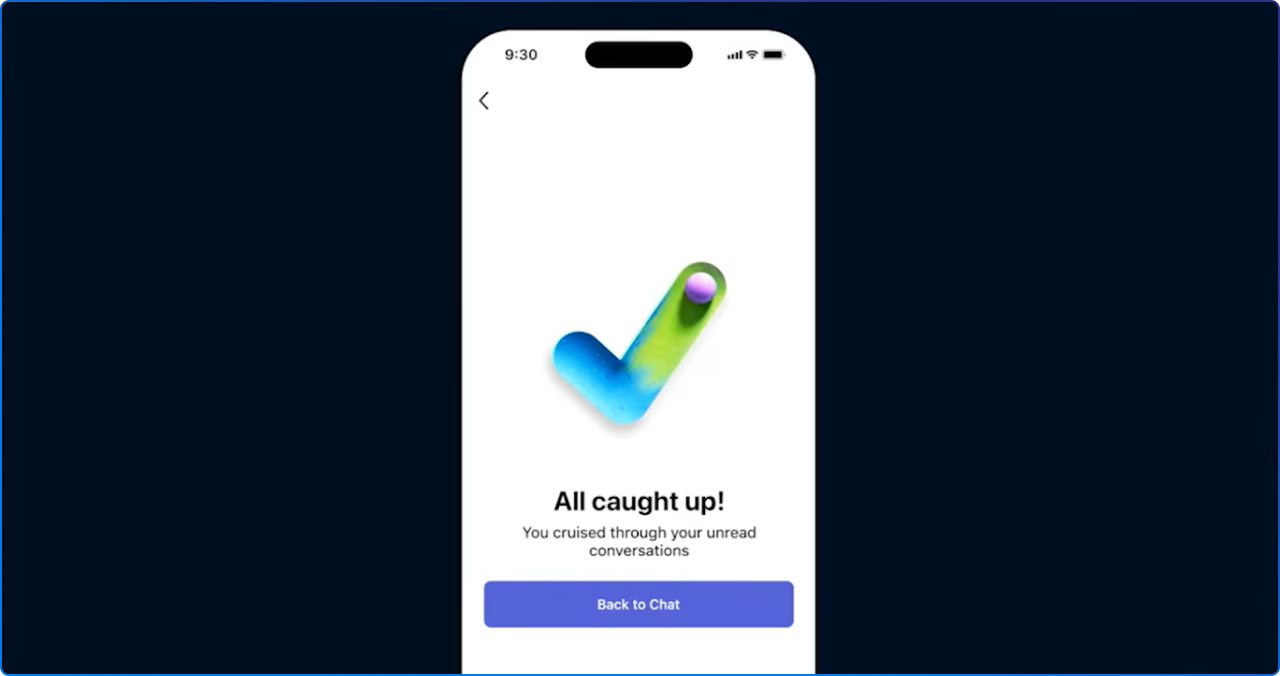
When the message appears, treat it as a real signal. You do not need to keep scrolling. You do not need to find more to do. The point of the feature is to give you a clean stopping point so you can get back to the work that matters.
Catchup handles triage, not deep work. The best use of a calmer inbox is what it frees you to do next. Block time after Catchup for the thinking work that actually needs your full attention.
For those of us who plan, design, and support digital workplaces, Catchup is a useful prompt. It reinforces something we have been advocating for some time. Employee experience improves not when we add more tools, but when we reduce the cognitive load of using them.
If your intranet, your Teams environment, or your Copilot rollout is being measured purely by capability, it might be time to add another lens. Are people finding what they need without having to hunt? Are notifications shaped by intent or by default? Does your communications model help people feel informed without feeling overwhelmed?
These are not soft questions. They are some of the most important design questions in modern work.
The best Microsoft 365 update is not necessarily the biggest one. It is the one that makes the workday feel simpler. In a moment when there always seems to be something new, that may be the most valuable kind of progress we can offer.
At 2toLead, we spend a lot of time helping organisations build digital workplaces that feel calmer, clearer, and more human. That includes communications strategy, Teams and SharePoint adoption, Copilot rollouts, and intranet experiences that respect people's attention.
If Catchup has you thinking about how your own environment could feel a little less noisy, we would love to talk. Explore our Definitive Guide to Employee Experience with Microsoft 365, Viva, and Copilot, and our Intranet Planning Toolkit for practical guidance you can put to work right away.


Join Our Newsletter