The Briefing for September 2025: Teams search and meeting upgrades, Copilot Chat in Word, Excel and Outlook, and AI-powered sections in SharePoint pages.

AI-powered collaboration are moving fast, and this month’s updates show just how much smarter our digital workplace can become. From Microsoft’s new collaborative agents that connect conversations to action, to Copilot Chat arriving in everyday apps, the tools we rely on are getting more intuitive and integrated.
In this issue, you’ll find practical insights, upcoming events, and resources to help you put these innovations to work, keeping knowledge reliable, meetings productive, and teamwork effortless.
INDUSTRY NEWS //
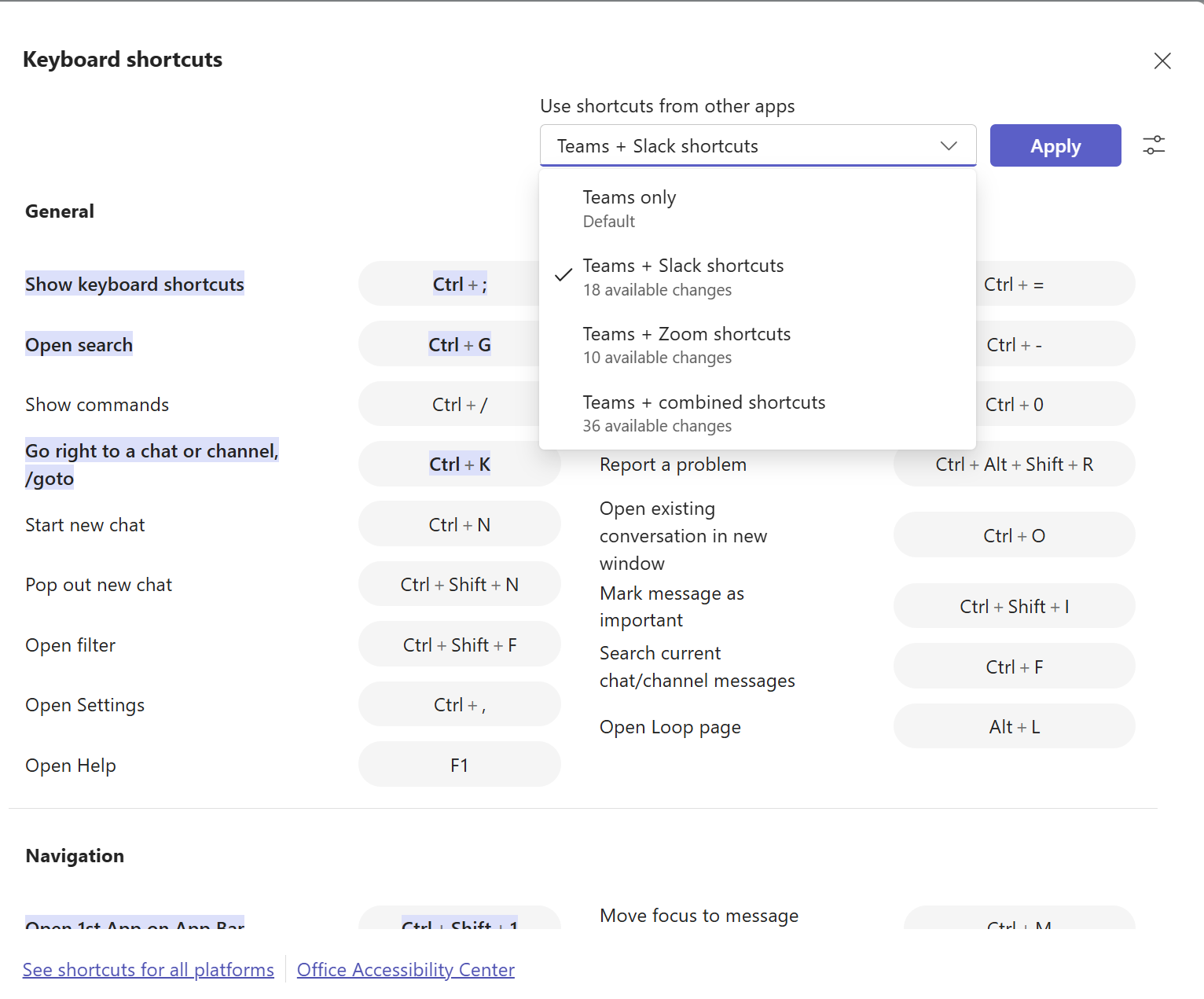
Microsoft continues to refine Teams with updates that make collaboration smoother, meetings more effective, and hybrid work more connected. This month’s release focuses on more intelligent search, improved meeting experiences, and stronger tools for both end users and IT admins.
Here are Some Key Highlights:
Explore the full update and see what’s new in Teams

Copilot Chat is now built into Word, Excel, PowerPoint, Outlook, and OneNote, bringing AI support right into the apps we already use. Even without a full Copilot license, some features are available, making it easier to explore AI in daily work.
What’s the Scoop?
Explore how AI can elevate your everyday apps.
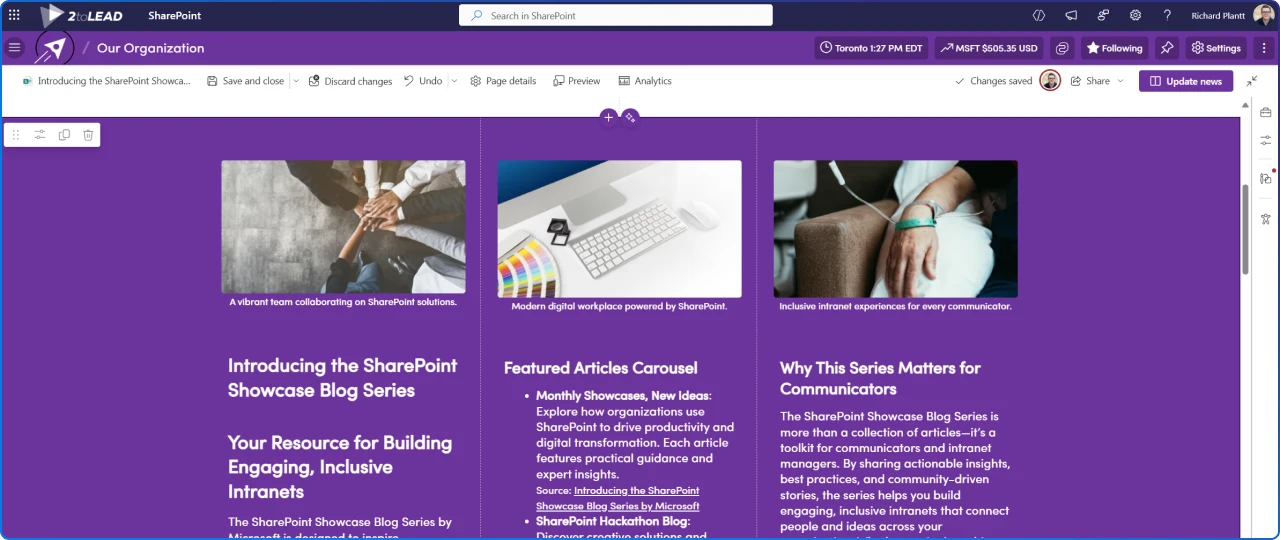
Microsoft is reimagining how we build and share knowledge with the introduction of AI‑powered sections in SharePoint pages. This feature brings intelligent content creation directly into the page editing experience, helping teams craft richer, more engaging communications without starting from scratch.
What’s You Need to Know:
See how AI-powered sections can transform your SharePoint pages.
Featured Resource:
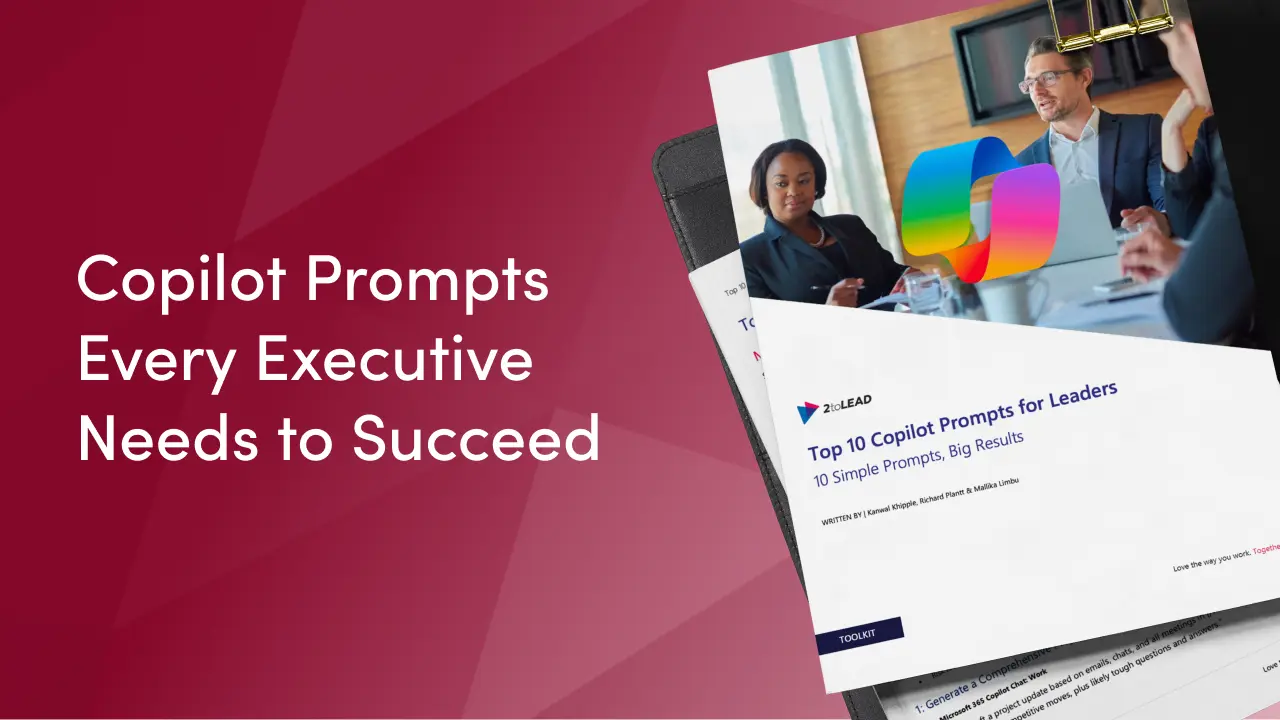
Great leaders don’t just rely on experience they know how to ask better questions. With AI now part of daily work, the way you frame a prompt can make the difference between vague output and actionable insight. Our Top 10 Copilot Prompts for Leaders is designed to help executives cut through noise, prepare for critical meetings, align teams around strategy, and turn high-level goals into measurable results. Built on a practical framework, these prompts give you a repeatable way to get clear, trustworthy answers from Copilot so you can spend less time chasing clarity and more time driving impact.
Featured Articles
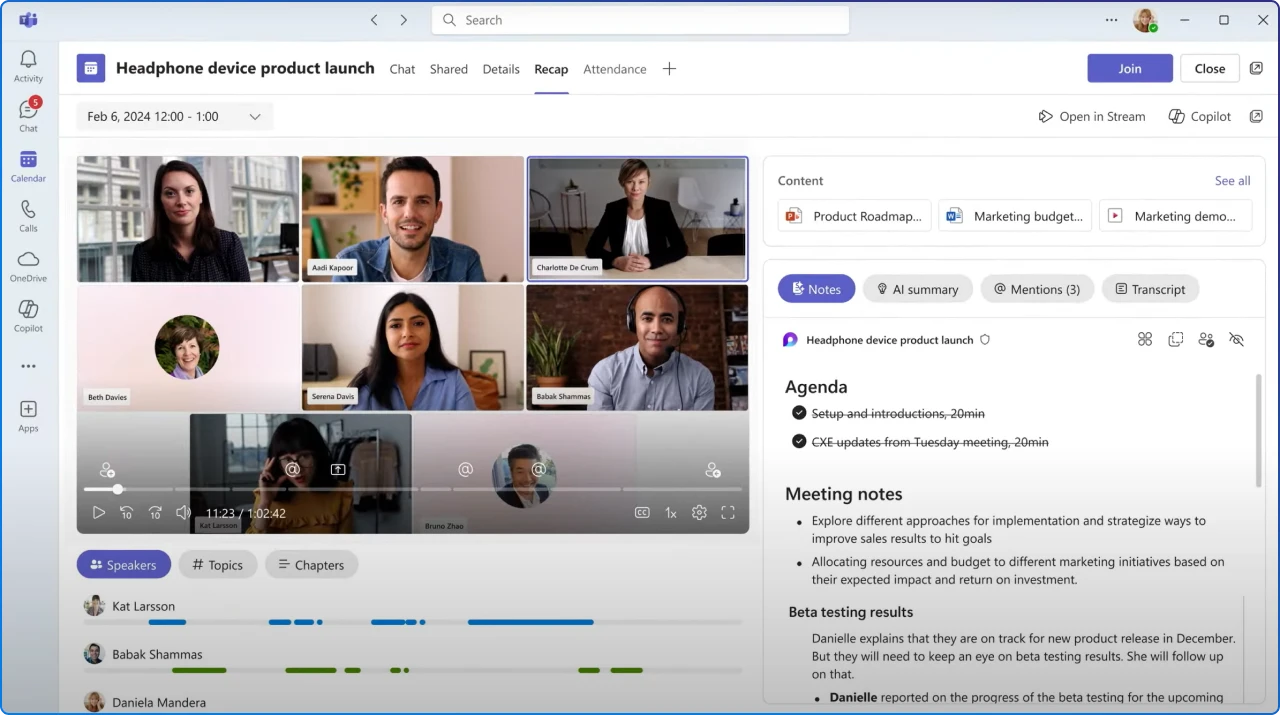
Microsoft’s new AI agents enhance collaboration in Teams, SharePoint, and Viva Engage. They orchestrate workflows: the facilitator keeps meetings on track, the Project Manager turns discussions into plans, and the Knowledge Agent organizes content. Public previews are available now, requiring only effective governance to get started. Early adopters will see faster decision-making and improved business momentum.
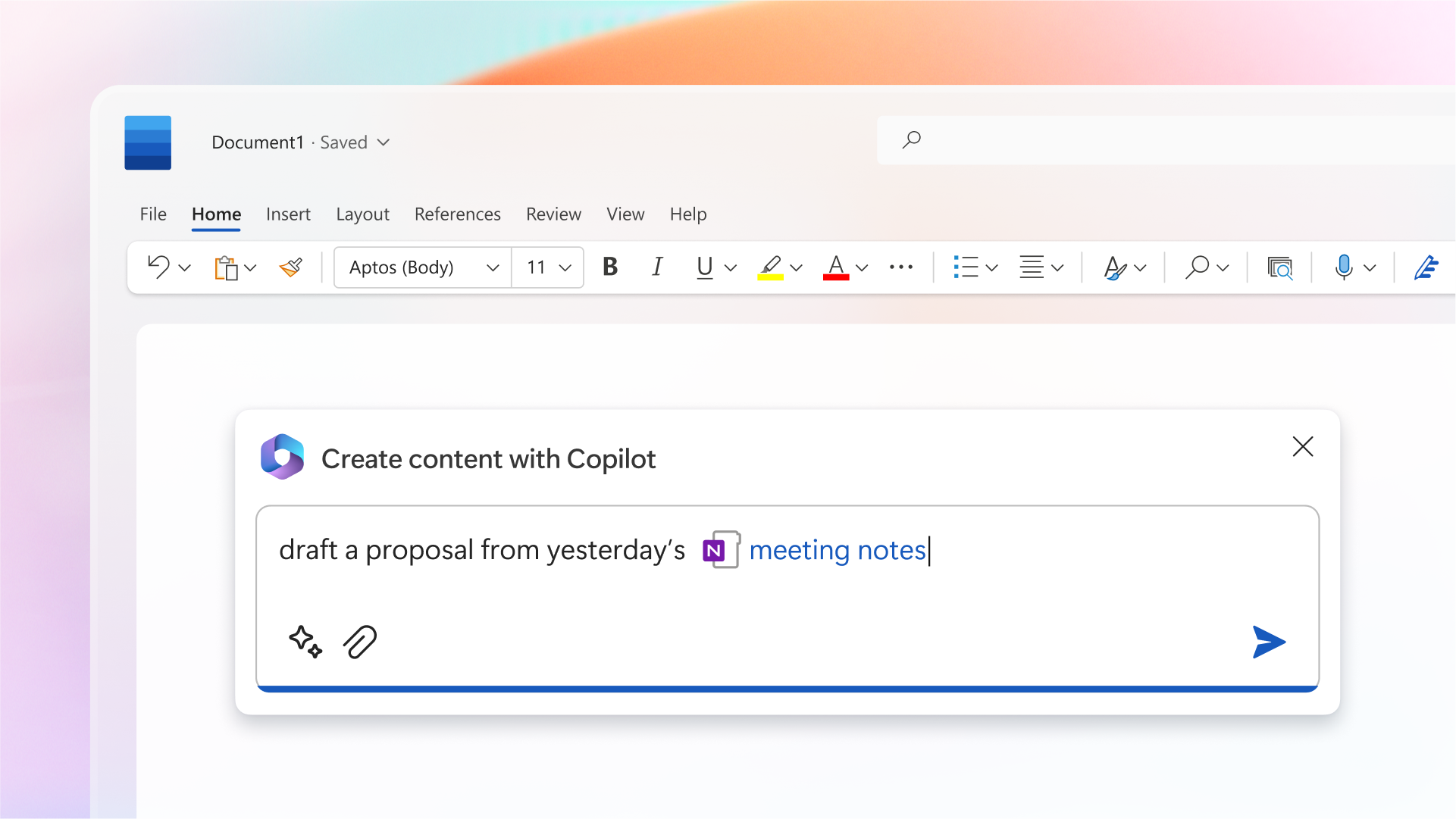
AI assistants are now essential to our work, with Microsoft Copilot and Google Gemini leading the way. Copilot excels in Microsoft 365, turning messy transcripts into polished summaries and emails seamlessly. In contrast, Gemini focuses on ideation and research, offering fresh insights from the web. The choice depends on your needs: Copilot is great for teams using Outlook and Word, while Gemini shines in exploration and brainstorming. The best approach? Test both on real tasks to find which saves you more time.
Copilot licences bought, usage flat, ROI unproven? Three ways we help:
A global nonprofit turned Copilot licences into 1,115.6 hours saved and $83.7K in productivity value.
Read the case study →A sprawling intranet where nobody finds anything? Three ways we help:
Atrium Hospitality moved 7,000+ employees into one SharePoint intranet, with 40% faster document search.
Read the case study →


Join Our Newsletter