
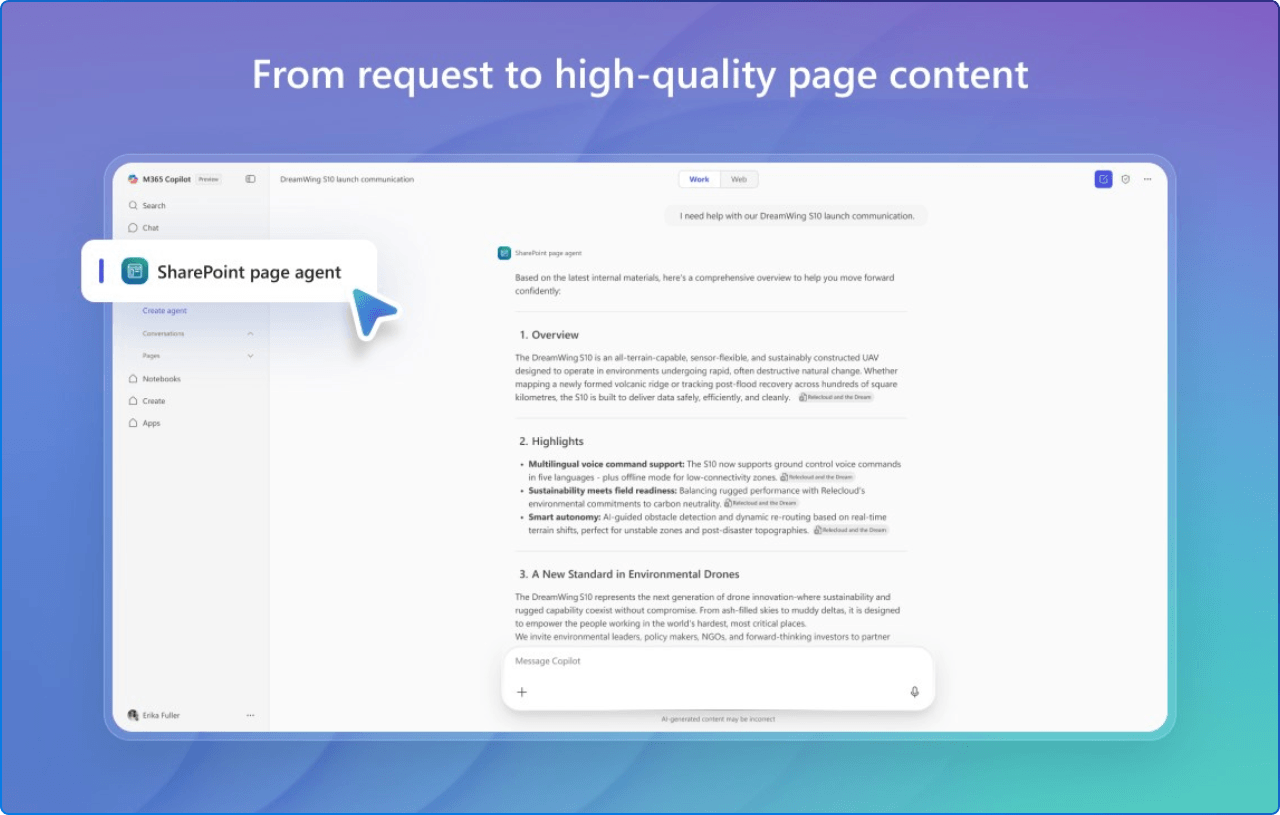
Modern SharePoint sites demand consistent, high-quality content, yet crafting polished communication or news pages can feel tedious and time-consuming. The SharePoint Page Agent streamlines this process by transforming natural language prompts into SharePoint-ready posts. Whether you’re working in Microsoft 365 Copilot chat or engaged in a Teams discussion, you can simply ask the agent to “Create a SharePoint news post summarizing this week’s project highlights.”
The SharePoint Page agent then builds a fully formatted page, complete with layout suggestions, placeholders for visuals, and structured sections, without having to navigate to SharePoint and start from scratch. The SharePoint Page Agent feels like a natural continuation of how SharePoint has evolved over the years, from document storage to a true digital workplace platform that shapes how work gets done day to day.
Critically, these agents access your organizational data the same way Copilot does across all Microsoft 365 apps, responding based on each user's individual access permissions, which means the agent's value scales directly with your governance maturity.
A major pain point teams face is losing creative flexibility when automating page creation. The Page Agent hits the sweet spot, it automates the initial draft, but the final design, images, layout, and messaging remain fully customizable. Post-creation, users can swap web parts, refine headers, and update visuals to align with brand and campaign goals.
What makes the Page Agent especially compelling is how seamlessly it fits into Microsoft’s broader vision of SharePoint as a foundation for AI-powered work across Microsoft 365.
One of Page Agent’s standout advantages is that it integrates directly with your everyday collaboration tools. You don’t need to bounce between Teams, Word, and SharePoint. Instead, integrate the Page Agent into Microsoft 365 Copilot chat, and trigger “@SharePoint page agent” while discussing content, creating a narrative, and publishing, all without leaving the chat context.
By now, the advantages should be clear:
But the road ahead is even more exciting. The product is part of Microsoft’s Frontier program, meaning it’s under active development based on early feedback. From the official SharePoint blog, expect enhancements like:
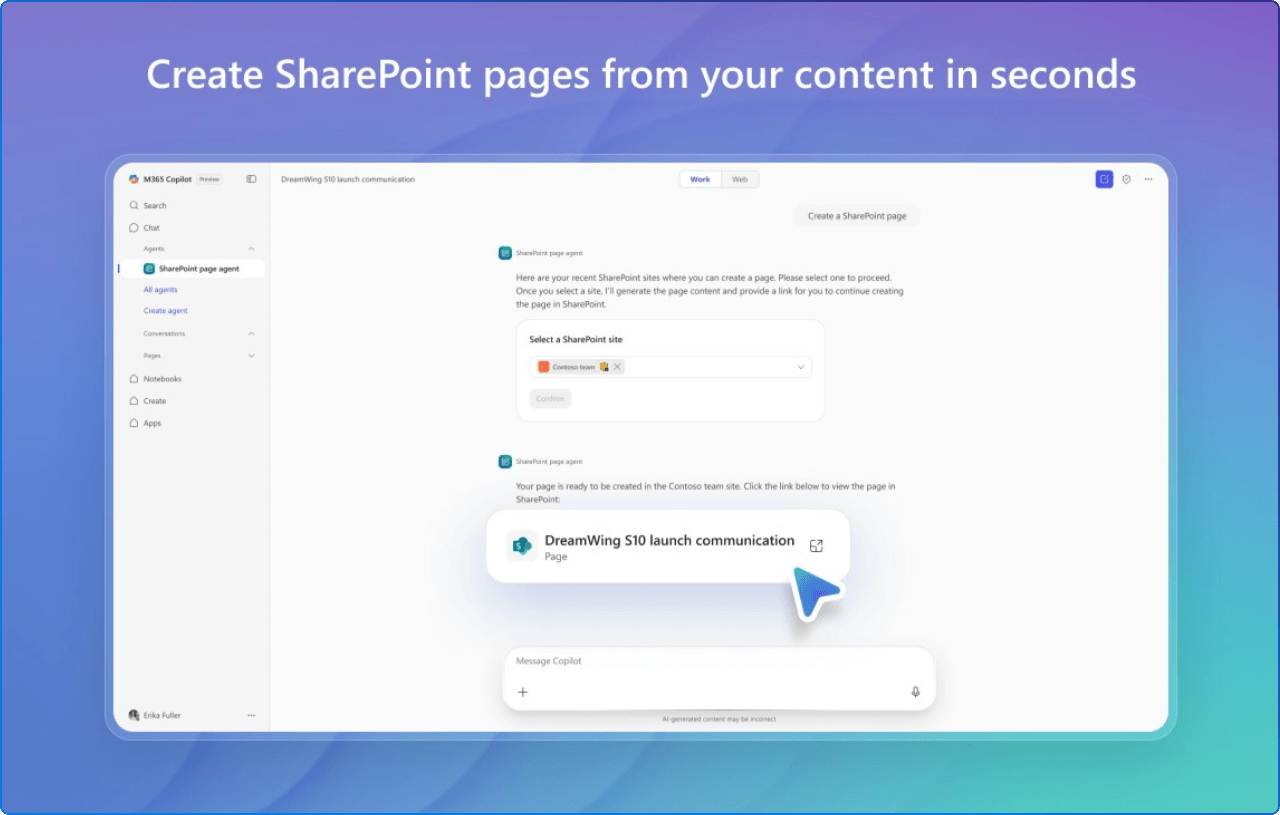
Here’s a tactical path to getting started:
@SharePoint page agent: Create a SharePoint page summarizing last month’s financial highlights and embed the revenue chart.
Invite your team to test only using real-world prompts monthly wrap-ups, policy reminders, project updates. Their feedback will directly shape the feature roadmap.
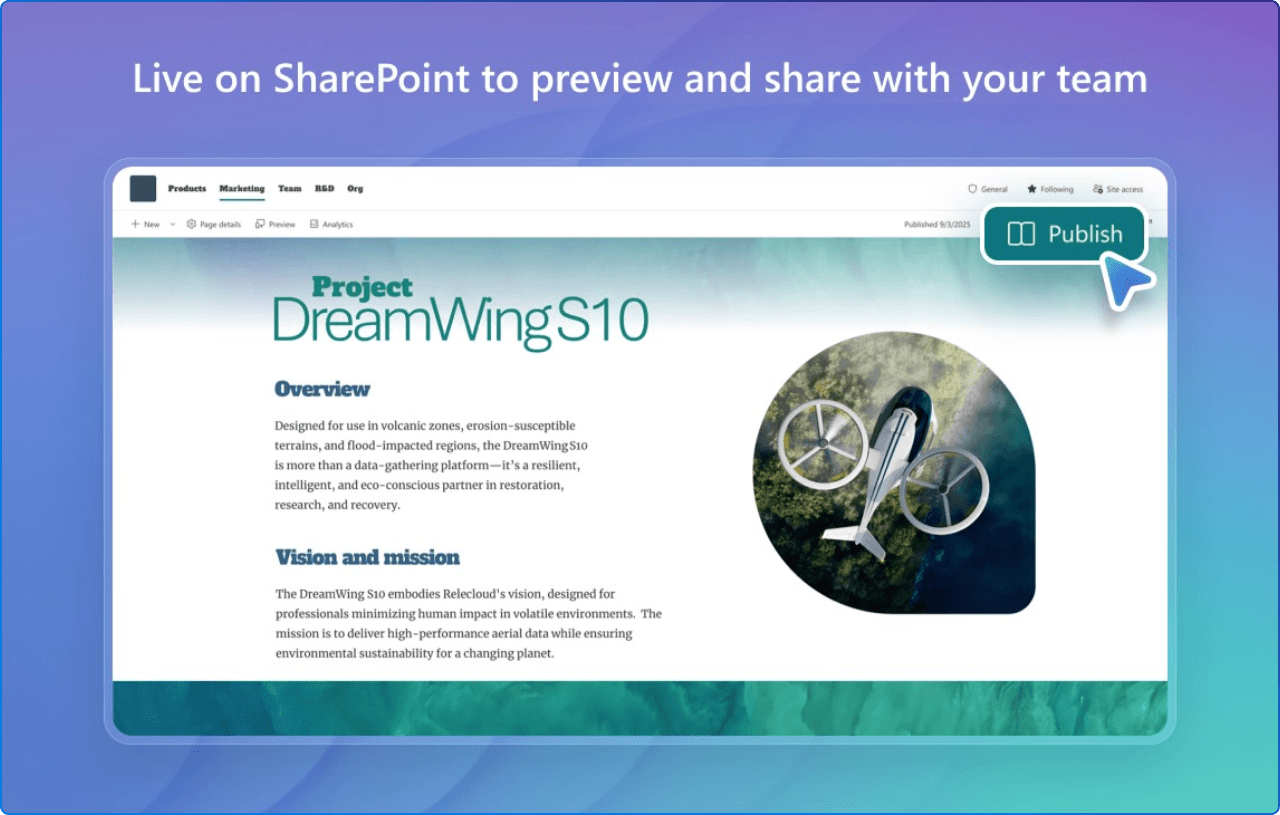
We all know that friction kills adoption. SharePoint page creation has traditionally been a blocker: people avoided intranet publishing because it “takes too long and requires design skills.” The Page Agent tackles that by embedding AI directly within the flow, enabling “draft ↔ tweak ↔ publish” in mere minutes.
Like other SharePoint agents, the Page Agent raises important questions about UX, accessibility, and governance, areas that organizations should think about early as AI becomes part of everyday content creation.
From an employee experience standpoint, this is powerful:
In summary, the SharePoint Page Agent is poised to become a fundamental part of the digital workplace toolkit. It makes SharePoint page creation faster, smarter, and more inclusive, all while fitting snugly within governance frameworks.
Let’s approach it with curiosity, test it with your top weekly or monthly updates, iterate based on user feedback, and share insights across your communities. As this Frontier feature matures, your early adoption and refinement process will shape what next-gen Copilot-powered intranets become.
So go ahead, give it a spin in your next Copilot chat session or Teams thread. Feel free to keep me posted on what works (or doesn’t), and I’d be happy to help with customizing prompts, refining governance, or adapting branding layers for your rollout.


Join Our Newsletter