Microsoft 365 Copilot is moving fast, and the last two months of 2025 show how quickly AI is becoming part of everyday work. The new Copilot updates are not minor improvements. They expand how people prepare for meetings, summarize documents, access data inside Microsoft 365, and improve productivity without extra manual effort. For many users, Microsoft 365 Copilot is no longer an experiment. It is becoming one of the most trusted AI productivity tools across organizations.
For years, AI tools promised productivity but often created more steps. Microsoft 365 Copilot now focuses on reducing effort by automating workplace routines. The latest Copilot updates allow employees to get facts from documents, PowerPoints, emails, and chats without opening ten windows or searching through folders. This shift matters because people waste vast amounts of time tracking information instead of using it. With AI productivity tools built directly into Microsoft 365, workers gain time back for strategic thinking and better collaboration.
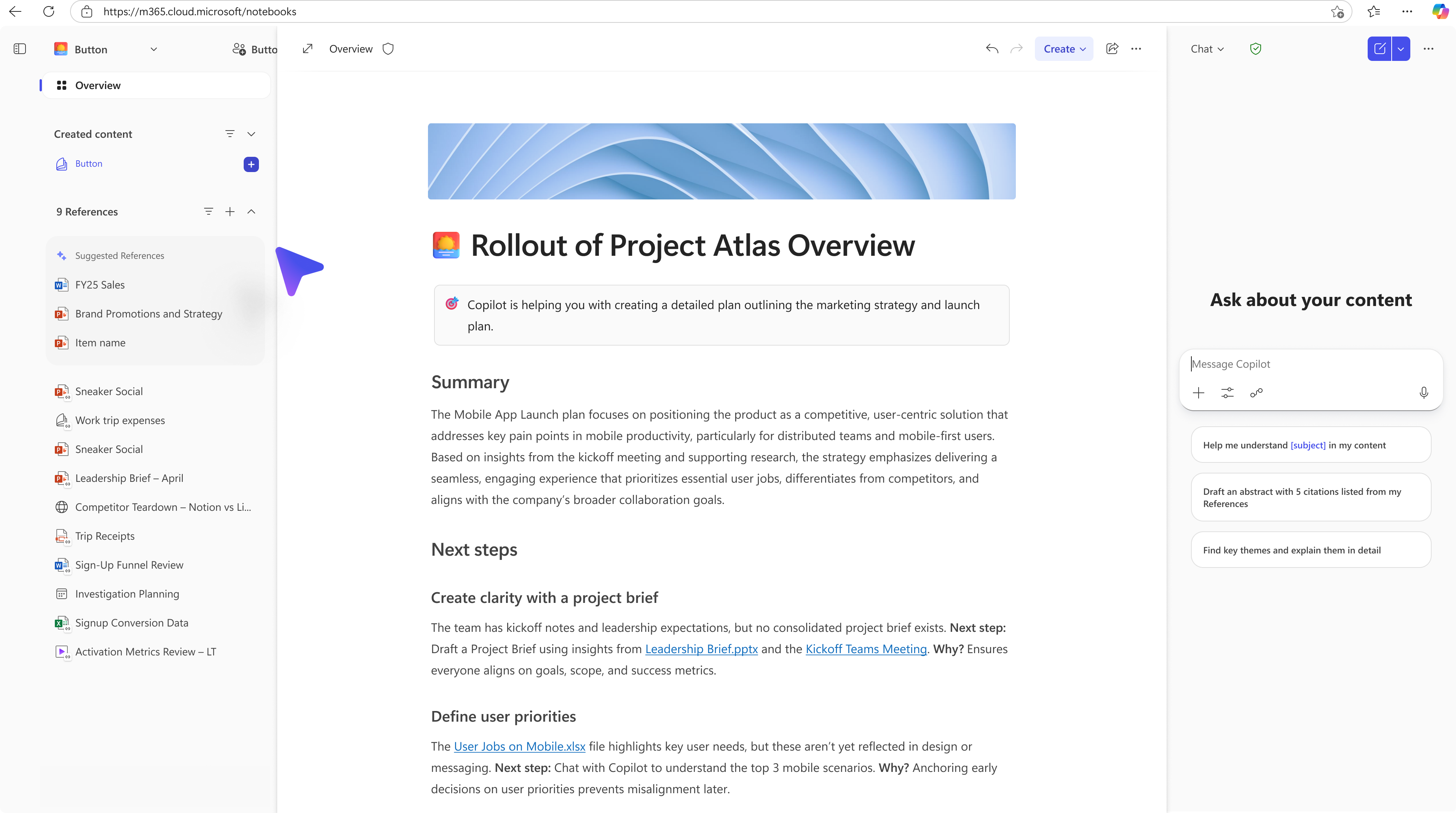
Meeting overload is a real problem in modern work. The newest features help users prepare before they join a call. Copilot can surface past meeting notes, related attachments, and decisions, which means people no longer arrive guessing what happened last time. After the meeting ends, the AI generates fast summaries and action items. These kinds of Copilot updates help teams stay aligned without relying on a single note-taker. When a company runs dozens of calls a week, these improvements save hours.
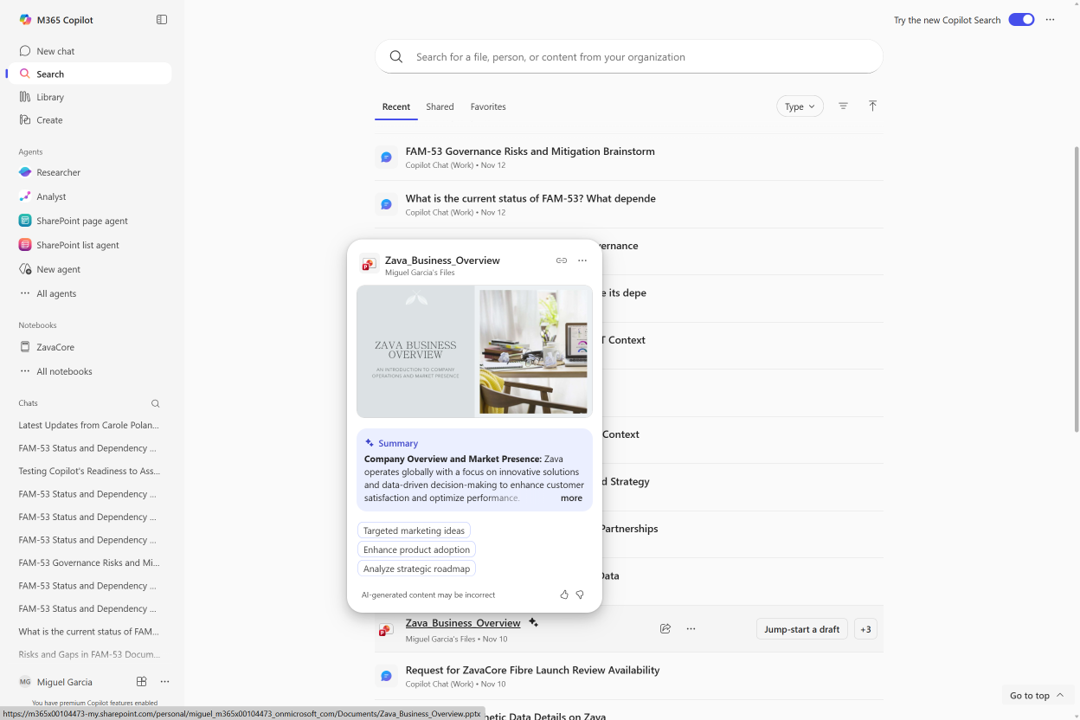
Another major update focuses on document comprehension. Instead of manually reading a 20-page report, users can ask Microsoft 365 Copilot to summarize key points, highlight risks, and outline deadlines. When users collaborate on significant proposals or contracts, the AI can compare versions and call out what changed. This supports accuracy and speeds up review cycles. In this way, Microsoft 365 Copilot is not just one of many AI productivity tools. It becomes a reviewing partner that works at machine speed.
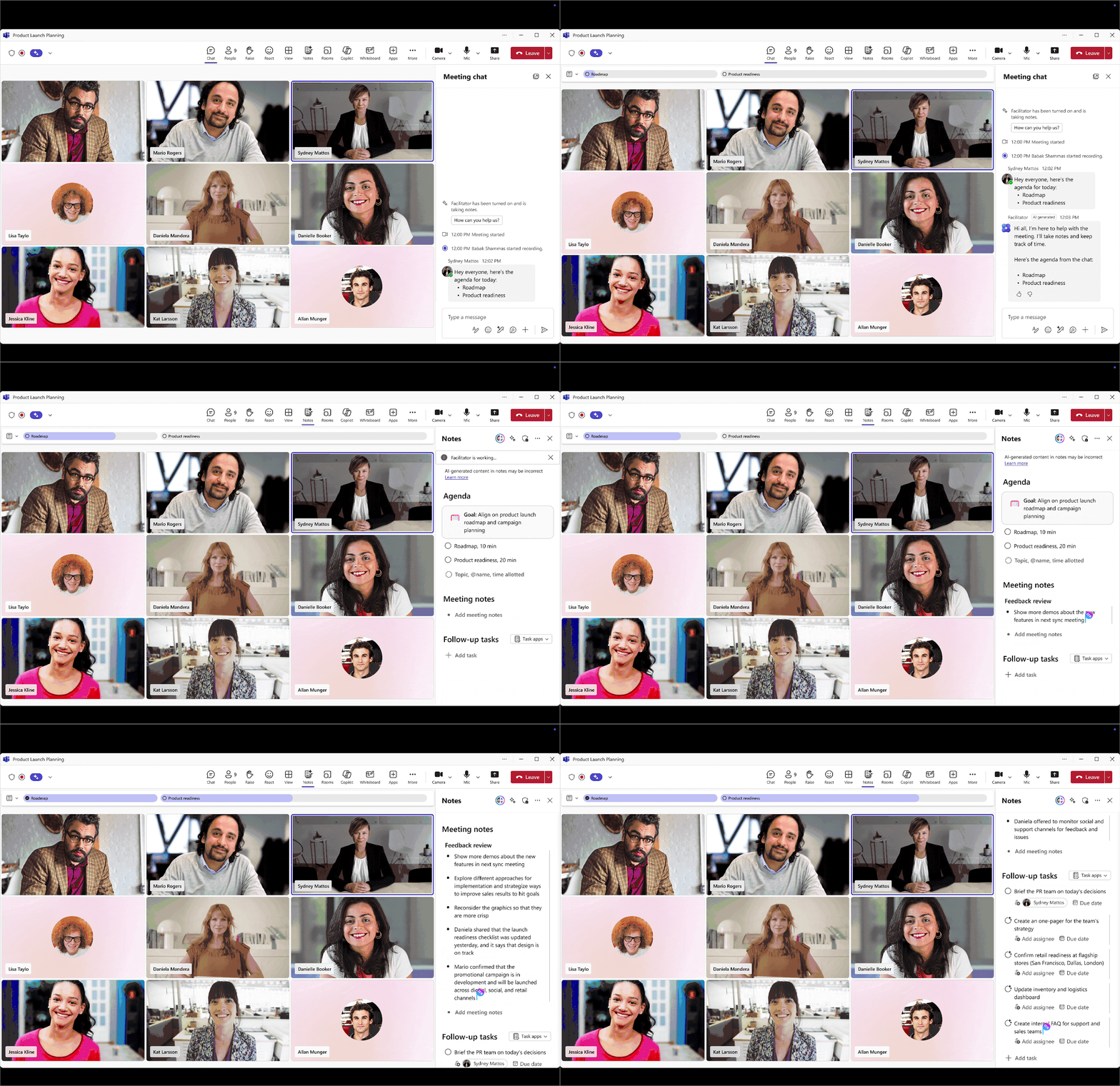
AI is most effective when it is built into the tools employees already use. The new Teams experience brings Copilot into live collaboration, allowing workers to ask questions, clarify tasks, or surface context during conversations. Instead of interrupting a call to search email, a user can ask the AI to retrieve a file or confirm a date. These Copilot updates help reduce the awkward gaps that slow meetings down. The result is a smoother workflow in which Teams becomes a command center for decision-making.
Email continues to be a significant time drain. The latest version of Microsoft 365 Copilot can rewrite long messages, extract tone, shorten text, or help rewrite material for different audiences. These improvements support employees who need professional-sounding responses but lack the time to polish their writing. For managers, it means faster communication. For frontline staff, it means more clarity and fewer mistakes. As AI productivity tools get stronger, communication becomes cleaner and more consistent.

The November and December releases show a clear direction. Microsoft 365 Copilot is not only adding features; it is building a system where AI is usual, expected, and trusted. Employees do not have to ask whether a feature exists. Instead, they can rely on automatic support that fits into their daily routines. These Copilot updates demonstrate Microsoft’s long-term plan to make workplace AI a default part of productivity software. It signals a future where AI does not replace workers but lifts the burden of busywork, allowing people to focus on creativity, strategy, and human thinking.
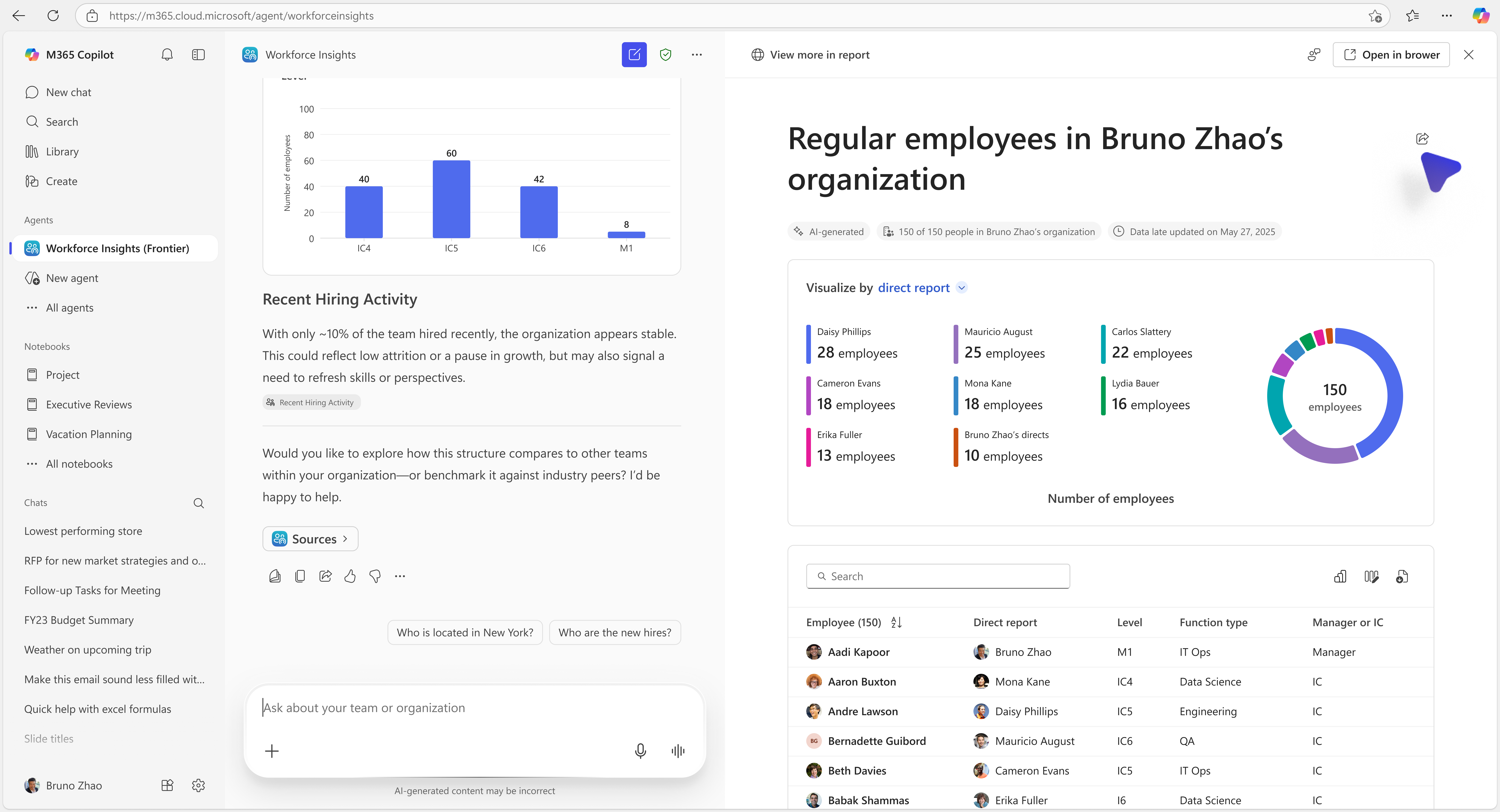
Even small features can have enterprise-level outcomes. Better meeting preparation reduces confusion. Smarter document summaries accelerate decision-making. Integrated support in Teams saves wasted minutes. Over a year, these gains add up to days of saved time. When organizations multiply that across hundreds or thousands of employees, Microsoft 365 Copilot becomes one of the most valuable AI productivity tools on the market.
Looking into 2026, customers should expect deeper integration across the Microsoft cloud ecosystem. The goal is clear: more automation, less friction, and more intelligence in the flow of work. If November and December are early examples, the following year may deliver even more automation around planning, analytics, governance, and content control. Microsoft 365 Copilot is evolving into a platform that helps companies scale, not just software that answers questions.


Join Our Newsletter