January is a fresh page. Quiet mornings, crisp air, and the perfect moment to reset how we work. This month’s picks spotlight practical ways to turn AI into everyday lift: building better lists in seconds, leveling up comms with real feedback loops, and giving frontline teams an assistant that actually understands their shift.
We’re also gearing up to celebrate SharePoint’s 25th birthday in March with a look ahead at agents, knowledge, and content IQ, plus a Viva Engage Masterclass to sharpen your storytelling and analytics.
If you’re planning your roadmap, don’t miss the Teams licensing updates and OneDrive agents, two small changes that create big momentum for employee experience. Settle in, skim what resonates, and click through to dive deeper.
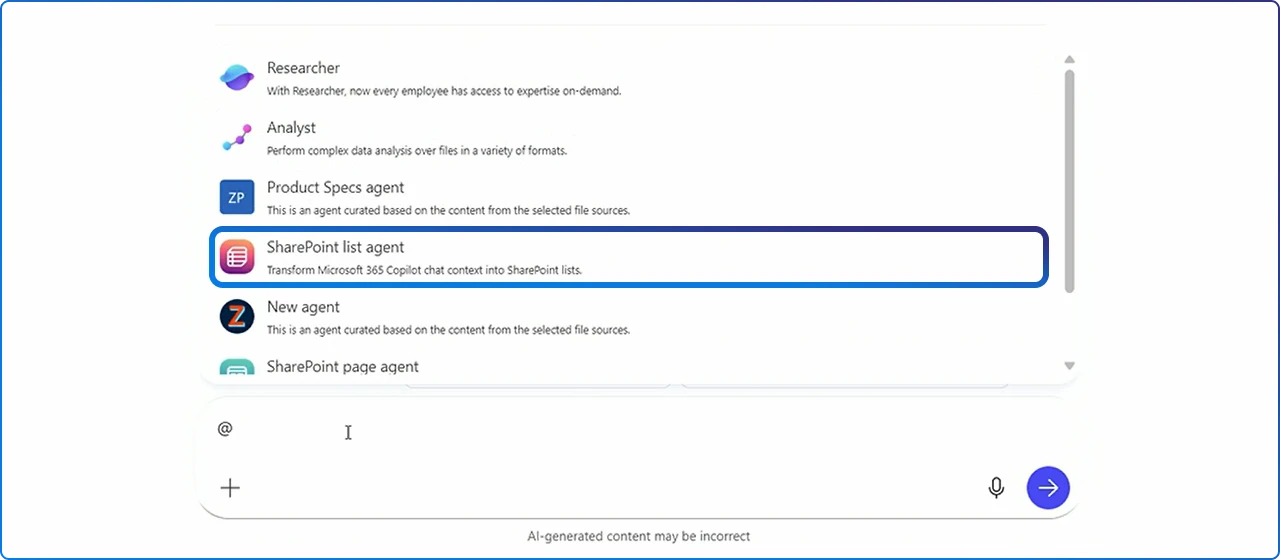
The List Agent lets anyone describe the list they need in plain language and have Copilot build it: columns, types, and views included, directly from supported chats in Teams, Outlook, or Word. During preview it’s opt‑in; general availability begins late January with the agent installed and on by default for Copilot tenants, and admins can centrally disable it.
It also converts structured content like tables into typed lists you can sort, filter, and govern in SharePoint or OneDrive, which is a quiet but powerful upgrade for intake, tracking, and reporting. Net result: more teams shift from ad‑hoc spreadsheets to shared, well-structured data without a training marathon. Read the explainer
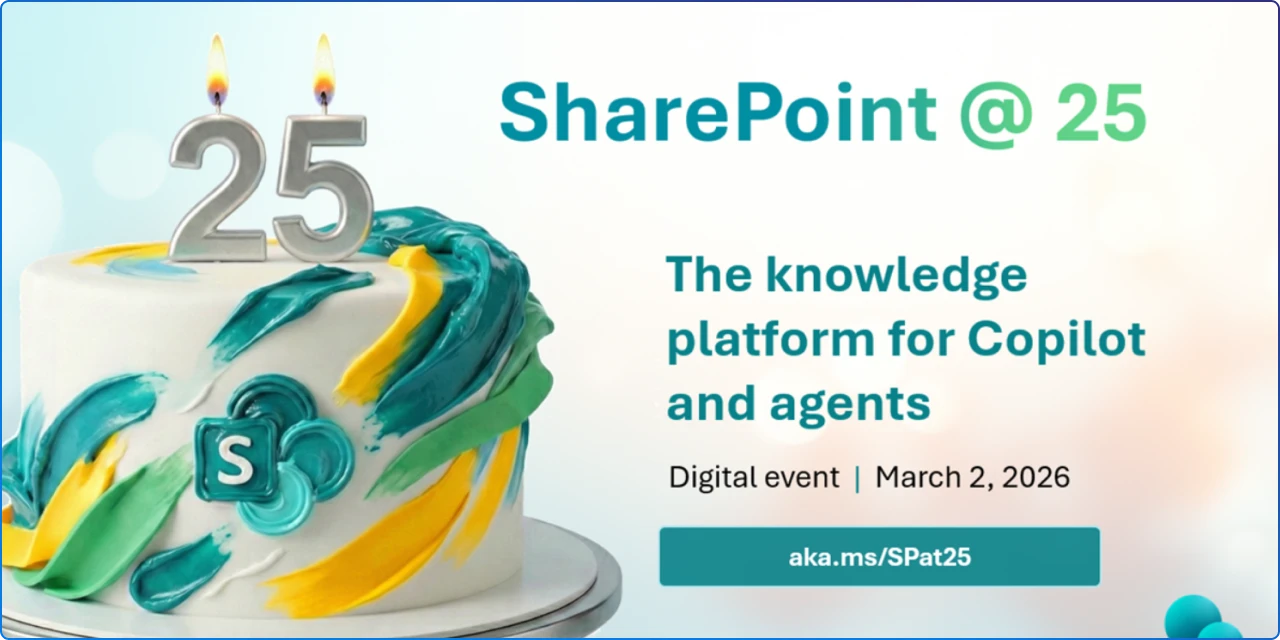
Join a global digital event on March 2, 2026 at 9:00 AM PT to celebrate 25 years of SharePoint and see how content AI, Copilot, and agents are shaping the next chapter. Expect demos, a forward look at intelligent experiences that enrich and structure content for better AI answers, and a live AMA with the product team.
If you’re building modern knowledge experiences, this is a milestone session to align your roadmap with where SharePoint is headed. Register here

Employees want to shape AI transformation, yet 34% still lack meaningful chances to provide feedback; teams that request input often see stronger adoption, forming a virtuous cycle between listening and use.
The research compares feedback channels by industry, showing why informal conversations and team meetings are early signal channels you should treat as data. Use this to tune your listening system in the flow of work, not just in formal surveys. Read the research
A quick monthly digest covering Viva Glint & Pulse updates you can put to work now, including ways leaders can pair engagement data with continuous workplace metrics.
It’s a helpful “what changed” snapshot to keep your EX stakeholders aligned while you roll out AI‑first ways of working. Skim the newsletter

Knowledge Agent helps make content Copilot‑ready by enriching files with metadata, flagging stale pages, and offering role‑aware actions for creators, managers, and consumers.
The goal is higher‑quality, grounded AI answers because the underlying content is structured and current. If you’re preparing your intranet for agents, start here. Learn what it does
Create a shareable .agent file from up to 20 docs and let Copilot answer questions, summarize decisions, and track risks, all grounded in the files you chose.
It’s ideal for project kickoffs, onboarding new teammates, or keeping everyone aligned between meetings. Because agents live in OneDrive, you can version, share, and refine them like any other file. Read the announcement
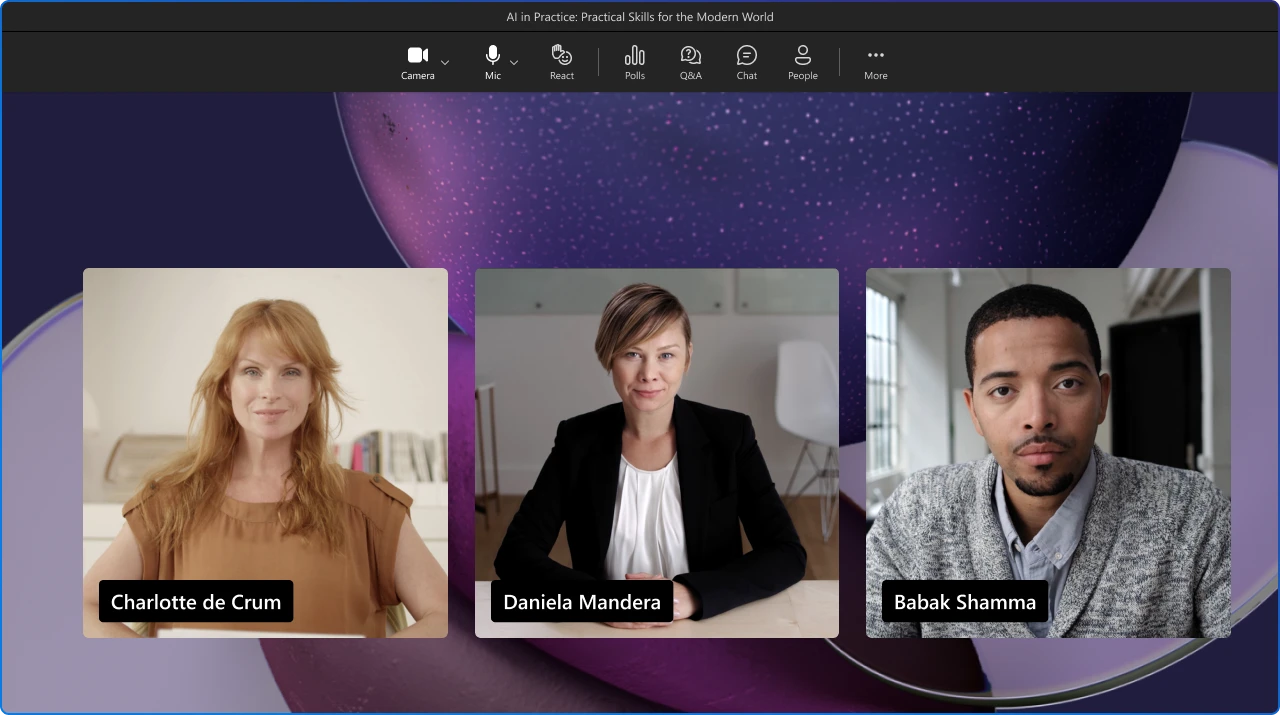
Starting April 1, 2026, advanced town hall/webinar features and Microsoft eCDN come to Teams Enterprise, while Places Finder and Places Explorer expand to licenses that include Outlook/Teams calendar, lowering the barrier to modern events and workplace coordination.
There’s also a new Teams Shared Space license (renamed from Shared Device) for spaces like bookable desks, with attendee capacity add‑ons to scale events up to 100,000. Use this change to simplify your event stack and scale hybrid workplace scenarios without extra friction. Official blog
Microsoft introduced a persona‑tuned Frontline Agent (Public Preview), a Store Operations Agent Template, and multimodal Copilot experiences designed for mobile, role‑based workflows.
Typical use cases: policy lookups, shift recaps, priority triage, and next‑best‑action based on live store signals, helping associates work faster with fewer errors.
For adoption leads, it’s a blueprint for packaging AI into clear frontline outcomes. Explore what’s new
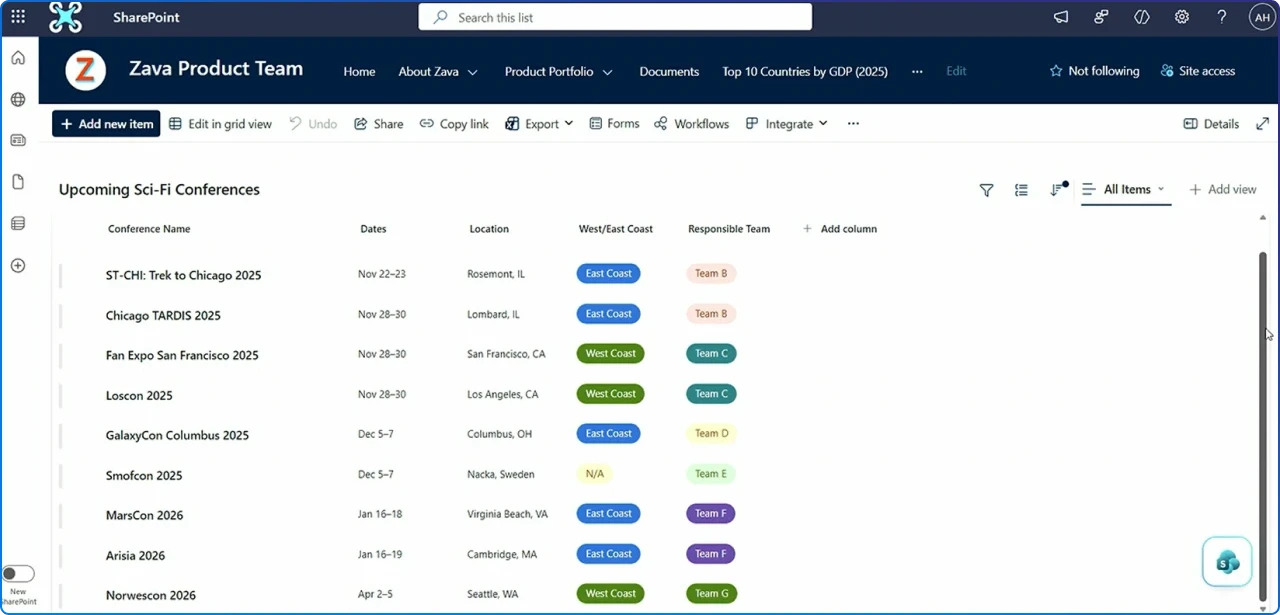
Create SharePoint lists by describing what you need, or convert Copilot‑generated tables to lists in one step, saving to SharePoint or OneDrive. Preview ran in December; general availability rollout is late Jan to late Feb 2026 and requires a Microsoft 365 Copilot license.
This reduces “where did we track that?” chaos and promotes governed, typed data for automation and reporting. Roadmap context & timing
Two accessible, multi‑color dark themes (Dark Teal and Dark Blue) are rolling out to make sites more comfortable in low‑light settings without breaking existing themes.
Apply them via Change the look; rollout completes Jan–Feb 2026 across Worldwide, GCC, GCC High, and DoD. Small visual improvements, big brand consistency wins. Message center archive
Knowledge Agent simplifies content readiness for Copilot by automating tagging, flagging stale content, speeding page creation, and improving compliance posture at the content level.
Preview started Sept 2025; broader availability lands January 2026. Treat it as the “content IQ” layer that makes your AI answers more accurate because your corpus is structured and current. Roadmap summary
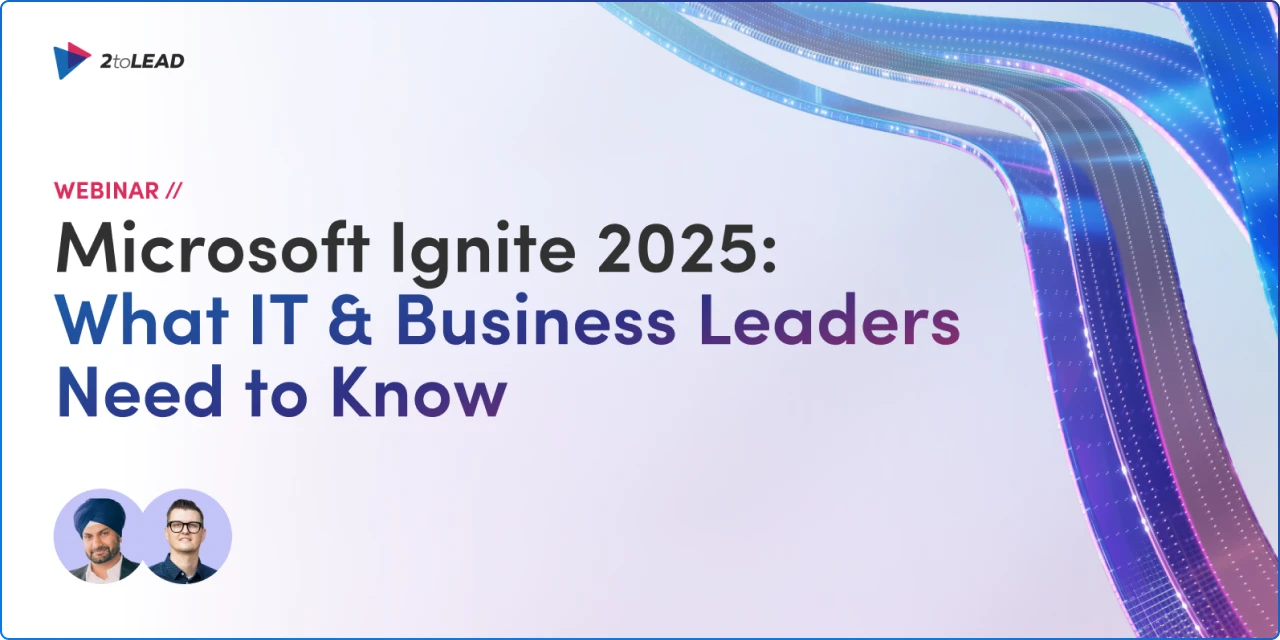
Ignite underscored a shift to human‑led, agent‑operated organizations, introducing Work IQ (Copilot’s new intelligence layer), Agent 365 (the control plane for agents), and agents in Word, Excel, and PowerPoint with Agent Mode in the apps.
For leaders, it’s both strategy and tooling: memory, model choice, and admin controls that make AI dependable at scale. Use this to anchor your 2026 EX plan around agent‑assisted processes, not just individual productivity. Read the recap
Thanks for spending a slice of your January with us. This stack of updates is all about momentum: cleaner content for better AI answers, agents that meet people in the flow of work, and events and licensing that remove friction from launch to scale.
Save what sparked ideas, share a link with a teammate, and keep experimenting. We’ll be back next month with the best of what’s new and what actually works in employee experience.


Join Our Newsletter