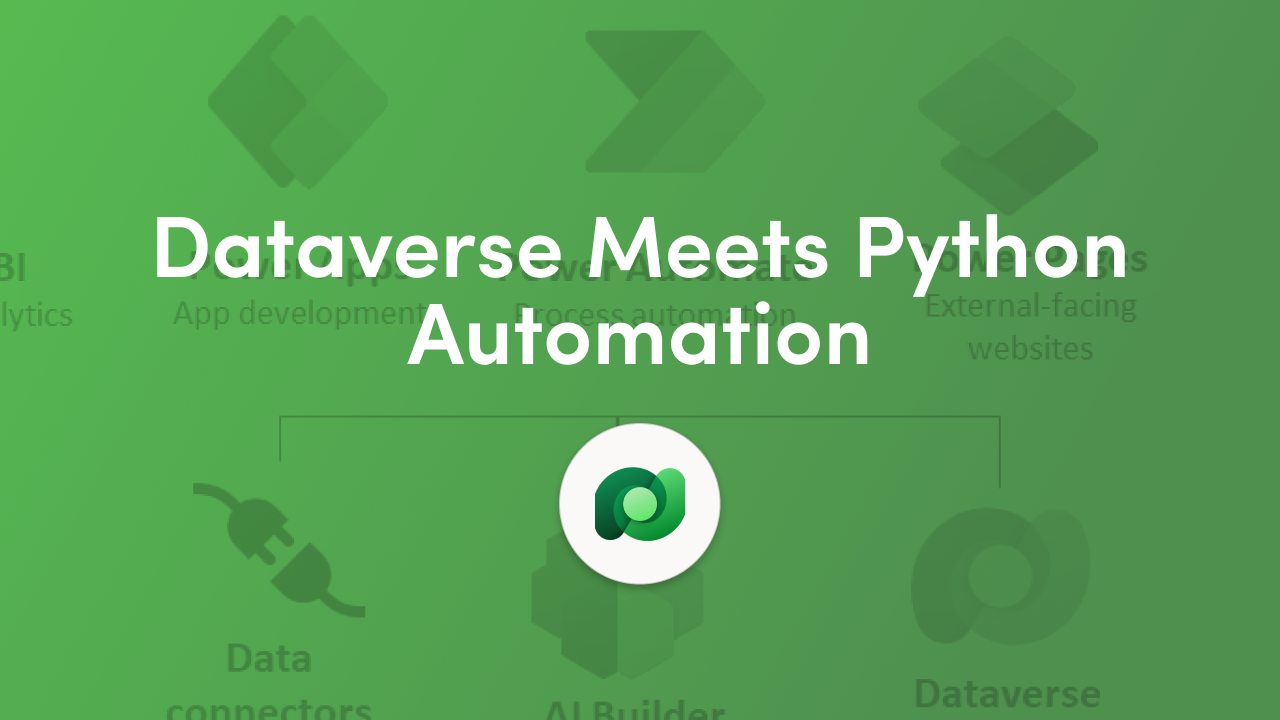
The Dataverse SDK for Python gives developers and data scientists a new way to work with Microsoft Dataverse using a familiar programming language. As part of the Microsoft Power Platform, this SDK allows Python applications to securely access business data and power intelligent agentic flows. Instead of relying only on low-code tools, teams can now combine Python analytics with enterprise-grade data and automation.
This update makes it easier to build workflows that respond to data changes, trigger actions, and support decision-making across business systems. By bringing Python into Dataverse, Microsoft is helping organizations bridge the gap between professional development and low-code automation.
Agentic flows are intelligent workflows that can act independently based on data and logic. They are designed to read information, make decisions, and perform actions without constant user input. Using the Dataverse SDK for Python, developers can create these agentic flows directly in Python, making automation more accessible to data scientists and engineers.
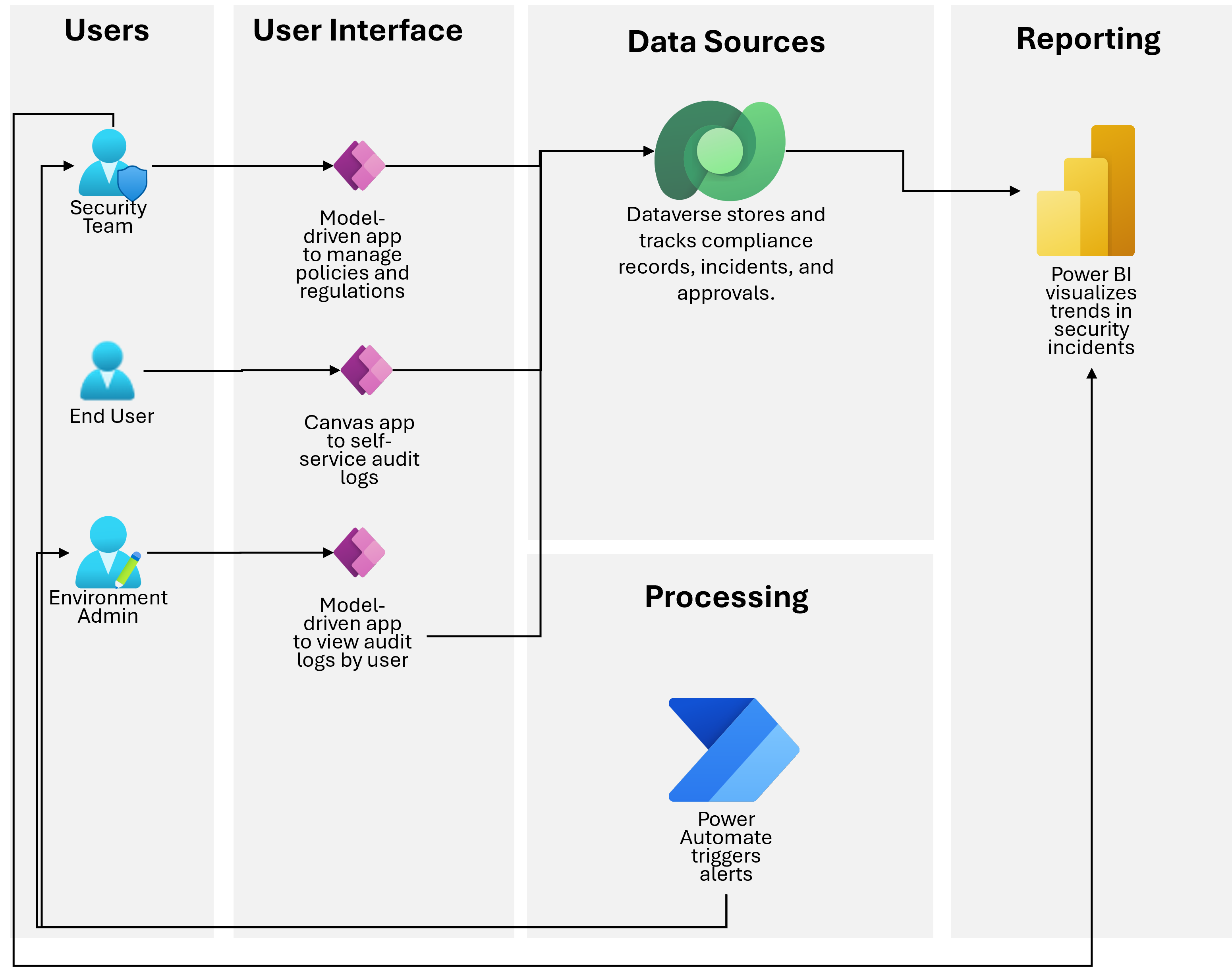
These flows can handle tasks like updating records, validating data, or supporting AI-driven processes. Because they run on Dataverse, they also follow built-in security, compliance, and governance rules. This allows developers to focus on logic and outcomes while Dataverse handles data protection.
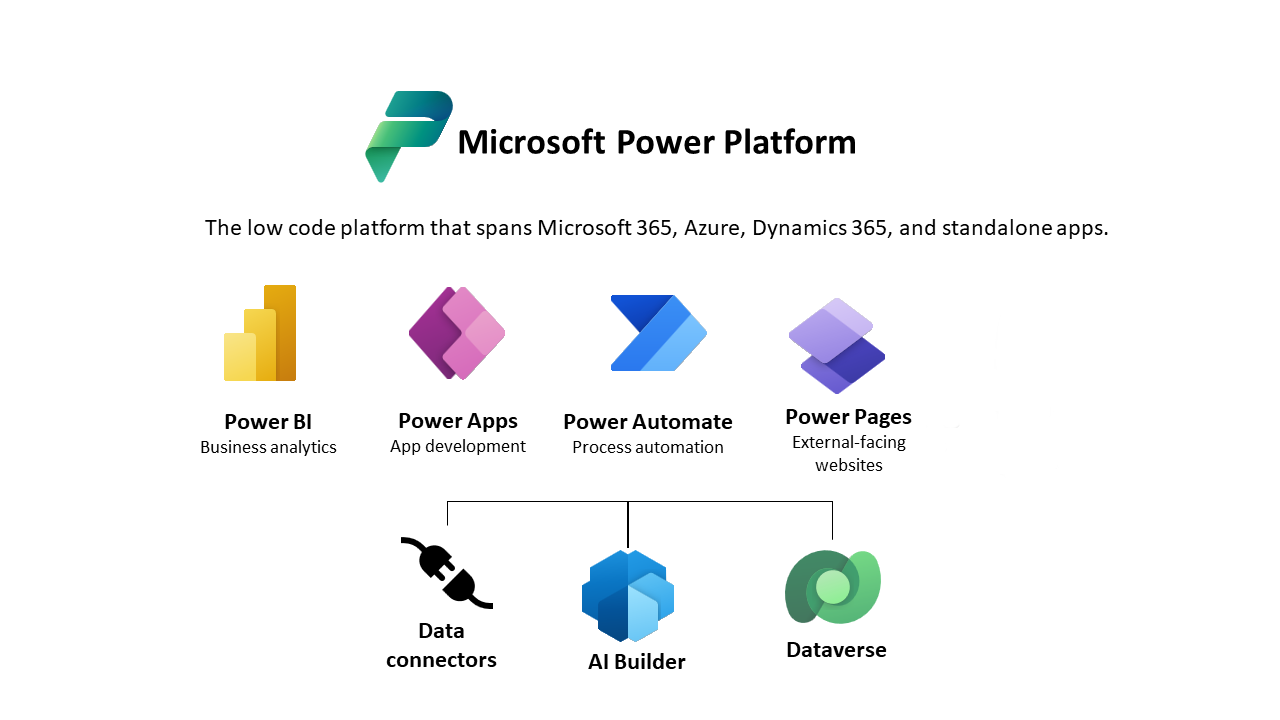
The Microsoft Power Platform connects apps, automation, analytics, and AI using a shared data foundation. With the addition of the Dataverse SDK for Python, this ecosystem now supports advanced Python-based development alongside low-code tools. This makes it easier for organizations to scale automation without rebuilding systems from scratch.
Python developers can work directly with Dataverse data while Power Platform makers continue using tools like Power Apps and Power Automate. Together, this enables more powerful agentic flows that combine data science, automation, and business logic within a single platform.
Getting started with the Dataverse SDK for Python begins by installing the SDK from PyPI and connecting it to your Dataverse environment. Once connected, developers can run queries, update records, and automate processes directly from Python tools like VS Code or Jupyter notebooks.
This approach allows teams to build agentic flows that integrate analytics, automation, and enterprise data. As the SDK continues to evolve, it opens the door for more advanced AI and automation scenarios built on the secure foundation of Microsoft Dataverse.


Join Our Newsletter