By clicking “Accept”, you agree to the storing of cookies on your device to enhance site navigation, analyze site usage, and assist in our marketing efforts. View our Cookie Policy for more information.
Microsoft is retiring several classic SharePoint extensibility and compliance experiences. These retirement changes mark a shift away from classic, site‑centric governance toward Microsoft Purview as the control plane for lifecycle, protection, and compliance. Organizations should plan to move from legacy records/DLP/classification approaches to retention labels & policies, records management, sensitivity labels, Purview DLP, modern eDiscovery, and Purview Audit to stay compliant and reduce risk beyond 2026.
Top three changes
Classic SharePoint information‑management features are superseded by Purview‑based controls.
Protection moves from ad‑hoc site settings to labels and policies applied to content and containers.
Discovery, auditing, and DLP consolidate under Purview services for consistency and scale.
Top three risks of waiting
Compliance exposure from ungoverned content and incomplete retention.
Slower legal response due to outdated discovery processes.
Compressed timelines and higher effort/cost if migration is delayed into late 2025–2026.
Top three actions to start now
Inventory where legacy features are still used.
Define compliance outcomes and map them to Purview capabilities.
Pilot retention and sensitivity labels on a representative set of sites/Teams.
What Does “Retirement” Mean in SharePoint Online?
In this context, “retirement” signals Microsoft’s move away from classic SharePoint governance features toward modern, Purview‑driven capabilities. The objective isn’t to remove governance, it’s to standardize on modern controls that are more consistent, auditable, and automatable across Microsoft 365.
Who is impacted?
IT teams that manage sites, policies, and migration tooling
Compliance/Records leaders accountable for retention, legal holds, audits
Site owners who need clear guidance on what changes and how to operate in the new model
What’s Changing: Legacy Features → Modern Replacements
Legacy SharePoint features mapped to modern Microsoft Purview equivalents
Legacy (Classic) SharePoint Feature
Modern Control in Microsoft 365
What Improves
Migration Note
In‑Place Records / Information Management Policies (IMP)
Microsoft Purview Retention Labels & Policies; Records Management
Unified lifecycle, immutability, disposition review, proof of deletion
Inventory legacy records usage; map to label‑based retention with record declaration where required
Classic DLP
Microsoft Purview DLP
Centralized policies across SharePoint, OneDrive, and Teams; better analytics and coverage
Start with audit‑mode policies; tune locations/conditions before enforcement
IRM (Information Rights Management)
Sensitivity Labels (MIP) with encryption
Consistent protection, user‑driven and auto‑labeling, conditional access integration
Define a label taxonomy; pilot auto‑labeling on high‑risk repositories
Classic eDiscovery
Microsoft Purview eDiscovery (Standard/Premium)
Scalable holds, review sets, advanced filtering/analytics for legal matters
Establish custodial/non‑custodial processes; align with Legal workflows
Classic Auditing
Microsoft Purview Audit
Deeper event coverage, API/reporting; longer retention with appropriate licensing
Align audit usage with investigation and insider‑risk scenarios
Ad‑hoc site classification
Sensitivity labels + container labels for SharePoint sites/Teams
Workspace‑level controls for sharing, external access, and unmanaged devices; complements content labels
Use container labels as a modernization pattern for sensitive areas (Legal, Finance, M&A)
This mapping reflects the modernization pattern at the heart of your campaign and should be mirrored in the sidebar visual for scannability.
Pro tip: Many organizations under‑leverage container labels for SharePoint sites and Teams. Use them to set workspace‑level rules (sharing, unmanaged device access, external access) so content‑level protection is reinforced by container‑level guardrails.
The Risks of Waiting
Compliance exposure. Without label‑based retention and records immutability, content sprawl leads to gaps in defensible deletion and holds, raising regulatory and legal risk.
Discoverability and legal response. Classic discovery approaches slow down holds, scoping, and review, increasing cycle times and costs.
Operational crunch. Deferring modernization pushes more work into a narrow window, when internal teams and partners are at capacity, driving up project risk and cost.
What to Do Now: Your 30‑Day Starter Plan
This plan gives you traction fast and sets up Week 2’s deep‑dive on assessing your current environment.
Inventory & assess (Days 1–7)
Identify where classic records, DLP, auditing, or IRM are still in use.
Flag high‑risk repositories (Legal, Finance, HR), sensitive sites, and external‑sharing hotspots.
Define outcomes (Days 5–10)
Capture regulatory drivers, retention periods, and litigation patterns.
Agree on KPIs (e.g., label adoption %, DLP incident MTTR, % content under retention).
Pilot modern controls (Days 8–20)
Stand up retention labels and records in Purview for a small set of sites.
Introduce sensitivity labels for confidential content; test manual and auto‑labeling.
Trial Purview DLP with audit‑mode rules to tune signal before enforcement.
Governance & comms (Days 15–25)
Document new working practices for site owners and records coordinators.
Share a one‑page quickstart on “When to apply which label” and how to request changes.
Plan the phased rollout (Days 20–30)
Sequence by risk and complexity; align migration execution with policy rollout.
Book discovery/hold dry‑runs with Legal to validate end‑to‑end readiness.
How Microsoft Purview Enables the Modern Approach
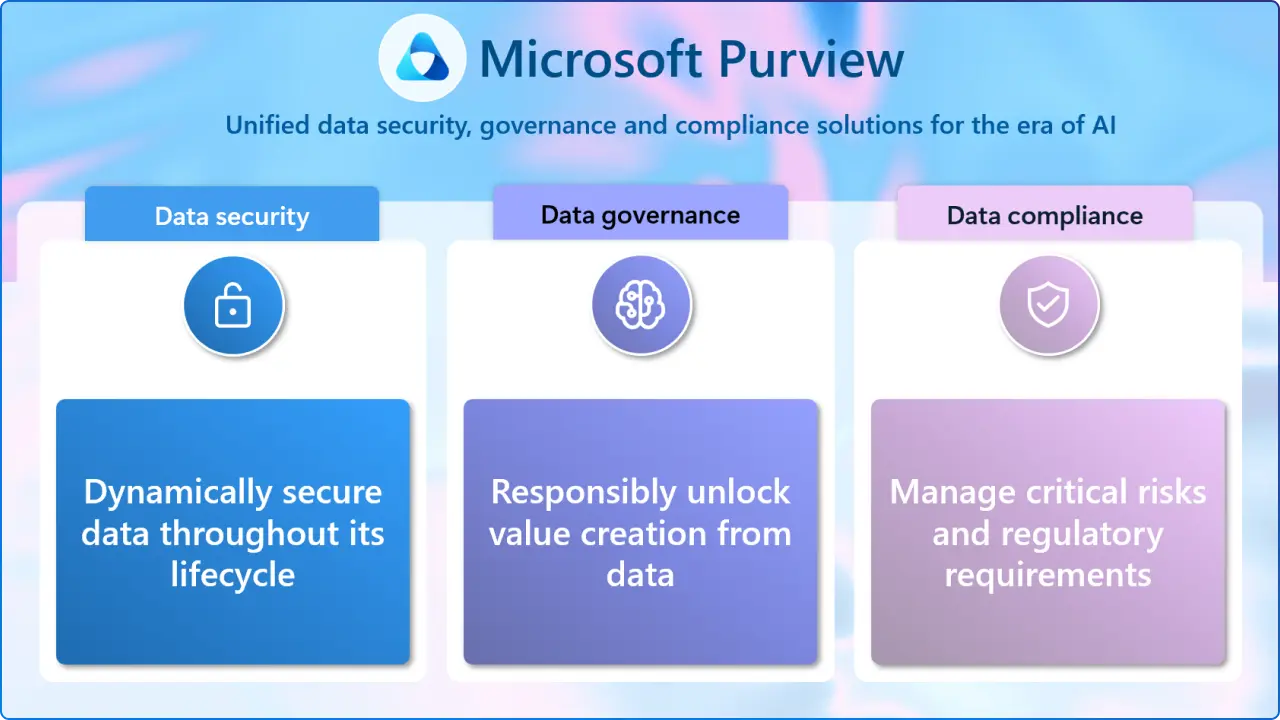
Lifecycle & Records. Retention labels and records provide consistent, auditable lifecycle control without relying on per‑site settings.
Sensitivity & DLP.Sensitivity labels protect content wherever it travels; Purview DLP enforces usage policies across SharePoint, OneDrive, and Teams.
Discovery & Audit. Modern eDiscovery and Audit streamline investigations and legal response while improving traceability.
FAQs
What does SharePoint Online’s retirement change for records?
It moves you from In‑Place Records/IMP to retention labels and Records Management in Microsoft Purview, delivering immutability, disposition, and better auditing.
Do we need Microsoft Purview to modernize?
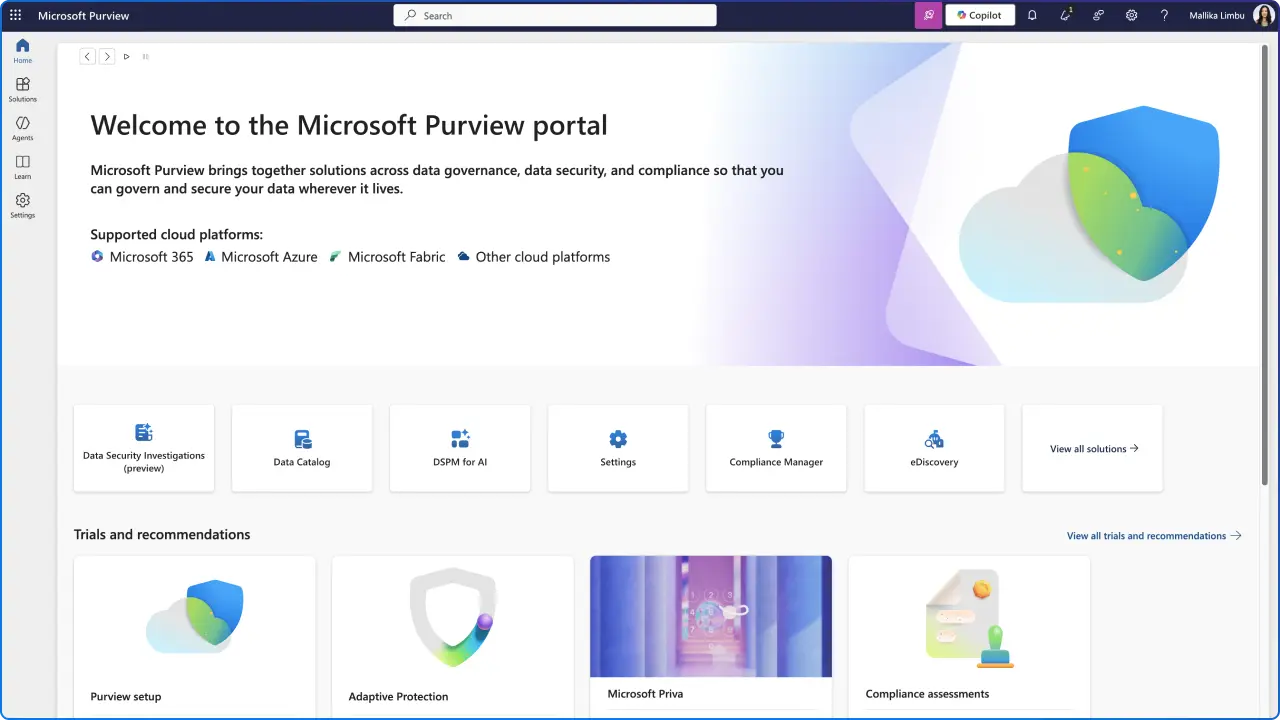
Yes, Purview is the modern control plane for retention, records, sensitivity, DLP, eDiscovery, and audit across Microsoft 365. It consolidates and standardizes governance.
How are retention labels different from In‑Place Records?
Labels apply consistently at scale (including auto‑apply), support record declaration, and provide stronger, reportable lifecycle controls than classic site‑level features.
What is a container label and when should we use it?
A container label applies at the workspace (SharePoint site/Team), enforcing sharing and device access controls that complement content‑level labels, ideal for sensitive areas like Legal or M&A.
What’s the first step to get ready?
Inventory where you still depend on classic features, prioritize high‑risk sites, and pilot retention and sensitivity labels to validate your modernization path.
Next in the Series: Assess Your Environment (Week 2 Preview)
In Week 2, we’ll walk through step‑by‑step guidance to review legacy feature usage, identify gaps against your compliance goals, and produce a prioritized backlog for migration and policy rollout.




.webp)