In the world of web development, tools that make it easier to build powerful websites are always in demand. Microsoft's Power Pages has become one of the tools developers and businesses use to create rich web experiences. Now, with the introduction of Power Pages, modern single-page applications, the platform is stepping into a new era. This update doesn't just add a feature. It changes how developers think about building apps on Power Pages and opens the door to faster, smoother, and more interactive web experiences.
Before this release, Power Pages was primarily known as a low-code platform for creating secure, data-driven business portals. It allowed people to design pages with minimal coding knowledge and connect to Microsoft Dataverse for data handling. But as modern web design trends shifted toward responsiveness and interactivity, developers sought greater flexibility. That's where Power Pages SPA support comes in, bringing modern, interactive single-page applications into the Power Pages ecosystem.
In the world of web development, tools that make it easier to build powerful websites are always in demand. Microsoft's Power Pages has become one of the tools developers and businesses use to create rich web experiences. Now, with the introduction of Power Pages, modern single-page applications, the platform is stepping into a new era. This update doesn't just add a feature. It changes how developers think about building apps on Power Pages and opens the door to faster, smoother, and more interactive web experiences.
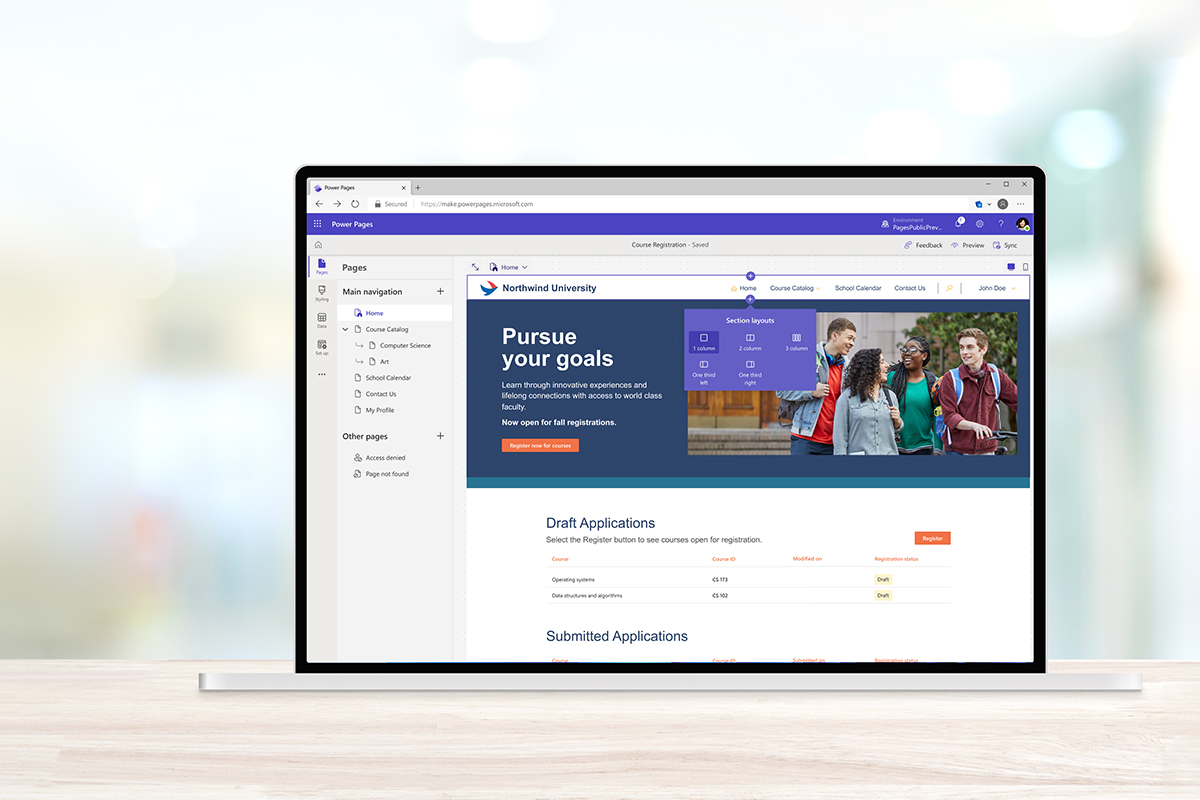
Before this release, Power Pages was primarily known as a low-code platform for creating secure, data-driven business portals. It allowed people to design pages with minimal coding knowledge and connect to Microsoft Dataverse for data handling. But as modern web design trends shifted toward responsiveness and interactivity, developers sought greater flexibility. That's where Power Pages SPA support comes in, bringing modern, interactive single-page applications into the Power Pages ecosystem.
When you visit a website, a traditional multi-page app loads a new page every time you click something. Modern single-page applications, on the other hand, load the entire site only once and update content without refreshing the whole page. Users get faster responses, apps behave more like mobile apps, and developers can create dynamic experiences. This is the difference between clicking through a basic website and interacting with a smooth, responsive service.
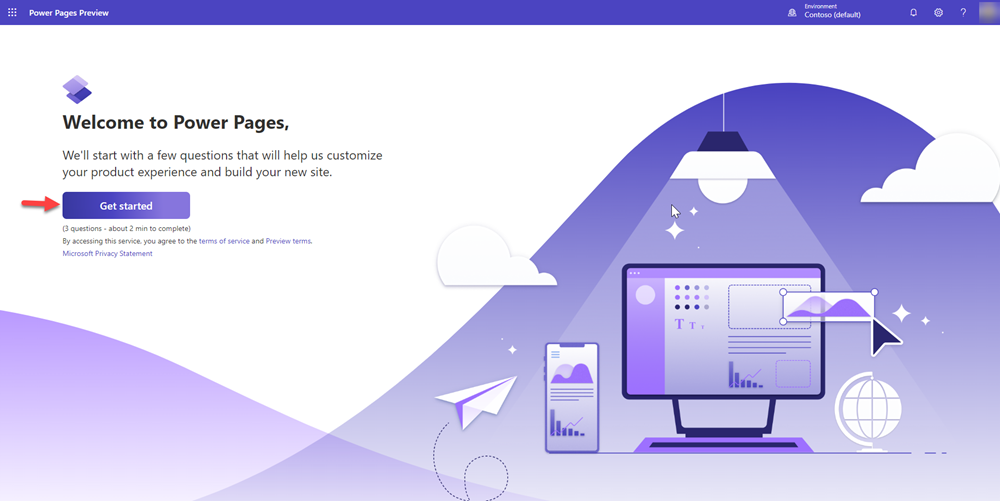
Power Pages modern single-page applications bring this behavior to the Power Pages platform. Instead of building isolated pages with separate loads, developers can now build modern, interactive web applications that feel fast and fluid. The user's browser doesn't reload everything with every click. Instead, data and content change smoothly. This is what makes SPAs so powerful in terms of performance and user experience.

The addition of Power Pages SPA support means businesses no longer have to choose between simple low-code portals and fully custom web applications. Now they can have both. Companies can deliver rich experiences without leaving the Power Pages environment entirely. This is especially valuable for organizations that want to modernize customer portals, internal tools, or public-facing applications without investing significant time or money in custom infrastructure.
Before this change, many developers who wanted advanced user interfaces had to build separate applications outside Power Pages, then connect them back via APIs and separate hosting. That meant handling security, data, authentication, and integration work independently. With Power Pages' modern single-page applications, much of that complexity is dealt with within the platform itself. You still get enterprise-grade governance, secure data access, and seamless integration with Microsoft tools.
Power Pages modern single-page applications work by letting developers bring their own frontend code and deploy it directly to a Power Pages site. You can build SPAs using popular frontend frameworks like React, which is known for building responsive, component-driven apps. React makes it easier for developers to manage how different parts of the app behave, which is especially useful when you're building highly interactive experiences.
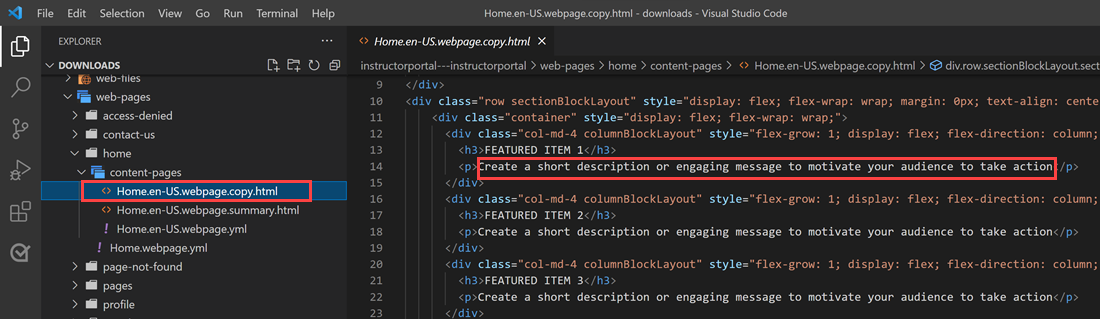
Once your application is ready, tools like the Power Platform command-line interface (CLI) and Visual Studio Code make it simple to upload and test your SPA right inside Power Pages. This integration means you don't need to host your app somewhere else or reconfigure complex backend rules to make it work. Everything lives under the same platform, powered by Dataverse and Microsoft's secure infrastructure.
One significant benefit of this is the ability to receive real-time data updates. With SPA support in Power Pages, apps can pull updated content from Dataverse without forcing users to reload pages. This creates smooth user experiences, such as displaying live dashboards, interactive charts, or complex forms that respond instantly to user input.
If you are a developer, introducing Power Pages modern single-page applications to your project can be a game-changer. You can start by building your frontend with modern code, then connect it to your Power Pages backend. That backend uses Power Pages Web APIs to securely manage data. You have complete control over logic and presentation without compromising on the platform's governance and authentication.
Another exciting part of this update is its support for a "code-first" approach. In the past, many Power Pages developers relied on the platform's visual editor and templates for designs. With SPA support, developers can now structure their projects as code-first, meaning they can design and organize their applications like a traditional web app. This approach improves maintainability and helps teams collaborate more easily through typical software development workflows.
One concern developers often have when building highly custom apps is security. With Power Pages SPA support, Microsoft ensures that even these advanced single-page applications comply with enterprise-grade security standards. Features such as identity provider support via Microsoft Entra, secure API calls with enforced permissions, and role-based access control make it easier to protect user data.
This makes the new features ideal not just for public websites but also for internal organizational systems that require strict controls. Imagine a human resources dashboard, an internal ticketing system, or a customer service portal that needs to safeguard sensitive data while still delivering a seamless single-page experience. That's precisely what SPA support enables. Future Possibilities and Adoption
The introduction of Power Pages, modern single-page applications, signals a broader shift in how web solutions are built in the Microsoft ecosystem. It blends the ease of low-code with the power of pro-code tools to meet enterprise needs. We are likely to see even more innovations as organizations adopt SPAs more widely within Power Pages. The convergence of AI tools, frontend frameworks, and secure data platforms is turning what used to be lengthy development projects into manageable, fast deployments.
For teams that want to push their digital experiences further, mastering this SPA support can open doors to more brilliant, faster, and more engaging apps, all built on a trusted platform that integrates with the rest of the Microsoft Power Platform.
When you visit a website, a traditional multi-page app loads a new page every time you click something. Modern single-page applications, on the other hand, load the entire site only once and update content without refreshing the whole page. Users get faster responses, apps behave more like mobile apps, and developers can create dynamic experiences. This is the difference between clicking through a basic website and interacting with a smooth, responsive service.
Power Pages modern single-page applications bring this behavior to the Power Pages platform. Instead of building isolated pages with separate loads, developers can now build modern, interactive web applications that feel fast and fluid. The user's browser doesn't reload everything with every click. Instead, data and content change smoothly. This is what makes SPAs so powerful in terms of performance and user experience.
The addition of Power Pages SPA support means businesses no longer have to choose between simple low-code portals and fully custom web applications. Now they can have both. Companies can deliver rich experiences without leaving the Power Pages environment entirely. This is especially valuable for organizations that want to modernize customer portals, internal tools, or public-facing applications without investing significant time or money in custom infrastructure.
Before this change, many developers who wanted advanced user interfaces had to build separate applications outside Power Pages, then connect them back via APIs and separate hosting. That meant handling security, data, authentication, and integration work independently. With Power Pages' modern single-page applications, much of that complexity is dealt with within the platform itself. You still get enterprise-grade governance, secure data access, and seamless integration with Microsoft tools.
Power Pages modern single-page applications work by letting developers bring their own frontend code and deploy it directly to a Power Pages site. You can build SPAs using popular frontend frameworks like React, which is known for building responsive, component-driven apps. React makes it easier for developers to manage how different parts of the app behave, which is especially useful when you're building highly interactive experiences.
Once your application is ready, tools like the Power Platform command-line interface (CLI) and Visual Studio Code make it simple to upload and test your SPA right inside Power Pages. This integration means you don't need to host your app somewhere else or reconfigure complex backend rules to make it work. Everything lives under the same platform, powered by Dataverse and Microsoft's secure infrastructure.
One significant benefit of this is the ability to receive real-time data updates. With SPA support in Power Pages, apps can pull updated content from Dataverse without forcing users to reload pages. This creates smooth user experiences, such as displaying live dashboards, interactive charts, or complex forms that respond instantly to user input.
If you are a developer, introducing Power Pages modern single-page applications to your project can be a game-changer. You can start by building your frontend with modern code, then connect it to your Power Pages backend. That backend uses Power Pages Web APIs to securely manage data. You have complete control over logic and presentation without compromising on the platform's governance and authentication.
Another exciting part of this update is its support for a "code-first" approach. In the past, many Power Pages developers relied on the platform's visual editor and templates for designs. With SPA support, developers can now structure their projects as code-first, meaning they can design and organize their applications like a traditional web app. This approach improves maintainability and helps teams collaborate more easily through typical software development workflows.
One concern developers often have when building highly custom apps is security. With Power Pages SPA support, Microsoft ensures that even these advanced single-page applications comply with enterprise-grade security standards. Features such as identity provider support via Microsoft Entra, secure API calls with enforced permissions, and role-based access control make it easier to protect user data.
This makes the new features ideal not just for public websites but also for internal organizational systems that require strict controls. Imagine a human resources dashboard, an internal ticketing system, or a customer service portal that needs to safeguard sensitive data while still delivering a seamless single-page experience. That's precisely what SPA support enables.
The introduction of Power Pages, modern single-page applications, signals a broader shift in how web solutions are built in the Microsoft ecosystem. It blends the ease of low-code with the power of pro-code tools to meet enterprise needs. We are likely to see even more innovations as organizations adopt SPAs more widely within Power Pages. The convergence of AI tools, frontend frameworks, and secure data platforms is turning what used to be lengthy development projects into manageable, fast deployments.
For teams that want to push their digital experiences further, mastering this SPA support can open doors to more brilliant, faster, and more engaging apps, all built on a trusted platform that integrates with the rest of the Microsoft Power Platform.


Join Our Newsletter