Spring is almost here, and so is a season of transformation in the Employee Experience space. As we wrap up February, a month known for sparking change and new beginnings, the Microsoft ecosystem is delivering groundbreaking innovations that are reshaping how we work, collaborate, and connect.
From AI-powered content management with SharePoint's Knowledge Agent to powerful automation updates and a major milestone celebration (Happy 25th Birthday, SharePoint!), this edition is packed with insights that will help you stay ahead of the curve.
We've gathered the most impactful articles, events, and resources to help you unlock value, simplify your workflows, and elevate your employees' daily experiences. So grab your favorite warm beverage, settle in, and let's dive into the innovations that matter most this month.
Most intranets don't suffer from a content problem, they suffer from a context problem. SharePoint's new Knowledge Agent finally bridges that gap, giving your content structure, clarity, and accessibility without asking authors to work harder.
This built-in, role-aware assistant auto-enriches content with metadata, helps maintain site health, and enables simpler, conversational actions that improve UX, reduce cognitive load, and strengthen accessibility. Beyond just organization, the Knowledge Agent supports users with visual impairments, reading fatigue, or neurodivergent audiences through audio overviews and AI-generated summaries that extract the signal from the noise.
If you've been waiting for a practical way to de-clutter SharePoint and make Copilot answers feel grounded and trustworthy, this article is essential reading.
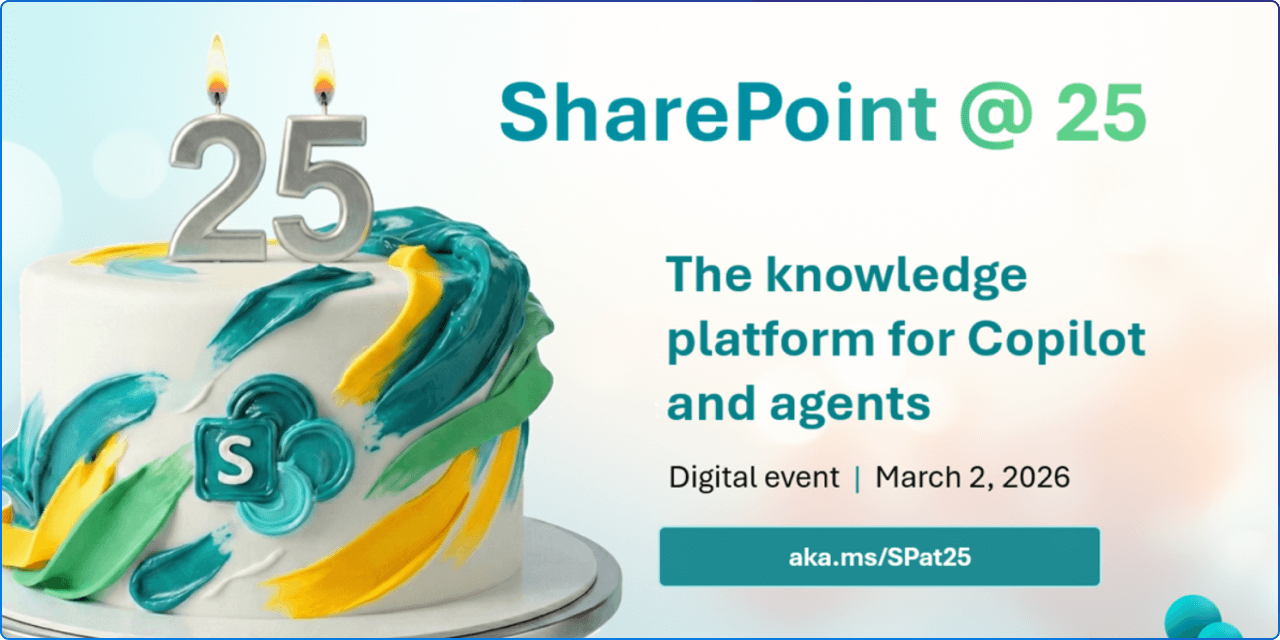
Join global leaders, innovators, and the SharePoint product team for a premier digital event that honors SharePoint's evolution and its role as the knowledge platform for Copilot and agents, marking both a celebration and a look ahead at the future.
This global digital event on Monday, March 2, 2026 at 9:00 AM PST offers an exciting look at SharePoint's historic moments along with an exclusive preview of its AI future.
Be sure to stick around for the live Ask Microsoft Anything (AMA) with the SharePoint product team, and don't miss the SharePoint Hackathon kicking off the same day, a hands-on opportunity to build modern employee experiences using SharePoint, Copilot, and the latest AI capabilities.

When employees aren't intentional or thoughtful with their AI use, it can drive quality issues and increase "workslop" and 60% of employees report skipping accuracy checks. This research explores how meta-cognition around AI (thinking about your thinking) strongly predicts perceived AI value.
The remedy isn't more adoption, it's better habits. When leaders role model AI use (boosting meta-cognition by 22 percentage points) and teams feel psychologically safe (16 percentage point boost), employees engage more thoughtfully with AI. This is a must-read for any organization navigating the balance between AI quantity and quality.
AI has officially moved from an interesting add-on to a core part of how modern organizations communicate and connect. Week 2 of the Viva Engage Masterclass explores what this shift means for employees, leaders, and communicators, and how Viva Engage is becoming the place where human connection and AI scale together.
The session is grounded in the Four Pillars of Connected Communications: Relevance, Effort, Signal, and Safety a powerful framework that helps organizations ensure AI-powered engagement scales through people, not just technology.
If you're building a Copilot Adoption Community or championing AI in your organization, this masterclass delivers actionable takeaways.
New capabilities include expanding the Copilot Dashboard and Copilot reports to managers, plus the general availability of the Copilot business impact report. Managers now have default-on access to a team-scoped view of the Copilot Dashboard with deep insights into Copilot adoption, impact, and learning.
Enhanced data quality visibility for administrators and analysts enables better understanding of organizational data used in Viva Insights and Microsoft 365 Copilot, while new CSV-based business data upload helps organizations understand how Copilot usage influences the business outcomes that matter most. These updates make it easier than ever to measure and optimize your AI investments.
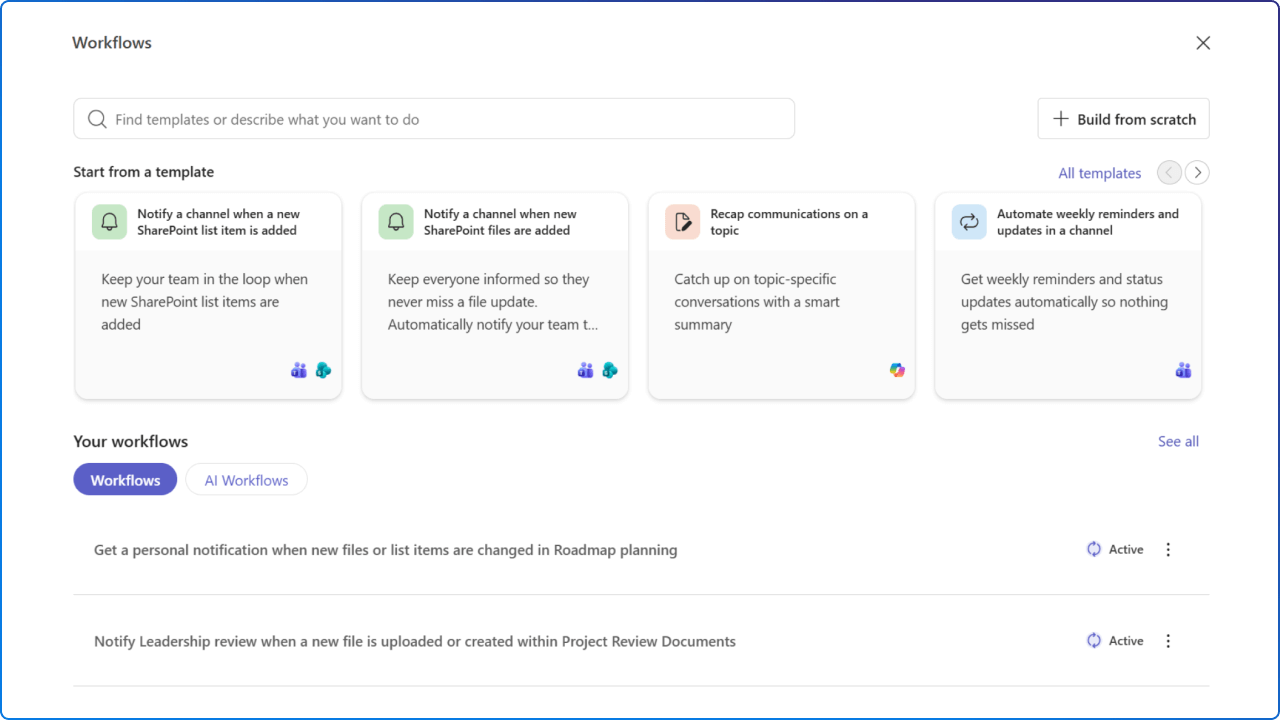
The way work gets done continues to evolve. The updated Workflows experience in SharePoint brings automation directly into the context of the content you're working with whether that's a document library or a list.
This unified experience across SharePoint and Teams lets you discover, create, and manage workflows without leaving your flow of work. New features include template-driven scenarios for common SharePoint needs, the ability to build from scratch when needed, and guided "Mad-Lib" style automation that reduces the time and effort required to move from idea to action.
These improvements lay the groundwork for AI-powered experiences as Copilot and Knowledge Agent continue to expand.
Agent Mode in Word, Excel, and PowerPoint helps users edit and refine documents, spreadsheets, and presentations by working alongside users and responding to prompts while actively making changes to files.
As it works, Copilot shows what it's doing and why, giving users transparency and control to review, adjust, or steer the outcome at any point. This month also brings a refreshed Microsoft 365 Roadmap, new Word/Excel/PowerPoint Agents that generate complete drafts from a single prompt, and expanded Copilot Chat Insights in the Copilot Dashboard. January's updates represent a fundamental shift from AI assistance to true AI collaboration.
Many employees don't struggle with too much information, they struggle with information that lives in too many places. Copilot connectors help unify fragmented data by securely extending Microsoft 365 Copilot to external systems.
This month, Microsoft announced the General Availability of 35 new Copilot connectors built by Microsoft, expanding reach across Developer Tools, Project Management, IT Service, Content Management, and specialized verticals like healthcare.
These connectors break down data silos by indexing external content into the Microsoft Graph, enabling Copilot to pull insights from all your external content repositories and deliver more relevant, comprehensive results.
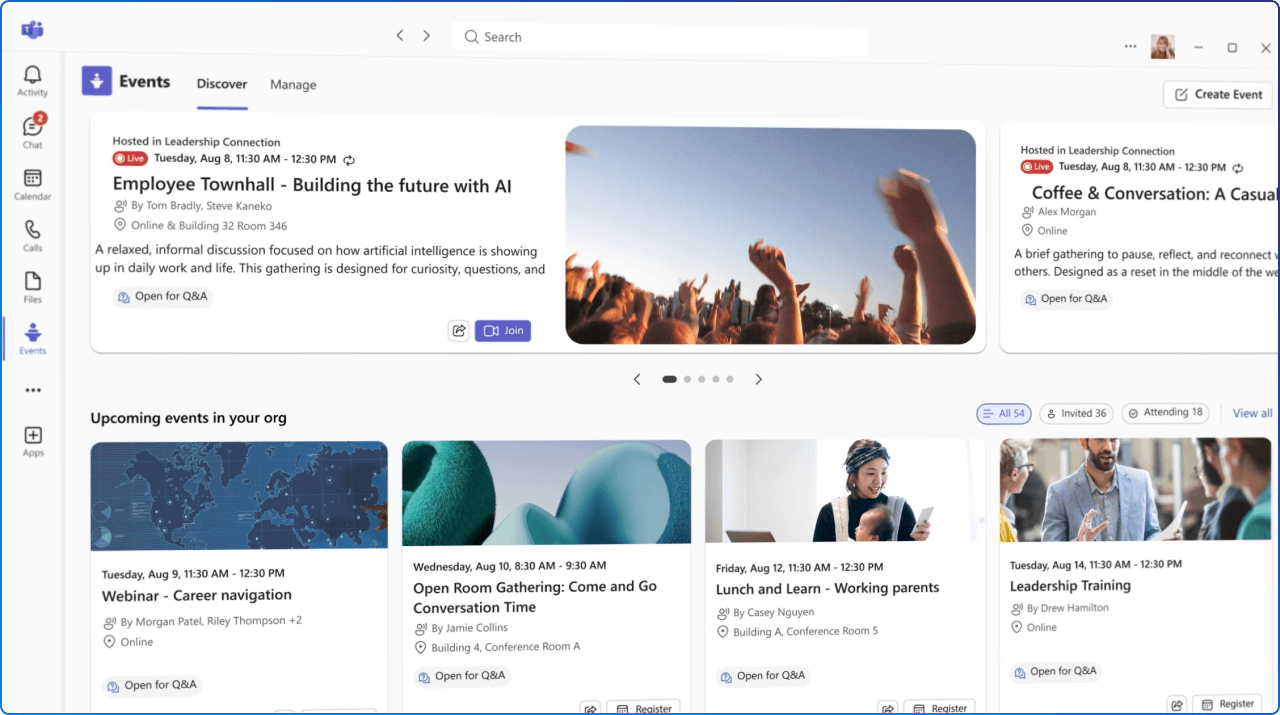
Today's organizational challenges and growing complexity can make it difficult to create meaningful connections with audiences. The new Teams events experience, now in public preview, is designed to simplify how events are discovered, created, and managed.
The Meet app becomes the dedicated home for events in Teams, featuring a unified event creation flow that gives organizers more flexibility and control, no longer constraining individual features to a particular event type. The new Discover tab helps organizers promote events, while the Manage tab brings everything into one place for streamlined event management.
If you're planning webinars, town halls, or custom events, this update delivers professional-grade capabilities with simplified workflows.
Now available in Public Preview, Frontline Agent is a purpose-built, persona-tuned AI assistant designed to help frontline workers across industries like retail, healthcare, manufacturing, and hospitality find information quickly, stay caught up, and coordinate work with confidence.
Available out-of-the-box in Microsoft 365 Copilot and the Microsoft Teams chat rail, you can ask for what you need just like you would a teammate. The agent delivers clear, concise responses grounded in your organization's SharePoint and Teams chat/channel data with no configuration or custom prompts required and workers can message in their preferred language, even if documents are in another language.
This is a game-changer for organizations looking to empower their frontline workforce with AI.
This feature provides additional languages support for AI generated audio overview of top 10 news items in the Viva Connections news reader experience. Additionally, if the SharePoint Knowledge Agent is available in a site, site pages and news posts will now have the AI audio summary experience.
Introduce two official Microsoft-designed dark themes for SharePoint sites, delivering a modern, elegant look with improved visual comfort and accessibility. These themes provide consistent branding options and enhance user experience in low-light environments while maintaining compliance with Microsoft design standards.
The new Workflows app is to provide an experience that is both simpler and faster to enable everyday Teams and SharePoint users to create automations in three steps or less. This item is still In Development for production release; we apologize for any inconvenience.
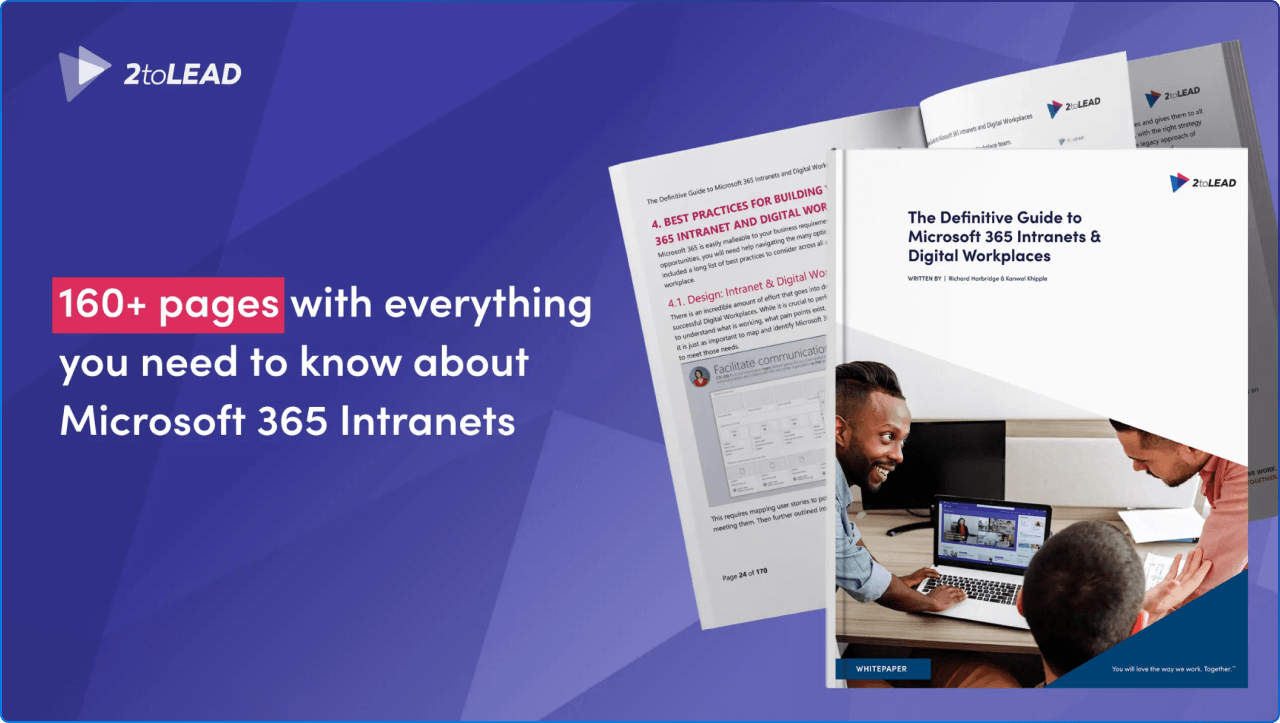
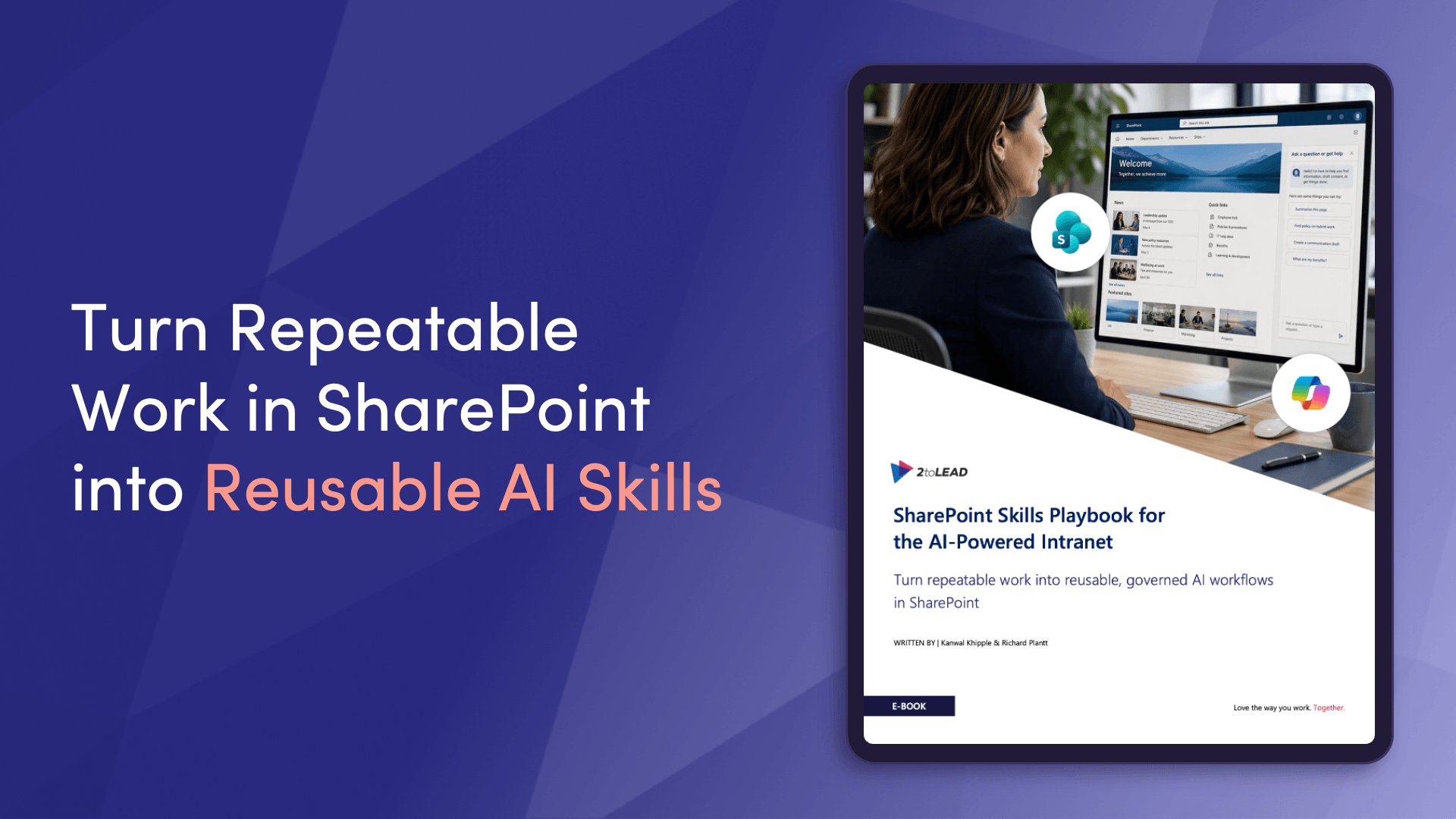
Download this whitepaper to discover guidance and insights based on 2toLead's experience with hundreds of customers in a wide variety of industries and organization sizes. There is a growing trend of organizations moving their digital workplace to Microsoft 365 to meet their Intranet platform needs.
This comprehensive resource will help you empower employee engagement, improve content management systems, increase productivity through enhanced team collaboration, and strengthen your internal communication efforts at scale.
This 160+ page whitepaper provides actionable strategies, best practices, and templates to accelerate your intranet journey. A must-have resource for any organization building or modernizing their digital workplace.
What a month it's been! From SharePoint's Knowledge Agent transforming how we manage and discover content, to the exciting milestone of SharePoint's 25th birthday celebration, to powerful new automation capabilities and the rise of purpose-built AI assistants for frontline workers. February 2026 has delivered innovations that truly put employees at the center of the digital workplace.
The common thread across all these updates? AI that amplifies human potential, not replaces it. Whether it's meta-cognition helping employees use AI more thoughtfully, Agent Mode providing transparency and control over document edits, or Frontline Agent speaking your language to help you find answers fast, Microsoft is building tools that work alongside us, making work more accessible, efficient, and connected.
As you explore these resources, remember: the best employee experiences are built one thoughtful implementation at a time. Pick one or two innovations from this newsletter that align with your organization's priorities, test them with your teams, and share what you learn.
We're here to help you navigate this exciting journey. Until next month, stay curious, stay connected, and keep building experiences that matter.


Join Our Newsletter