Welcome to the December edition of our Employee Experience newsletter. If your calendar looks like a tray of festive cookies; stacked, colorful, and slightly crumbly, we’ve got you covered.
This month’s curation leans into real-world impact across Viva, SharePoint, OneDrive, and Copilot. Grab a peppermint latte, skim the highlights, and pick one thing to try this week. Small wins compound fast in employee experience.
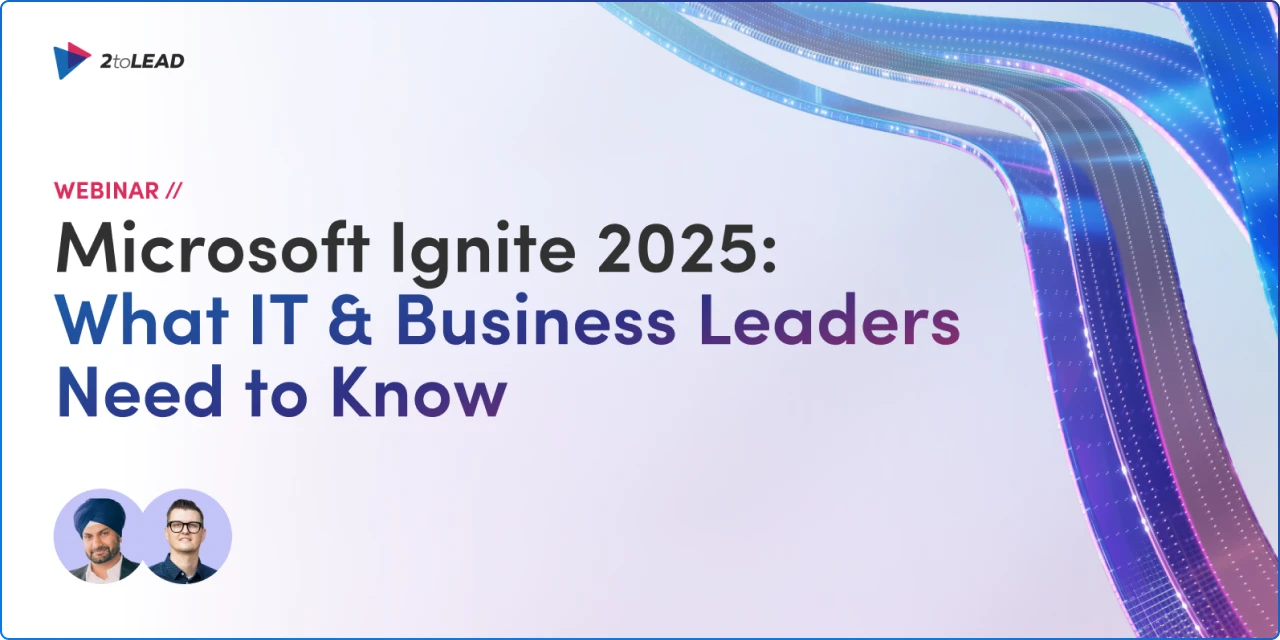
Stream our latest webinar for a curated breakdown of the EX announcements that matter most from Ignite 2025. Kanwal Khipple and Richard Plantt walk through the implications for your digital workplace, governance, and adoption, then map practical next steps you can take now.
Expect crisp guidance on AI agents, Copilot, and alignment across IT and the business. It’s designed to save you hours of watching sessions while giving you an action plan to pilot, scale, and measure impact
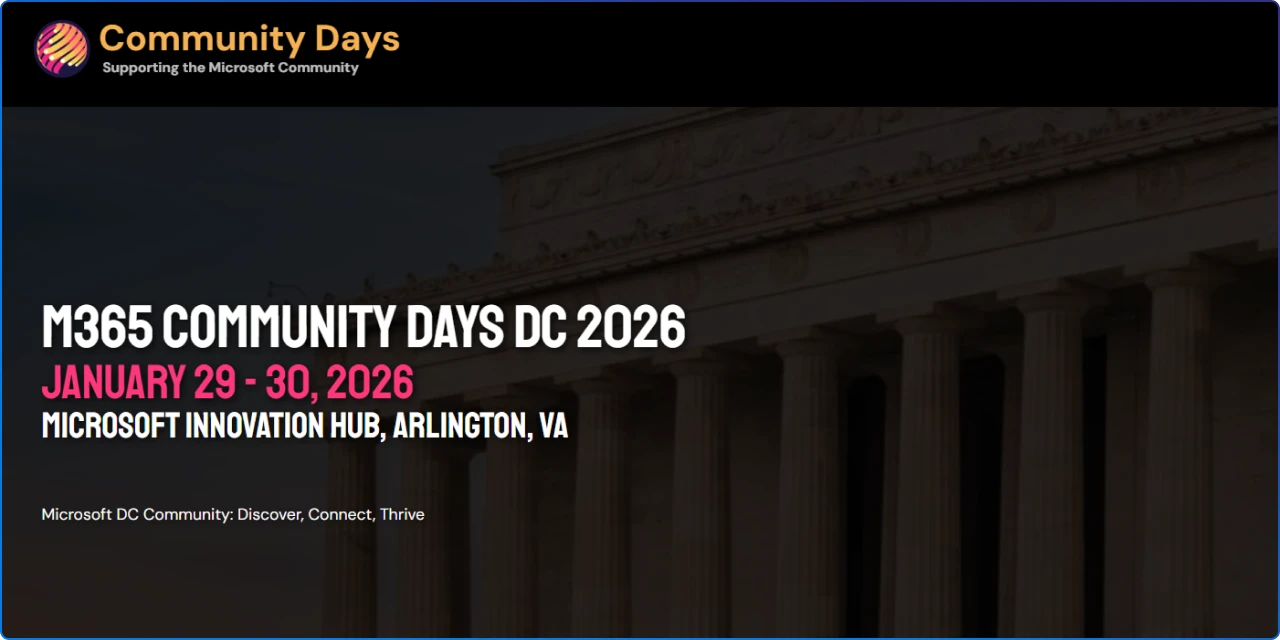
A community-led, low‑cost two‑day experience in Arlington, VA that blends hands‑on workshops with a full conference day spanning SharePoint, Teams, Power Platform, security, AI, and Copilot. Expect practical sessions from MVPs and practitioners, built for people who want to ship real value back at work.
If you’re planning FY26 initiatives, this is an easy way to accelerate learning and connect with peers. Ticket details and logistics are available via the event listing.

New Viva research suggests “good friction” can actually accelerate AI impact: employees who lean into the challenge report higher readiness, greater realized value, and are almost 2x more likely to be high‑frequency AI users.
The takeaway is to coach teams to treat friction as a skill‑building opportunity, not a blocker, with trust, recognition, and training as the accelerants. This reframing helps organizations move past pilot fatigue into durable habits. Consider pairing it with targeted learning paths and manager enablement.
Microsoft is rolling out AI‑powered “community agents,” context‑aware Copilot experiences, and deeper analytics to help leaders scale authentic communication and turn signals into action.
The agent can answer questions using trusted community content, surface relevant resources, and nudge engagement where threads stall. For communicators, this means more meaningful reach with less manual triage. It’s a step toward measurable, two‑way dialogue at enterprise scale.
A practical playbook for safe, high‑signal communities: clarify the purpose of “All Company,” use Official Communities with dynamic membership, and restrict posting in broadcast channels to reduce noise. Combine policy acceptance, keyword alerts, and community restrictions to keep spaces respectful while preserving two‑way dialogue.
The goal is fewer firefights and more constructive participation at scale. Start by aligning governance to your culture, then tune settings to your engagement patterns.
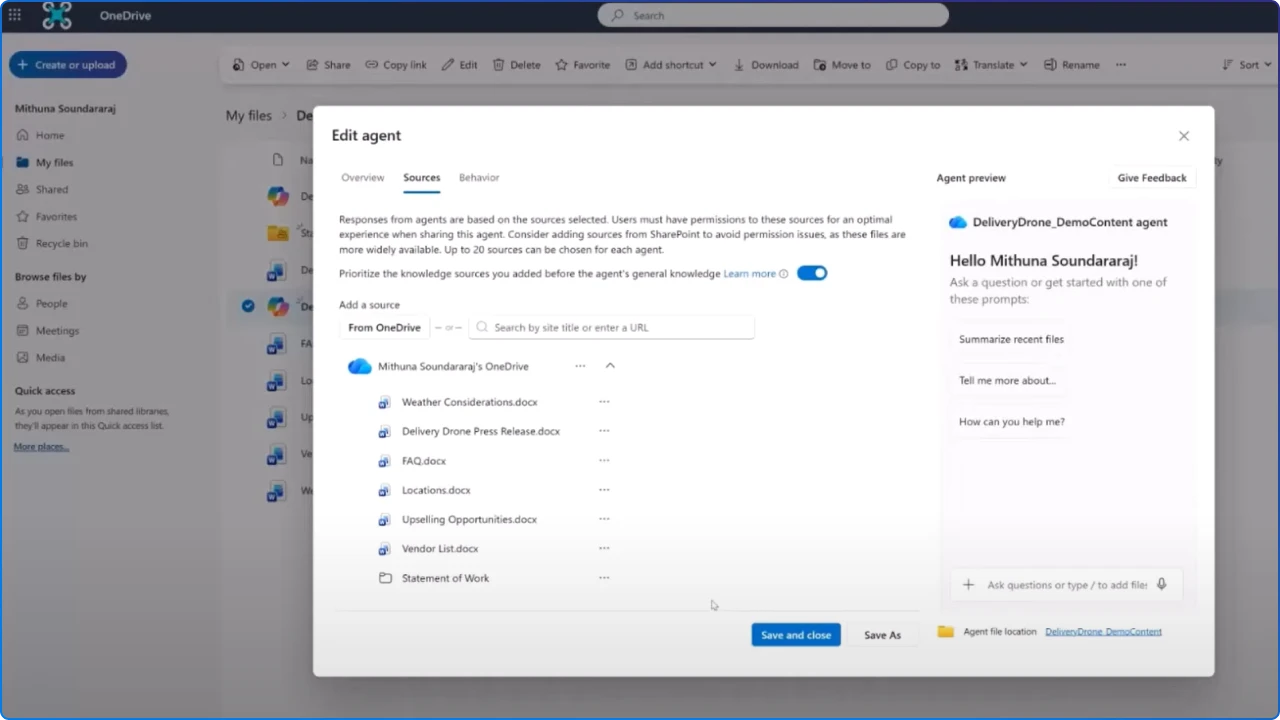
OneDrive now lets you create .agent files, personal project assistants grounded in up to 20 selected documents: so you can ask questions, surface decisions, and share the agent with your team.
Think onboarding packs or project hubs that “know” the work and answer instantly without hunting through folders. It’s a simple, file‑centric way to operationalize AI in everyday work. Requires a Microsoft 365 Copilot license and OneDrive on the web.
Highlights include Work IQ memory improvements, quality gains in Copilot Chat, and Agent Mode advances across Word, Excel, PowerPoint, and Teams. Admins get richer Copilot Dashboard reports, improved audit logs, and new SharePoint admin insights.
The thread tying it all together is better grounding, better oversight, and more ways to build repeatable value with agents. If you paused your rollout, this wave is worth revisiting.
SharePoint’s AI‑native FAQ web part now suggests updates, imports existing Q&A, grounds answers on page content, and generates shareable deep links. Authors keep human‑in‑the‑loop control, while Copilot reduces the maintenance overhead that makes FAQs go stale.
Use it for product launches, policy changes, or event hubs to keep answers current without rewriting pages. Creators need a Copilot license; viewers do not.

This playbook shows how to build a secure, low‑code “voice agent” that mirrors your executive’s tone and style across channels. It covers data connectors, compliance guardrails, and workflows to draft posts, refine scripts, and scale authentic leader communication.
Start small, add feedback loops, and keep sources curated to preserve trust. There’s a downloadable guide with step‑by‑step setup.
Microsoft frames “Frontier Firms” as organizations that pair AI agents with human teams to close the capacity gap and bend the curve on innovation.
For communicators, the four pillars: enrich experiences, reinvent engagement, reshape processes, and accelerate innovation, provide a practical lens for planning. Treat data, dialogue, and trust as first‑class citizens. Pilot agent‑assisted workflows that free time for strategy and creativity.
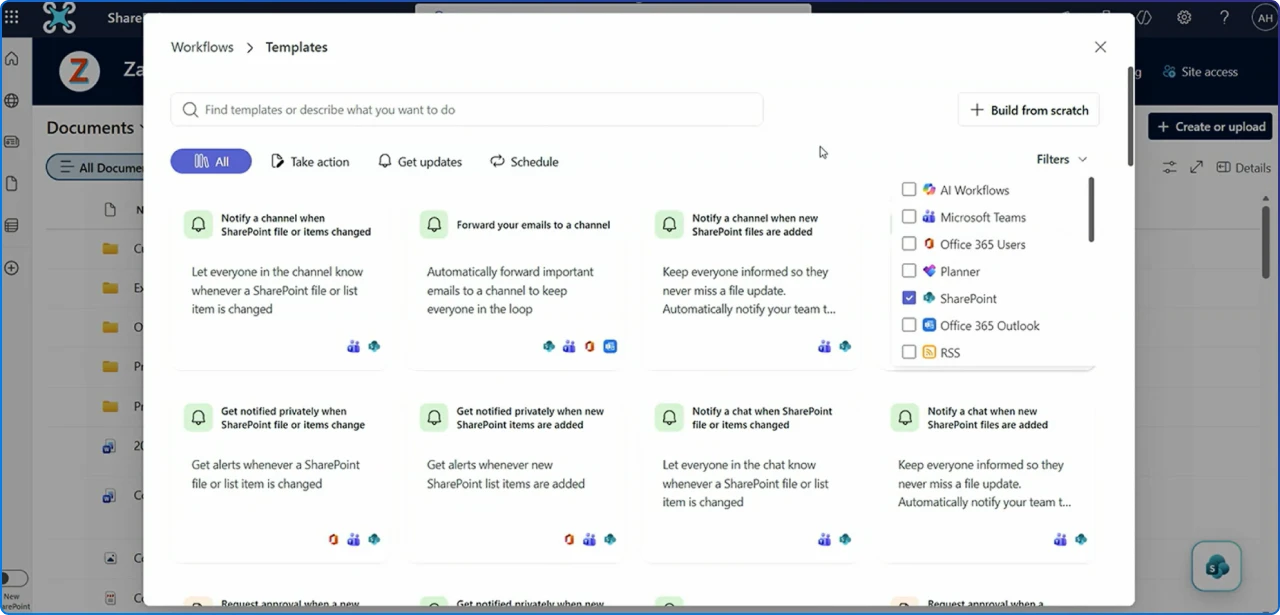
A redesigned, Power Automate‑powered Workflows app brings natural‑language setup, a streamlined template library, and three‑step flows across Teams chats, channels, and SharePoint lists. Public preview landed in late 2025, with general availability targeted for early 2026.
Use it to democratize automation without breaking governance. Ideal for approvals, notifications, and simple handoffs that otherwise clog.
New Data Access Governance reporting in the SharePoint admin center shows where a user has site, library, folder, or file access, direct or via groups. It’s perfect for audits, departures, and pre‑Copilot license checks.
The report helps you quickly triage oversharing risks and clean up legacy access. No special configuration needed once enabled.
Enterprise App Insights surfaces third‑party apps with access to your SharePoint sites, including permissions and request counts, so admins can strengthen security. It’s part of SharePoint Advanced Management and aligns with Copilot‑readiness requirements.
Enable data collection, then use the report to investigate and remediate risky integrations. Pair it with your DLP and access reviews.
SharePoint’s “See all” News experience gets a modernized layout and Copilot‑powered capabilities for licensed users. The refresh improves visual rhythm while introducing AI assistance to help employees find and act on news more effectively.
Rollout timing shifted to early 2026, watch for the resumed GA window. It’s a good moment to revisit your intranet’s editorial model.
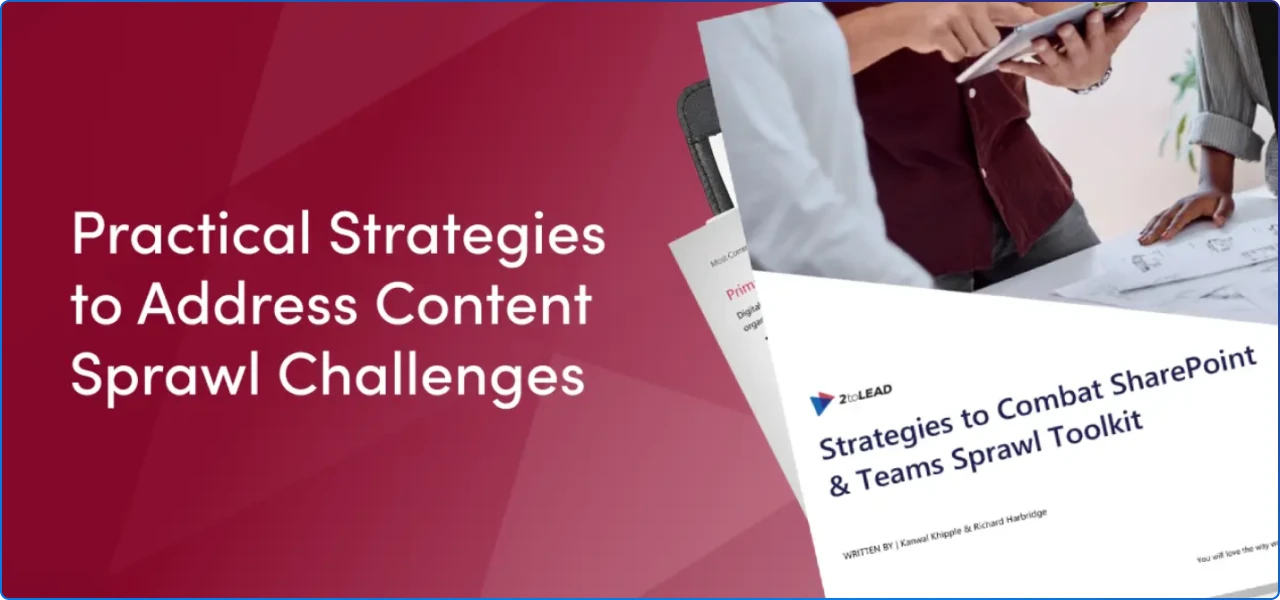
If sprawl is draining productivity and increasing risk, this toolkit gives you a practical path from unmanaged to managed growth. It outlines governance guardrails, lifecycle patterns, audits, and automation that reduce noise while preserving agility.
Expect clear tactics for naming, provisioning, archiving, and reporting, plus tips to align business owners and IT. Use it to anchor your 2026 cleanup and Copilot readiness.
This month’s theme is simple: make AI useful by making it easy. Whether it’s a OneDrive agent that knows your project, a smarter FAQ that stays fresh, or a leader’s voice scaled with care, the best EX wins remove friction and amplify clarity.
At 2toLead, our passion is turning complex technology into approachable, trustworthy experiences that help everyone succeed. If you want a hand translating these updates into outcomes, let’s team up and build.


Join Our Newsletter