Spring has settled in across our patios and parks, and the Microsoft 365 ecosystem is enjoying a growth season of its own. This month brought a wave of fresh announcements out of the Microsoft 365 Community Conference in Orlando, along with practical guidance on how to bring AI, leadership communications, and modern intranet thinking together in your digital workplace.
As you wrap up Q2 planning and look ahead to the summer stretch, we hope this edition gives you a few new ideas worth exploring, a few resources worth saving, and at least one conversation starter for your next team huddle. Pour a cold drink, find a sunny window, and dig in.
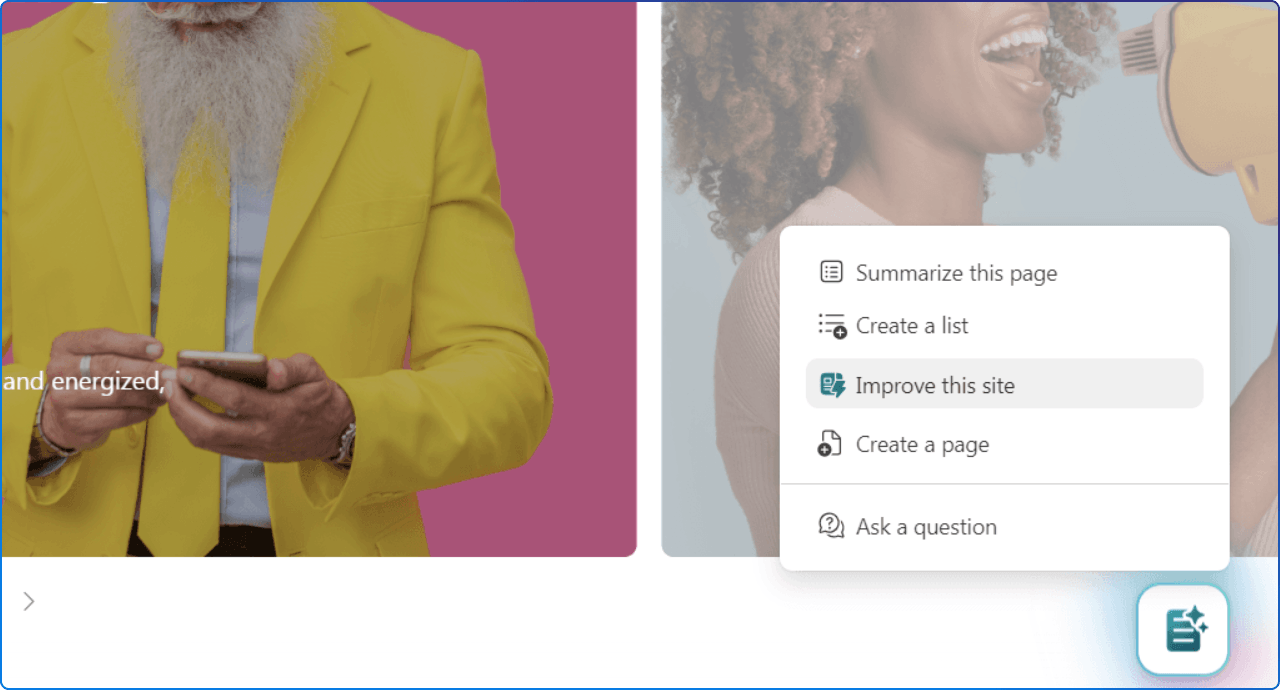
Launching a SharePoint site is the easy part. Keeping it accurate, trusted, and useful over the long haul is where most intranets quietly lose ground, and that is exactly the gap Microsoft's new "Improve your site with AI" capability is designed to close.
In this article, we walk through how the feature surfaces actionable recommendations based on real usage signals, helping site owners retire inactive pages, fix broken links, and address content gaps that employees are actively searching for. We also unpack why this matters for the broader digital workplace: as SharePoint becomes the grounding source for Copilot and agents, content quality directly shapes the answers your people receive.
It is a meaningful shift from periodic governance to continuous, intelligent improvement, and it is something every intranet owner should be paying attention to right now.
Fresh off the Microsoft 365 Community Conference in Orlando, we hosted a focused recap to help leaders cut through the marketing noise and zero in on the updates that actually move the needle. In this live webinar, we walked through the biggest announcements across SharePoint, Microsoft 365 Copilot, AI agents, and the broader digital workplace, then connected them back to what your organization should be doing next.
The session is built for IT, communications, adoption, and digital workplace leaders who need a practical briefing rather than a feature tour, with attention paid to content governance, information architecture, and AI readiness. If you missed the live event, the recap remains a strong starting point for shaping your roadmap conversations through the rest of the year.

Modern leadership is less about scheduled broadcasts and more about consistent, credible presence in the places where work already happens. This Viva Engage playbook lays out how leaders can use Storyline and Communities to communicate with clarity, follow through visibly, and stay human at scale, even when time and channel overload are working against them.
Drawing on research from UX Researcher Paula Wellings, the article makes a strong case that visible, two-way leadership communication is a measurable driver of trust, engagement, and change adoption. It is a thoughtful read for anyone shaping executive communications strategy or coaching leaders on how to show up consistently inside Microsoft 365.
When messages are not connected to someone's role, location, or reporting chain, they do not just get ignored, they create information anxiety and quiet disengagement. This Viva Engage article reframes the tension between reach and relevance, showing how new Storyline announcement targeting lets leaders and delegates select audiences at publish time using existing organizational attributes.
The walkthrough includes a tangible HR scenario where a US-only benefits update reaches the right 2,400 employees automatically, with no static distribution lists or org-wide spam. For communicators building precision into their channels, this one is genuinely worth bookmarking.
This month's research drop from the Microsoft Viva team makes a clear point: the next chapter of AI transformation is less about access and more about the human conditions that determine whether usage translates into real value.
Across three surveys, factors like psychological safety, role clarity, and engagement have shifted in how strongly they predict the Realized Individual Value of AI, mapping closely to the emotional arc of adoption from early excitement, through mid-period concerns, to a rebound grounded in agency and mastery. Notably, Microsoft's 2026 Work Trend Index research found that organizational climate and leadership factors contribute more than twice as much to AI's impact as individual user behavior. For leaders measuring Copilot success, this is essential context.
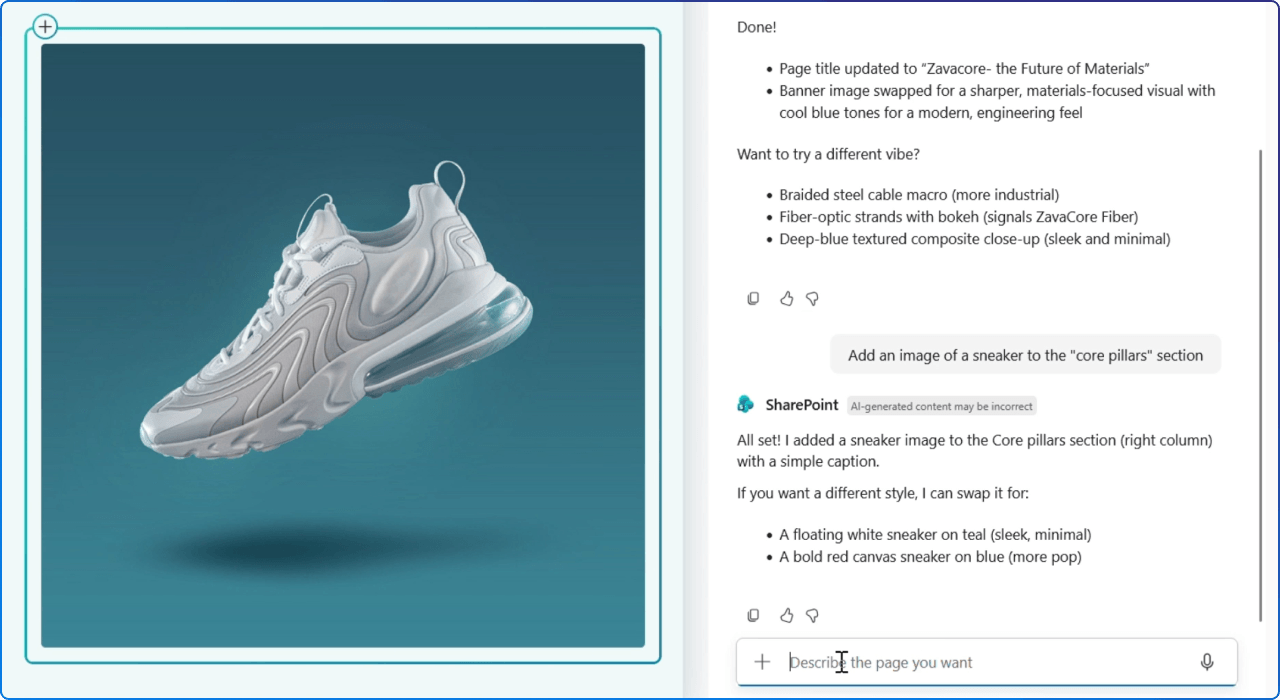
More than 2,700 customers gathered in Orlando to see how SharePoint is evolving from a place where employees find information into a platform that actively helps teams create and maintain it. This blog summarizes the public preview capabilities now available across two themes: creation, where authors can generate and edit pages, charts, and visual stories using natural language; and curation, where AI helps site owners retire inactive pages, identify content gaps, and fix broken links.
Because SharePoint content increasingly grounds Microsoft 365 Copilot and agents, the quality of that content directly shapes the answers your employees receive. It is a useful primer for anyone planning their AI-ready intranet roadmap.
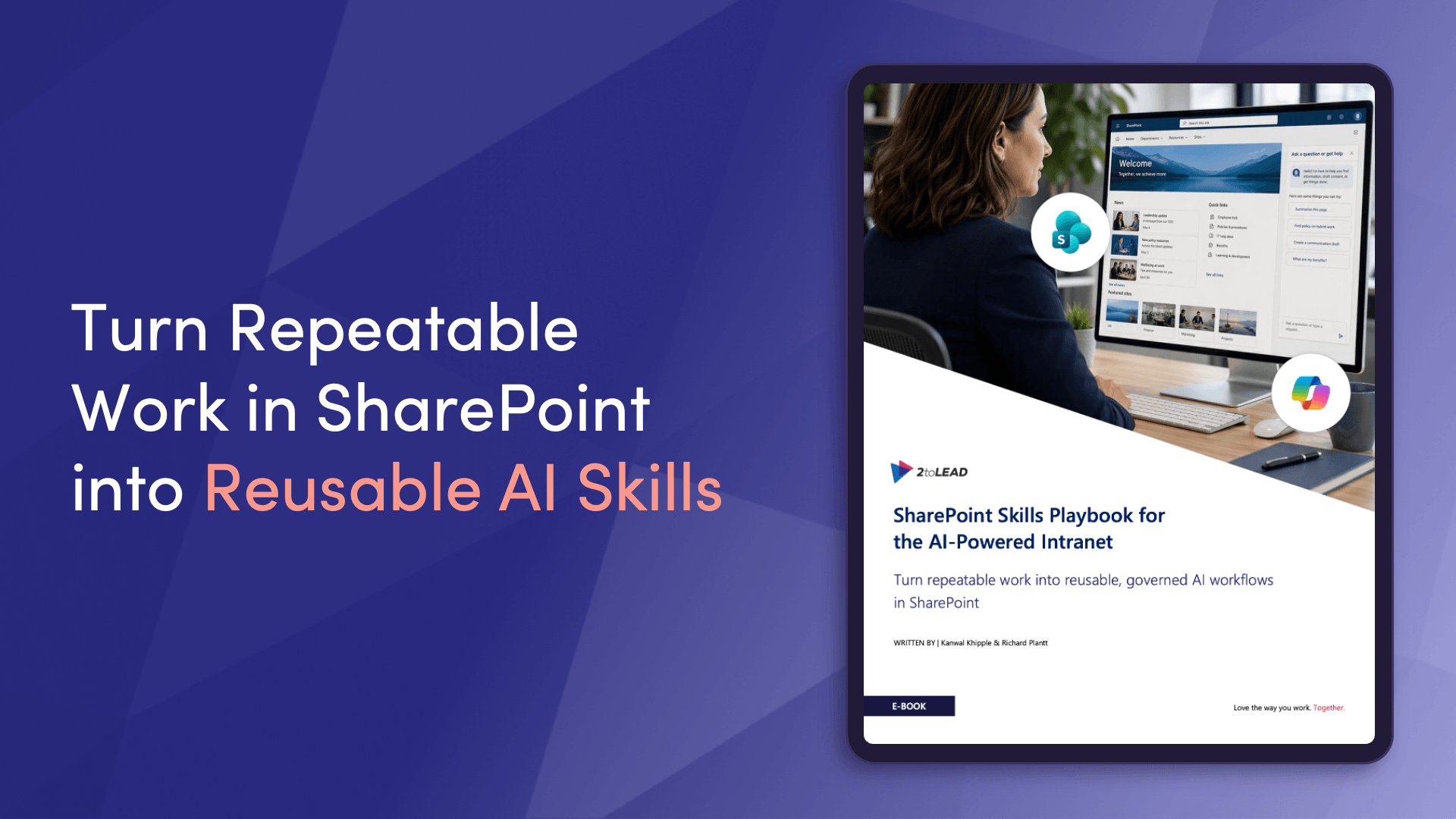
One of the biggest announcements from M365Conf 2026 was the public preview of SharePoint Skills, and this blog explains exactly why it matters. You can now teach AI in SharePoint three things: what to know (shared site context and rules), how to act (multi-step skills your team can run on demand), and what to produce (Word, PowerPoint, Excel files, dashboards, and reports aligned to your organization's preferences).
Together, these capabilities turn generic AI into something that reflects how your team actually operates, from naming conventions and brand standards to proposal workflows and governance routines. For digital workplace teams, this is the foundation for AI that feels genuinely yours.
On May 7, Microsoft added OpenAI's GPT-5.5 Instant to Microsoft 365 Copilot and Copilot Studio, building on GPT-5.3 Instant with improvements to everyday work tasks, image analysis, and STEM-related responses. The model is designed to deliver clearer, more concise answers with less back-and-forth, helping users get to useful outputs faster across the flow of work.
Licensed Microsoft 365 Copilot users get priority access, while Copilot Chat users have standard access, and agent makers can find it inside Copilot Studio's early release environments. It is a small but meaningful upgrade that will quietly improve the quality of countless daily interactions.
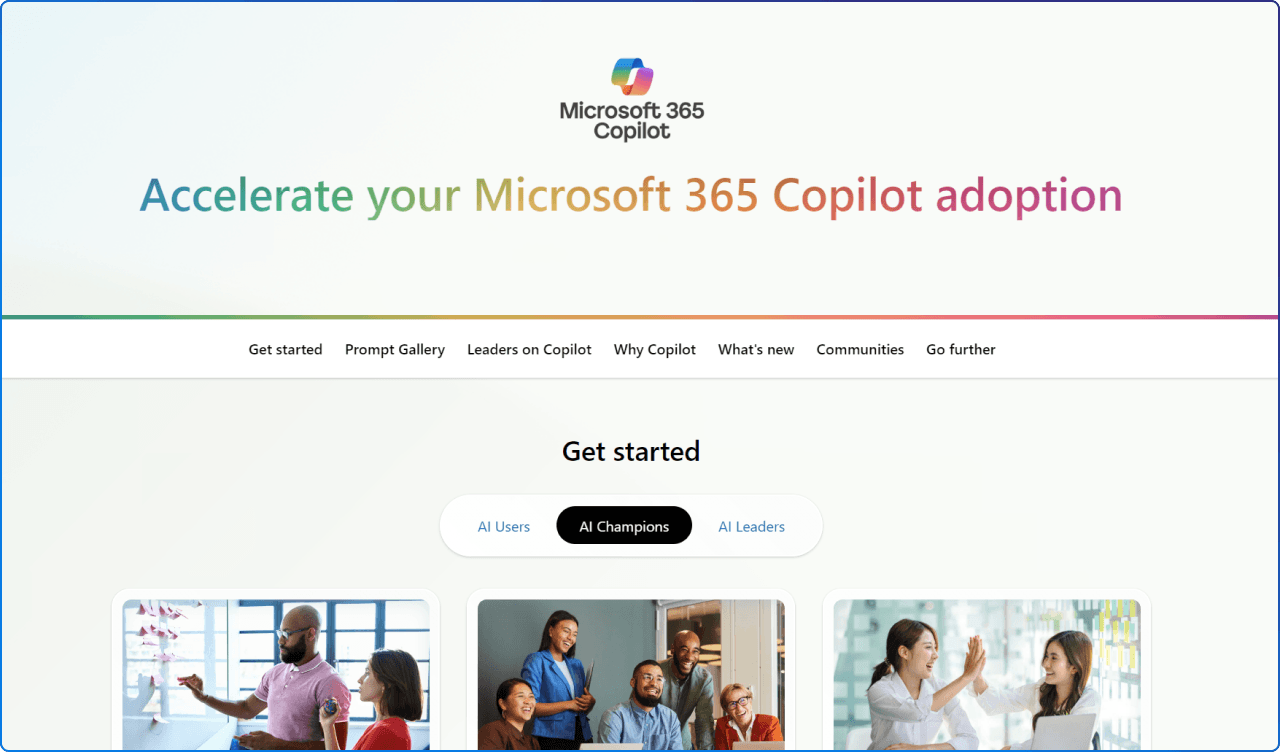
One of the biggest barriers to Copilot adoption is that people genuinely do not know where to start, and Microsoft's redesigned Adoption Hub is built to address exactly that. The first release of the new experience organizes content around three practical roles (AI Business User, AI Champion, and AI Leader) and serves up ready-to-use prompts, real examples, and clear guidance based on what each person actually needs to do next.
Connections to communities, events, IT and enablement guidance, and the AI Skills Navigator remain in place, so deeper learning paths are still close at hand. If your organization is rebuilding its Copilot adoption strategy, this is a strong reference point.
As Viva Engage communities become more visible inside Microsoft Teams, admins and communicators have a fresh opportunity to align on readiness, governance, and content design before adoption ramps up. This three-step planning guide walks through how to prepare your tenant, how to reset the All Company experience, and how to address concerns about noise as participation grows.
The article also includes a real-world quote from Cognizant on bringing 350,000 employees into a single pane of glass for communications, which is a helpful reference point for organizations operating at scale. It is essential reading if you are responsible for governance or internal comms inside your tenant.
This is the running release blog for Copilot Cowork, capturing the milestones, launches, and newest innovations as Microsoft expands its agentic experience inside Microsoft 365.
The latest update introduces plugins and connectors that let Cowork pull data from (and in many cases write back to) systems like Dynamics 365, Fabric, Power BI, and a growing list of partner platforms including LSEG, Miro, monday.com, S&P Global Energy, Adobe, Atlassian, Box, and Harvey.AI. Organizations can also build their own custom plugins to bring proprietary skills, pricing engines, or onboarding context into the Cowork experience.
For teams thinking beyond prompts and toward genuine execution, this is the page to bookmark.
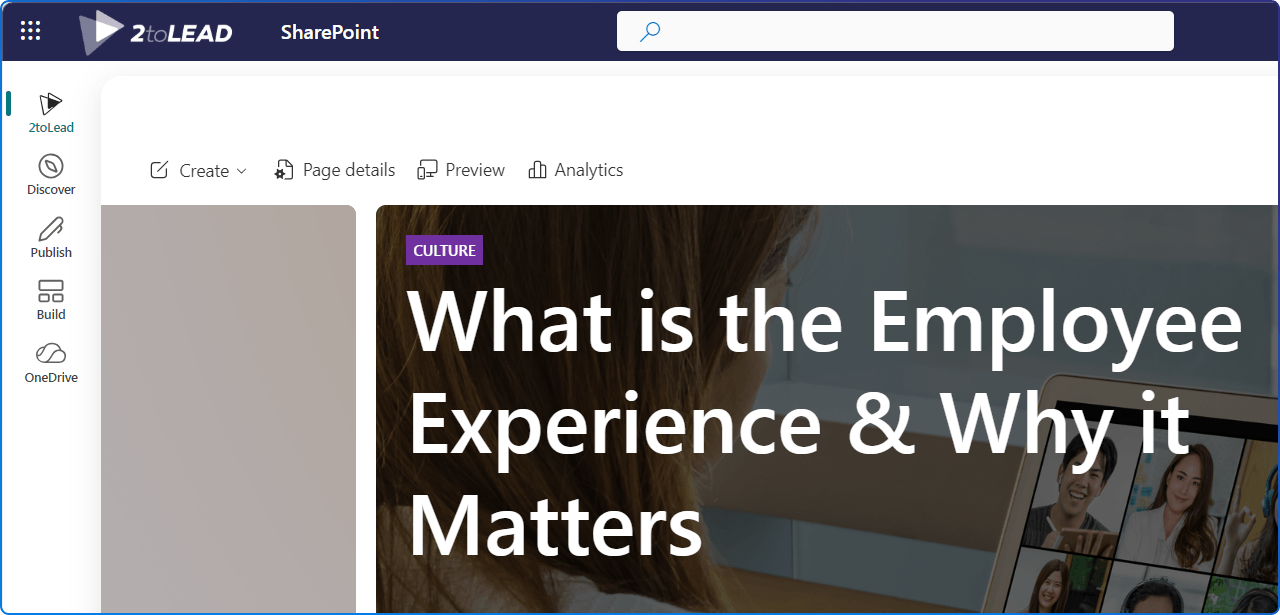
Microsoft is rolling out a reimagined SharePoint experience designed around three core jobs: discovering knowledge, publishing content, and building solutions.
The update introduces a redesigned app bar with Discover, Publish, Build, OneDrive, and Home sections, along with neutral theming, refreshed page and list experiences, and foundational support for AI-assisted creation (which requires a Microsoft 365 Copilot license). Rollout is moving through public preview, targeted release, and general availability across worldwide, GCC, GCC High, and DoD environments, so admins should review provisioning, customizations, and change management plans now. It is the most significant SharePoint UI shift in years.
This feature introduces automated, role-targeted onboarding emails that help leaders discover the Copilot Dashboard inside Viva Insights.
It is a small but meaningful nudge designed to drive the right people into the right surface, giving leadership audiences the visibility they need into Copilot usage, adoption signals, and team-level patterns. For organizations measuring Copilot adoption (and trying to keep leadership engaged in the data) this kind of contextual onboarding lowers the barrier to insight without adding another tool to learn. It is the type of behind-the-scenes change that often delivers outsized value.
The Researcher agent in Microsoft 365 Copilot is gaining new export formats, expanding beyond Word and Pages to include PowerPoint, PDF, Infographic, and Audio overview.
The existing Word and Pages export experience is also getting a UX refresh, giving users more flexibility in how they create, share, and consume AI-generated research. Rollout begins in early 2026 and continues progressively, with no admin configuration required and no impact to existing workflows. For research-heavy roles, this is a quietly powerful update that meets people where they actually want to consume insight.
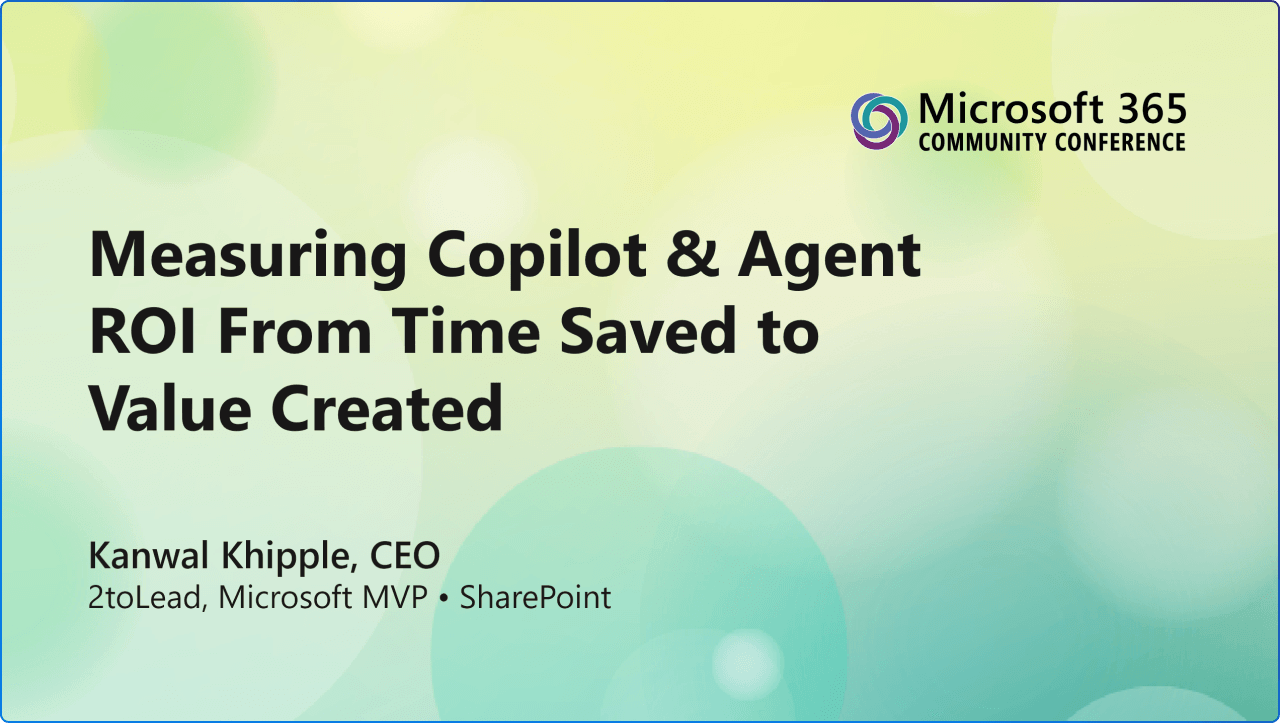
Organizations are investing heavily in Microsoft 365 Copilot and AI agents, but the biggest question we hear from leaders is still the same: how do we prove the value? In this resource from our 2026 Microsoft 365 Community Conference session, we share a practical approach to measuring Copilot and agent return on investment, including how to set baselines, run lightweight A/B experiments, and track task completion, user confidence, and knowledge reuse.
The slides also cover how to translate adoption into financial terms your CFO will recognize and how to build dashboards that connect AI curiosity to long-term business value. If you are building the case for continued investment, this is a strong starting point.
May has been a generous month. We saw Microsoft sharpen its story around AI value, deliver new SharePoint capabilities that are genuinely useful, and put practical tools in the hands of leaders, communicators, and adoption teams.
The theme tying it all together is a familiar one for us: the digital workplace is only as good as the content, communications, and conditions we build into it. As you head into the next sprint, we encourage you to pick one idea from this edition, share it with a colleague, and turn it into a small experiment. That is how meaningful change actually happens, one thoughtful step at a time. We will see you in June.


Join Our Newsletter