By clicking “Accept”, you agree to the storing of cookies on your device to enhance site navigation, analyze site usage, and assist in our marketing efforts. View our Cookie Policy for more information.
Icon Rounded Closed - BRIX Templates

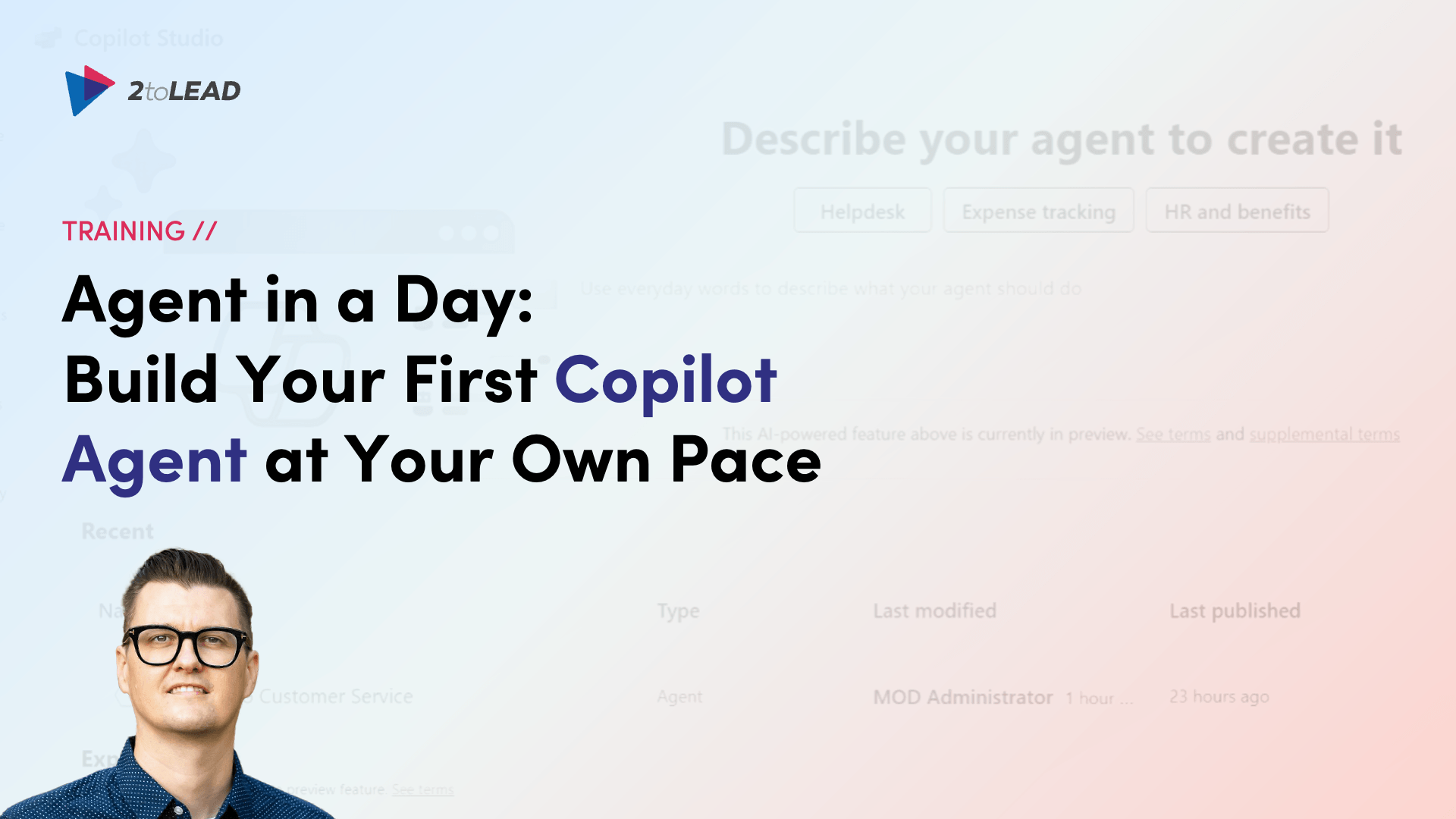
Agent in a Day: Build Your First Microsoft Copilot Agent at Your Own Pace

Missed a seat at Agent in a Day? Watch 2toLead's on-demand session with Microsoft MVP Richard Plantt and learn to build agents in Microsoft 365 Copilot Studio.
Richard Plantt
, 

Session Overview

  • Format: On-demand recording
  • Level: Beginner to intermediate. No coding required.
  • Cost: Free

MVP-led · From 2toLead, a trusted Microsoft partner · Real builds, not slideware

The Fastest Way to Start Building Microsoft Copilot Agents

Most people don't need more AI hype. They need someone to show them how to build an agent. That's exactly what this session does; from first idea to a working agent.

  • Learn at your pace. You can rewind a tricky step instead of falling behind in a live lab.
  • Watch real agents being built. Every step is shown live, from the first prompt to an agent that works.
  • Skip the guesswork. You'll learn when Agent Builder is enough and when it's time to move to Copilot Studio.
  • Start with governance from day one. You'll see the guardrails that keep agents secure, owned, and ready to scale.

What You'll Learn

Where agents fit in Microsoft 365

This section explains in plain language how Copilot Chat, Microsoft 365 Copilot, Agent Builder, and Copilot Studio fit together. It also covers the different types of agents, from simple retrieval agents to task agents to autonomous agents.

Building your first agent with Agent Builder

You'll go from an idea to a working declarative agent using templates and natural language. You'll also learn how to choose the right name, description, knowledge sources, and conversation starters.

Extending agents in Copilot Studio

How to ground agents in SharePoint and Dataverse, add tools and flows, and move toward autonomous agents.

Governance before you scale

Covers environments, ownership, and security so your first agent doesn't become your first case of agent sprawl.

Meet Your Host

Richard Plantt, AI Advisor & Adoption Lead at 2toLead, Microsoft MVP

Richard is a SharePoint MVP and a 2025 SharePoint Hackathon winner. He specializes in making complicated technology feel simple. He has led 2toLead's Agent in a Day labs and helps organizations turn Copilot curiosity into agents that people actually use.

Who Should Watch

  • Agent in a Day registrants who couldn't get a seat at a live session
  • Microsoft 365 Copilot users ready to move beyond chat
  • Business analysts, citizen developers, and Power Platform makers
  • IT professionals and team leads driving AI adoption

No previous Copilot Studio experience is needed.

Key Takeaways

By the end of the recording, you'll be able to:

  • Explain what an agent is and identify a strong first use case
  • Build a working agent in Agent Builder
  • Write instructions that produce consistent, accurate results
  • Decide when to scale up to Copilot Studio
  • Apply governance basics before you roll agents out

Ready to Build Your First Agent?

Your seat is waiting, with no waitlist and no schedule to work around. Watch the recording, then take what you learn back to your own work.

‍

Frequently Asked Questions

Is this the same as Microsoft's Agent in a Day workshop?

No. This is 2toLead's own Agent in a Day session. It's separate from the Microsoft-funded workshops that partners deliver through Microsoft's In a Day program. It covers the core skills you need to start building agents.

Is the recording free?

Yes, fill out the form to get access to the on-demand recording.

Do I need coding experience?

No, if you use Microsoft 365, you can follow along.

Do I need a Copilot license to follow along?

To build along, you'll need access to Microsoft 365 Copilot or Copilot Studio in your tenant. You can sign-up for a free 30-day trial from Microsoft.

What's the difference between Agent Builder and Copilot Studio?

Agent Builder is the no-code option built into Microsoft 365 Copilot and is a good fit for quick, targeted agents. Copilot Studio adds actions, connectors, workflows, and autonomous capabilities.

Does 2toLead offer private training sessions for my team/org?

Yes. You can book a private training session or talk to us about Generative AI Services. Book a quick call with us today.

Last updated on:
October 23, 2026
Published on:
October 23, 2026
share on
Learn more
Right arrow icon

Access the on-demand session

Thank you, your submission request has been received.
Your resource is ready! 🥳
Access Resource
Oops! Something went wrong while submitting the form. Please make sure that all required fields have been filled in.

Similar resources

Check-out these other great resources.
Next steps
Have a question, or just say hi. 🖐 Let's talk about your next big project.
Contact us
Mailing list
Occasionally we like to send clients and friends curated articles that have helped us improve.
Close Modal