Everyone loves a good transformation story. Picture this: grey tables, rigid ribbons, and IT administrators wrestling with complex on-premises setups. Now fast-forward 25 years to sleek, AI-powered interfaces where employees can ask Copilot to "show me the Spaces card" and instantly book a meeting room without leaving their flow.
This is the evolution of SharePoint. That shift isn’t just visual polish. It’s a change in how work happens.
SharePoint’s evolution is a great example of how workplace UX has matured. Classic SharePoint was built for portals, publishing pages, and structured navigation, and for its era, it did the job.
Modern SharePoint shifts the centre of gravity to responsive experiences, deeper Microsoft 365 integration, and content that’s ready to show up in Copilot when people need it.
With Viva Connections and Copilot, even dashboard tasks can surface right inside the conversation, which still feels a little magical when you remember where we started.

SharePoint Portal Server shipped into a world where “intranet” meant “please bookmark this URL.” It was built for enterprise document management and portal experiences, and it set the foundation for everything that followed.
UX vibe: functional, structured, and very… grey.
The big idea matures: teams need places to work, not just places to store. That “team site” concept becomes a familiar pattern that still echoes in modern SharePoint today.
UX vibe: more collaborative, still admin-forward.
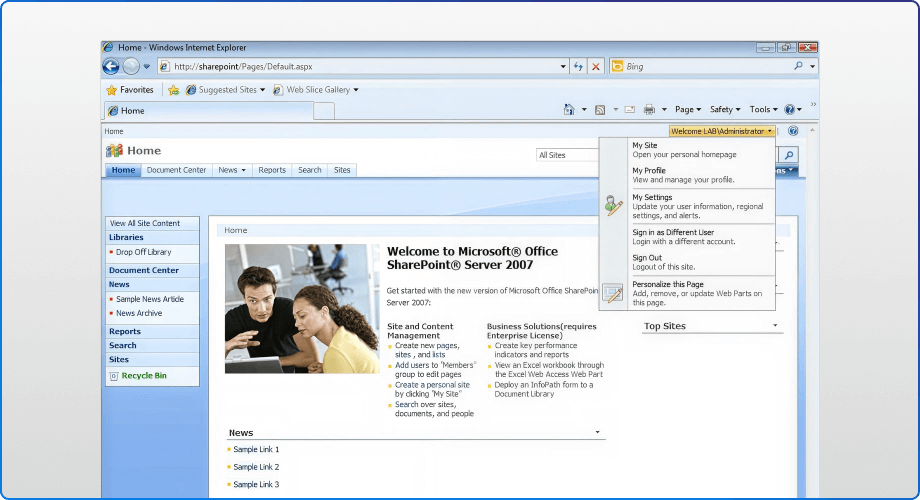
This is the era where SharePoint graduates from “a portal” to “a platform,” with enterprise content management patterns and deeper business scenarios.
UX vibe: bigger, heavier, more powerful.
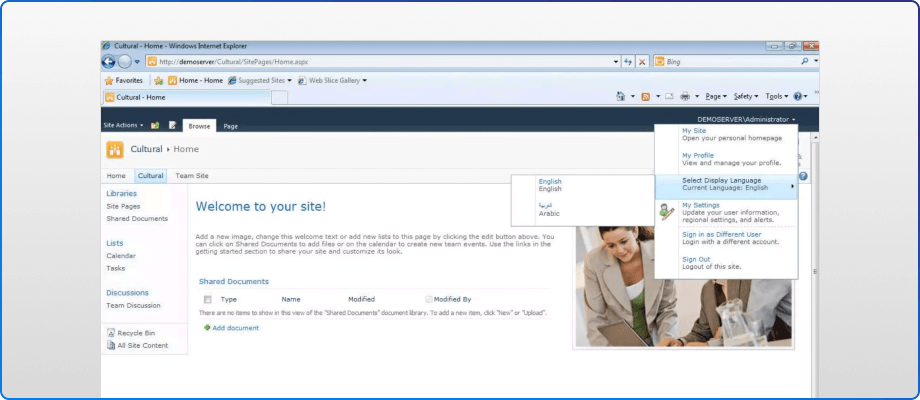
Tags, wikis, blogs, My Sites. The platform starts acknowledging that work is social and knowledge is messy.
UX vibe: collaboration plus personality.
SharePoint Online enters the story and the long transformation begins. This is where “evergreen” starts to reshape expectations, especially around UX and delivery.
UX vibe: transition energy. Some classic, some new, lots of “it depends.”
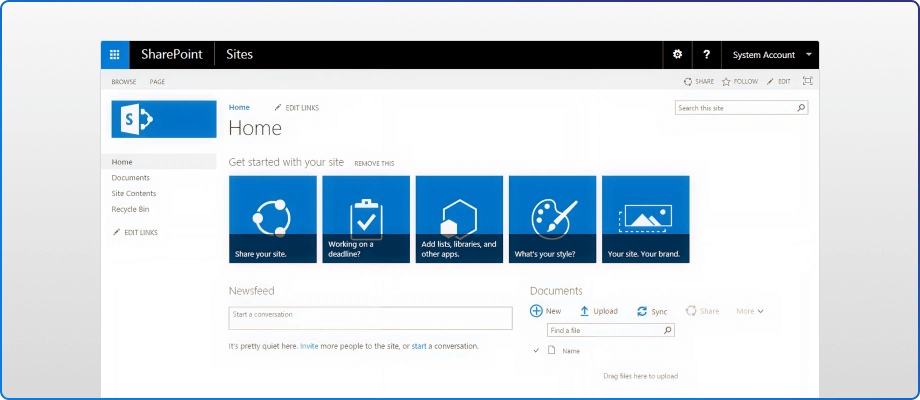
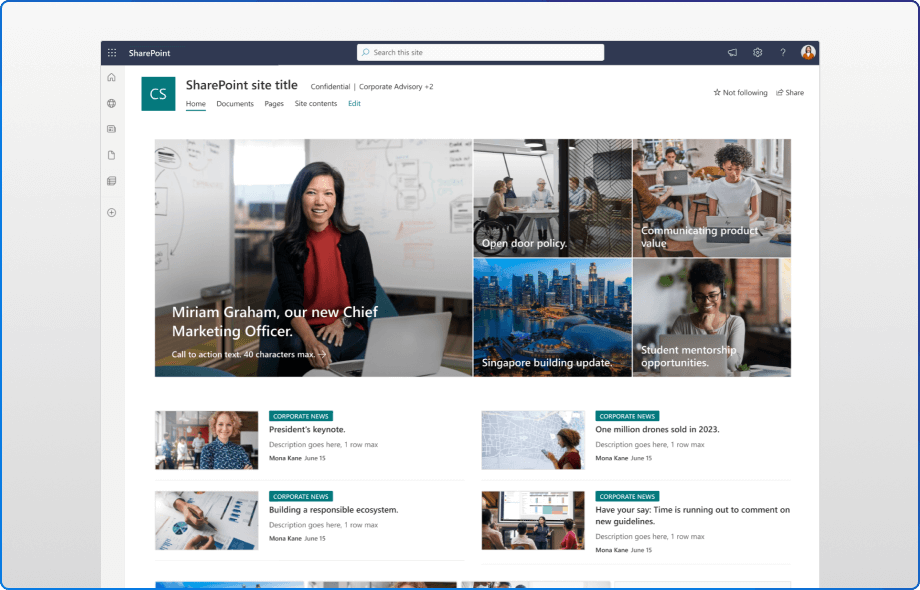
Modern SharePoint isn’t “classic with a new coat of paint.” It’s a different design philosophy: responsive pages, modern authoring, modern components, and a cleaner mental model for users.
UX vibe: faster, simpler, more composable.
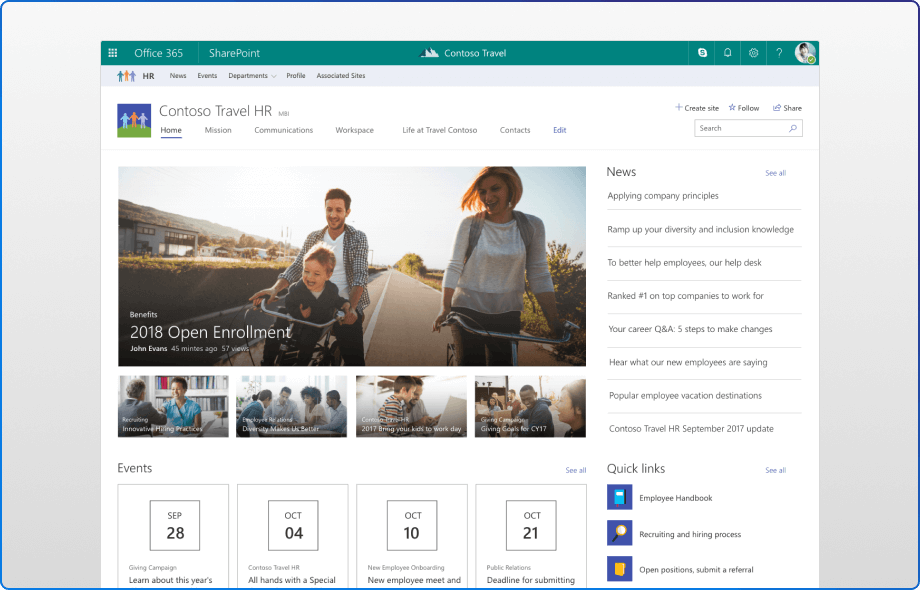
SharePoint 2019 brought the modern SharePoint experience to on‑prem customers for the first time. This wasn’t about feature parity, it was about mindset parity: modern pages, modern lists and libraries, communication sites, and a content‑first approach that felt closer to SharePoint Online than any server release before it.
UX vibe: familiar, cleaner, and more humane. Less scaffolding, more storytelling.
This is the biggest shift of all. We’re moving from “go find the thing” to “ask for the outcome.”
In Viva Connections, Copilot can surface a dashboard card inside Copilot when a user asks for it, and the user can interact with it directly.
UX vibe: conversational, contextual, and increasingly “zero hunt.”
If your document libraries still feel like 2003, the issue isn’t just visual. Classic SharePoint depends on older page patterns and legacy extensibility models that are now on a real countdown.
Here’s what matters most:
It’s also a governance and confidence issue. Modern Microsoft 365 auditing records activity in the Microsoft Purview audit log, which supports investigation and compliance needs across services, including SharePoint.
Classic-heavy environments often lean on older customization patterns that are harder to govern consistently, and harder to defend when you need clear audit trails.
The takeaway: Classic got us here, but it’s a shaky foundation for what comes next.
Today’s SharePoint isn’t just “modern.” It’s become the content backbone for Microsoft 365, and a primary source for Copilot experiences.
Two examples that show the shift:
That’s the real UX glow-up. We’ve gone from pages designed around navigation and storage to experiences designed around intent, context, and action, often without leaving the flow of work.
Modernization doesn't have to be overwhelming. The modern SharePoint experience is responsive, faster, mobile-friendly, and supports modern web parts, improved search, and Microsoft 365 integrations.
You can modernize in-place (convert pages, enable modern lists and libraries) or create a new modern site and migrate content, both approaches are valid depending on your customizations and risk appetite.
Microsoft's SharePoint modernization guidance takes you on a step-by-step journey structured around four steps: Assessment, Strategy, Execution, and Support.
During the assessment phase, you'll learn how to run the SharePoint Modernization scanner. The strategy step provides a detailed explanation of how a classic SharePoint site will be transformed to a modern SharePoint site.
The visual journey from Portal Server 2001 to Copilot-enabled SharePoint isn't just about prettier interfaces. It's about unlocking capabilities that weren't even imaginable 20 years ago.
Your employees expect better tools. And April 2026 is approaching faster than you think.
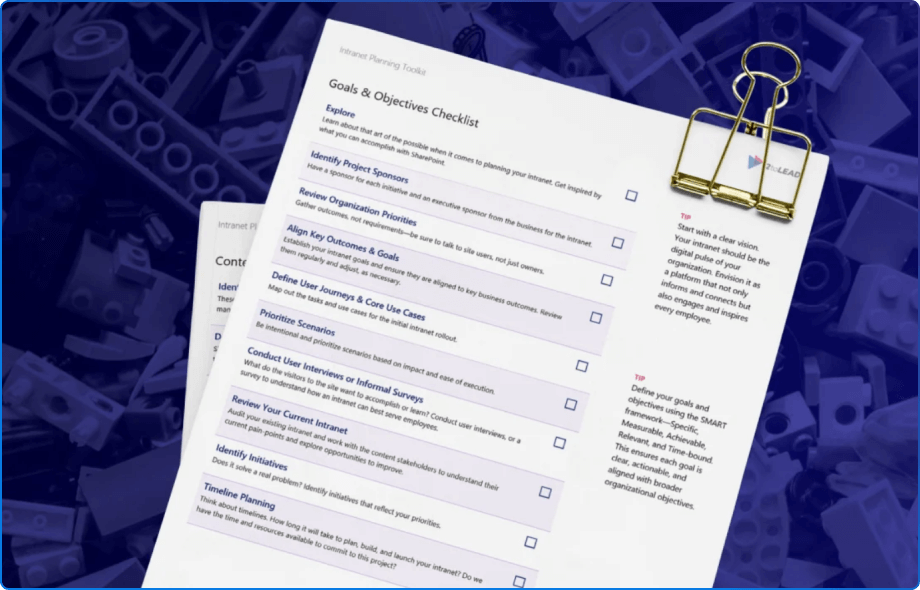
Not sure where to begin? Download the SharePoint Modernization Toolkit to quickly spot classic dependencies, prioritize high-impact upgrades, and build a phased plan. It's a practical guide to assess your environment, prioritize migrations, and build your roadmap.


Join Our Newsletter